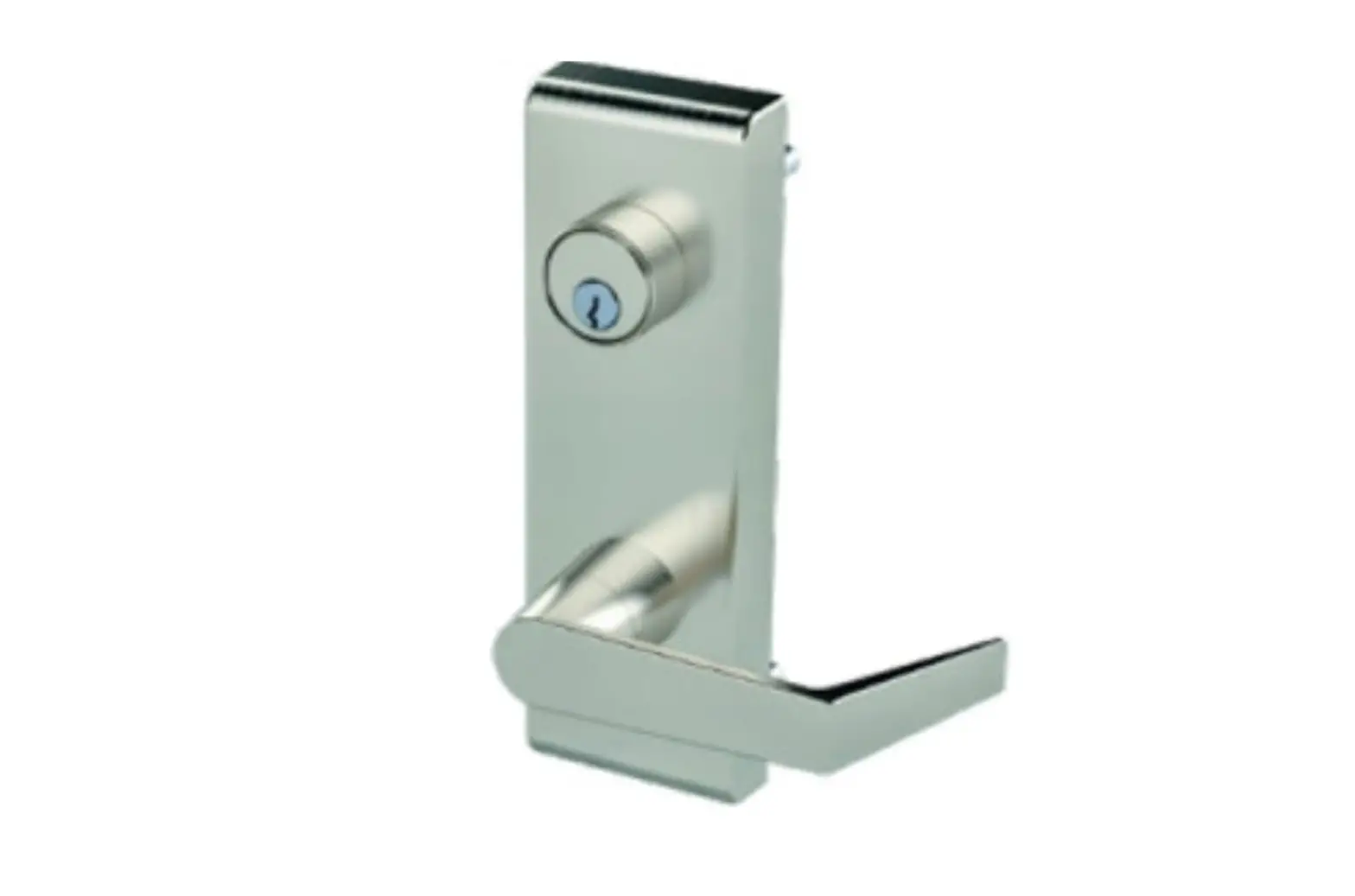
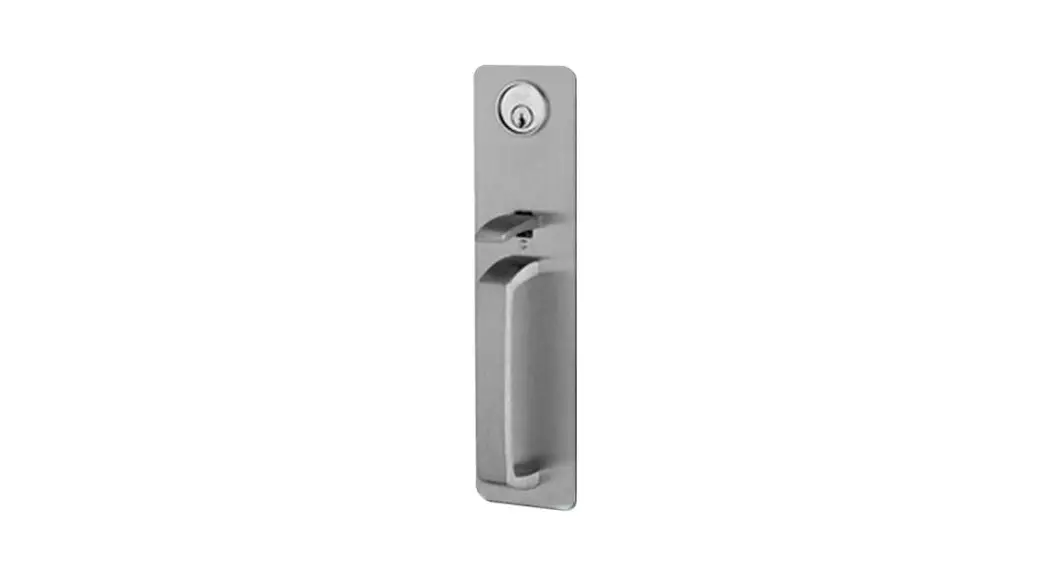
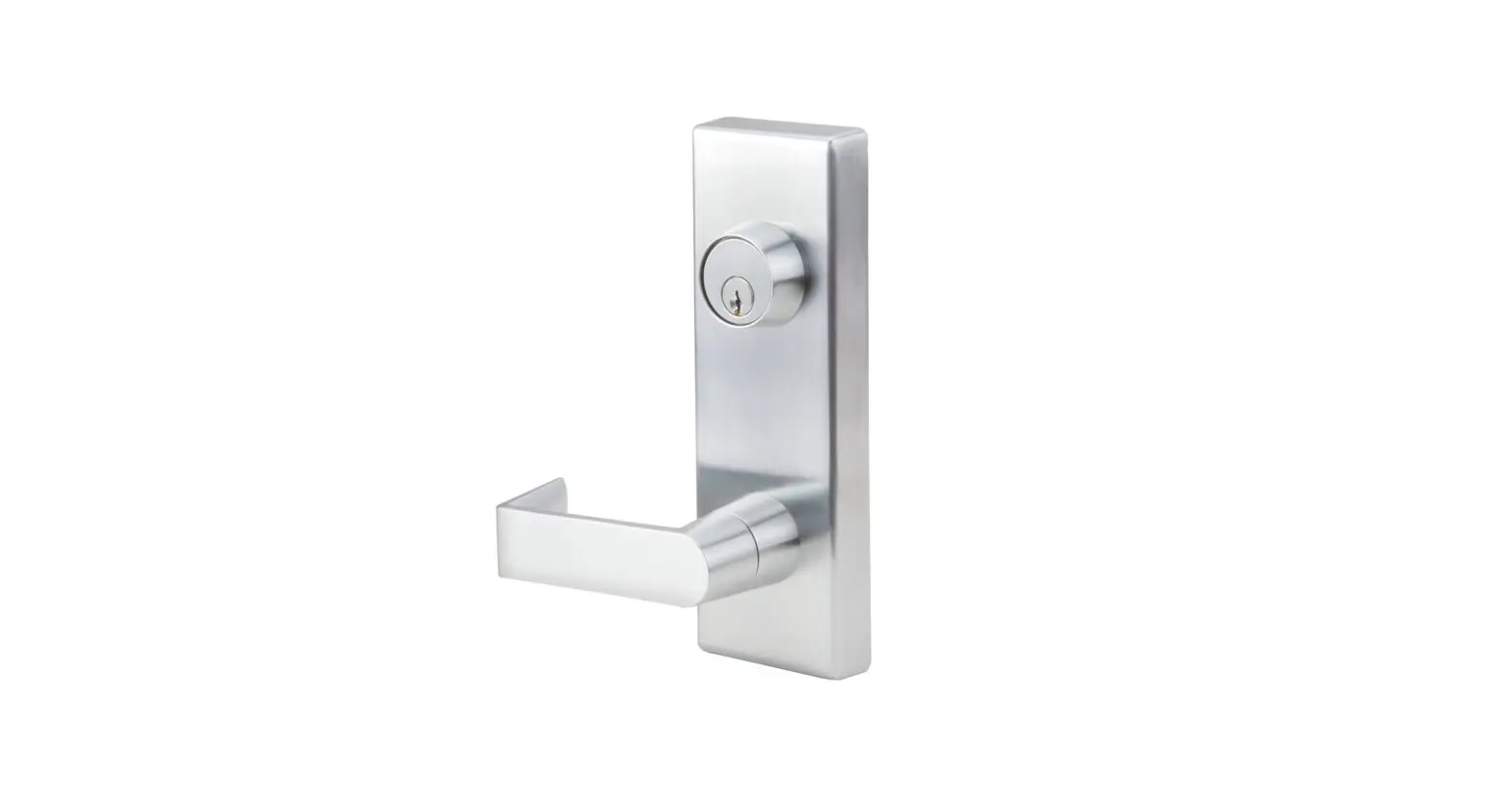
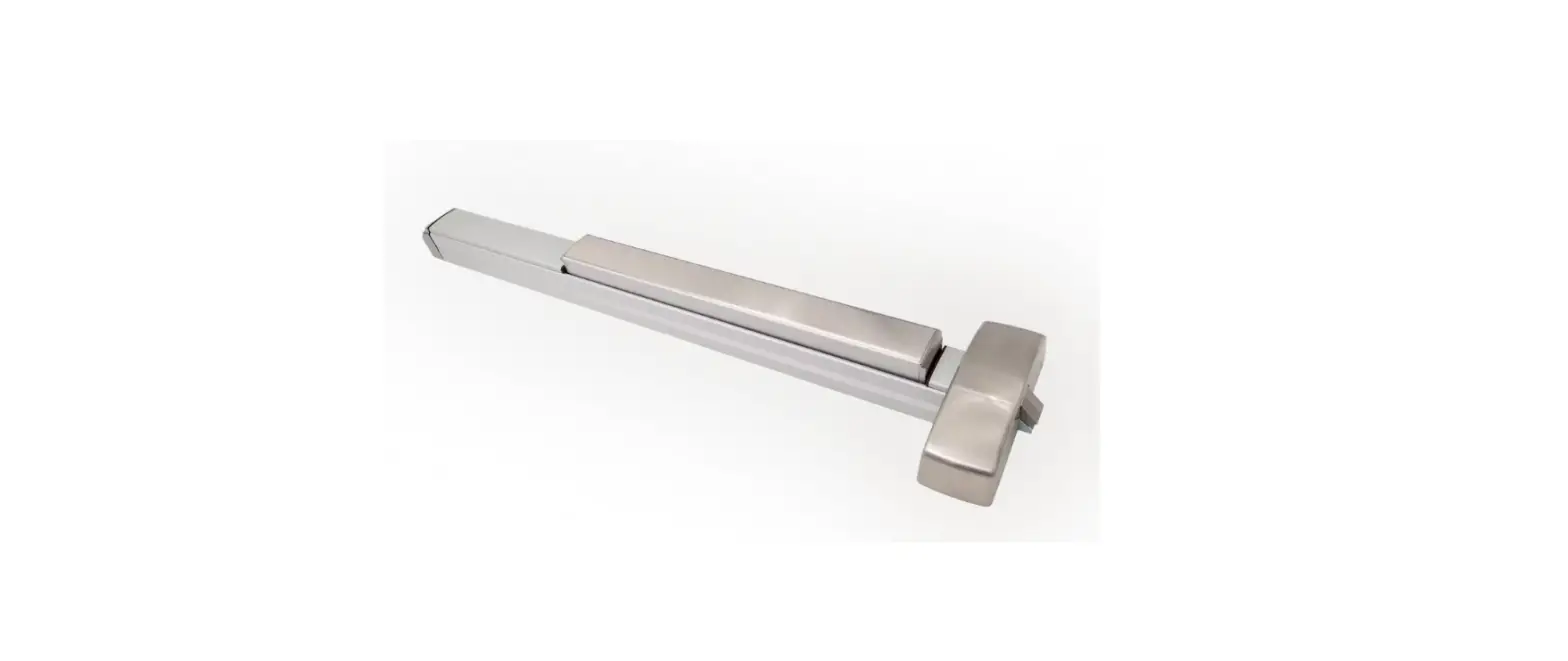
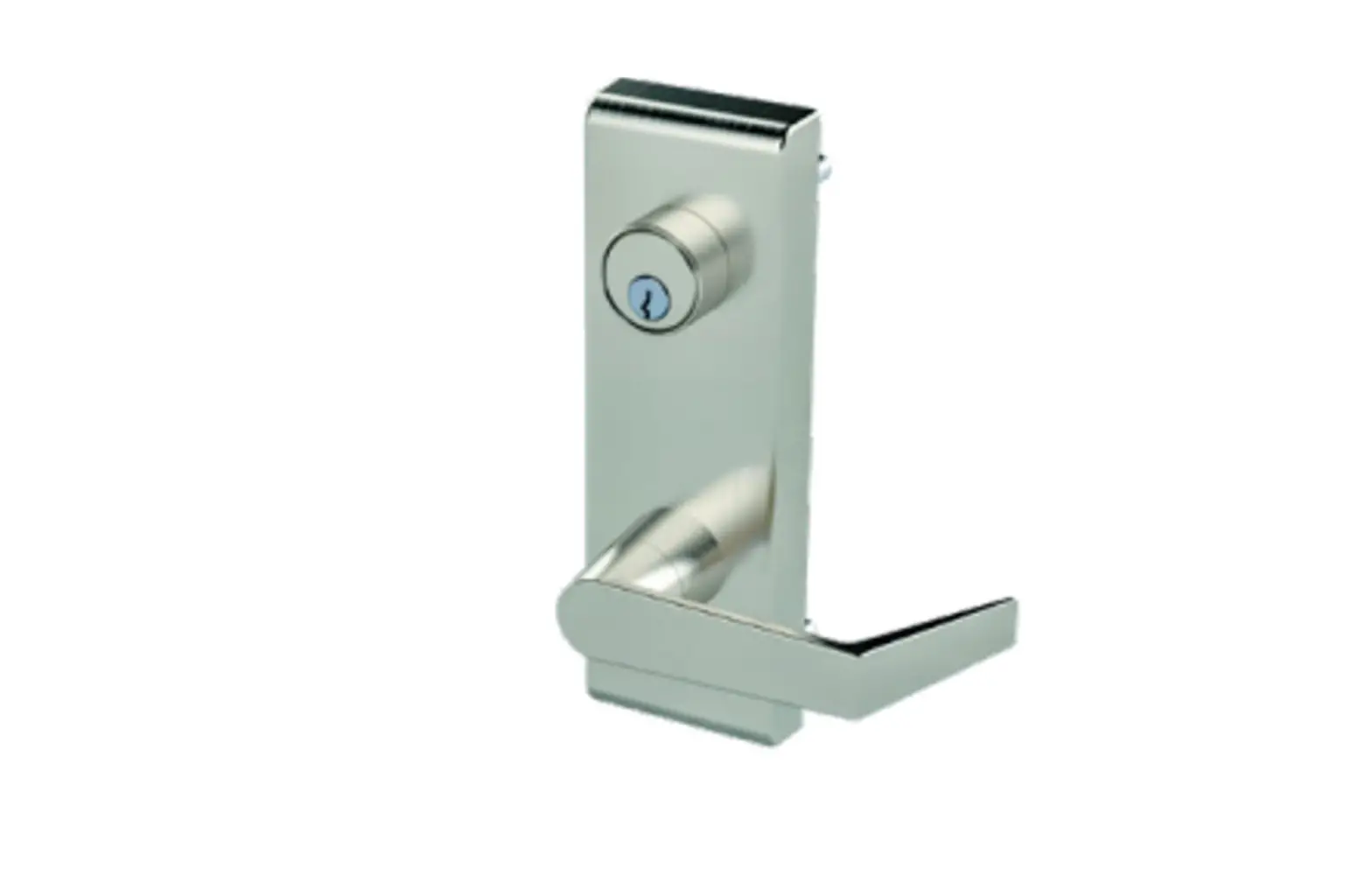
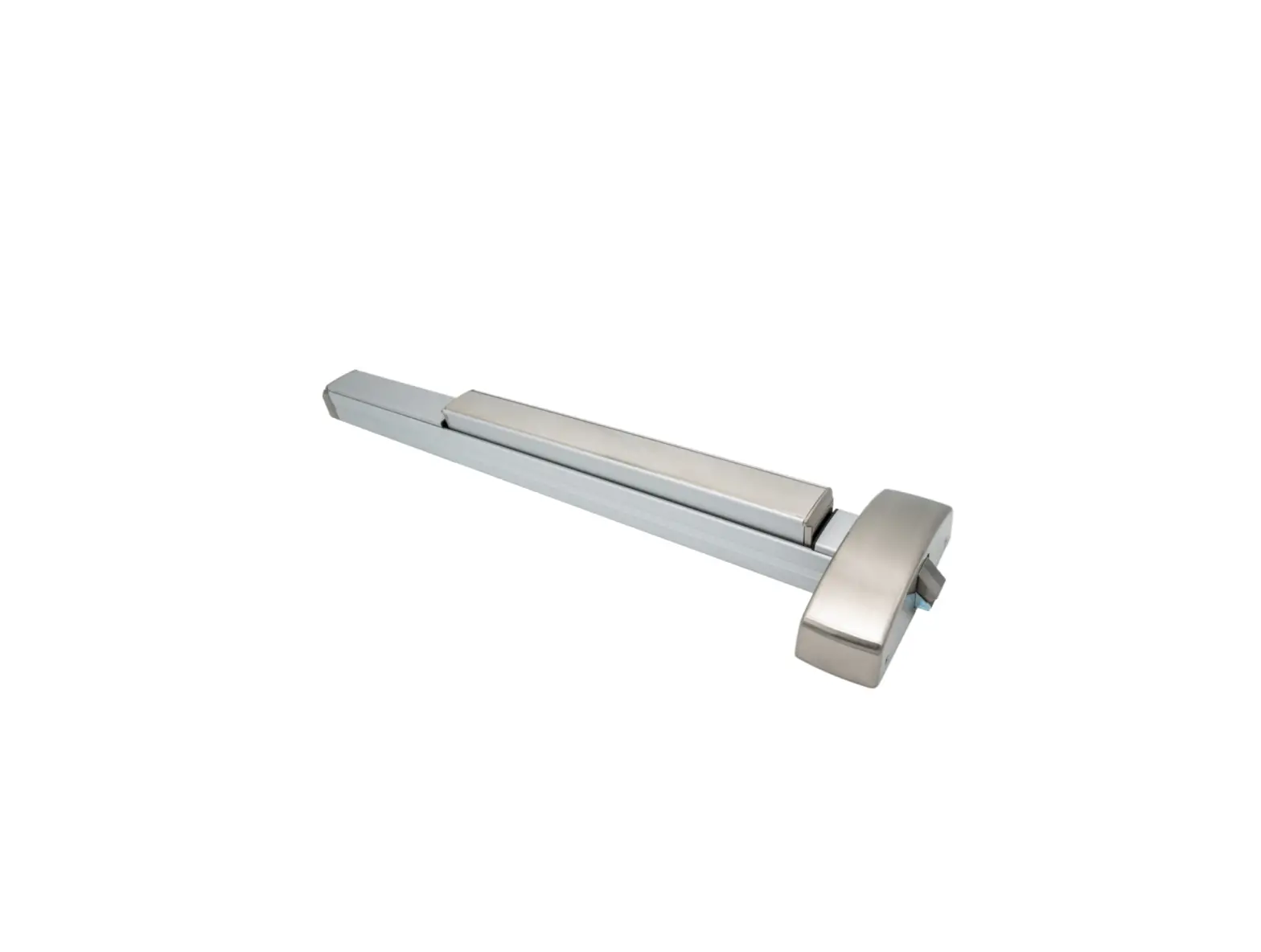
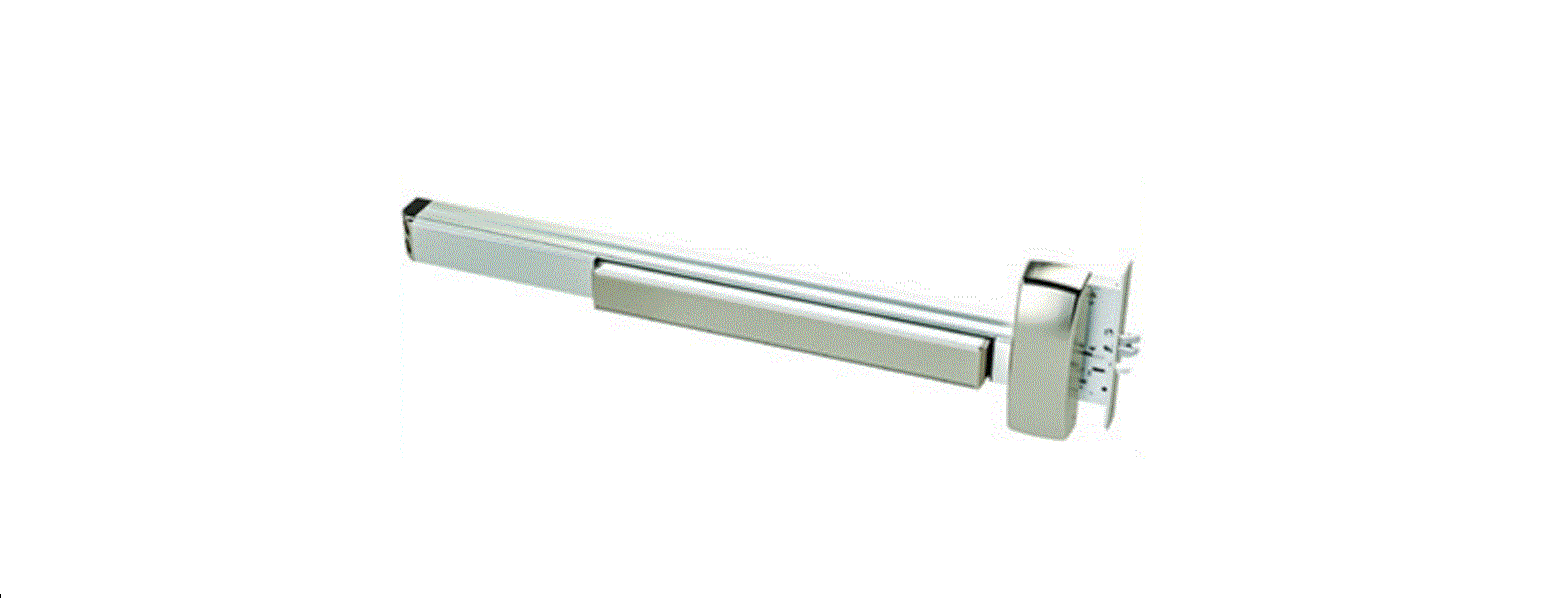
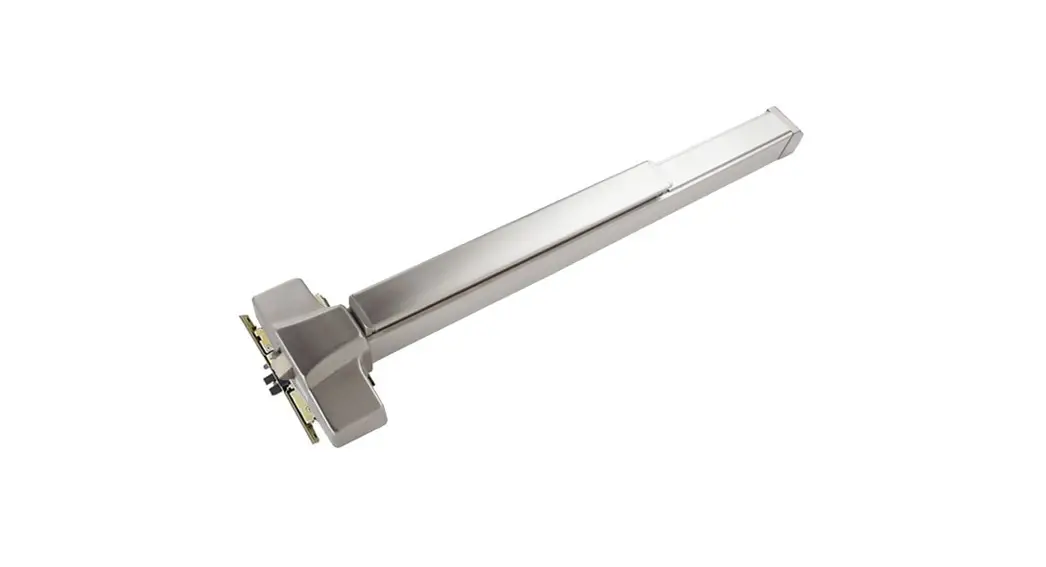
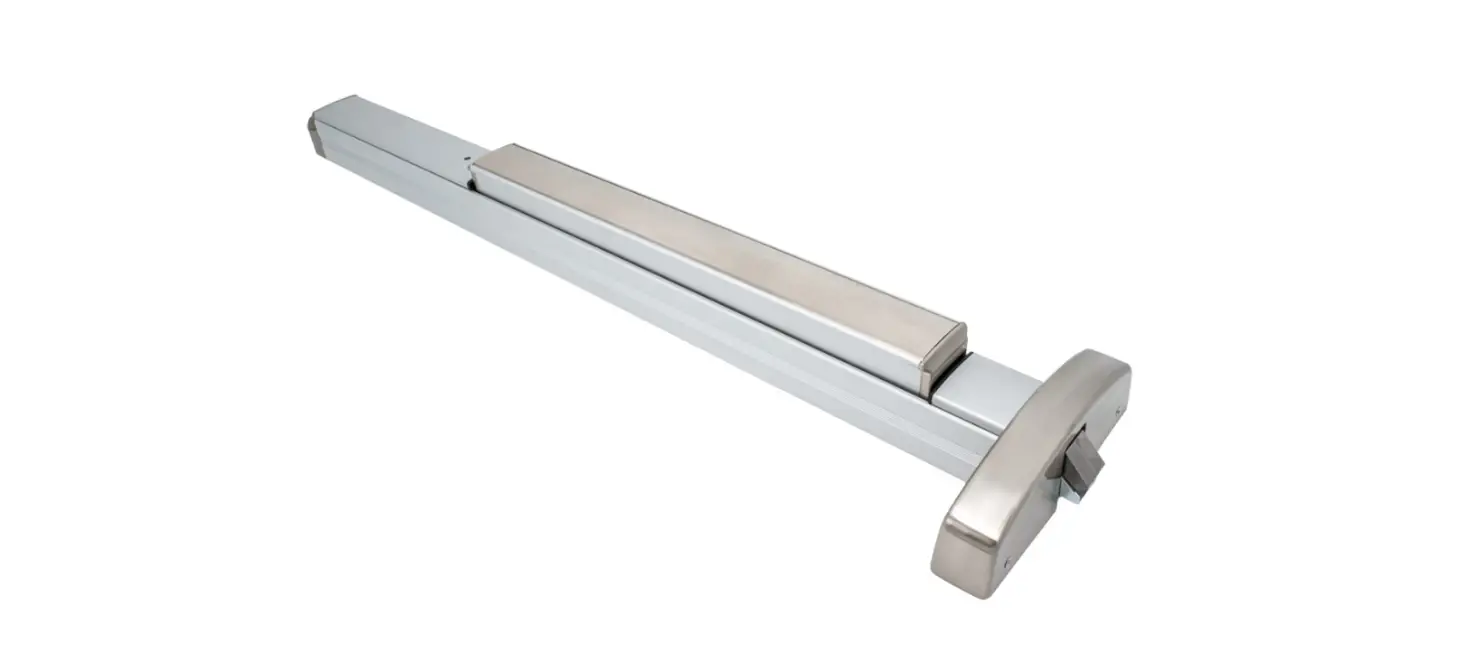
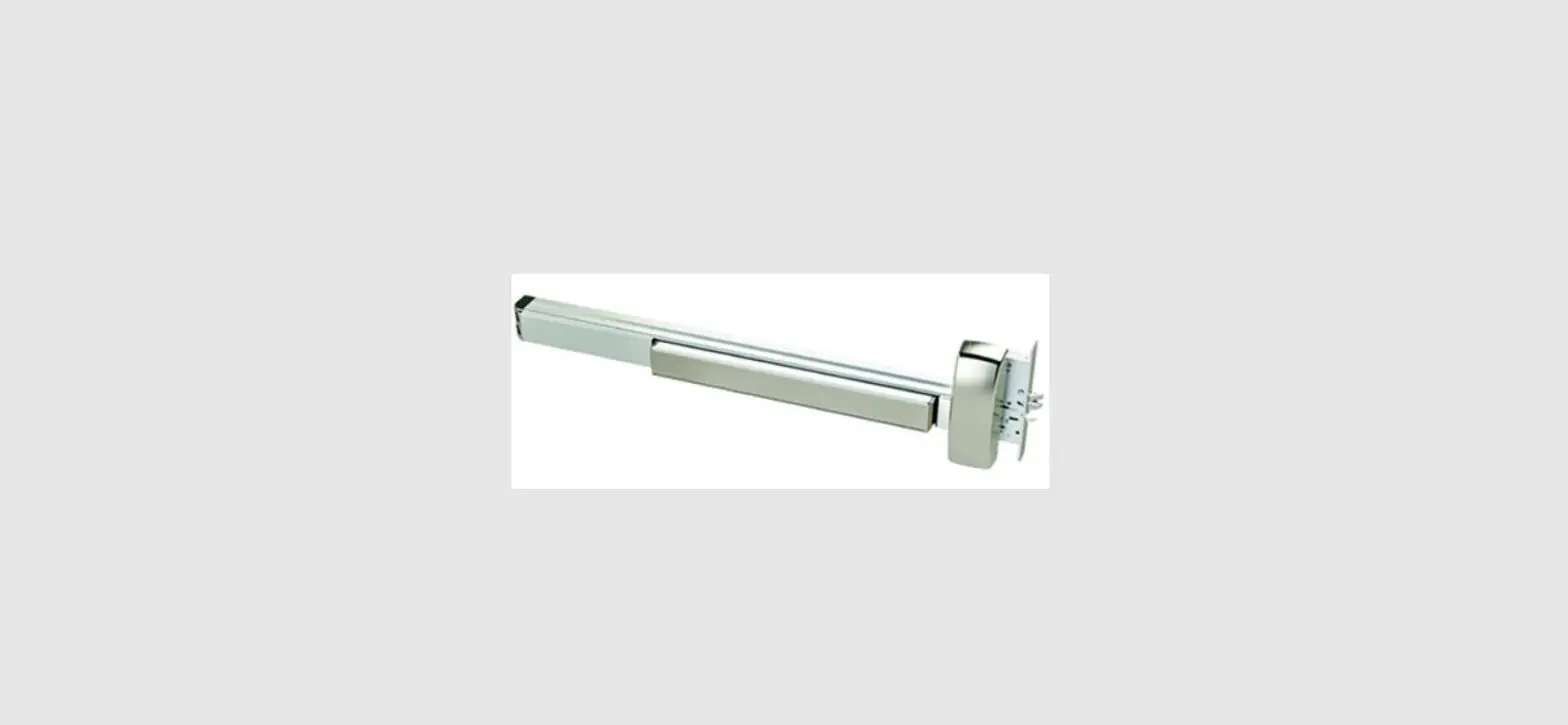
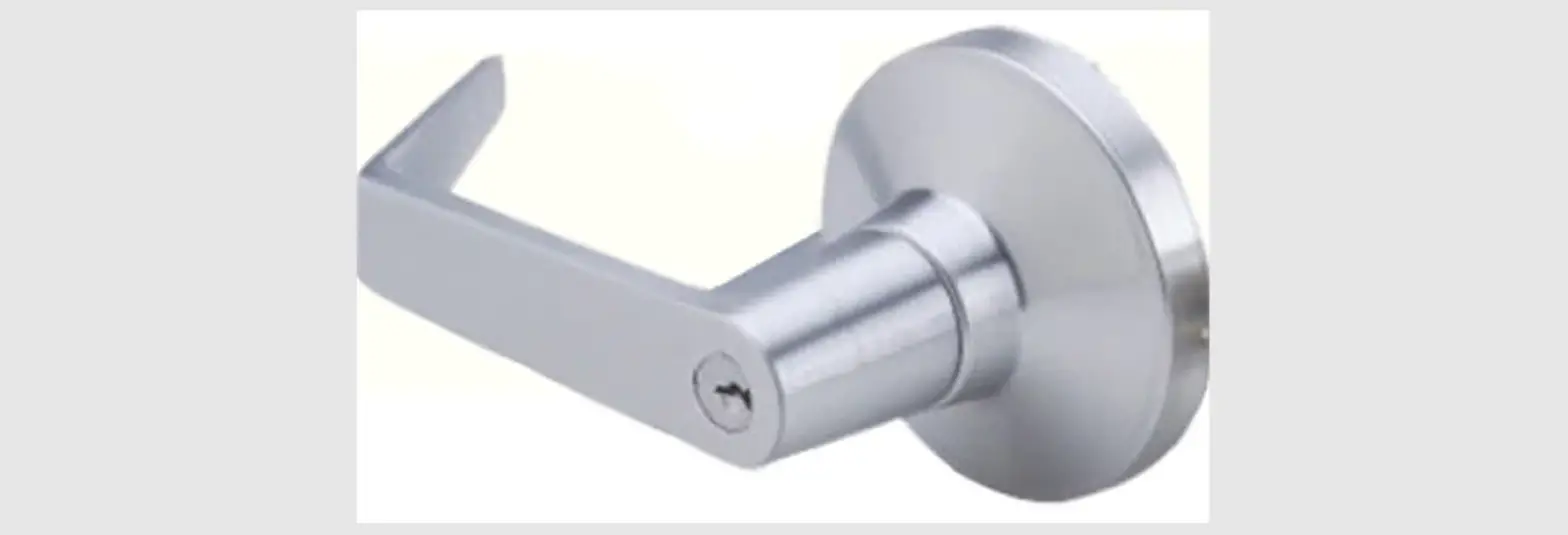
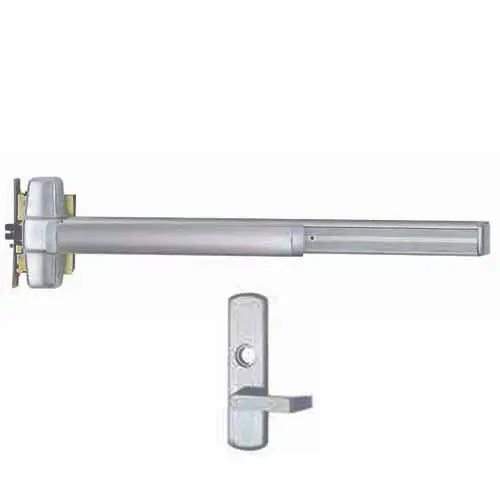
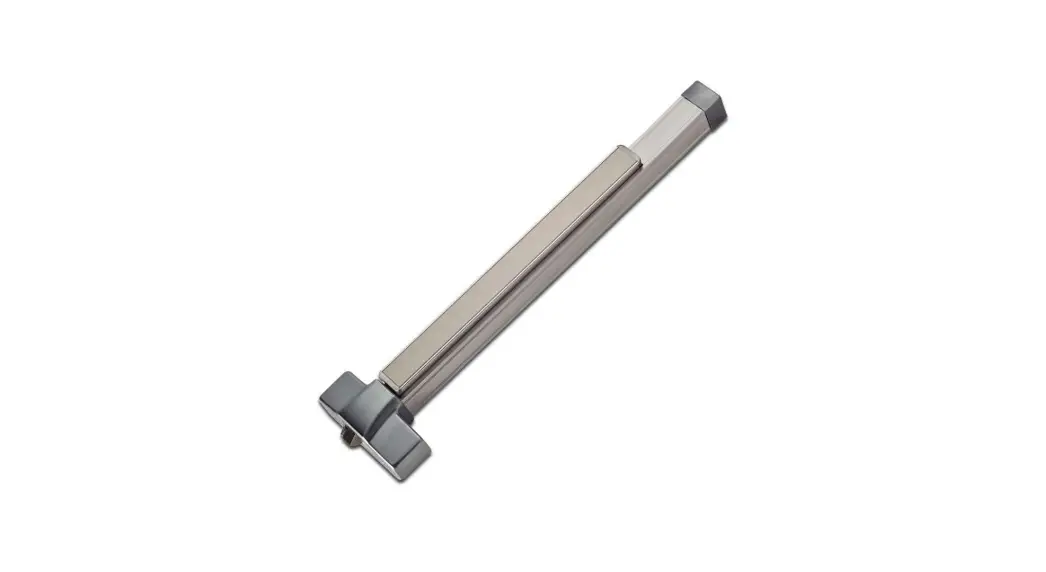
6WM Exit Device Trim
Product Information: 6WM/6NM Exit Device Trim
The 6WM/6NM Exit Device Trim is a product designed for use in
exit devices. This trim is used to control the locking and
unlocking of exit devices, and it is available in both left-hand
and right-hand reverse configurations. The product comes with a
mortise drive spindle and a spring, and it can be installed with a
backplate.
Installation Instructions
- Hand Trim: Before installing the trim, make
sure you have the correct hand trim. The 6WM hand trim is shown
throughout the instructions. - Install Mortise Drive Spindle: Install the
mortise drive spindle according to your configuration (left-hand
reverse or right-hand reverse). The long side of the spindle should
be on the outside, and the spring should be installed as well. - Install Trim: Once the spindle is installed,
you can install the trim onto the exit device.
Conversion Kit Instructions
The 6WM/6NM Exit Device Trim also comes with a conversion kit
that allows you to change the function of the device. Here are the
instructions for using the conversion kit:
- Remove Backplate: The first step is to remove
the backplate from the device. - Determine Function: Once the backplate is
removed, determine which function you need for your device. The
available functions are storeroom (09) and classroom (08). - Install New Function: Once you have determined
which function you need, install the new function onto the
device.
6WM/6NM Exit Device Trim
INSTALLATION INSTRUCTIONS
Phone: 833-2-PDQTEC | www.pdqlocks.com
1. HAND TRIM
· Adjust lever for proper handing
*6WM SHOWN THROUGHOUT
2. INSTALL MORTISE DRIVE SPINDLE
· Install drive spindle in orientation shown · Place spring over installed drive spindle
LEFT HAND REVERSE
RIGHT HAND REVERSE
OUTSIDE
LONG SIDE
SPRING
3. INSTALL TRIM
· Secure trim and exit device to door · Trim will always thru bolt to exit device
· Verify operation of both the trim and the exit device
639432 Rev0 7-7-22
6WM/6NM Exit Device Trim
CONVERSION KIT INSTRUCTIONS
BACKPLATE
Phone: 833-2-PDQTEC | www.pdqlocks.com
1. REMOVE BACKPLATE
· Remove (4) screws · Remove backplate
2. DETERMINE FUNCTION
· Standard 6WM includes conversion kit within escutcheon · 6NM conversion kit can be ordered separately
STOREROOM (09) FUNCTION
6WM STORAGE LOCATION
CLASSROOM (08) FUNCTION
08 FUNCTION
09 FUNCTION
3. INSTALL NEW FUNCTION
· Install desired function · 08 Function: Spring engages beneath boss on locking mechanism. Spring spacer must be installed on inside of spring before tightening screw · 09 Function: Extension spring to go around boss on locking mechanism
· For 6WM Only: Install unneeded function into storage location
· Reinstall backplate
639432 Rev0 7-7-22
 Home Page | PDQ