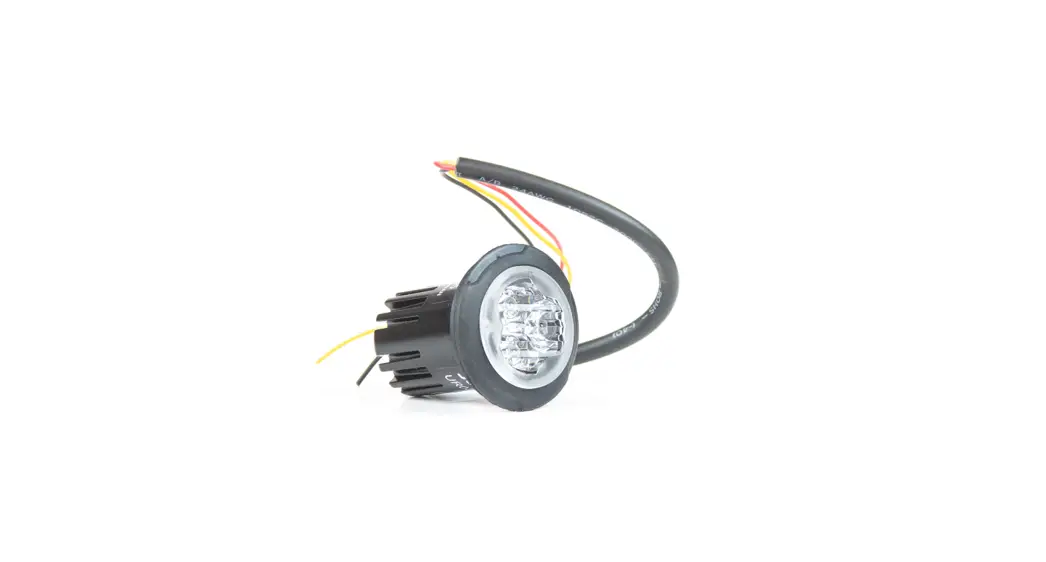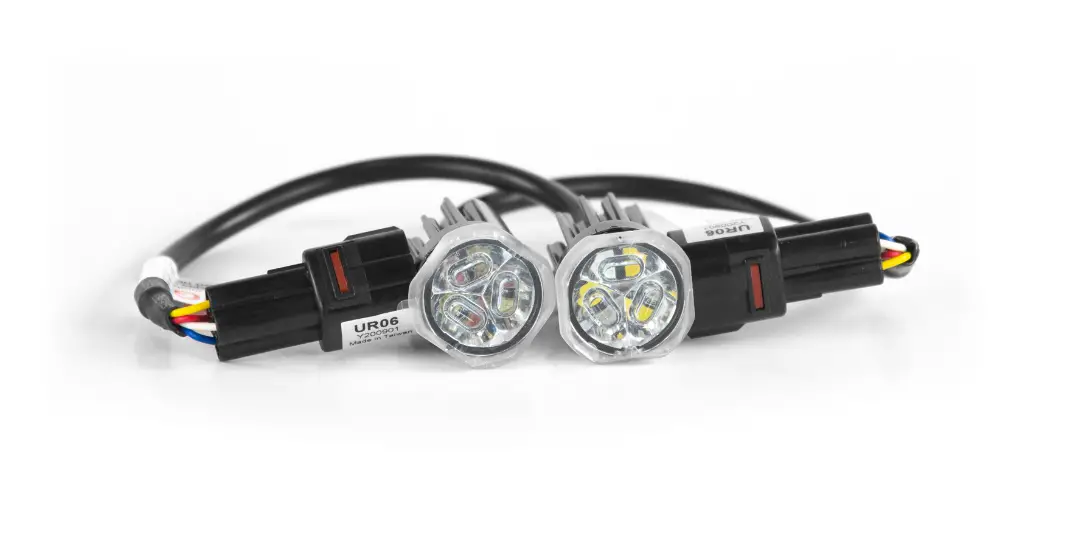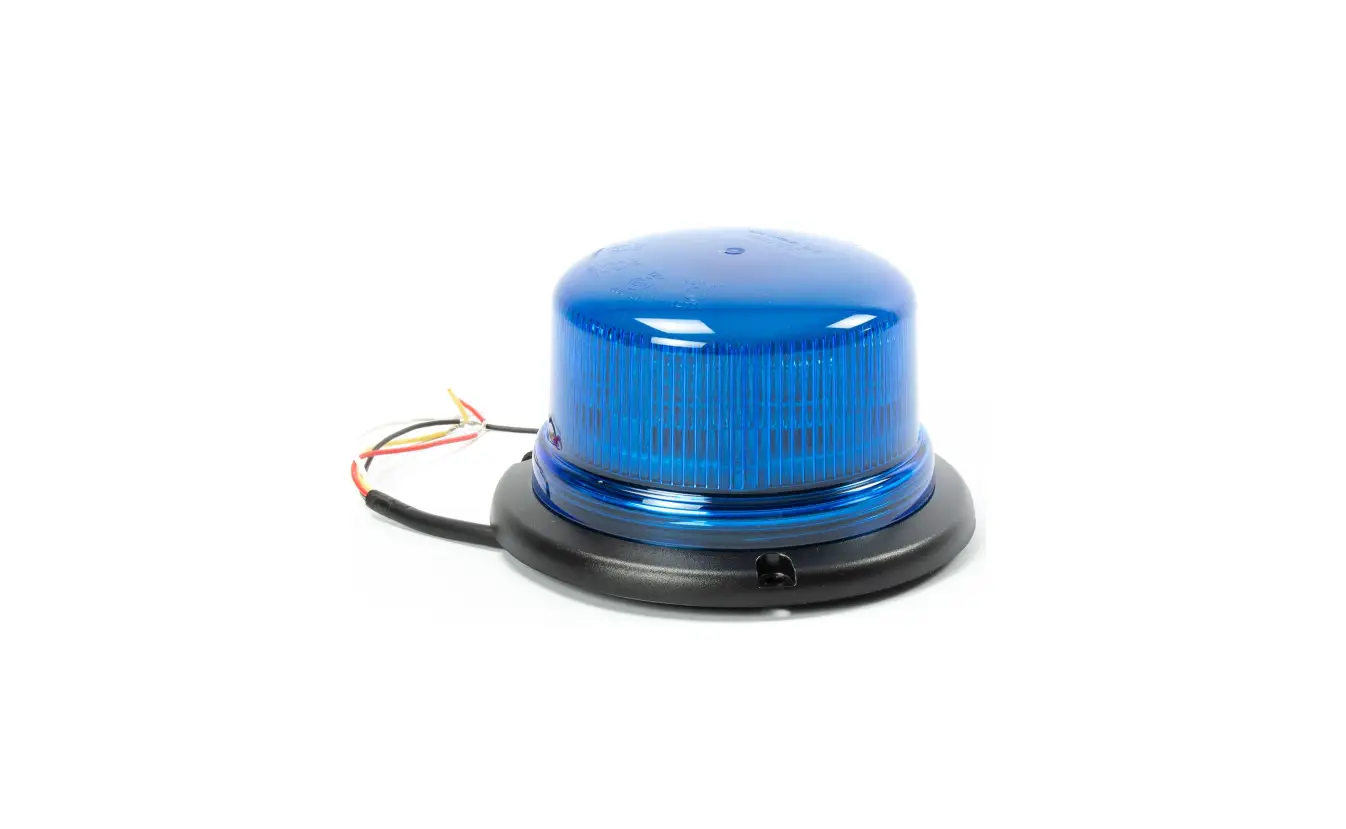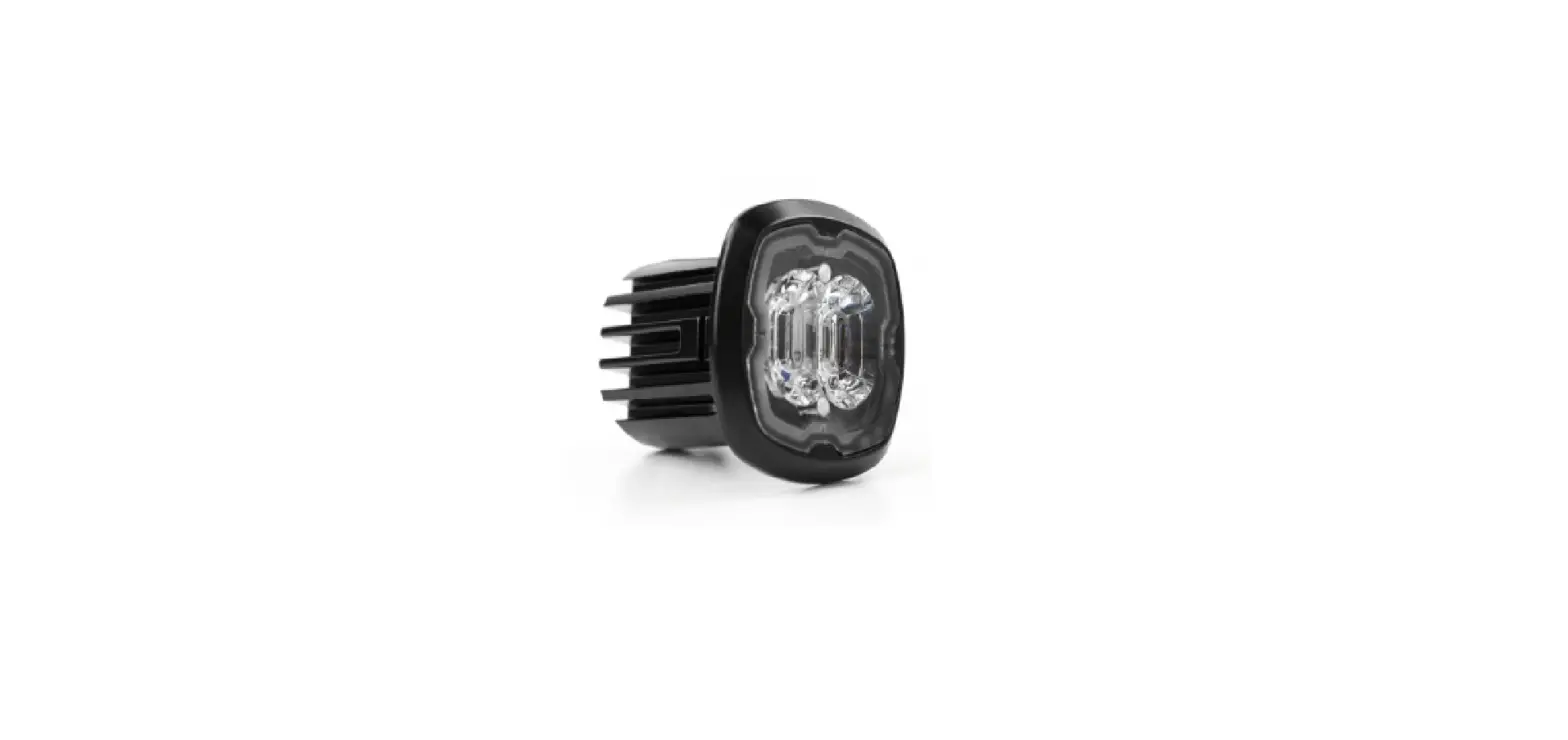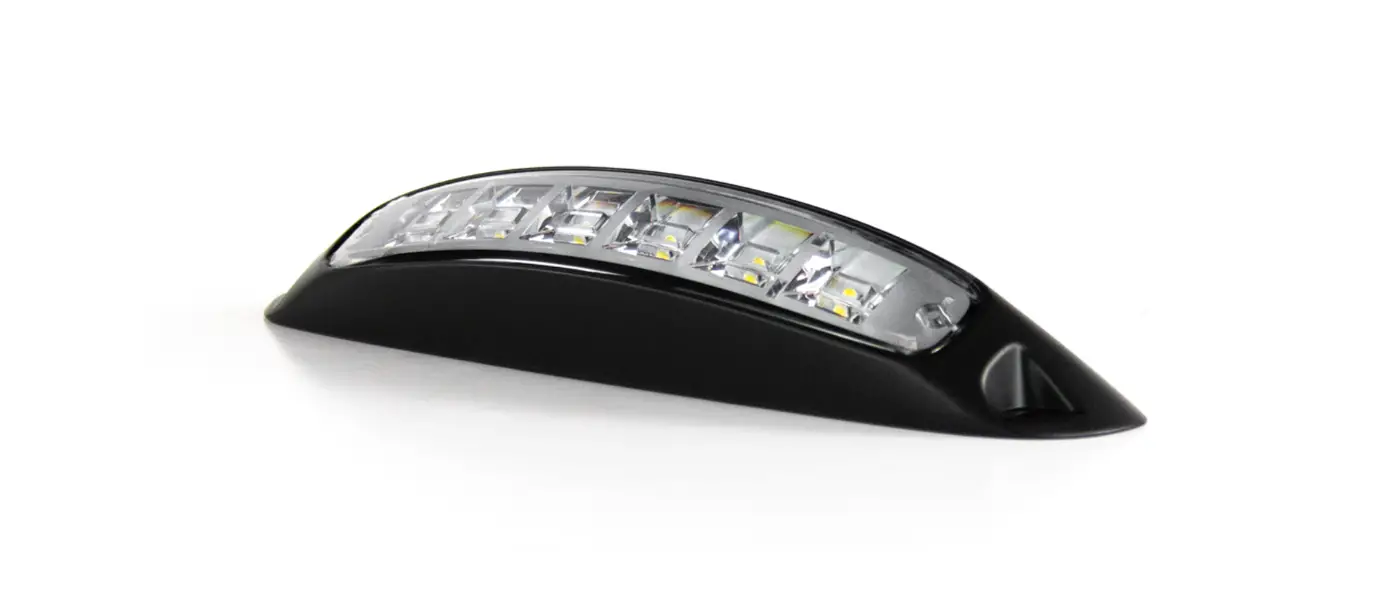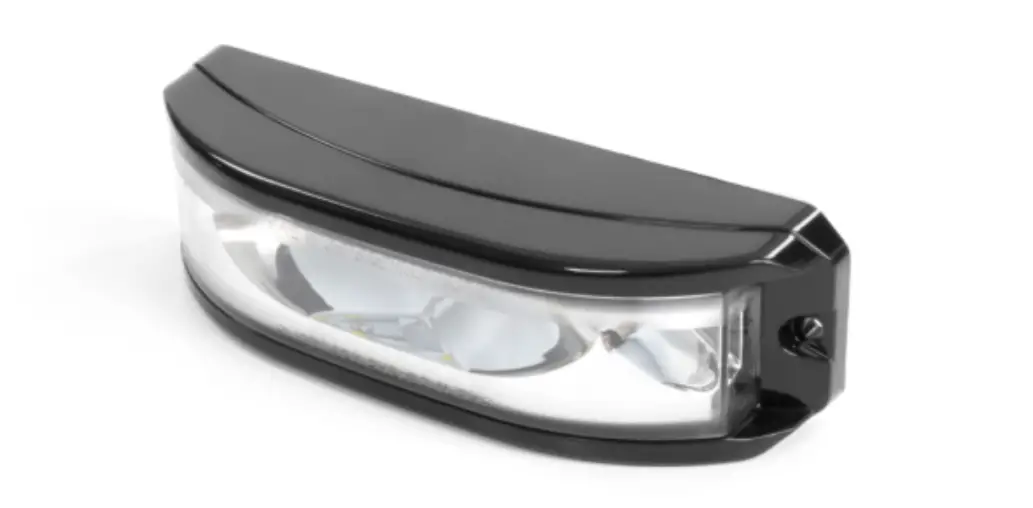

cell2 OE9 Surface Mount
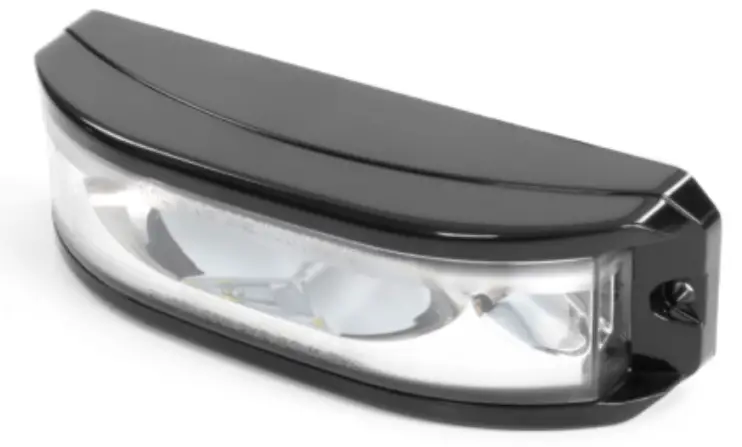
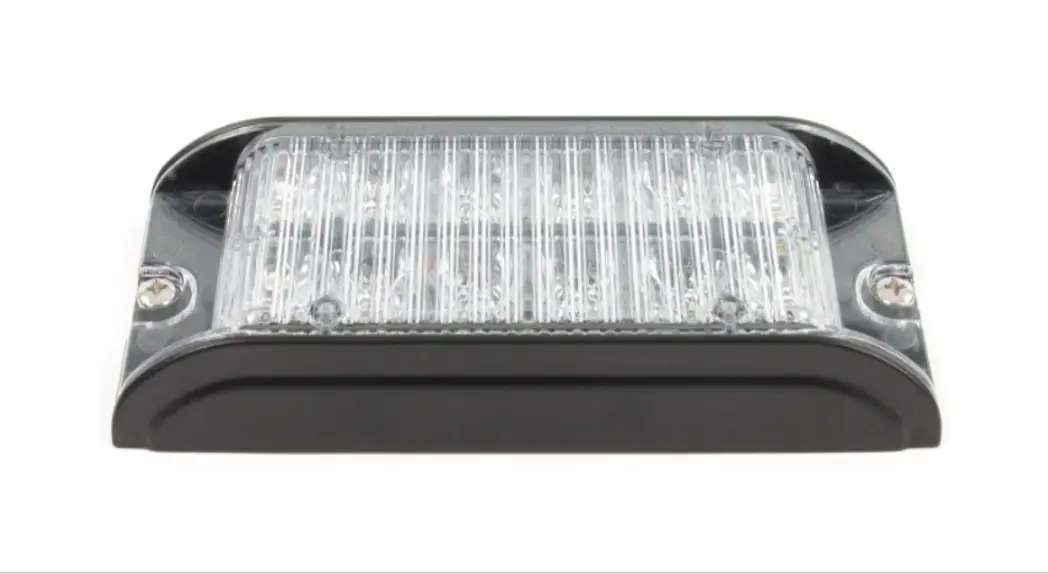
Surface Mount
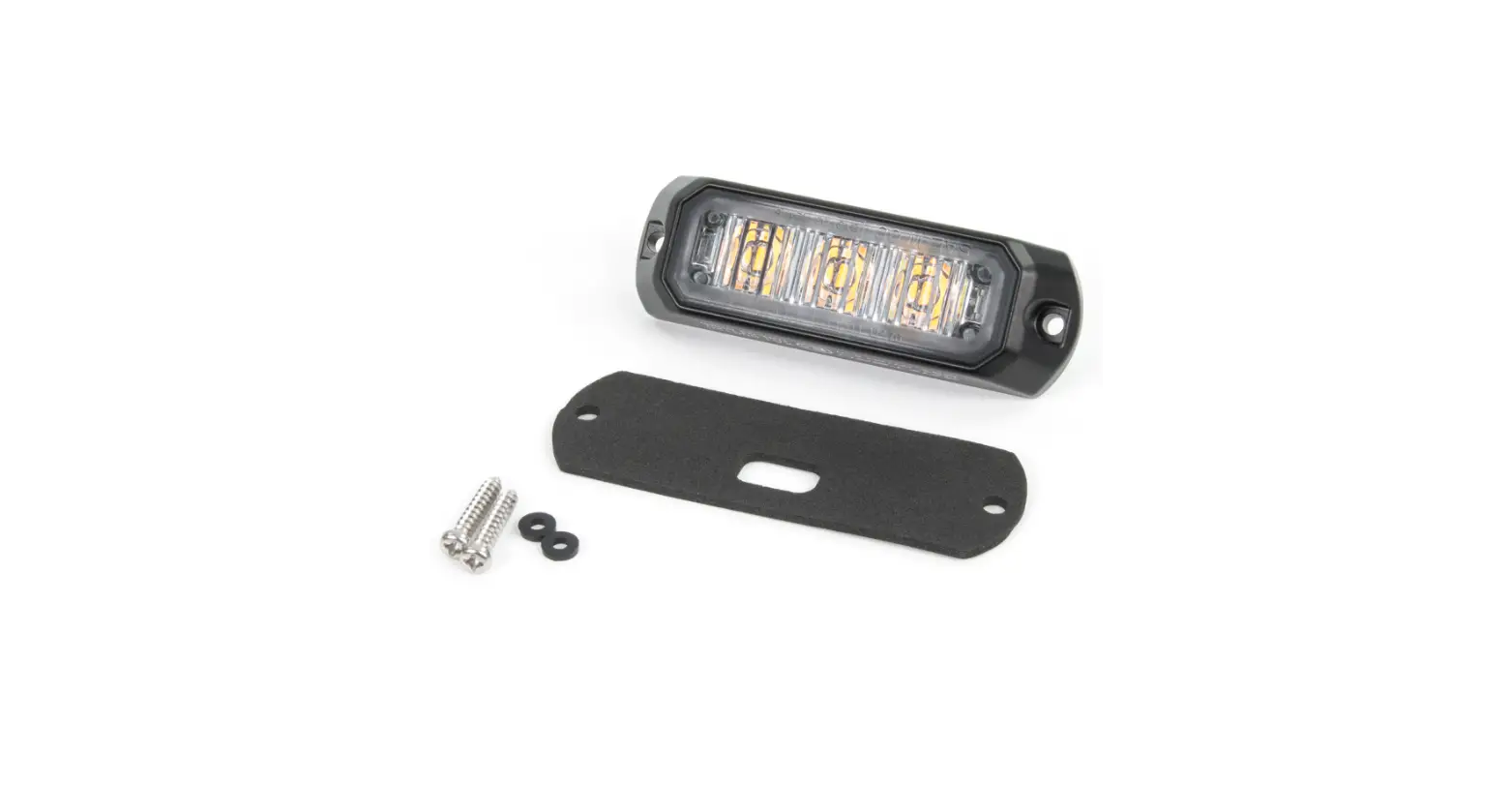
- Decide mounting location.
- Use mounting foam pad as guideline and drill holes.
- Secure lightheaded with supplied screws.
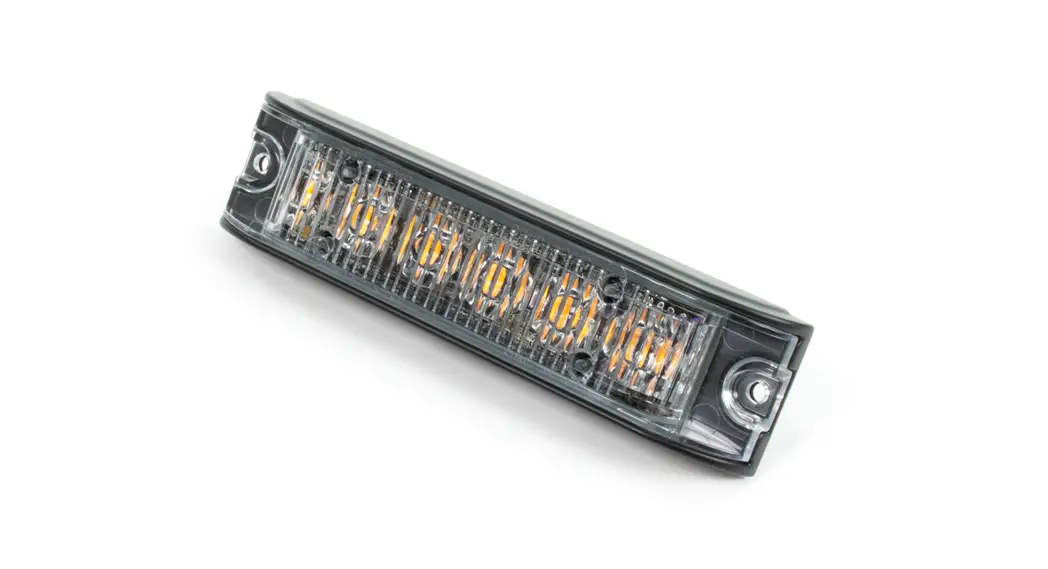
Note: Suggested mounting is with LEDs facing down.
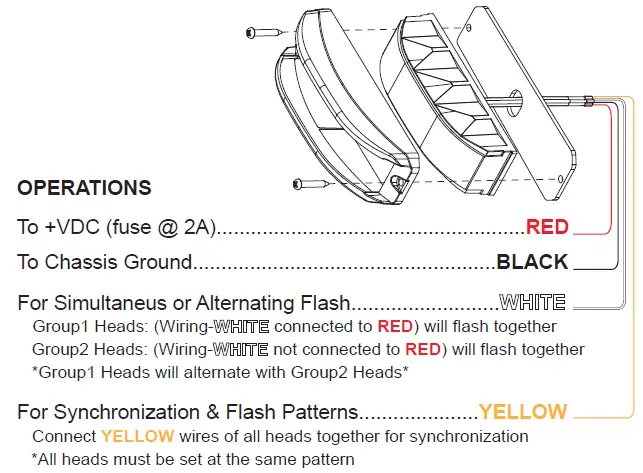
Momentarily apply + VDC to YELLOW wire:
- once for next pattern
- quickly three times for FP#1
Note: This unit may not be factory set at pattern 1.
| FP# | Flash Patterns | ||
| 1 | Single (2Hz) | 9 | Double |
| 2 | Double (R65) | 10 | Triple |
| 3 | Triple (2Hz) | 11 | Quad |
| 4 | Quad (2Hz) | 12 | Quint |
| 5 | Random | 13 | 8 Flash |
| 6 | Steady | 14 | Single-Quad |
| 7 | Single | 15 | Single H/L |
| 8 | Mega | 16 | Single-Triple-Quint |