160607M53 Light
Product Information
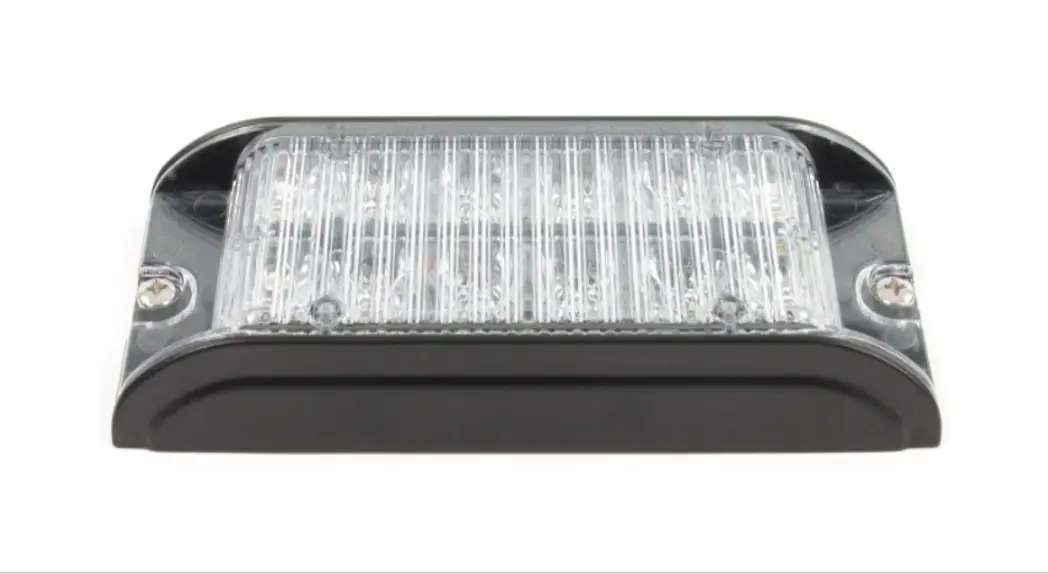
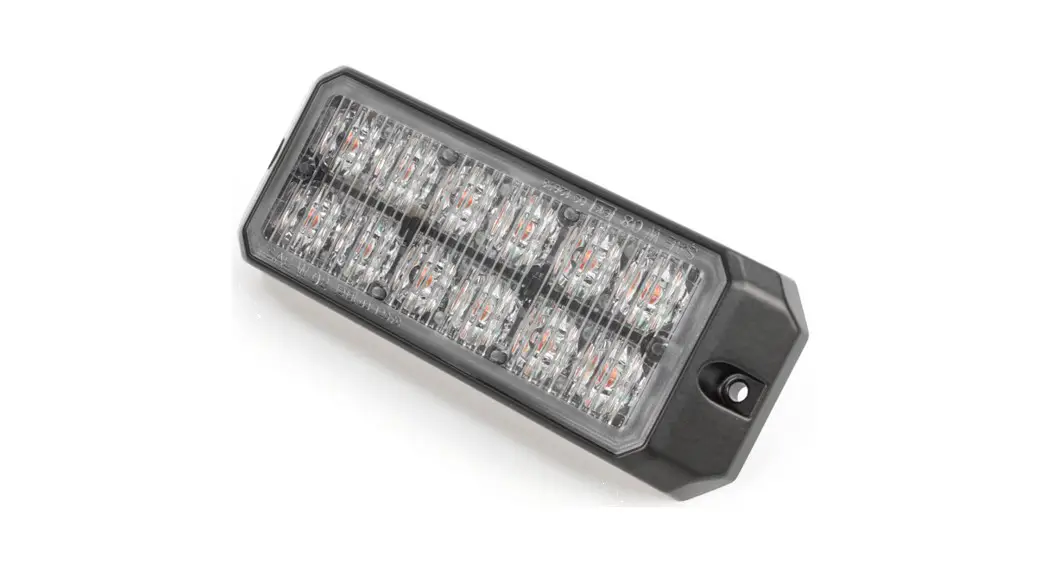
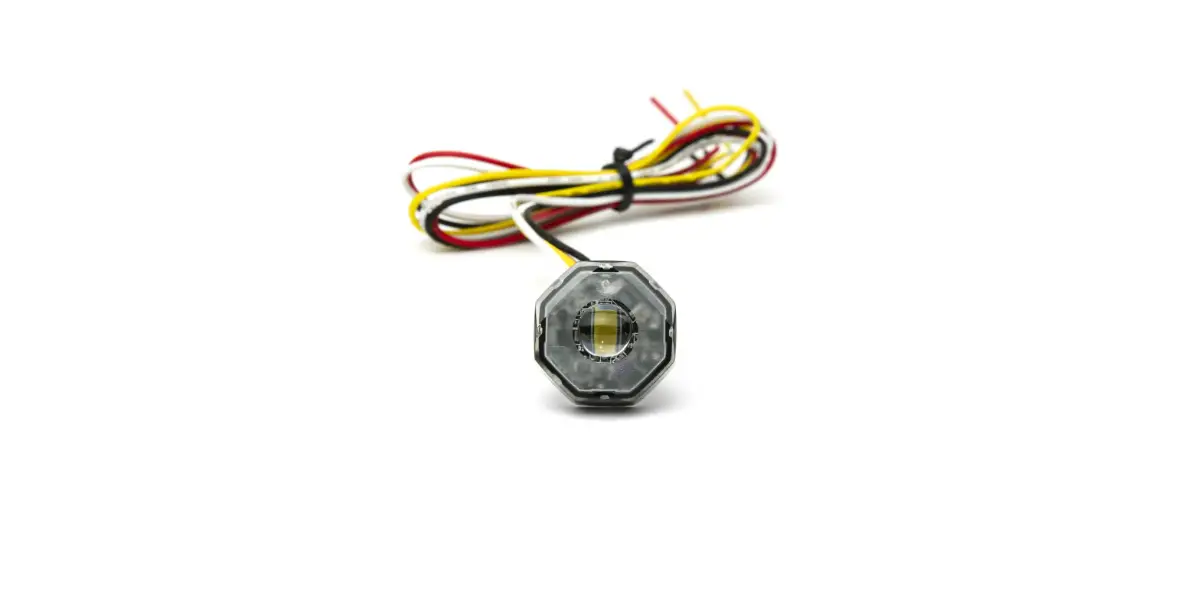
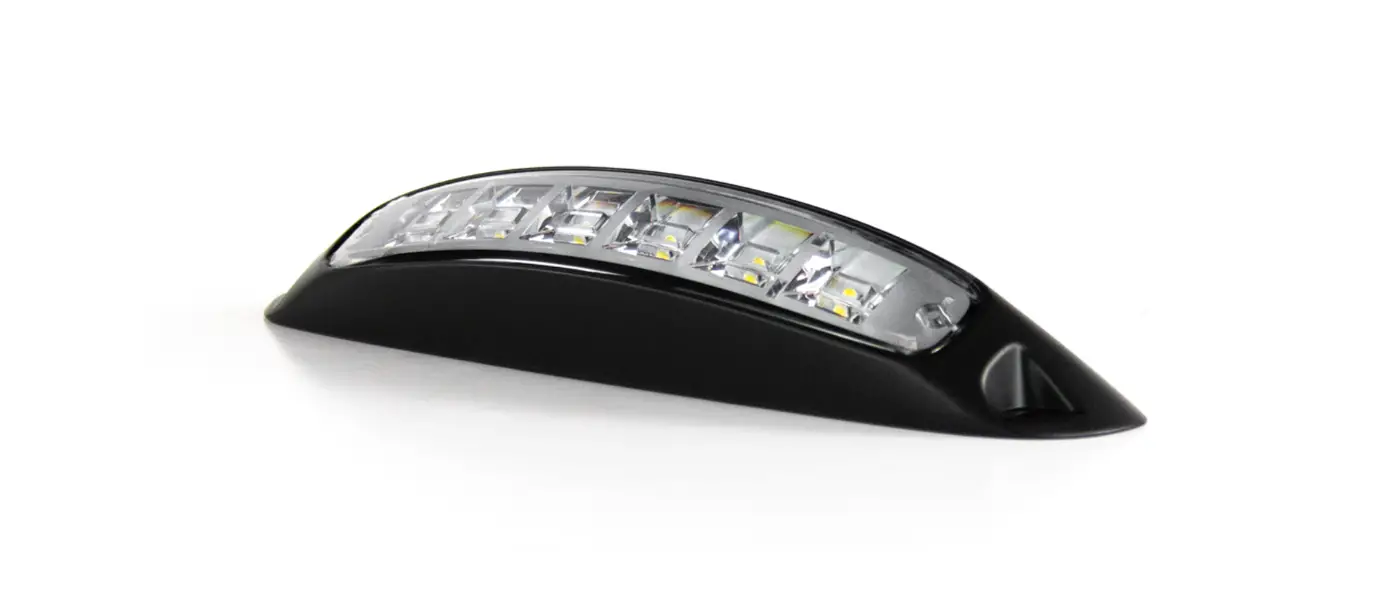
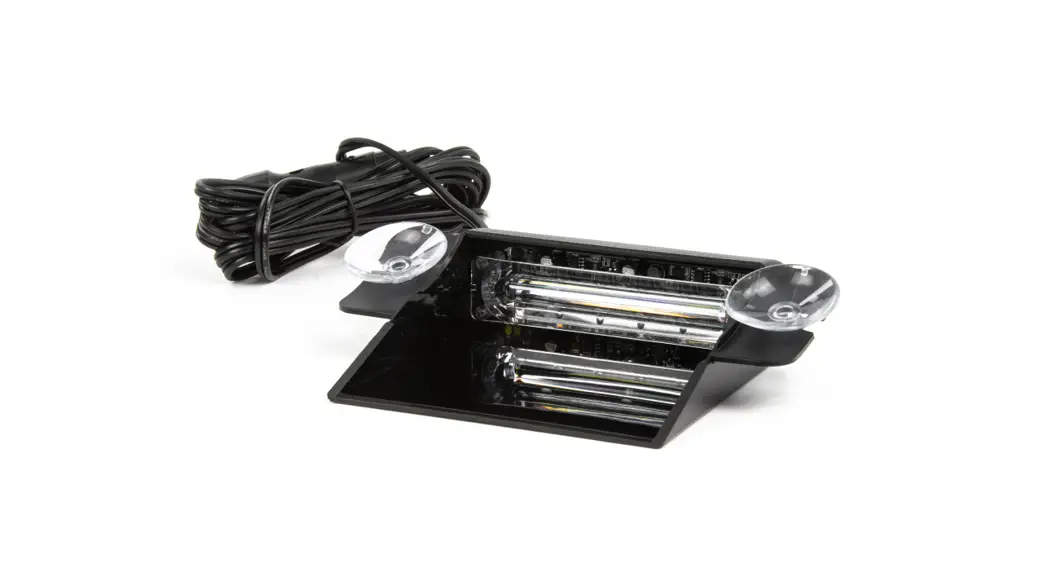
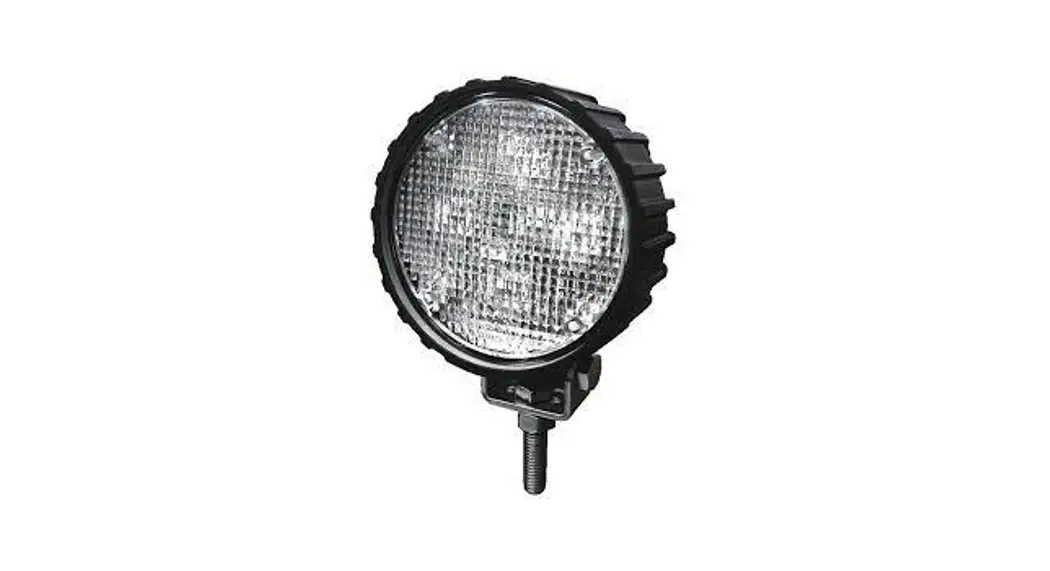
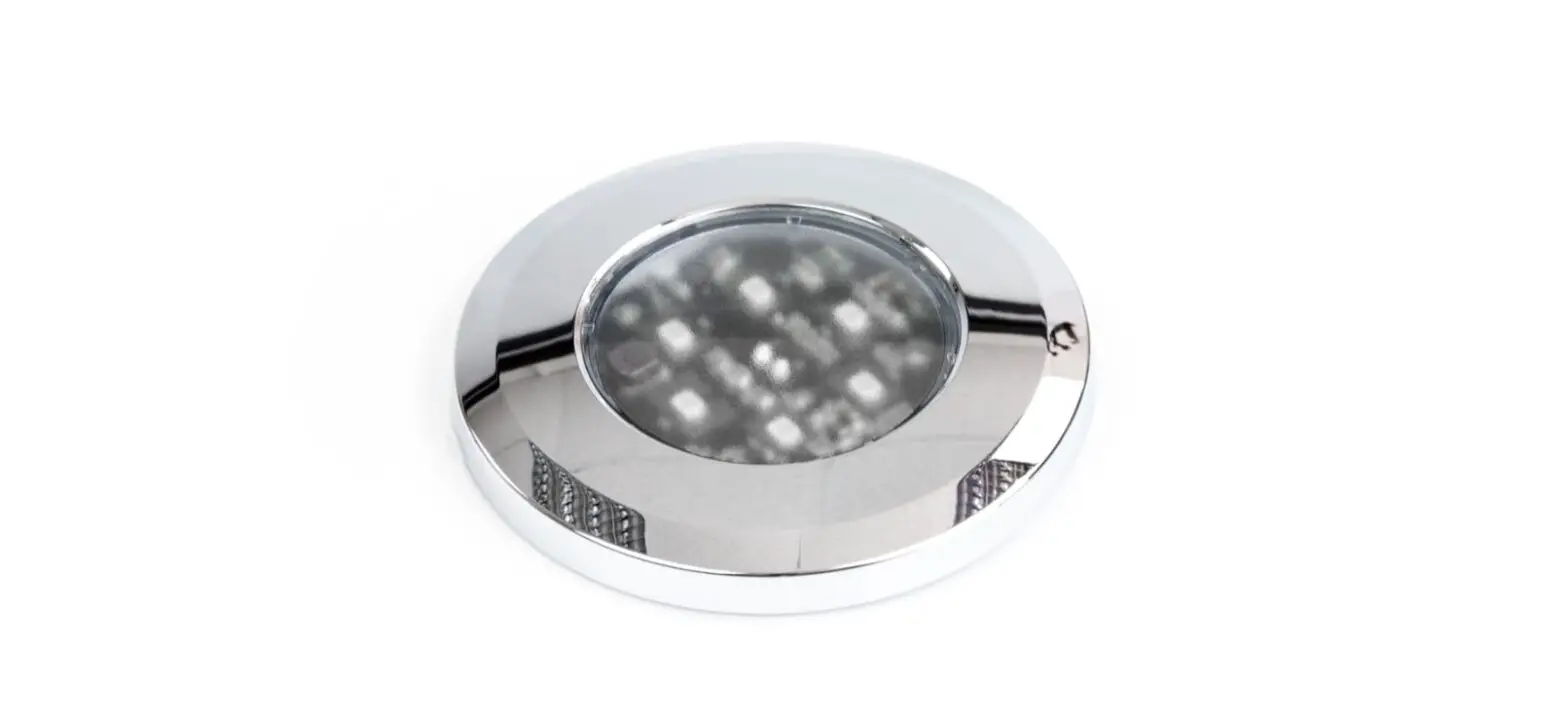
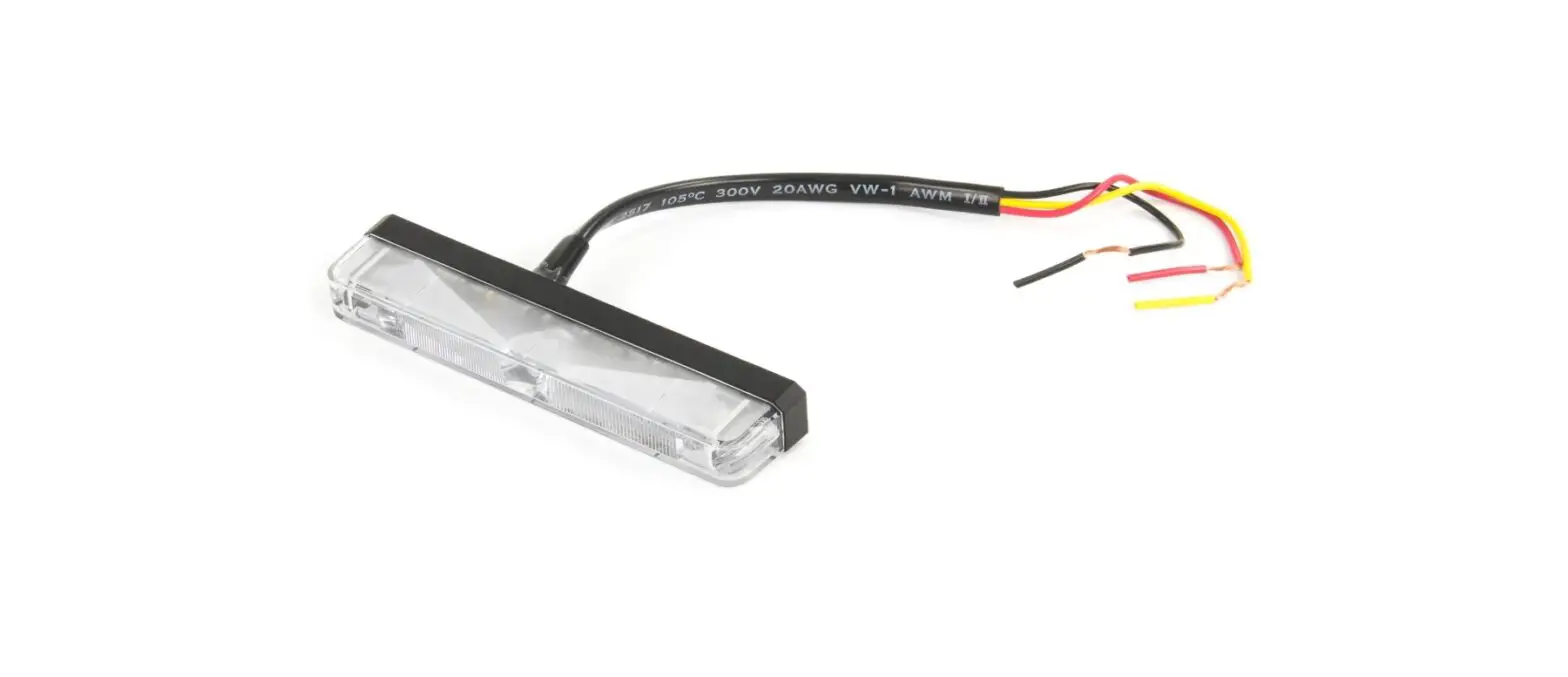
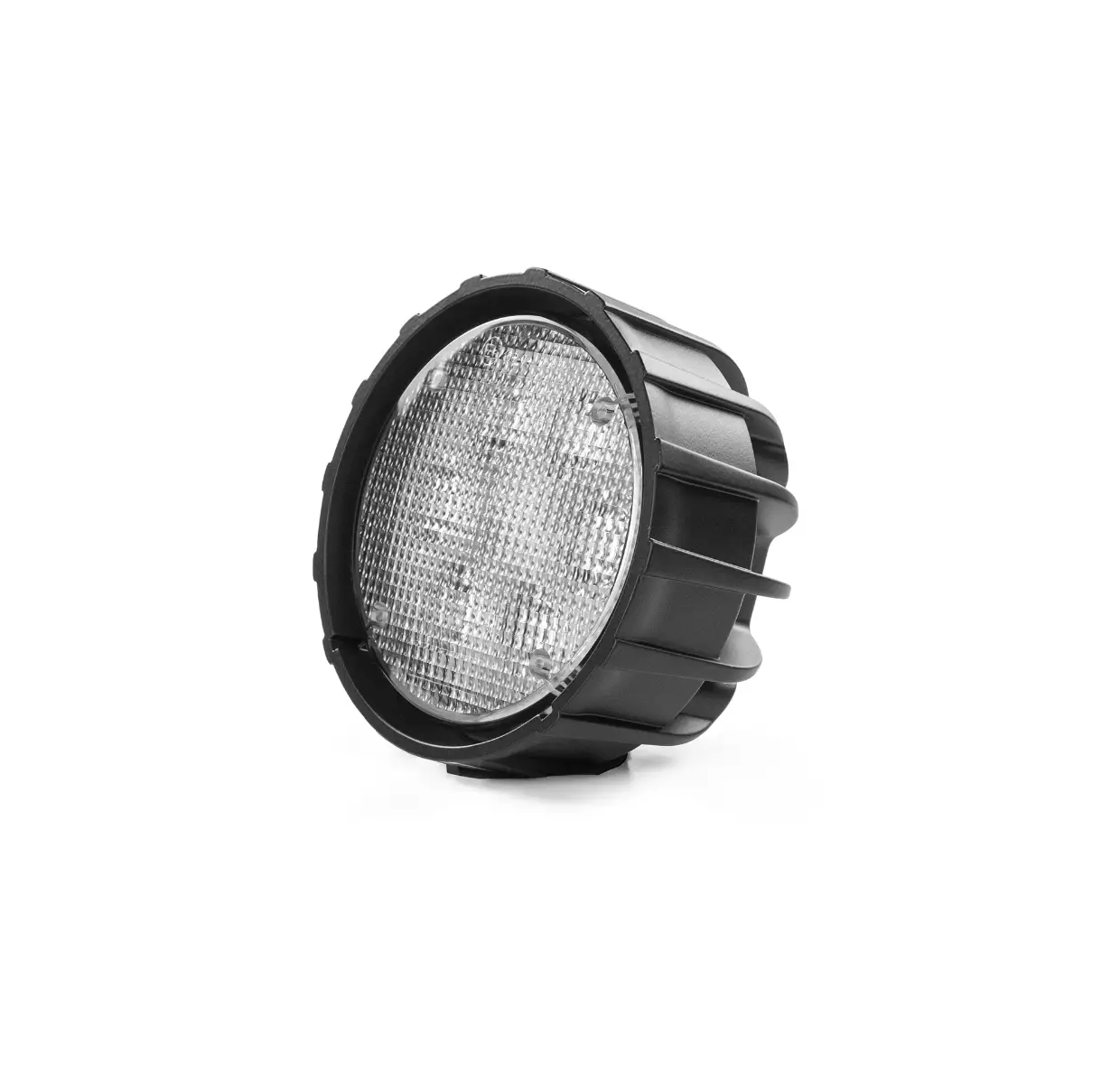
The product is a light assembly designed for mounting on
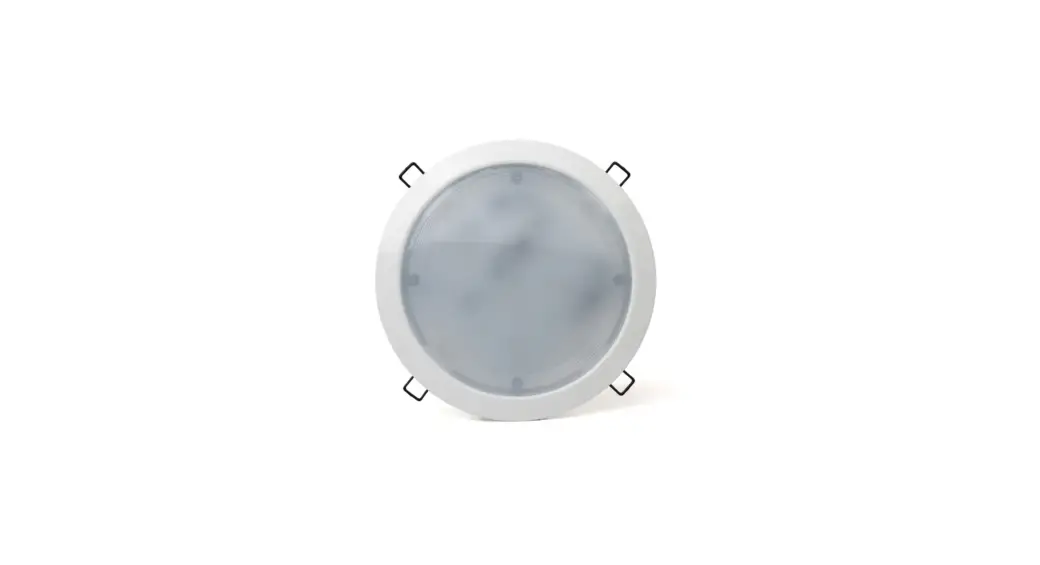
vehicles. It consists of a lighthead and a snap-on bezel. The light
assembly is capable of producing various flash patterns and can be
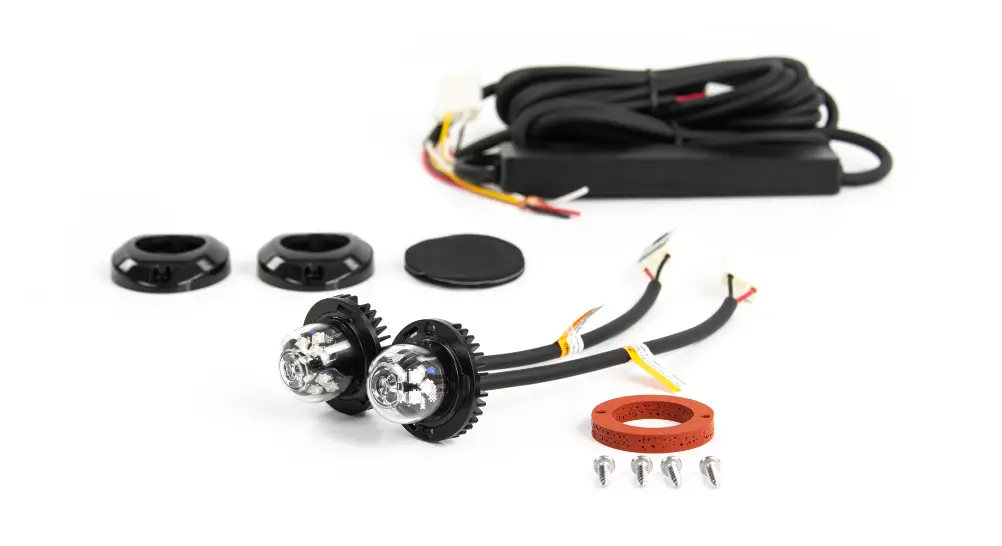
synchronized with other lightheads. The product comes with
double-sided adhesive foam for mounting and sheet metal screws for
bezel installation.
Installation
To install the light assembly, follow these steps:
- Remove the Corner/Head/Tail light from the vehicle.
- Select a location to mount the lighthead.
- Drill a 1 inch diameter cut-out on the light assembly.
- Insert the lighthead through the double-sided adhesive foam and
the cut-out, then press firmly for 1 minute. Make sure to clean the
mounting surface thoroughly with alcohol before mounting. - Apply silicone (user-supplied) for better seal. Note that the
heatsink should not be covered with silicone to avoid damage and
voiding the warranty.
Warning: Do not cover the heatsink with
silicone. This may cause damage to the product and void the
warranty.
Note: Lighthead mounting location may vary
depending on the design of the vehicle light assembly.
Operation
To operate the light assembly, follow these instructions:
For Simultaneous or Alternating Flash:
- Apply +VDC (fuse @ 2A) to the RED and YELLOW wires
simultaneously to enter Grouping mode. The lighthead will display
short flashes (single or double). - Remove the YELLOW wire from +VDC and momentarily apply it to
+VDC to change Groups. Heads in the same Group will flash together.
Group1 Heads will alternate with Group2 Heads. - Disconnect power to save and exit Grouping mode.
For Flash Patterns:
Momentarily apply +VDC to the YELLOW wire:
- Once for the next pattern.
- Quickly three times for FP#1.
Note: This unit may not be factory set at
FP#1.
Bezel Mount Installation
To install the snap-on bezel, follow these steps:
- Use the mounting foam to mark wire and screw holes before
drilling. - Carefully drill the marked holes accordingly.
- Insert lighthead wires through the mounting foam and into the
wire hole. - Secure the lighthead with the supplied sheet metal screws.
- Mount the snap-on bezel onto the lighthead. Make sure to use
the foam when mounting the lighthead.
Note: Avoid multiple mounting and removal of
the bezel to prevent a loose fit.
160607M53
Light Assembly Installation
1. Remove the Corner/Head/Tail light from the vehicle.
2. Select a location to mount the lighthead.
3. Drill an 1 inch diameter cut-out on the light assembly.
4. Insert the lighthead through the double-sided adhesive foam and the cut-out then press firmly for 1 minutes. (Please ensure that the surface is cleaned thoroughly with alcohol before mounting.)
5. Apply silicone (user-supplied) for better seal.
WARNING: DO NOT cover the heatsink with silicone. This may cause damage to the product and void the warranty.
NOTE: Lighthead mounting location may vary depending on the design of the vehicle light assembly.
OPERATIONS To +VDC (fuse @ 2A)…………..RED
Sheet metal
screw *
To Chassis Ground………….BLACK
For Synchronization………YELLOW Connect YELLOW wires of all heads together for synchronization
Double-sided adhesive foam
(All heads must be set at the same pattern) Mounting * screw holes
VEHICLE
For Simultaneous or Alternating Flash:
Ø 1″ Cut-out
1. Apply +VDC to RED and YELLOW wires simulta-
LIGHT ASSEMBLY
neously to enter Grouping mode; lighthead will display
short (single or double) flashes: gSingle flash = Group1 gDouble flash = Group2
* Not applicable when mounting with Double-sided Adhesive Foam
2. Remove YELLOW wire from +VDC and momentarily apply to +VDC to change Groups: gHeads in the same Group flash together. gGroup1 Heads alternate with Group2 Heads.
3. Disconnect power to save and exit Grouping mode.
For Flash Patterns: Momentarily apply +VDC to YELLOW wire: gonce for next pattern gquickly three times for FP#1
NOTE: This unit may not be factory set at FP# 1.
FP#
Flash Patterns
1 Random 7 Quad
2 Steady
8 Quint
3 Single
9 Ultra
4 Mega
10 Single-Quad
5 Double
11 Single H/L
6 Triple
12 Single-Triple-Quint
Bezel Mount Installation
1. Use the mounting foam to mark wire and screw holes before drilling. 2. Carefully drill marked holes accordingly. 3. Insert lighthead wires through the mounting foam and into the wire hole. 4. Secure the lighthead with supplied sheet metal screws. 5. Mount the snap-on bezel onto the lighthead. NOTE: Make sure to use the foam when mounting the lighthead.
Lighthead
Sheet metal screw
M1.o2u8n”ti(n3g2.s5crmewm)holes
VEHICLE MOUNTING SURFACE
BEZEL REMOVAL
Press
Lift
Press
Foam
Mounting Bezel
Apply pressure on both sides marked with triangle.
Lift the bezel to remove.
NOTE: Avoid from multiple mount and removal of the bezel to prevent loose fit.