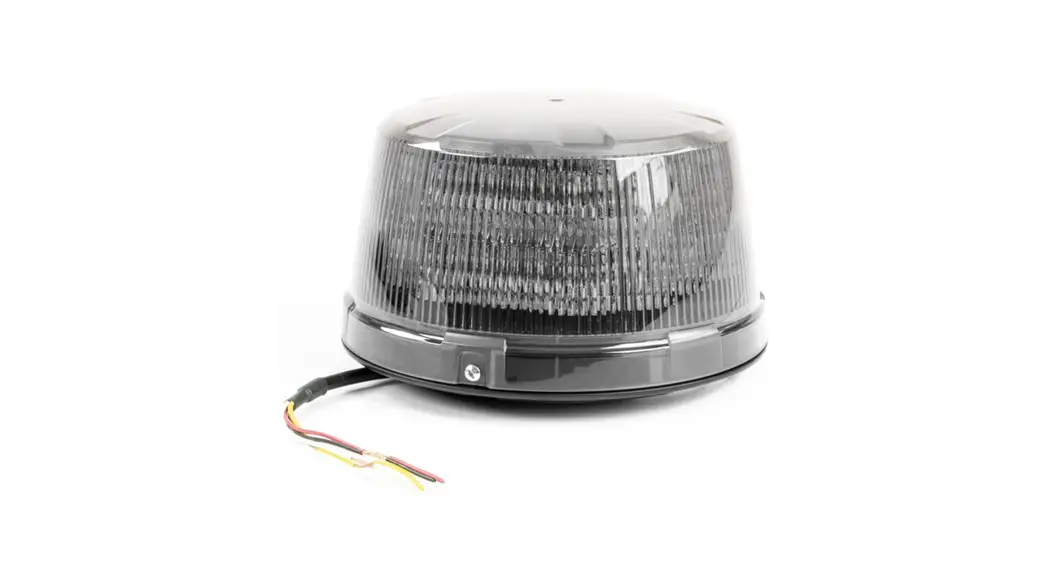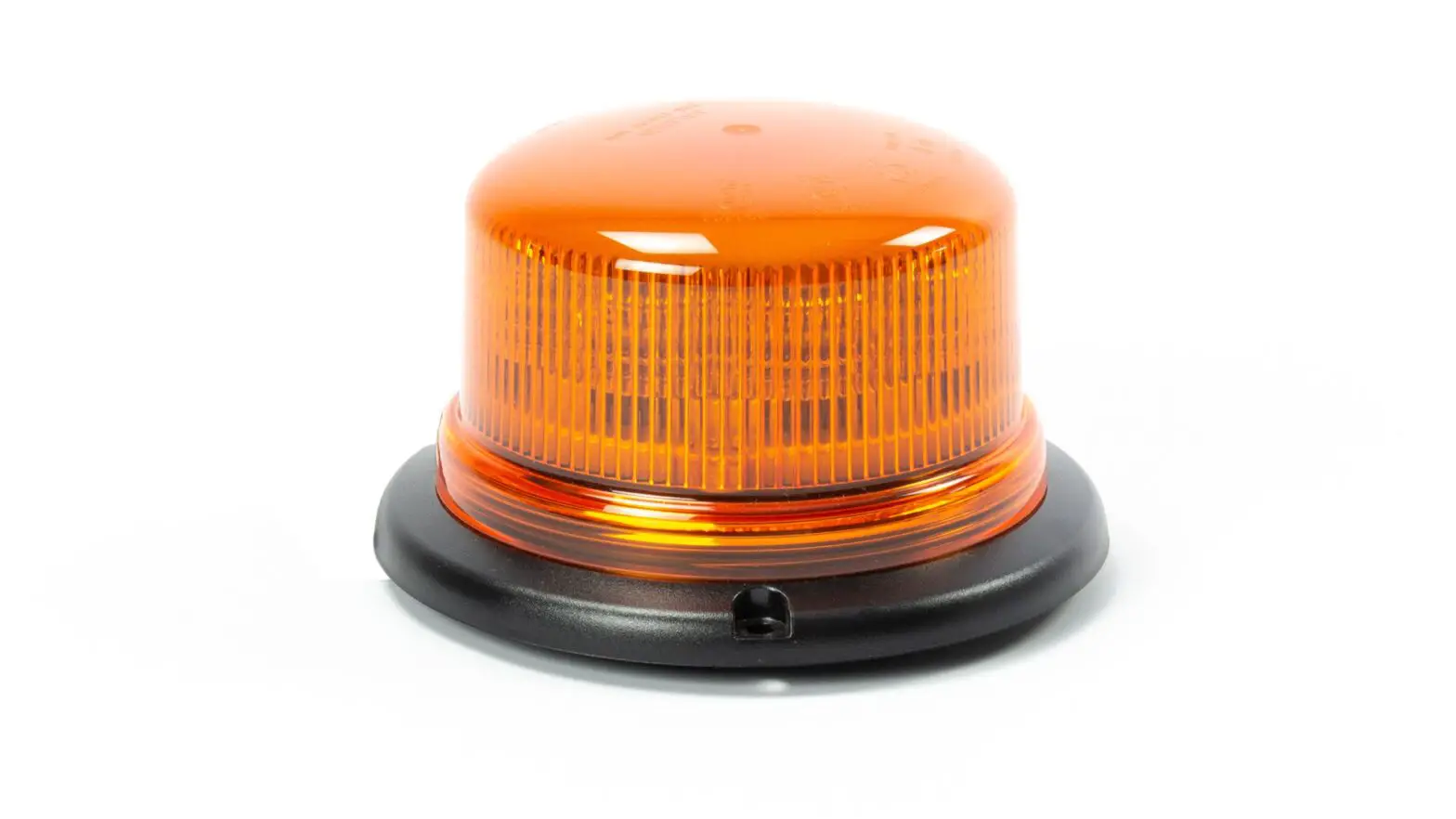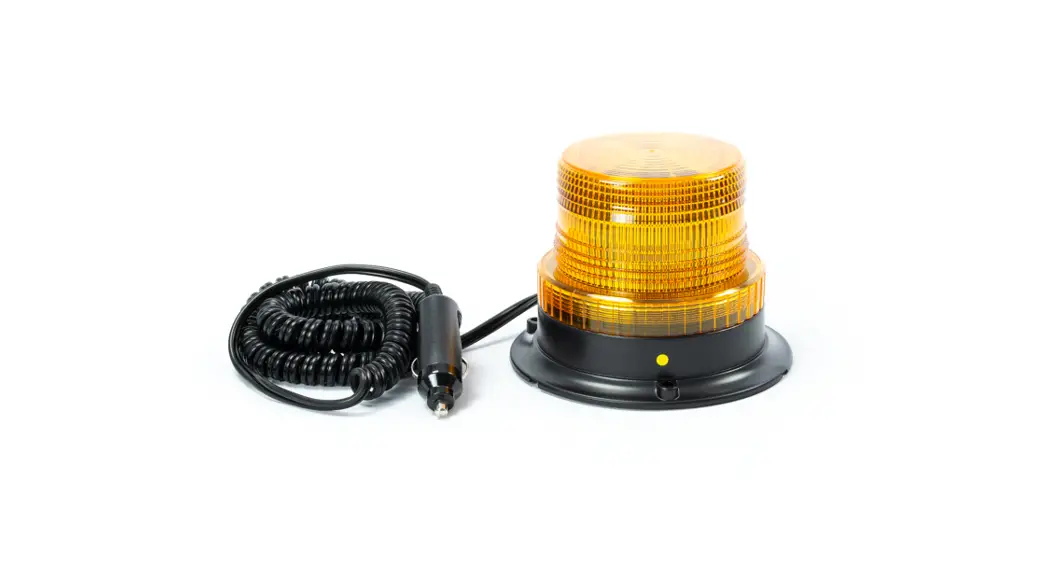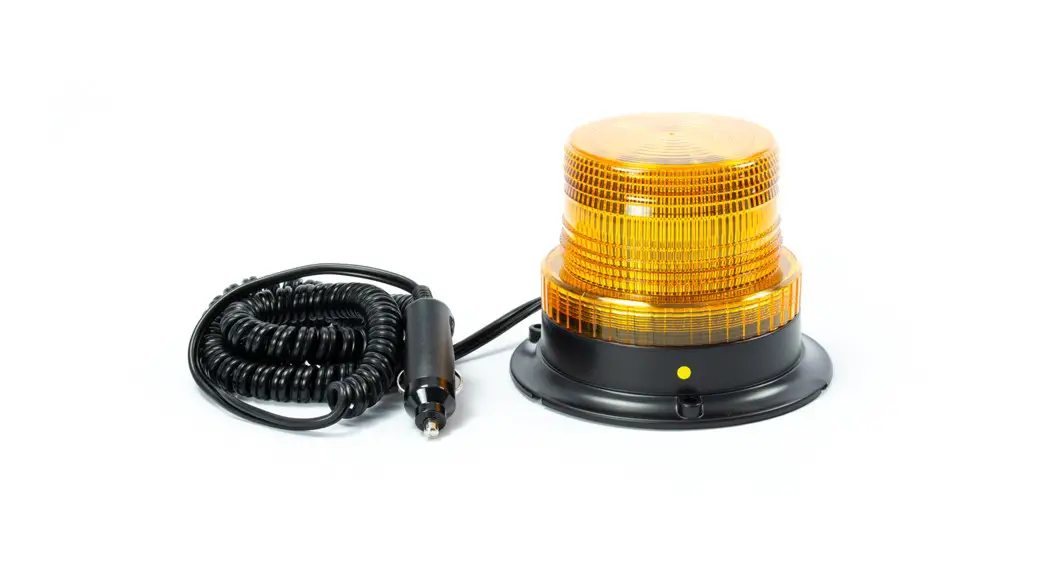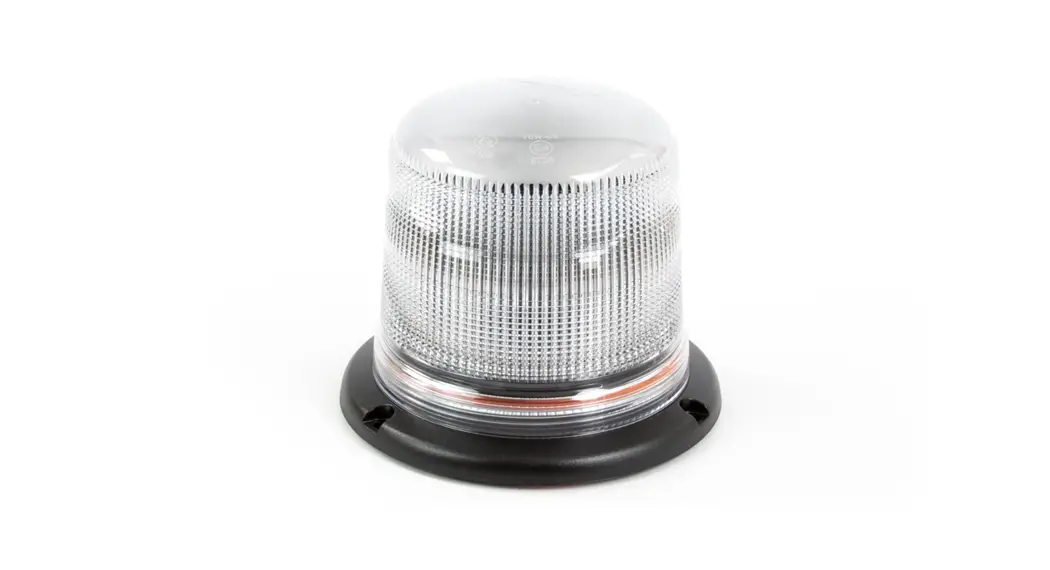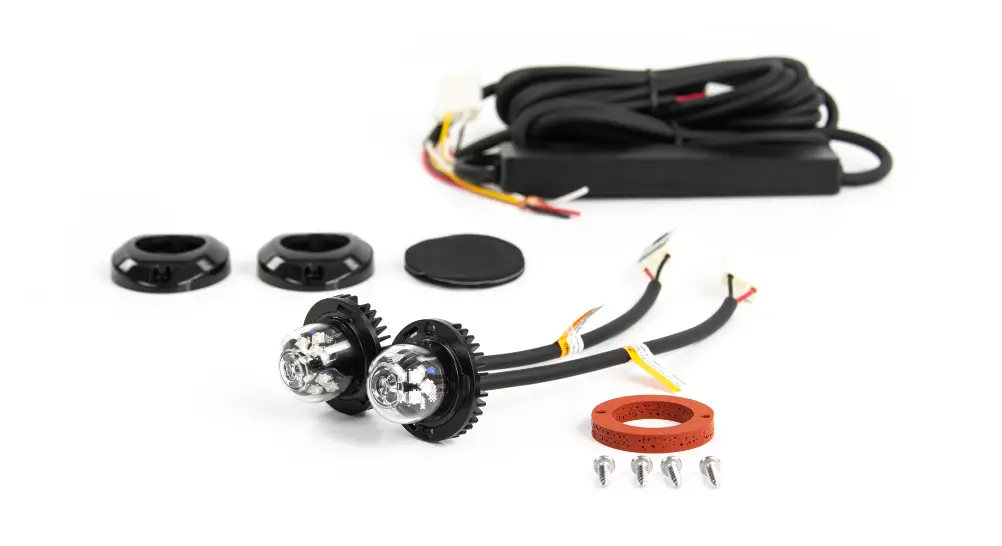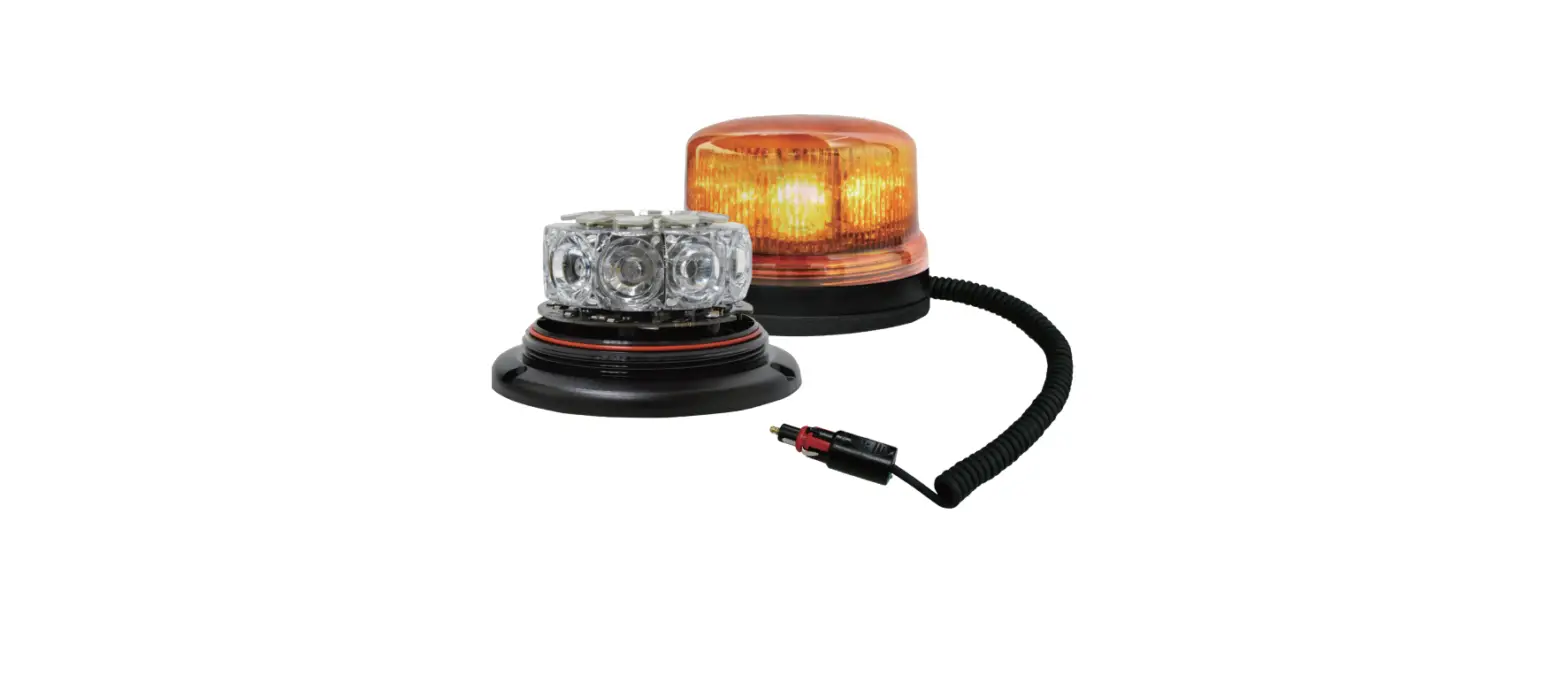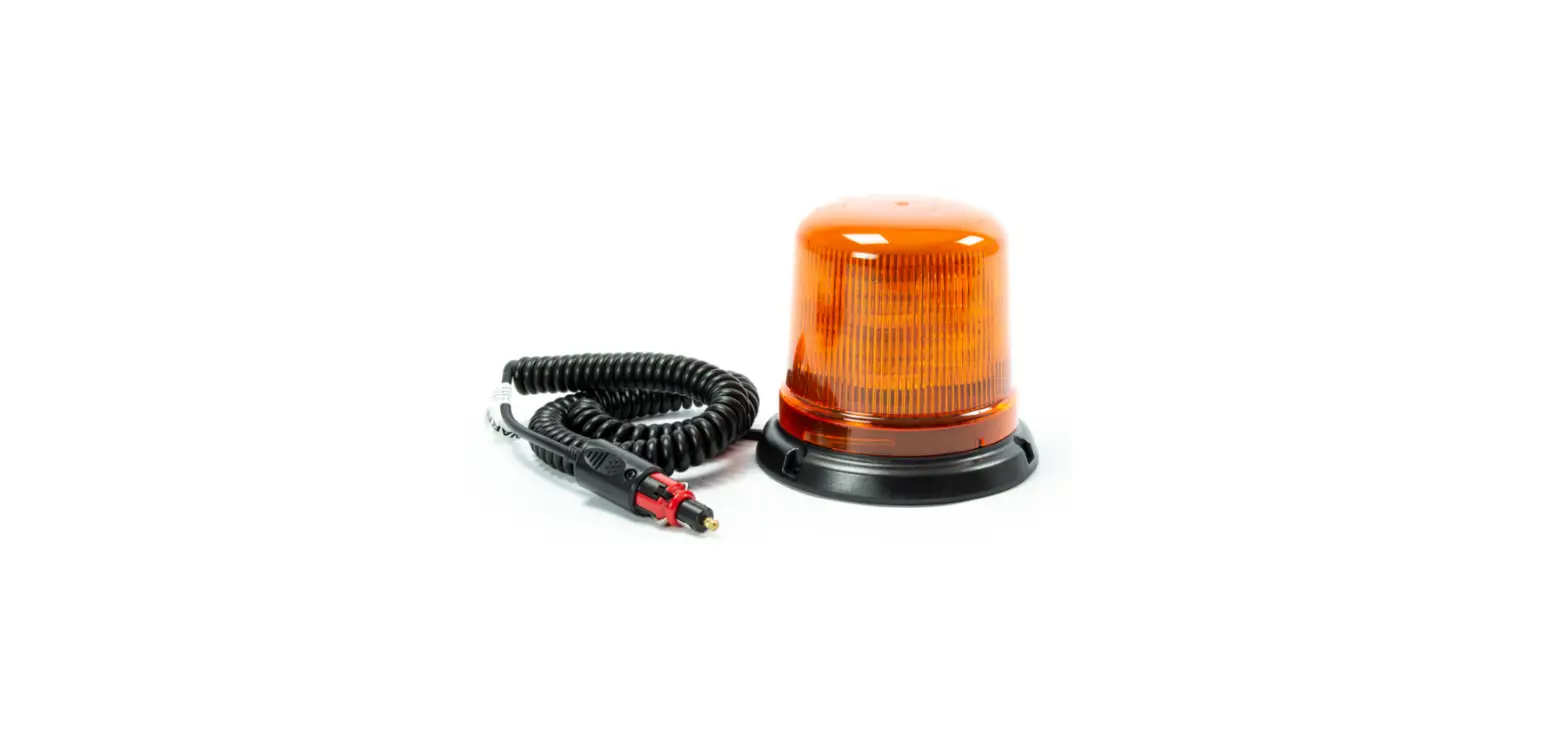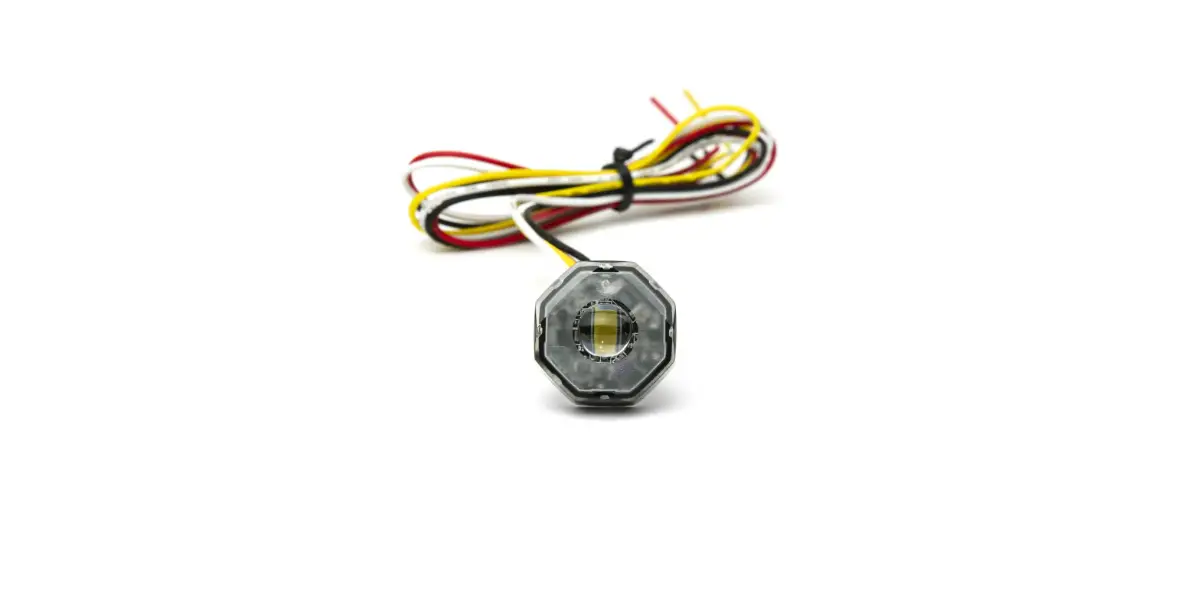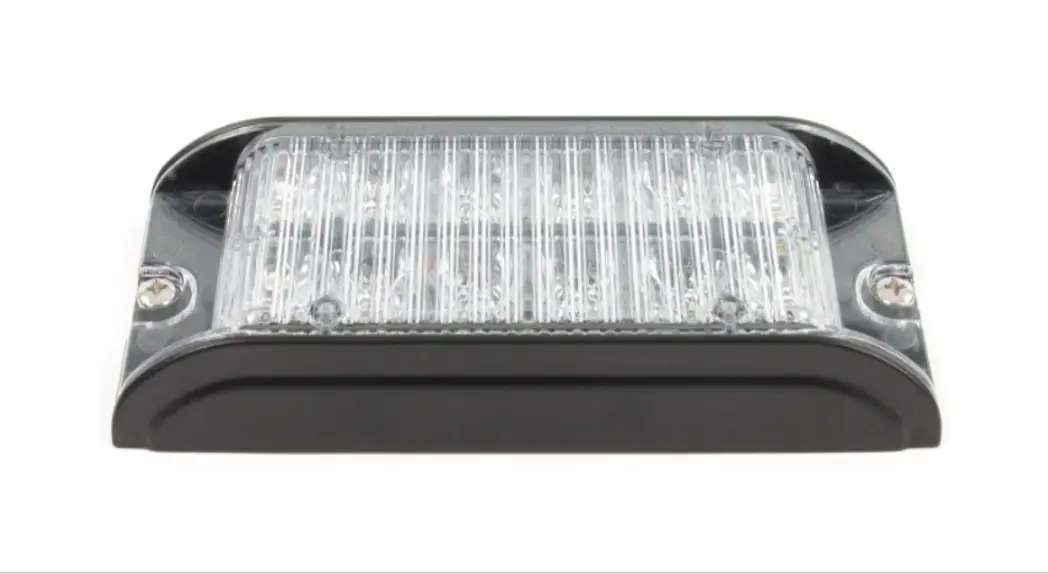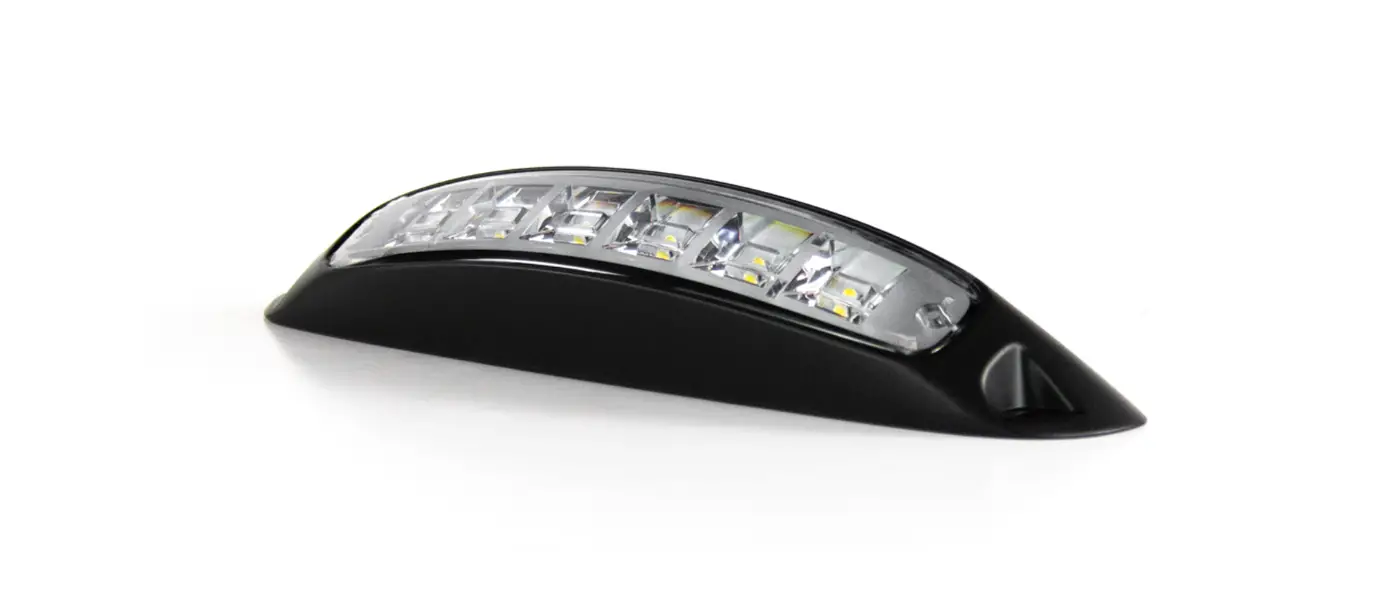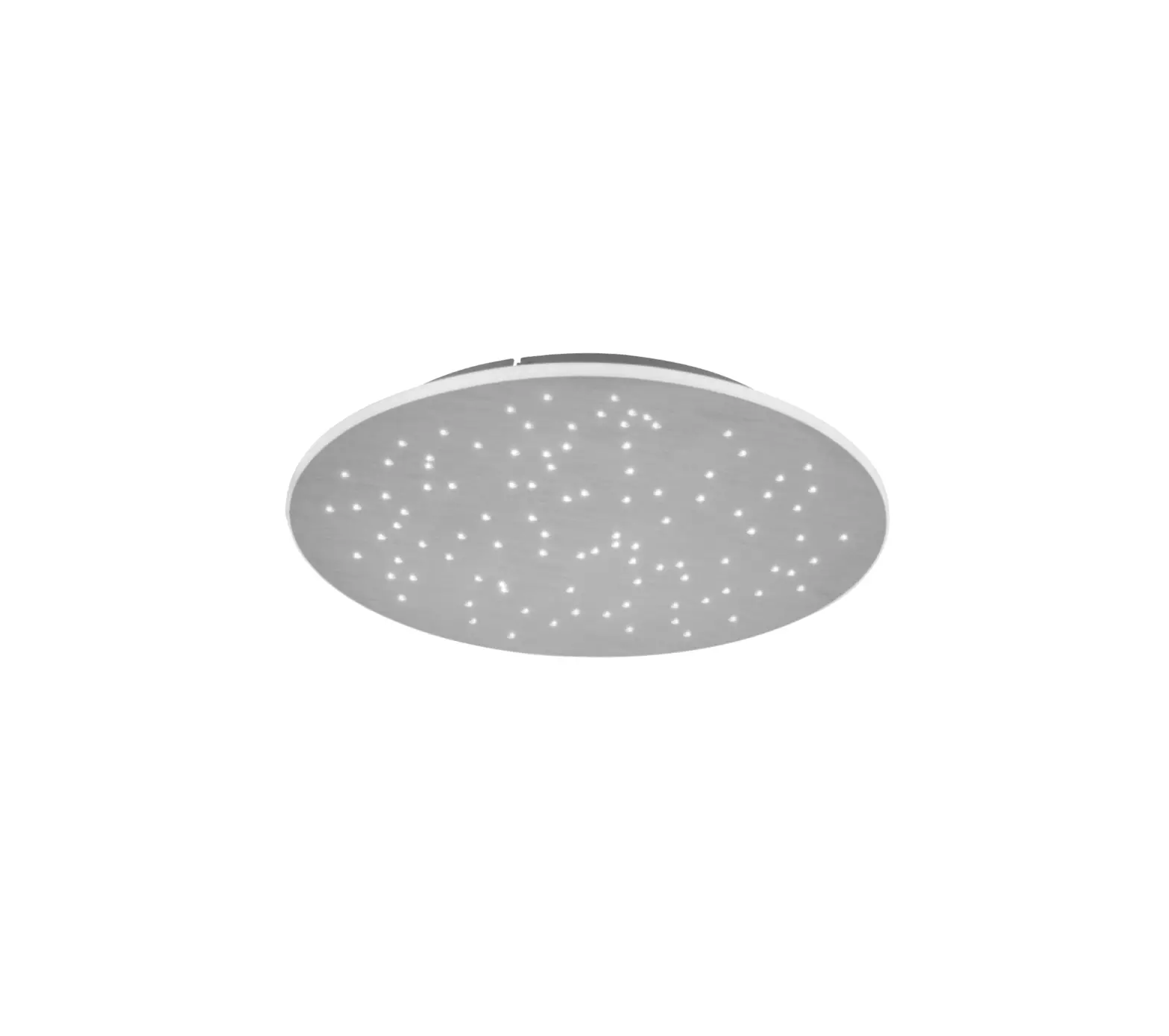

cell2 86-B02310-0001.1 LED BEACON

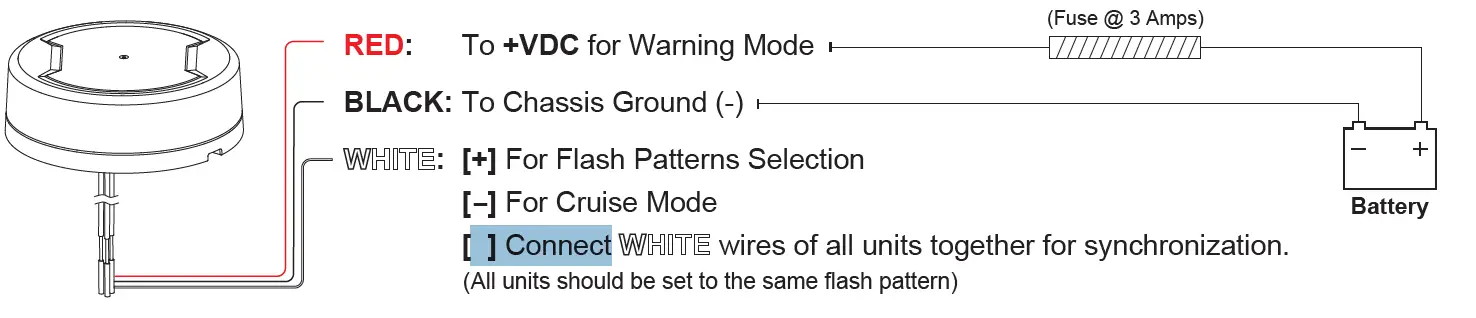
WIRING
OPERATION
Flash Pattern Selection
While Warning Mode has been activated, momentarily apply WHITE wire to +VDC:
- Once for next pattern
- Quick 3 times to FP#1
Simultaneous or Alternating Synchronization Setting
- Enter SETTING MODE by powering up with RED+WHITE wires simultaneously; the beacon will display short flashes:
- Single flash = Group 1
- Double flash = Group 2
- Remove WHITE wire from +VDC then momentarily apply to +VDC again to change Groups:
- Beacon of the same Group will flash together.
- Beacon of the different Group will flash alternately.
- Save and exit SETTING MODE by disconnecting all power.
Cruise Mode Activation
While Warning Mode has been activated, apply WHITE wire to -GND, and allow it to run more than 2 seconds to switch to Cruise Mode.
| FP# | FLASH PATTERNS | |
| 1 | Double | [R65] |
| 2 | Single | [2Hz] |
| 3 | Quad | [2Hz] |
| 4 | Steady Scene | |
| 5 | Single | [SAE] |
| 6 | Double | [SAE] |
| 7 | Quad | [SAE] |
| 8 | Quint | [SAE] |
| 9 | Mega | |
| 10 | Ultra | [SAE] |
| 11 | Single-Quad | |
| 12 | Single H/L | |
NOTE: Actual approval will be based on the model ordered.
INSTALLATION
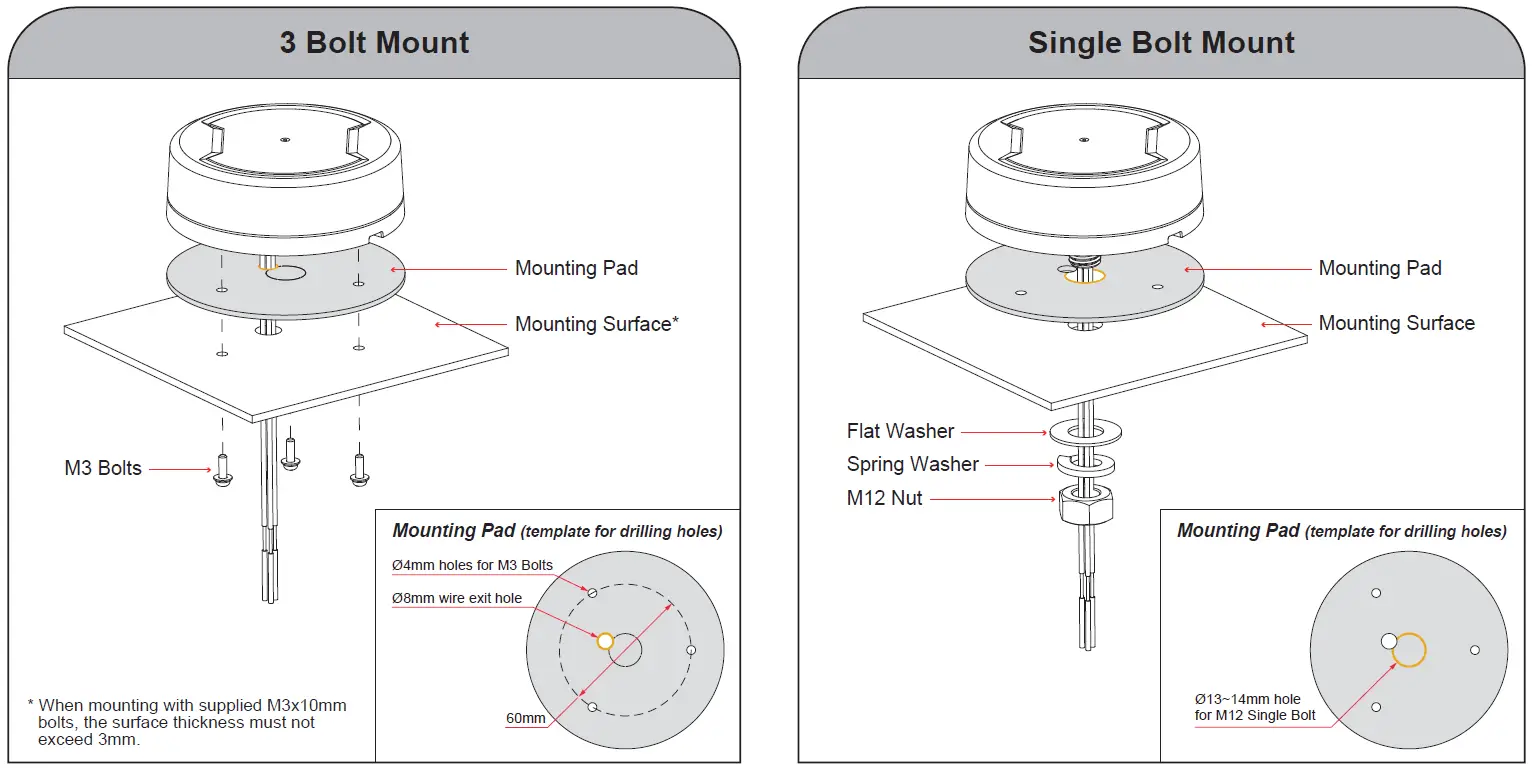
NOTE: All diagrams may not be shown to scale.