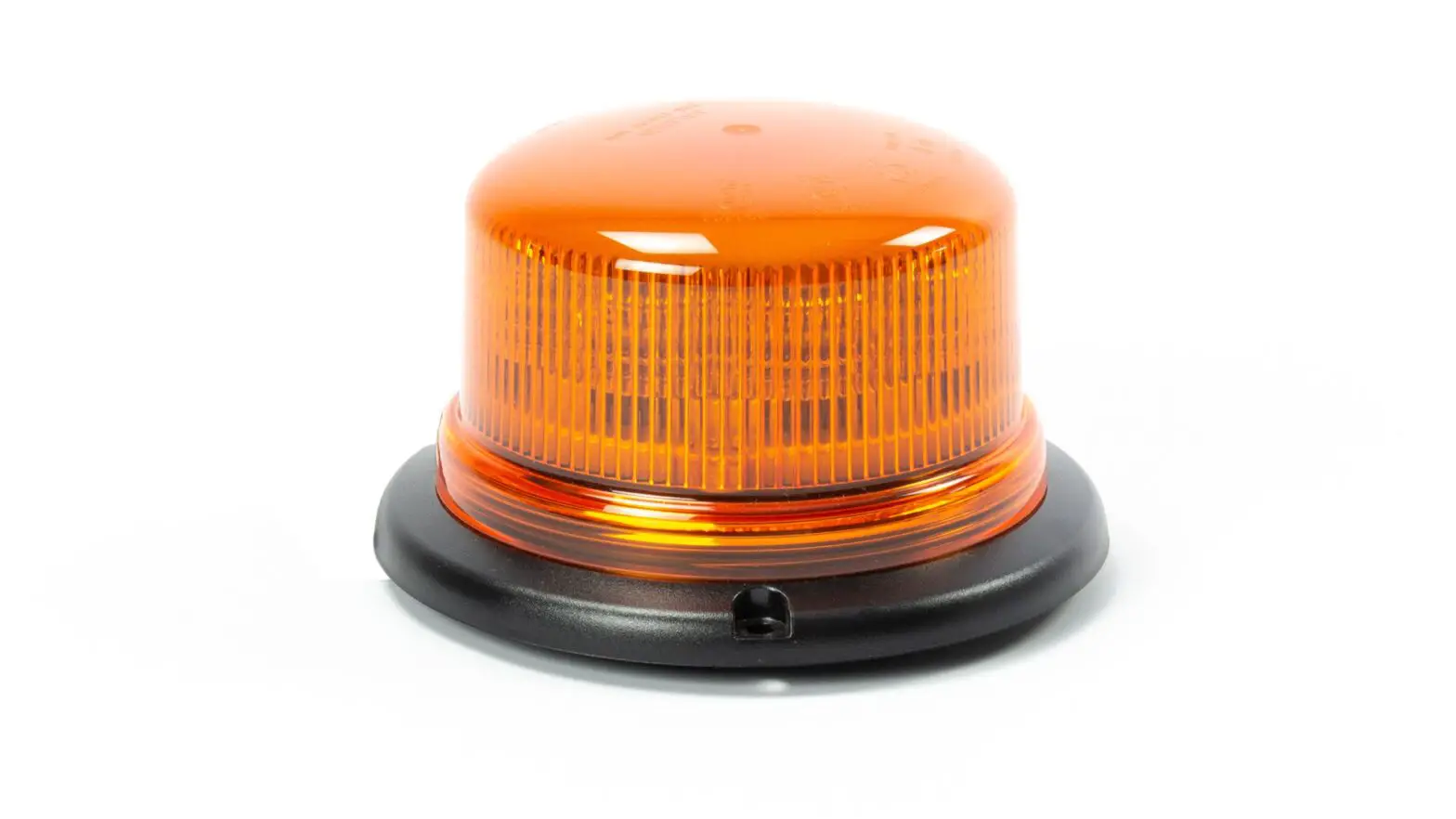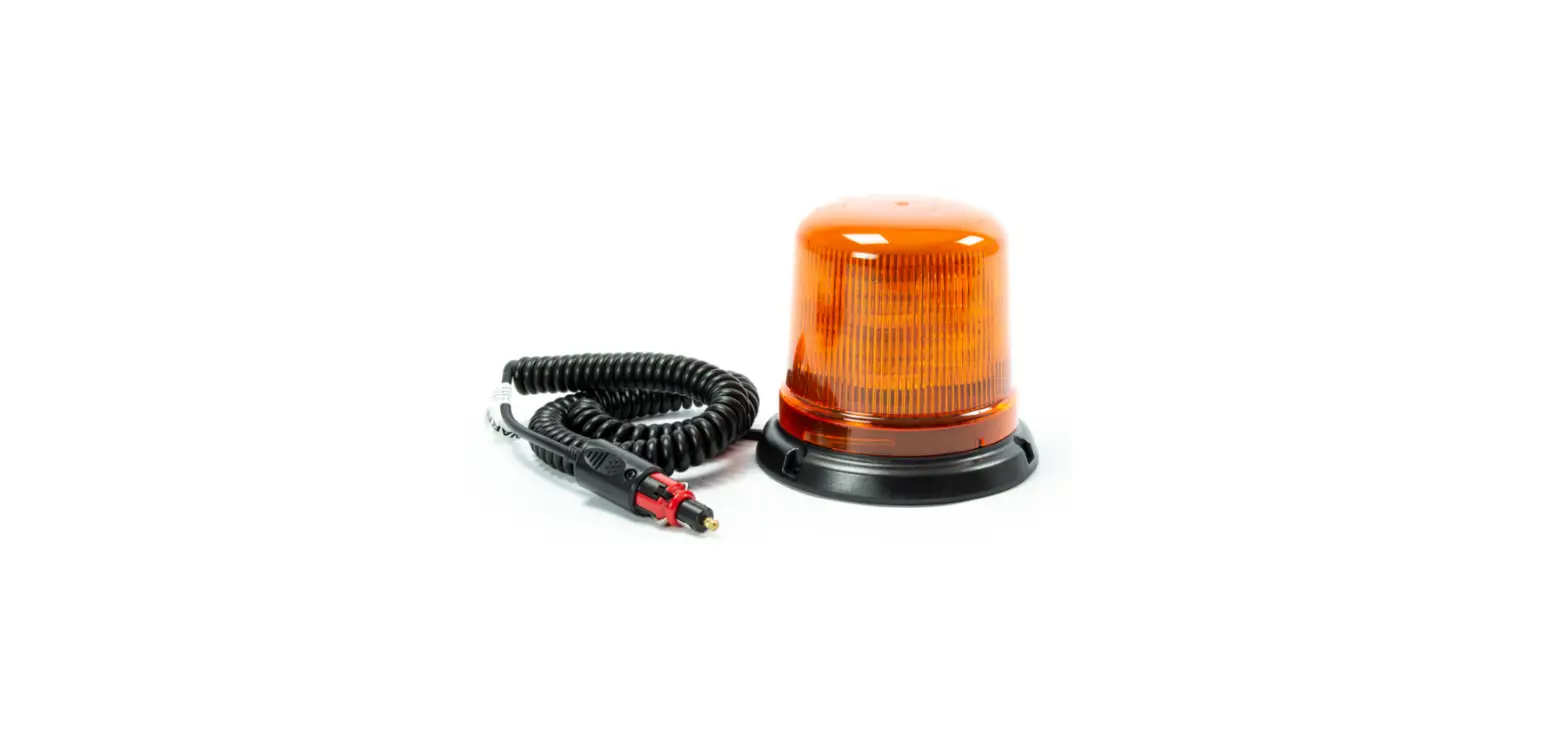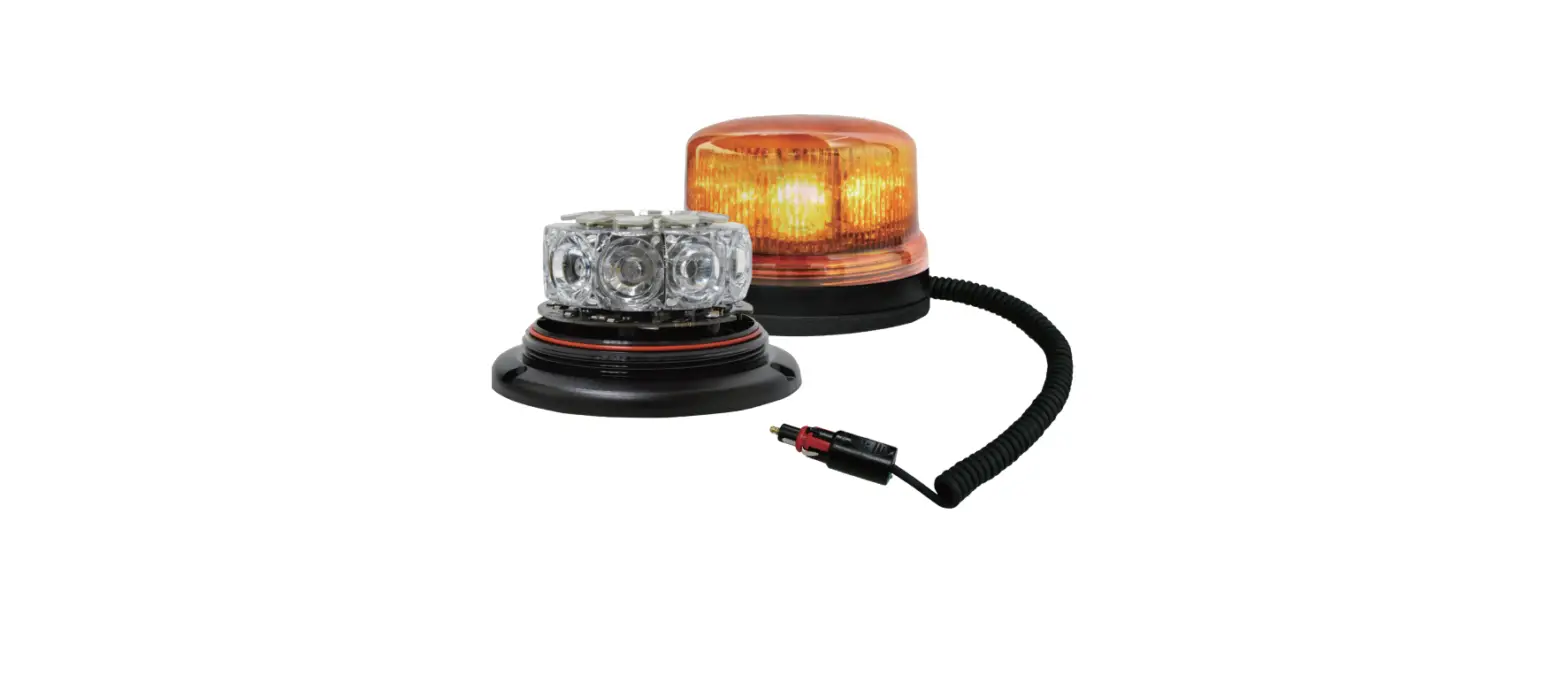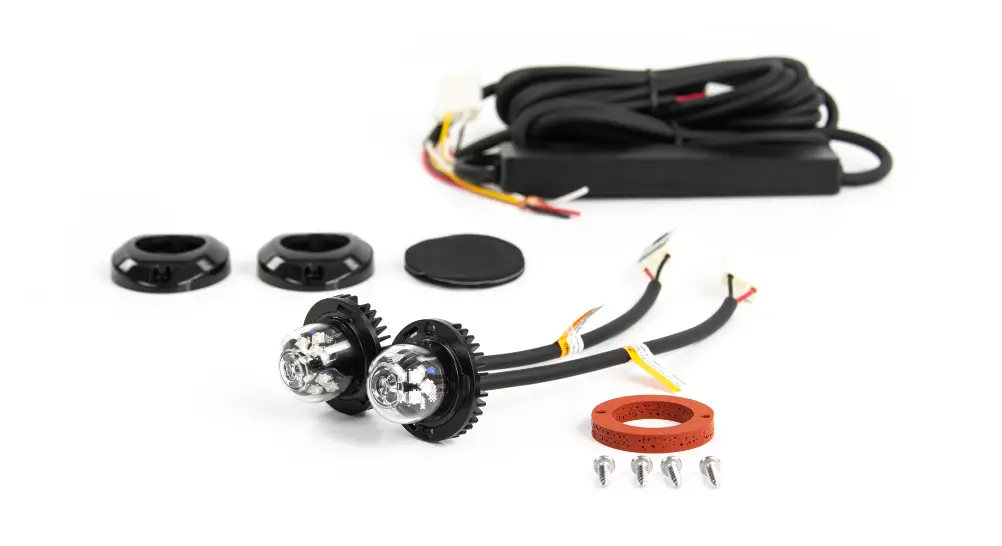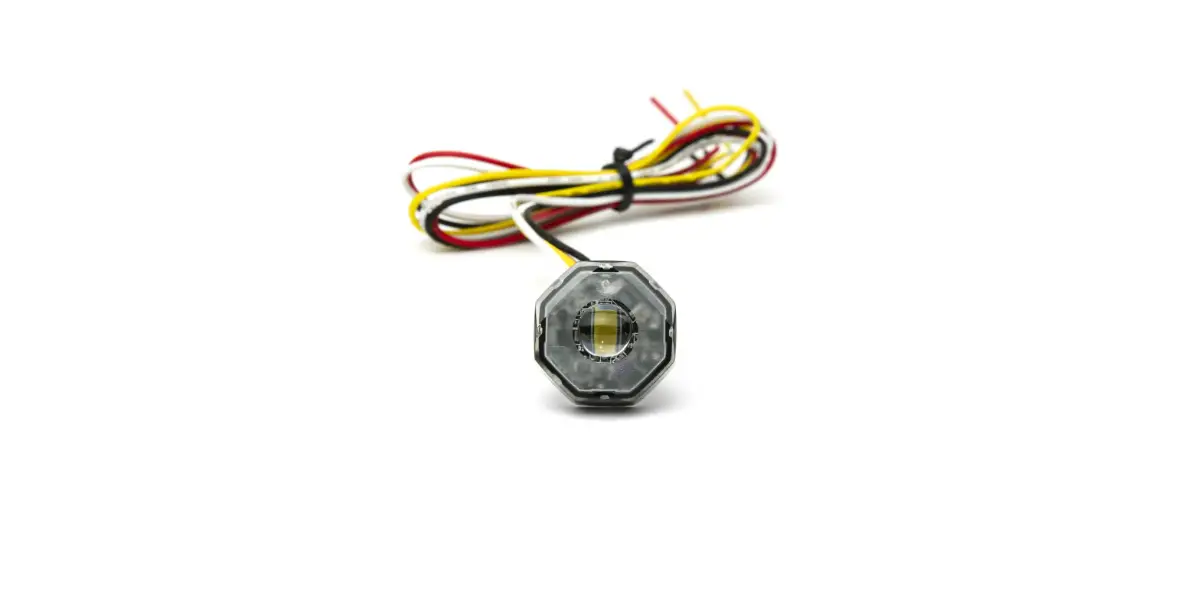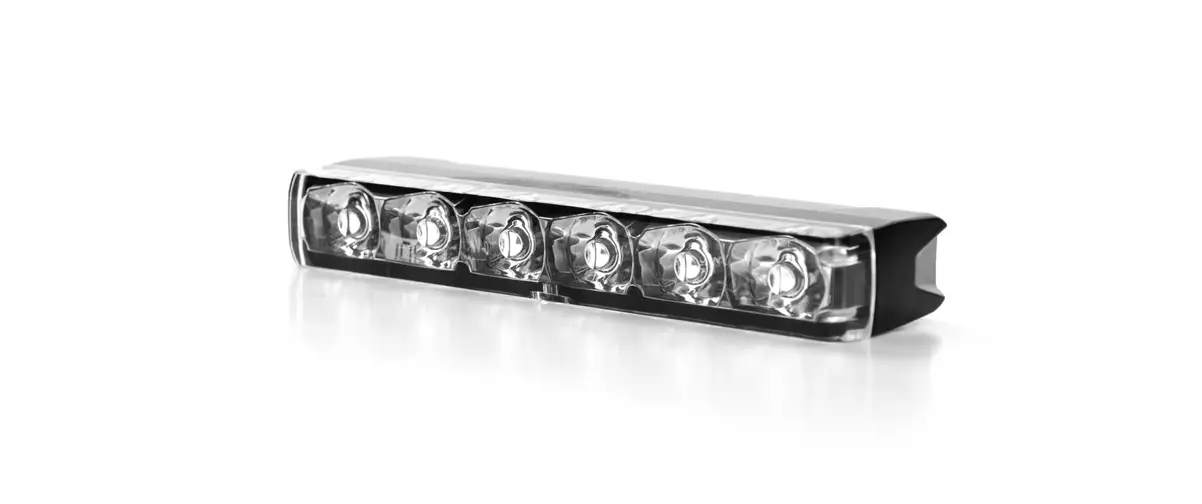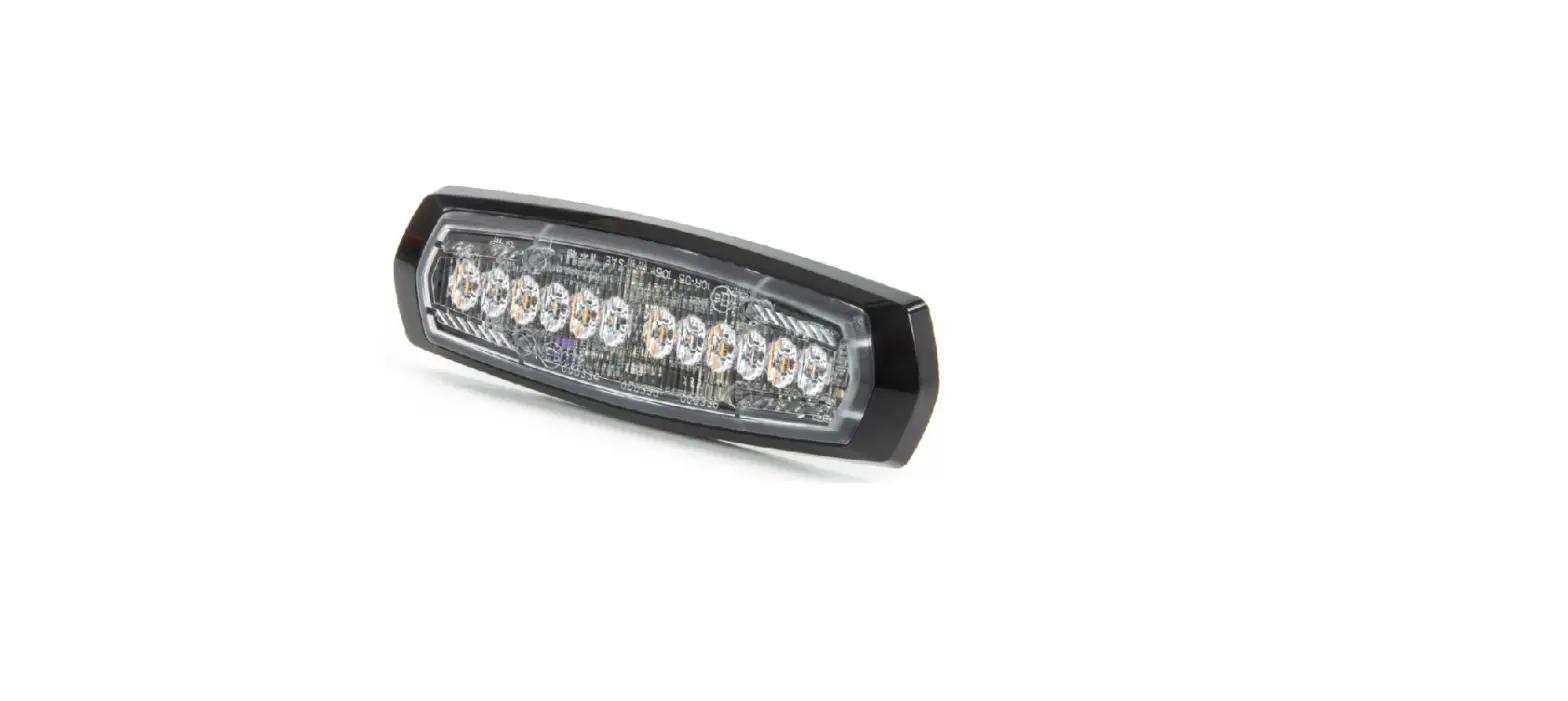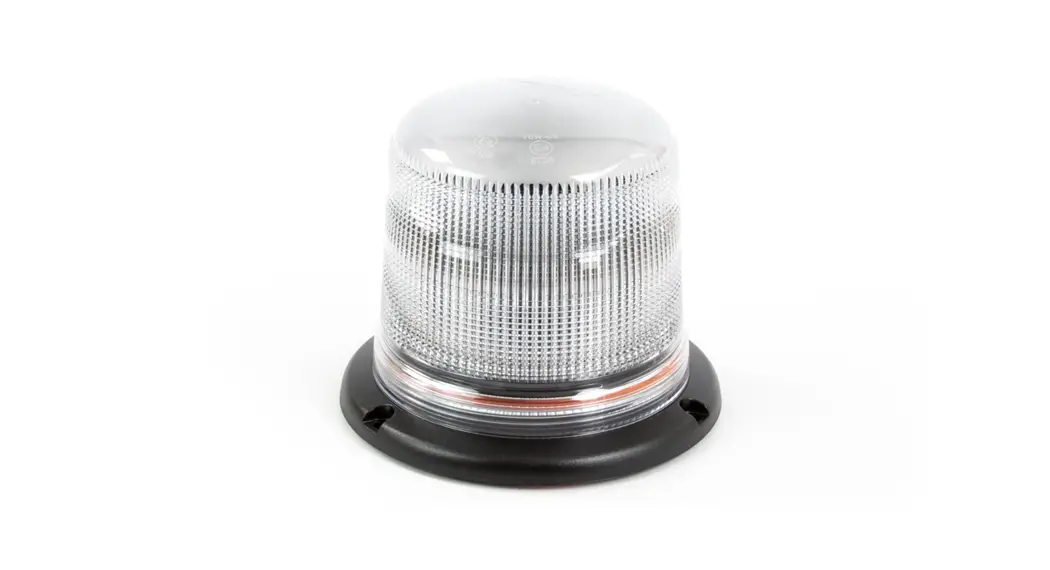

B18-DC Dual Colour LED Beacon User Manual
WIRING / OPERATION
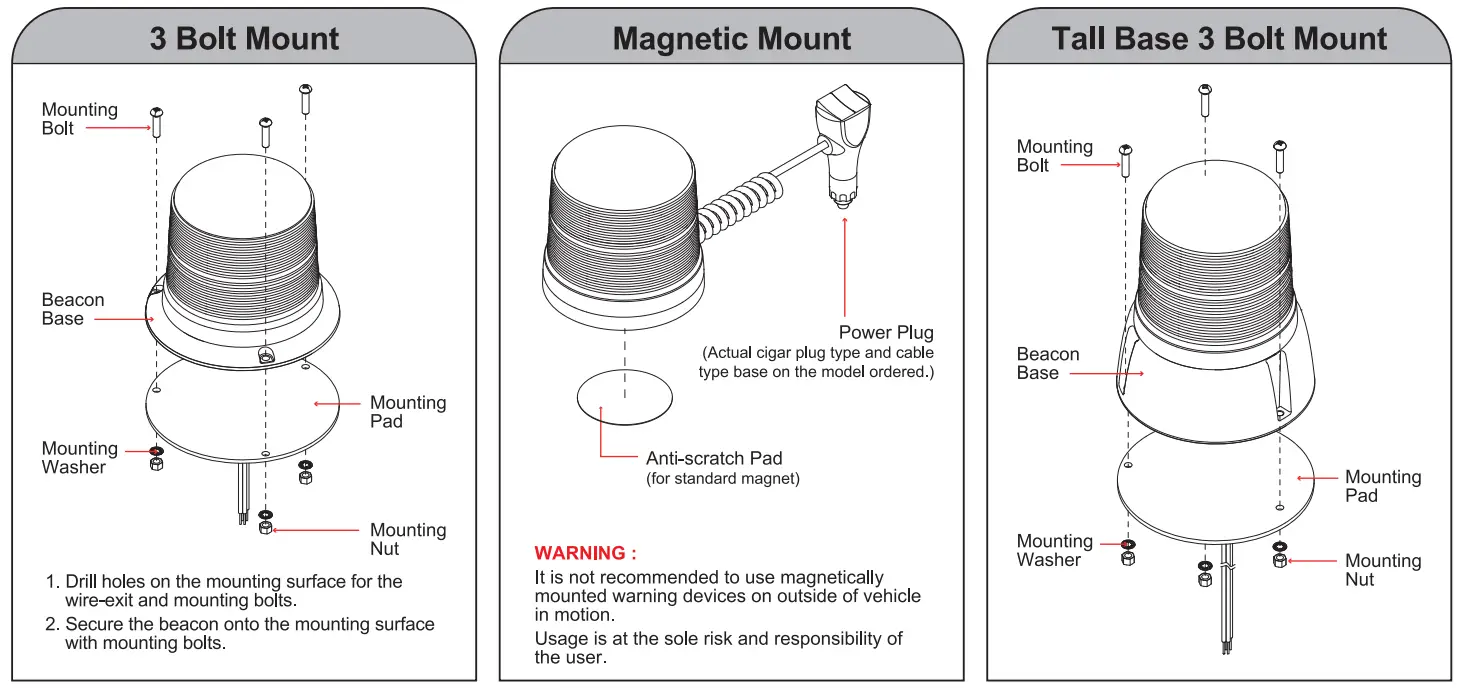
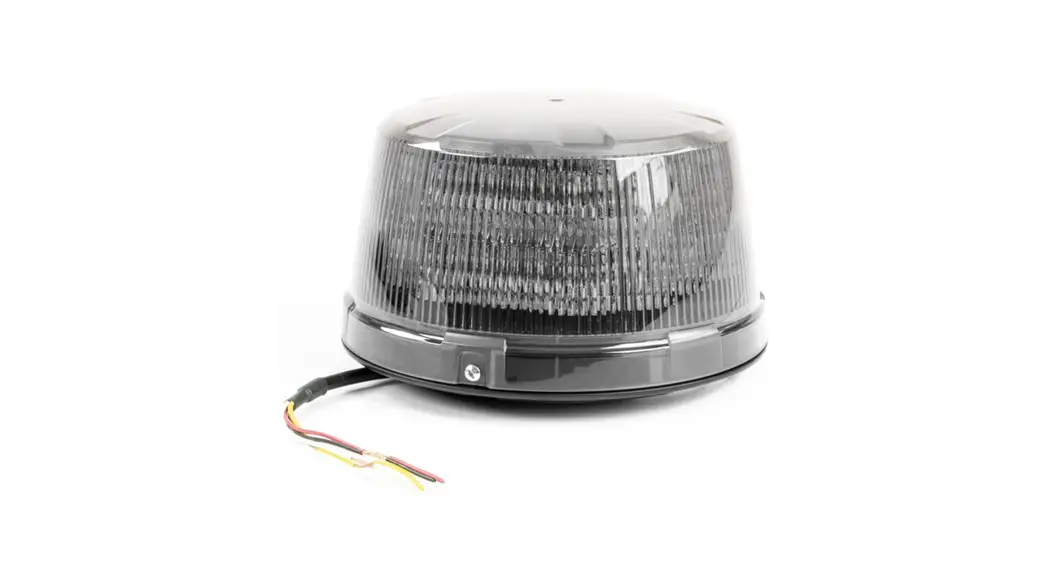
Permanent Mount:
| BLACK: | To -Chassis Ground |
| RED: | To +VDC (fuse@5A) for Warning Mode in COLOUR1 |
| YELLOW: | To +VDC (fuse@5A) for Warning Mode in COLOUR2 |
| (RED + YELLOW): | To +VDC (fuse@5A) for Warning Mode in COLOUR1 alt. 2 |
| WHITE: | [+] for Low Power Operation Activate dimming function by continuously applying +VDC to WHITE wire. |
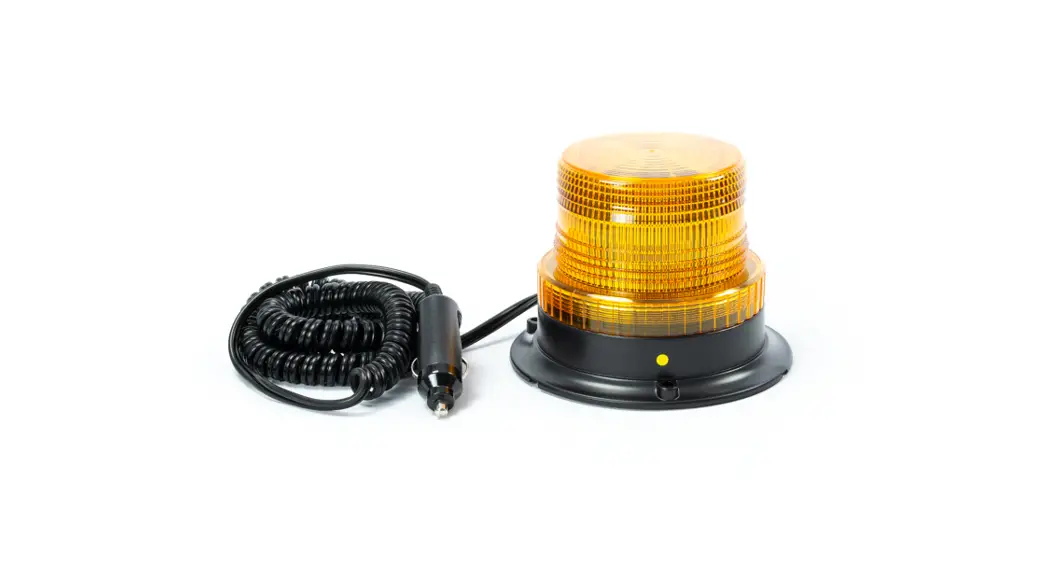
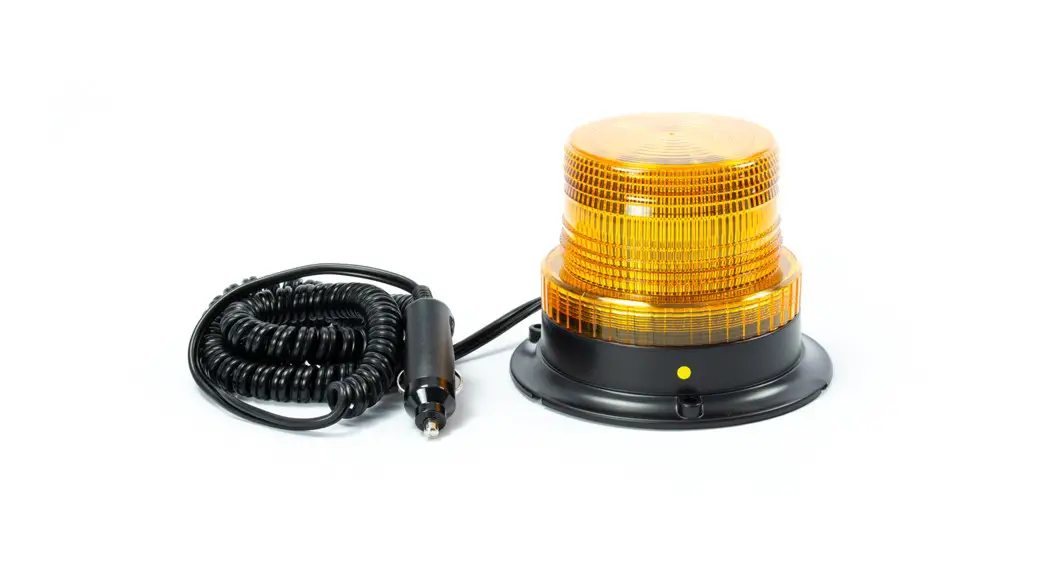
Magnetic Mount:
NOTE: Magnetic Mount model does not feature Low Power dimming function.
BUTTON 1 – Maintained Switch:
Position 1 – ON (Warning Mode in COLOUR1)
Position 2 – OFF
BUTTON 2 – Momentary Switch:
Press 1- Warning Mode in COLOUR2.
Press 1 again – Warning Mode in COLOUR1 alt. 2
Press quick 3 times – Warning Mode in COLOUR1
| FLASH PATTERNS | ||
| 1 | Double | [R65] |
| 2 | Single | [2HZ] |
| 3 | Triple | [2HZ] |
| 4 | Quad | [2HZ] |
| 5 | Random | |
| 6 | Steady | |
| 7 | Single | [SAE, CA13] |
| 8 | Double | [SAE] |
| 9 | Triple | [SAE] |
| 10 | Quad | [SAE] |
| 11 | Quint | [SAE] |
| 12 | Mega | |
| 13 | Ultra | [SAE] |
| 14 | Single-Quad | |
| 15 | Single H/L | |
| 16 | Single-Triple-Quint | |
Note: i. This unit may not be factory-set at FP#1
ii. Actual approval base on the model ordered.
FLASH PATTERN SELECTION
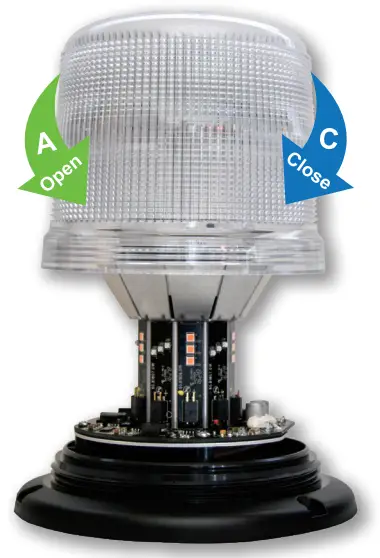
- Open
Twist the dome lens counter clockwise A , then lift the dome lens to open. - Change
While activating Warning Mode, momentarily push the RED BUTTON B to change to the next flash pattern. (see Flash Patterns Chart) Note: All COLOUR1, COLOUR2 and COLOUR1 alt. 2 warning modes may select different Flash Pattern.
 - Close
Twist and tighten the dome lens clockwise C to close.
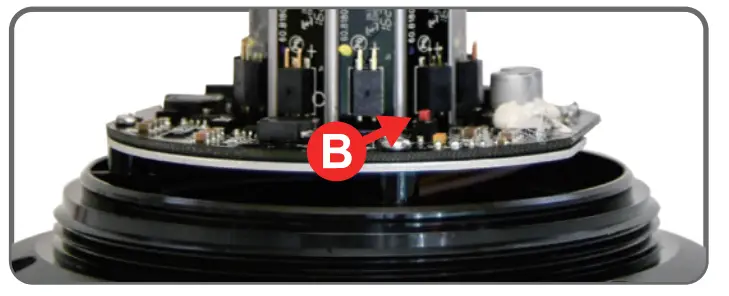 Note: All COLOUR1, COLOUR2 and COLOUR1 alt. 2 warning modes may select different Flash Pattern.