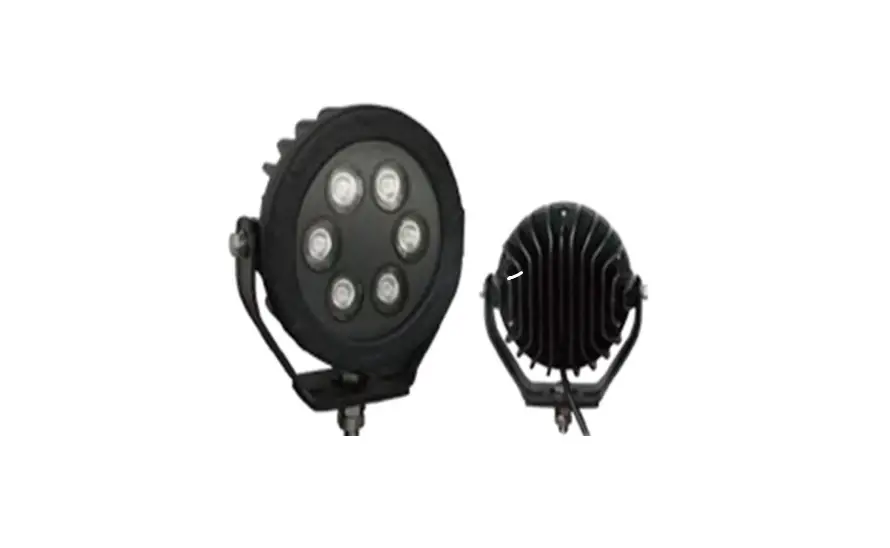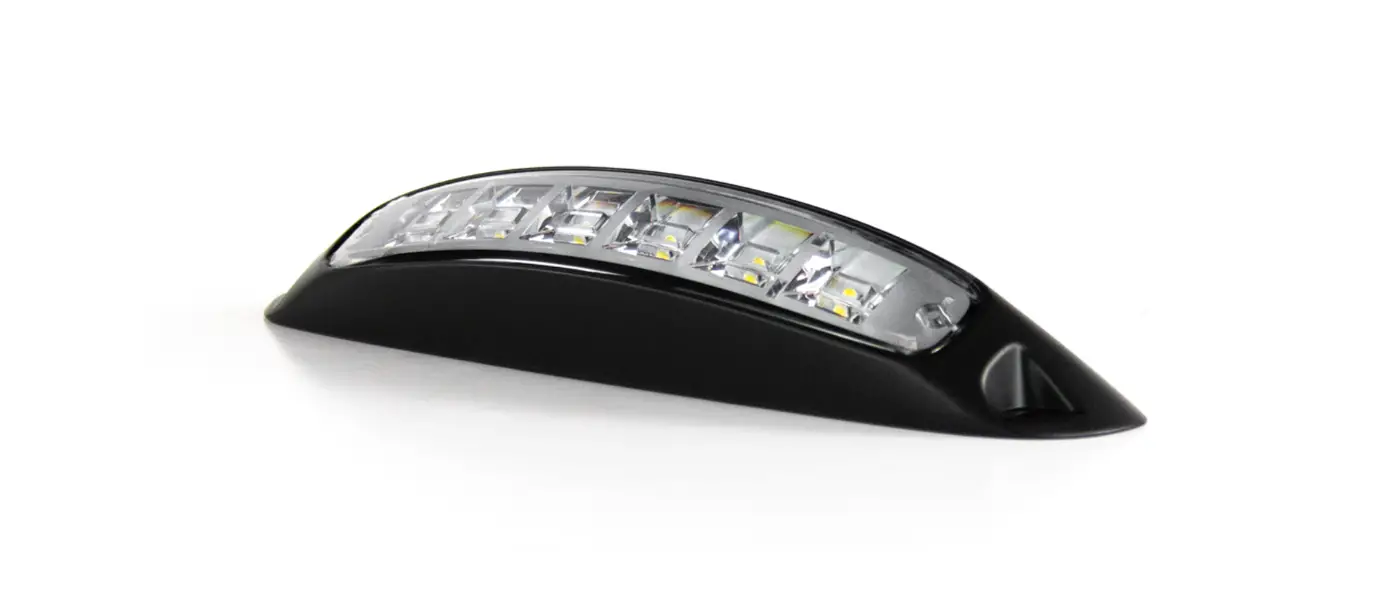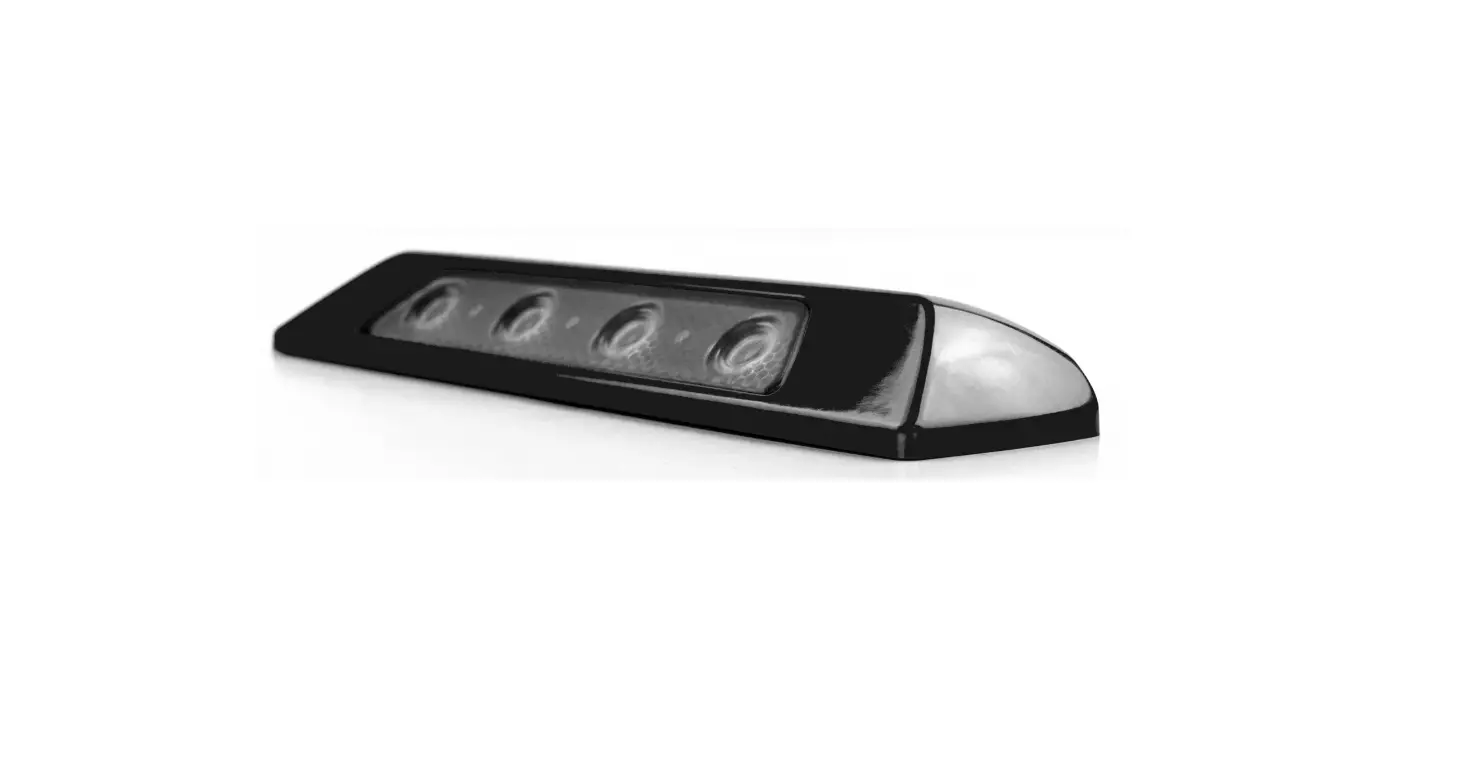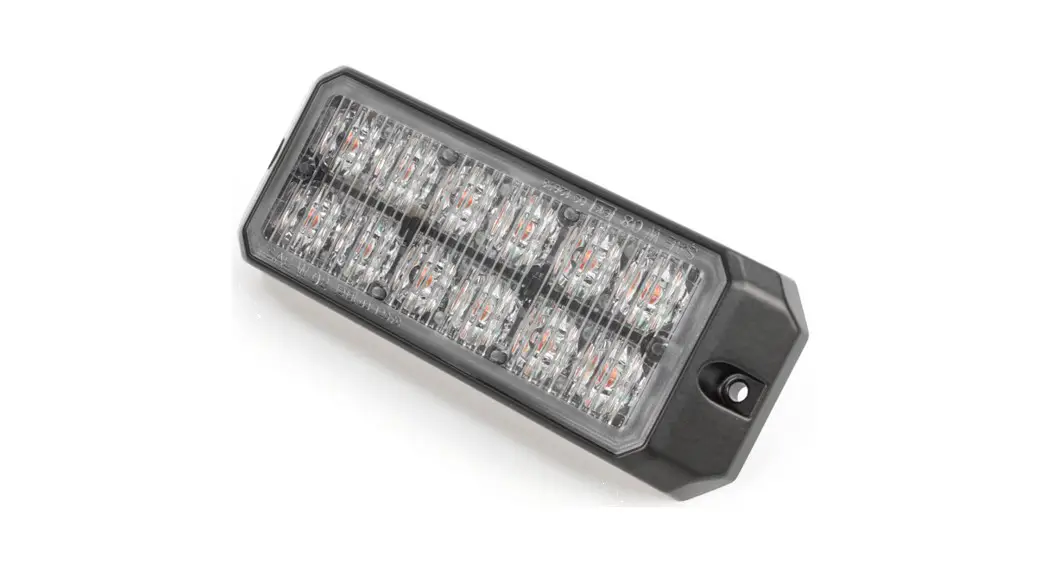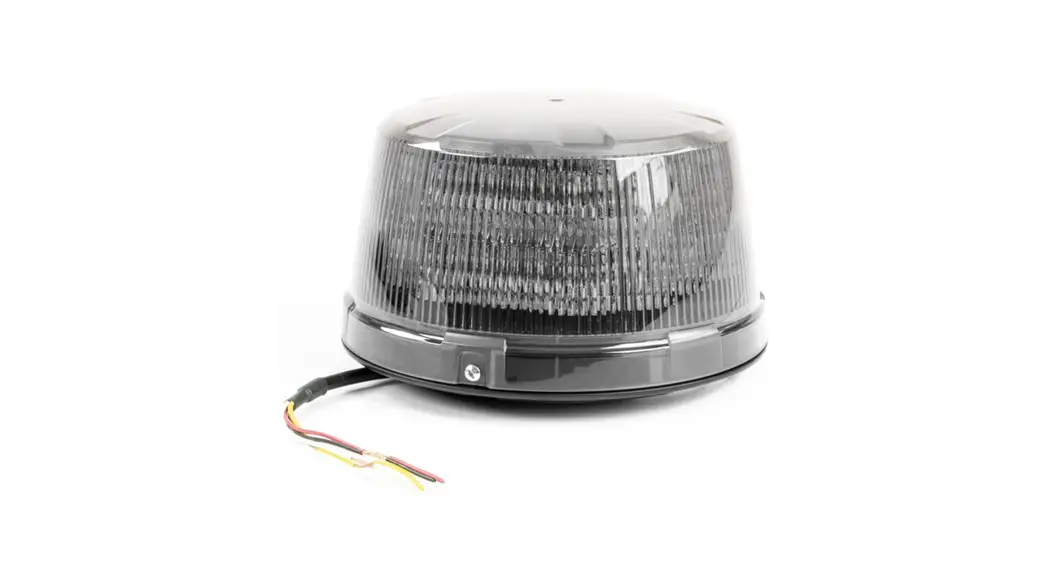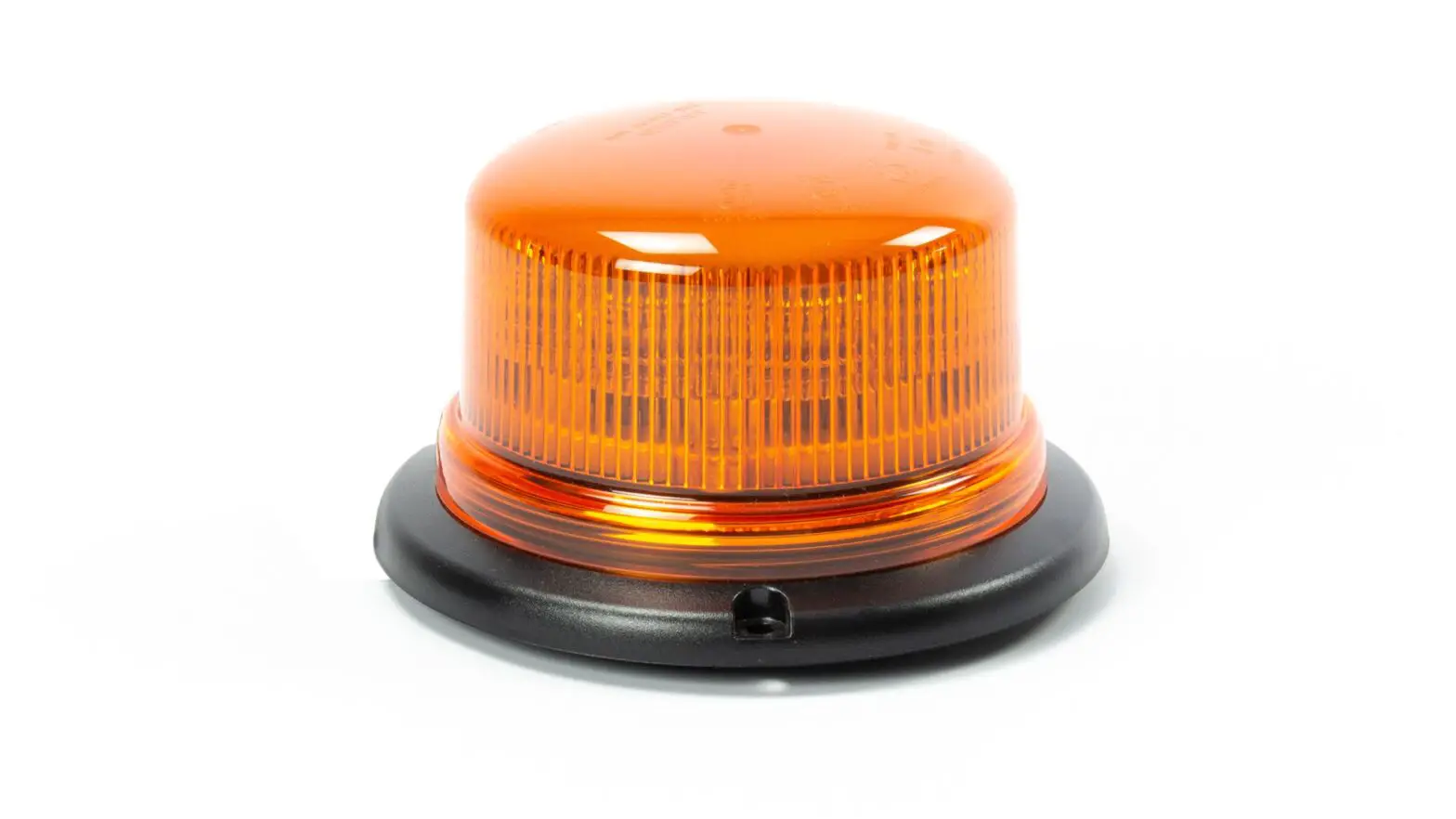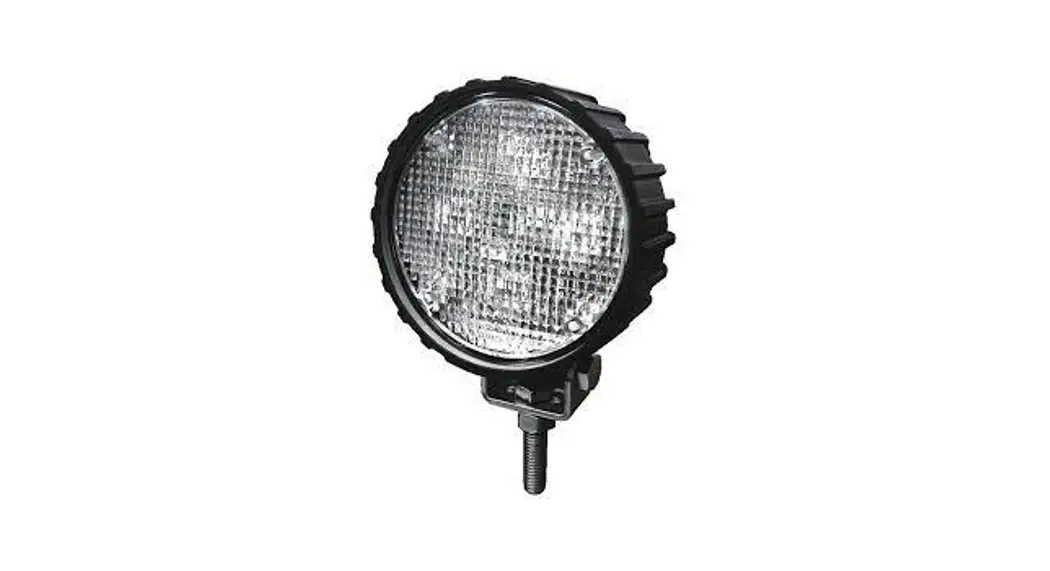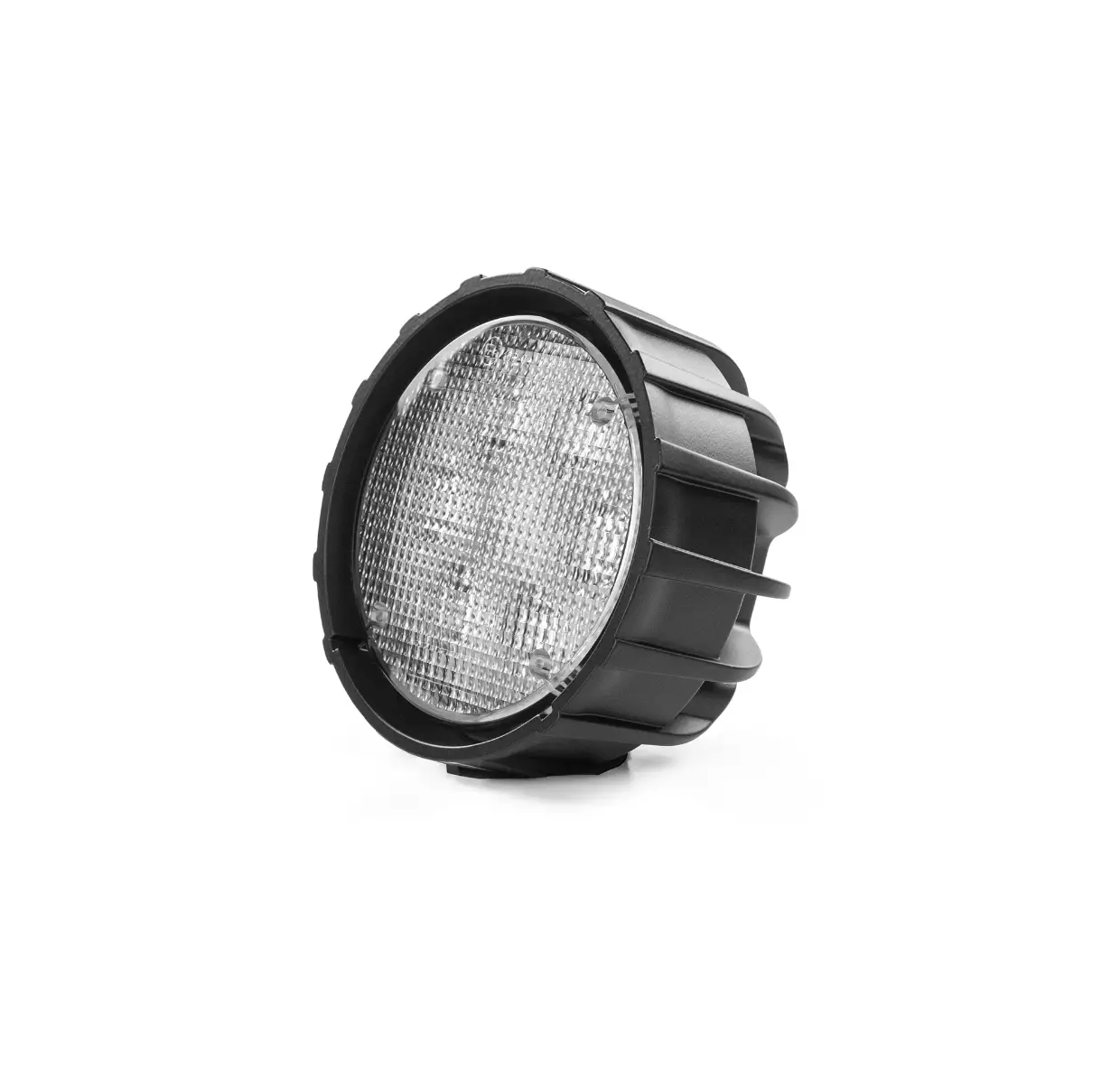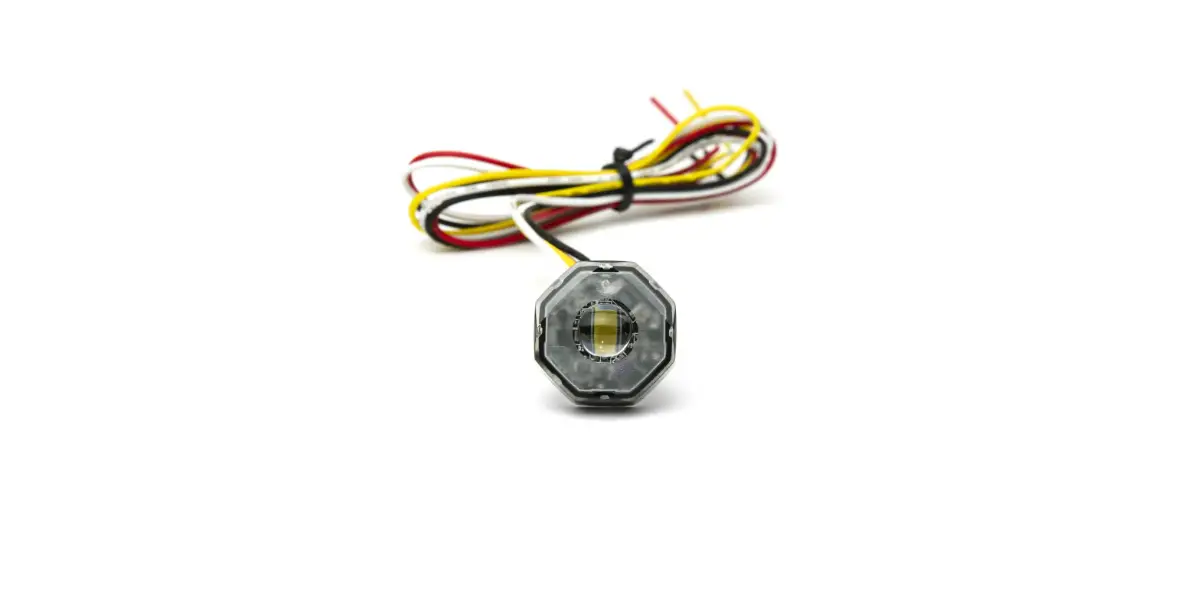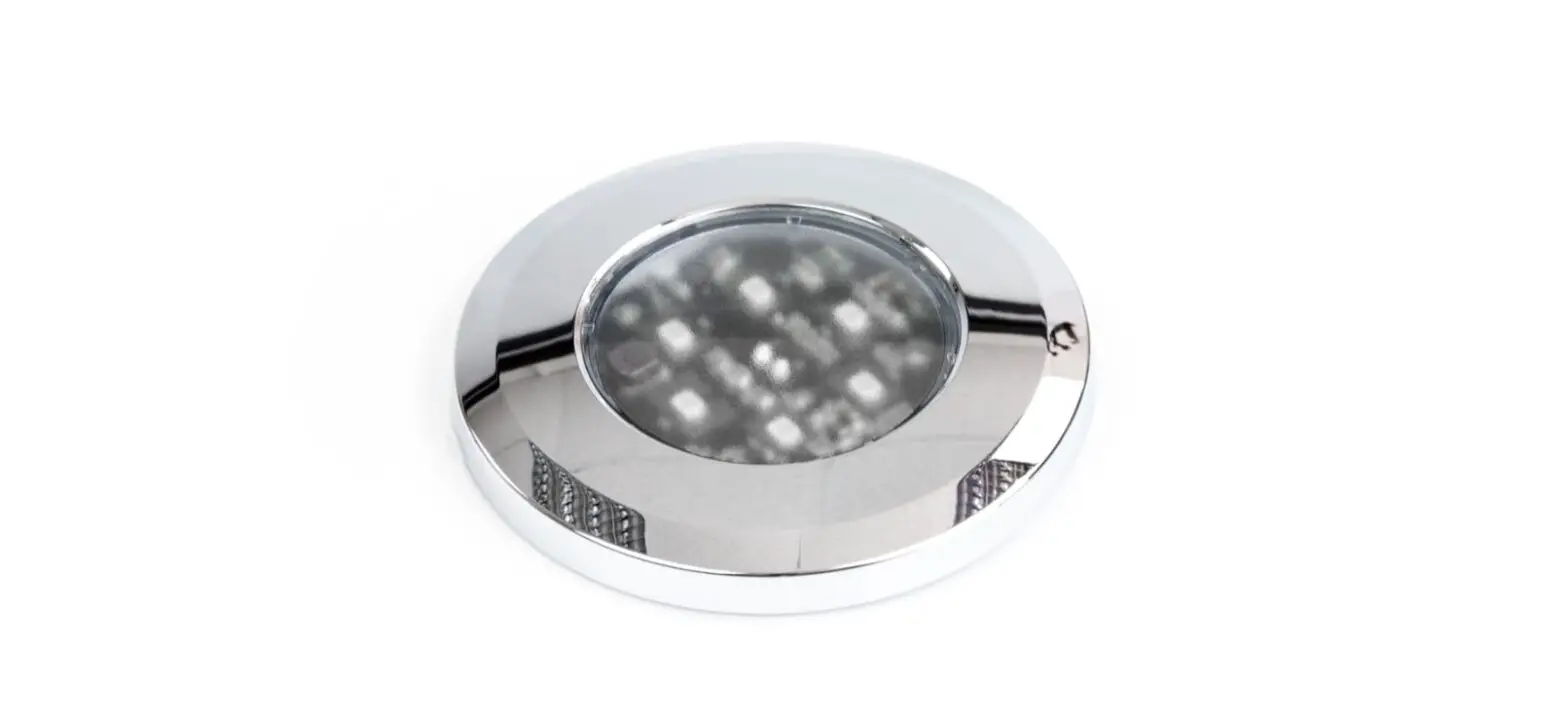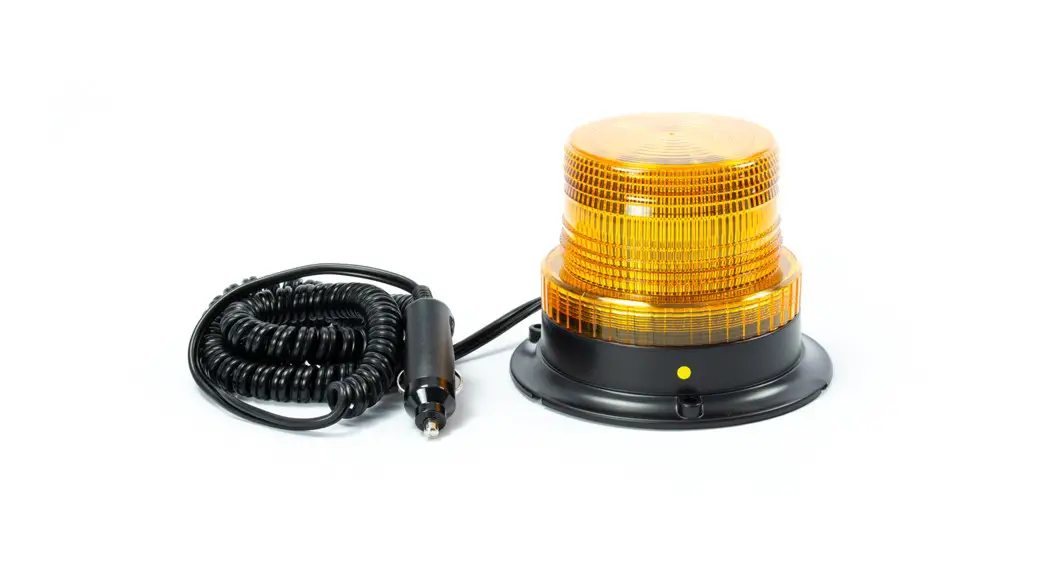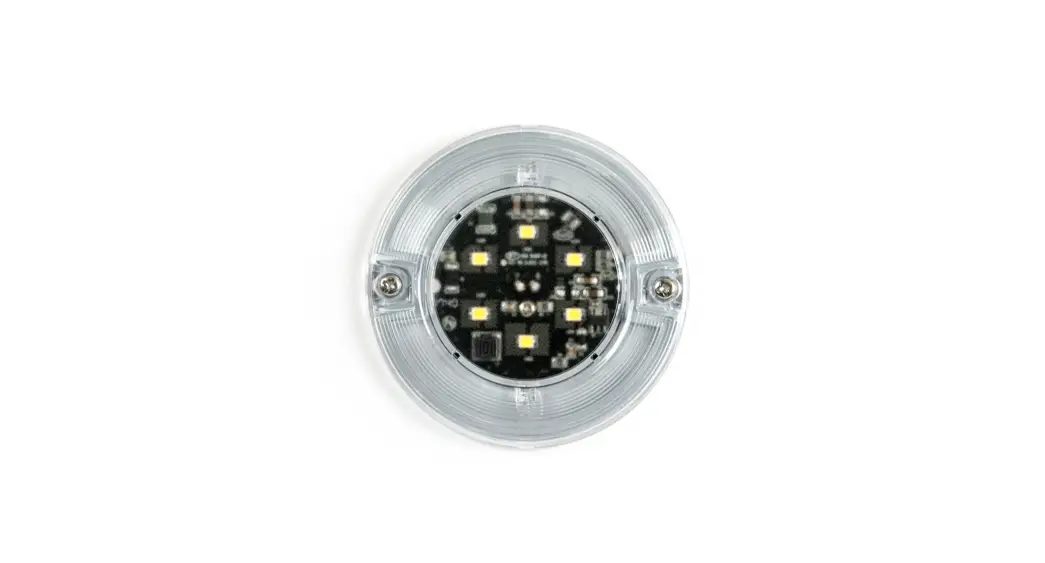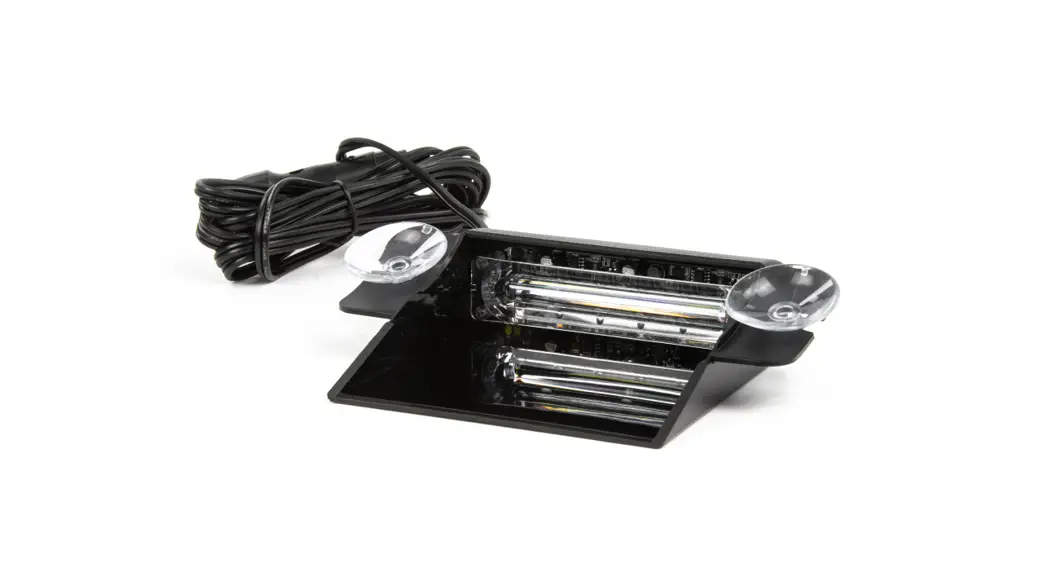
 DASH LIGHT USER MANUAL
OPERATION
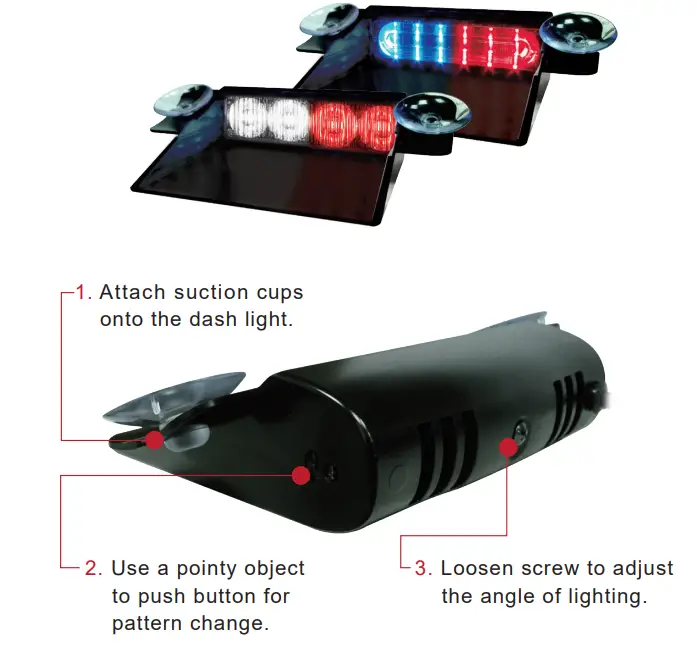
FLASH PATTERN
PUSH BUTTON
- push once for next flash pattern
- push quickly 3 times for reset to FP# 0
| FP# | Flash Pattern | ||
| 1 | Random (default) | 11 | Double (all) |
| 2 | Single (split) | 12 | Quad (all) |
| 3 | Double (split) | 13 | Quint (all) |
| 4 | Quad (split) | 14 | Mega (all) |
| 5 | Quint (split) | 15 | Ultra (all) |
| 6 | Mega (split) | 16 | Single-Quad (all) |
| 7 | Ultra (split) | 17 | Single H/L (all) |
| 8 | Single-Quad (split) | 18 | Steady 2 (california) |
| 9 | Single H/L (split) | 19 | Steady 4 (all) |
| 10 | Single (all) | ||
*SPLIT=side by side alternating *ALL=all LEDs on
NOTE: This unit may NOT be factory set at FP# 0
Unit 4 Premus, Brunel Park, Coldharbour Way
Aylesbury, Buckinghamshire HP19 8AP
web: www.cell2.com
email: [email protected]
tel:+44(0)2033 285 494
 Visual & Audible Warning Systems - Cell2