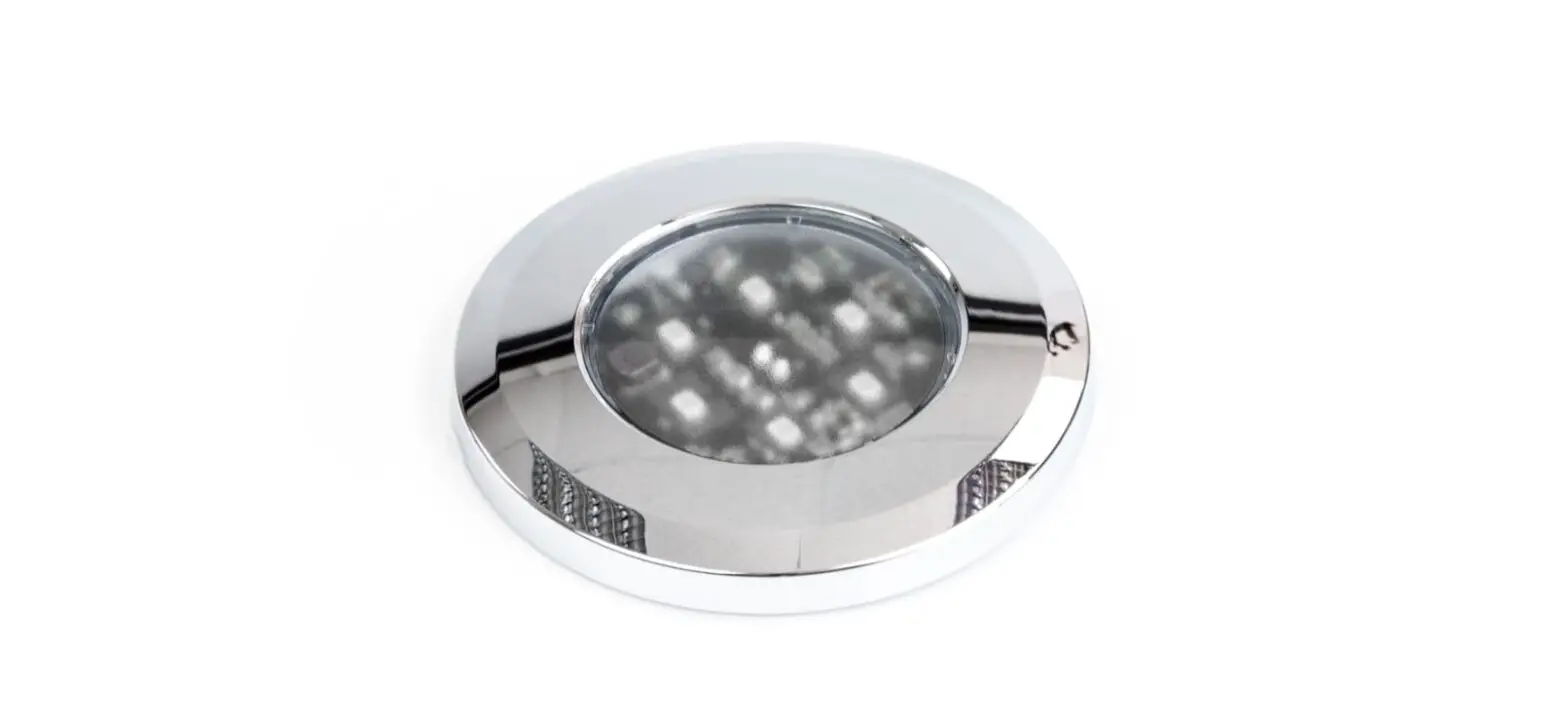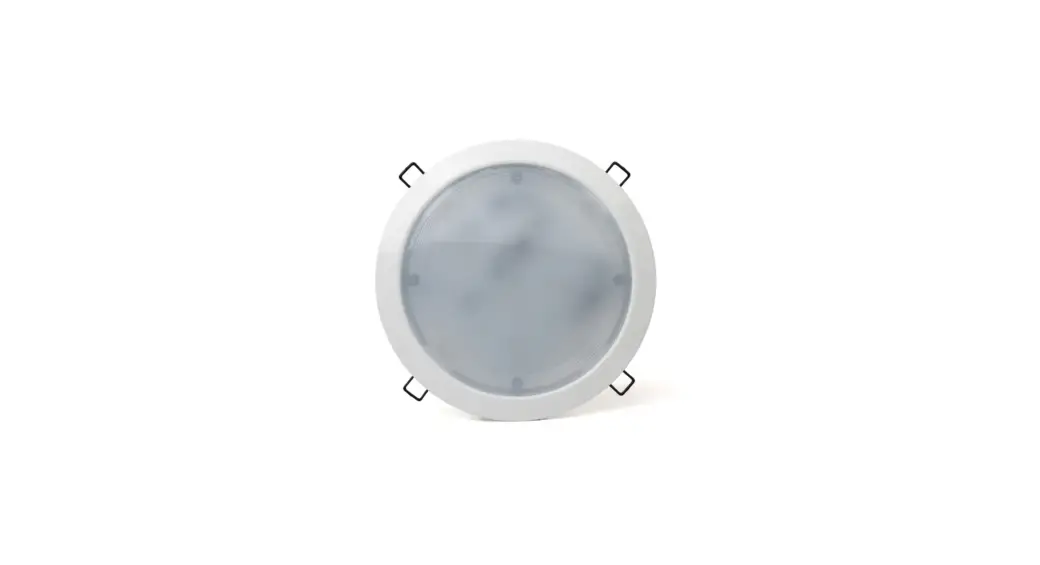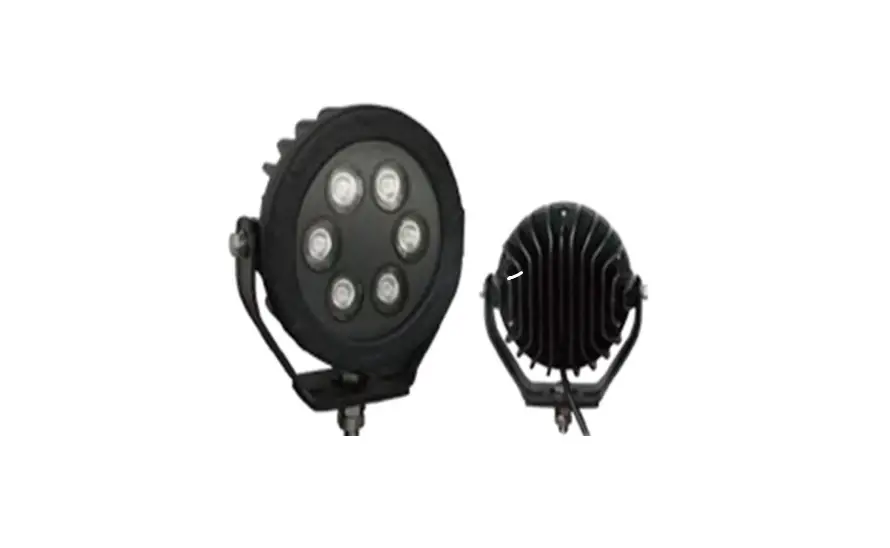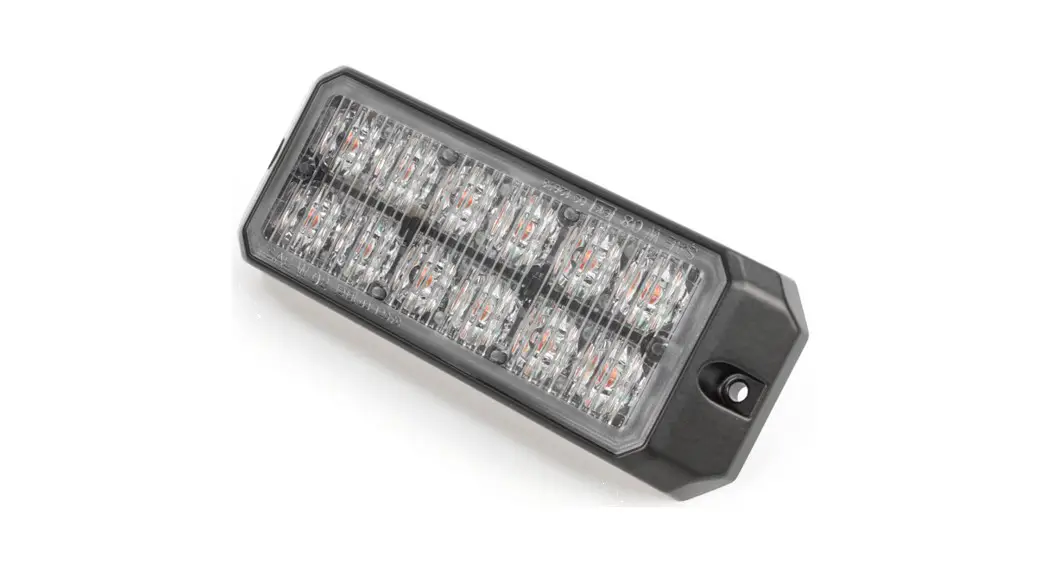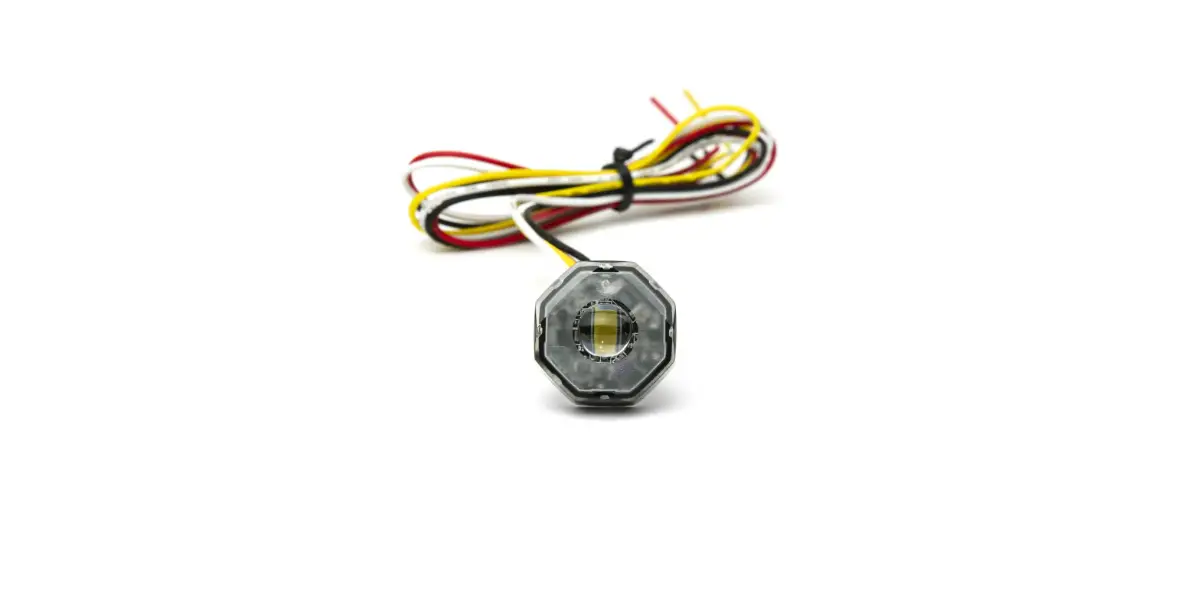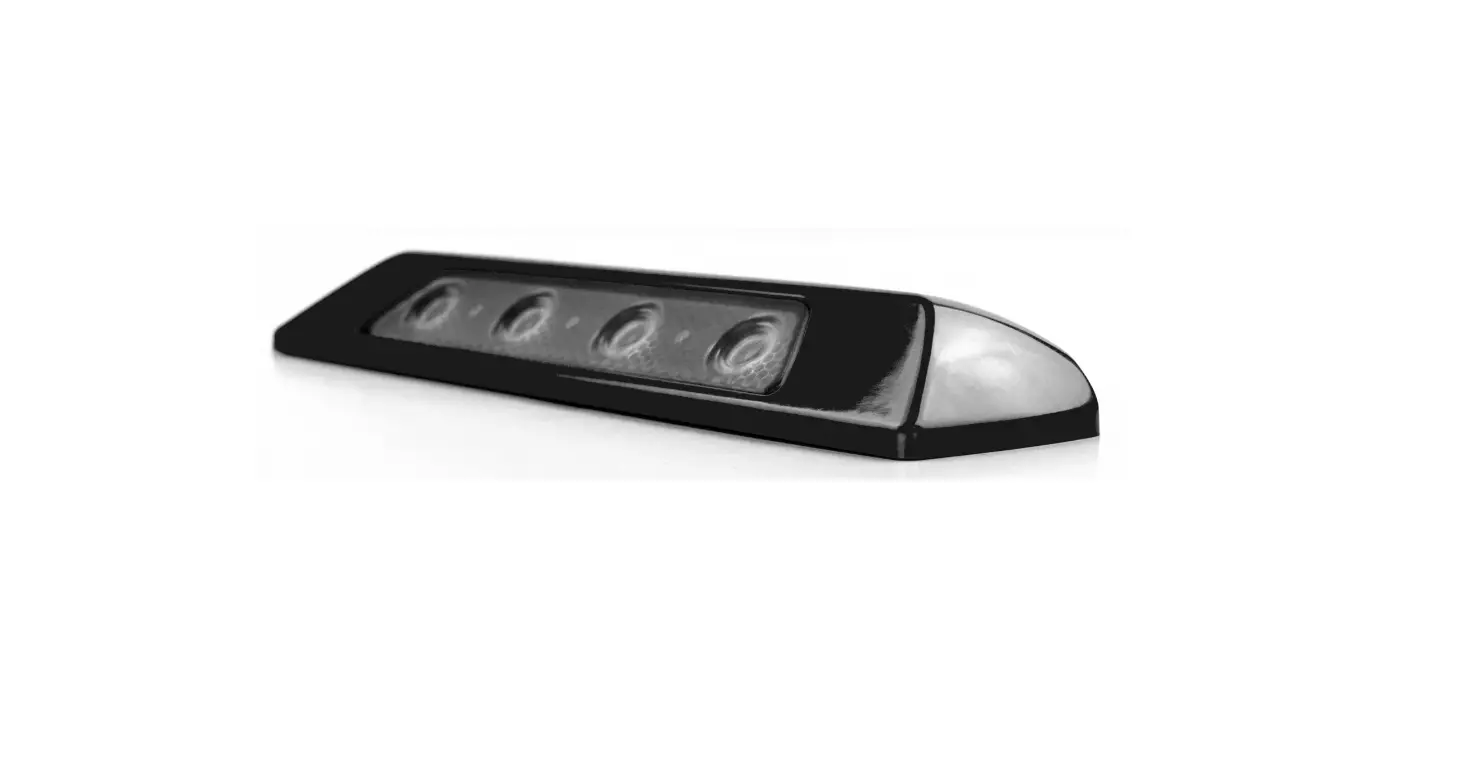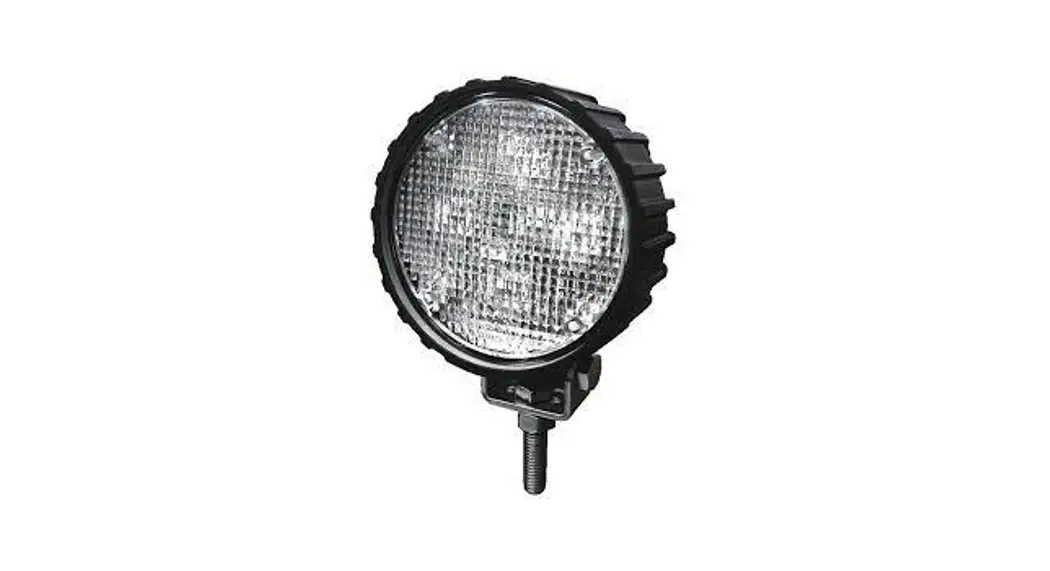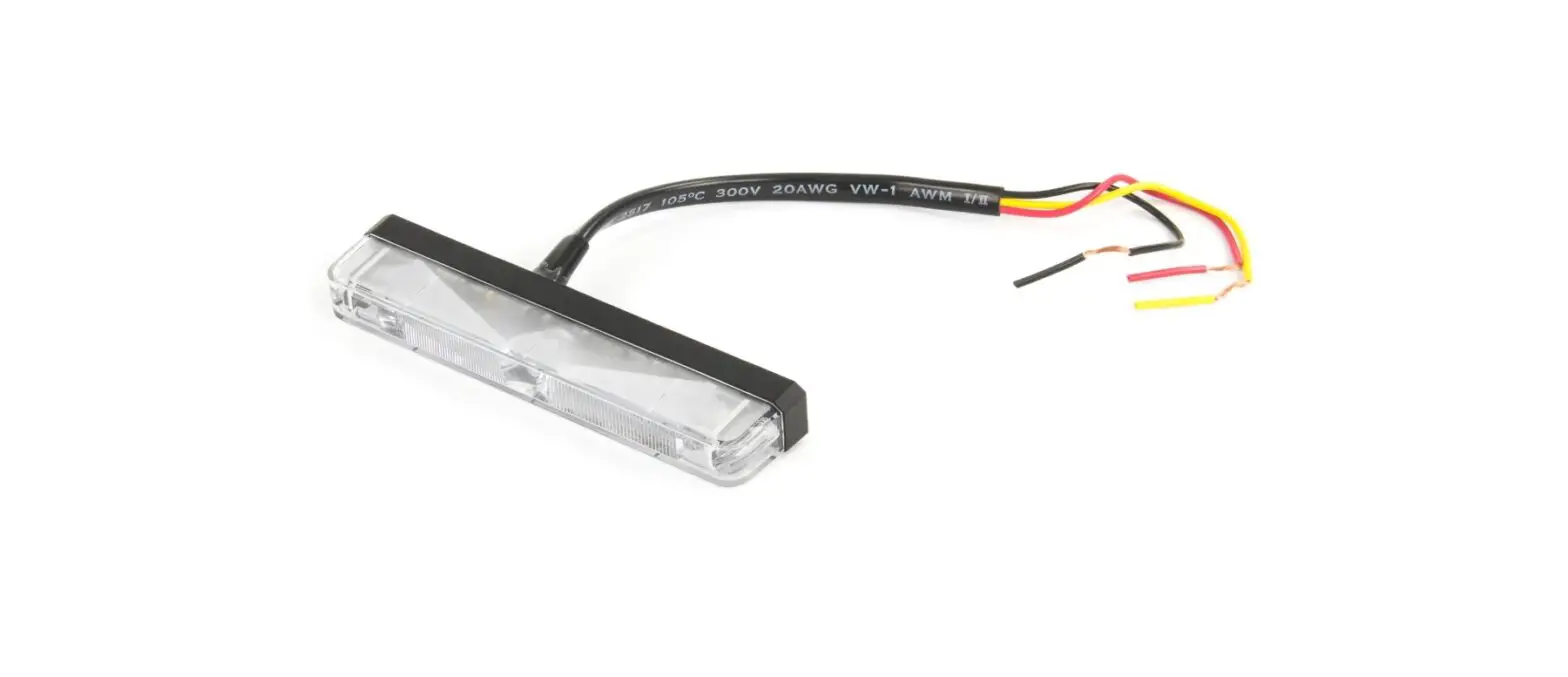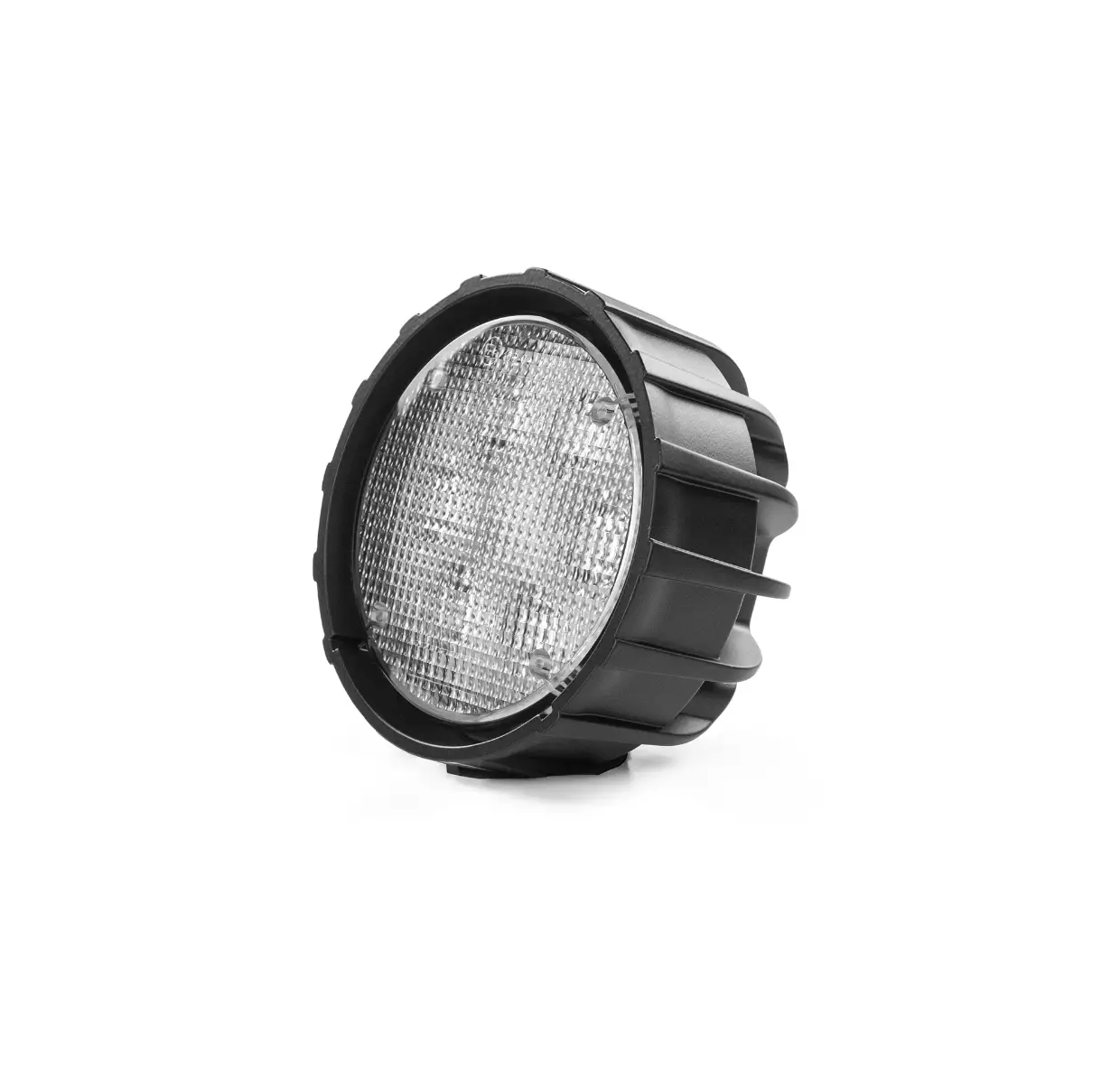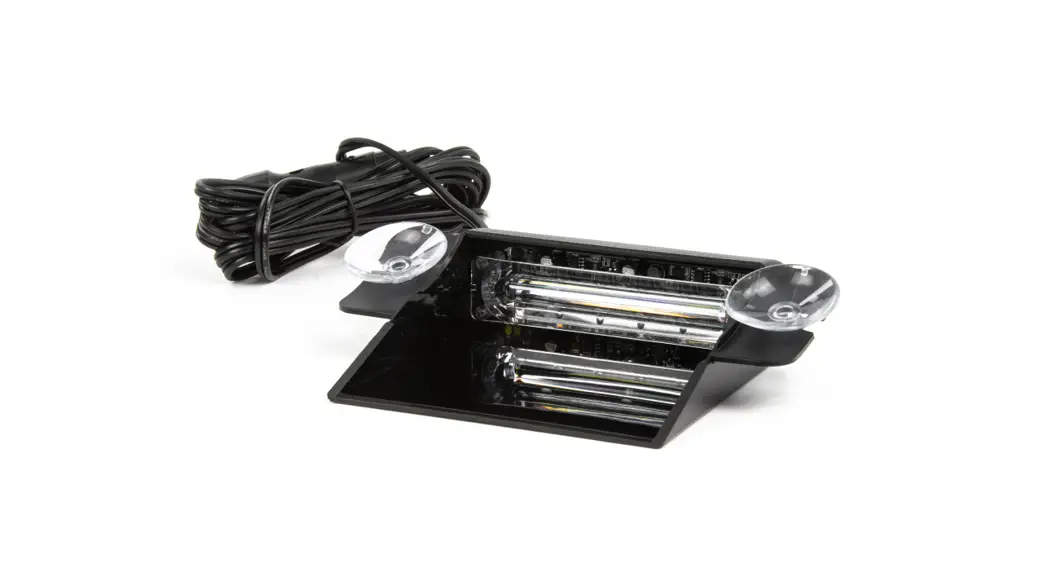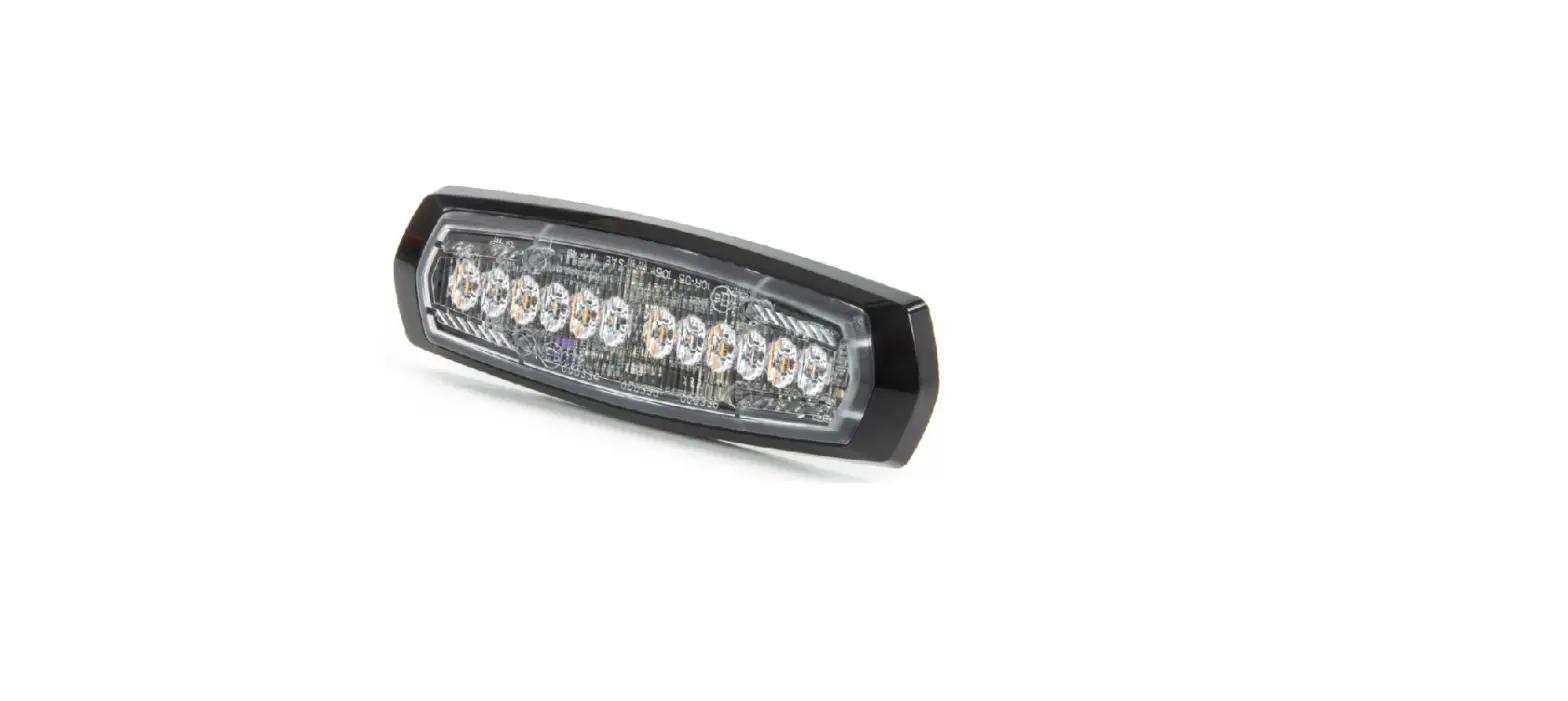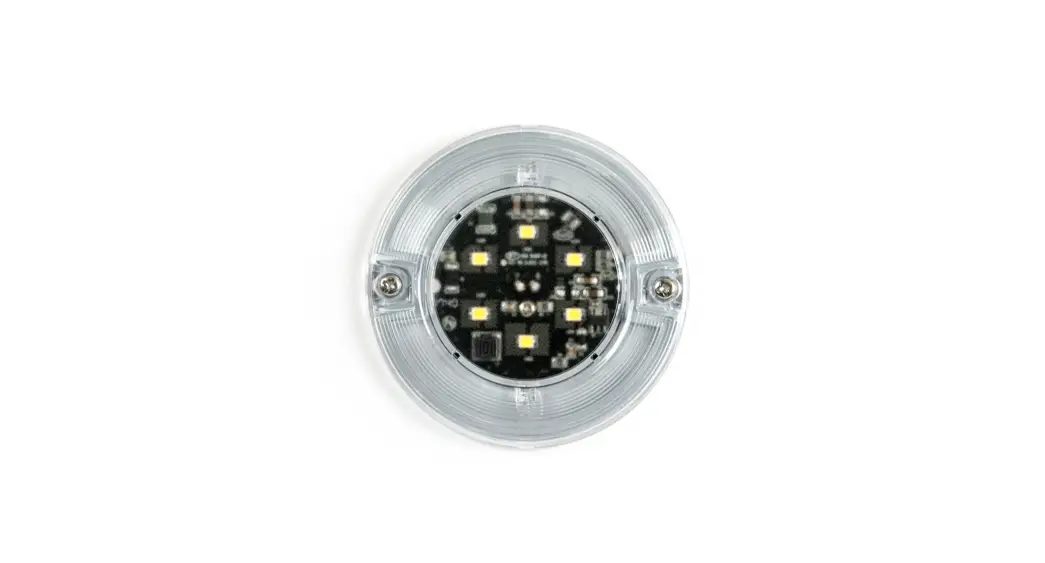
 WLJ-DC 3 Inch Round Compartment Light
User Manual
WLJ-DC 3 Inch Round Compartment Light
WIRING:
illumination Lightheaded – Multi-Colour Edition
To Vehicle -Ground………………………….LACK
To +VDC for Colour 1 activation (fuse rating @1A)……………….RED
To +VDC for Colour 2 activation (fuse rating @1A)…………………— WHITE
CAUTION: Activate only one color at a time.
NEVER activate both RED and WHITE wires together at the same time.
INSTALLATION:
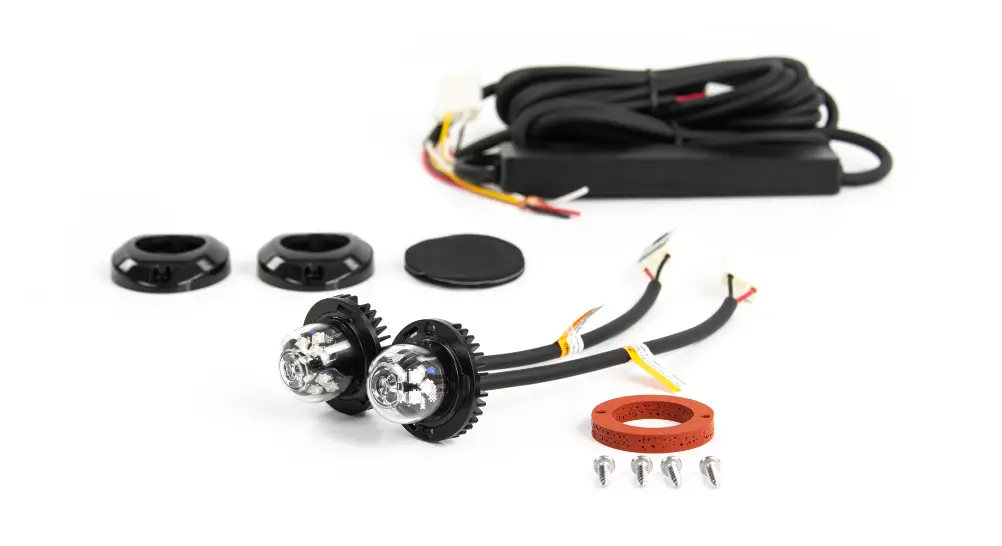
(Included mounting kit will be based on the actual model ordered.)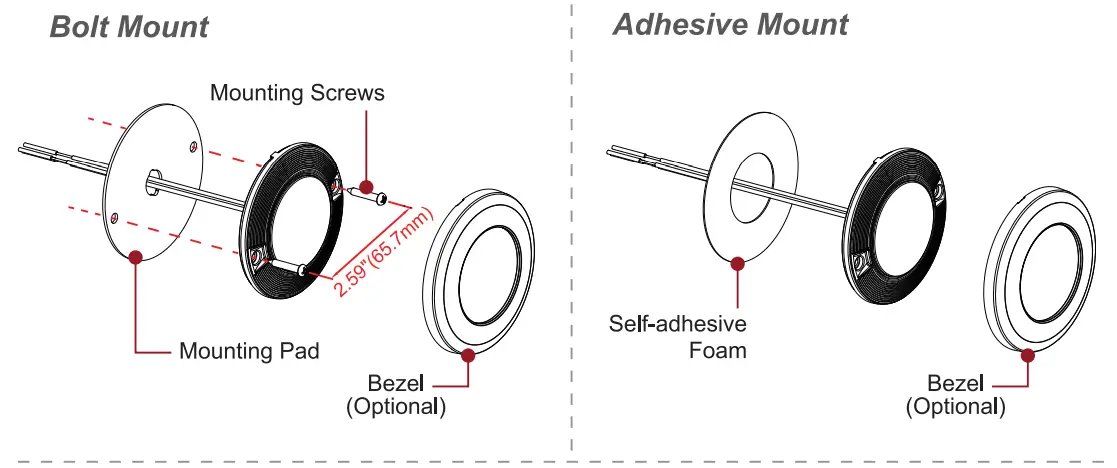
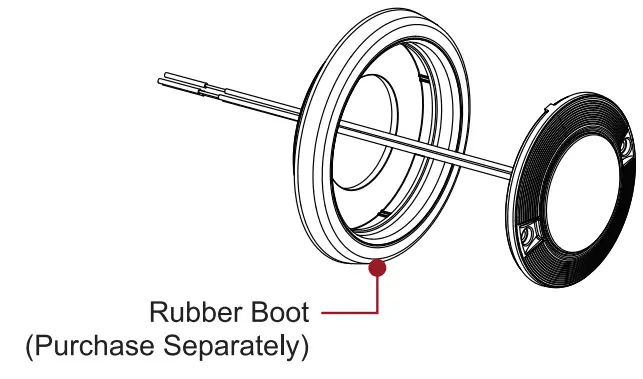
Rubber Boot Mount
- Create a @3.3-inch (84mm) cut-out on the selected mounting surface.
- Insert the Rubber Boot onto the mounting surface.
- Run the wiring through the Rubber Boot and make all necessary connections.
- Insert the compartment light and fix into the Rubber Boot.
Note: Maximum sheet metal thickness @ 0.25” (6.35mm)