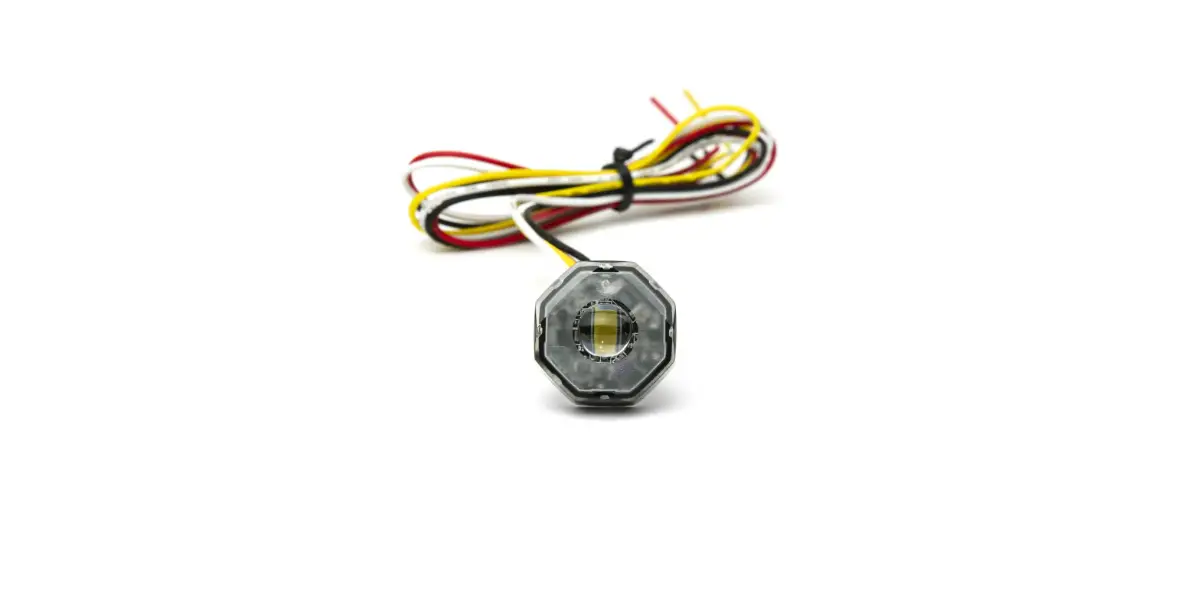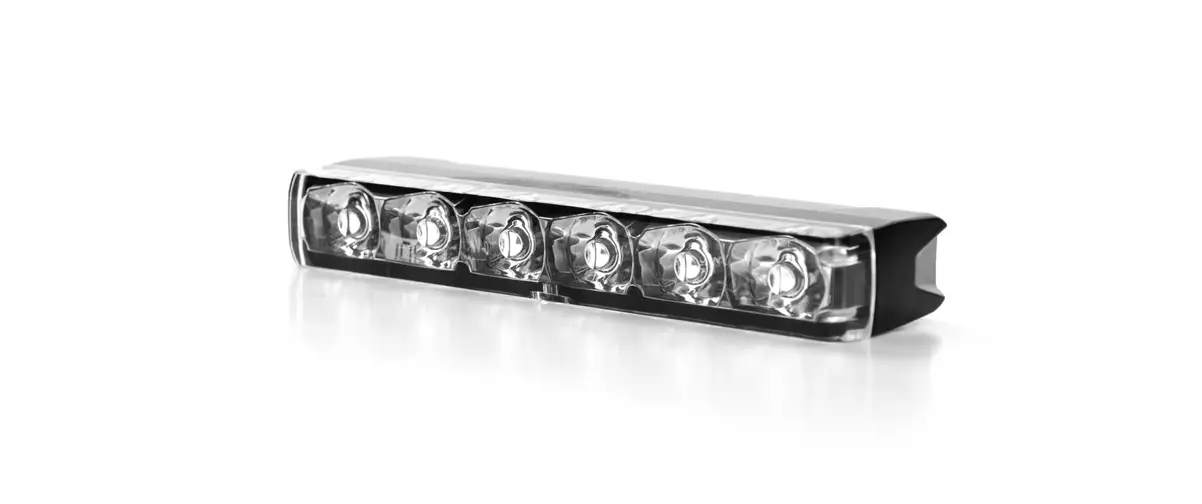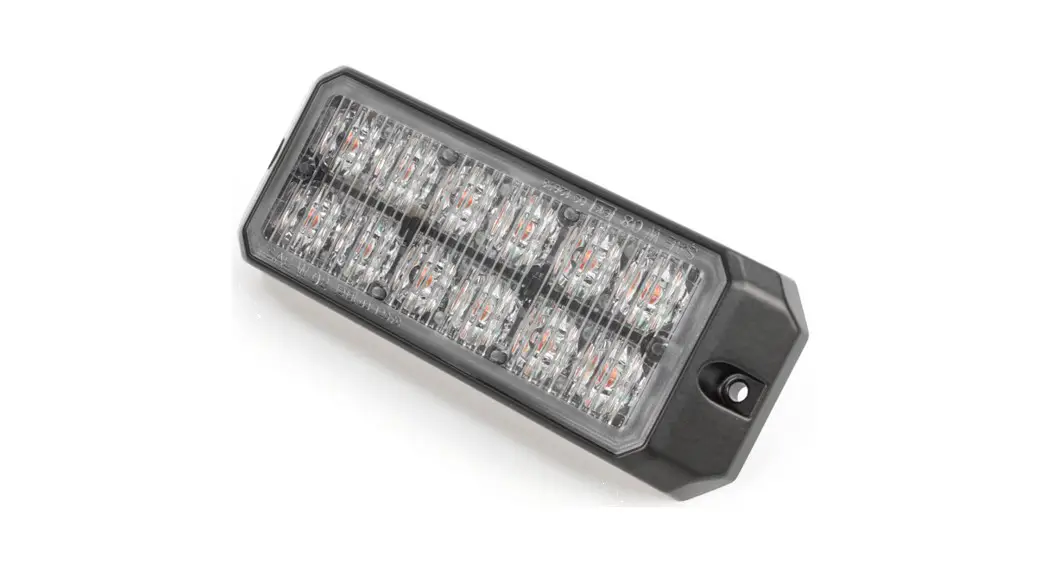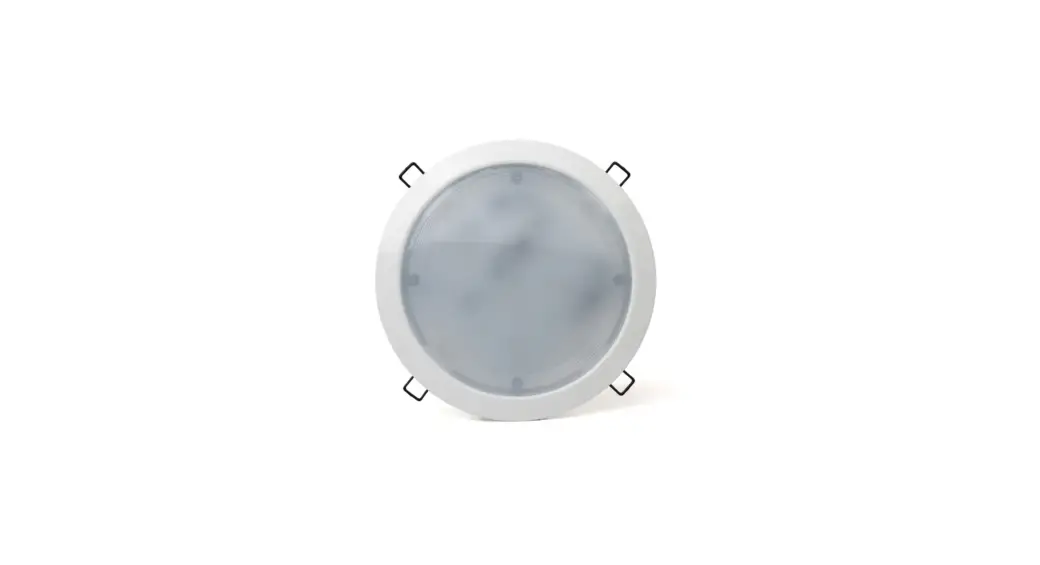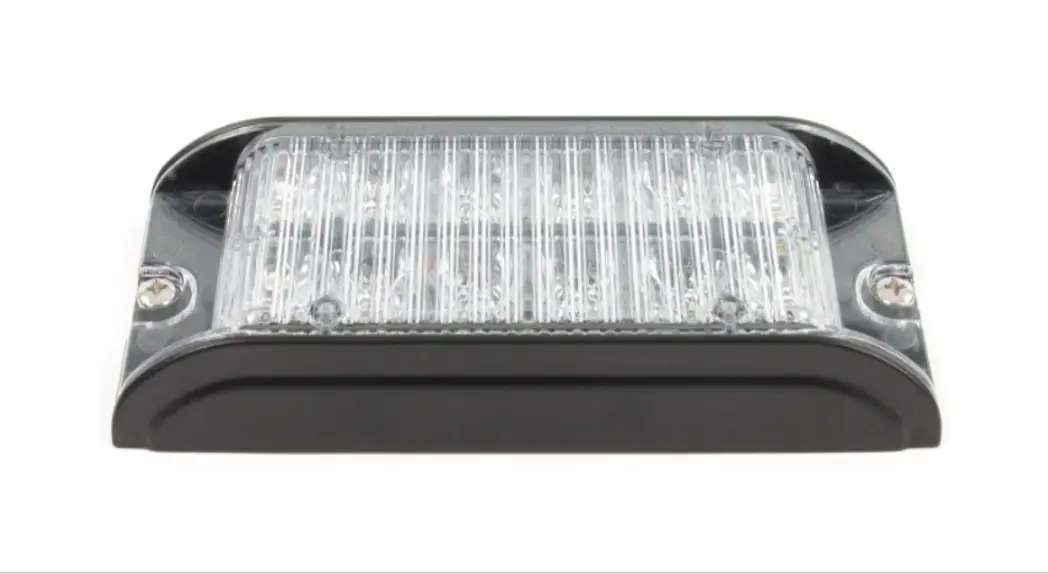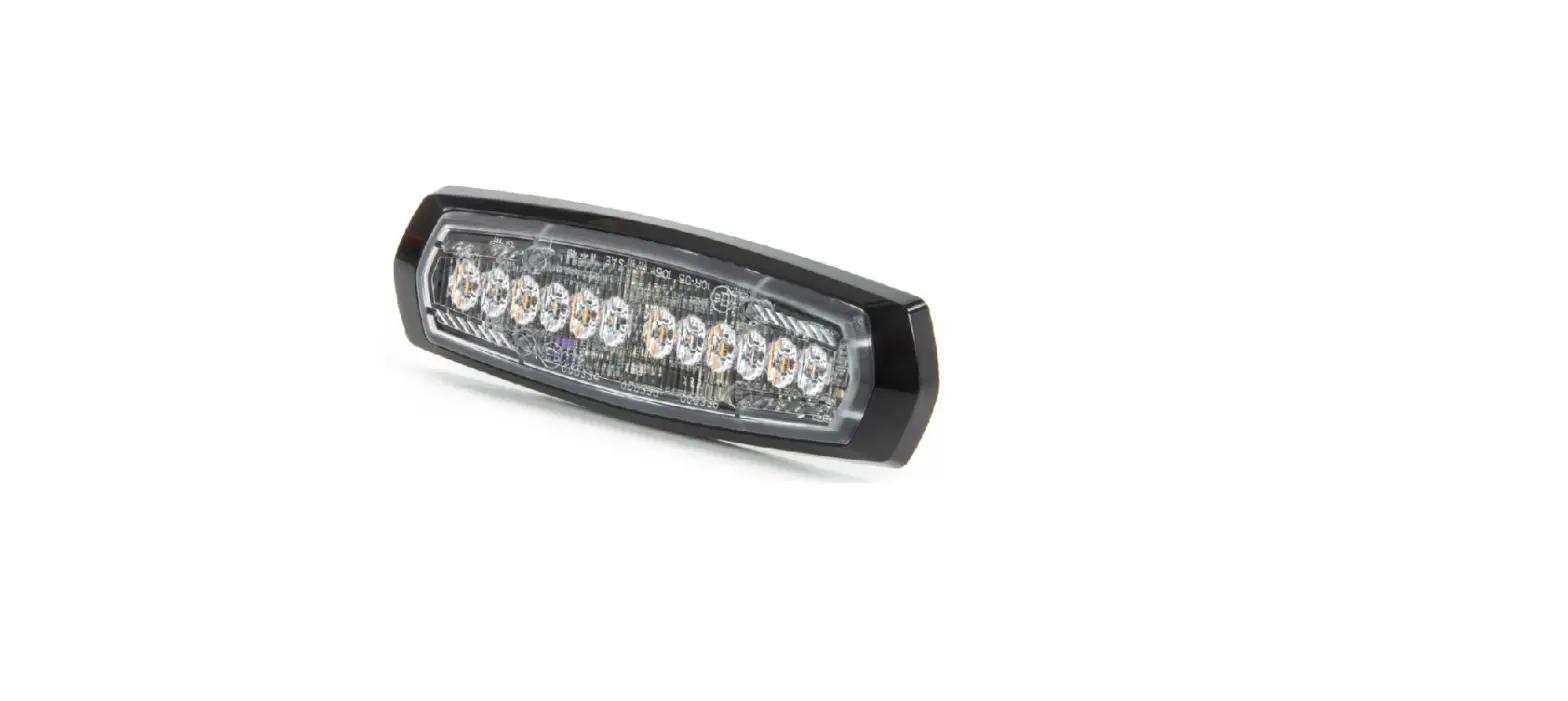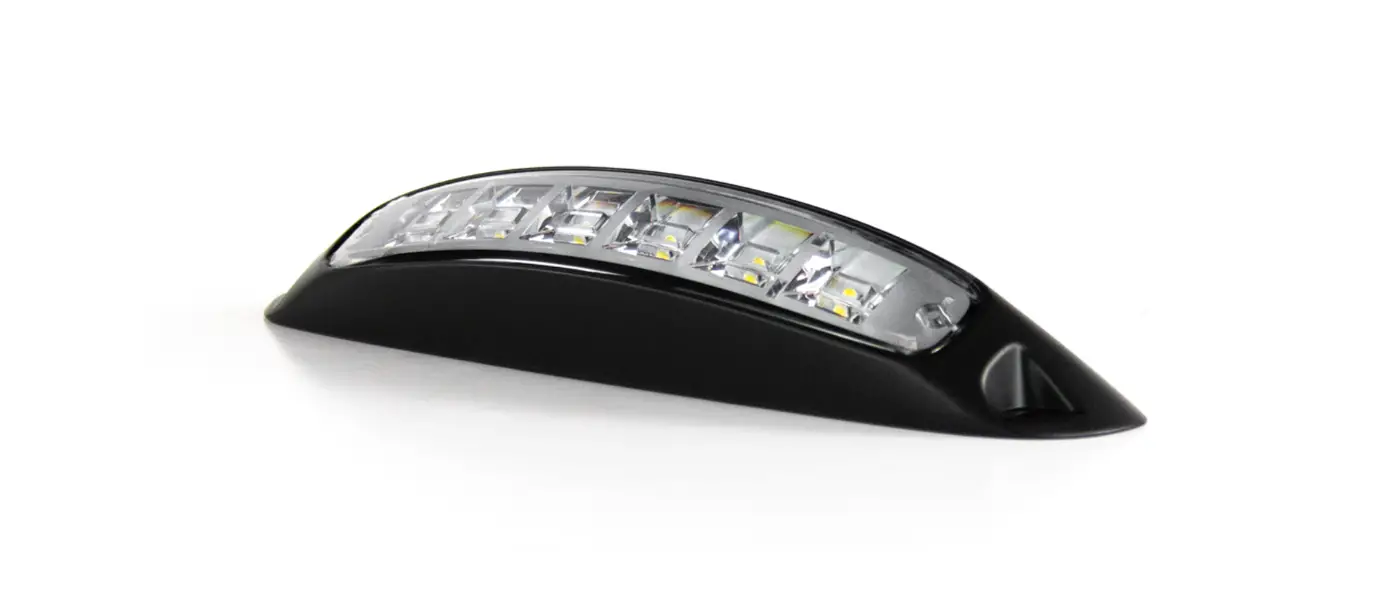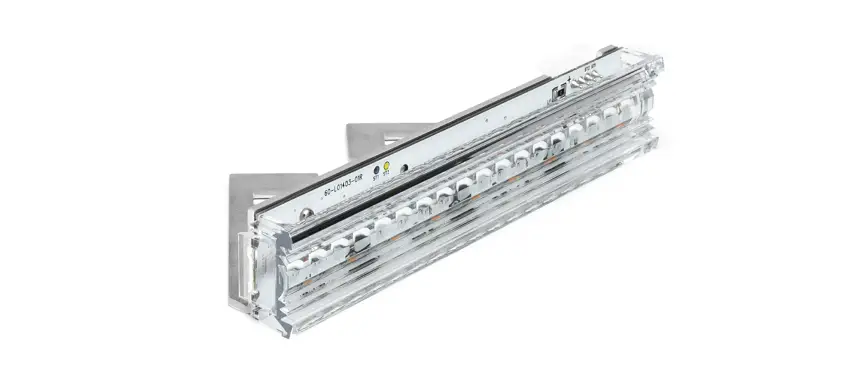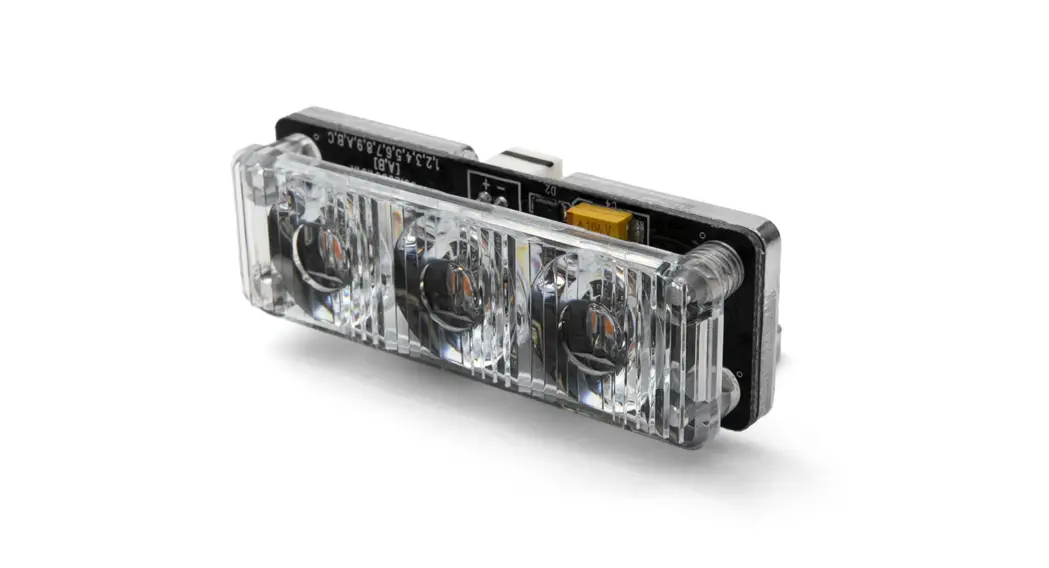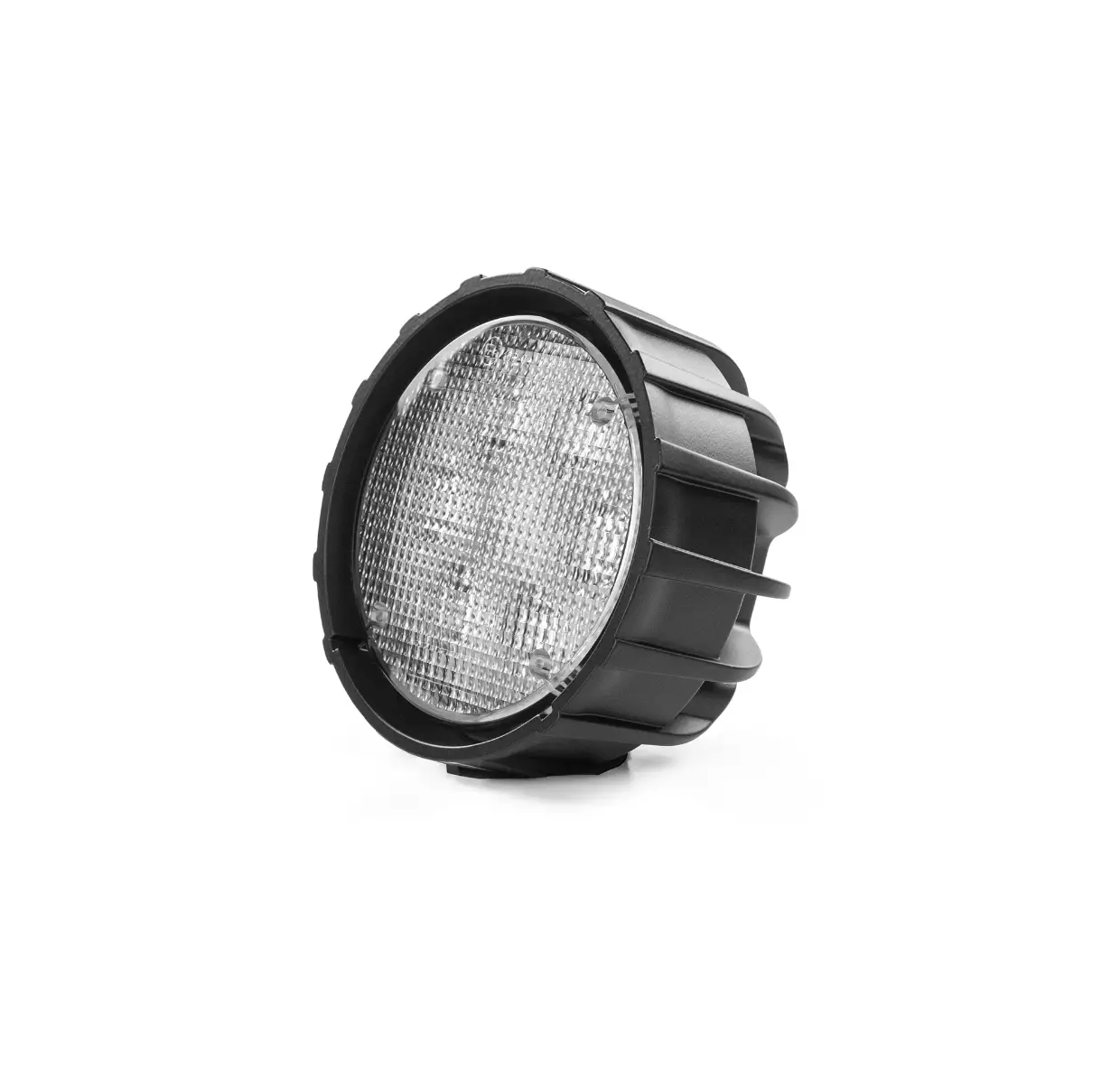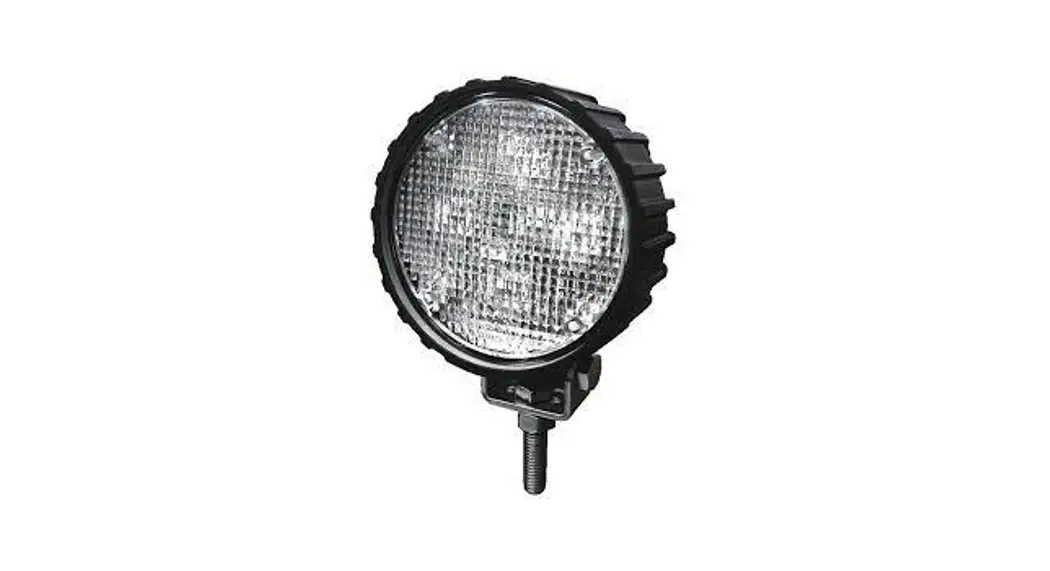

Cell2 AL6 Wide Angle Lighthead
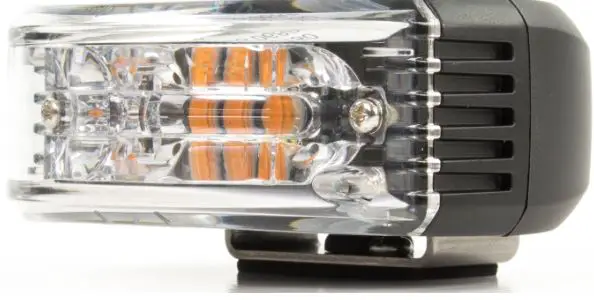
Surface Mounting
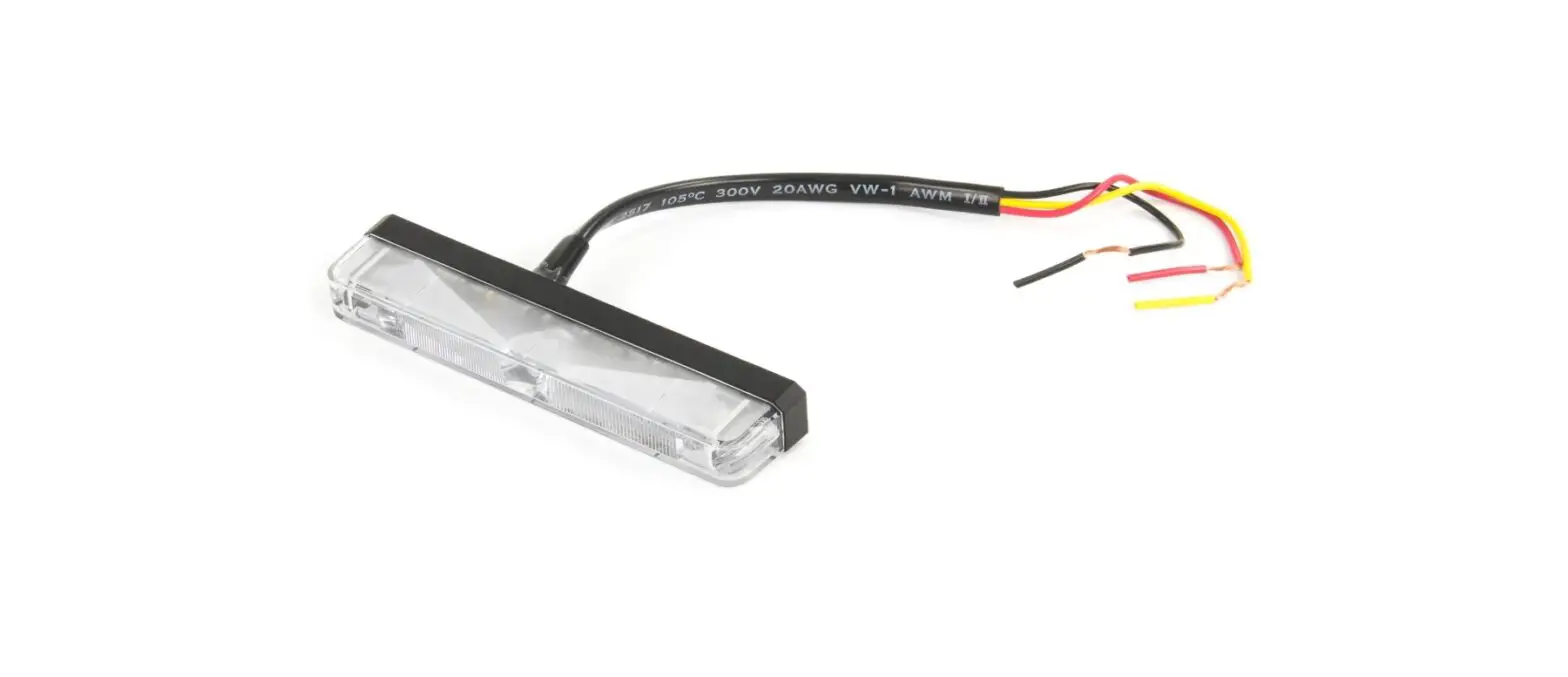
WIRING
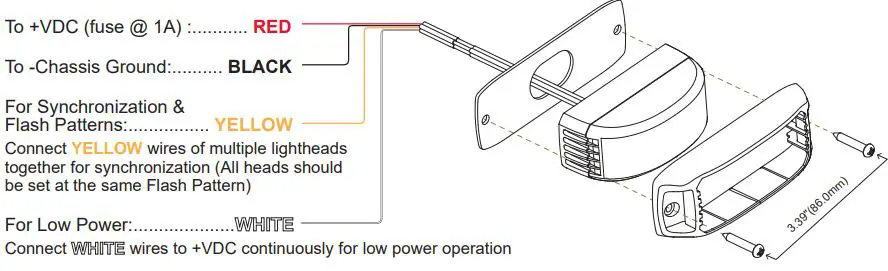
OPERATION
For Simultaneous or Alternating Flash:
- Apply +VDC to RED and YELLOW wires simultaneously to enter Grouping mode; lighthead will display short (single or double) flashes:
Single flash = Group1
Double flash = Group2 - Remove YELLOW wire from +VDC then momentarily apply +VDC to change Groups:
Heads of the same Group will flash together.
Heads of different Groups will flash alternately. - Save and Exit the Grouping Mode by powering off the lighthead.
For Flash Patterns:
Momentarily apply +VDC to YELLOW wire:
once for next pattern
quick three times for FP#1
NOTE: This unit may not be factory set at FP# 1.FLASH PATTERNS 1 Double [R65] 9 Double [SAE] 2 Single [2Hz] 10 Triple [SAE] 3 Triple [2Hz] 11 Quad [SAE] 4 Quad [2Hz] 12 Quint [SAE] 5 Random 13 Ultra [SAE] 6 Steady 14 Single-Quad 7 Single [SAE][CA13] 15 Single H/L 8 Mega [SAE] 16 Singe-Triple-Quint
Side Mirror Mounting
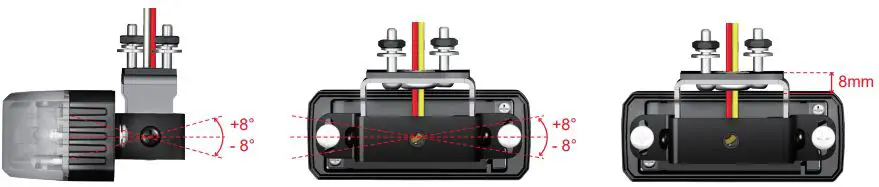
ADJUSTABLE RANGE FOR SIDE MIRROR MOUNT
- Up-down tilting: ±8°
- Left-right tilting: ±8°
- Height Adjustment: 8mm

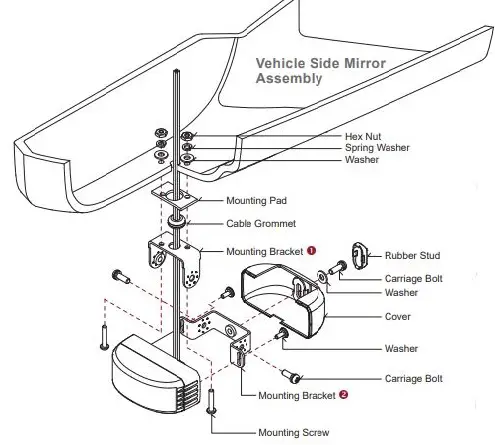
Side Mirror Mounting
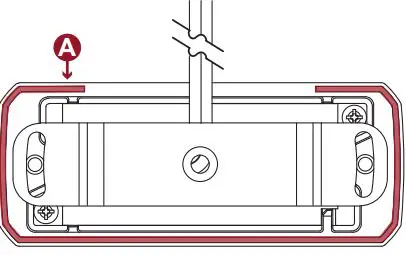
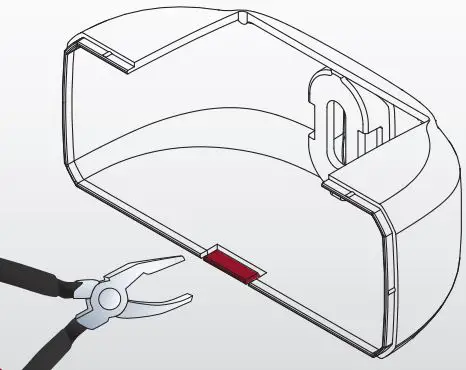
Notes when Mounting with back Cover
- Please ensure that the wires should exit from the side without the groove A

- Please break away the drainage notch B with pliers. (Not required for pedestal mount)

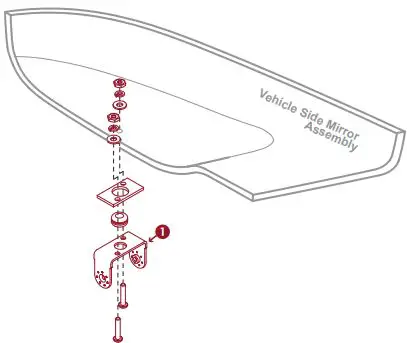
- Select a mounting location and install the Bracket 1 to mirror.

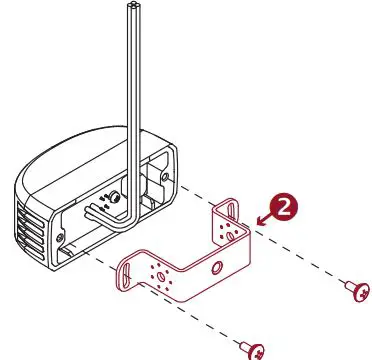
- Attach the Bracket 2 to the Lighthead.

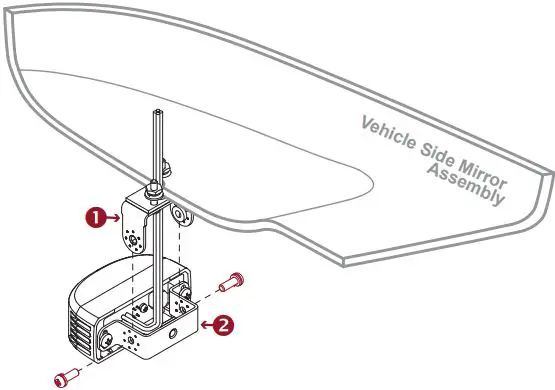
NOTE: You may adjust the height and Left-Right tilting at this point. - Feed the wires through the cable grommet and assemble the Bracket 1 with Bracket 2.

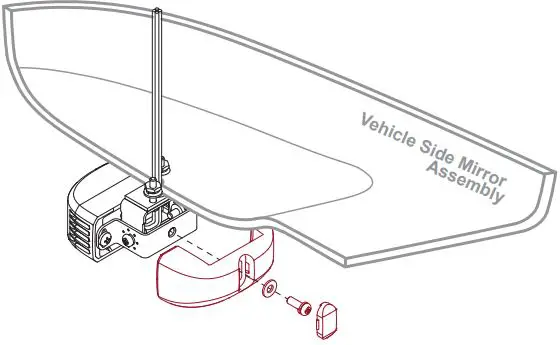
NOTE: You may adjust the Up-down tilting at this point. - Secure the back Cover with the screw and the rubber stud.