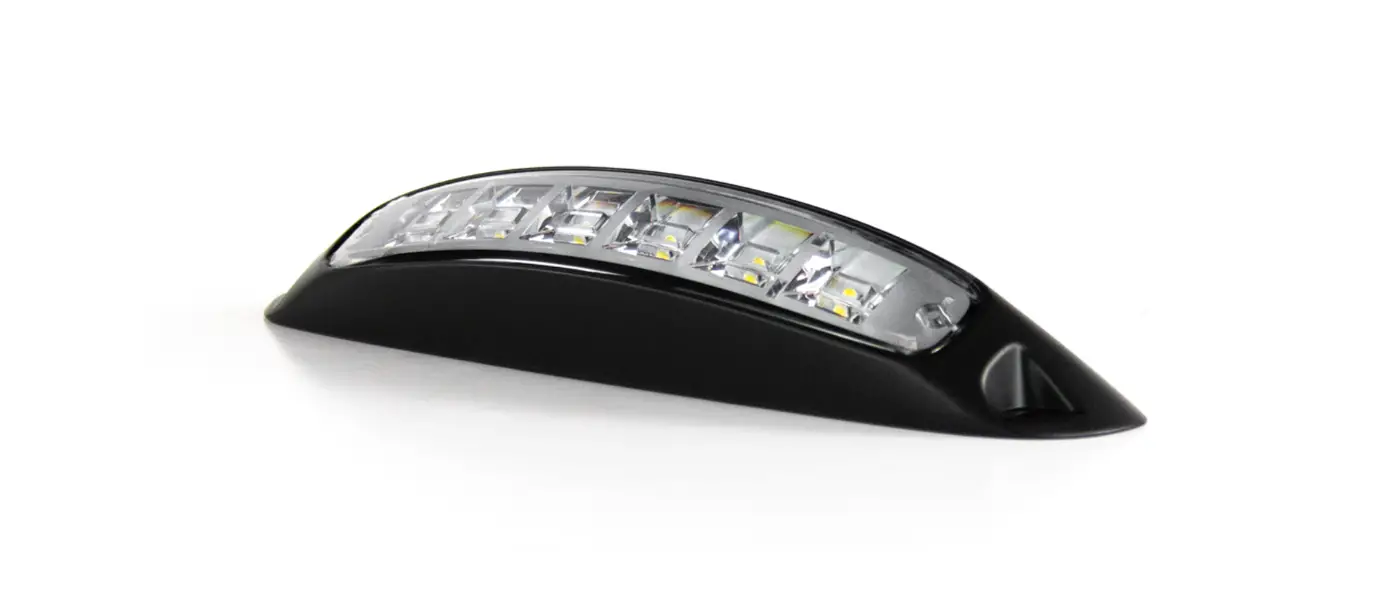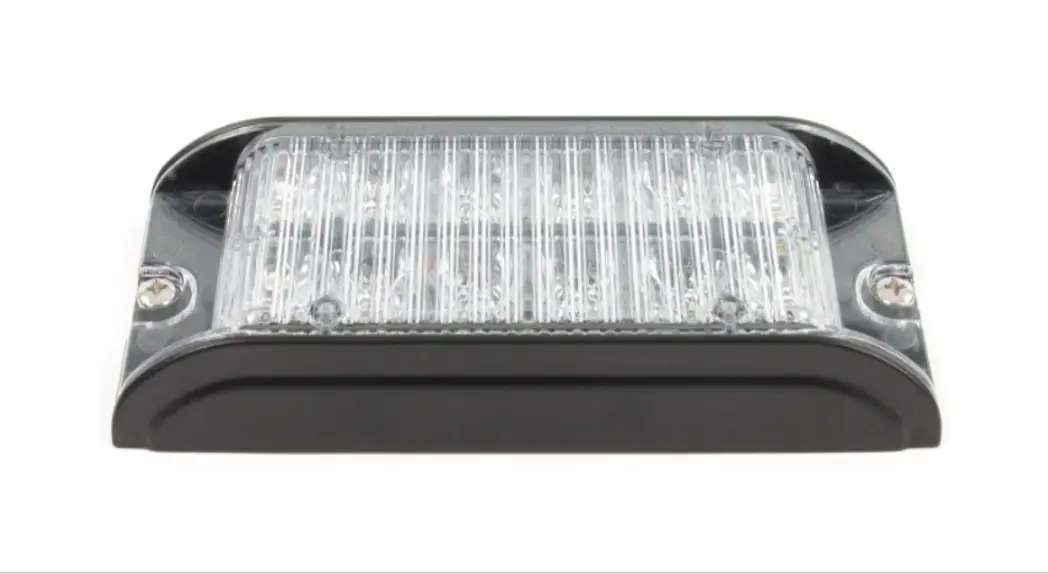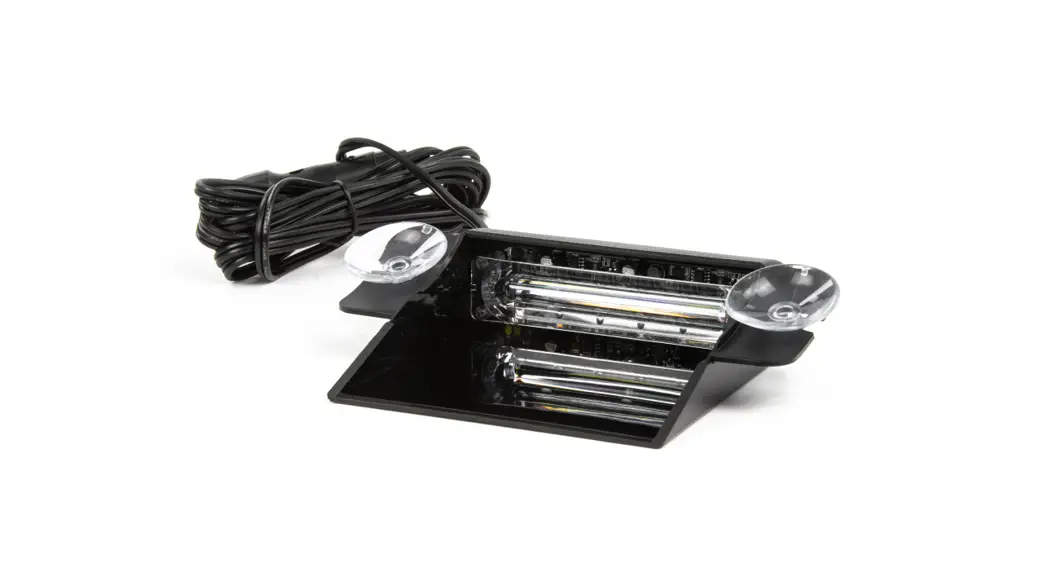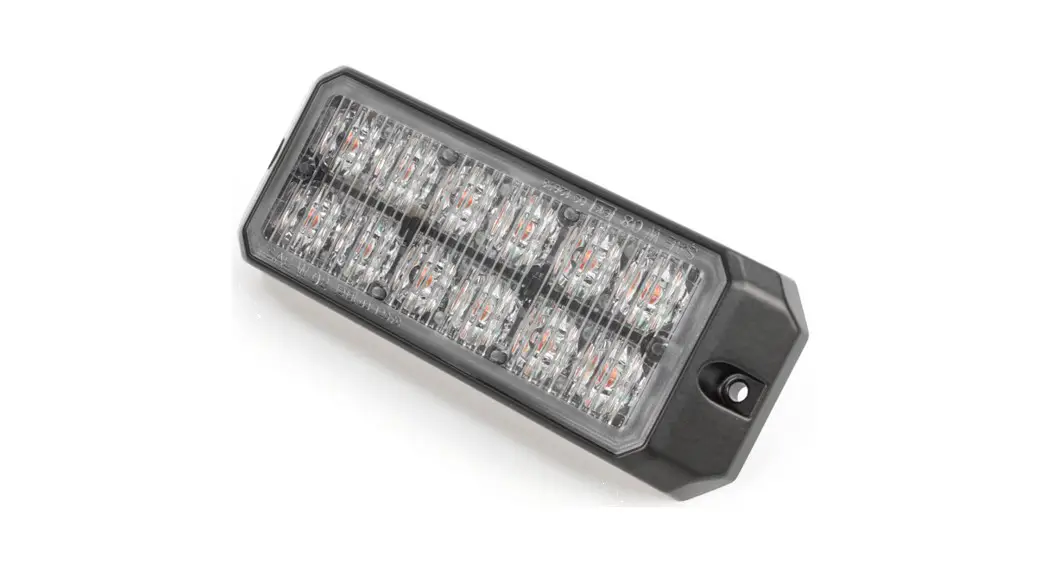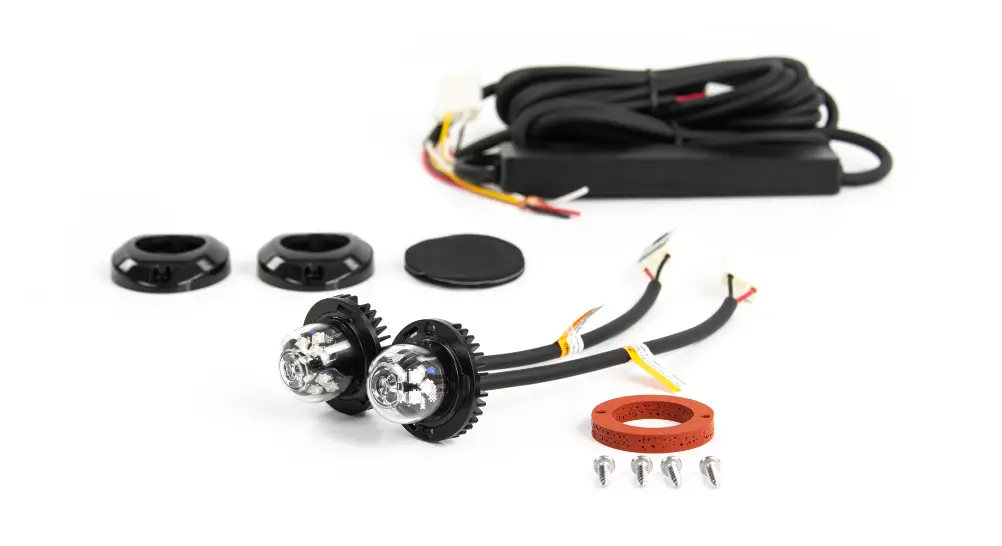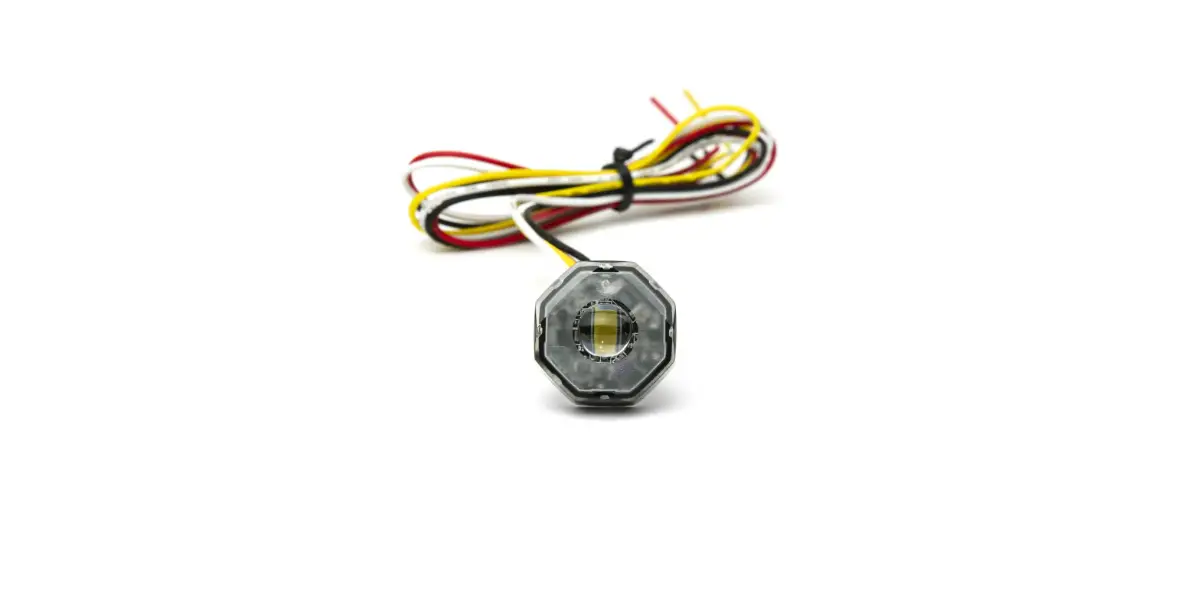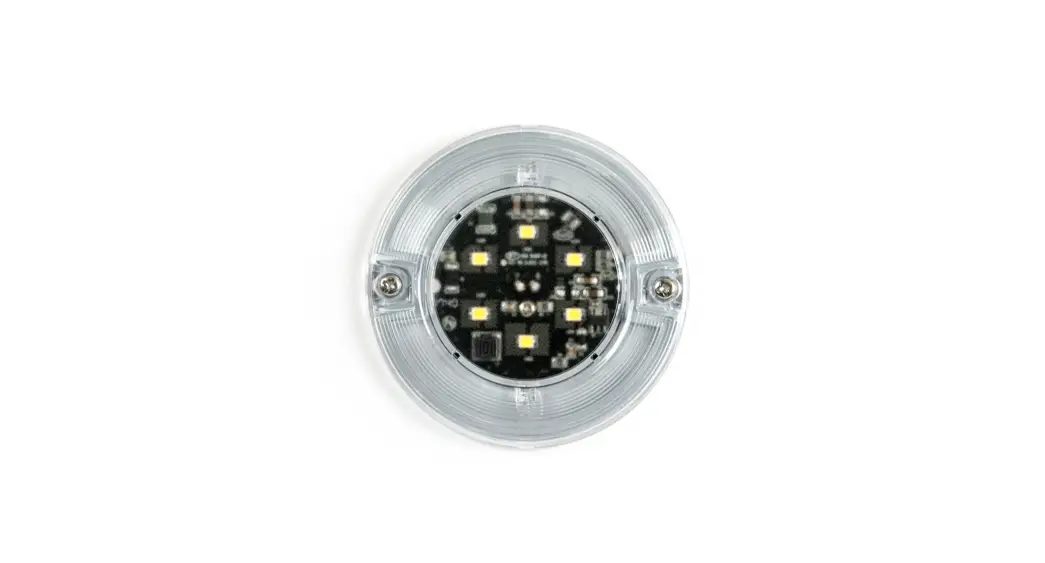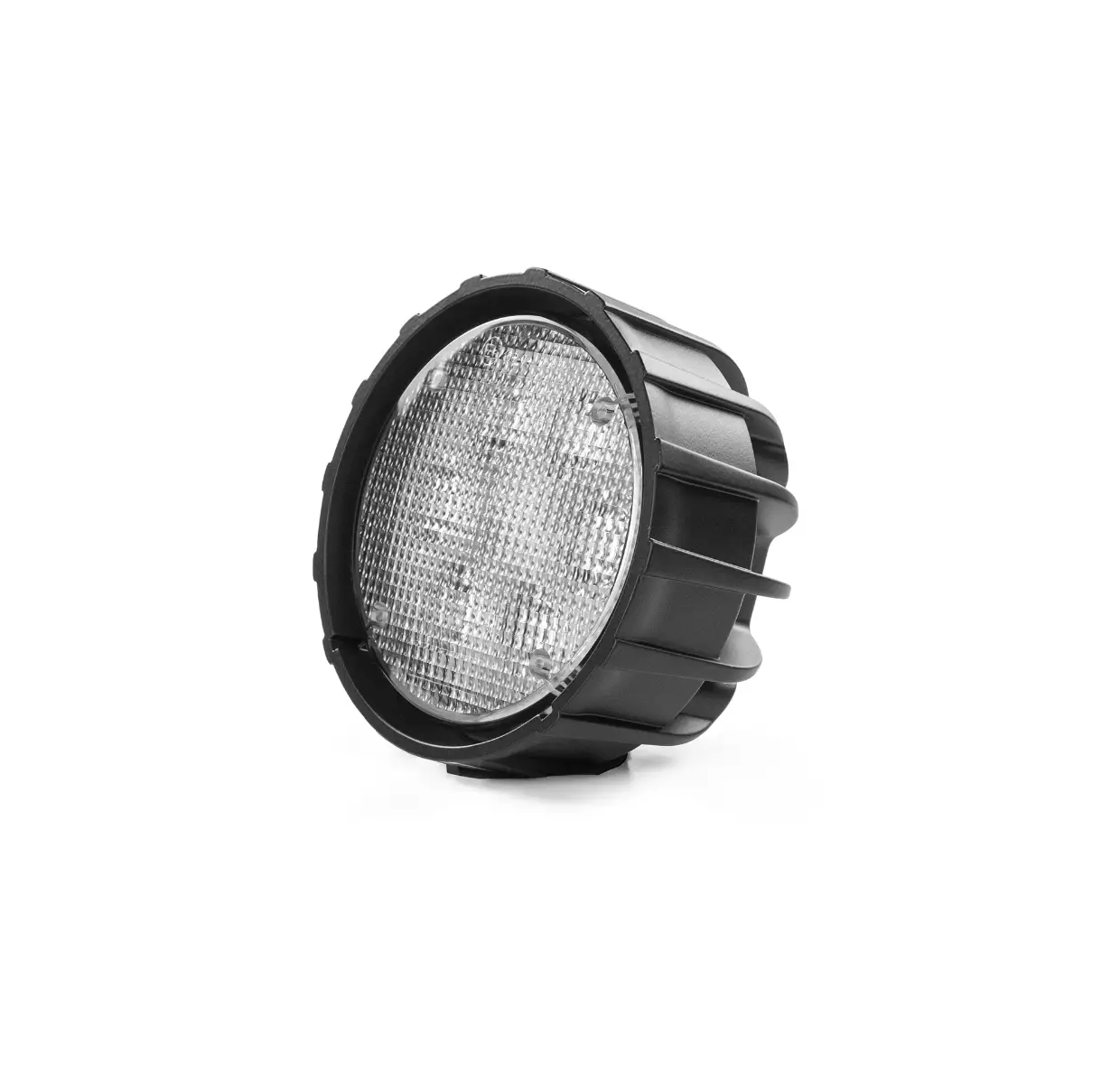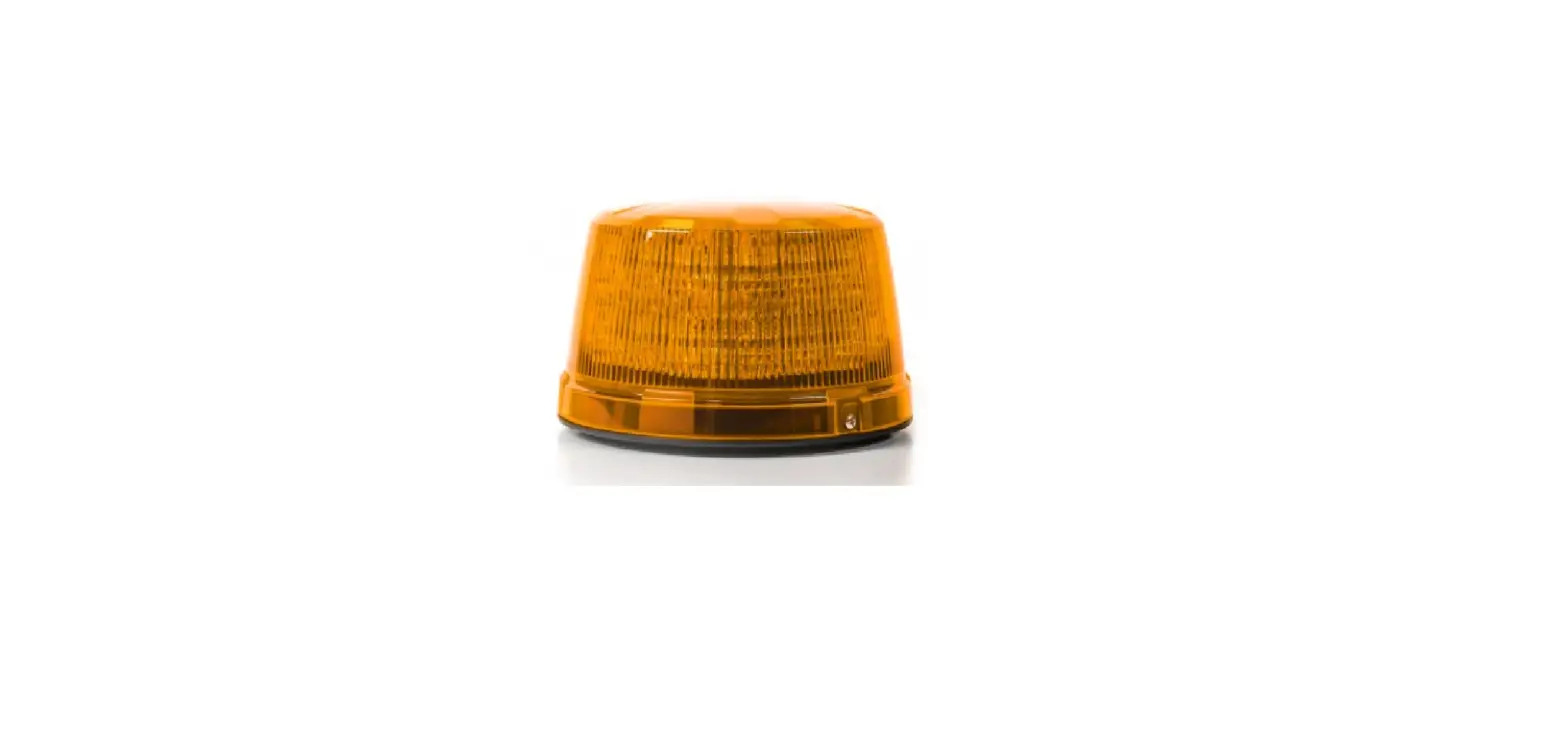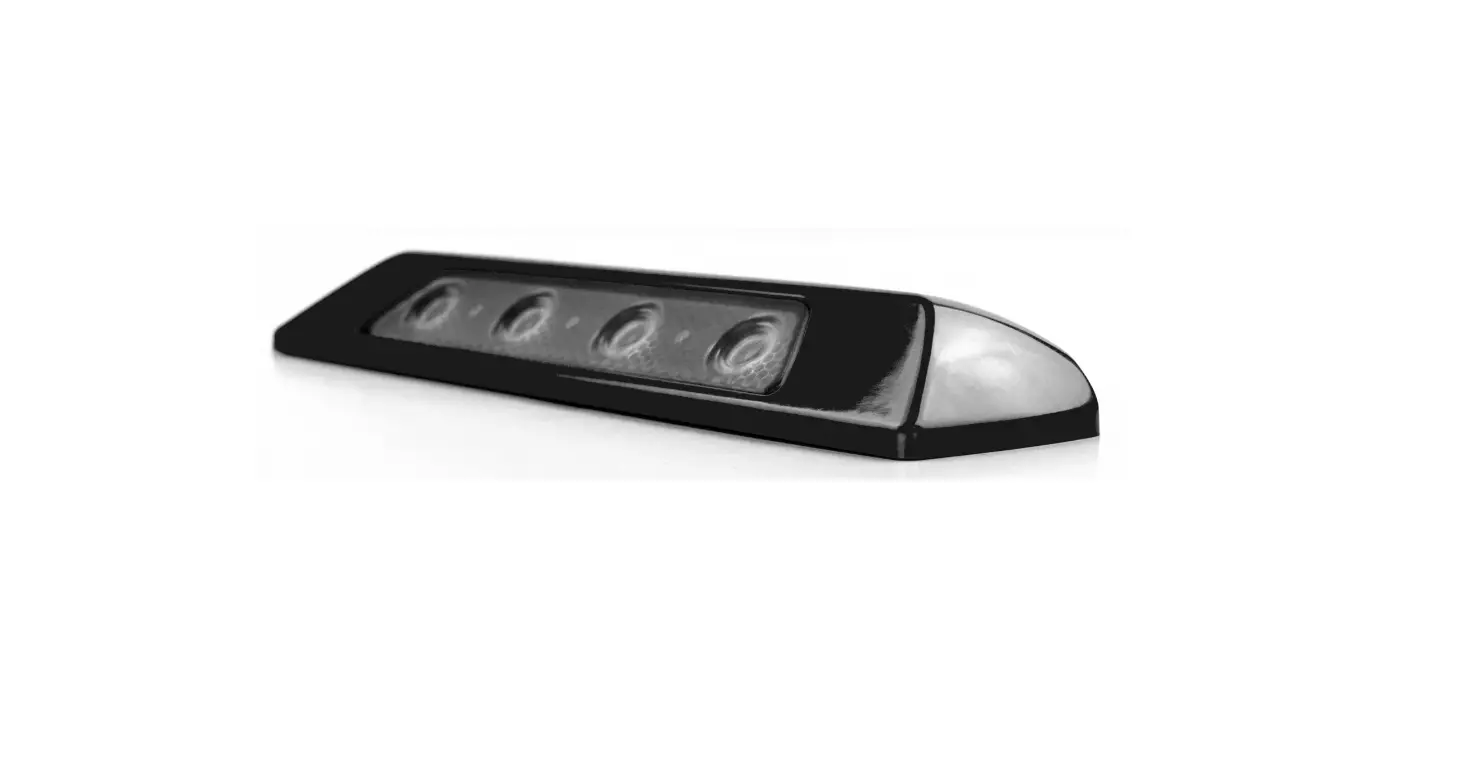

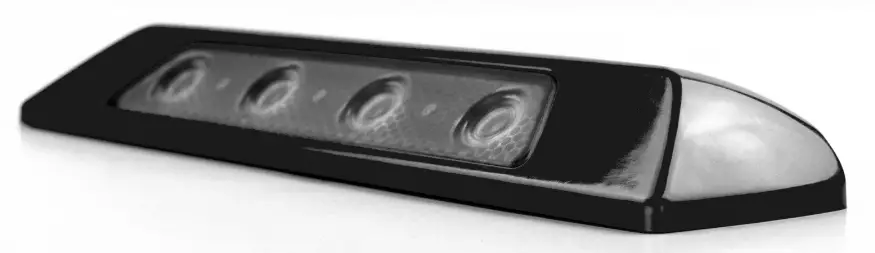
Cell2 SL157 Exterior Scene Light
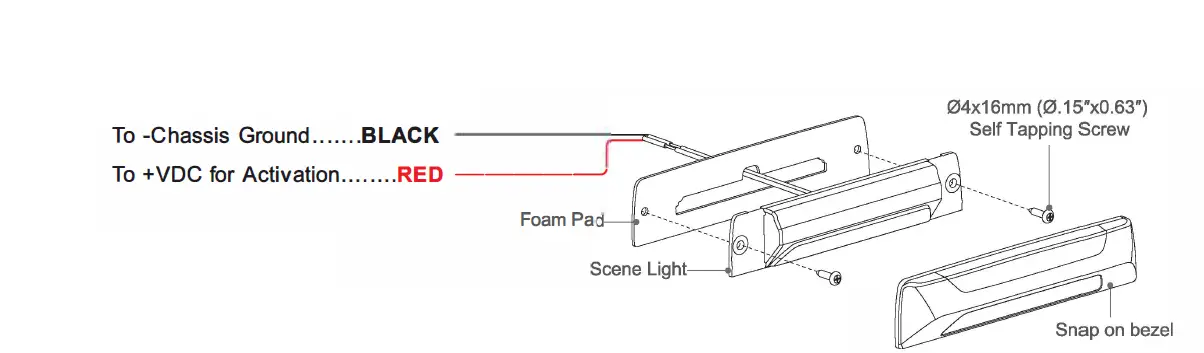
WIRING
INSTALLATION
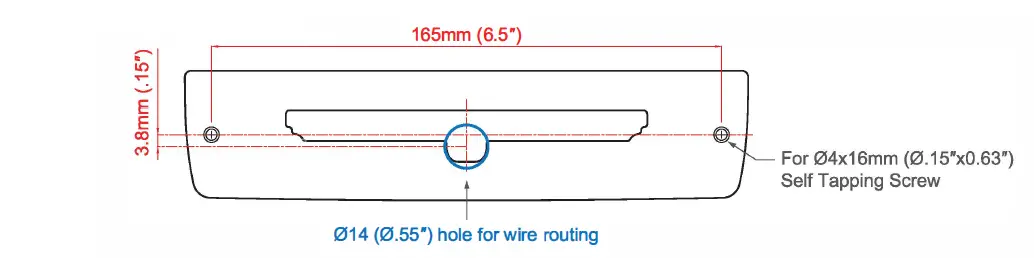
- Place the foam pad onto the desired mounting surface and mark the location for the two mounting screws and the wire routing hole location between the two screw holes.
- Drill two pilot holes for the two 04x16mm (0.15″xO.63″) self tapping Screw and one 014 (0.55″) wire routing hole.
Note: Deburr the wire routing hole thoroughly before feeding the wire. - Feed the wires through the foam pad and wire routing hole and mount the scene light with the supplied self tapping screws.
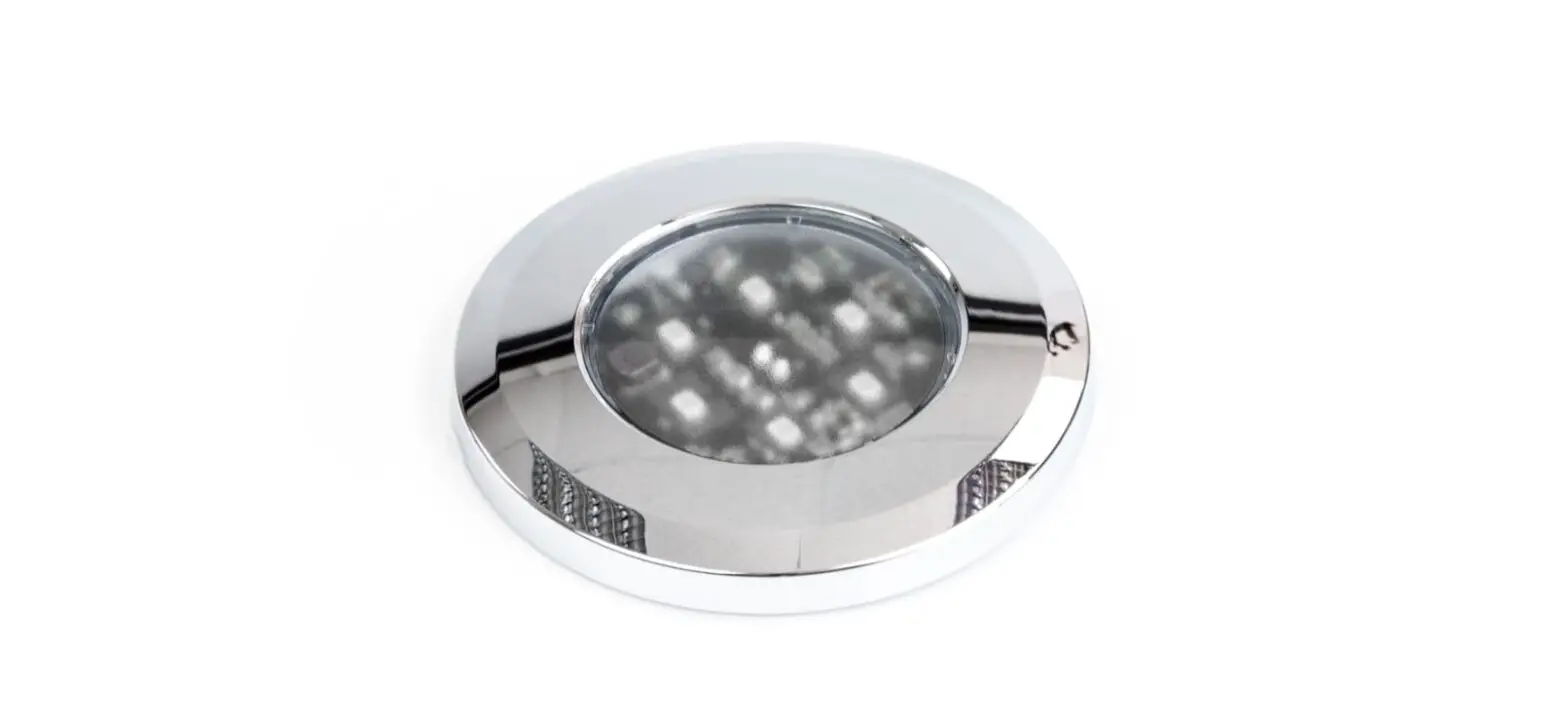
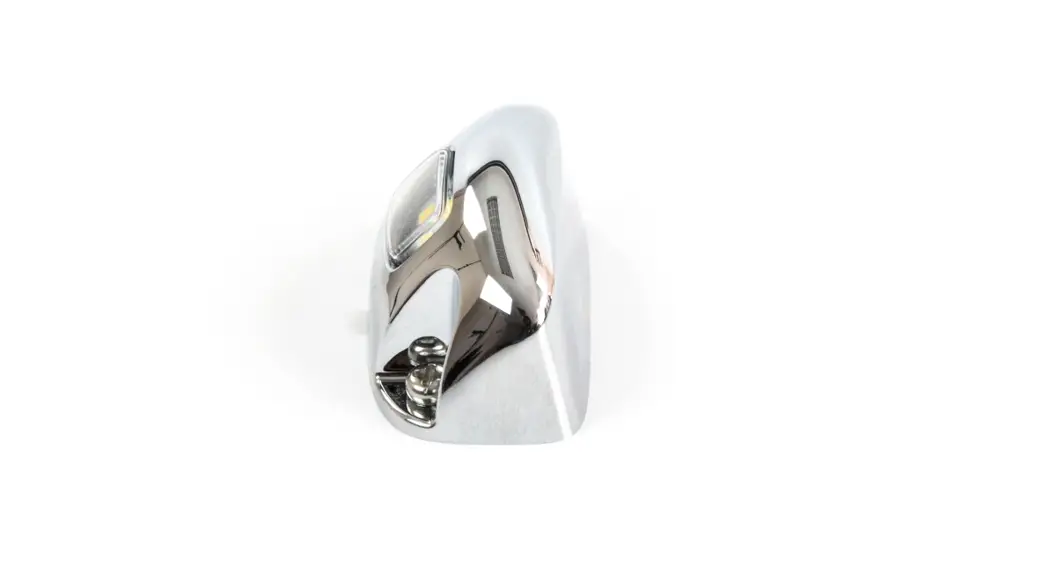
- Mount the snap on bezel onto the scene light.
MOUNTING DIMENSIONS