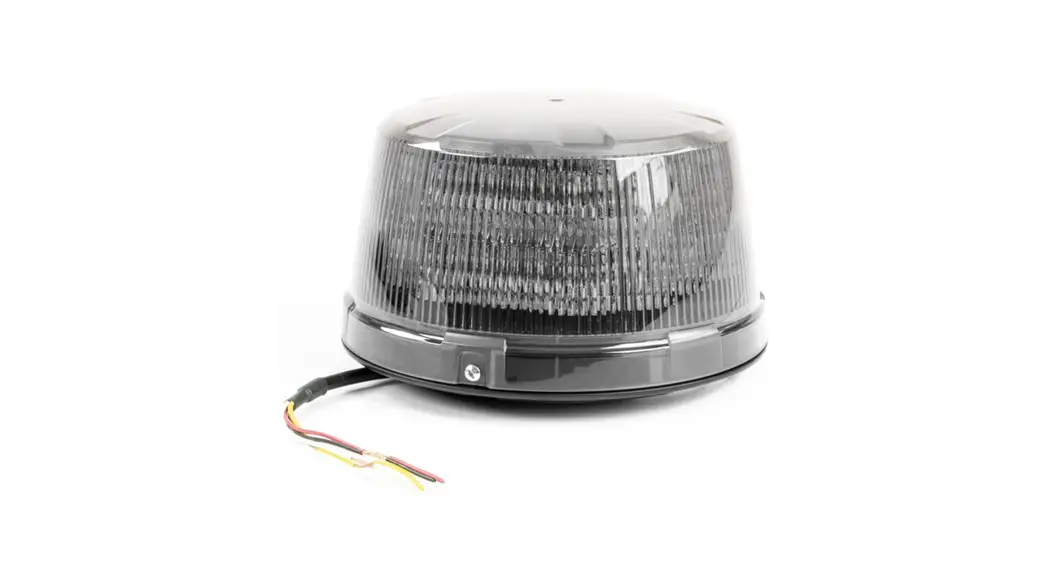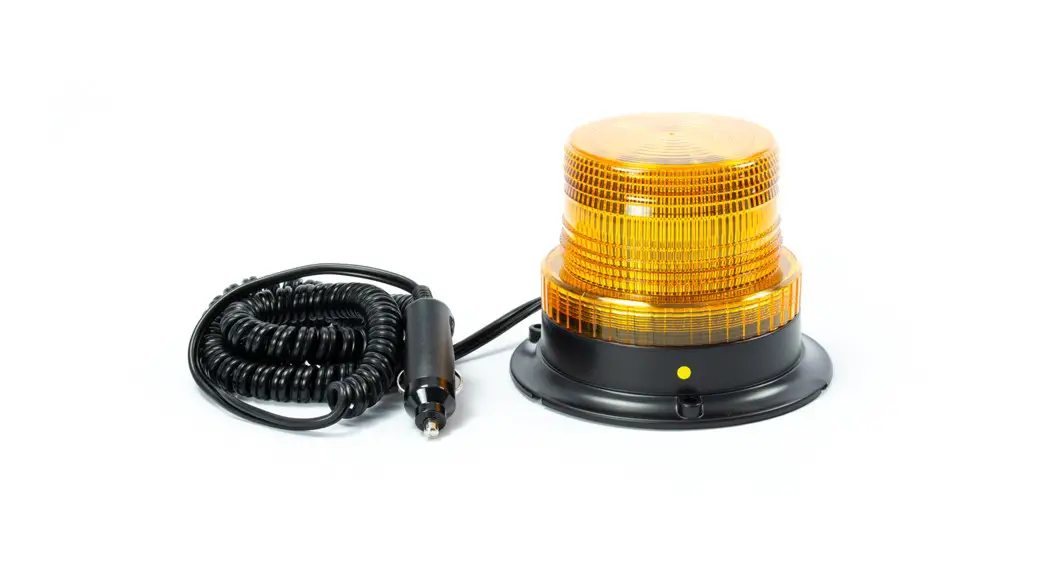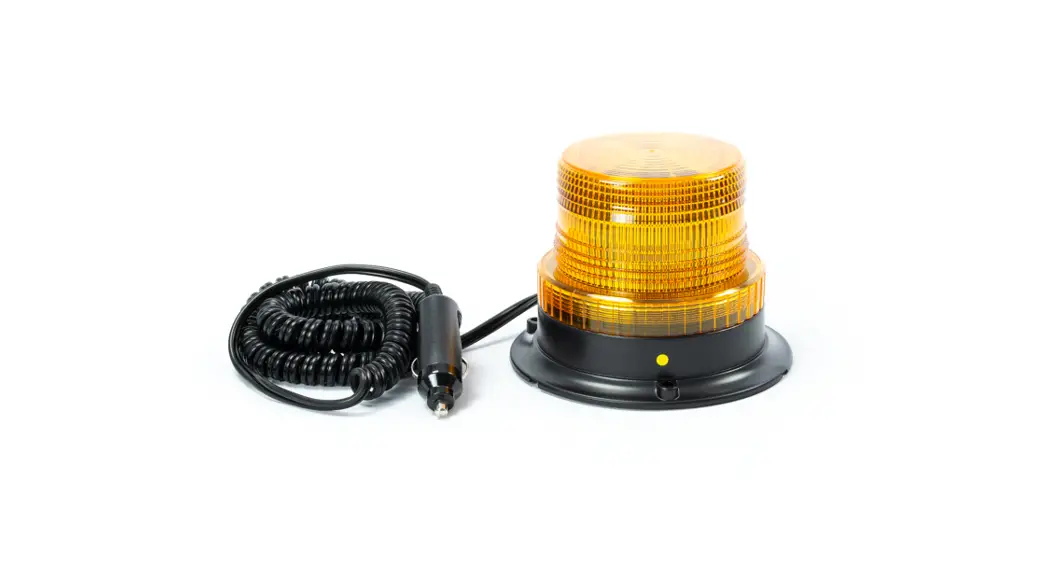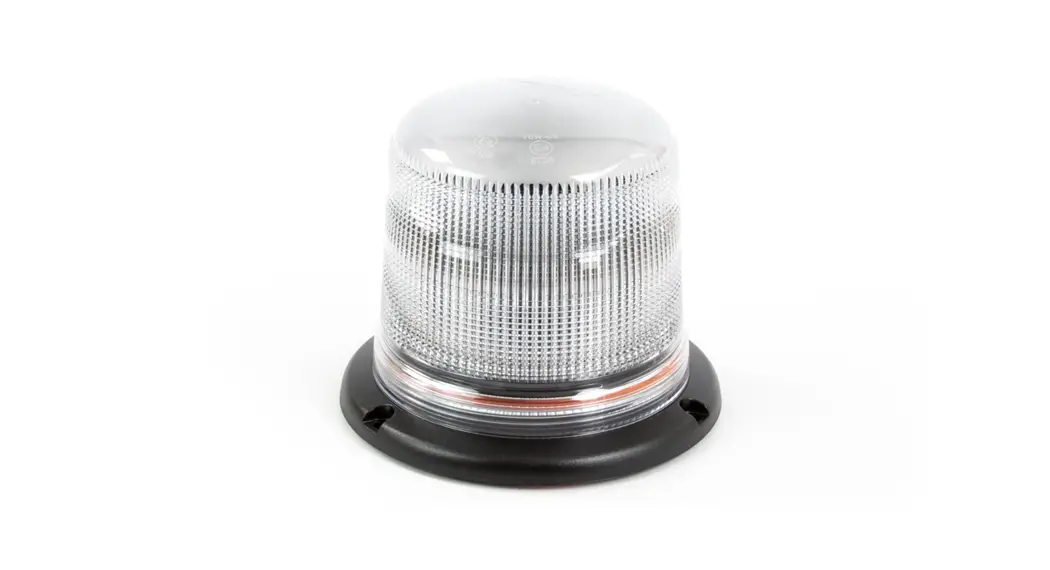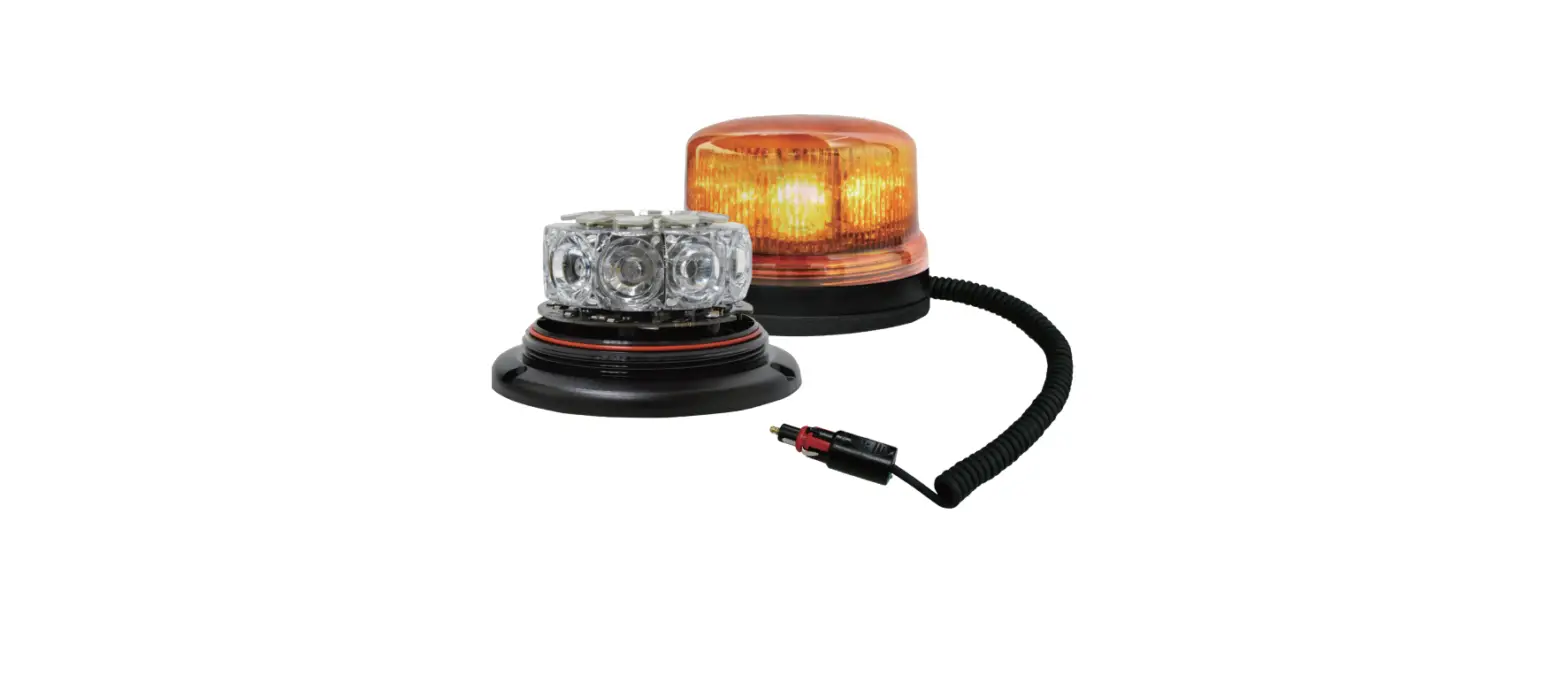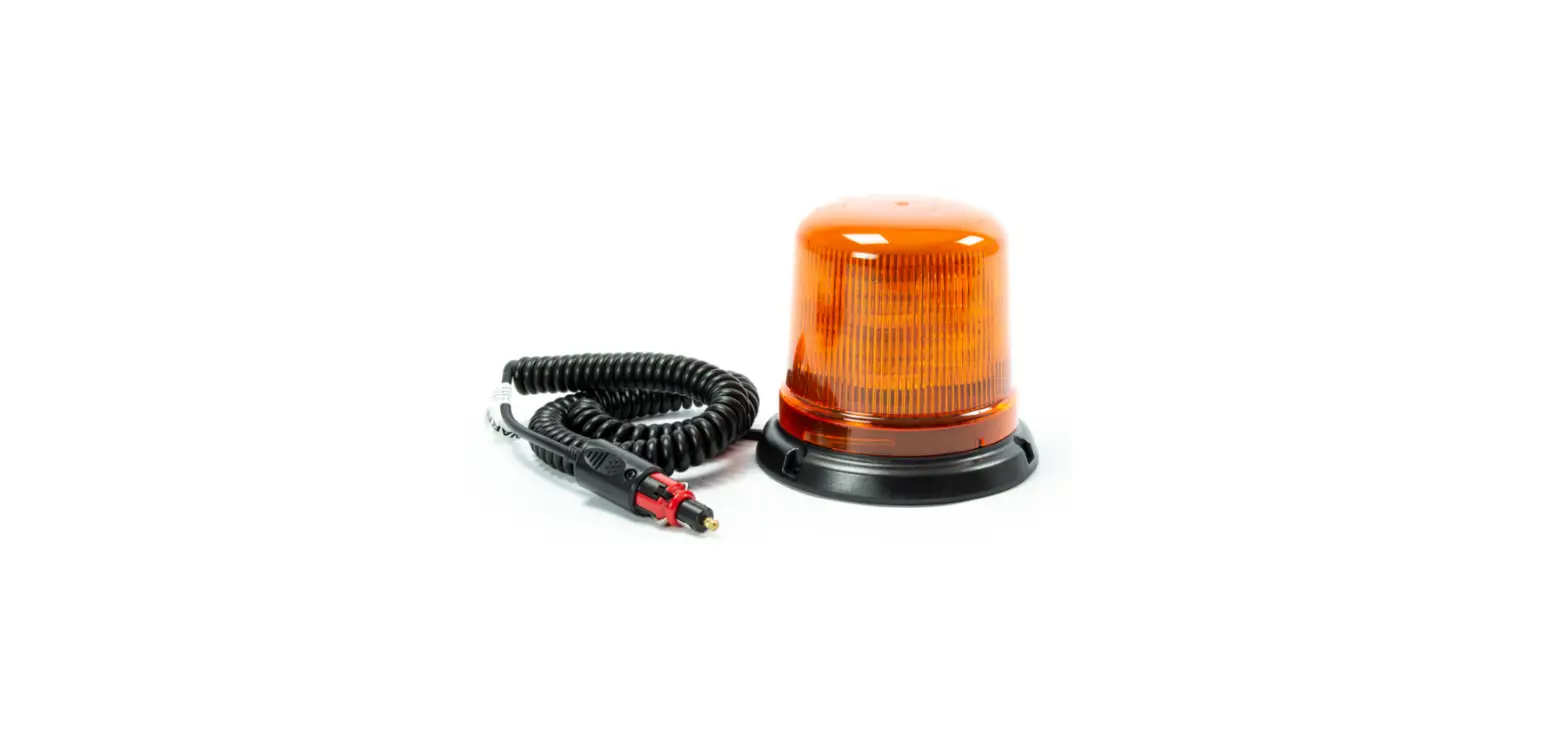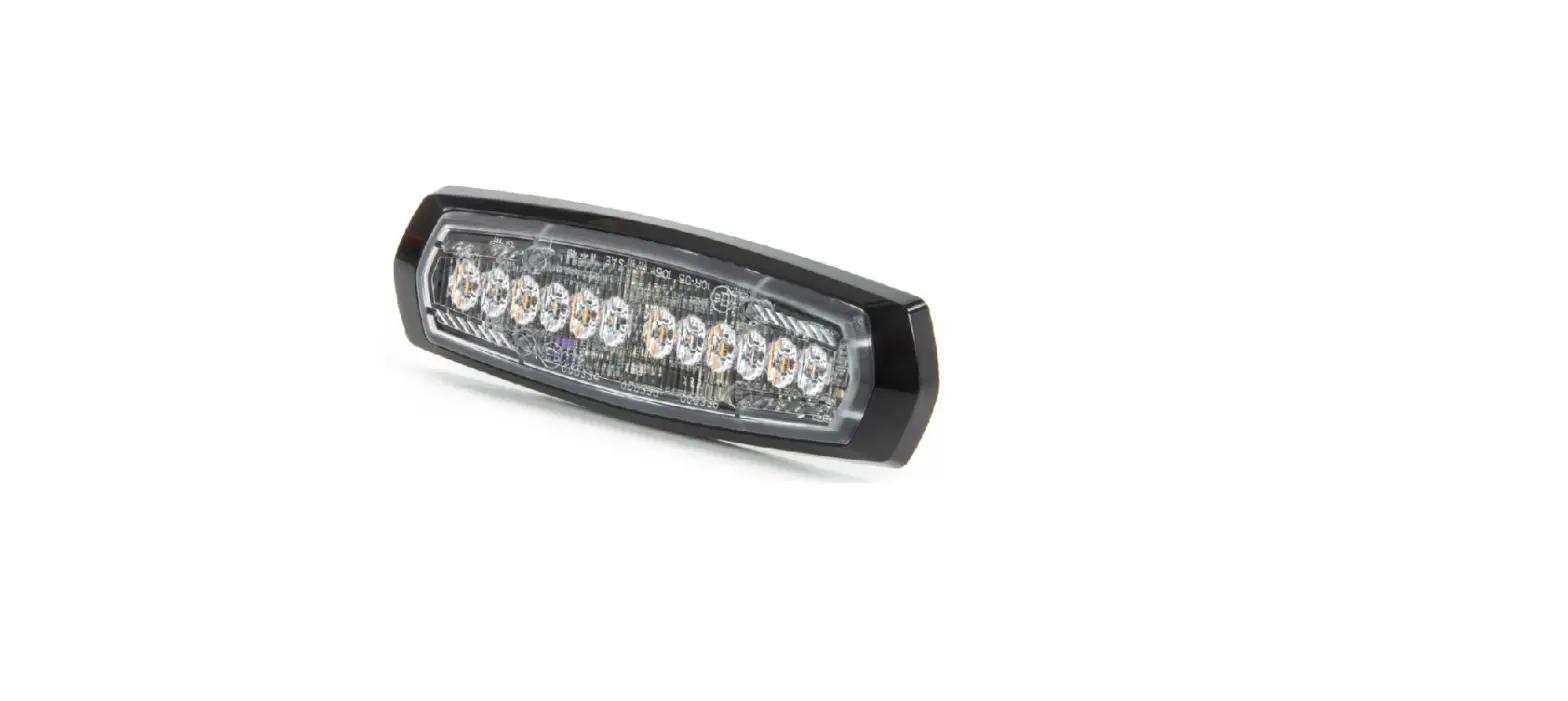
cell2 B16 LED Beacon User Manual

OPERATION
- RED: To +VDC
- BLACK: To Chassis Ground (-)
FLASH PATTERN SELECTION
- Open Twist the dome lens counter clockwise
 , then lift the dome lens to open.
 - Change Momentarily push the red button to change to the next flash pattern. (see Flash Patterns Chart)

- Close Twist the dome lens clockwise
 to close, and ensure that it is tight.
 , then lift the dome lens to open.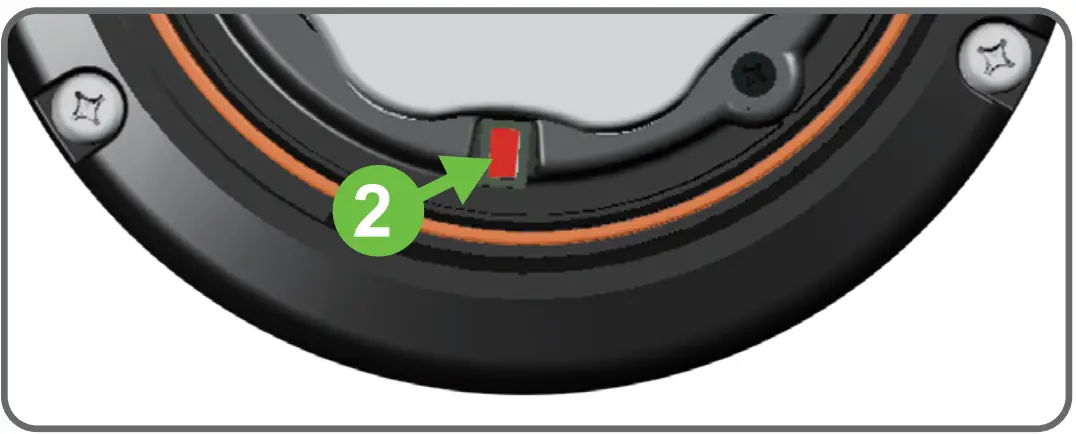
 to close, and ensure that it is tight.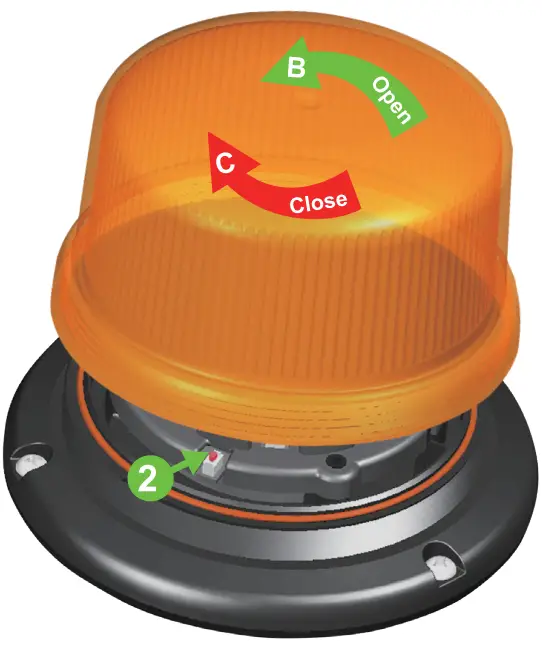
WARNING: It is not recommended to use magnetically mounted warning devices on outside of vehicle in motion. Usage is at the sole risk and responsibility of the user. (For moving vehicles, please use Power Mags)
Bolt Mount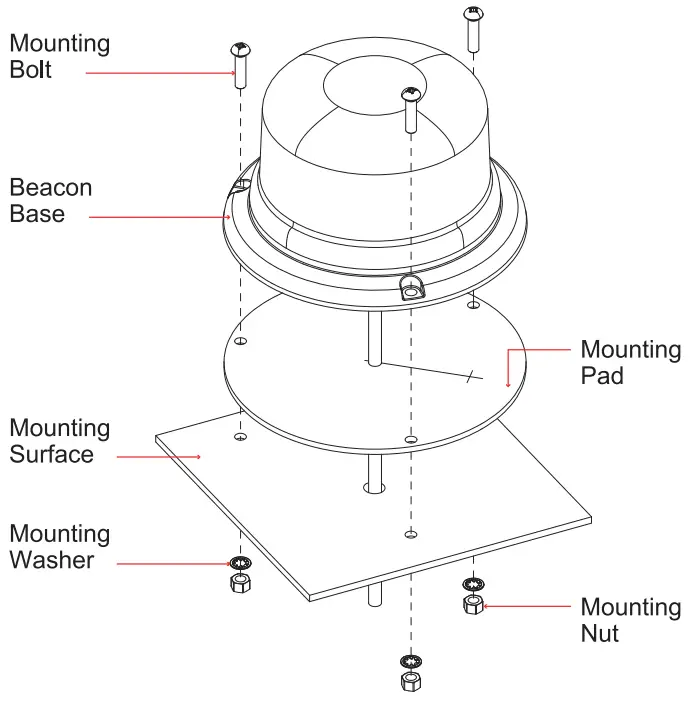
- Drill holes on the mounting surface for the wire-exit and mounting bolts
- Secure the beacon onto the mounting surface with mounting bolts.
Magnetic Mount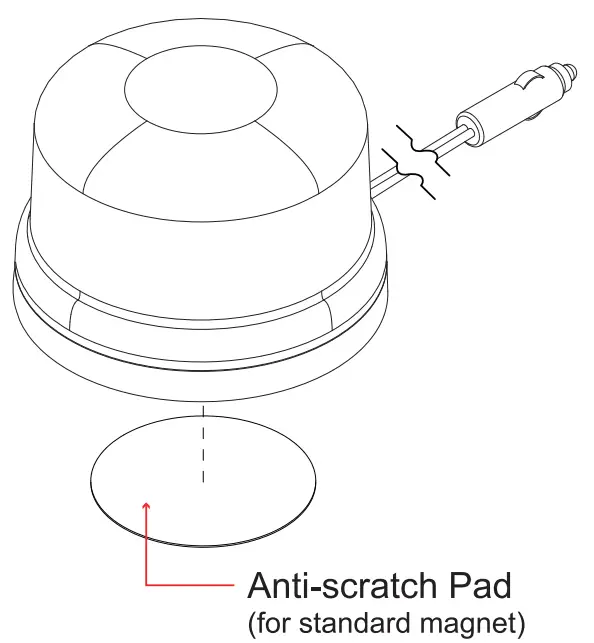
FP# | FLASH PATTERNS |
| 1 | 8 Flash |
| 2 | Single |
| 3 | Double |
| 4 | Triple |
| 5 | Quad |
Note: This unit may not be factory-set at FP#1