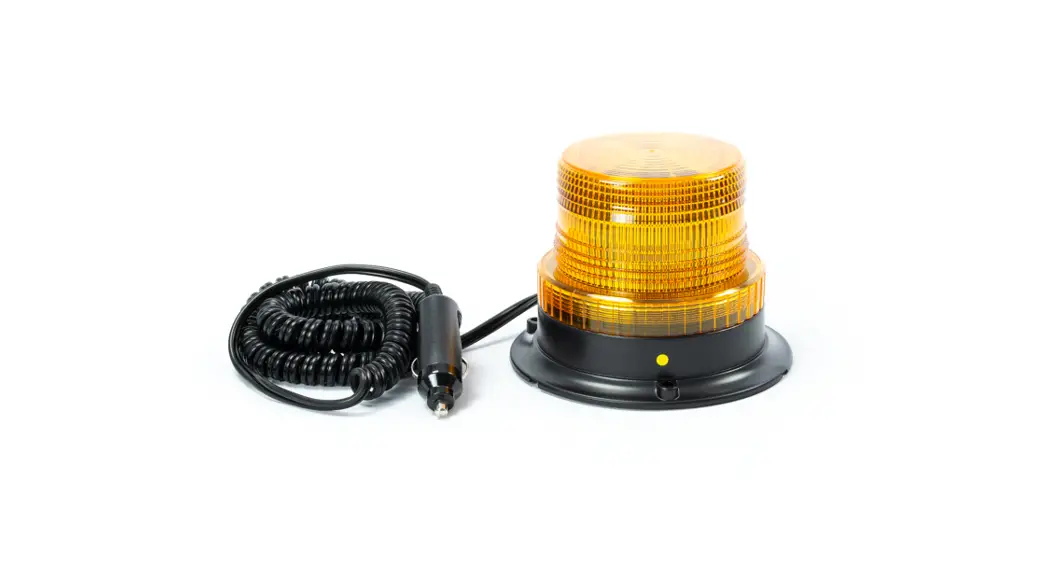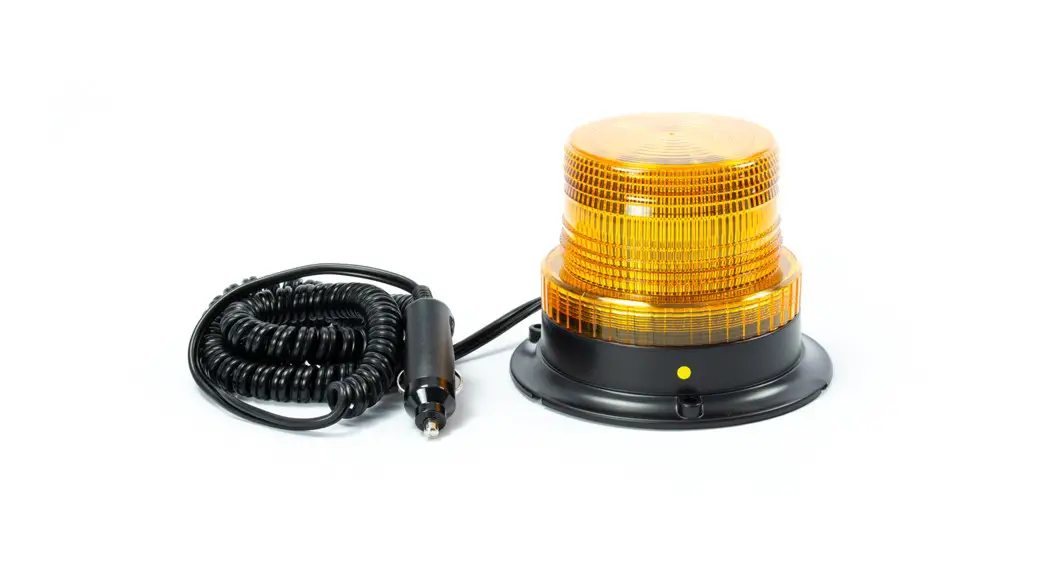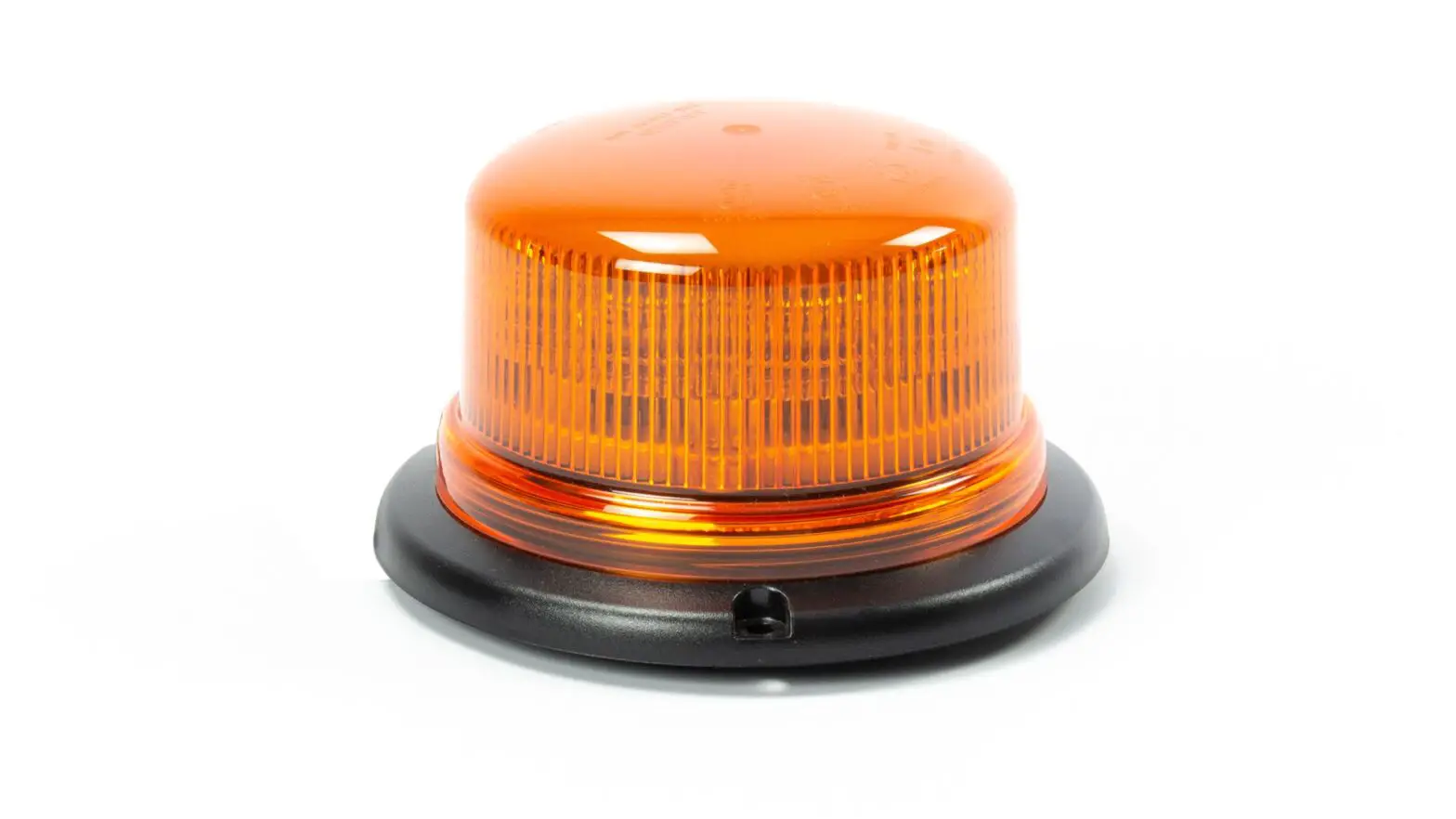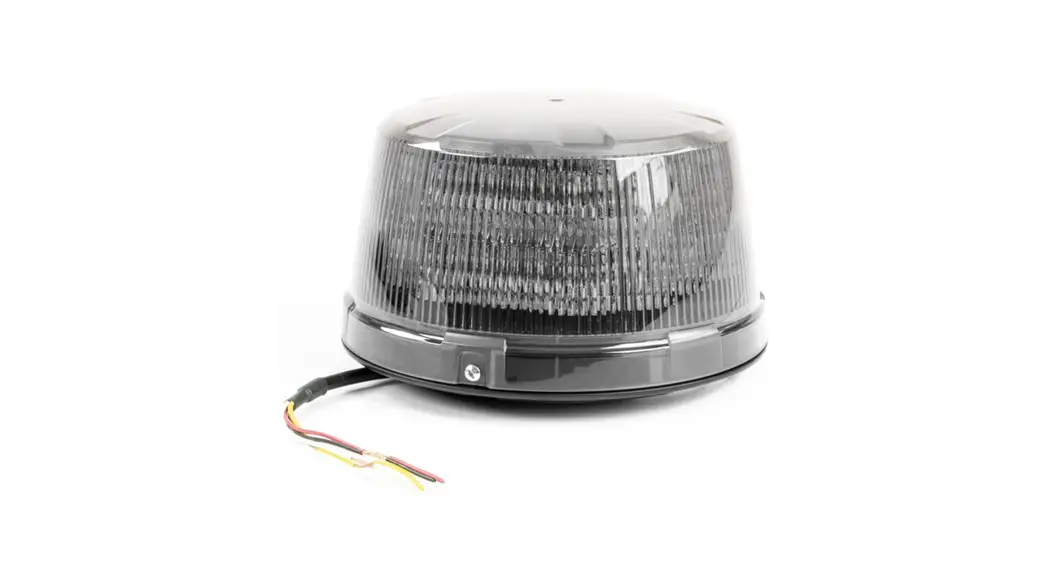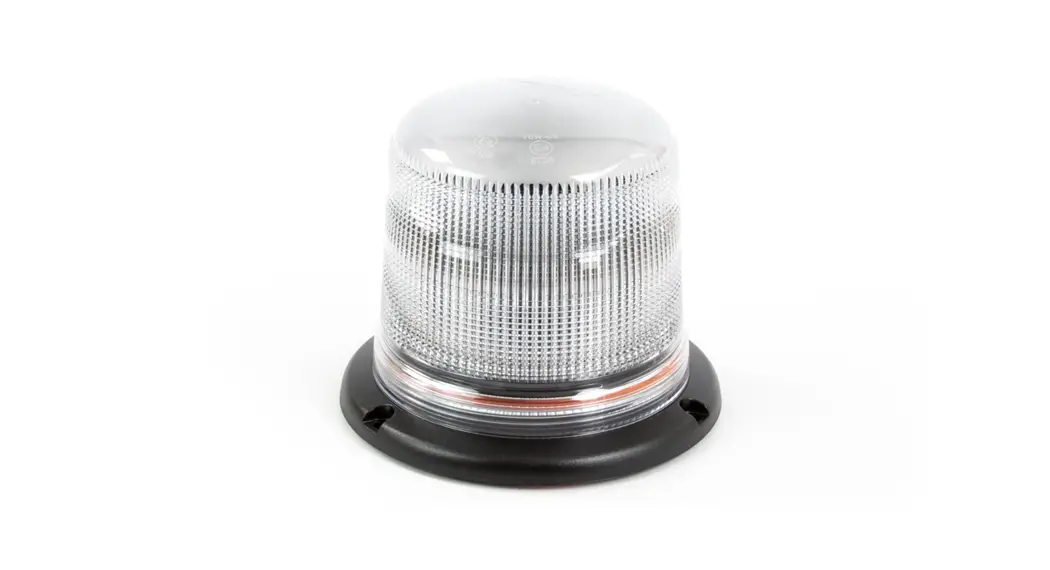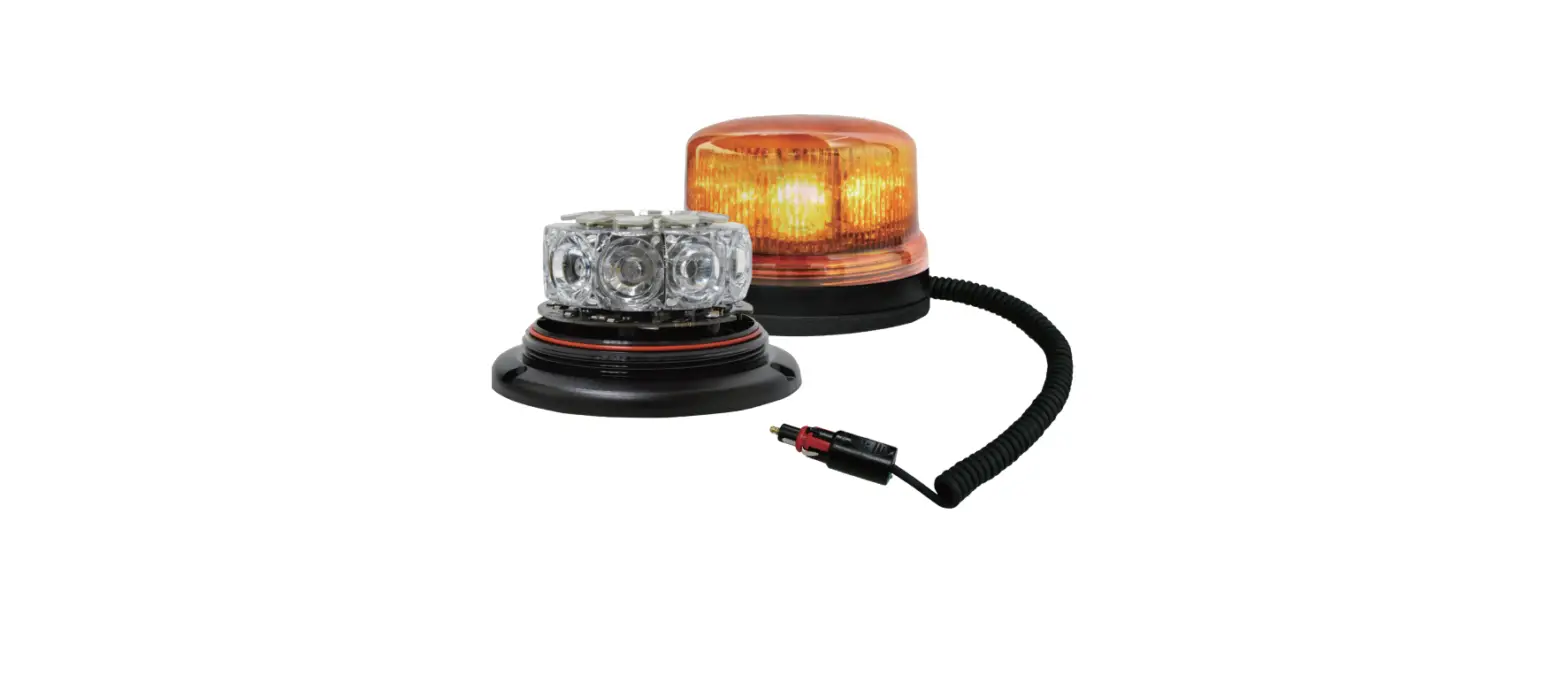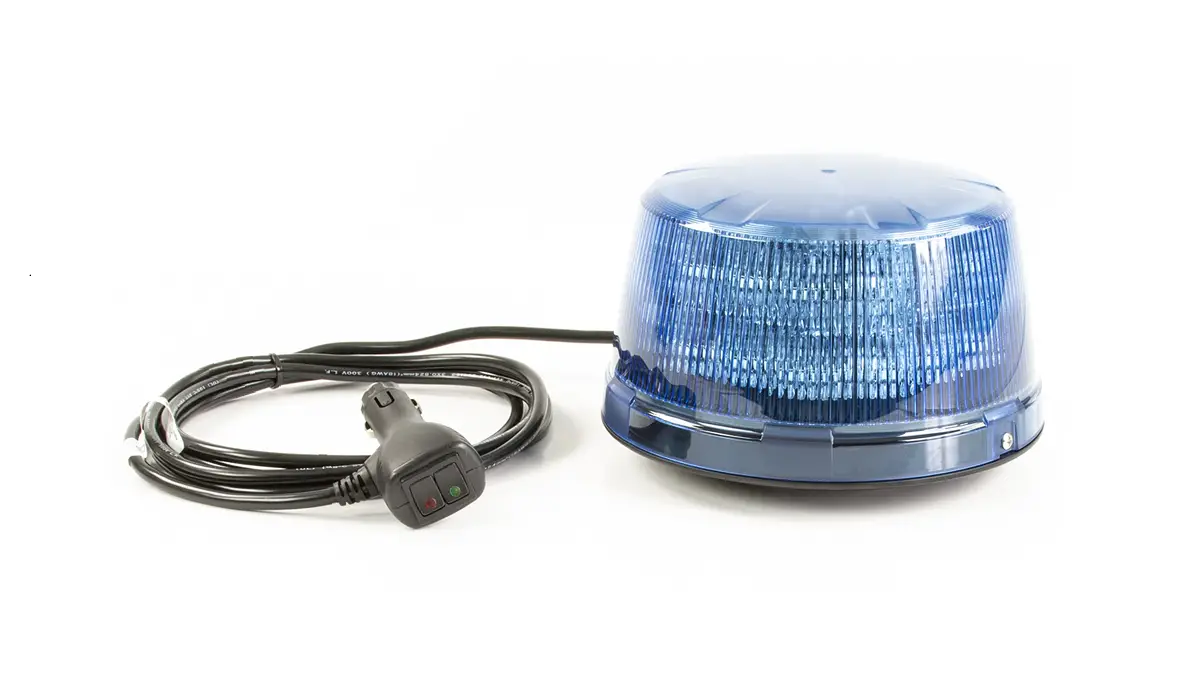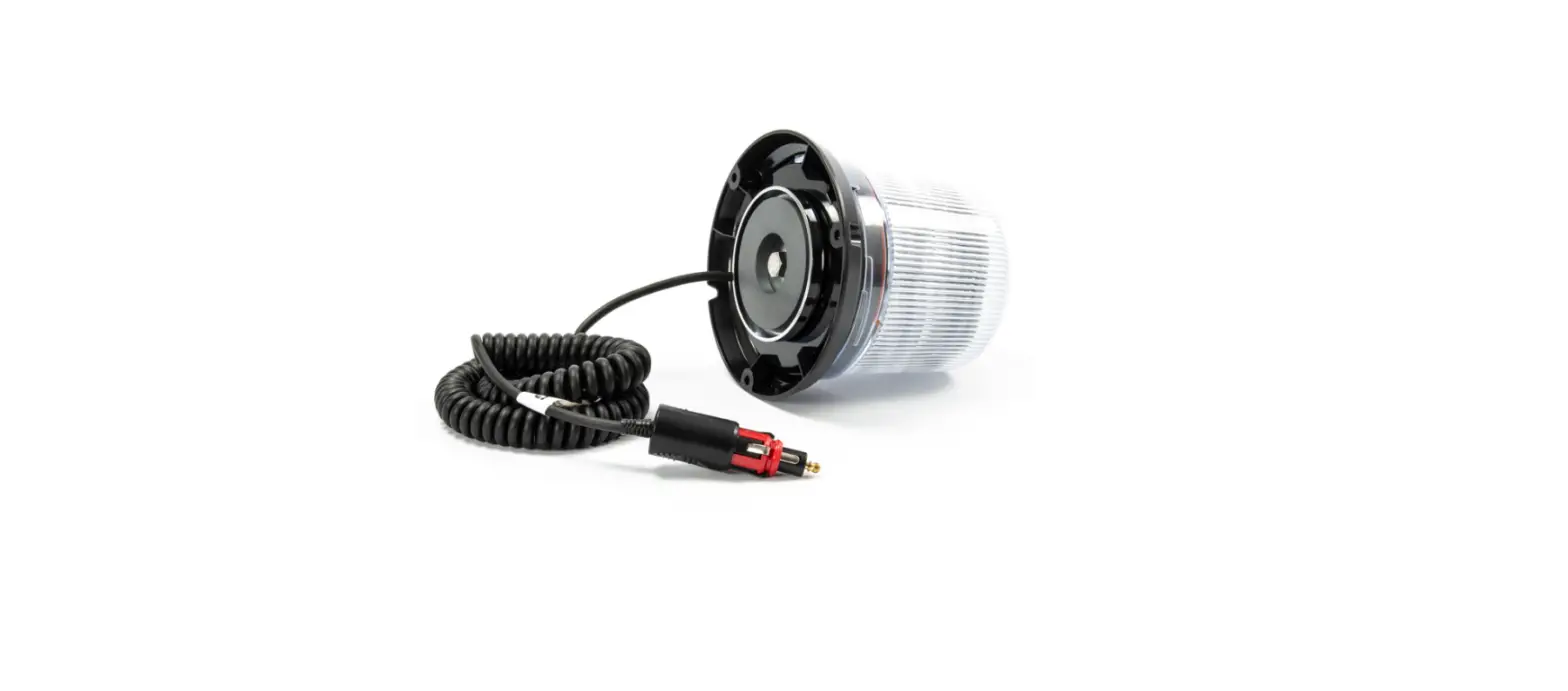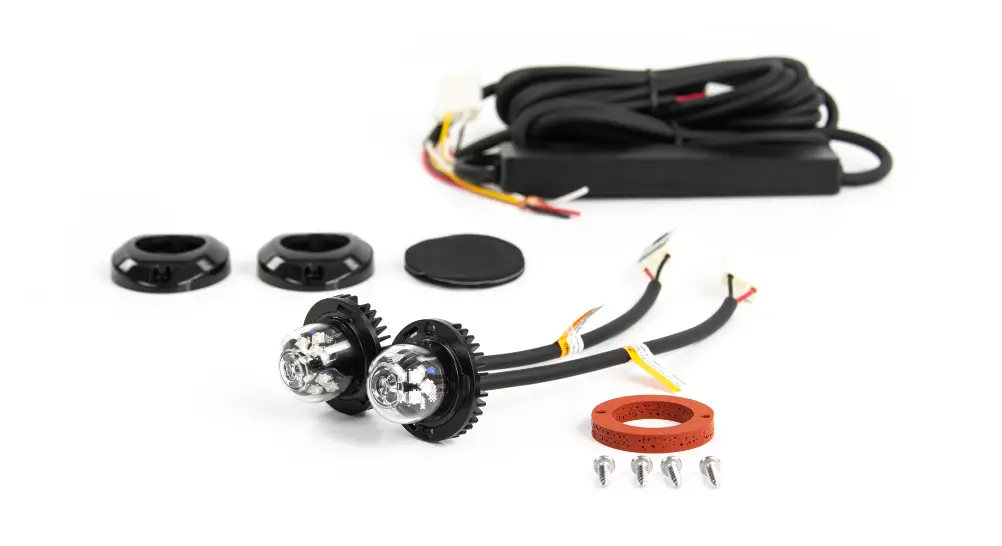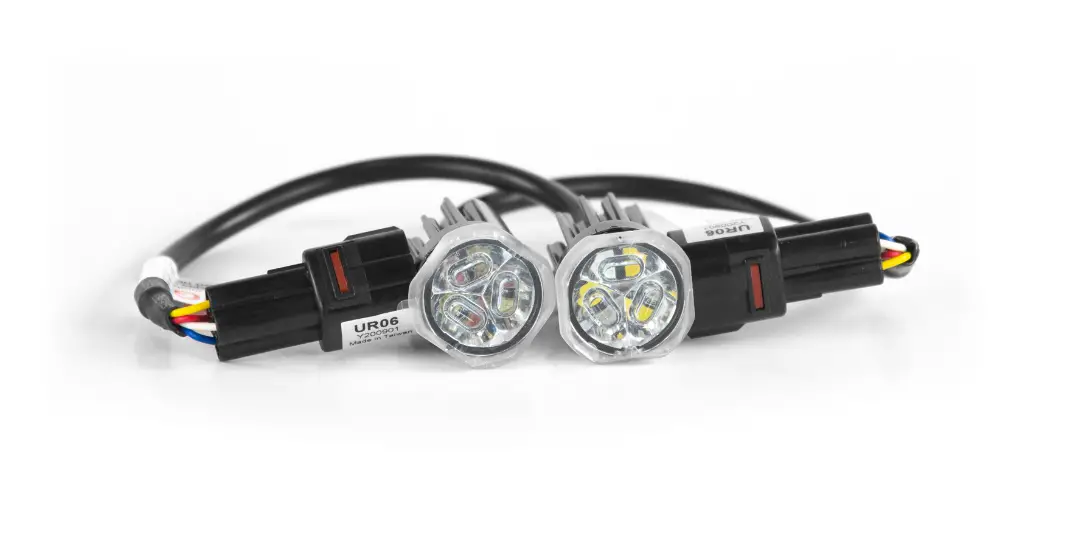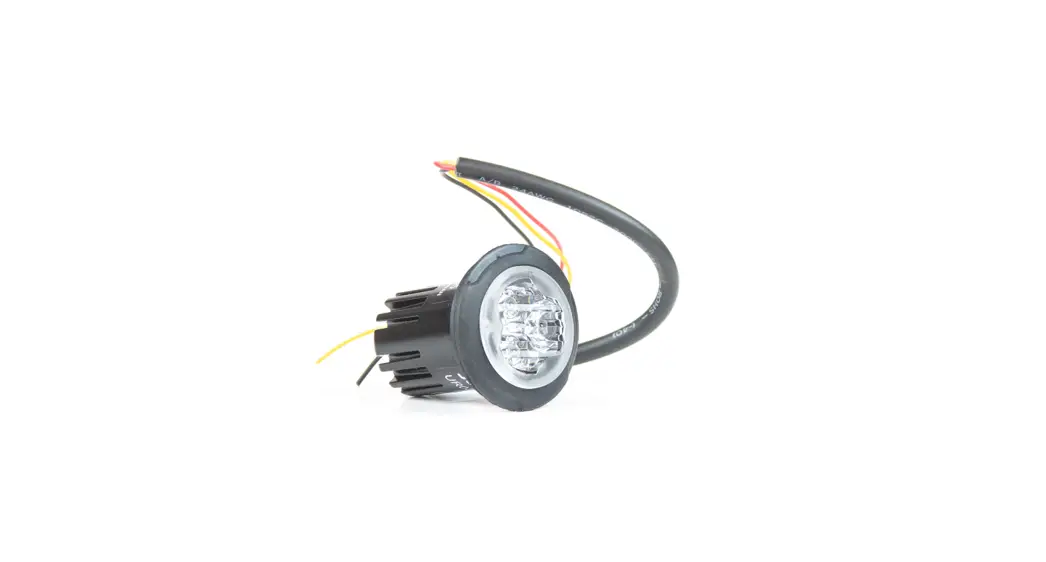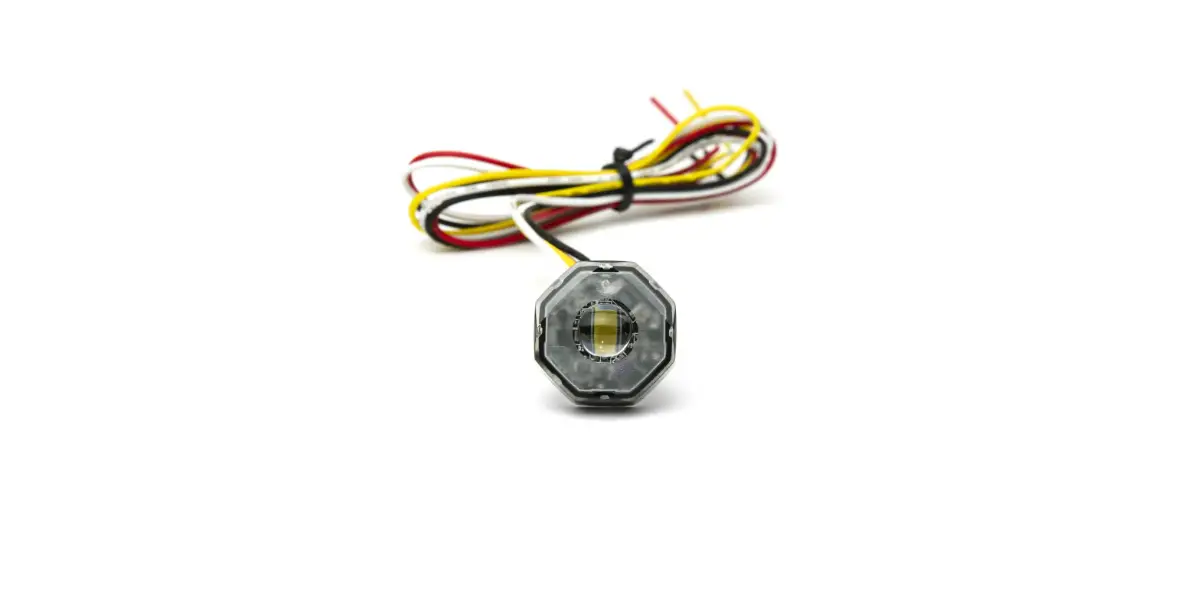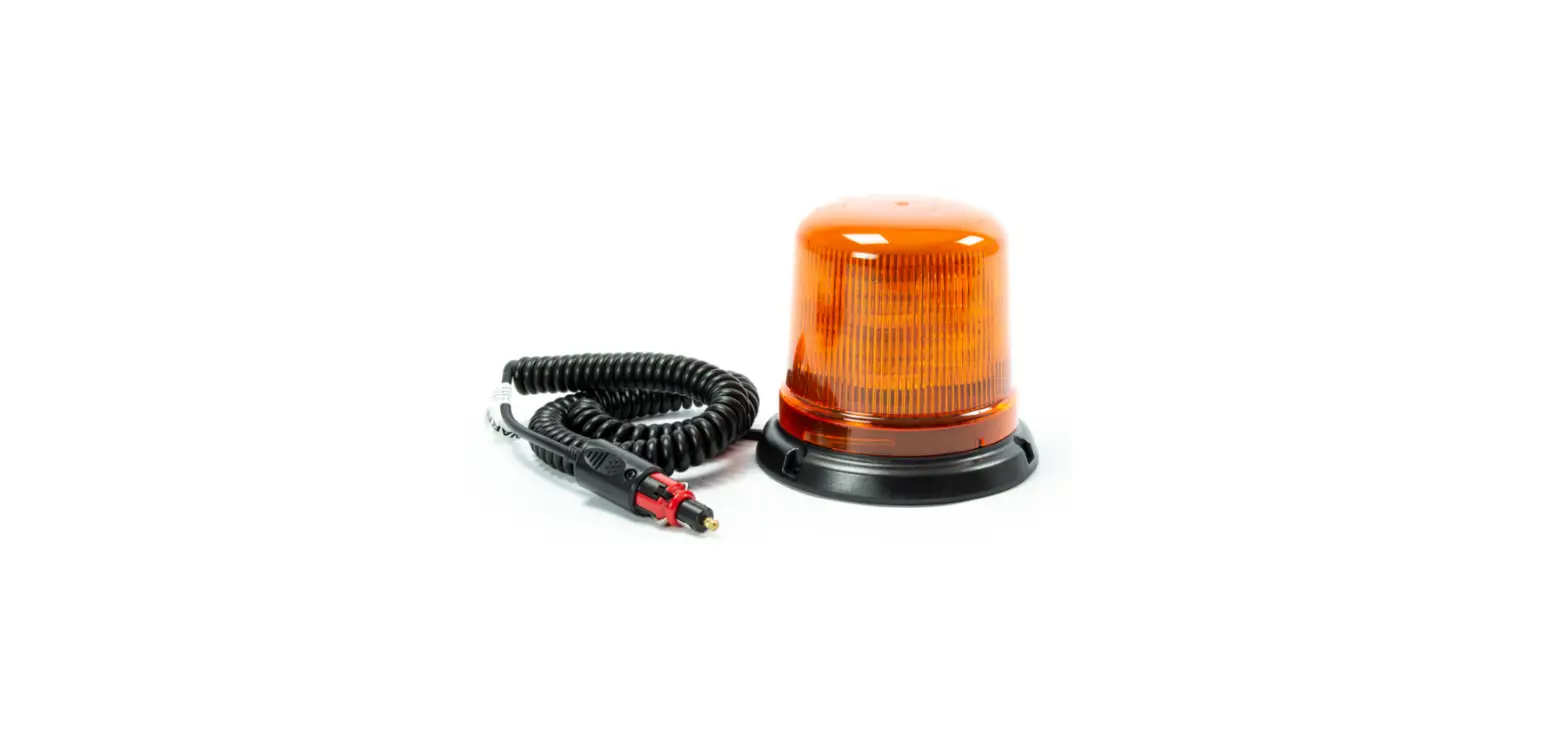

Cell2 B14 Magnetic Mount LED Beacons
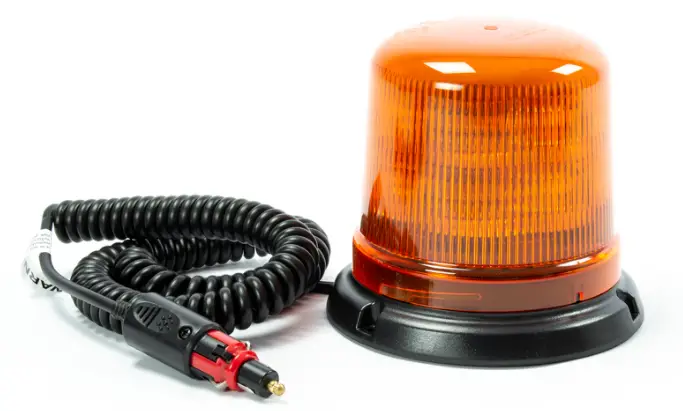
WIRING & OPERATION
- RED: To +VDC
BLACK: To Chassis Ground (-) - WHITE: For Simultaneous or Alternating Flash
- Group1 Units: (Wiring- \WJ[H]~’jj’~ connected to RED) will flash together.
- Group2 Units: (Wiring- \WJ[H]~’jj’~ not connected to RED) will flash together.
- Group1 Units will alternate with Group2 Units*
- YELLOW: Flash patterns & Synchronization Connect Y OW wires of all heads together for synchronization.
All heads must be set at the same pattern.- Momentarily apply +VDC to Y ___ ow wire: once for next pattern. quick 3 times for reset.
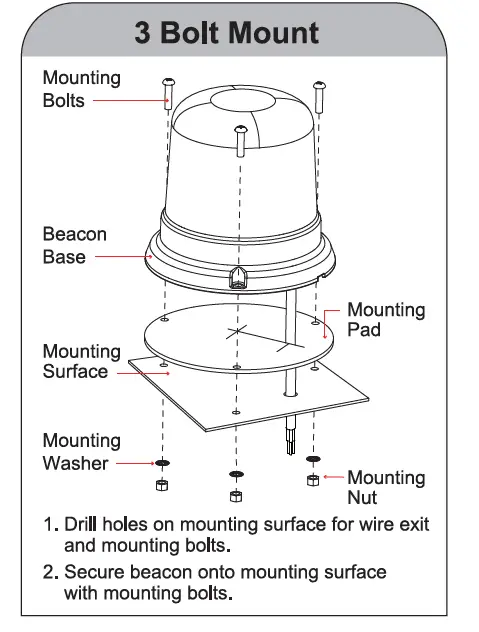
3 Bolt Mount
FLASH PATTERN CHANGE
- Open
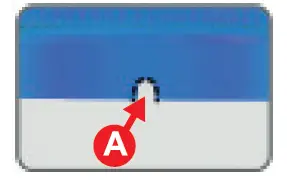
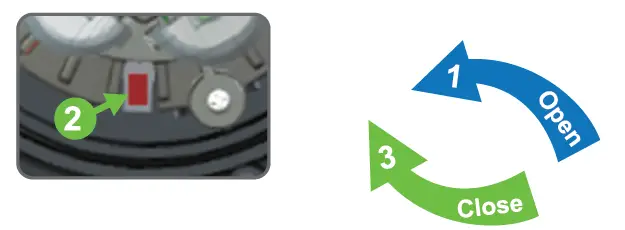
- Push down on Tab A , and twist the dome counterclockwise 1 , then lift the dome to open.

- Push down on Tab A , and twist the dome counterclockwise 1 , then lift the dome to open.
- Change
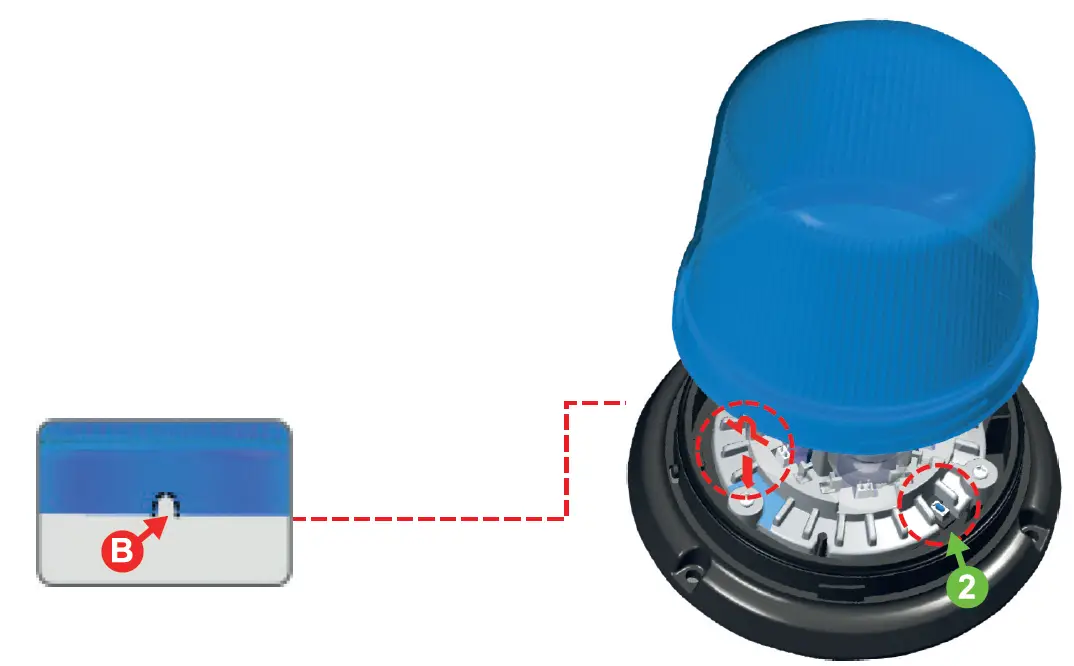
- While activating Warning Mode, momentarily push the RED BUTTON 2) to change to the next flash pattern. (see Flash Patterns chart)

- While activating Warning Mode, momentarily push the RED BUTTON 2) to change to the next flash pattern. (see Flash Patterns chart)
- Close
- Magnetic Mount / Bolt Mount Align dome indent B) before Tab A , then twist clockwise 3 to close.

- Magnetic Mount / Bolt Mount Align dome indent B) before Tab A , then twist clockwise 3 to close.
NOTE
- This unit may not be factory-set at FP#1
- Actual approval base on the model ordered.
| FP# | FLASH PATTERNS |
| Double [R65 2Hz] | |
| 2 | Single [2Hz] |
| 3 | Quad [2Hz] |
| 4 | Single [SAE] |
| 5 | Double [SAE] |
| 6 | Quad [SAE] |
| 7 | Quint [SAE] |
| 8 | Mega |
| 9 | Ultra [SAE] |
| 10 | Single-Quad |
| 11 | Single H/L |
| 12 | Single Column Rotator |
| 13 | Double Column Rotator |
| 14 | Double Rotator x5 -> Quint x5 |