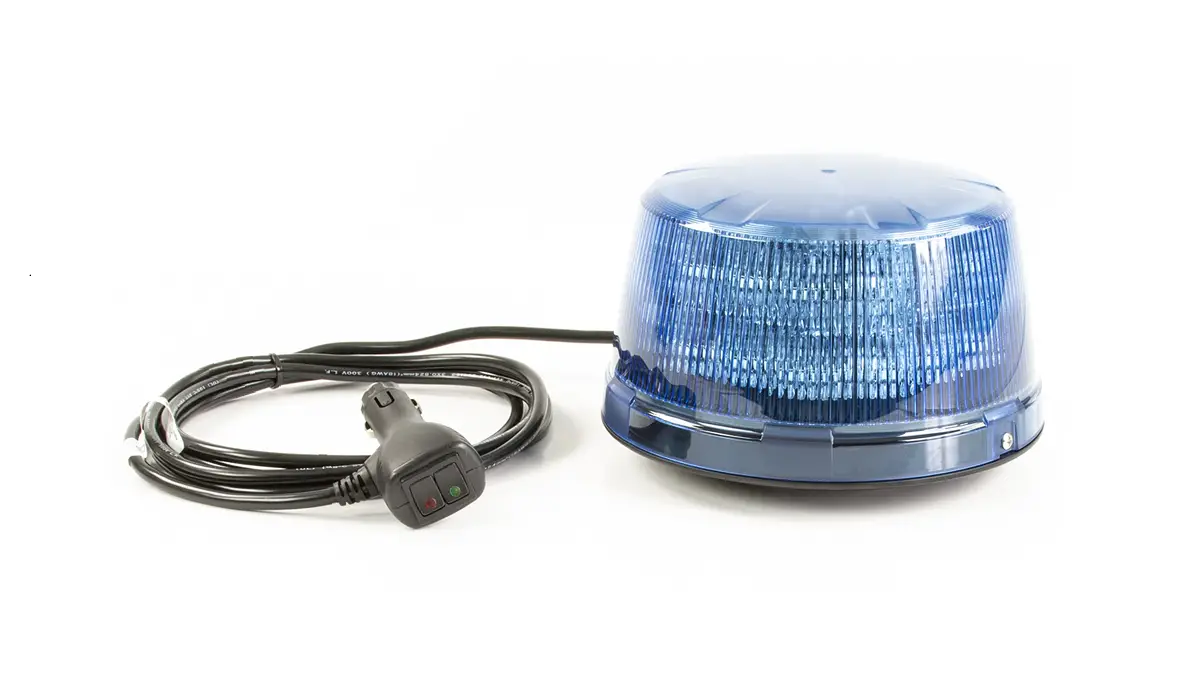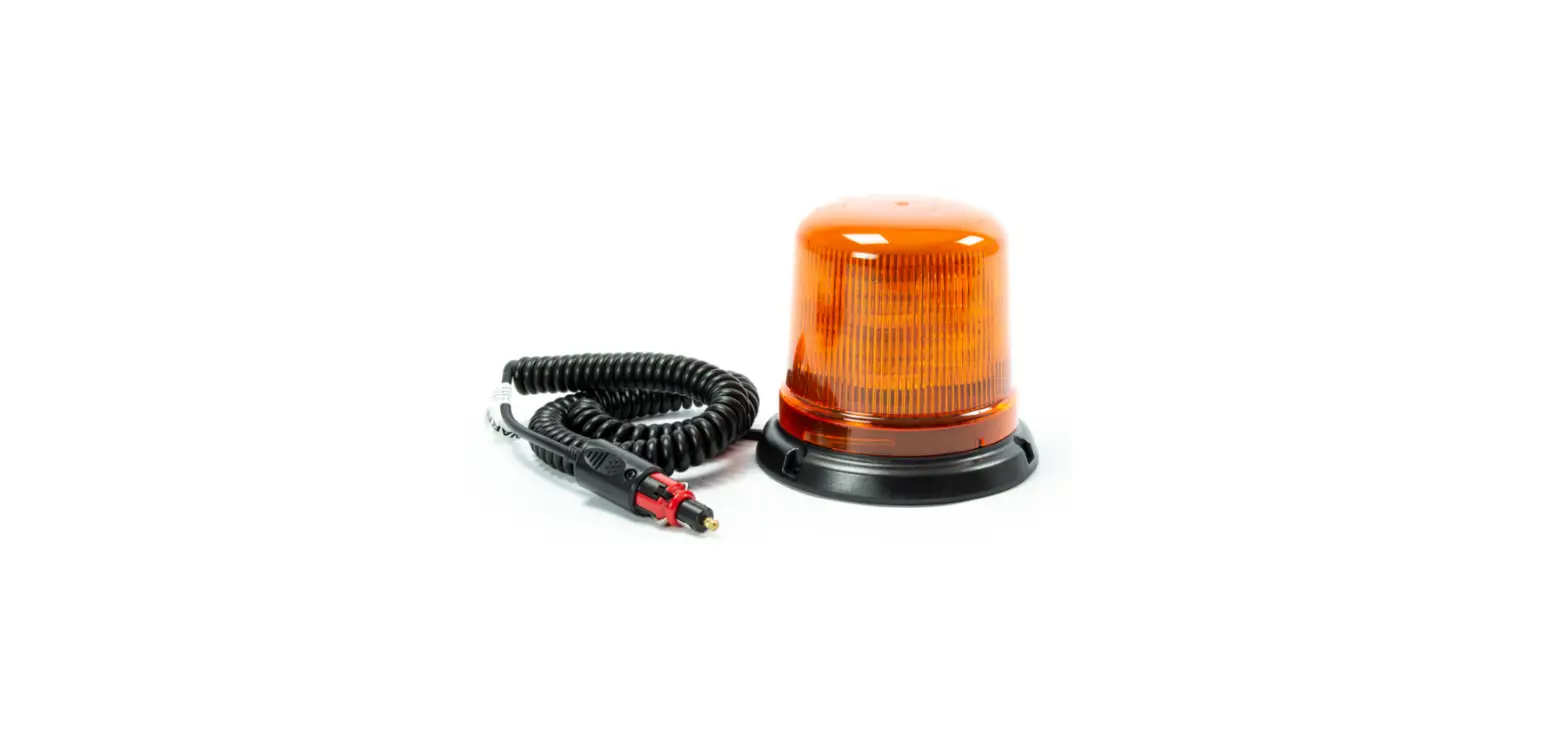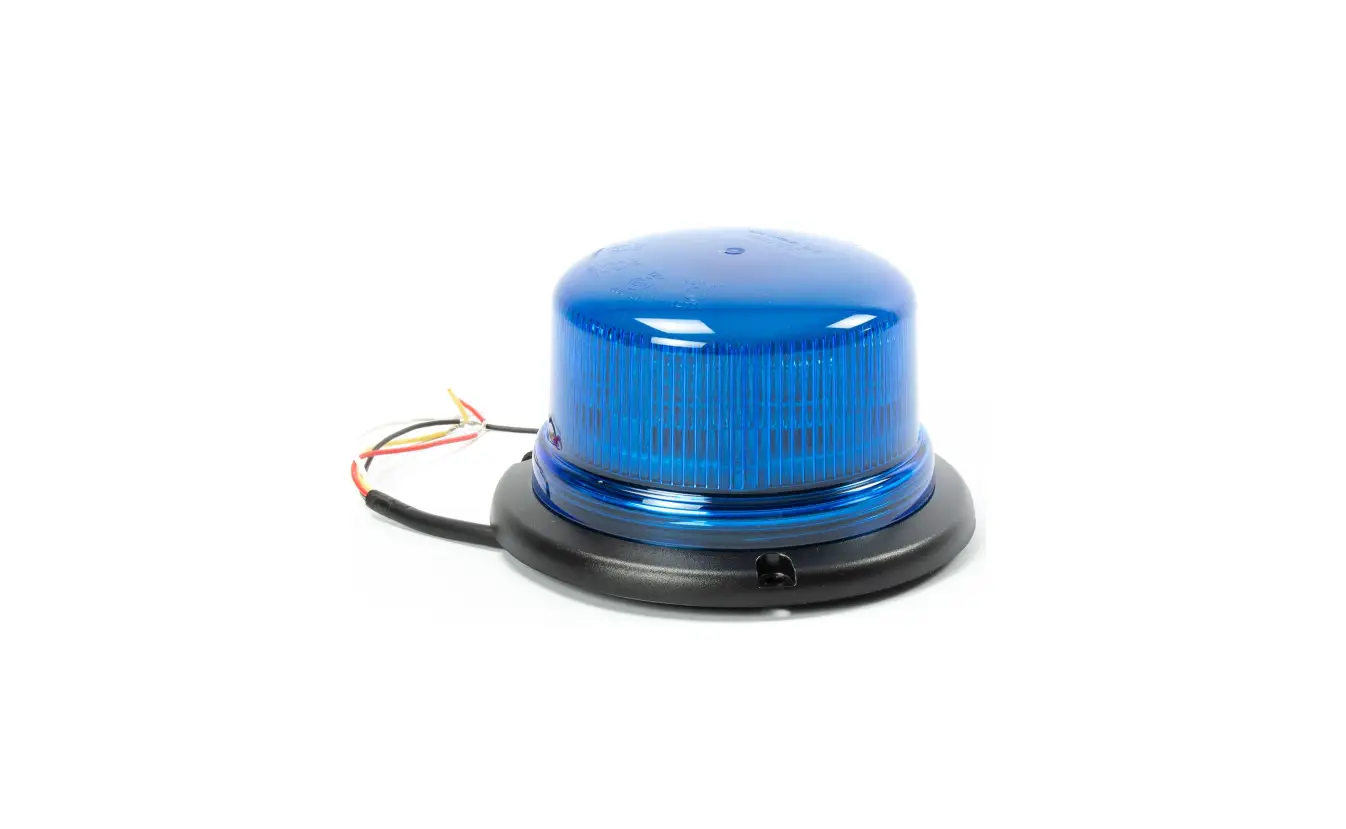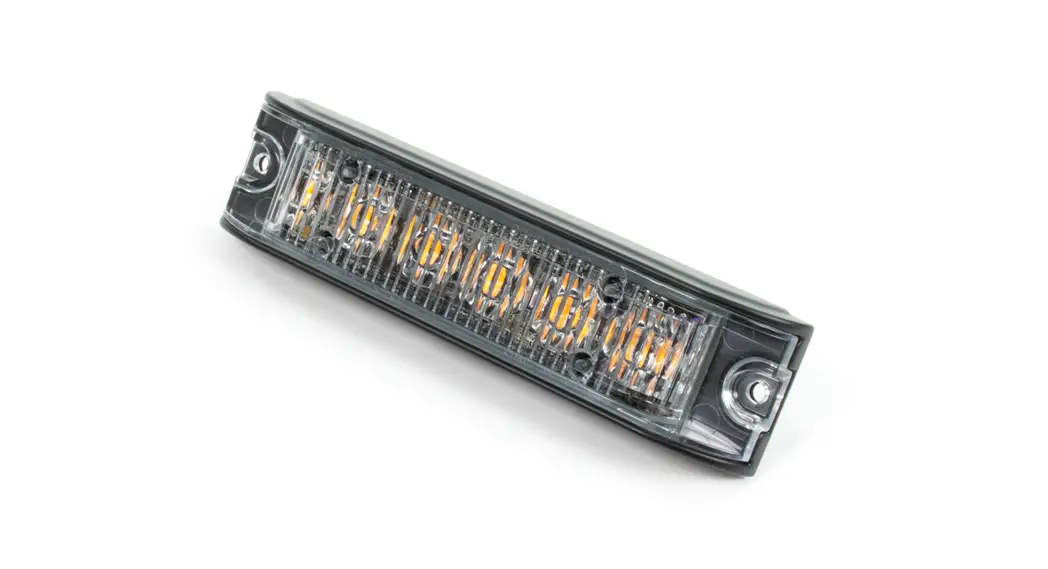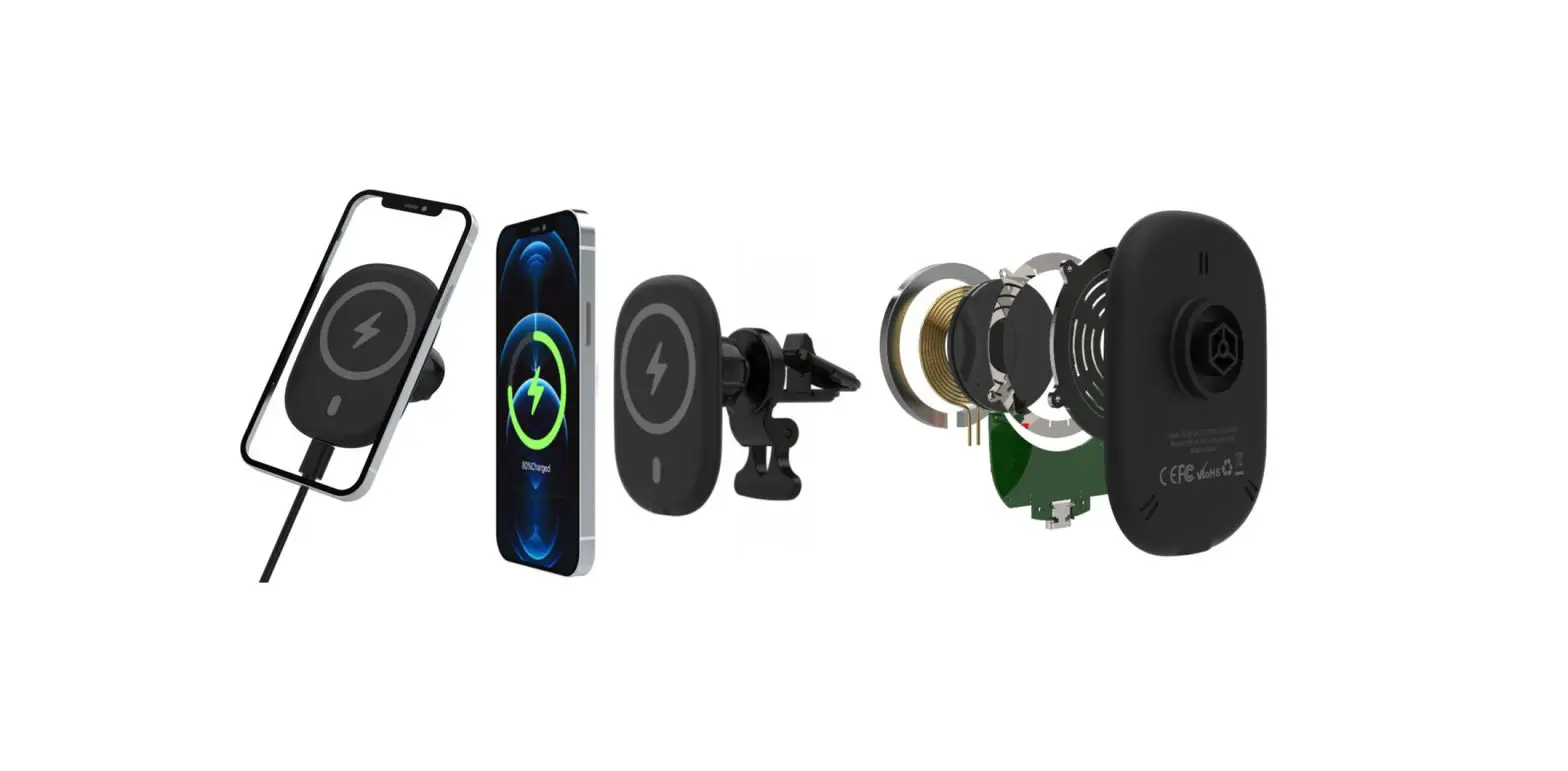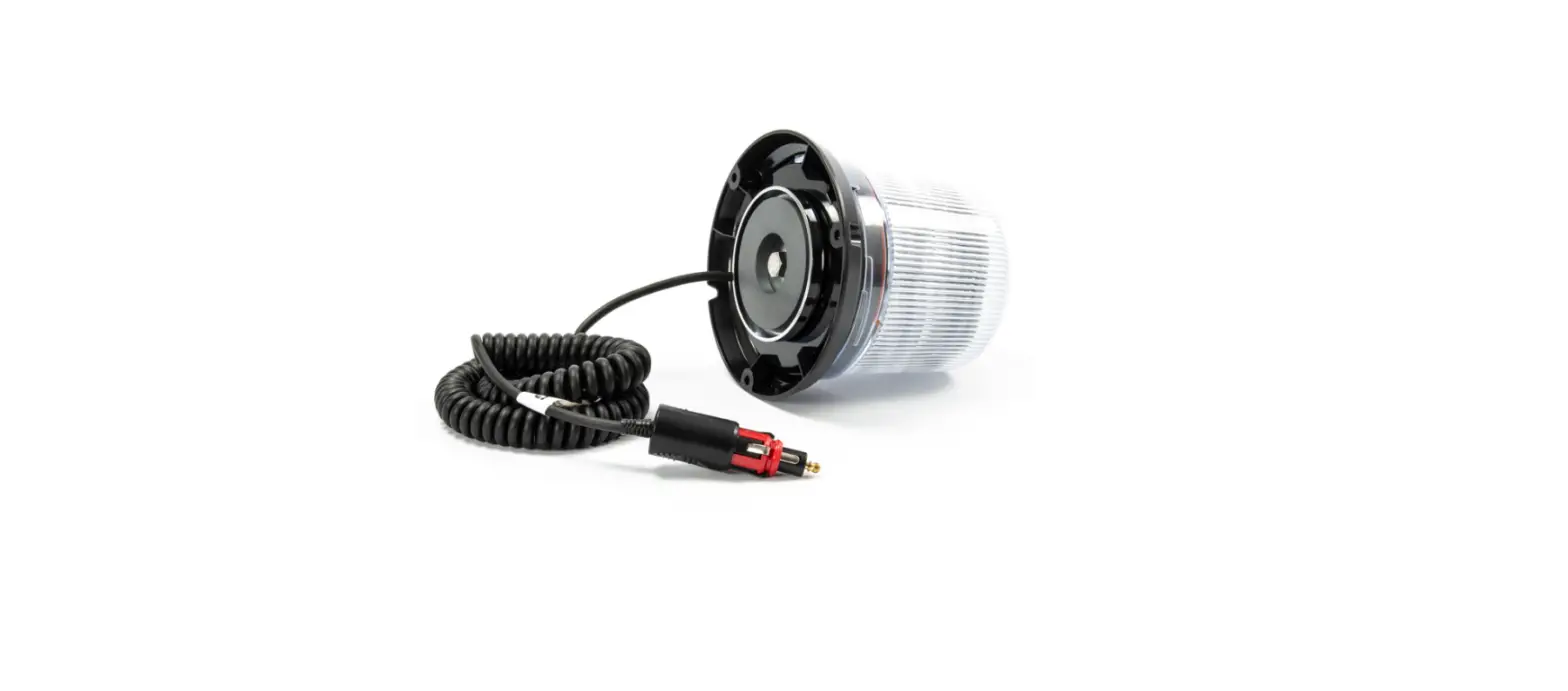

Cell2 B14 Magnetic Mount Coil
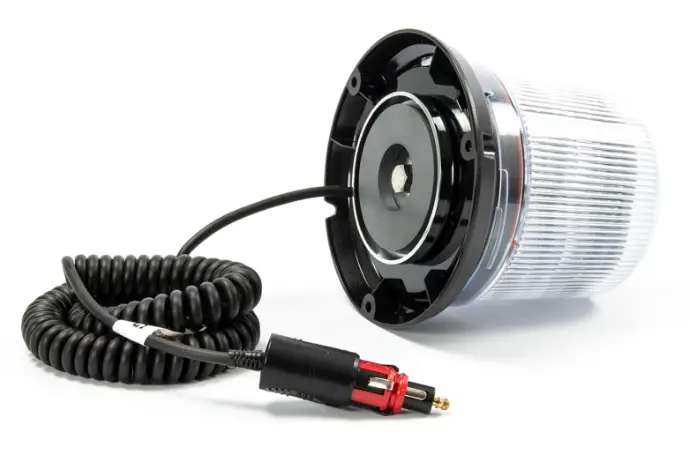
Permanent Mount
WIRING
RED: To +VDC for Cruise Mode
BLACK: To Chassis Ground (-)
RED + \WHITE: To +VDC for Warning Mode
Y OW: Flash patterns & Synchronization Connect YELLOW wires of all unit together for synchronization.(All unit should be set to the same Flash Pattern)
OPERATION
For Flash Pattern Selection:
While activating a warning mode, momentarily apply YELLOW wire to +VDC:
- Once to next pattern
- Quick three times to FP#1 (refer to Flash Pattern Chart)
For Simultaneous or Alternating Synchronization
- Enter SETTING MODE by powering up with YELLOW and RED Note: Actual approval will be based on model ordered. wires simultaneously, then remove YELLOW wire from +VDC.
The beacon will display short flashes:- Single flash = Group 1
- Double flash = Group 2
- Momentarily apply YELLOW wire to +VDC to change Groups:
- Lightheads of the same Group will flash together.
- Lightheads of the different Group will flash alternately.
- Save and exit SETTING MODE by disconnecting all power.
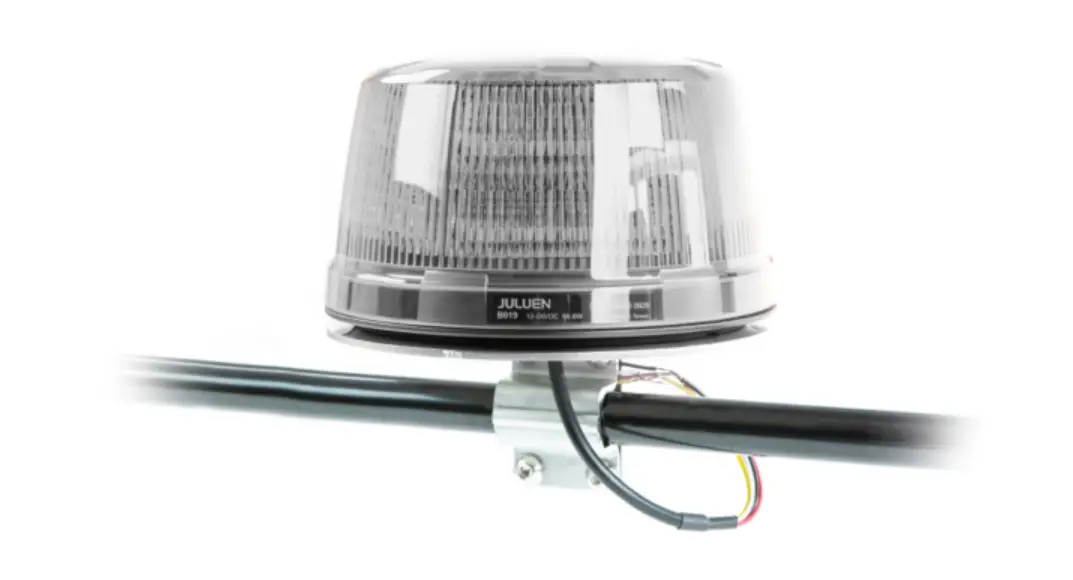
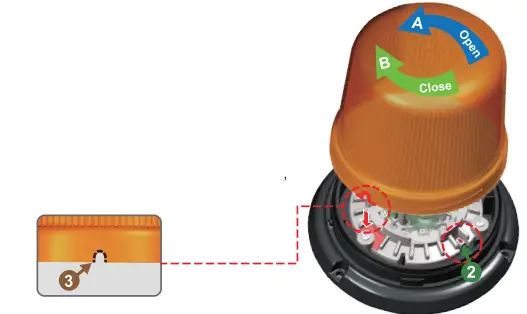
Open beacon
Push down on Tab 1, and twist the dome counterclockwise A, then lift the dome to open.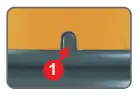
Change pattern
While activating Warning Mode, momentarily push the RED BUTTON to change to the next flash pattern. (See Flash Pattern Chart)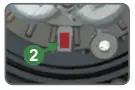
Close beacon
Align dome indent3 before Tab 1. then twist clockwise B to close.
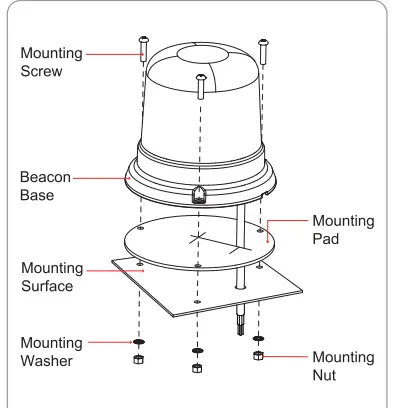
- Drill holes on the mounting surface for wire exit and mounting screws.
- Secure the beacon onto the mounting surface with supplied screws.

| FP# | FLASH PATTERNS |
| 1 | Double [R65] |
| 2 | Single [2Hz] |
| 3 | Quad [2Hz] |
| 4 | Single [SAE] |
| 5 | Double [SAE] |
| 6 | Quad [SAE] |
| 7 | Quint [SAE] |
| 8 | Mega |
| 9 | Ultra [SAE] |
| 10 | Single-Quad |
| 11 | Single H/L |
| 12 | Single Column Rotator |
| 13 | Double Column Rotator |
| 14 | Double Rotator x5 -> Quint x5 |
Note: Actual approval will be based on model ordered.