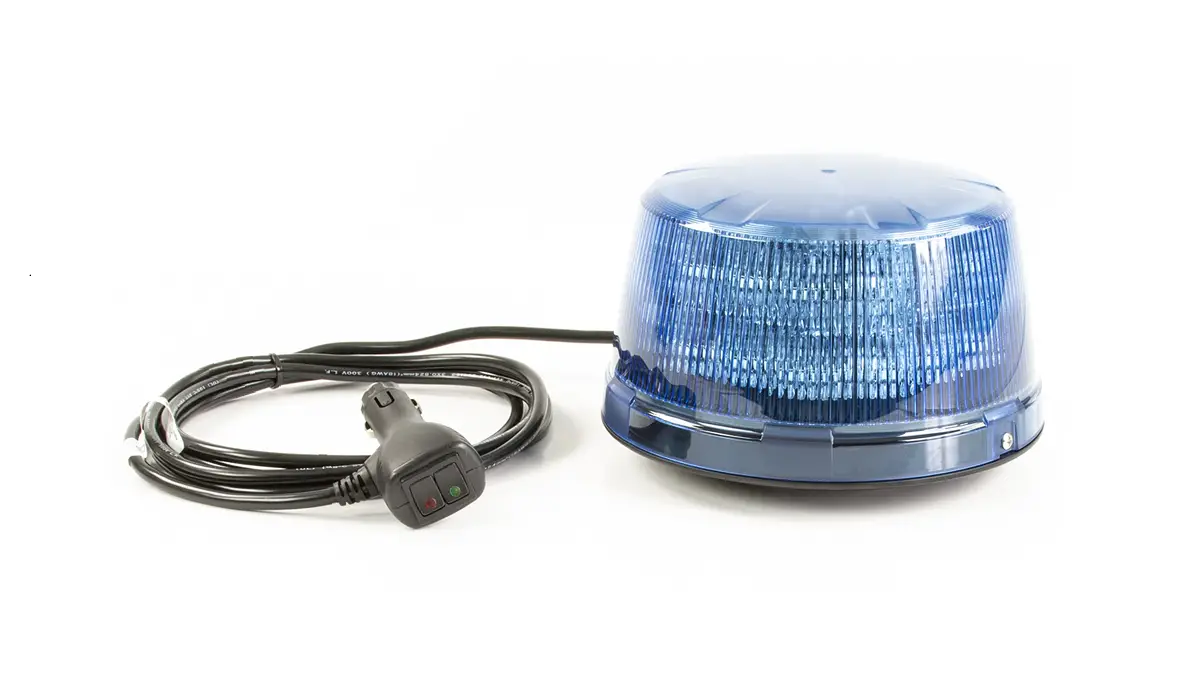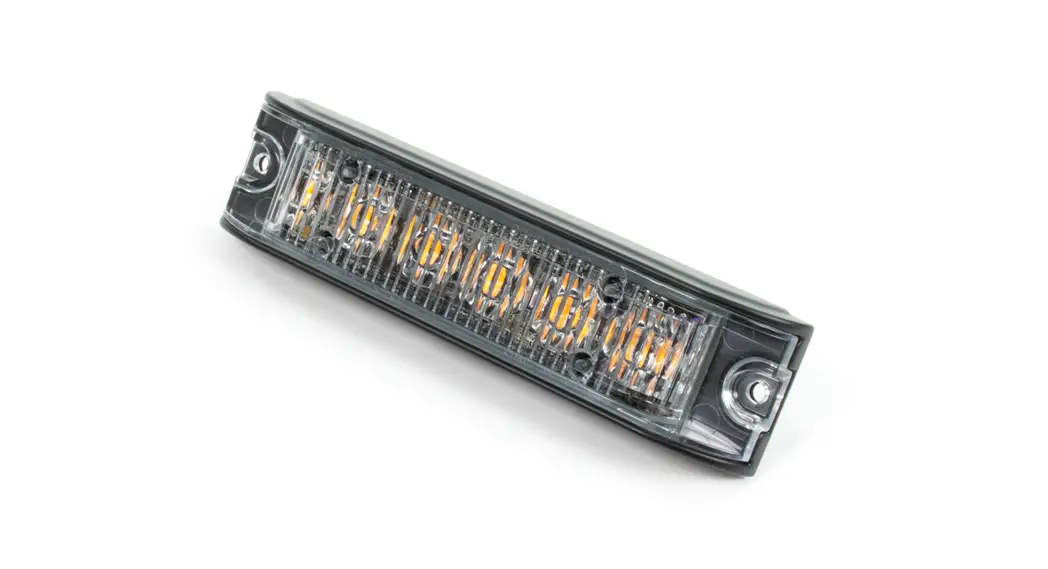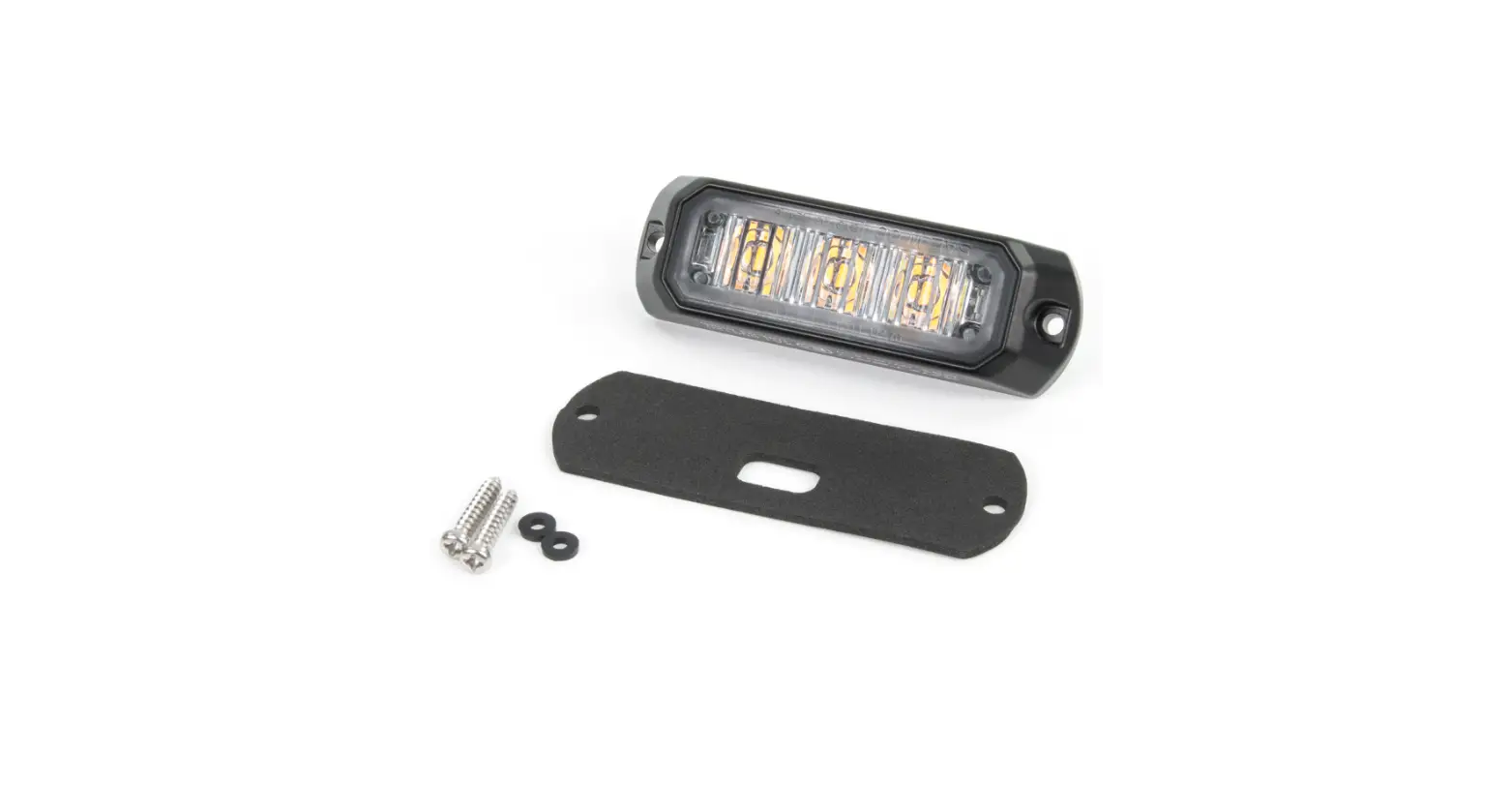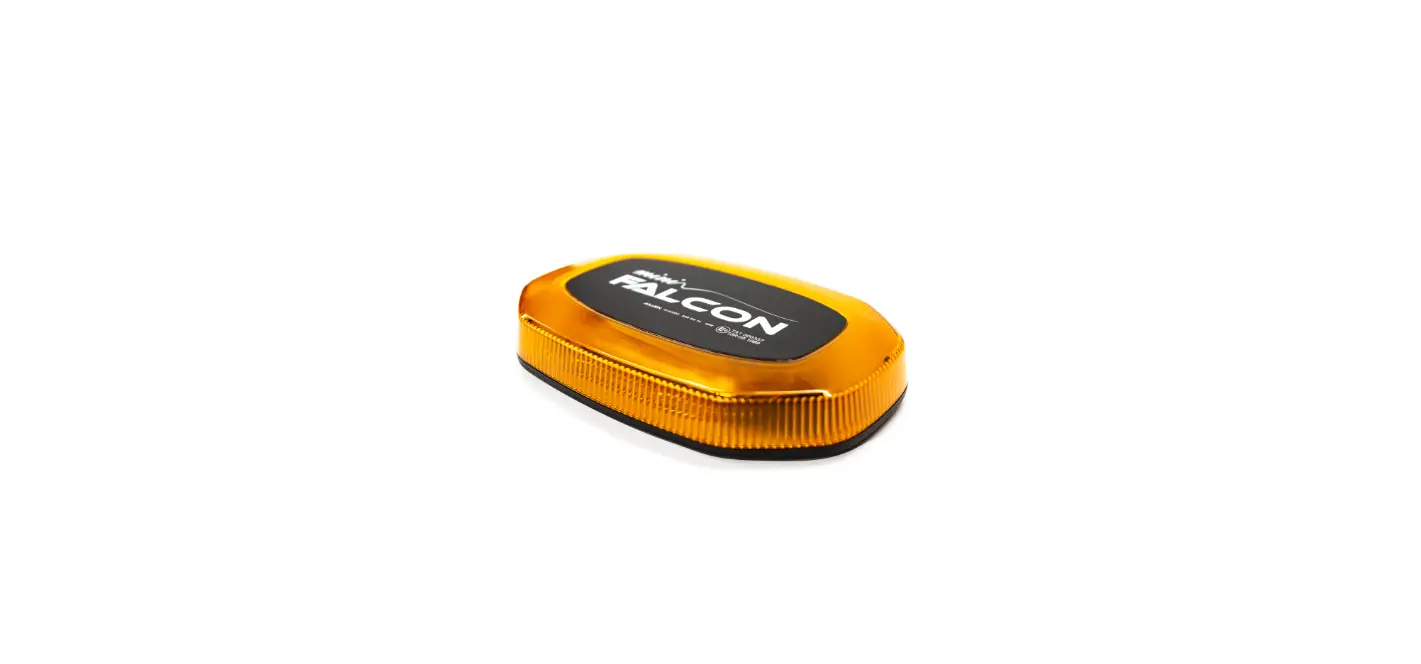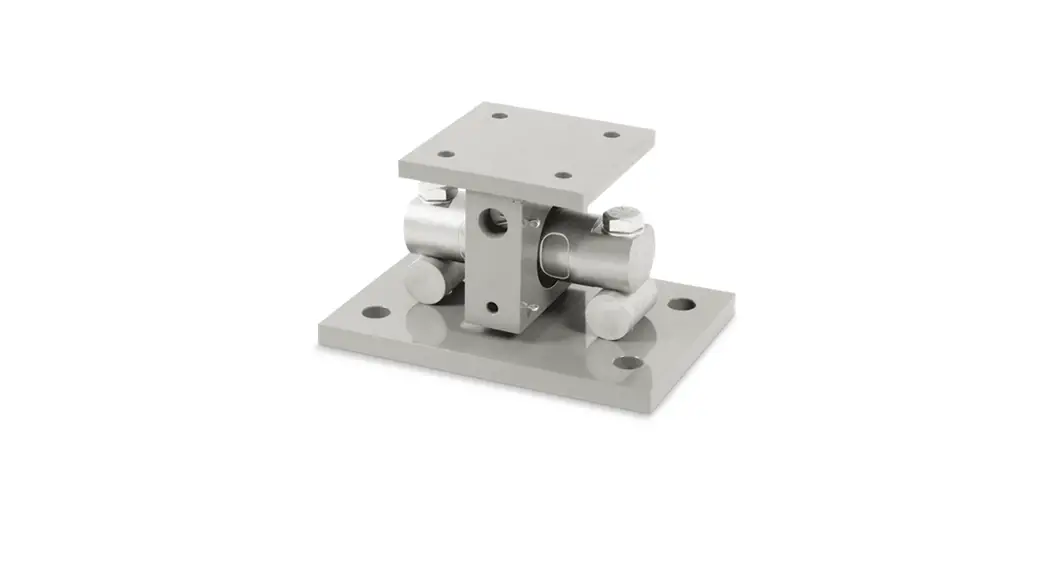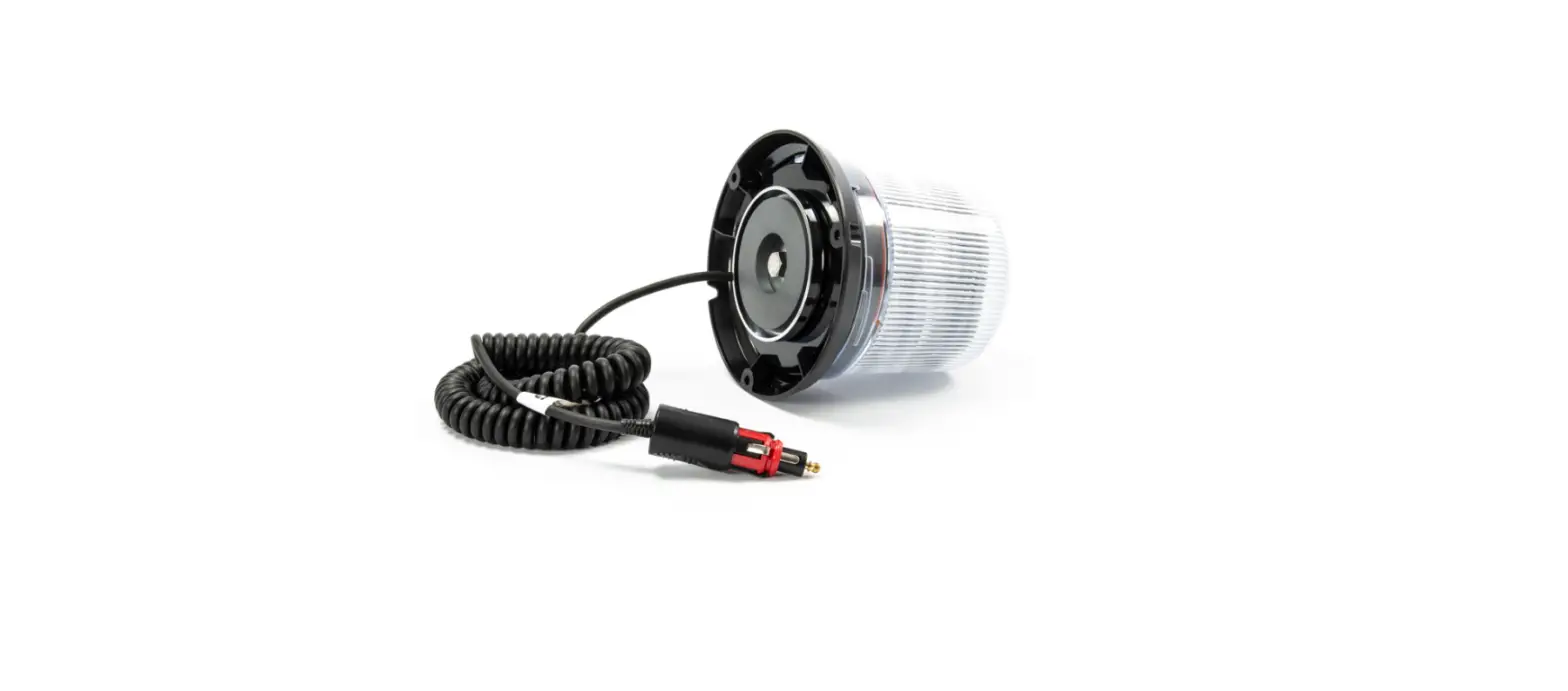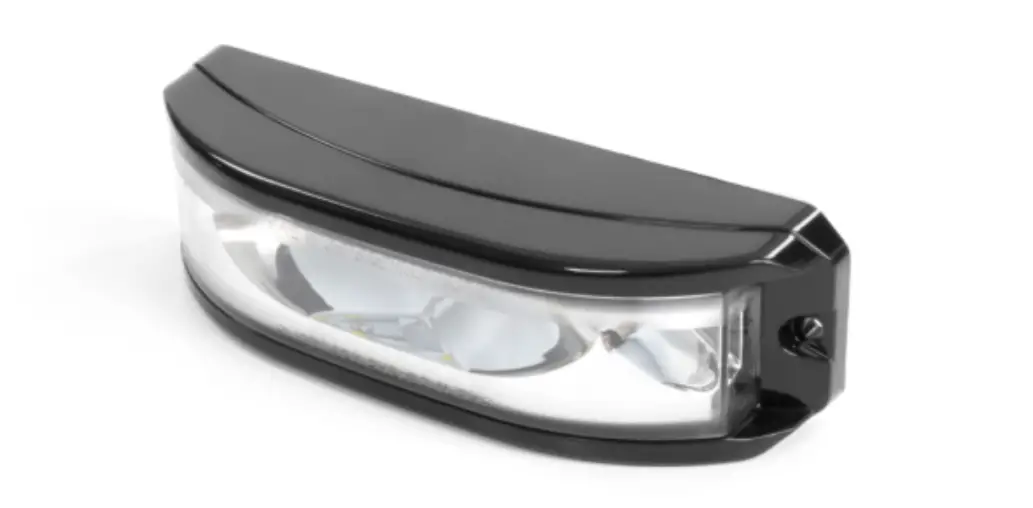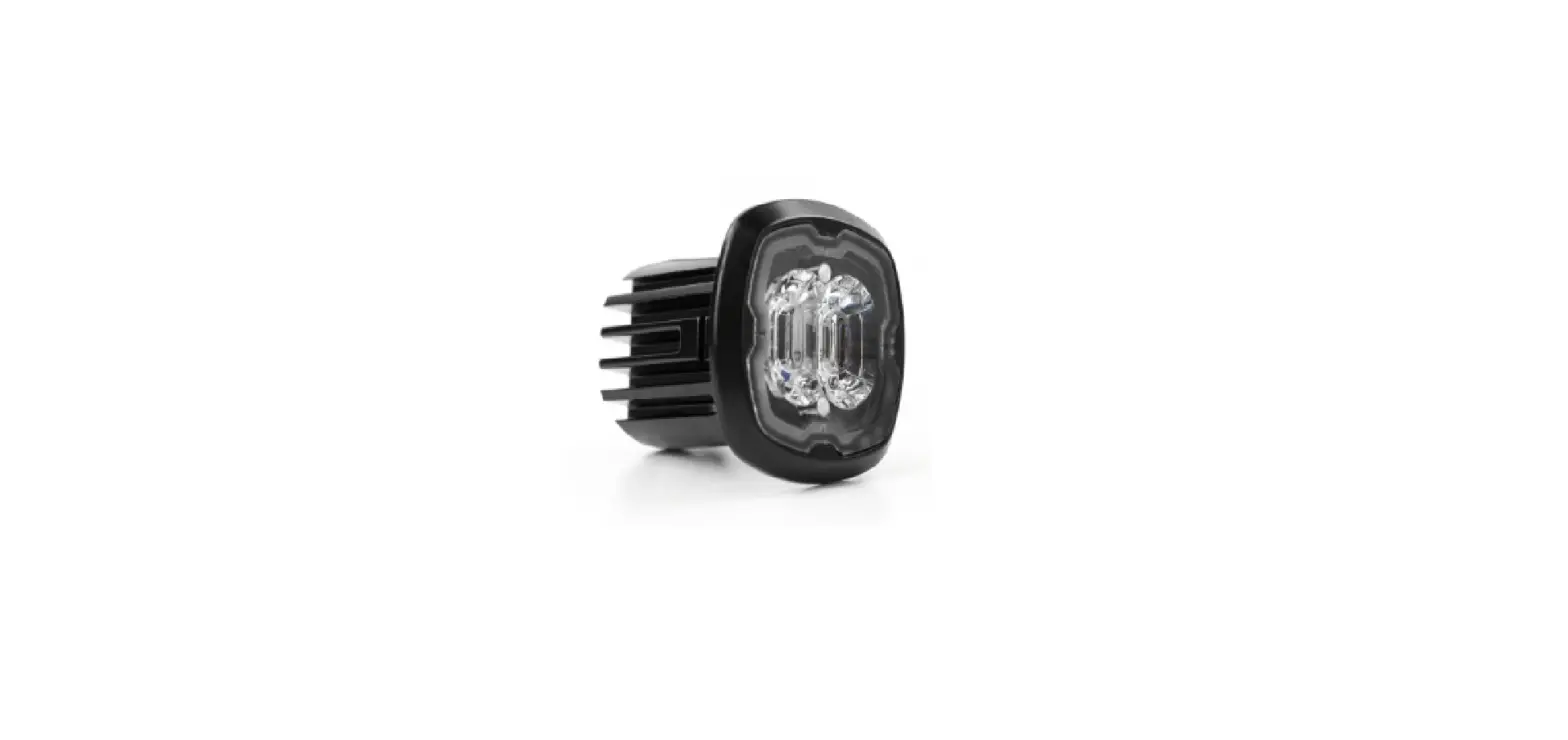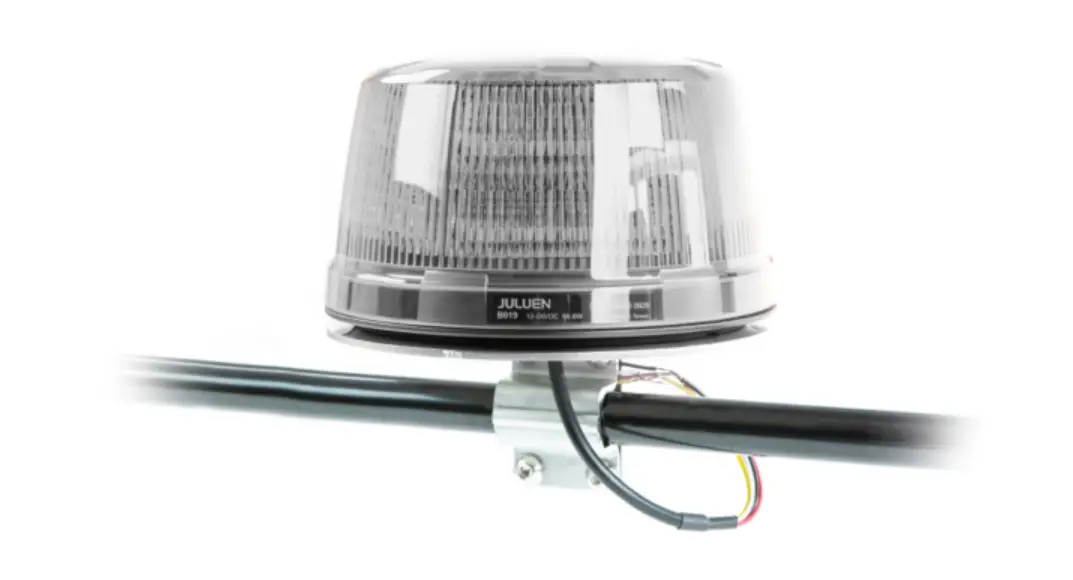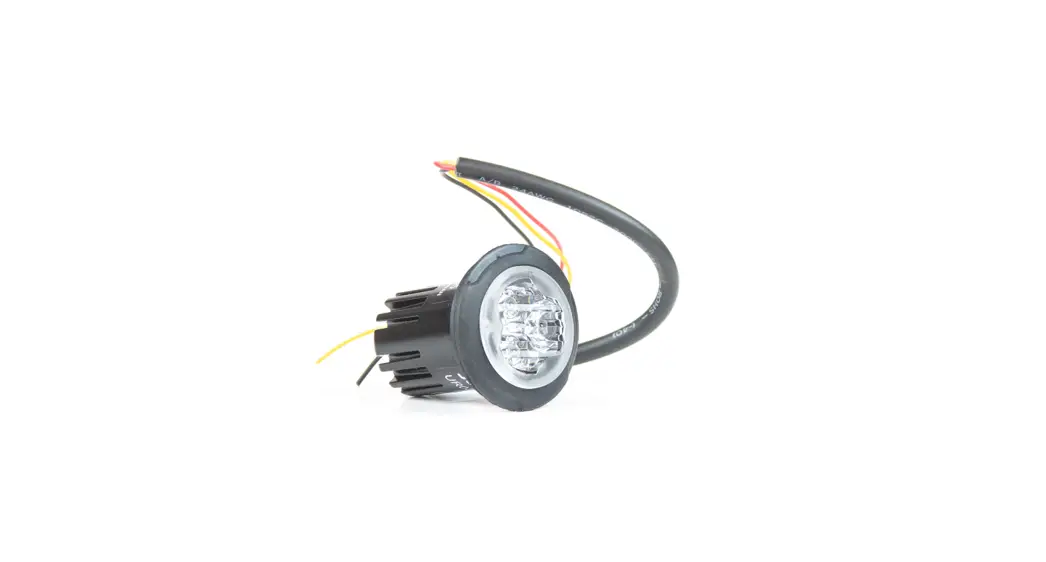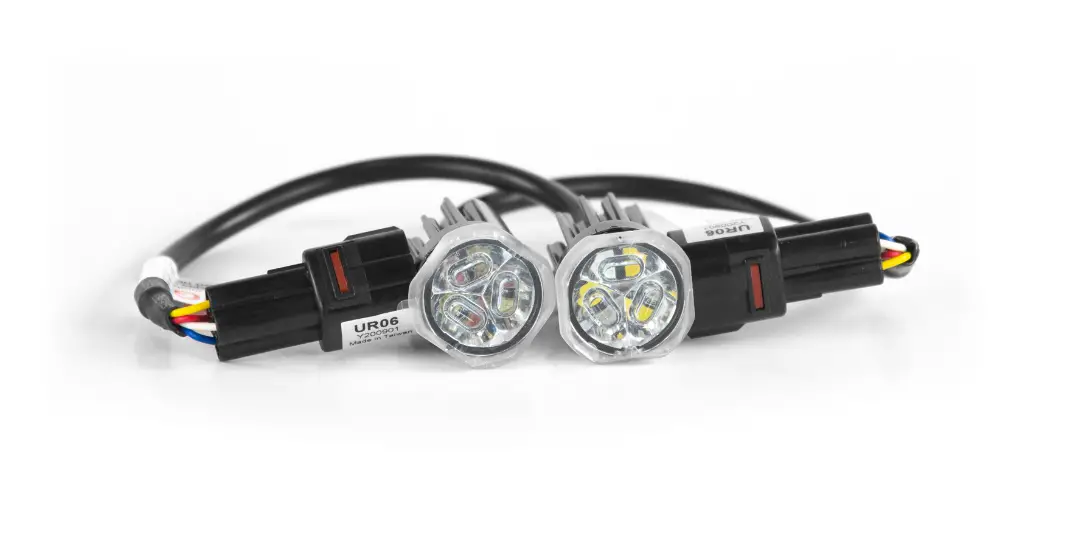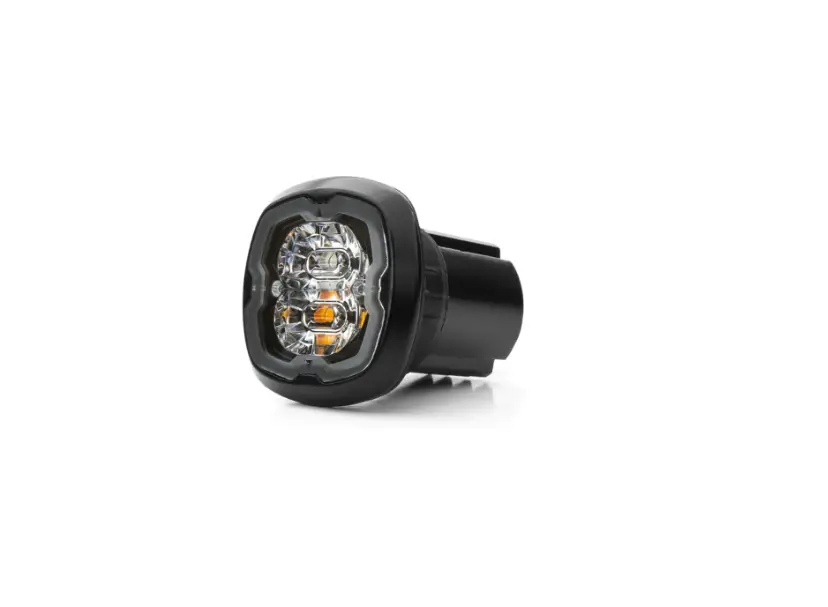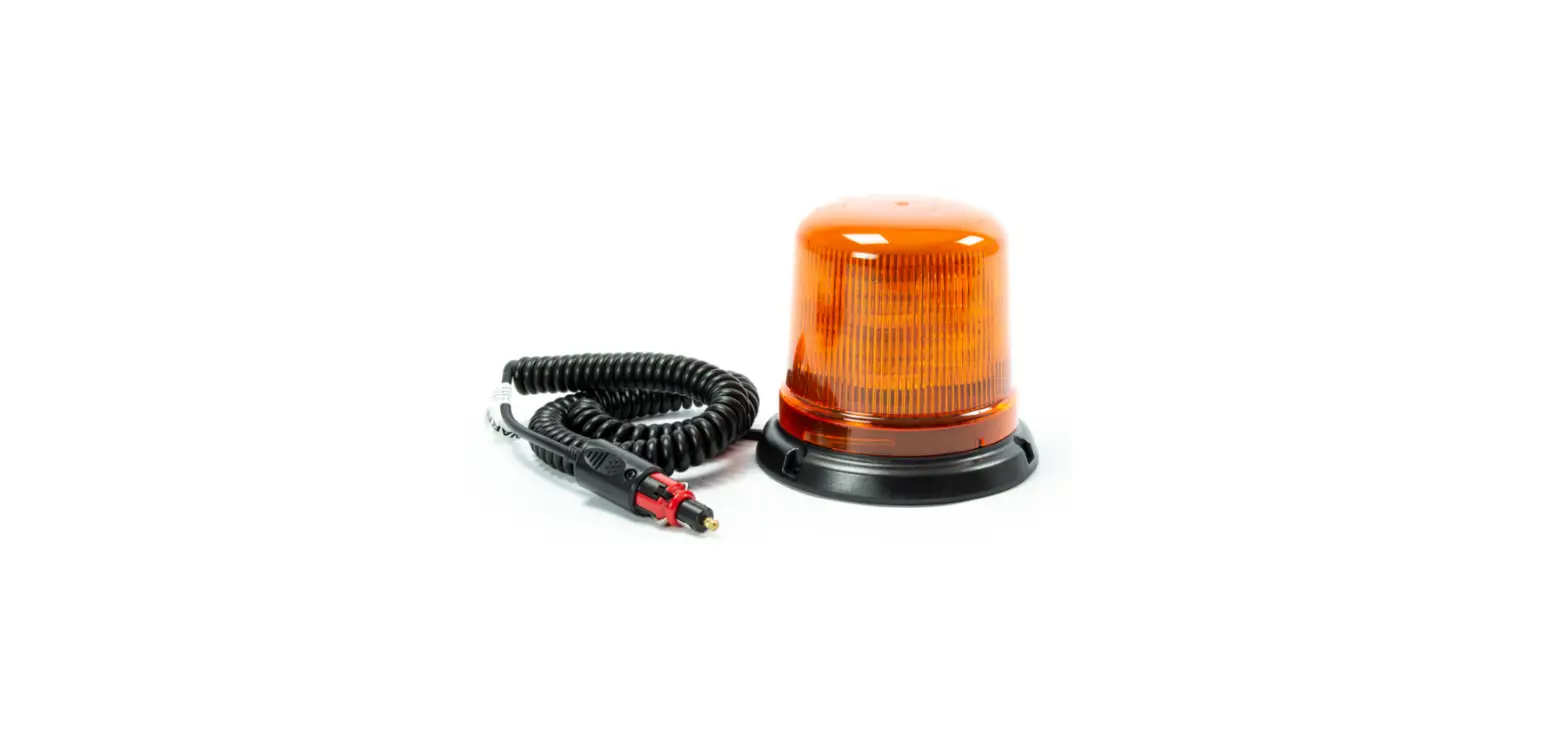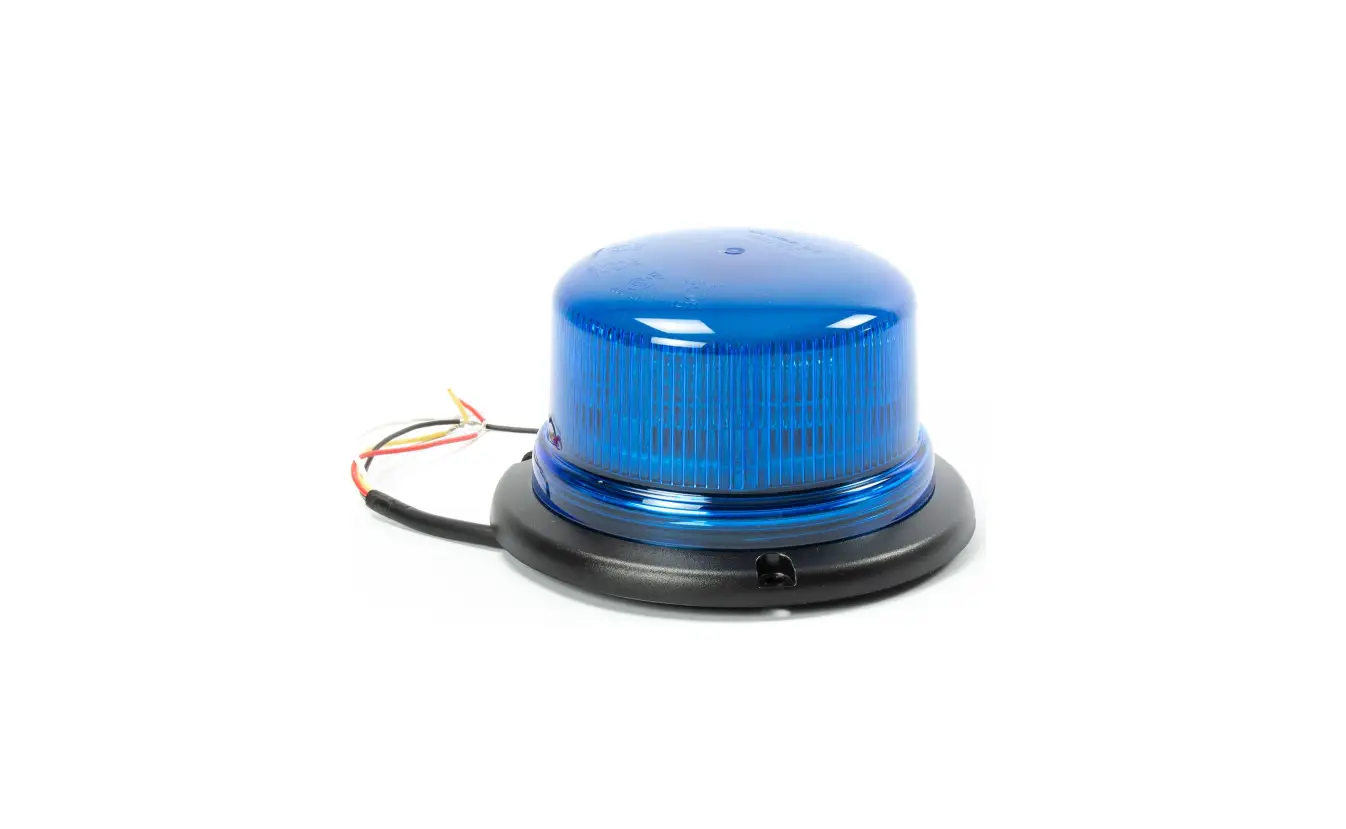

Cell2 B16 Cruise BB (3-Bolt Mount)
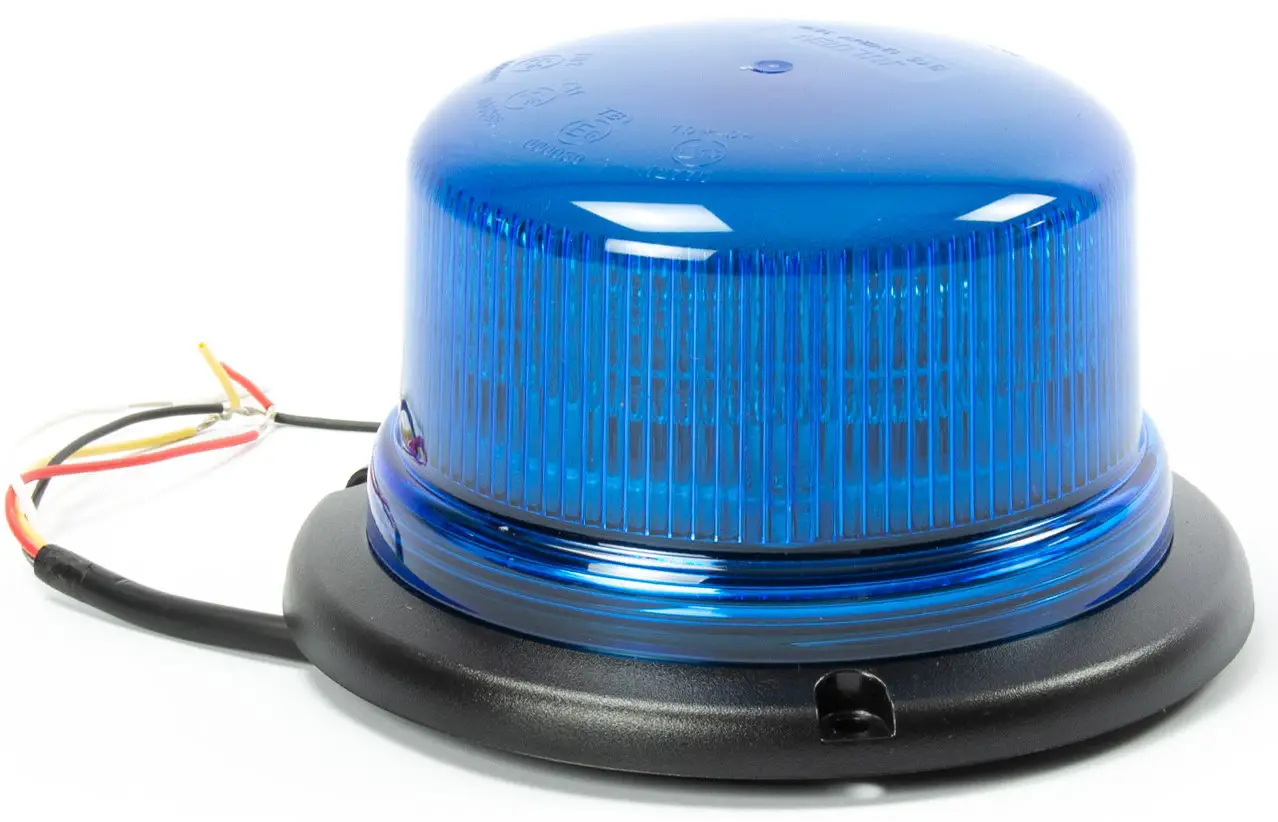
WIRING
- RED: To +VDC for Cruise Mode
- BLACK: To Chassis Ground (-)
- RED + WHITE: To +VDC for Warning Mode
- YELLOW: Flash patterns & Synchronization
Connect YELLOW wires of all unit together for synchronization. (All unit should be set to the same Flash Pattern)
OPERATION
- For Flash Pattern Selection:
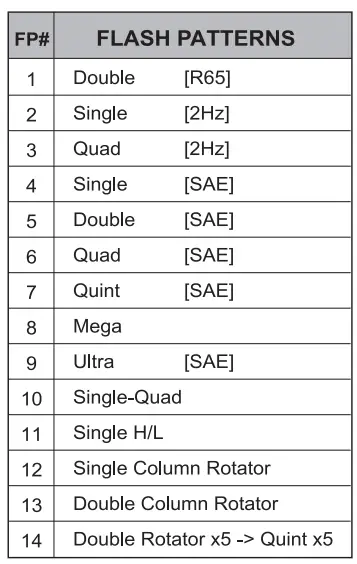
While activating a warning mode, momentarily apply YELLOW wire to +VDC:- Once to next pattern
- Quick three times to FP#1 (refer to Flash Pattern Chart)

- For Simultaneous or Alternating Synchronization:
- Enter SETTING MODE by powering up with YELLOW and RED Note: Actual approval will be based on model ordered. wires simultaneously, then remove YELLOW wire from +VDC.
The beacon will display short flashes:- Single flash = Group 1
- Double flash = Group 2
- Momentarily apply YELLOW wire to +VDC to change Groups:
- Lightheads of the same Group will flash together.
- Lightheads of the different Group will flash alternately.
- Save and exit SETTING MODE by disconnecting all power.
- Enter SETTING MODE by powering up with YELLOW and RED Note: Actual approval will be based on model ordered. wires simultaneously, then remove YELLOW wire from +VDC.
INSTALLATION INSTRUCTION
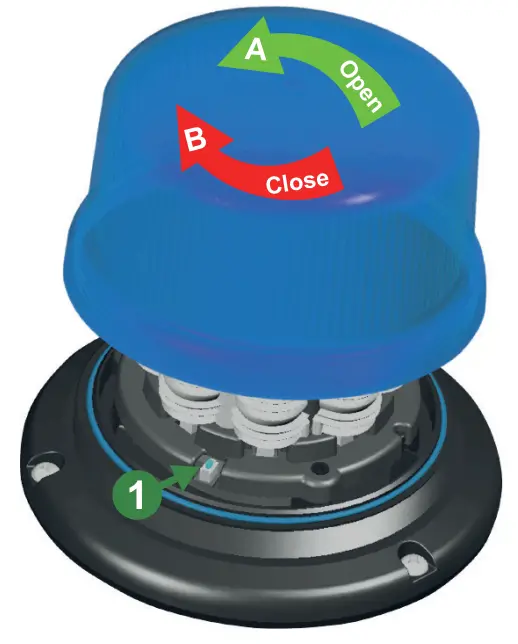
- Open beacon
Twist dome counter clockwise A , then lift dome to open.
- Change Pattern
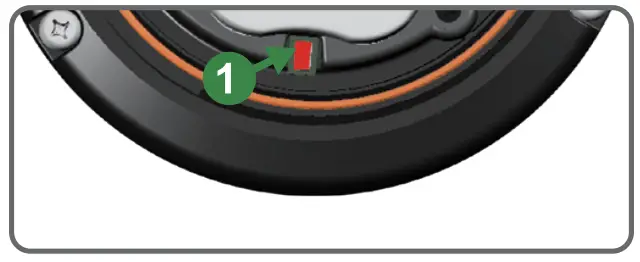
While activating Warning Mode, momentarily push the RED BUTTON 1 to change to the next flash pattern. (see Flash Patterns chart)
- Close beacon
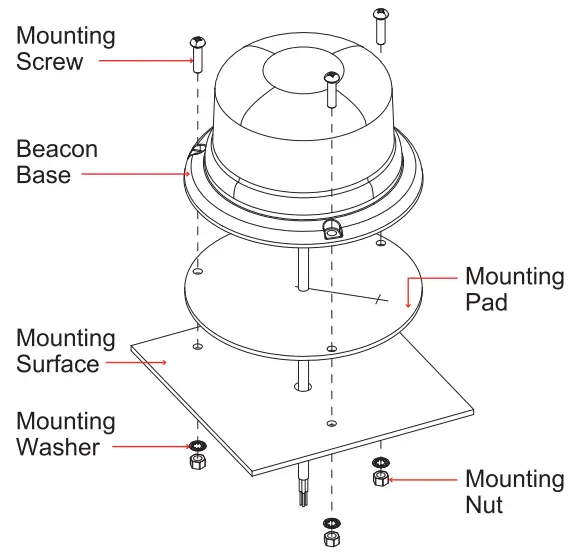
Twist and tighten the dome lens clockwise B to close.- Drill holes on the mounting surface for wire exit and mounting screws.
- Secure the beacon onto the mounting surface with supplied screws.