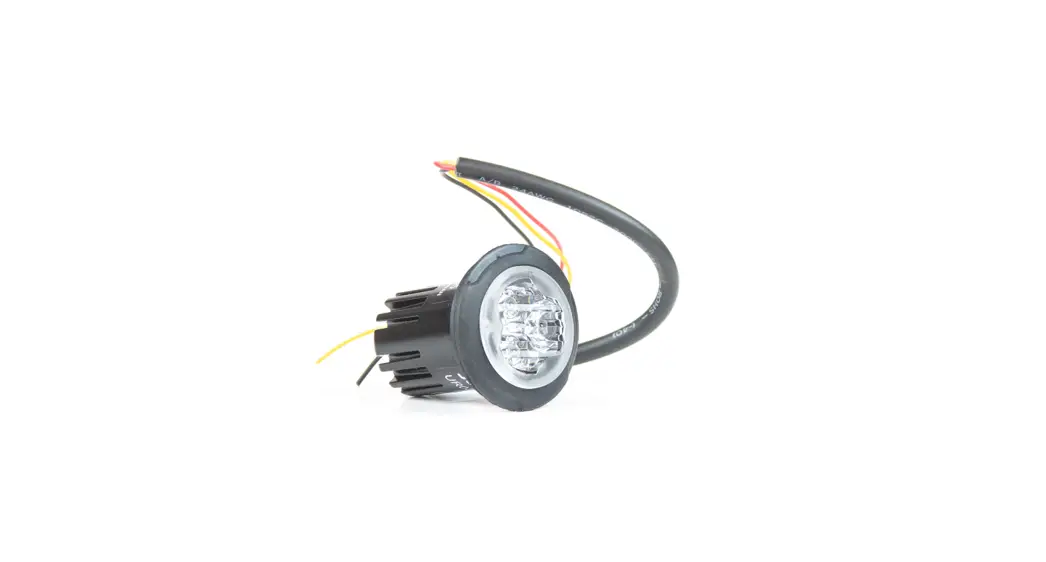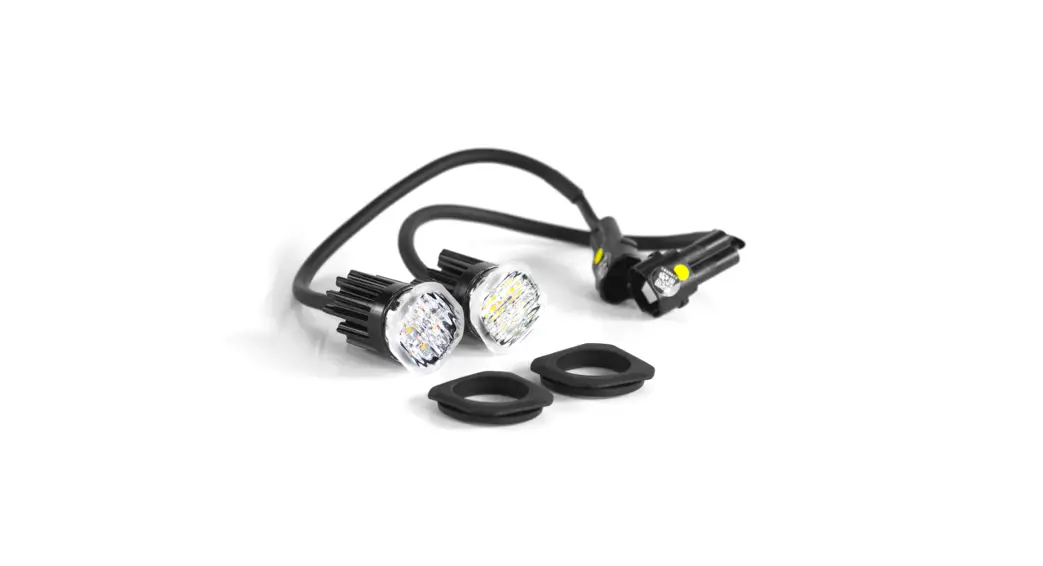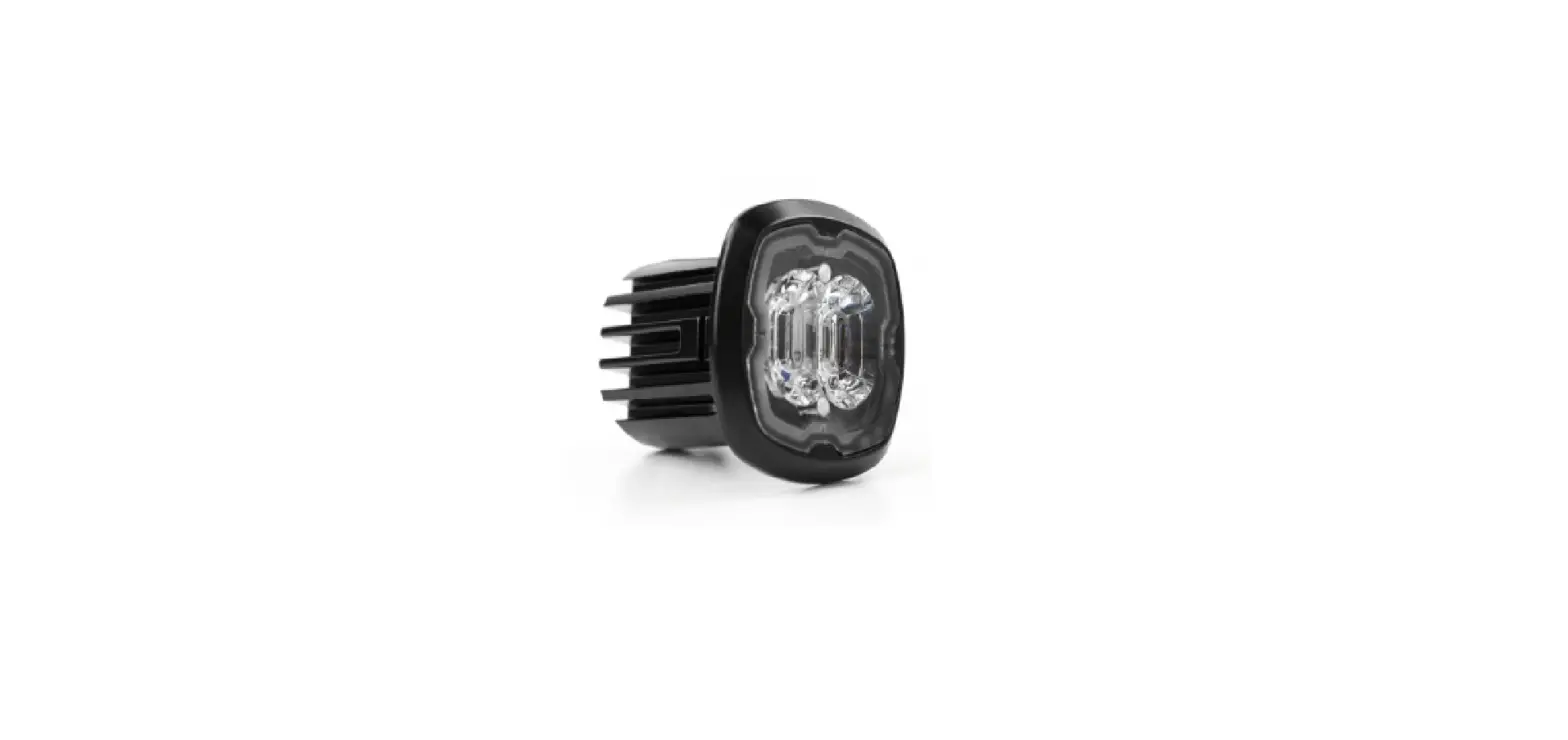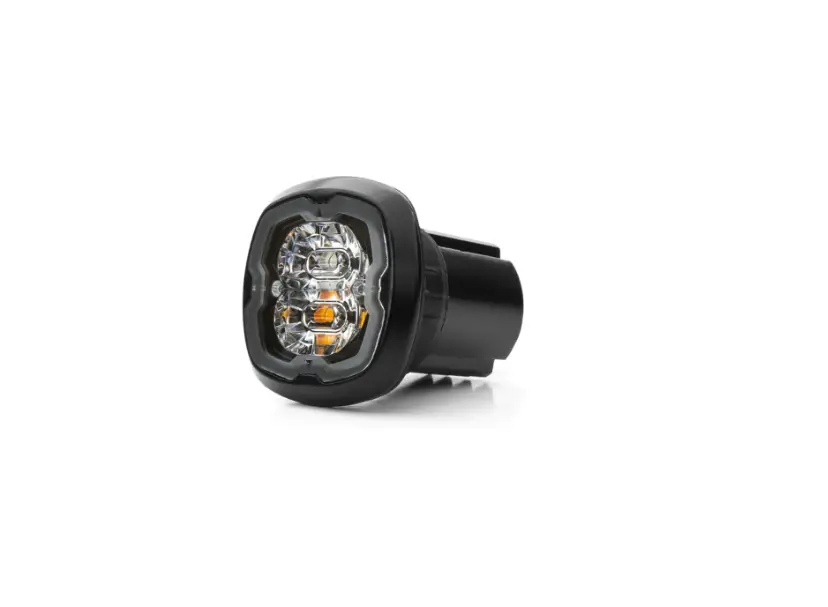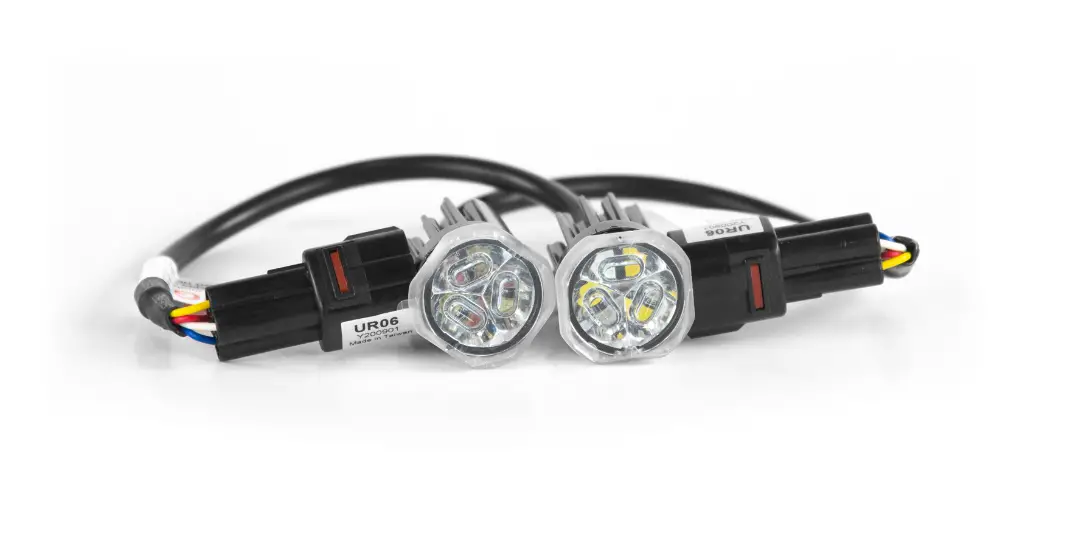

Cell2 UR06 LED Flush Mount Kit
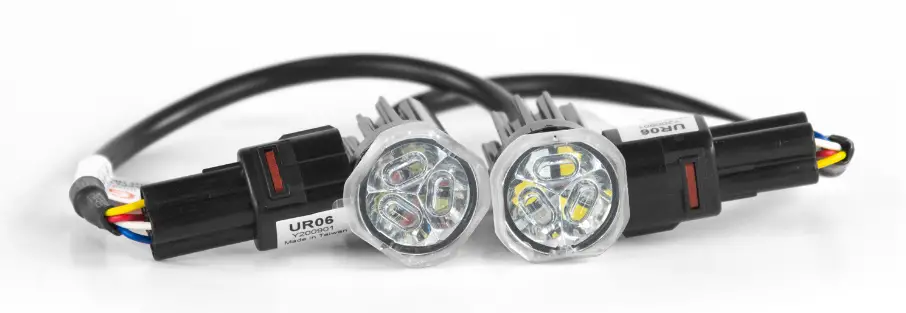
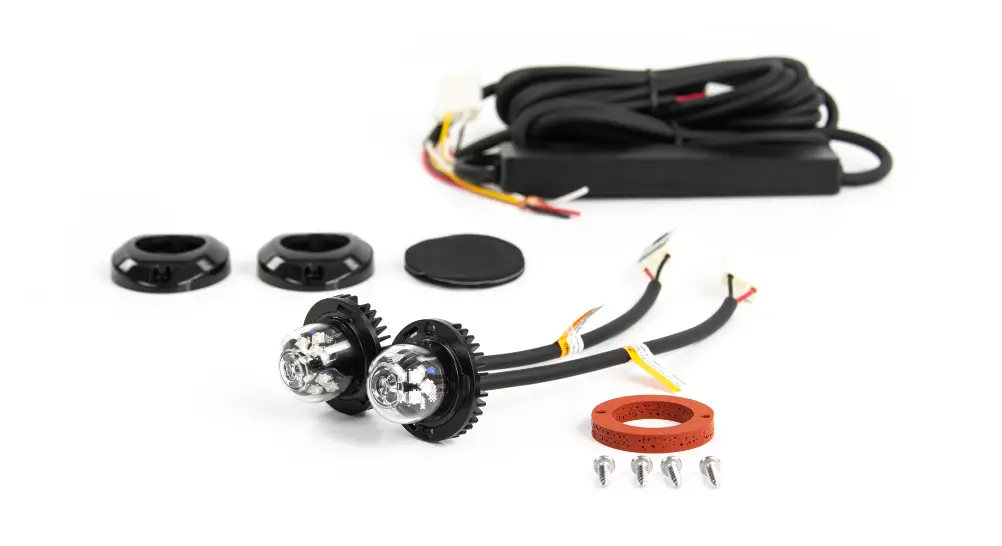
CONTENTS

WIRING & FUNCTIONS

NOTE: Each warning mode may be set to different Flash Pattern & Colour Mode.
OPERATION
For Synchronization:
Connect  wires of all lightheads together for synchronization. (All the lightheads should be set to the same Flash Pattern)
For Warning Colour Mode:
Each Warning Mode  may be set to warning or
  in ,
in , 
 . To change Warning Colour Mode:
- Choose the desired warning mode to change and apply +VDC to its activation wire
 with
with  wire simultaneously to enter Setting Mode; lighthead will display short flashes in its current Colour Mode.
- Colour 1 (Warning Mode 1 Pre-set)
- Colour 2 (Warning Mode 2 Pre-set)
- Colour 1 alt. 2 (Warning Mode 3 Pre-set)
- Remove wire from +VDC and momentarily apply to +VDC again to change Colour Mode.
- Once in desired Colour Mode, save and Exit Setting Mode by powering off the lighthead.
For Flash Pattern:
While a warning mode is actiaved, momentarily apply +VDC to wire:
- once for next pattern
- quick three times to reset to FP#1 (see flash pattern chart)
| Flash Pattern | |||
| 1 | Double [2Hz] | 15 | Random |
| 2 | Single [2Hz] | 16 | Double [2Hz] (SPLIT) |
| 3 | Triple [2Hz] | 17 | Single [2Hz] (SPLIT) |
| 4 | Quad [2Hz] | 18 | Triple [2Hz] (SPLIT) |
| 5 | Single | 19 | Quad [2Hz] (SPLIT) |
| 6 | Double | 20 | Single (SPLIT) |
| 7 | Quad | 21 | Double (SPLIT) |
| 8 | Quint | 22 | Quad (SPLIT) |
| 9 | Mega | 23 | Quint (SPLIT) |
| 10 | Ultra | 24 | Mega (SPLIT) |
| 11 | Single-Quad | 25 | Ultra (SPLIT) |
| 12 | Single H/L | 26 | Single-Quad (SPLIT) |
| 13 | Steady EF * | 27 | Single H/L (SPLIT) |
| 14 | Steady Scene | ||
INSTALLATION – FLUSH MOUNT
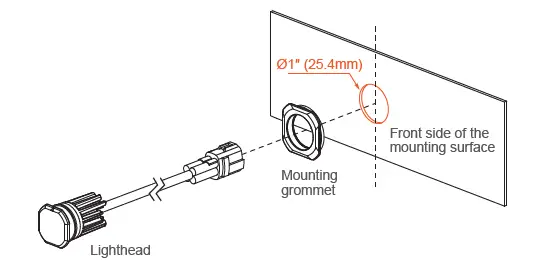
- Select a mounting location and drill one 1″ (25.4mm) cut-out.
NOTE: Mounting surface thickness @ 0.8~2.0mm
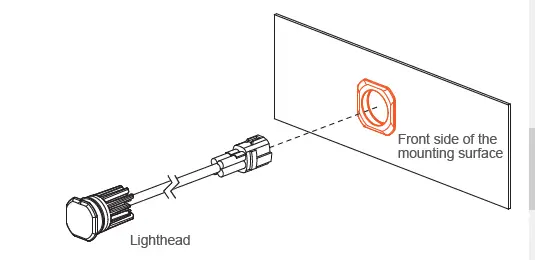
- From the front, install MOUNTING GROMMET onto the cut-out, and then insert the LIGHTHEAD.

- Where necessary, apply silicone around the reverse side to prevent from rotating.

- Where necessary, apply silicone around the reverse side to prevent from rotating.

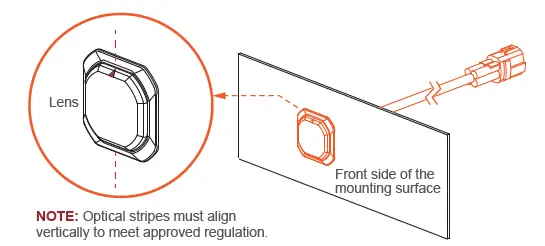
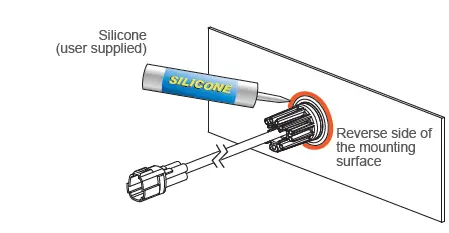
INSTALLATION – BRACKET MOUNT (sold-separately)
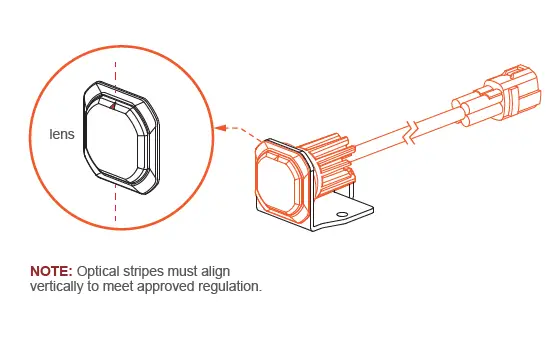
- From the front, install the MOUNTING GROMMET onto the BRACKET, and insert the LIGHTHEAD.

- Ensure that triangle mark on the lens is aligned vertically.

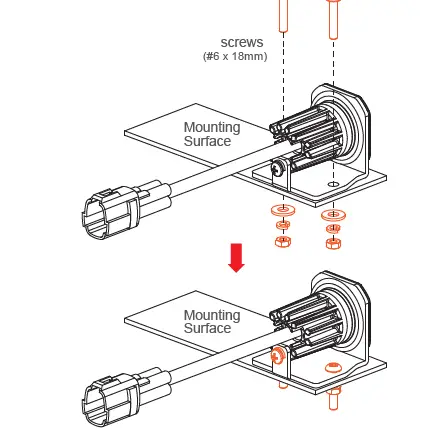
- Secure the LIGHTHEAD onto the BRACKET with a screw.
- Secure the BRACKET onto the desired mounting surface with screws.

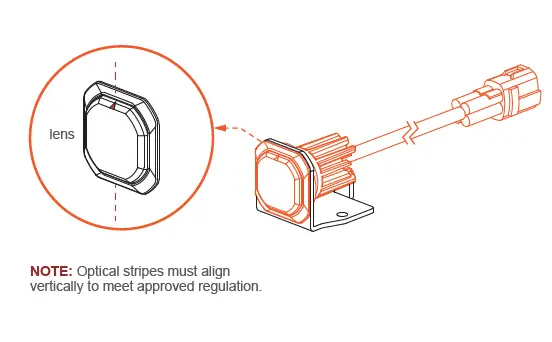
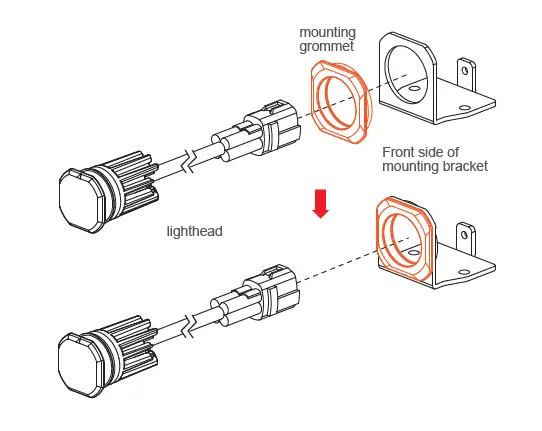
WIRING 2 KITS TOGETHER
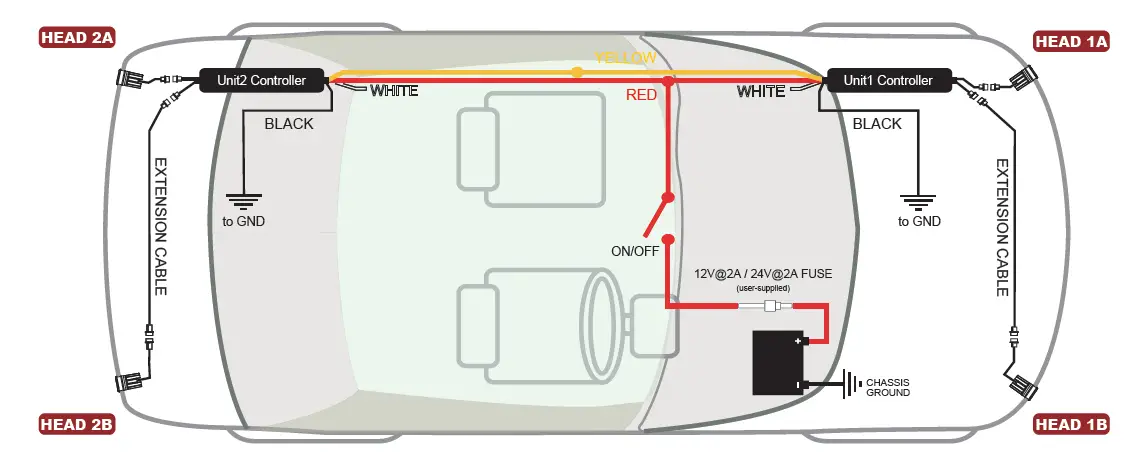
Below is a schematic diagram for wiring 2 kits together.
Yellow wires from both controllers must be connected together for synchronization.
- When Flash Pattern 1~12 is selected: All Heads will flash simultaneously.
- When Flash Pattern 15~26 is selected: Head 1A&2A will flash alternatively with Head 1B&2B.
* refer to Flash Pattern chart on opposite page.
NOTE: To have Head 1A&2B alternate with 1B&2A, simply reverse the lightheaded outlets on one of the Controllers; (both kits must be in Flash Pattern 15~26).
NOTE: The mounting area for controllers varies from vehicle to vehicle.