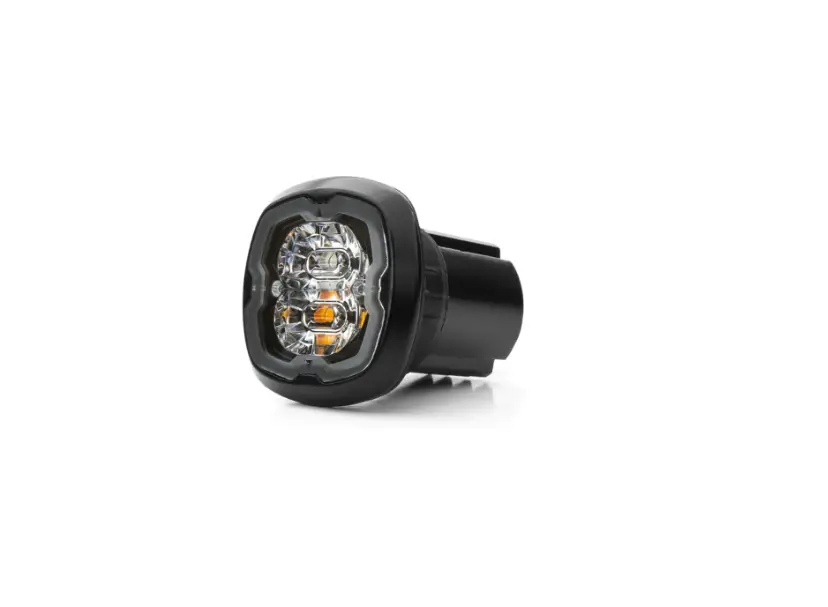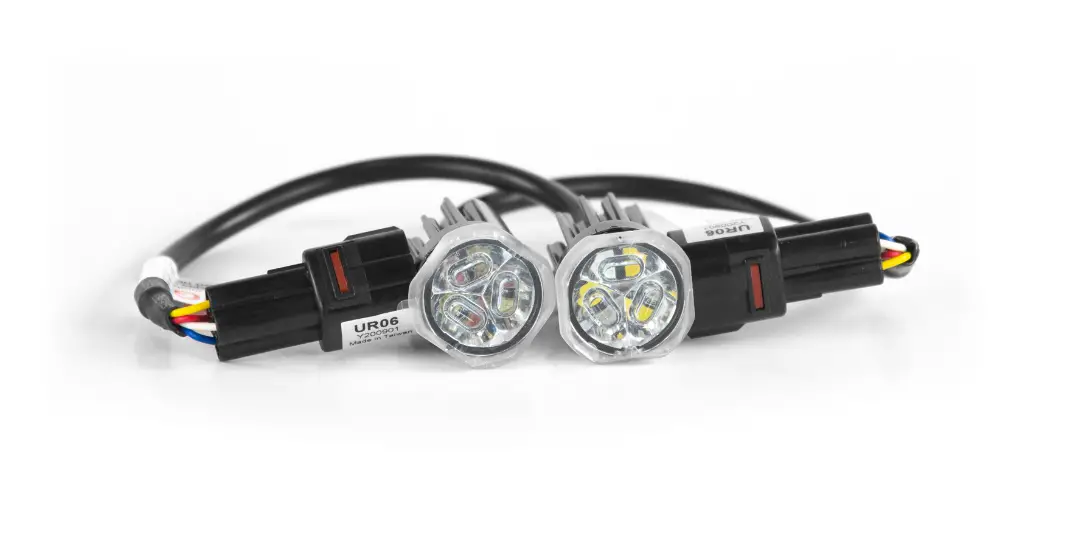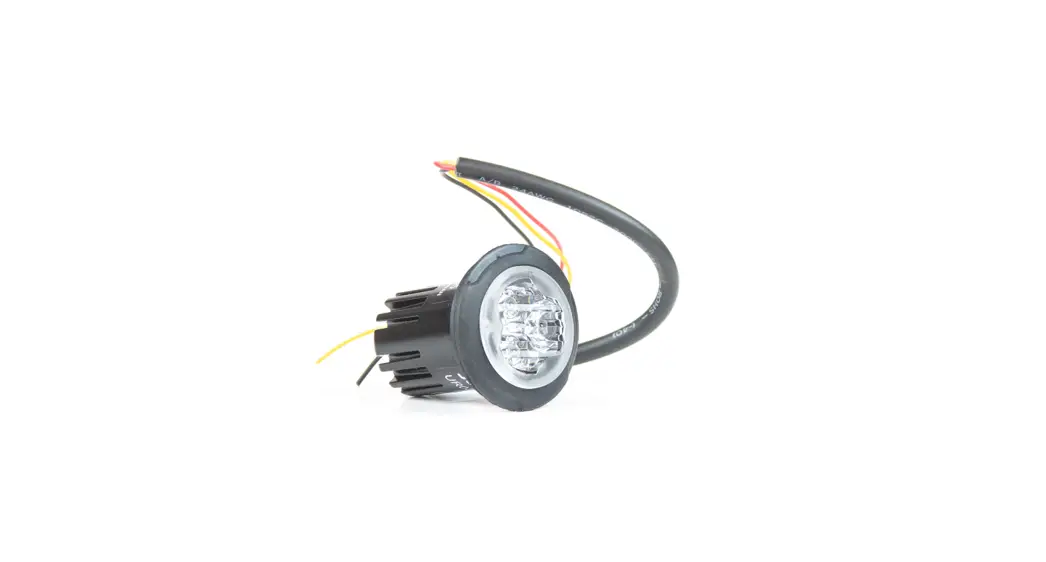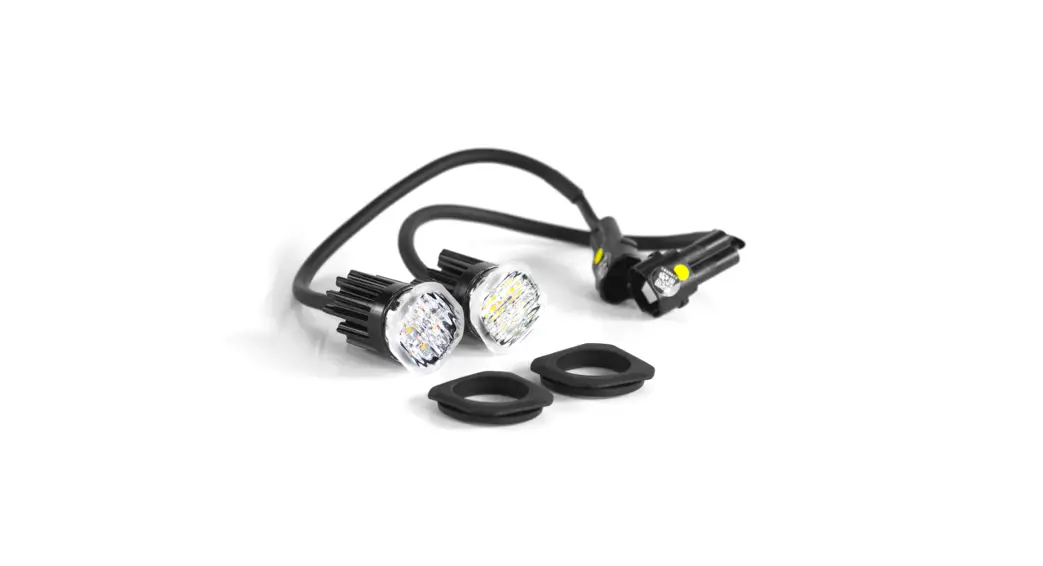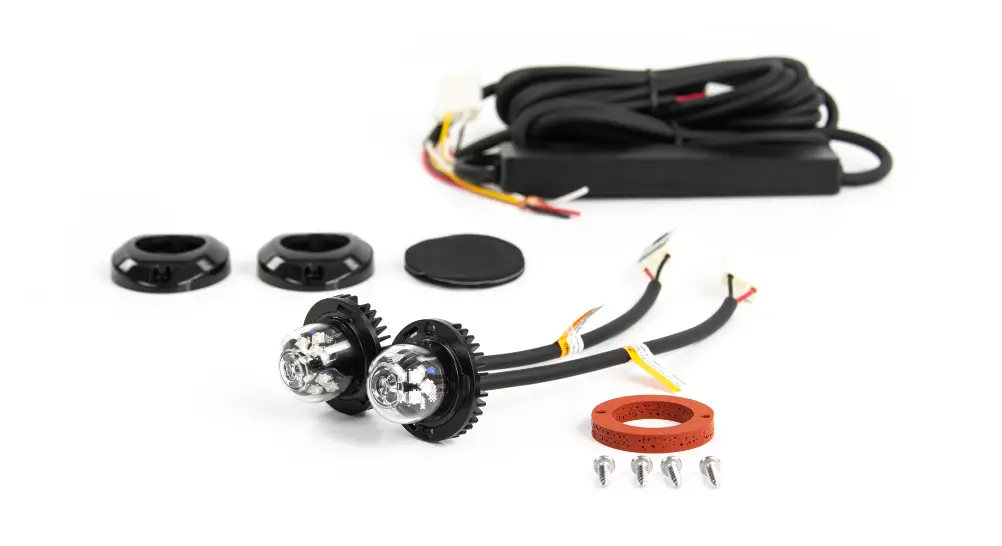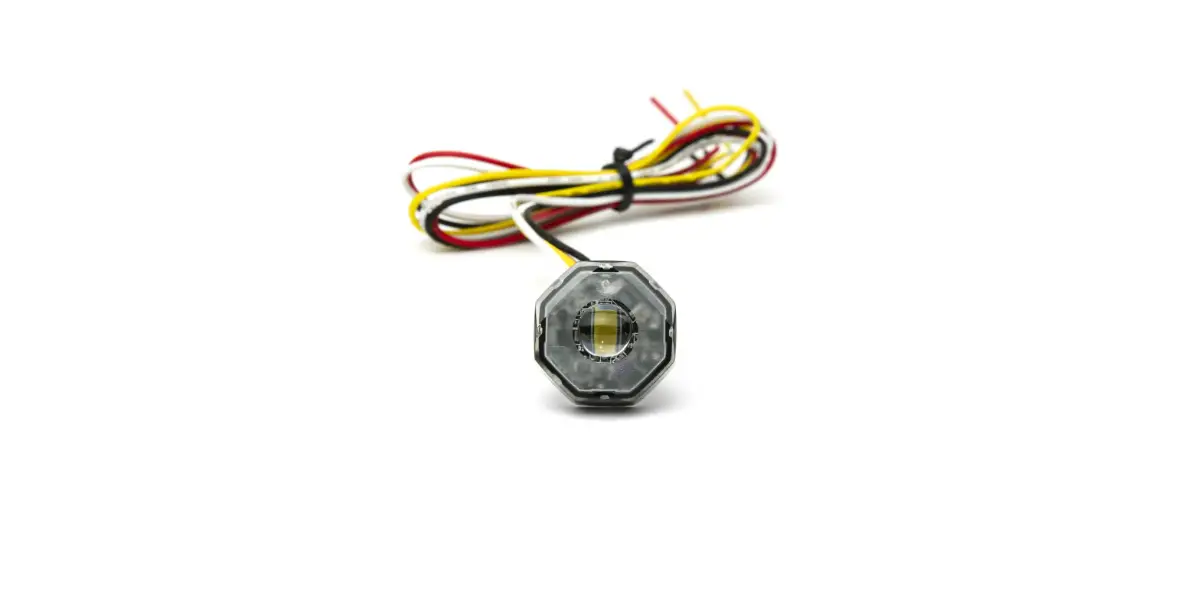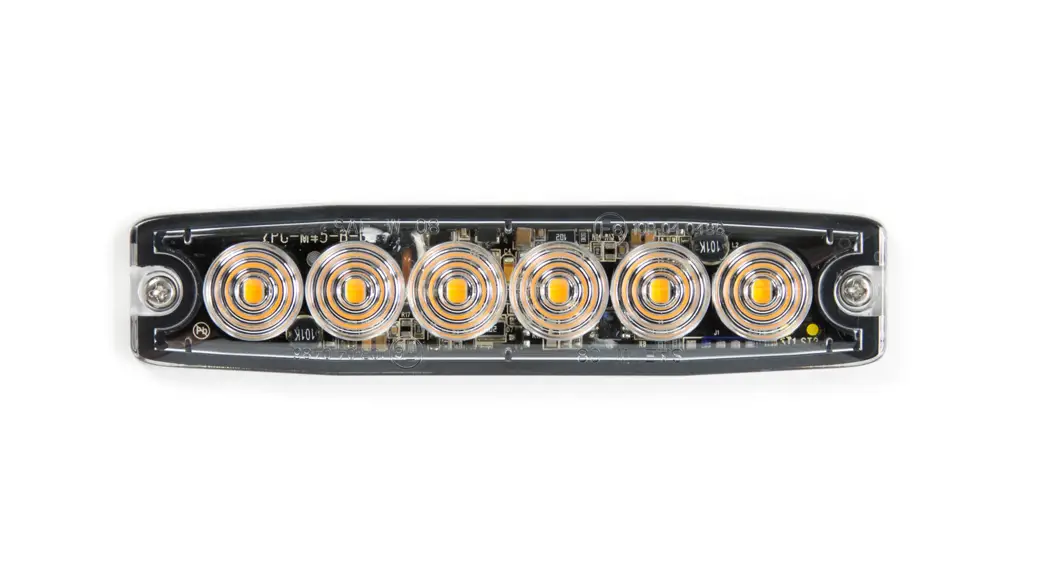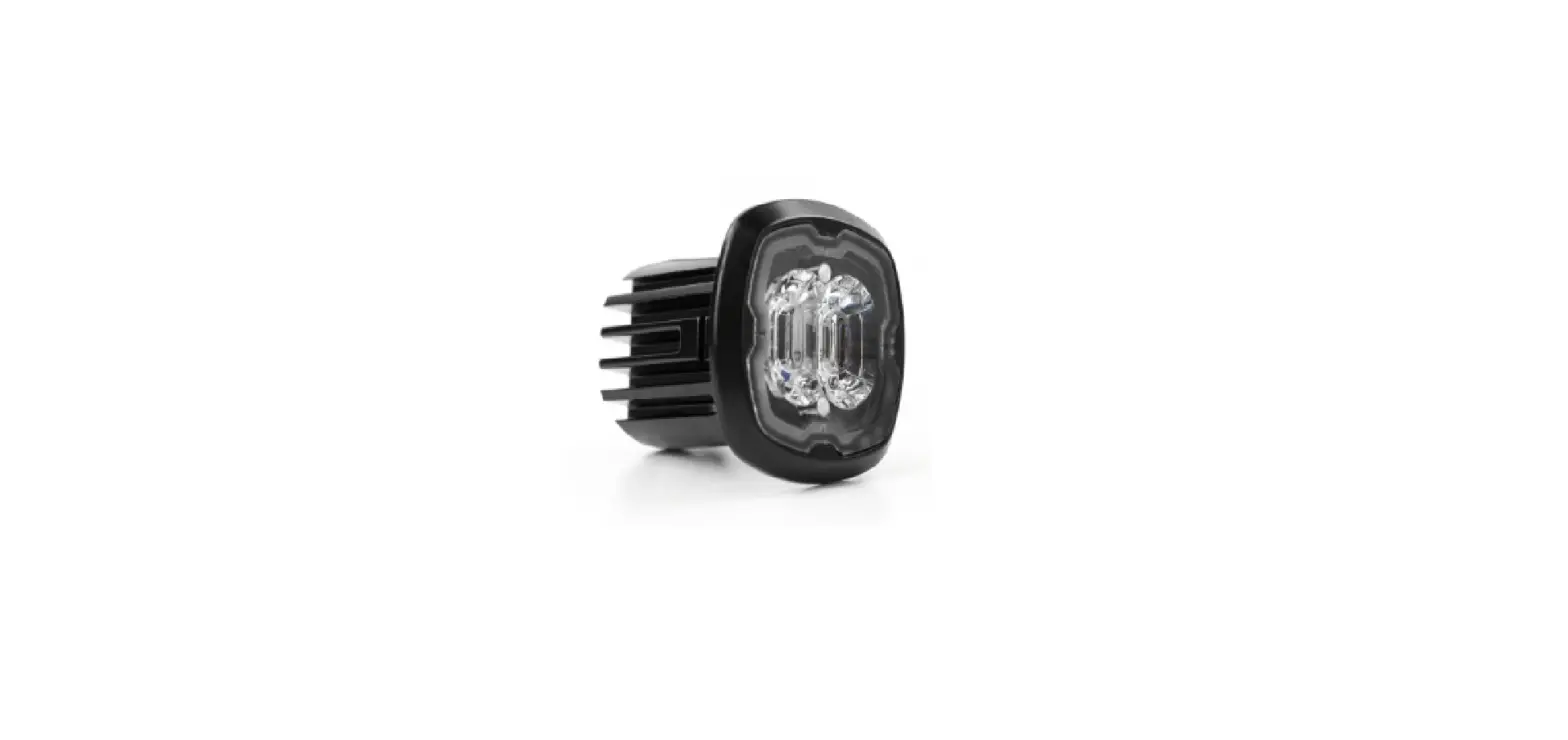

cell2 CR06 LED Flush Mount Kit
WIRING
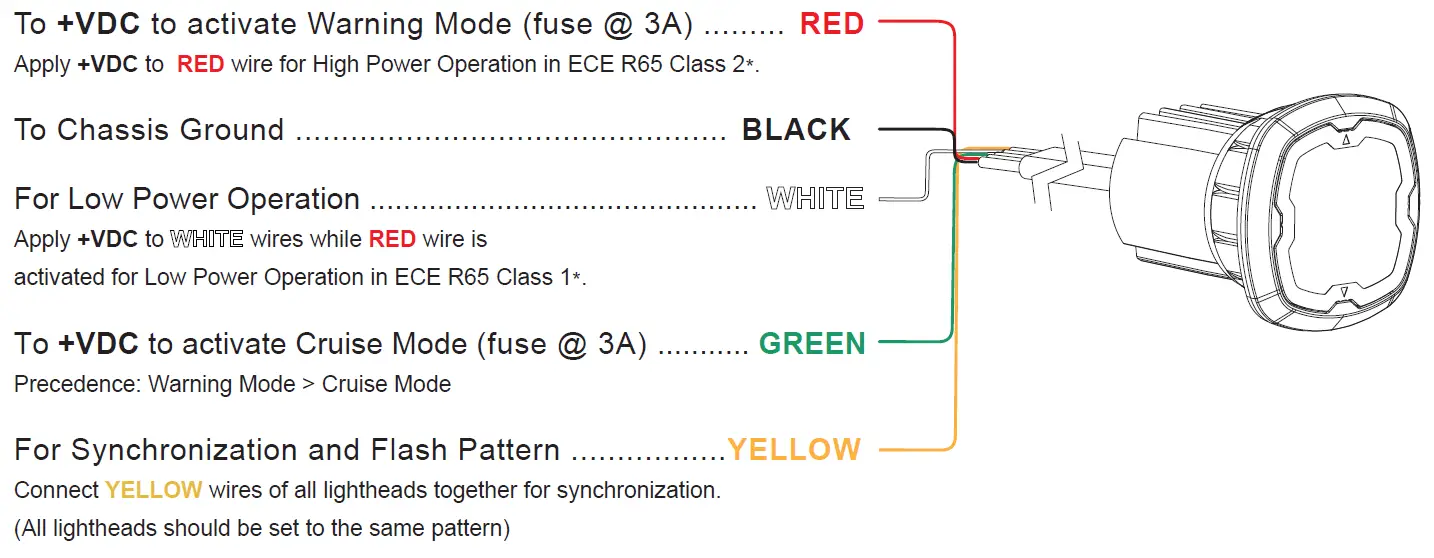
*Actual approval will be based on the model purchased.
OPERATION
For Simultaneous or Alternating Flash
- Apply +VDC to RED and YELLOW wires simultaneously to enter GROUPING MODE;
lighthead will display short (single or double) flashes:
• Single flash = Group 1
• Double flash = Group 2 - Remove YELLOW wire from +VDC then momentarily apply +VDC to change Groups:
• Lightheads of the same Group will flash together.
• Lightheads of different Groups will flash alternately. - Save and Exit the GROUPING MODE by powering off the lighthead.
For Flash Pattern Selection
While in Warning Mode, momentarily apply +VDC to YELLOW wire:
- once to next pattern
- quickly three times to FP#1
| FLASH PATTERNS | ||
| 1 | Double | [R65*] |
| 2 | Single | [2Hz] |
| 3 | Triple | [2Hz] |
| 4 | Quad | [2Hz] |
| 5 | Random | |
| 6 | Steady EF** | |
| 7 | Single | [SAE][CA13] |
| 8 | Double | [SAE] |
| 9 | Triple | [SAE] |
| 10 | Quad | [SAE] |
| 11 | Quint | [SAE] |
| 12 | Mega | |
| 13 | Giga | |
| 14 | Ultra | [SAE] |
| 15 | Single-Quad | |
| 16 | Singe H/L | |
| 17 | Single-Triple-Quint | |
Actual approval will be based on the model ordered.
For use with external flasher controller.
INSTALLATION
Pop-n-Lock
Recommended Surface thickness @1.5~4.0mm
- Select a mounting location and drill an 1.14” (29mm) cut-out, and then install the LIGHTHEAD onto the cut-out.
NOTE: To install more efficiently, use a rotating motion to guide the LIGHTHEAD when installing onto the cut-out.
- Ensure that the optical stripes are aligned vertically.

- Where necessary, apply silicone around the reverse side to prevent from rotating.
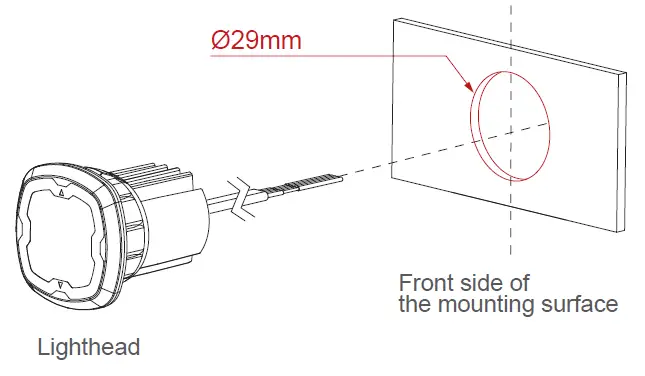
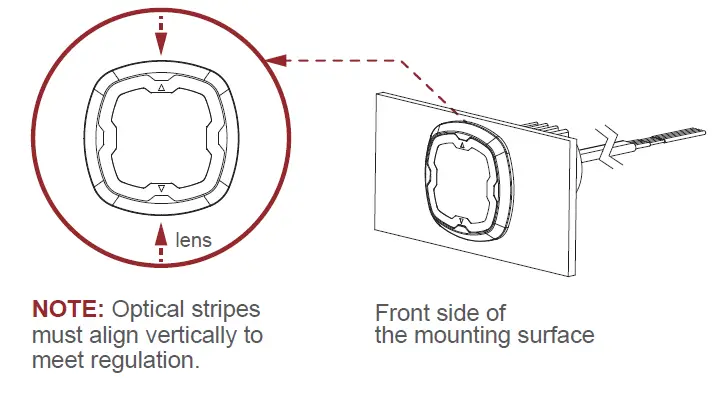
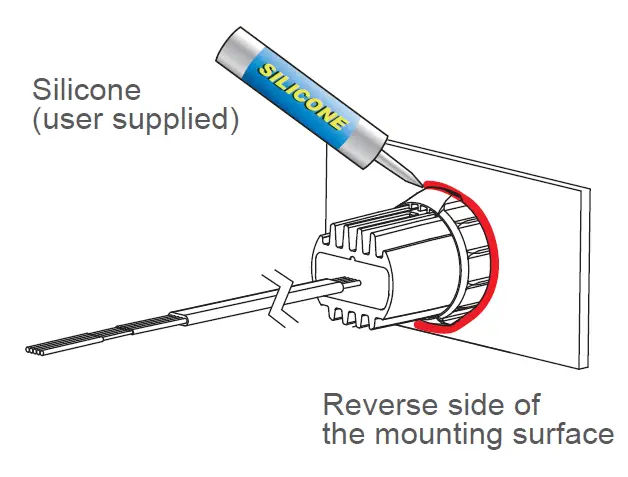
Bracket Mount* (sold-separately)
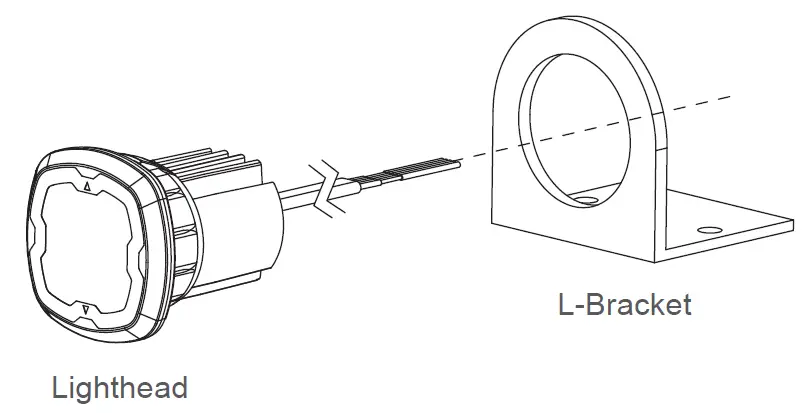
- From the front, install the LIGHTHEAD onto the BRACKET.
NOTE: To install more efficiently, use a rotating motion to guide the LIGHTHEAD when installing onto the BRACKET.
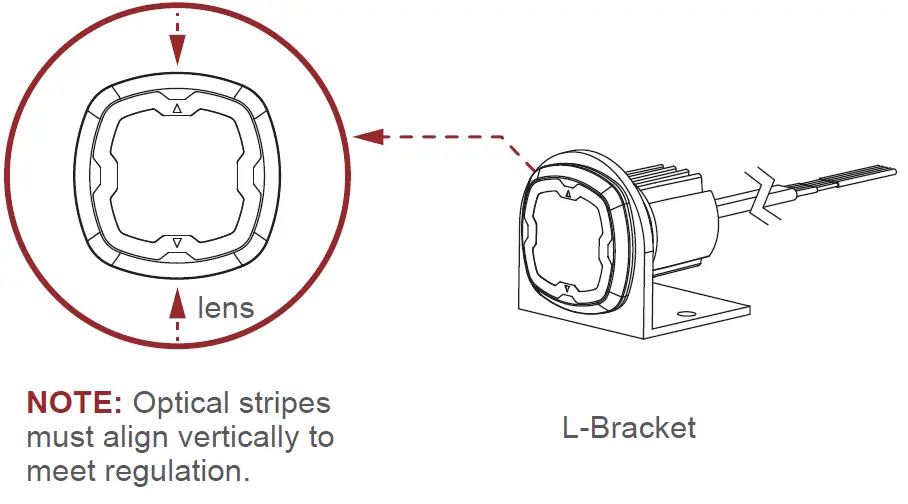
- Ensure that the optical stripes are aligned vertically.

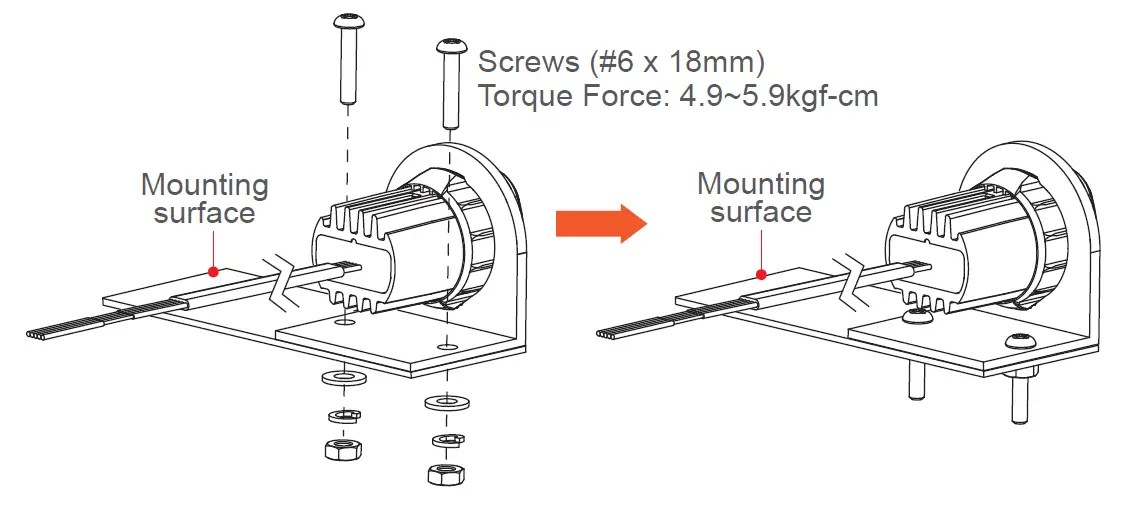
- Secure the BRACKET onto the desired mounting surface with screws.

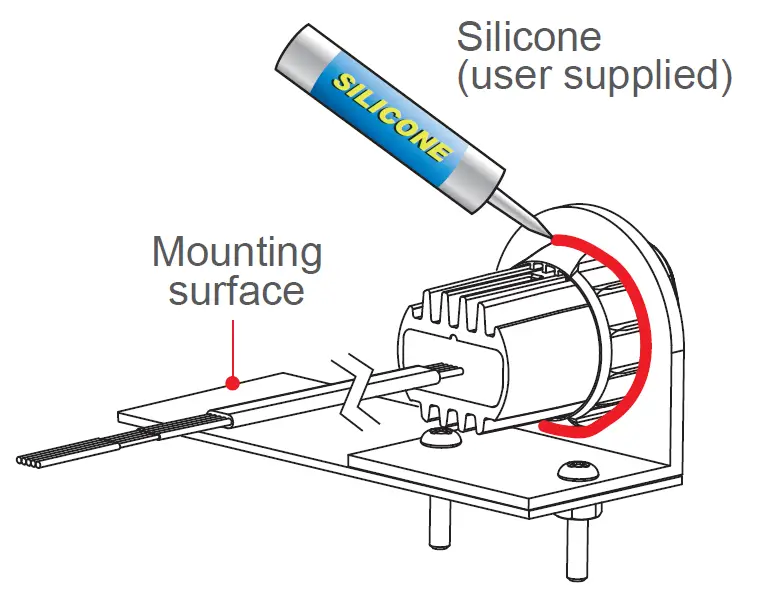
- Where necessary, apply silicone around the reverse side to prevent from rotating.