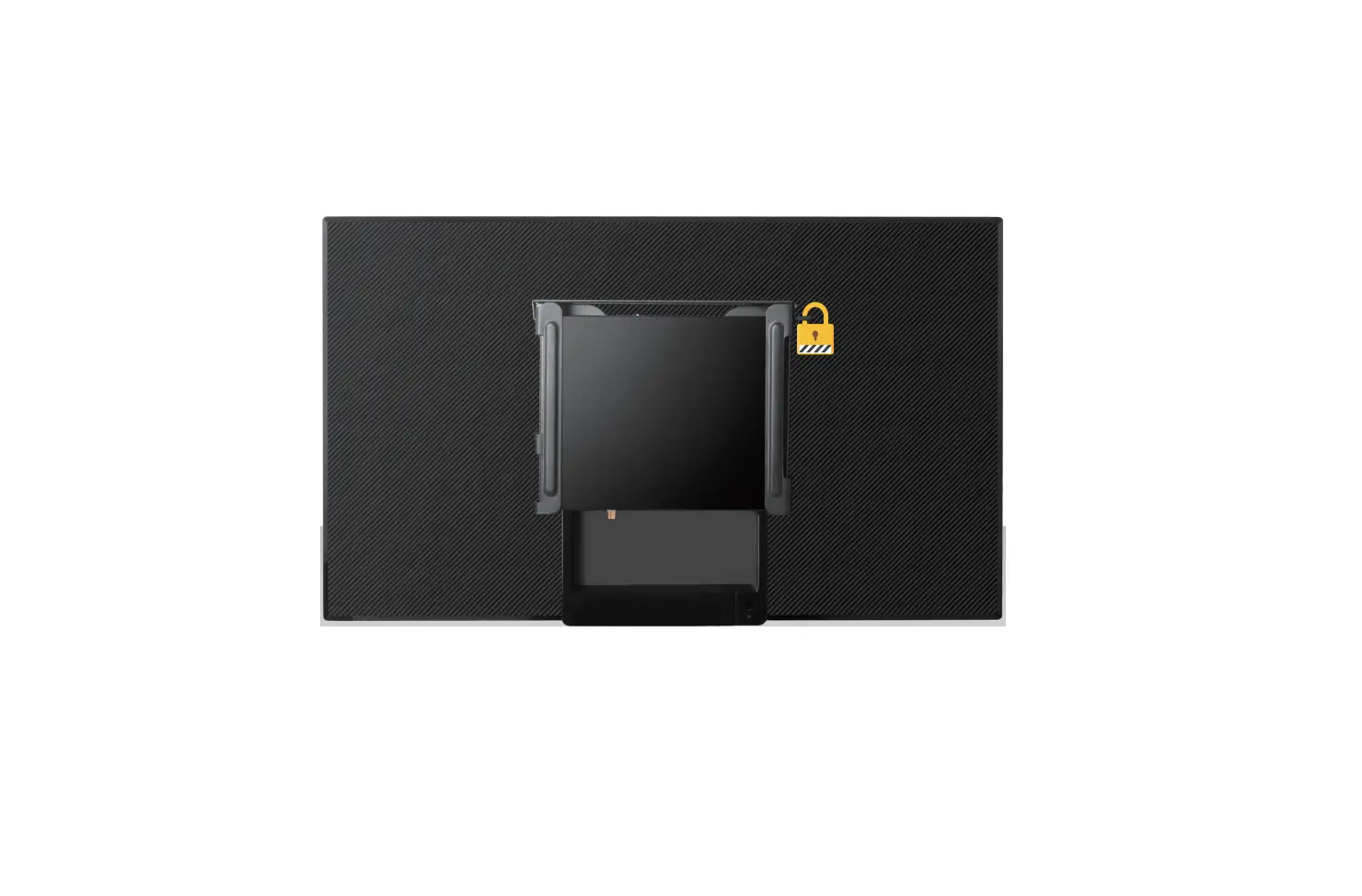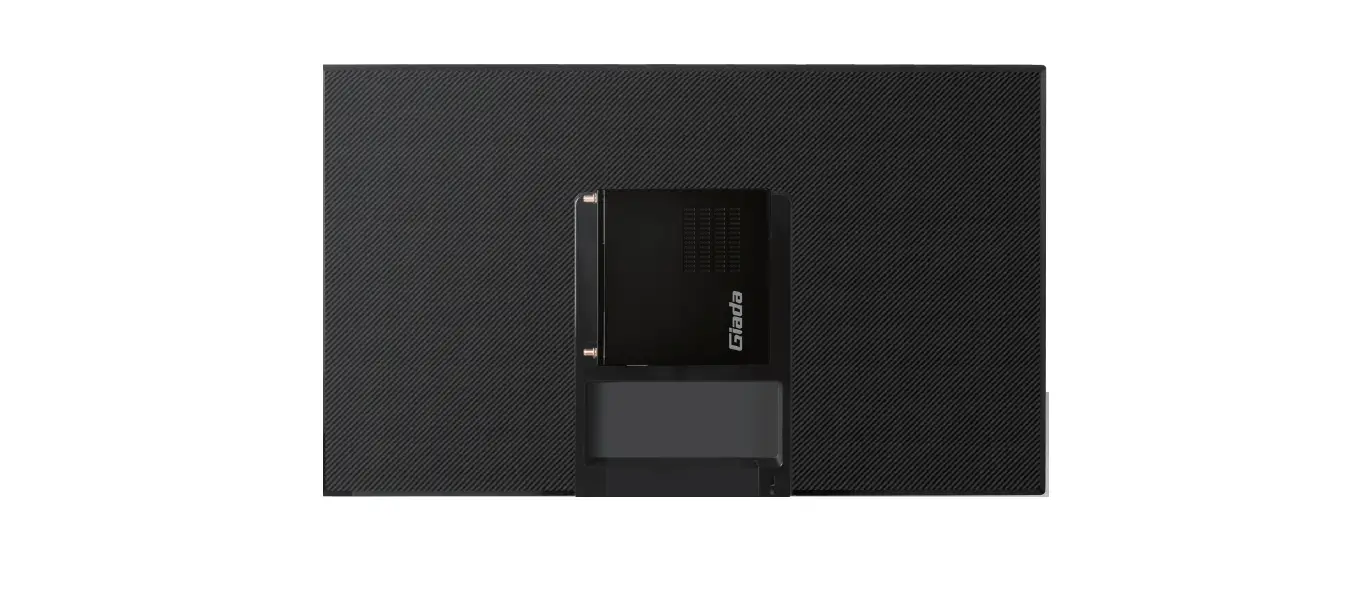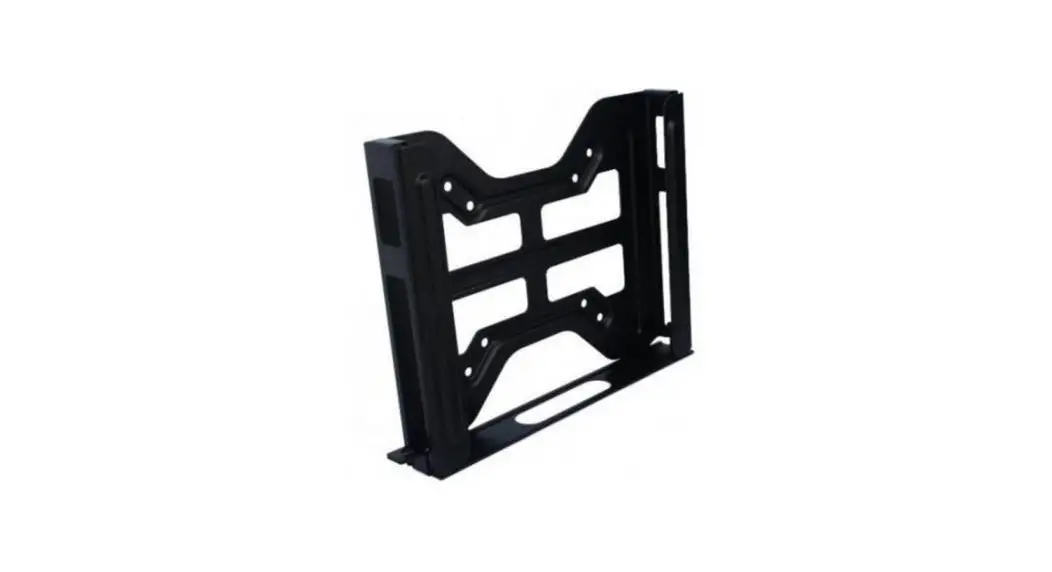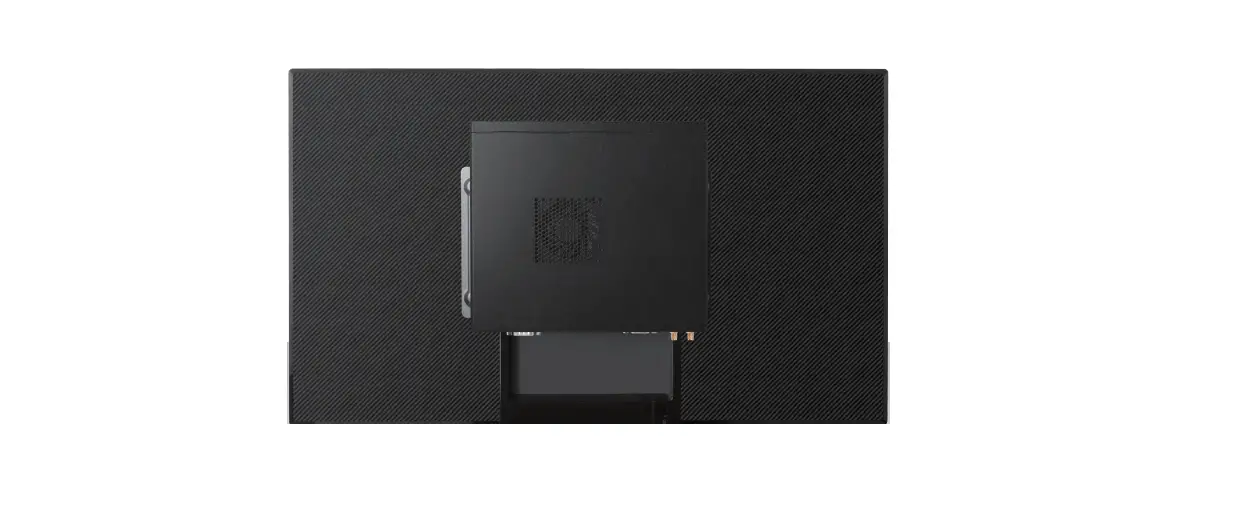
 Giada JZ300 VESA Mount
SAFETY INSTRUCTIONS 
WARNING: Before beginning, turn off the media player, disconnect the AC adapter from the electrical outlet and the media player, and remove any other external cables from the media player.
Note: The VESA Mount is compatible with the following players: Giada AE67 / D360 / DF68 / DF610 / G330 / G367 / G468.
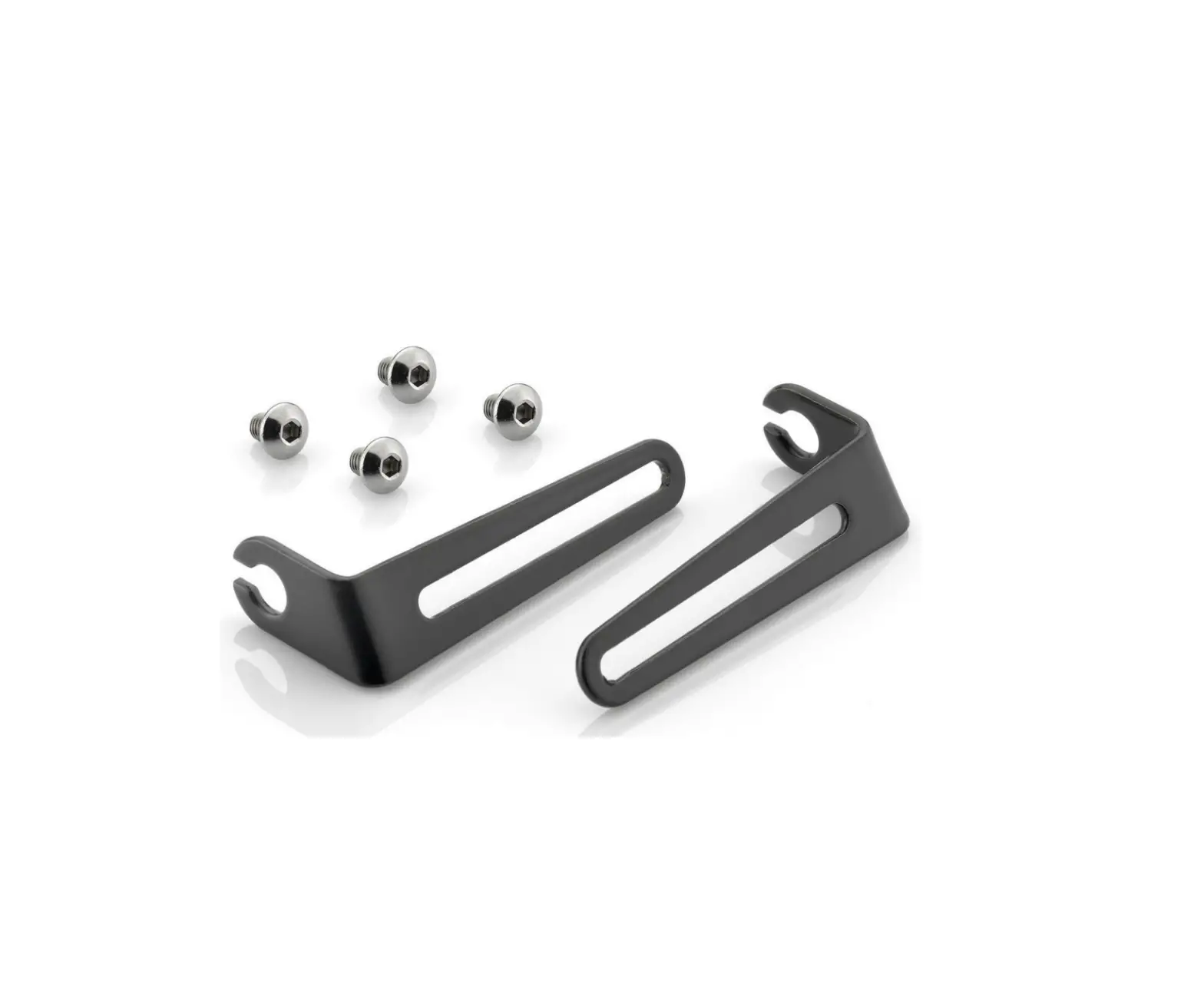
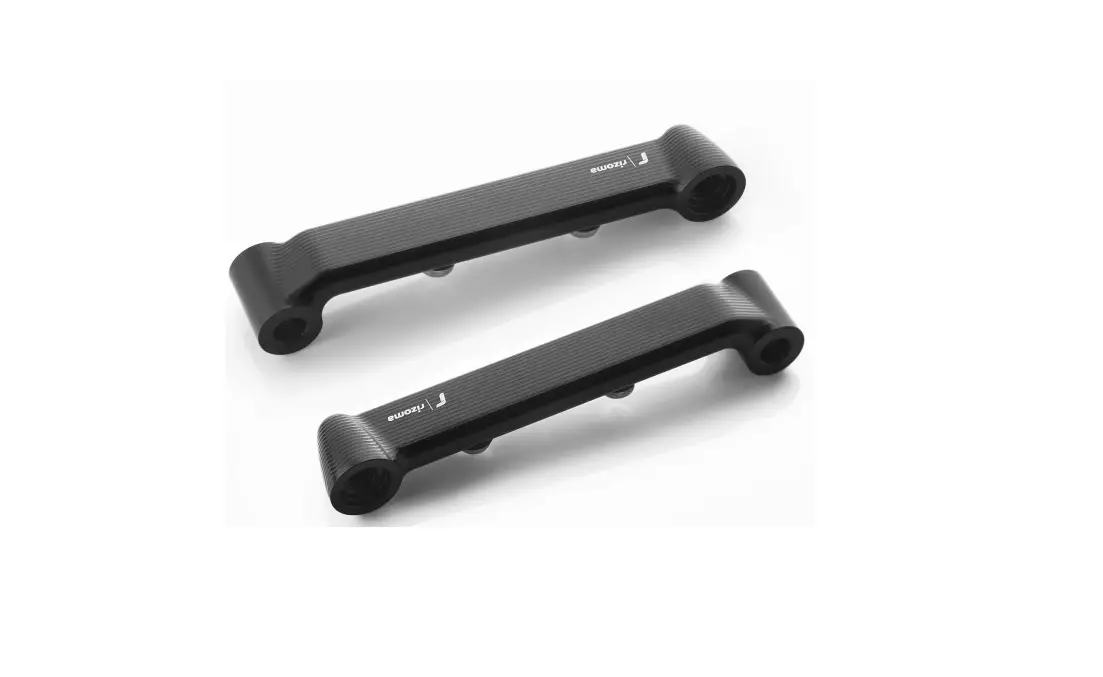
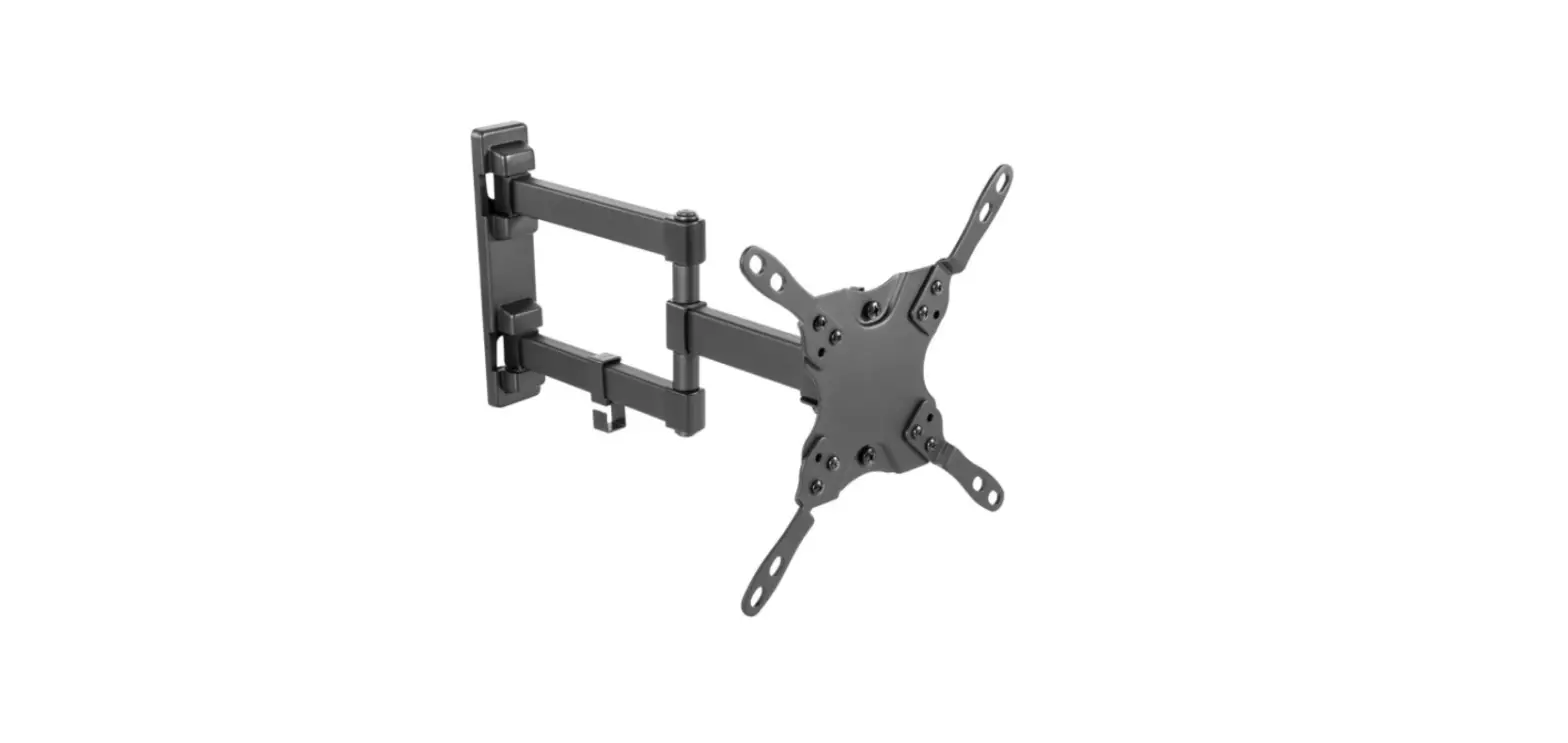
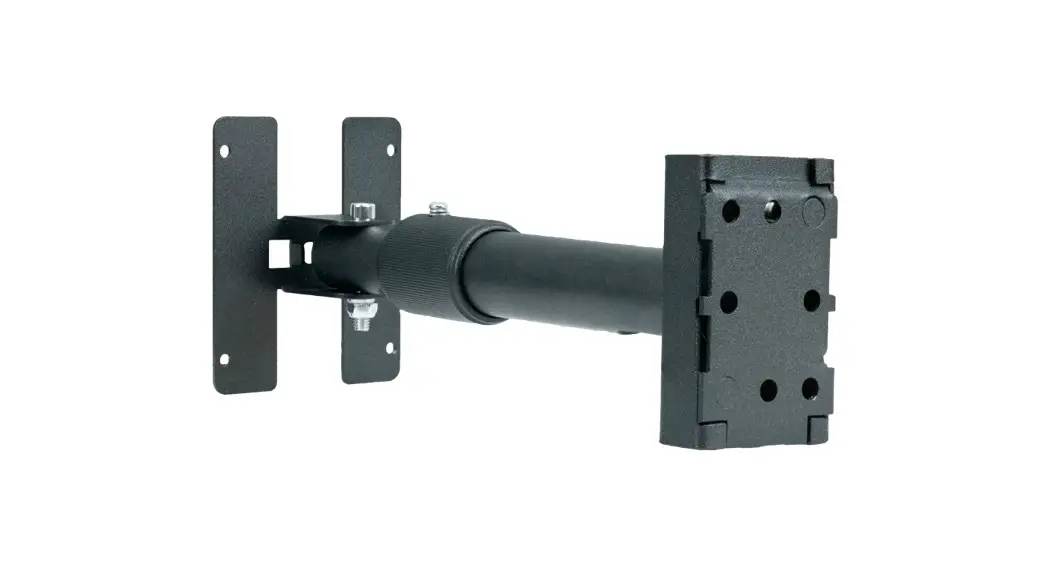
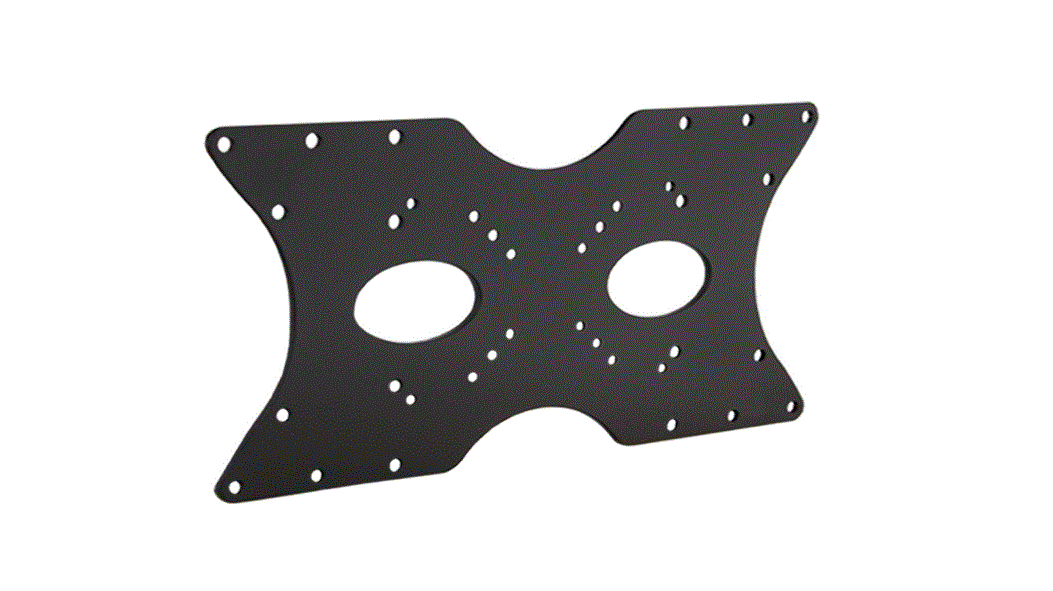
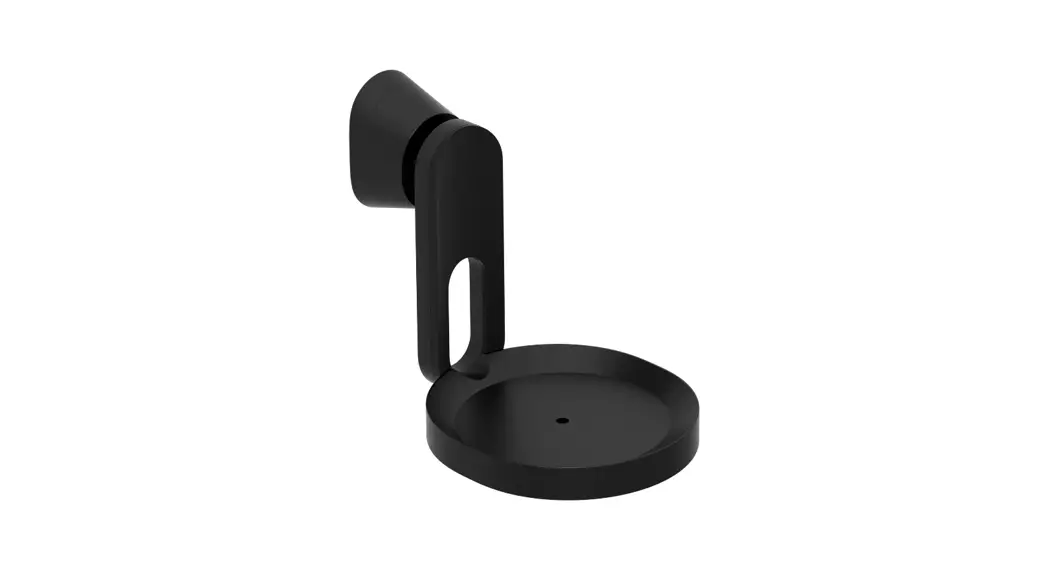
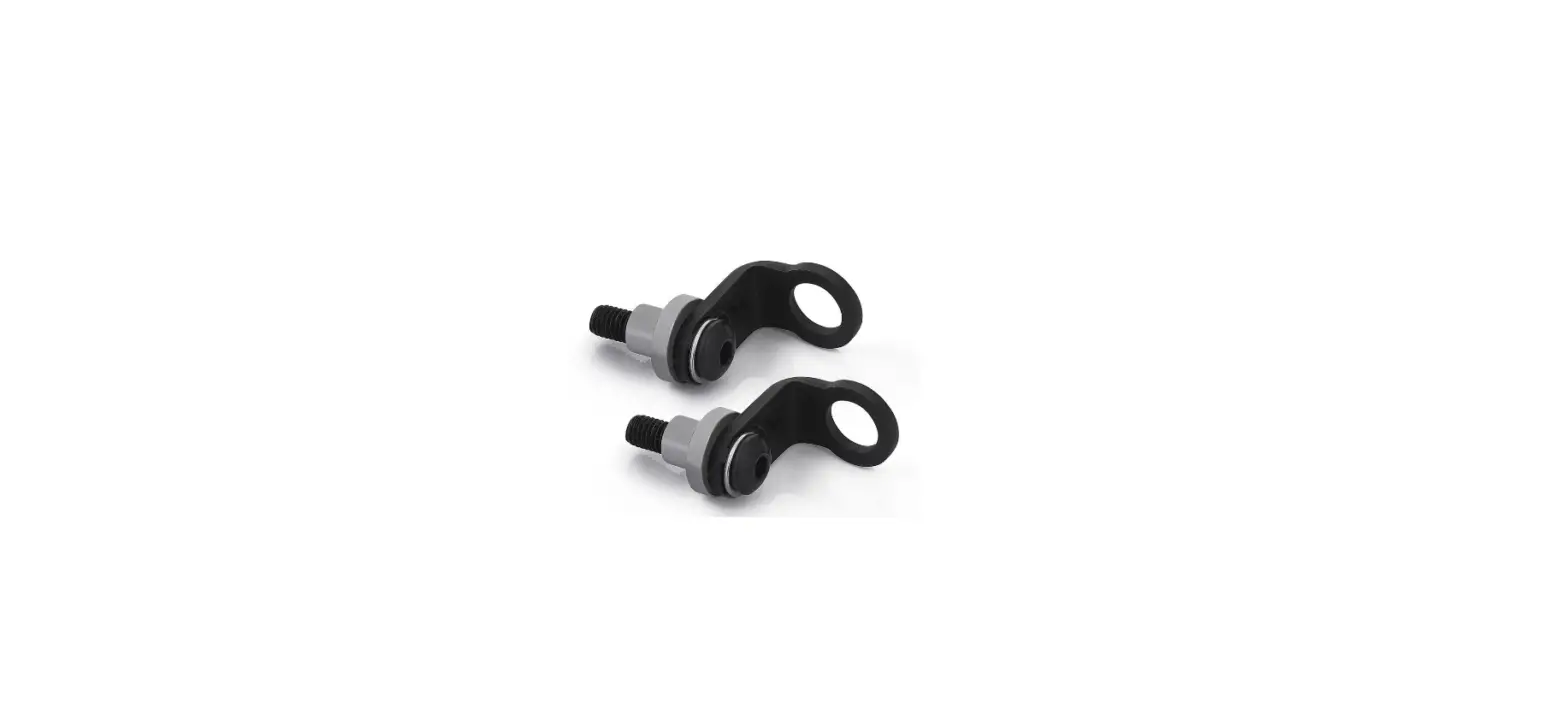
VESA MOUNTING MATERIALS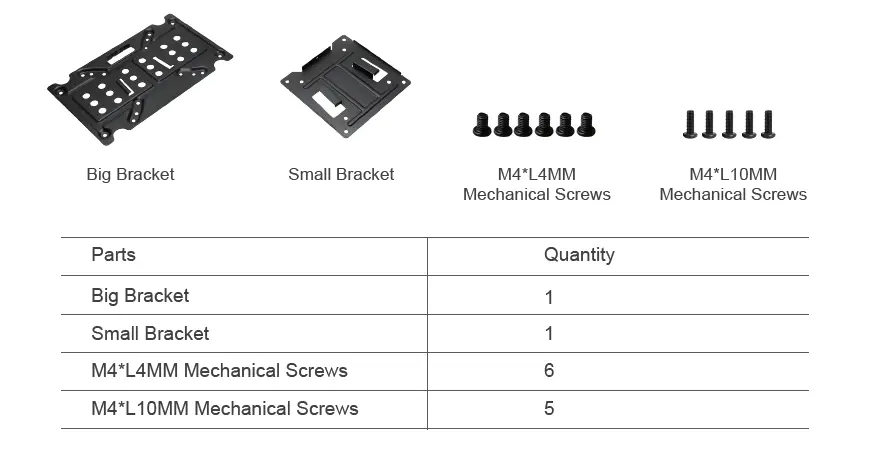
VESA MOUNTING MATERIALS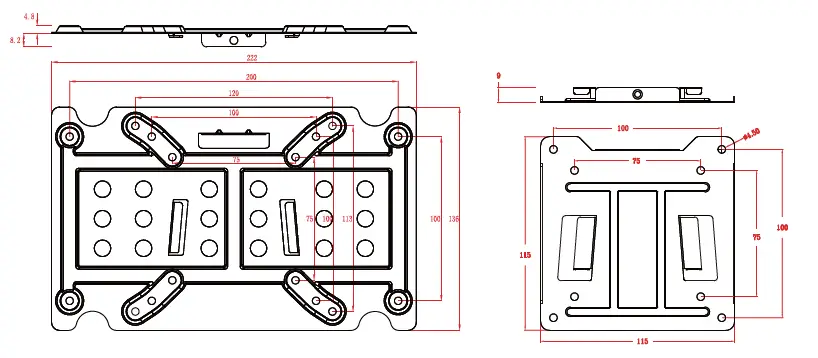
INSTALLATION
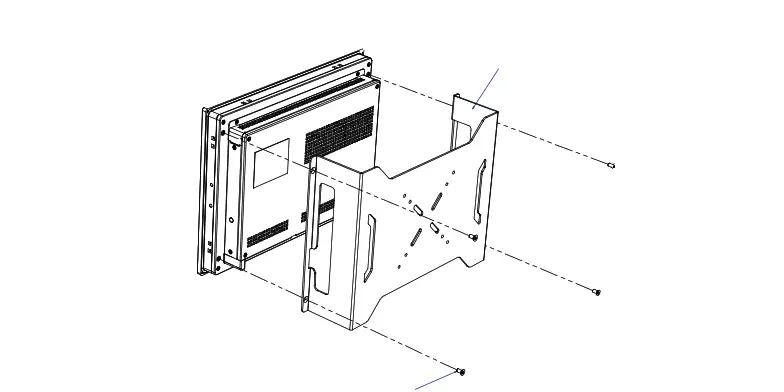
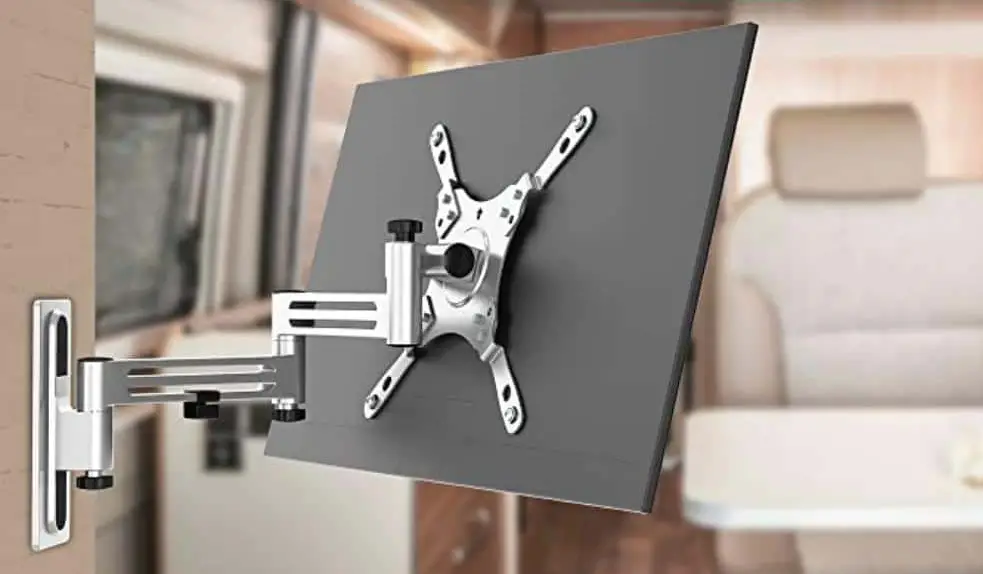
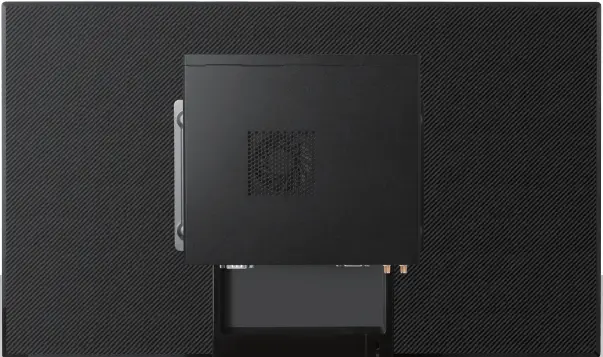
Assemble the Small Bracket (in the direction shown as the following figure) to the rear of a compatible display with four M4*L10MM Screws.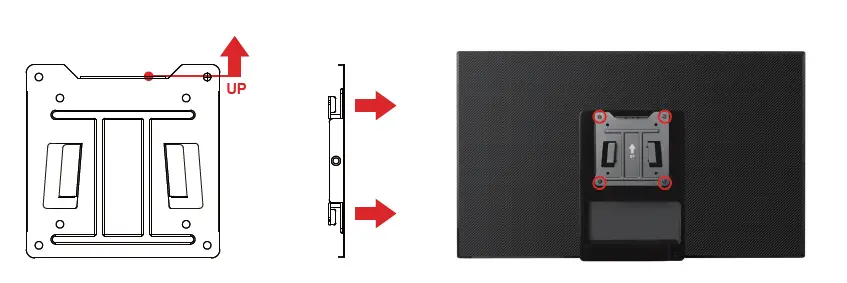
Fix the media player to the Big Bracket with four M4*L4MM Mechanical Screws.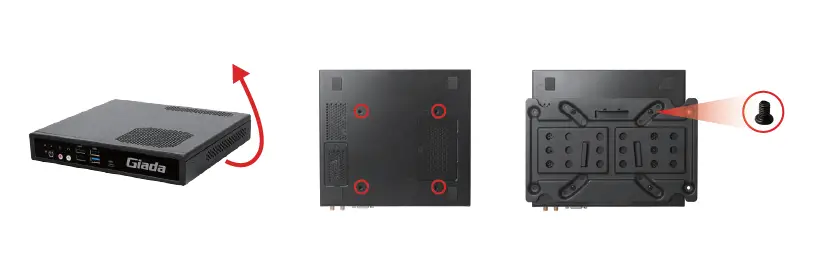
Hang the Big Bracket to the Small Bracket and fix the two brackets with an M4*L10MM Mechanical Screw. The installation is completed.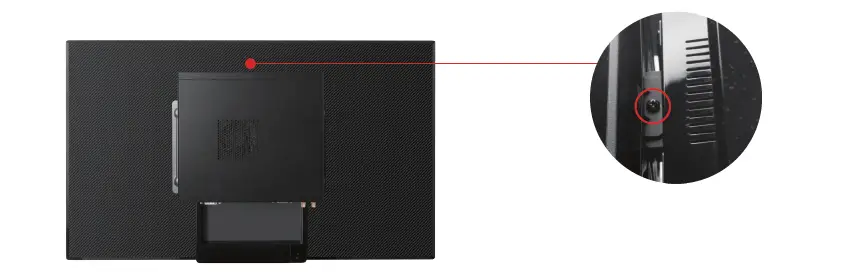
 Giada Technology | Professional Digital Signage Media Players