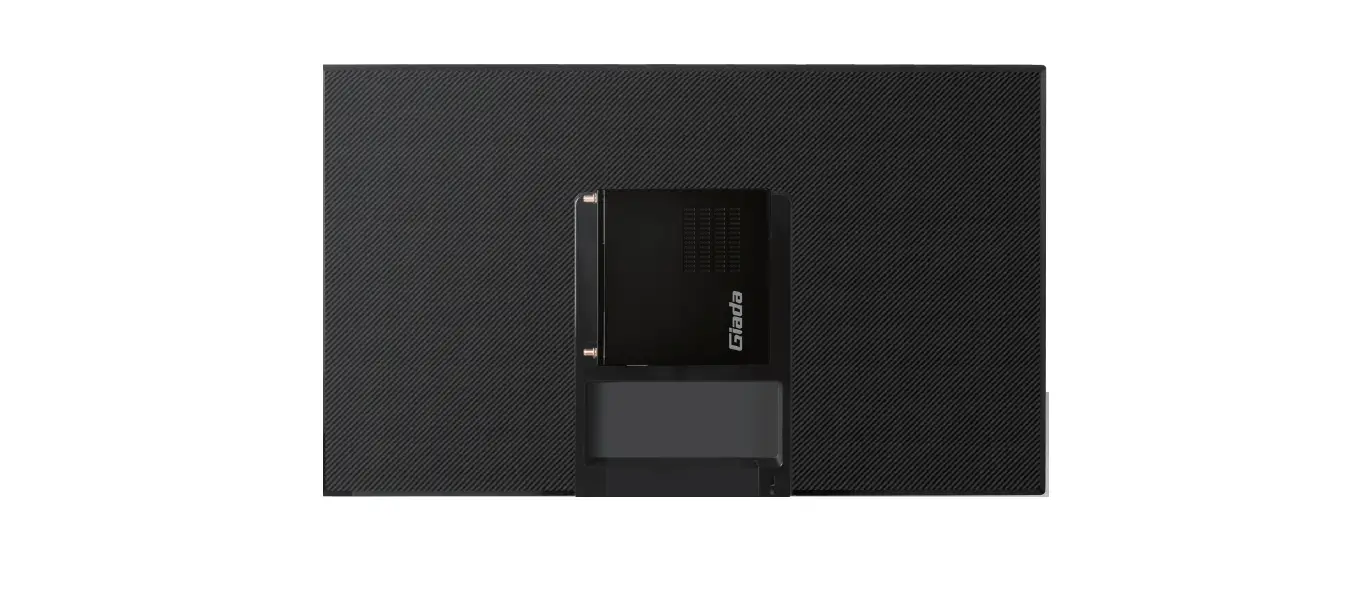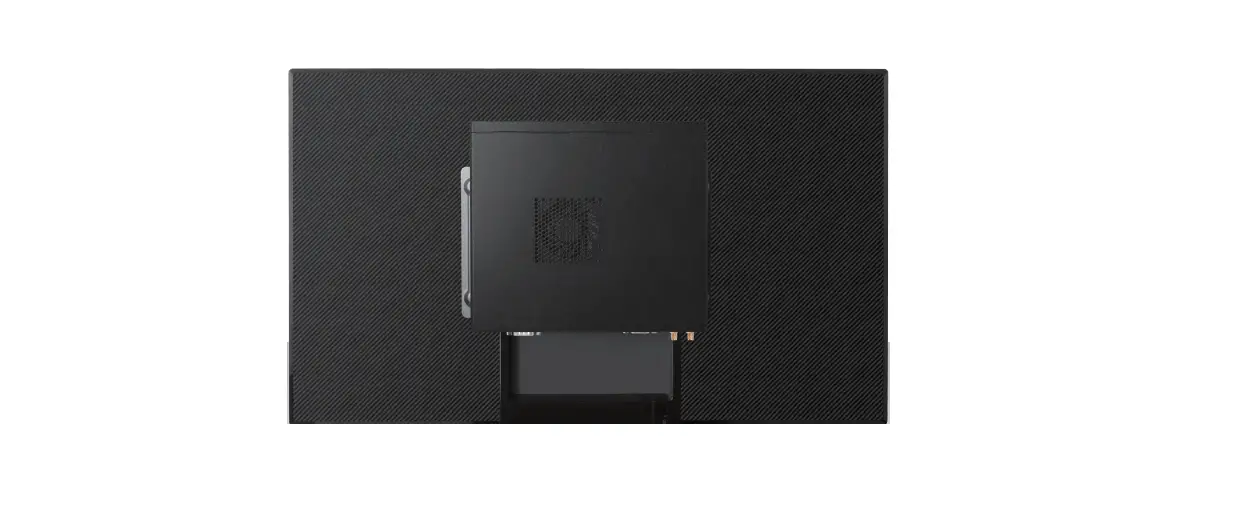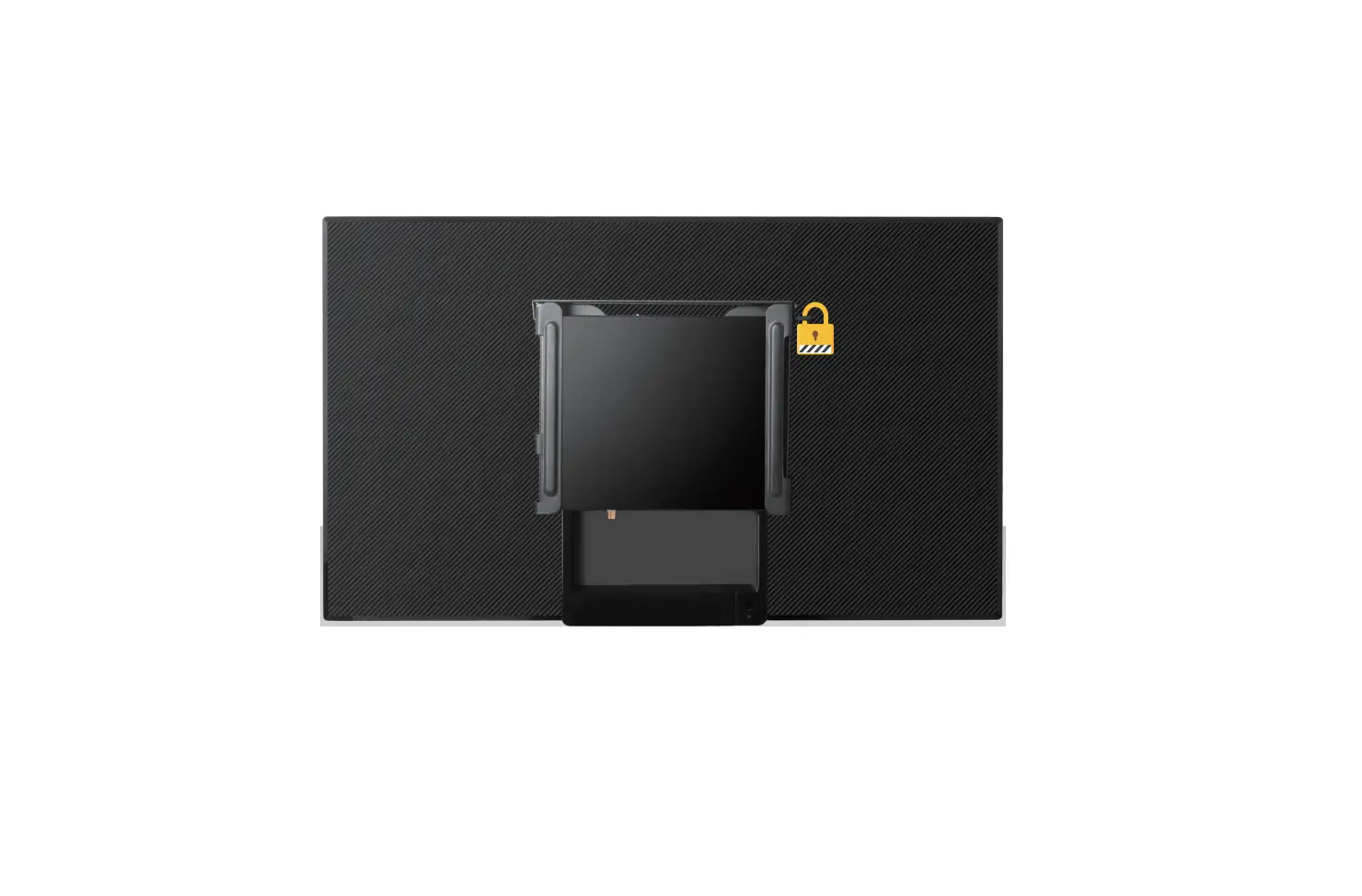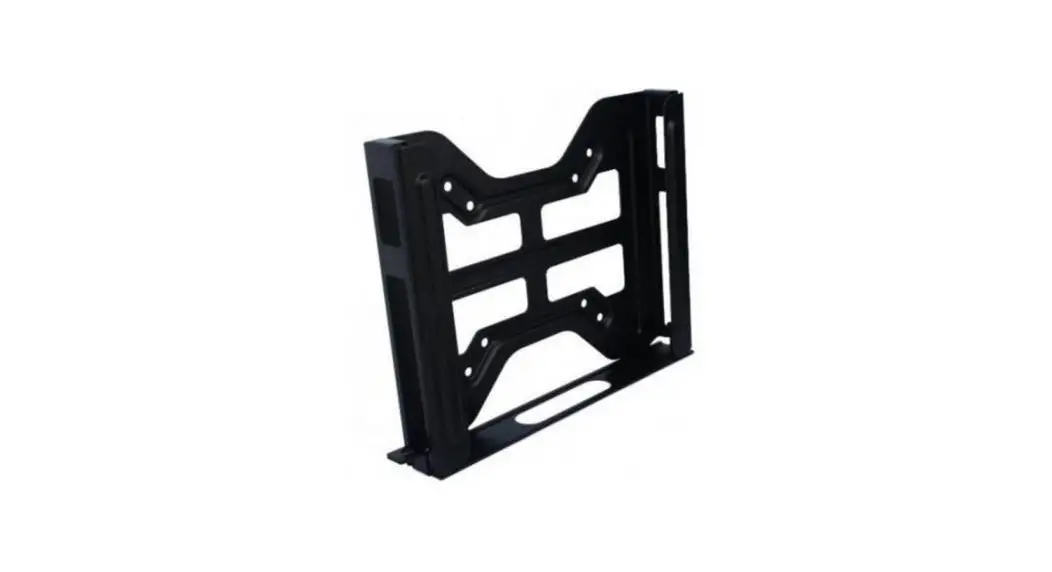
 JC530 VESA Mount
User Manual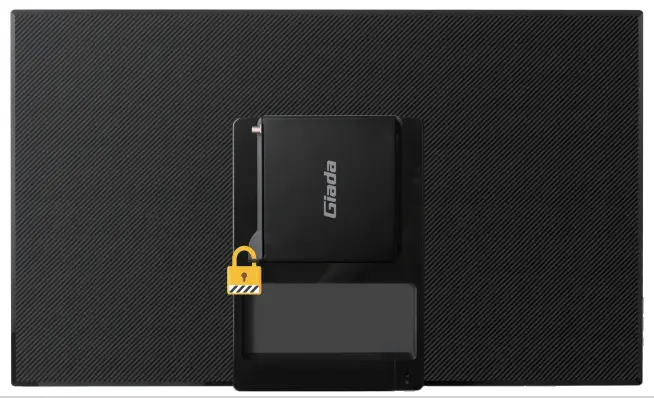 Shenzhen JEHE Technology Development Co., Ltd.
SAFETY INSTRUCTIONS
 WARNING: Before beginning, turn off the media player, disconnect the AC adapter from the electrical outlet and the media player, and remove any other external cables from the media player.
 Note: The VESA Mount is compatible with the following players: Giada VM23 / F210U / F200 / F202 / DN76 / DN75 / DN74 / DN73 / DN72.
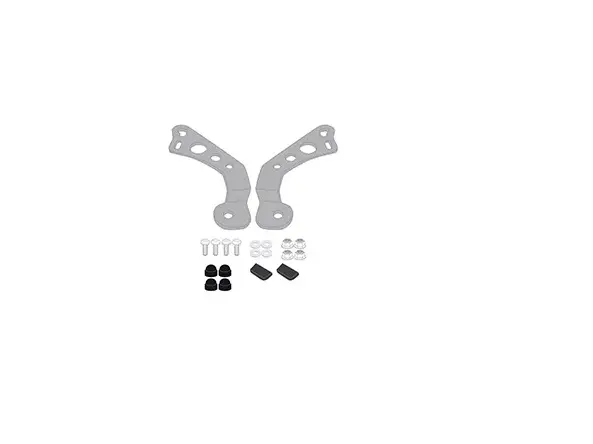
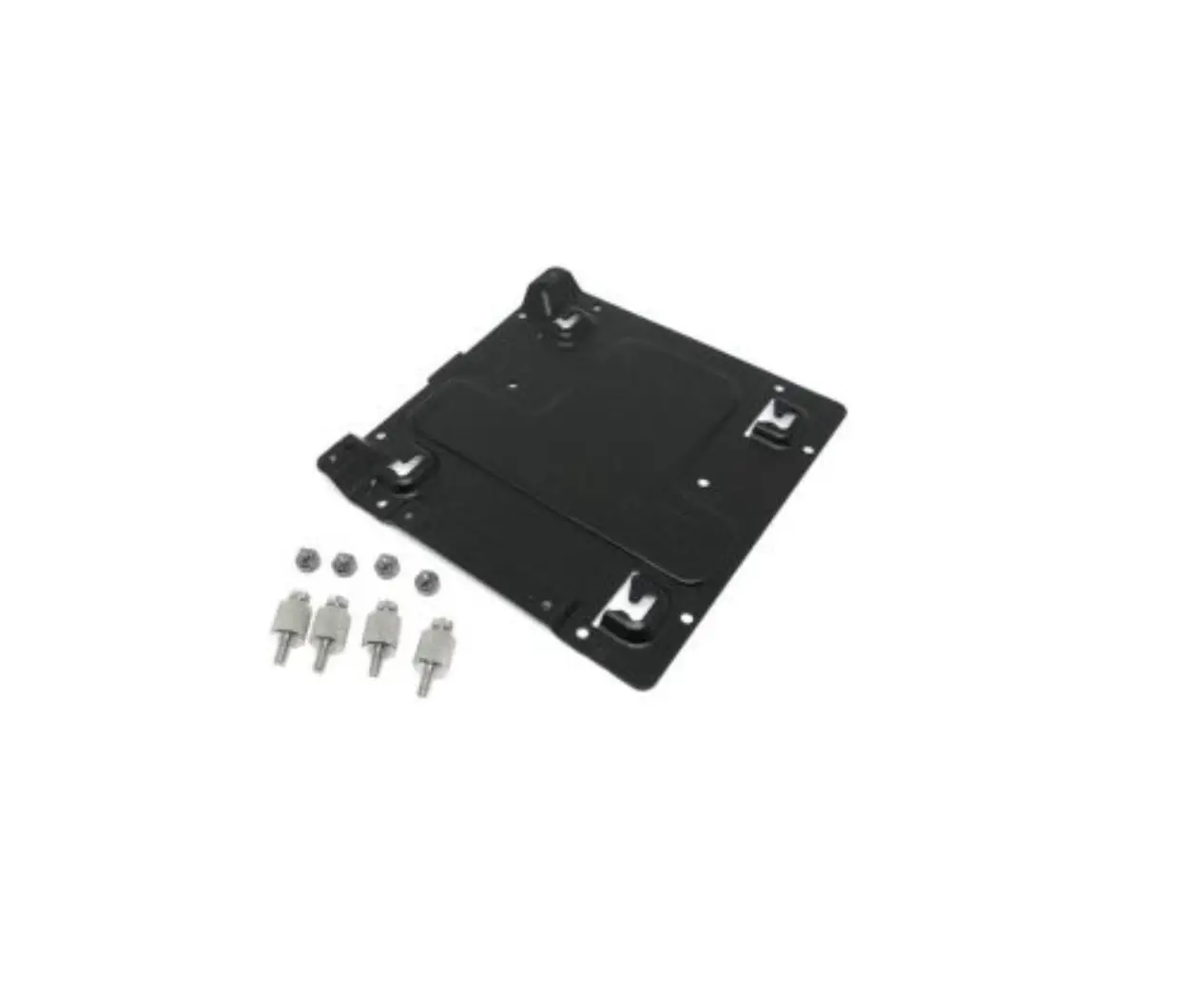
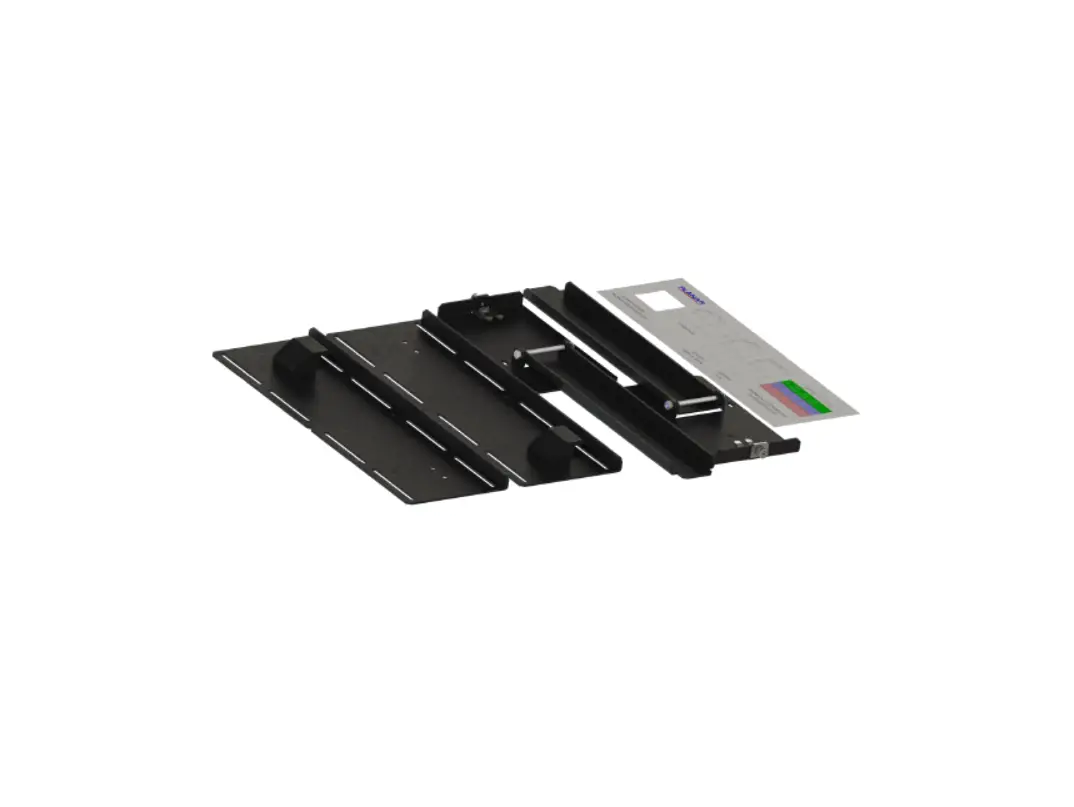
VESA MOUNTING MATERIALS
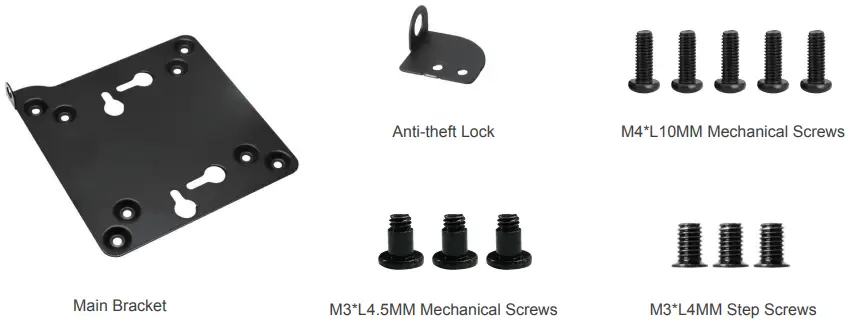
| Parts | Quantity |
| Main Bracket | 1 |
| Anti-theft Lock | 1 |
| M4*L10MM Mechanical Screws | 5 |
| M3*L4.5MM Mechanical Screws | 3 |
| M3*L4MM Step Screws | 3 |
DIMENSIONS
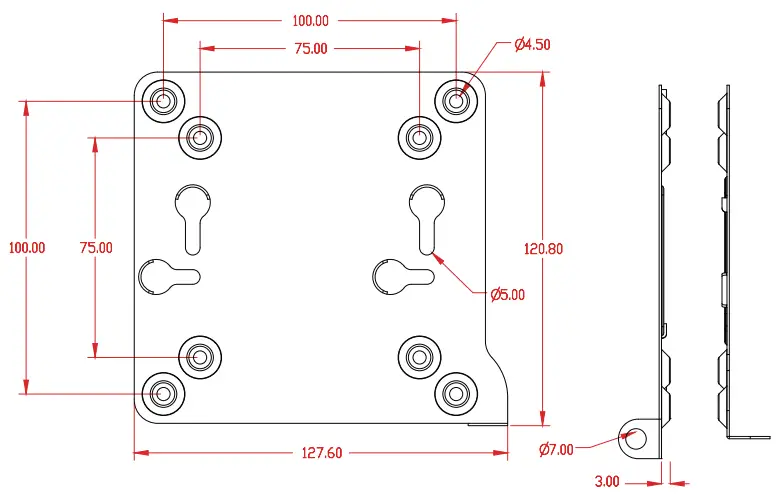
INSTALLATION
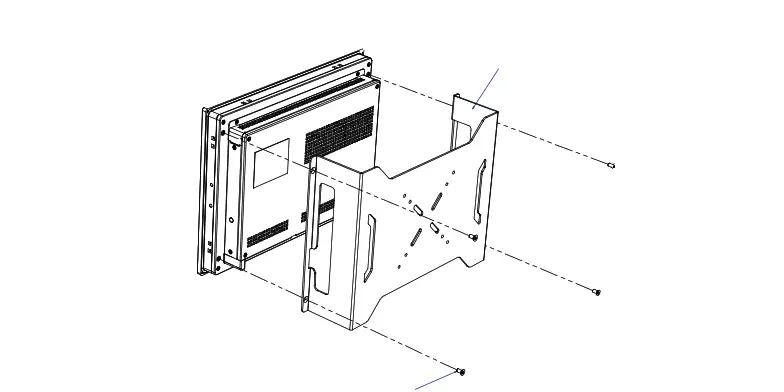
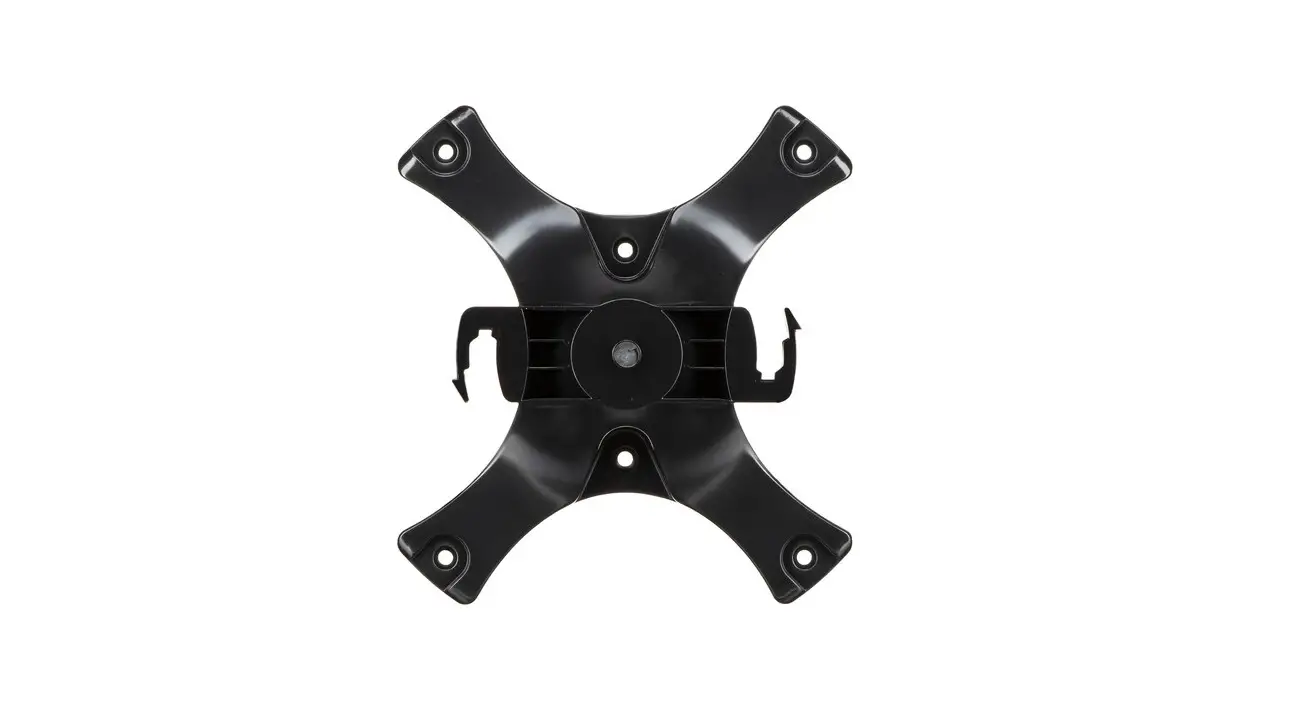
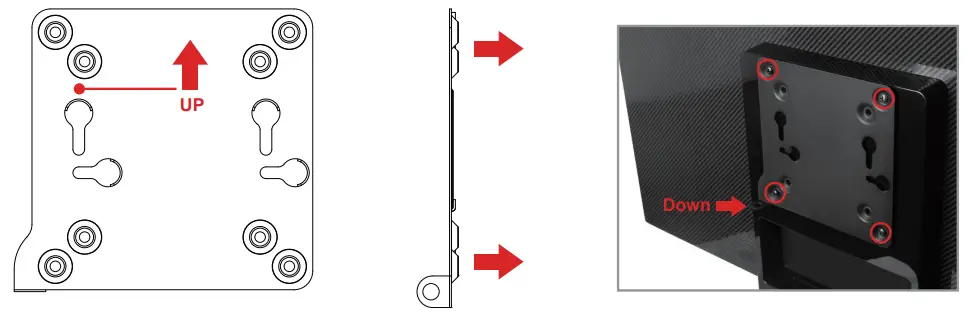
- Assemble the Main Bracket (in the direction shown as the following figure) to the rear of a compatible display with four M4*L10MM Screws.

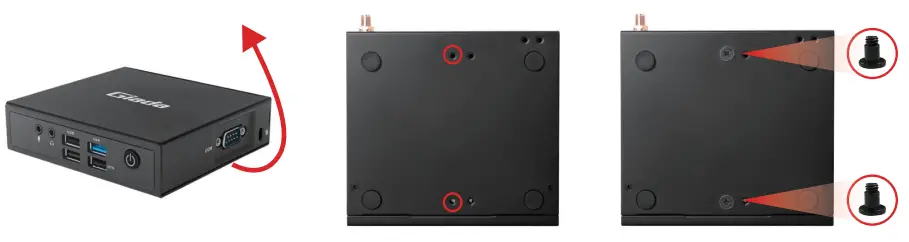
- Fix two M3*L4.5MM Step Screws on the media players as shown below.

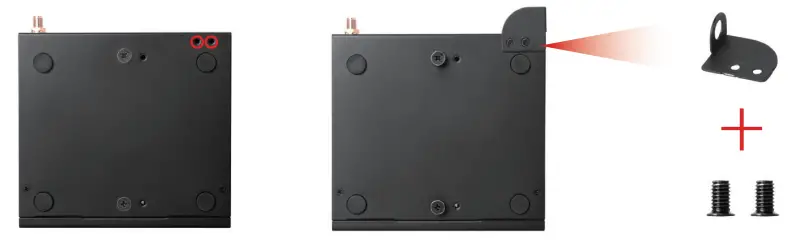
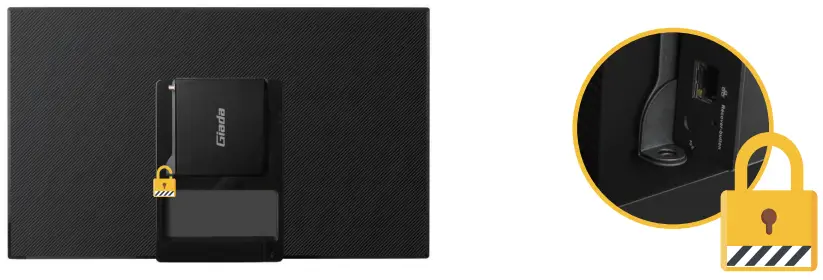
- Fix the Theft-proof Lock to the media player with two M3*L4MM Mechanical Screws.

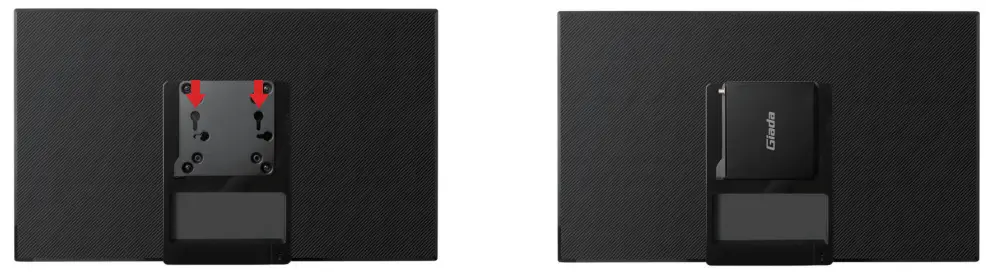
- Mount the media player.

- Lock the media player with your own lock, if needed. The installation is completed.

 Giada Technology | Professional Digital Signage Media Players