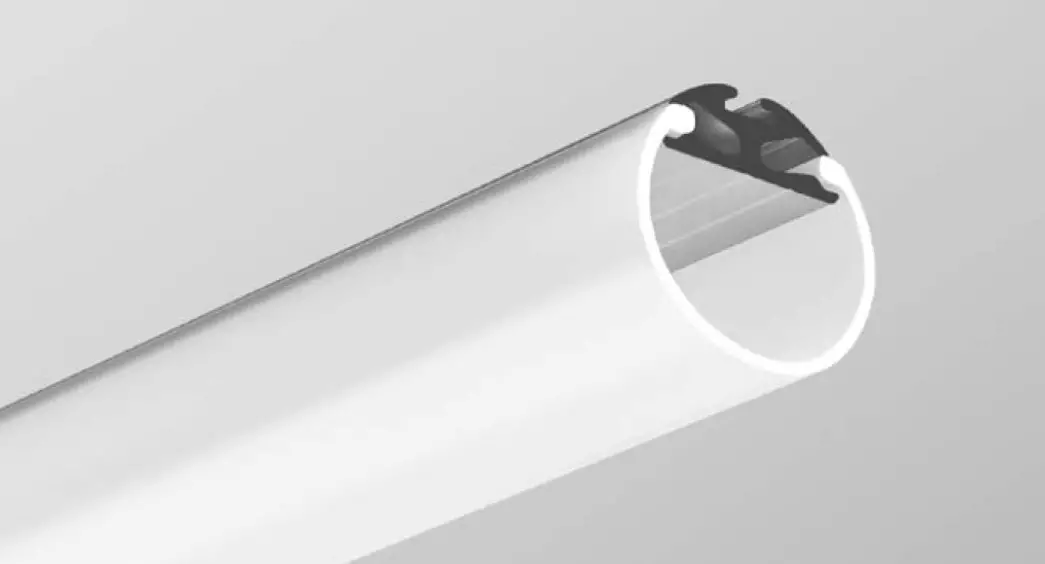

JAZ mounting instructions
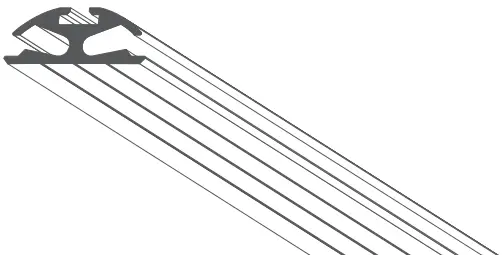
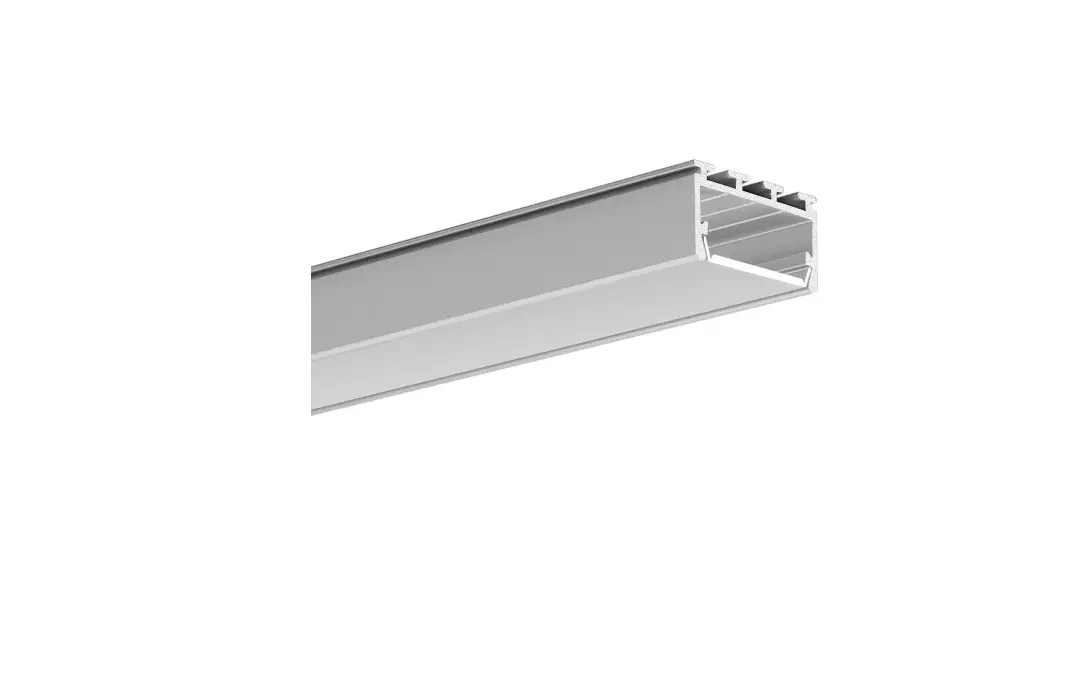
Parts needed to mount the JAZ extrusion
 | Extrusion (A) |
 | LED strip (B) |
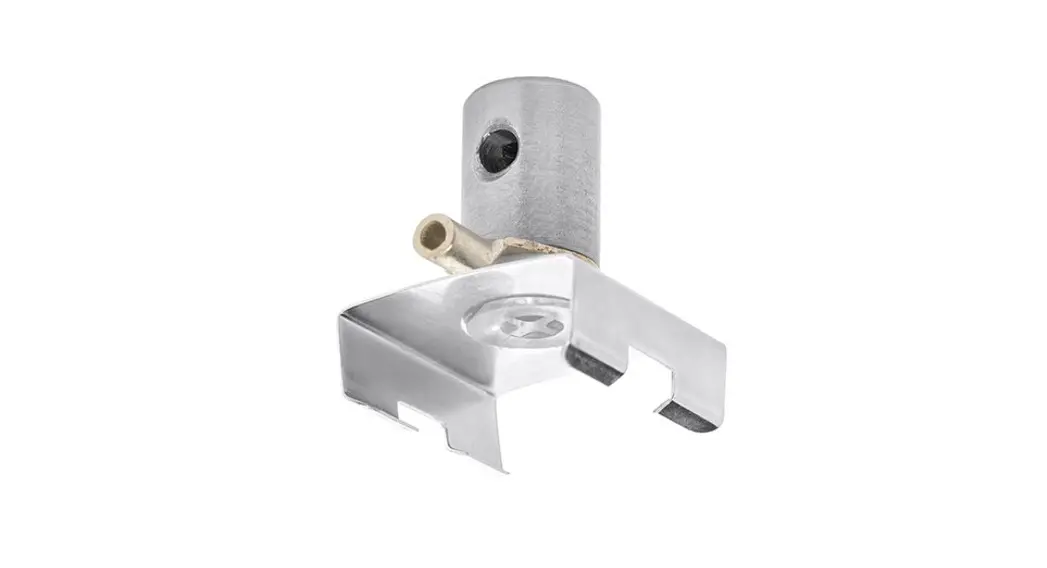
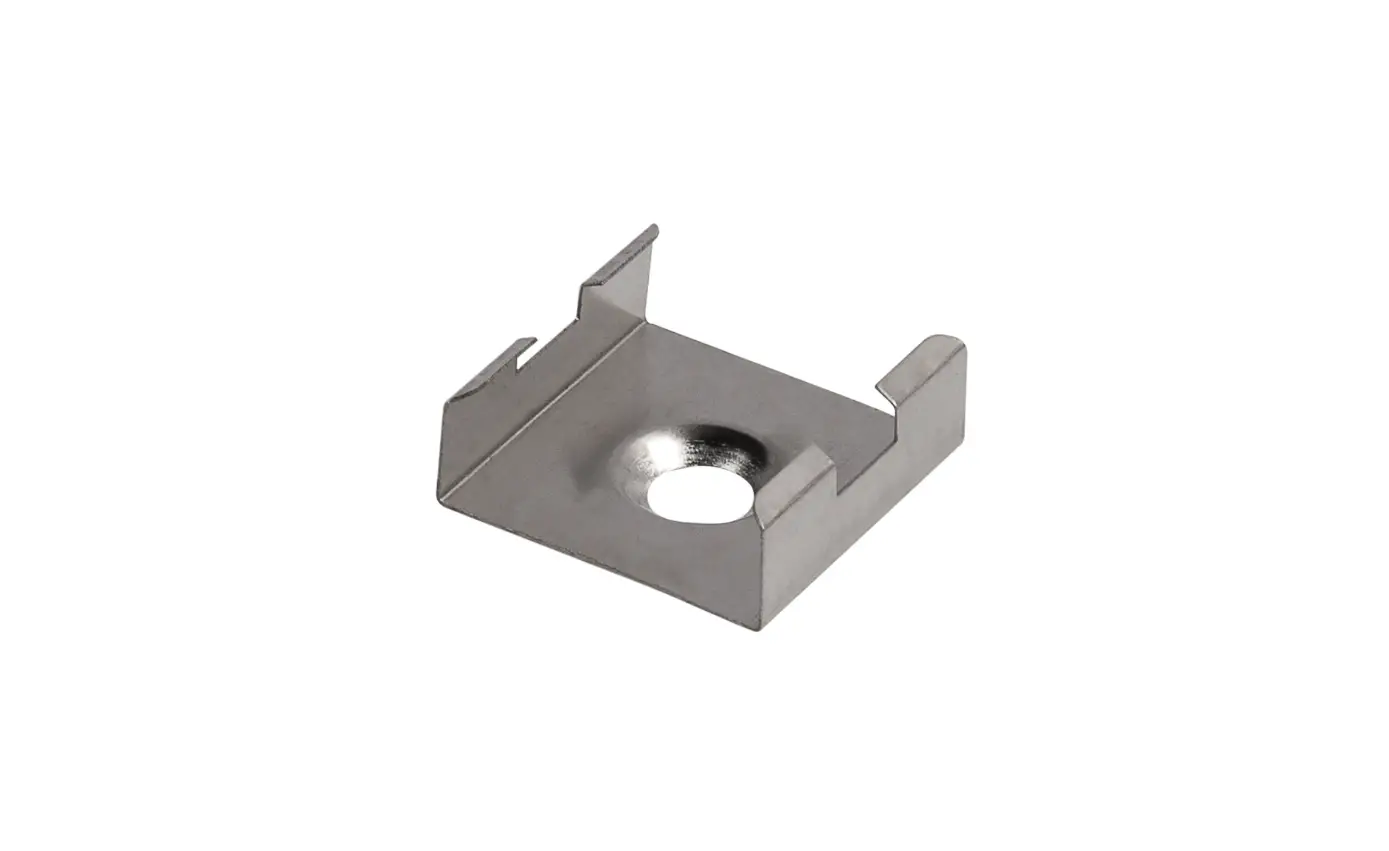
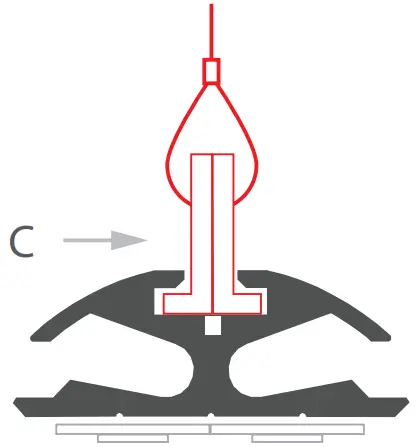
 | Hanger (C) |
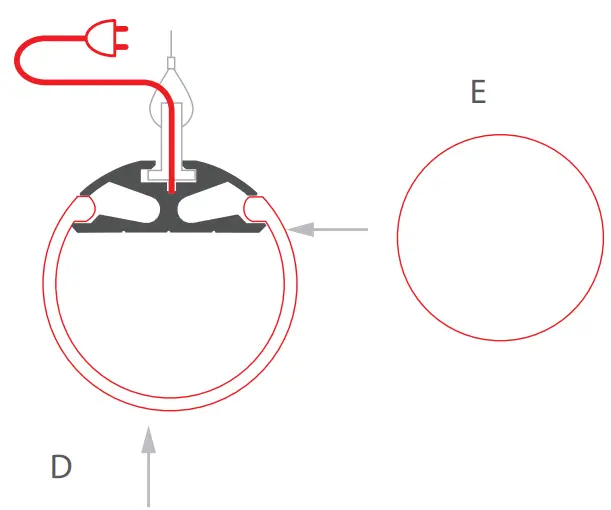
 | Cover (D) |
 | End cap (E) |
Tools needed for mounting:
– drill
NOTE! All LED strips must be connected to a 12 V or 24 V power supply.
IMPORTANT: The manual presents the simplest mounting procedure.
More mounting procedures and related accessories can be found at klusdesign.com
Drill a hole in the extrusion (A) to feed the power cable.
cross-section
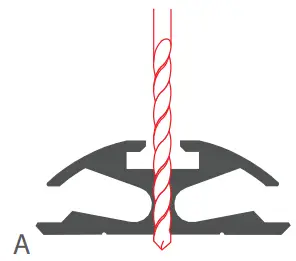
top view

Mount the LED strip (B) in the extrusion.
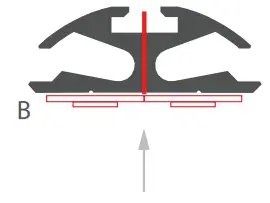
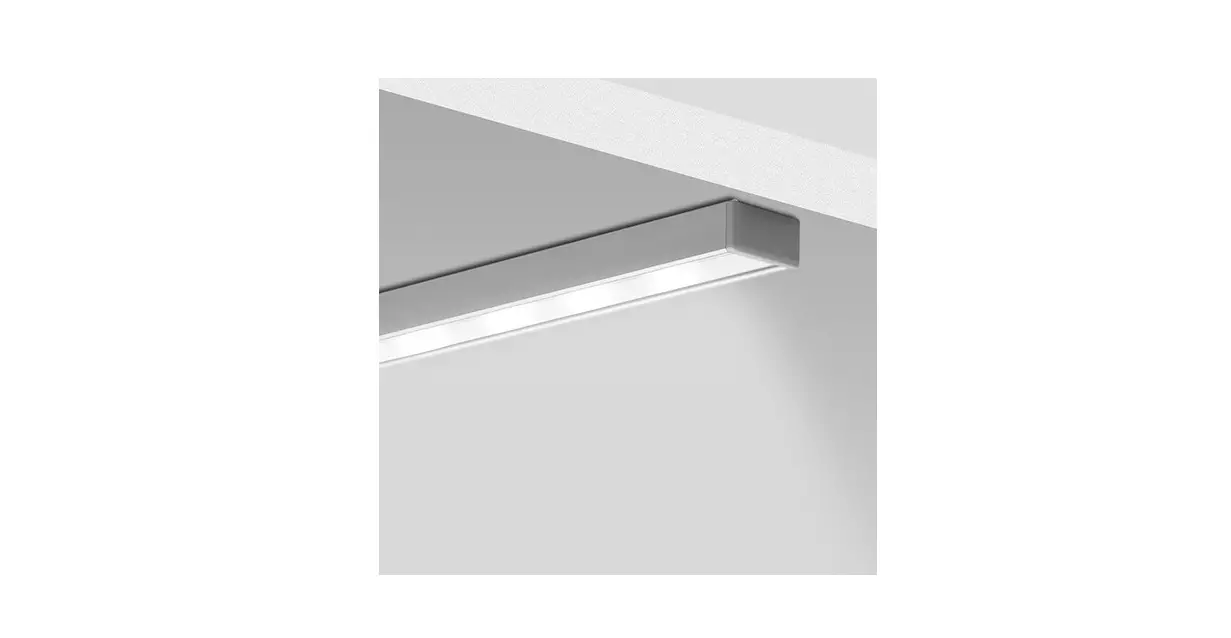
Suspend the extrusion using the hangers (C) and a chosen suspension system. The hanger manual can be downloaded at klusdesign.com
cross-section
top view

Connect power to the LED strips. Insert the cover (D) and the end caps (E).
 Klusdesign.com | Manufacturer of LED Extrusions, LED Profiles, and new LED Lighting integration designs - KLUS LLC
 Klusdesign.com | Manufacturer of LED Extrusions, LED Profiles, and new LED Lighting integration designs - KLUS LLC