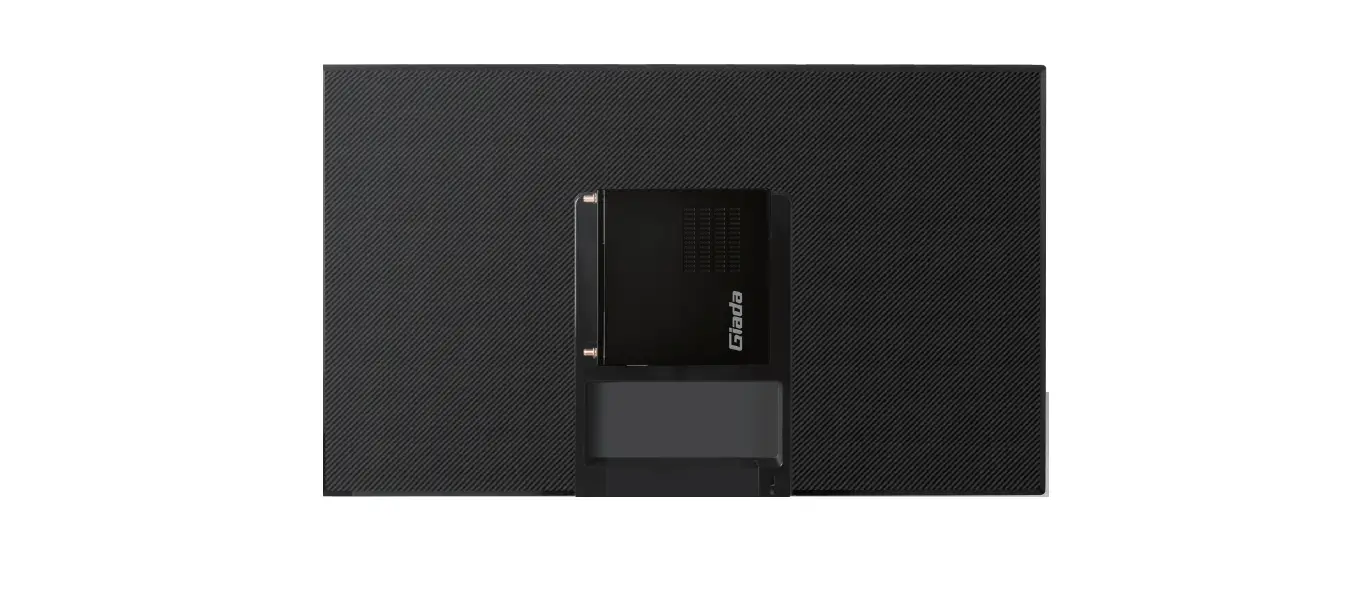
 Giada JC501 VESA Mount
 Giada JC501 VESA Mount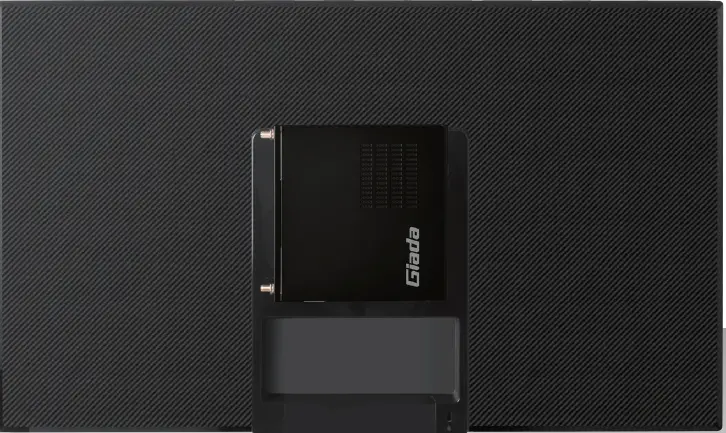
SAFETY INSTRUCTIONS 

WARNING
Before beginning, turn off the media player, disconnect the AC adapter from the electrical outlet and the media player, and remove any other external cables from the media player.
Note: The VESA Mount is compatible with the following Model: Giada DK37 / DK310.
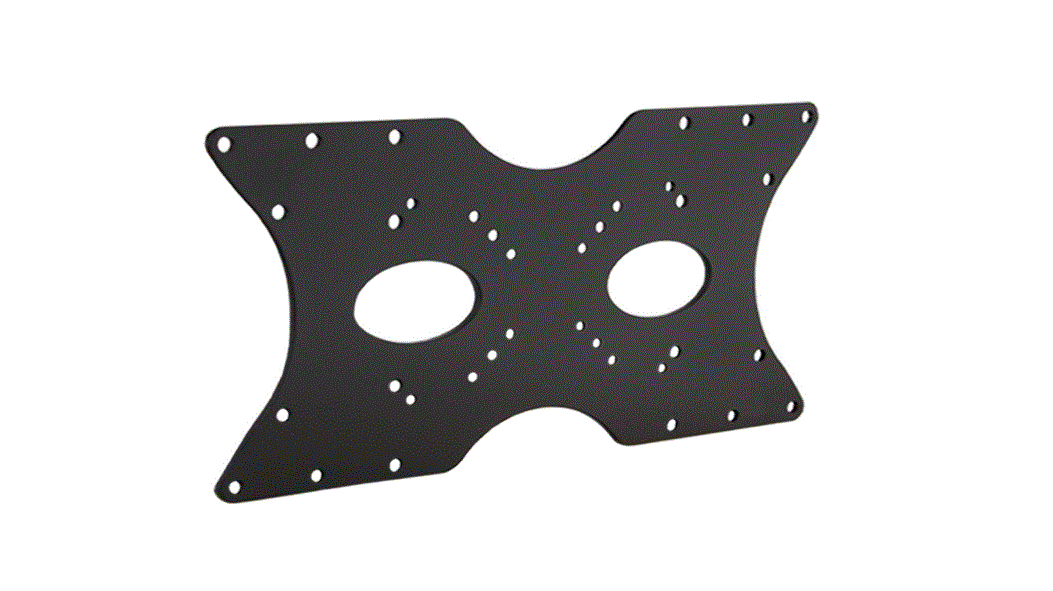
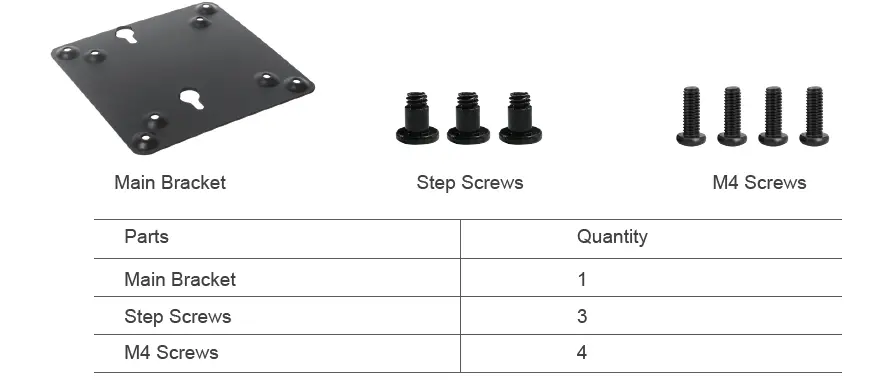
VESA MOUNTING MATERIALS
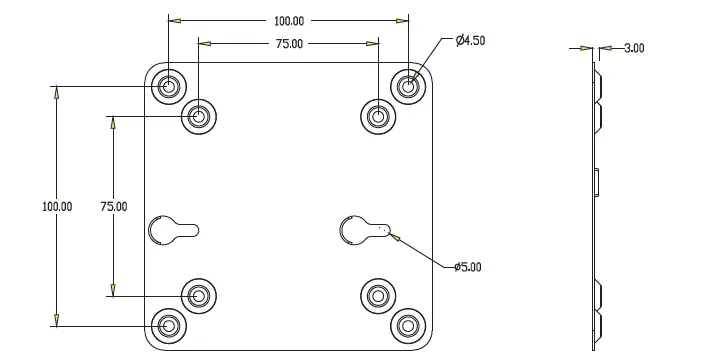
DIMENSIONS
INSTALLATION
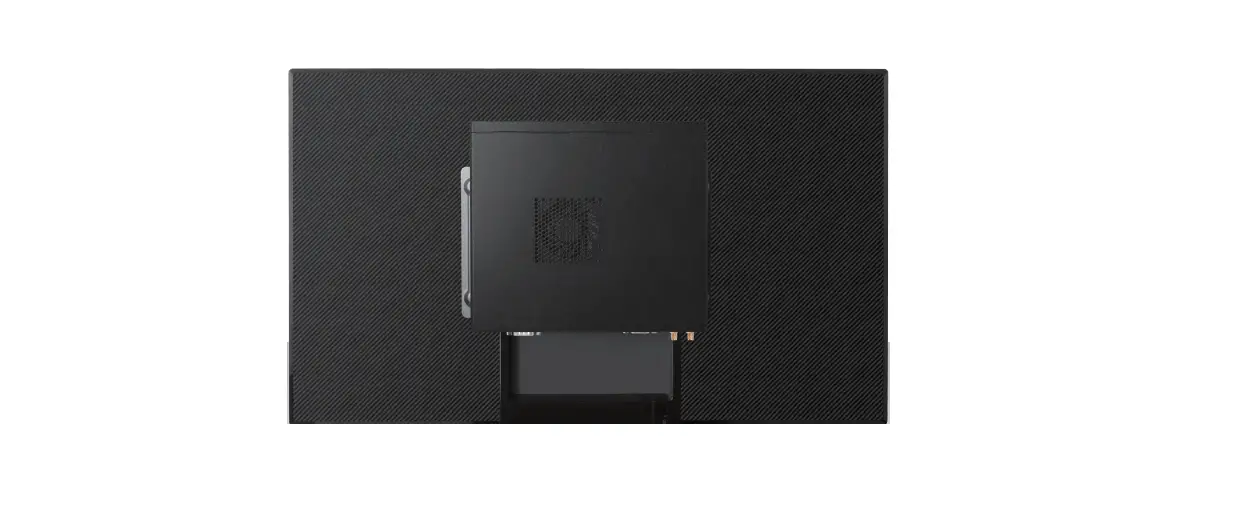
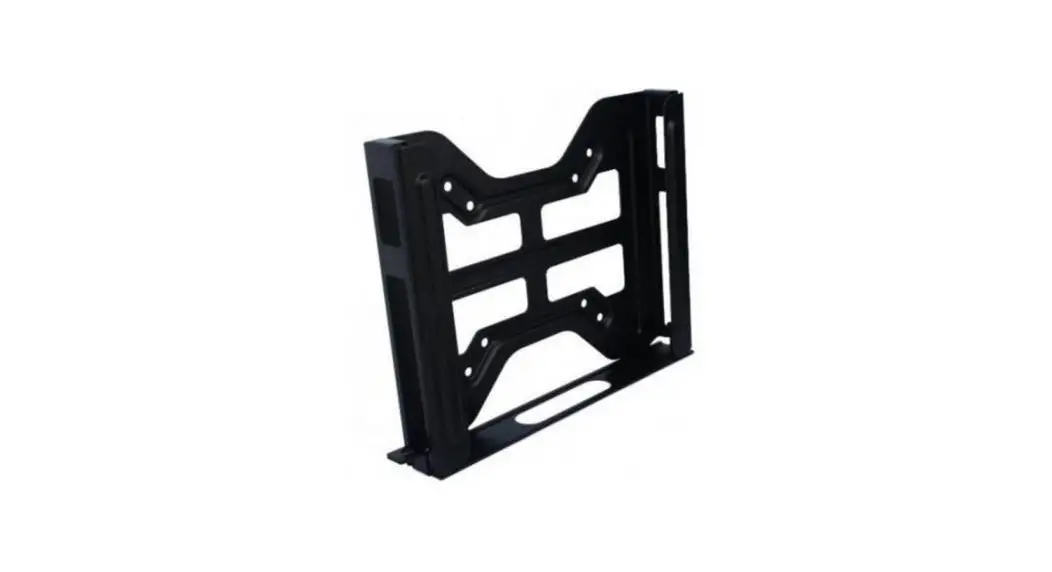
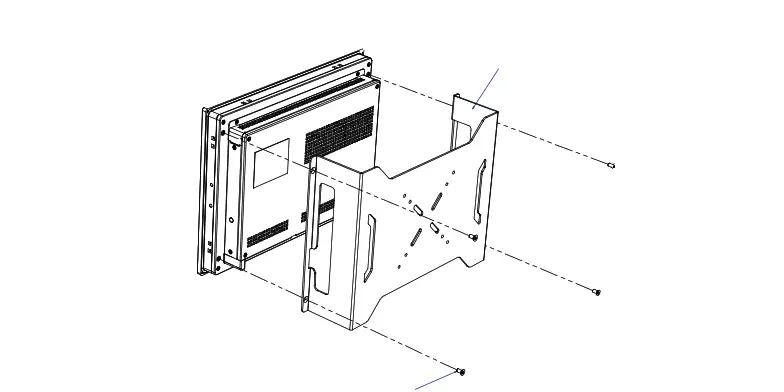
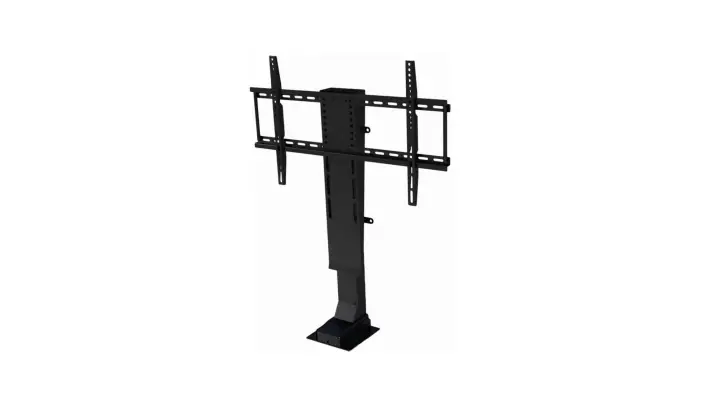
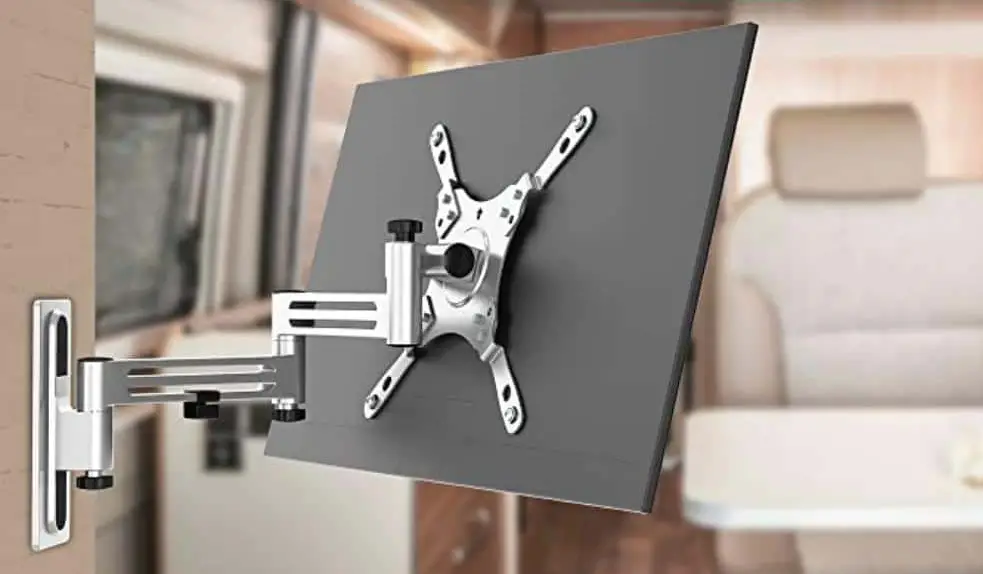
Assemble the Main Bracket (in the direction shown in the following figure) to the rear of a compatible display with the four M4 Screws.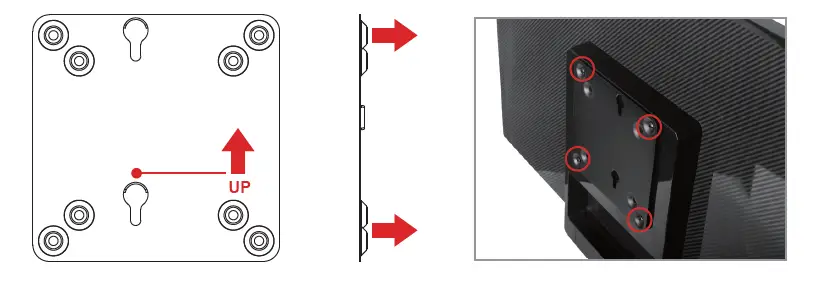
Fix Step Screws on the media player as shown below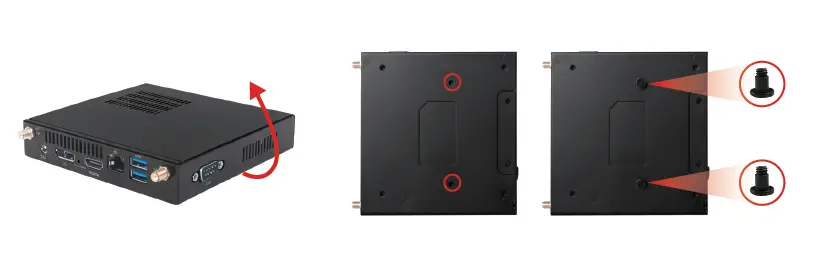
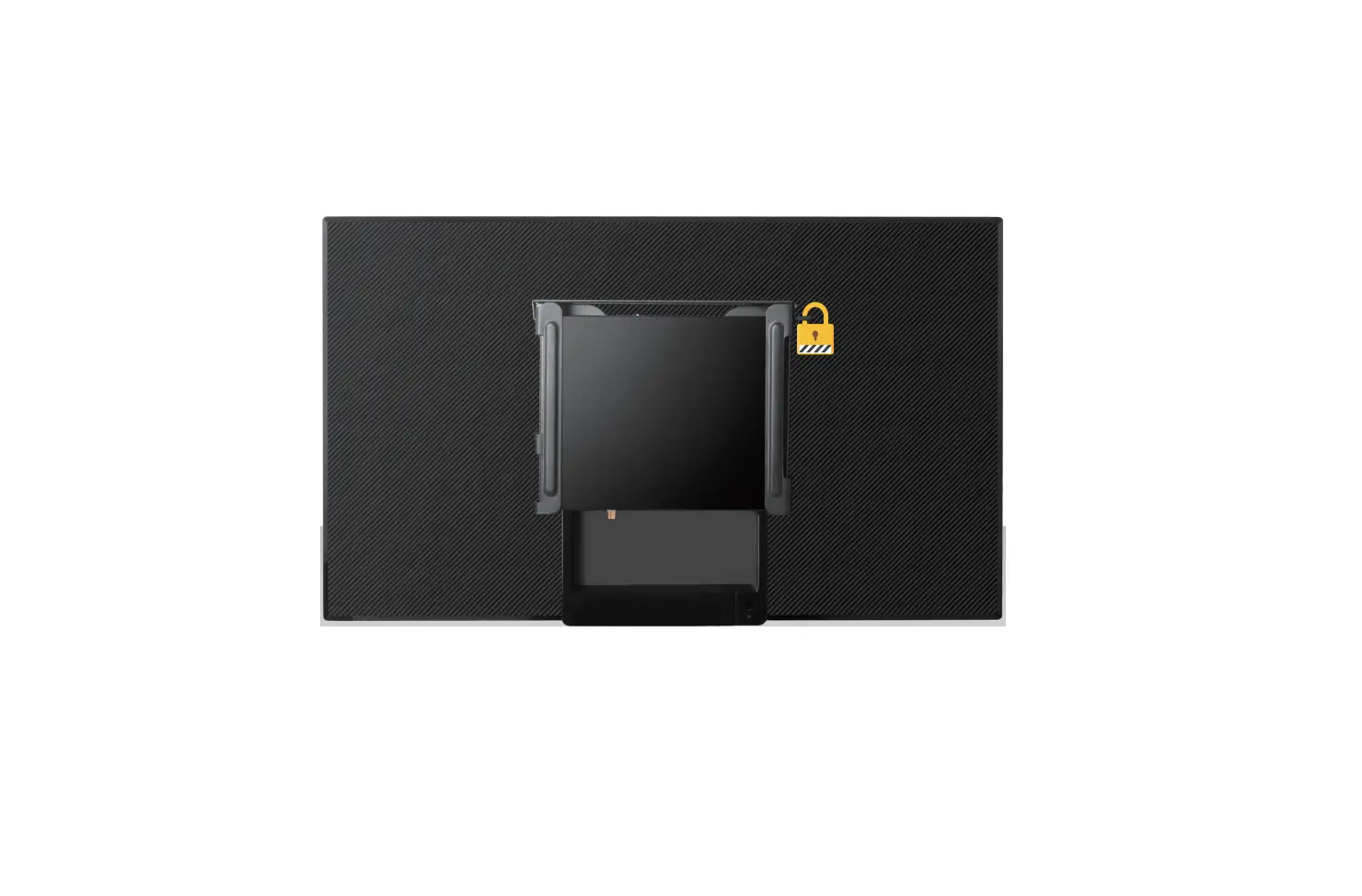
Mount the player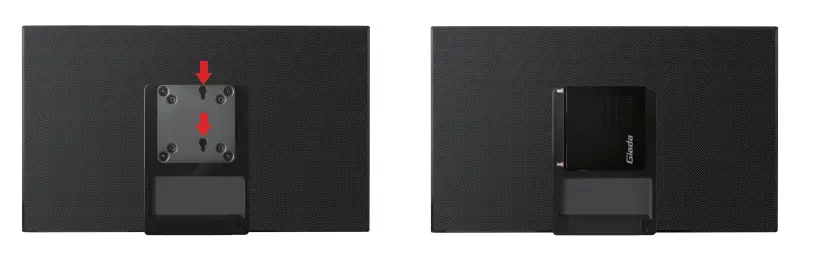
 Giada Technology | Professional Digital Signage Media Players