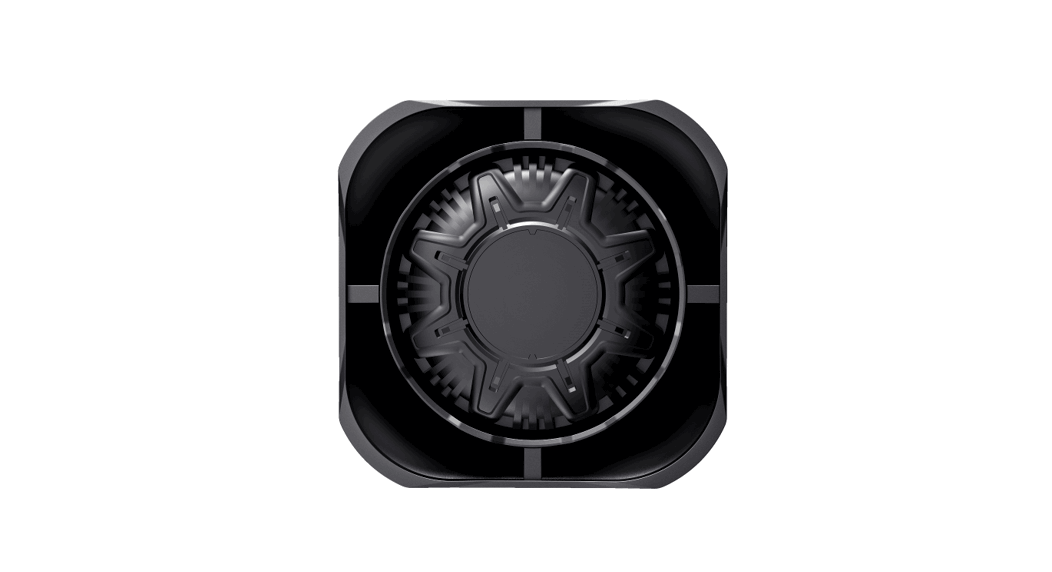

Cell2 EGION-FIT Legion FIT Cruise (H002) Speaker
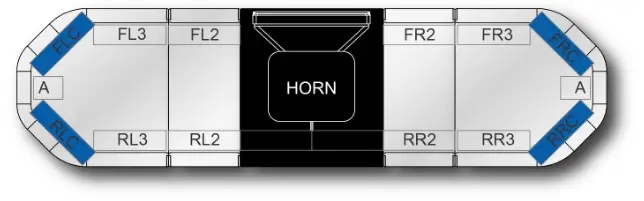
WIRING & FUNCTIONS
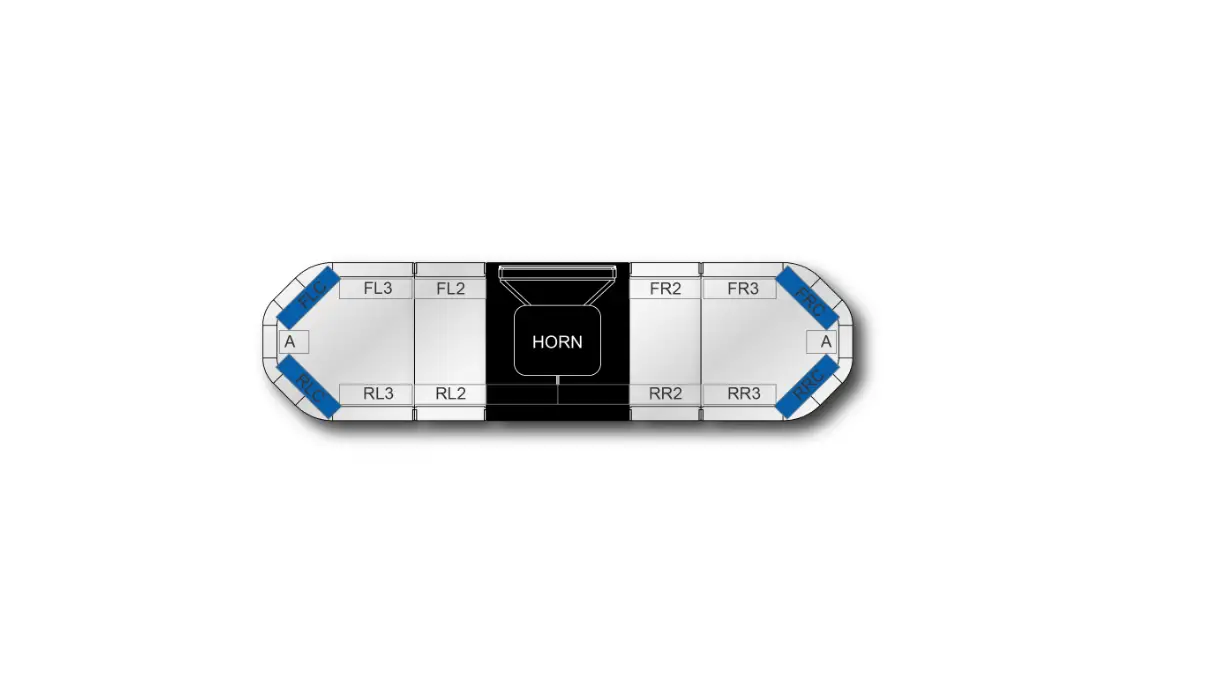
(AM/AN)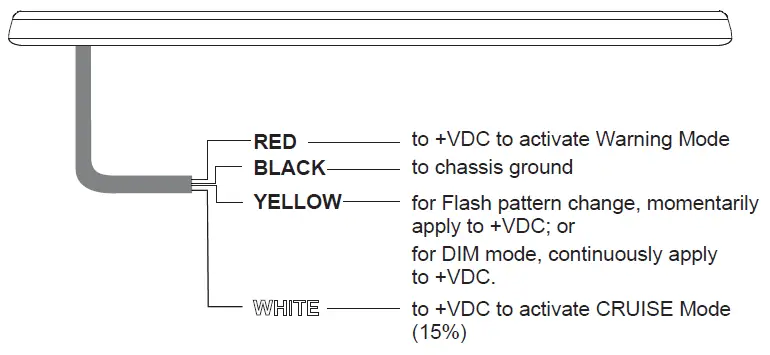
Different applications require different functions. It is highly recommended to determine and configure the required functions prior to Installation; (refer to ‘CONTROL WIRES’ section).
LIGHTBAR WIRING
Functions are activated by applying +VDC to a control wire
POWER WIRES
- Route Power Cable to the vehicle firewall towards the battery.
- Follow factory wiring harness through the firewall. It may be necessary to drill a hole in the firewall. Ensure that there are no components that could be damaged from the drilling.
- Route the cable to the battery.
- Install a fuse (user-supplied) on the end of RED wire, then connect to battery.
- Connect BLACK wire to the factory chassis ground adjacent to the battery.
NOTE: make sure that all wires of power ca b l e a r e securely connected to power source
CONTROL WIRES
- Route Control wires towards the dash area to a switch panel (user-supplied).
- Connect the required wires to the switch panel
WARNING MODE
Activate Warning Mode by applying +VDC to RED wire. There is a list of built-in flash patterns to choose from. While in Warning Mode, tap +VDC to YELLOW wire:
- Once for next pattern.
- Quickly 3 times for FP#1.
FP# FLASH PATTERN 1 Double (corners) R65 2 Double (all) 2Hz 3 Double (split) 2Hz 4 Quad (all) 2Hz 5 Quad (split) 2Hz 6 Single (all) 2Hz 7 Single (split) 2Hz
NOTE: For ECE-R65 mode, FP#1 should be used
DIM MODE
If desired, the bar can be switched to DIM Mode. While Warning Mode is activated, apply +VDC to YELLOW wire continuously to switch to DIM Mode. Simply remove +VDC from YELLOW wire to de-activate.
CRUISE MODE
- Activate Cruise Mode by applying +VDC to WHITE wire. patterns to choose from. While in Cruise Mode, tap +VDC to YELLOW wire:
- Once for next Cruise Mode Module Selection.
- Quickly 3 times for factory setting Cruise Mode.
NOTE: Cruise Mode factory setting is corner modules only.
web: www.cell2.com
email: [email protected]
tel: +44(0)2033285 494
 Visual & Audible Warning Systems - Cell2