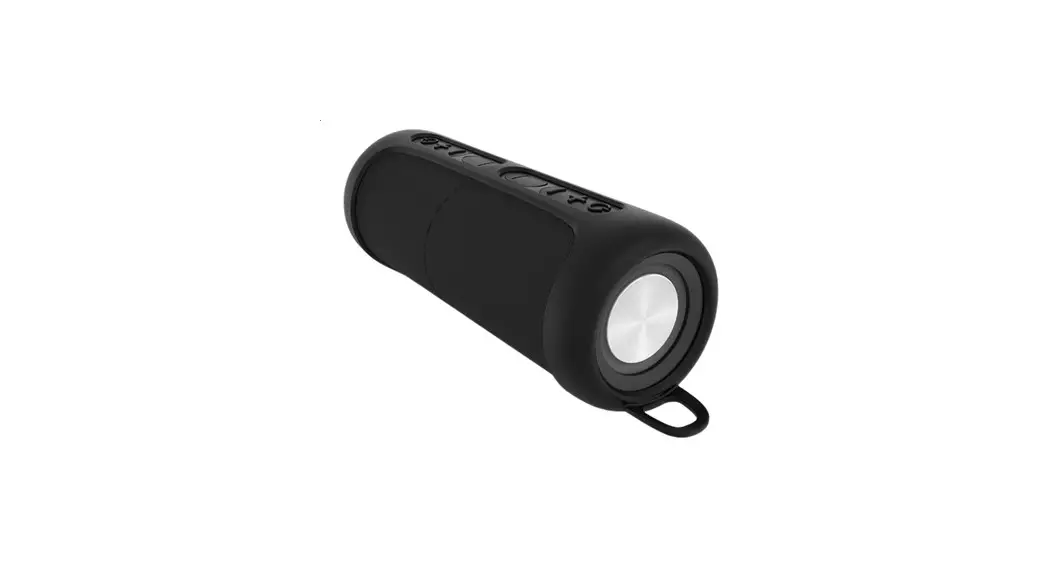
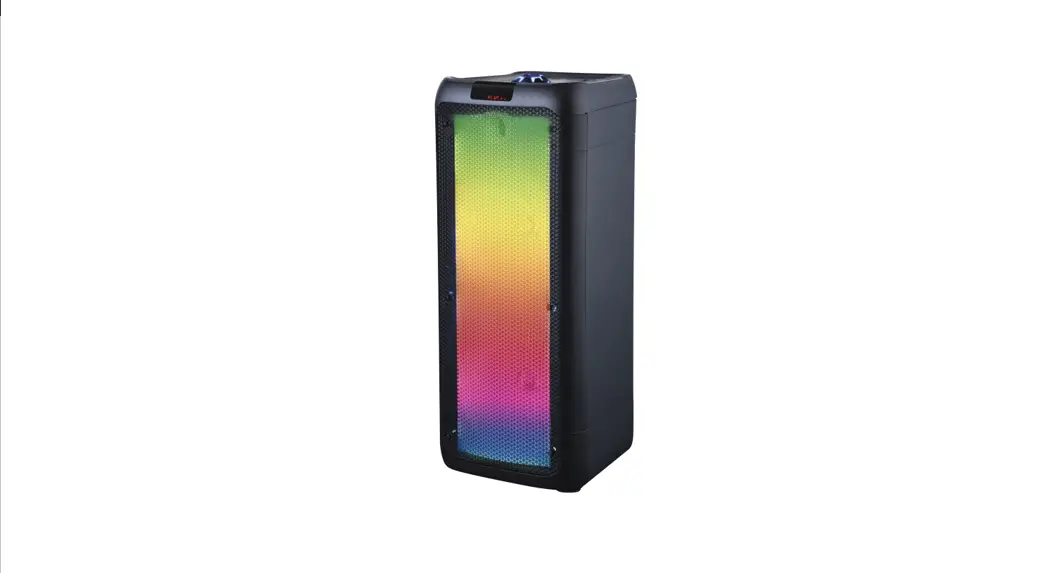
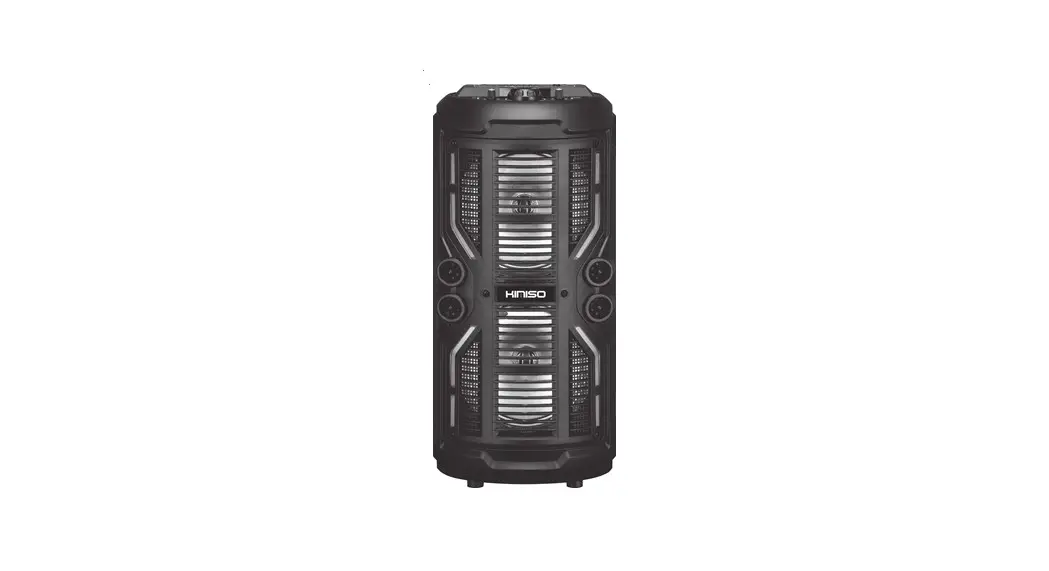
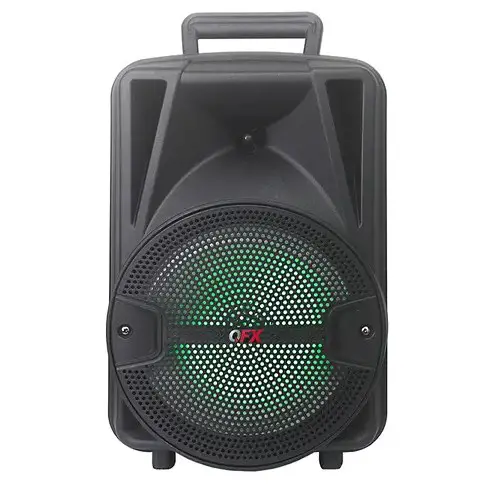
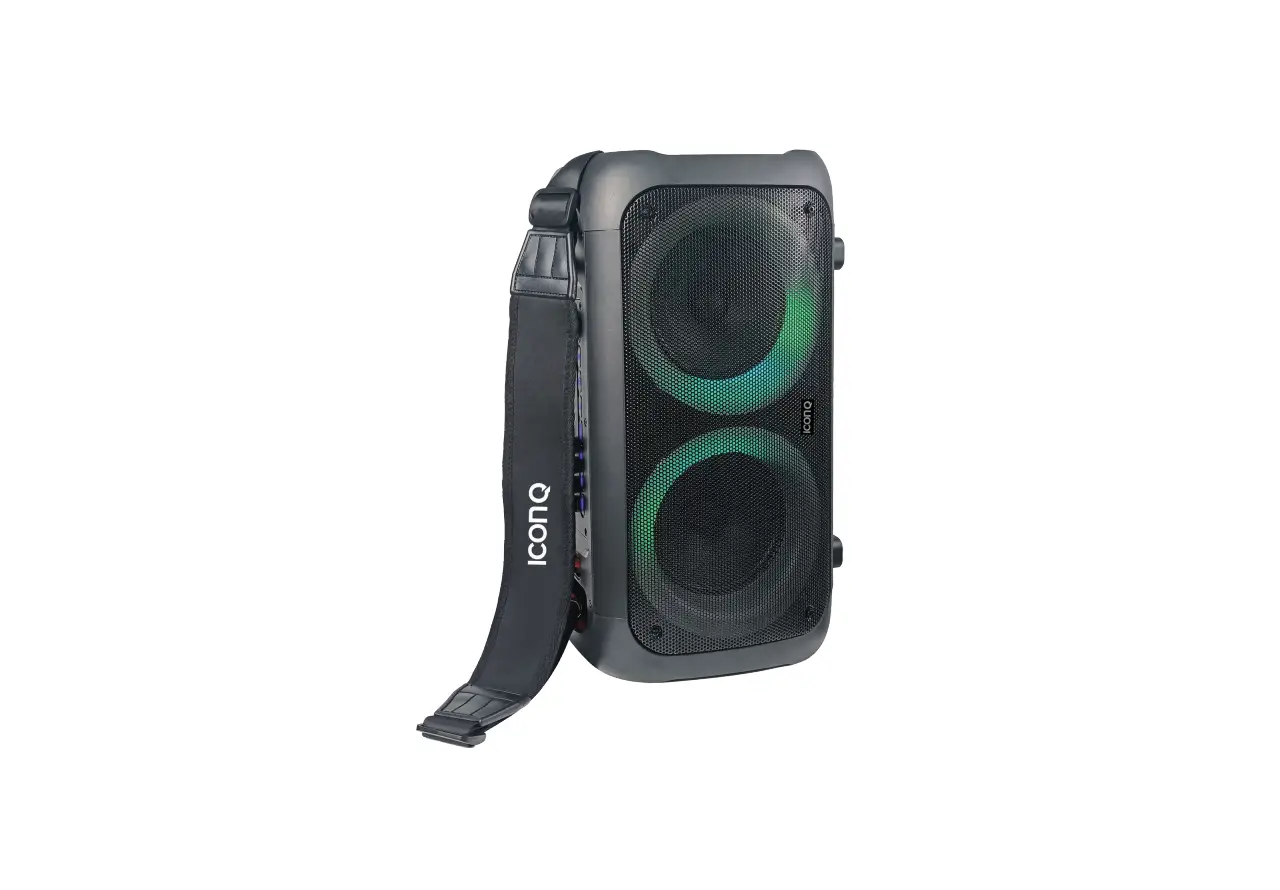
ZQS8221 Portable Speaker
Product Information
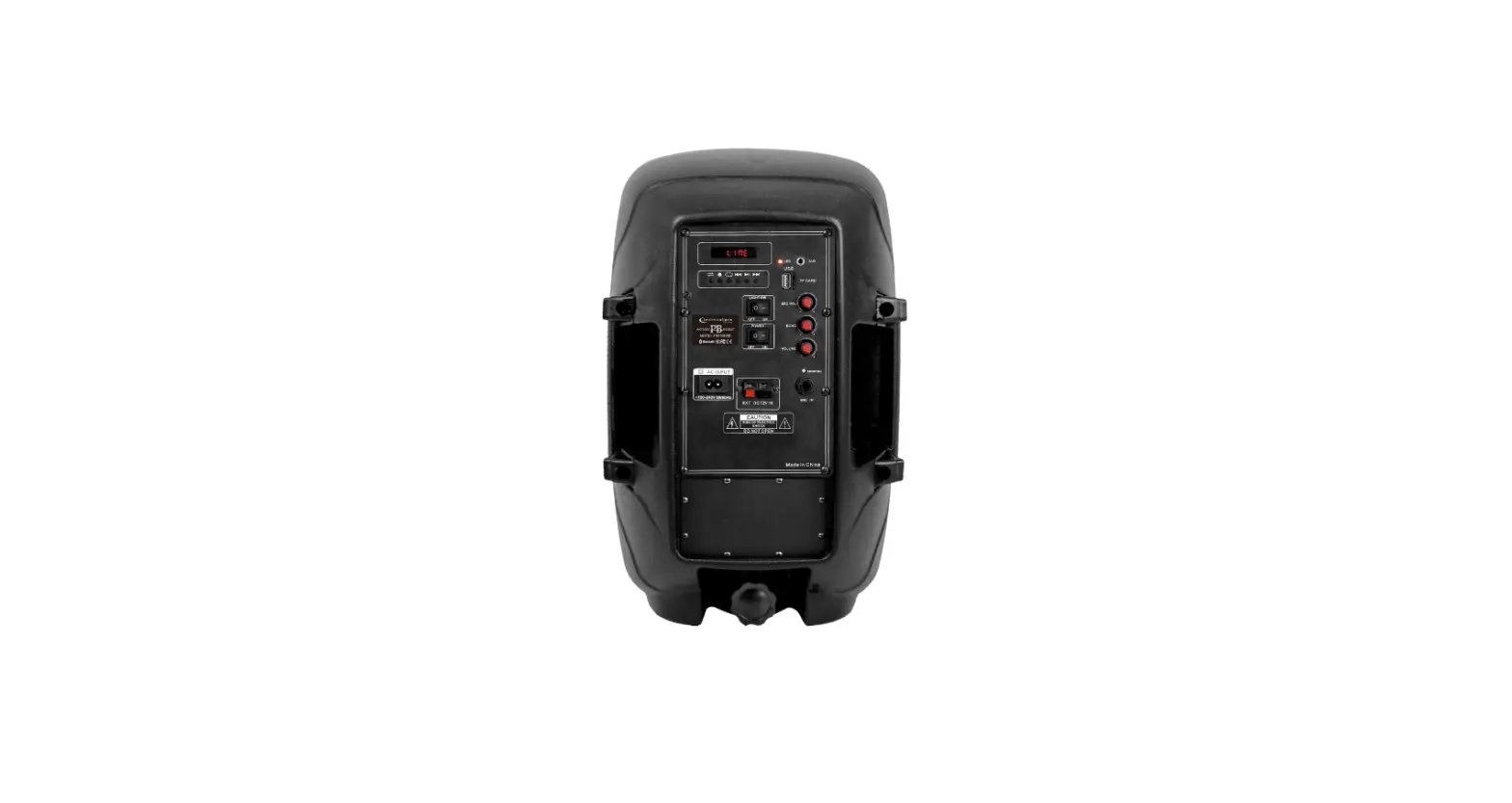
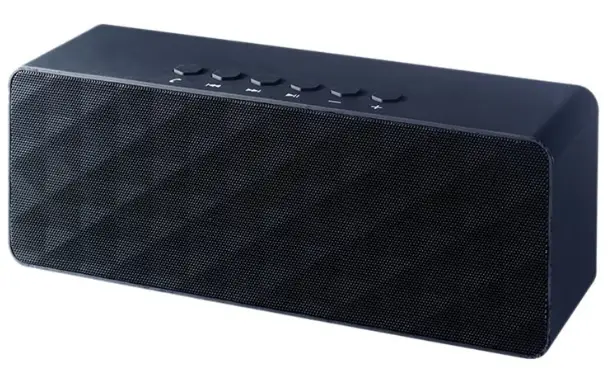
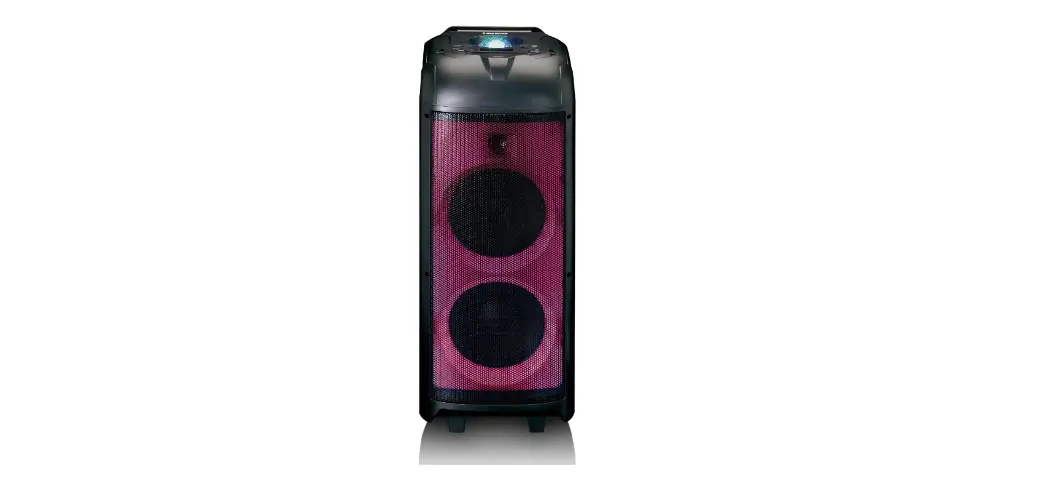
The product is a multi-functional portable speaker that can be
used to play music from various sources such as Bluetooth, TF card,
USB, AUX line-in, and FM radio. It has a power switch button, mode
button for switching between different modes, play/pause button,
previous/next track button, volume control knob, TF card and USB
ports, AUX line-in port, microphone input port, and a charging
socket with a built-in battery. The speaker can play music in MP3
and WAV formats from TF card and USB.
Product Usage Instructions
- Power On/Off: Use the power switch button to
turn the speaker on or off. - Mode Selection: Long press the mode button to
switch between different modes – BT, TF CARD, USB, AUX Line in, and
FM. Short press to control the light mode and light switch. - Previous/Next Track: Use the previous/next
track button to play the previous or next music in BT, TF card, and
USB modes. Play the previous or next radio station in FM mode. - Play/Pause: Use the play/pause button to pause
or resume music playback. Click in FM mode to automatically search
for radio stations. In BT mode, long press the P/P button on the
secondary speaker to disconnect from the main speaker. In BT mode,
long press the P/P button on the main speaker to disconnect from
the slave speaker, speaker, and phone. - Volume Control: Rotate the volume control knob
to adjust the volume level. - TF Card and USB: Insert a TF card or USB to
play music in MP3 and WAV formats. - AUX Line-in: Connect a computer, MP3 player,
phone, or CD to the AUX line-in port to play music. - Microphone Input: Insert a microphone input
port to enjoy music. - Charging: Use the DC 5V cable to charge the
speaker. When the cable is inserted, the LED will light up. - BT Connection: Power on the speaker or press
the mode button to enter into BT mode. Open mobile devices (cell
phones, computers, etc.) in BT mode, search for BT devices, and
when it appears, select the item pairing name (SY-SPEAKER). After
the device has been paired successfully for the first time, it will
connect automatically in 10 seconds for the next time. (Each
speaker could connect to only one BT device.)
1. (ON/OFF) Power switch button.
2. (MODE/ ) Long press to switch between BT, TF CARD, USB, AUX Line in, and FM.
Short press to control the light mode and light switch.
3. ( ) Play the previous music in BT, TF card, and USB modes.
Play the previous radio station in FM mode.
4. (
) Short press to play/pause music,
Click in FM mode to automatically search for radio stations.
In BT mode, long press the P/P button on the secondary speaker to disconnect from the main speaker.
In BT mode, long press the P/P button on the main speaker to disconnect from the slave speaker
Speaker and phone.
5. ( ) Play the next music in BT, TF card, and USB modes.
Play the next radio station in FM mode.
6. (VOLUME) Rotate the knob to adjust the volume level.
7. (TF CARD port) supports TF CARD and can play music in MP3 and WAV formats in TF CARD.
8. (USB port) Supports USB and can play music in MP3 and WAV formats on USB.
9. (AUX) AUX line input can be connected to a computer, MP3 player, phone, or CD.
10. (MIC) Insert the microphone input port to enjoy music.
11. (DC 5V) Charging socket with built-in battery. When the DC 5V cable is inserted, the LED will
light up.
(BT Connection)
– Power on the product or press MODE button to enter into BT mode.
– Open mobile devices(Cell phones,computers,etc.) in BT mode, search for BT devices, when it
appears the item pairing name (SY-SPEAKER).
– After the device has been paired successfully for the first, it will connect automatically in 10
seconds for the next time. (Each speaker could connect to only one BT device.)
FCC Statement
This equipment has been tested and found to comply with the limits for a Class B digital device, pursuant to part 15 of the FCC Rules. These limits are designed to provide reasonable protection against harmful interference in a residential installation. This equipment generates, uses and can radiate radio frequency energy and, if not installed and used in accordance with the instructions, may cause harmful interference to radio communications. However, there is no guarantee that interference will not occur in a particular installation. If this equipment does cause harmful interference to radio or television reception, which can be determined by turning the equipment off and on, the user is encouraged to try to correct the interference by one or more of the following measures: · Reorient or relocate the receiving antenna. · Increase the separation between the equipment and receiver. · Connect the equipment into an outlet on a circuit different from that to which the receiver is connected. · Consult the dealer or an experienced radio/TV technician for help. Caution: Any changes or modifications to this device not explicitly approved by manufacturer could void your authority to operate this equipment. This device complies with part 15 of the FCC Rules. Operation is subject to the following two conditions: (1) This device may not cause harmful interference, and (2) this device must accept any interference received, including interference that may cause undesired operation. RF Exposure Information This equipment complies with FCC radiation exposure limits set forth for an uncontrolled environment. This equipment should be installed and operated with minimum distance 20cm between the radiator and your body.