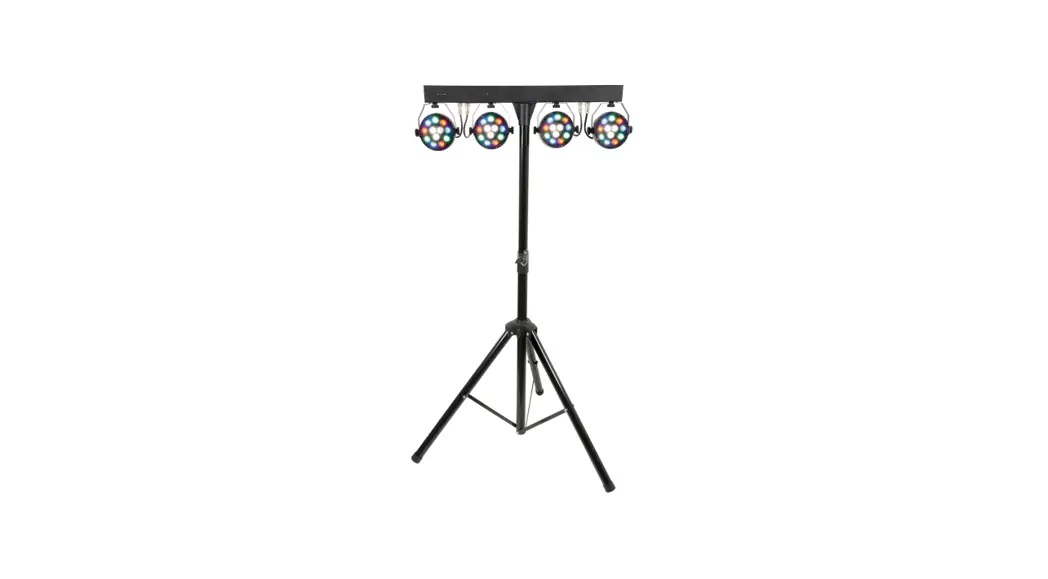

PB-1214
LED PAR BAR SYSTEM
Item ref: 151.556UK
User Manual
Please read through this manual thoroughly before use, any damage caused by misuse of the product will not be covered by the warranty.
Please do not open the cover, contains high voltage. This product is not serviceable or repairable by the end-user.
Please refer to qualified personnel for service and repair.
Safety Instructions
- Please keep this manual for future reference.
- Always make sure that you are connecting to the proper voltage, and that the line voltage you are connecting to is not higher than that stated on the bottom of the fixture.
- This product is intended for indoor use only. It must be connected to an earthed mains outlet.
- To prevent the risk of fire or shock, do not expose the fixture to rain or moisture. Make sure there are no flammable materials close to the unit while operating.
- The unit must be installed in a location with adequate ventilation, at least 20cm from adjacent surfaces. Be sure that no ventilation slots are obstructed.
- Always disconnect from the power source before servicing or replacing the fuse and be sure to replace with same fuse size and type.
- The maximum ambient temperature is 40°C. Do not operate the fixture at higher temperatures.
- In the event of a serious operating problem, stop using the unit immediately. Never try to repair the unit by yourself. Repairs carried out by unskilled people can lead to damage or malfunction. Please contact the nearest authorized technical assistance center.
- Make sure the power cord is never crimped or damaged.
- Never disconnect the power cord by pulling or tugging on the cord.
- Avoid direct eye exposure to the light source while it is on.
DMX-512 connection
If you are using a standard DMX controller, you can connect the DMX output from the controller directly to the DMX input of the first unit in the DMX chain. Connect the DMX output of the first unit in a DMX chain with the DMX input of the next unit in the chain. Always connect the output of one unit with the input of the next unit until all units are connected.
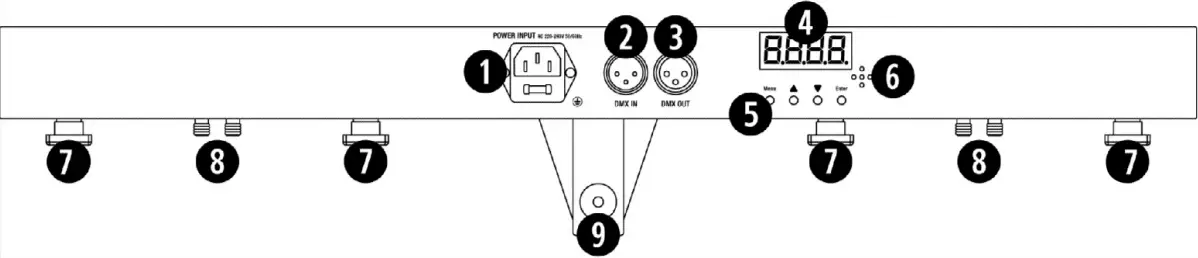
| Number | Item | Function |
| 1 | Power supply input | Attach the IEC mains cable here. |
| 2 | DMX input | 3 pin XLR connector for DMX 512 input communication. |
| 3 | DMX output | 3 pin XLR connector for DMX512 output communication. |
| 4 | LED display | LED function display and menu buttons to control the operating mode of the unit. |
| 5 | MENU buttons | MENU function buttons Menu, Up, Down Enter |
| 6 | Microphone | Built-in microphone for Sound-to-Light operation. |
| 7 | Par can mounts | Attach the par can light to the controller bar |
| 8 | Par can connections | Attach the par can cable to the controller bar |
| 9 | Light stand socket | Tighten the screw to secure the controller bar to the light stand. |
Function Settings
Using the four function buttons on the controller bar you can set the operating mode of the unit. Press the ‘Menu’ button to display the different functions (see table below for a description of the functions). Use the ‘Up’ ‘Down’ arrow buttons to make your selection. When you have chosen your desired function, press the ‘Enter’ button to confirm the selection.
| Sequence Number | Display | Sub-Menu | Function/Action |
| 1 | d001 — d512 | 001 – 512 | DMX address setting |
| 2 | IP.01 — IP.64 | 001 -512 | IP mode |
| 3 | A1.01 | A1.01 — A1.18 | Static Colour. Select one of 18 colour options |
| 4 | A2.01 | A2.01 — A2.32 | Colour Jump. A2.01 (slowest) A2.32 (fastest) |
| 5 | A3.01 | A3.01 — A3.19 | Multi Colour. The different Colour selections is available |
| 6 | A4.01 | A4.01 — A4.04 | Sound to Light Function |
| 7 | A5.01 | A5.01 — A5.32 | Strobe Function A5.01(slowest) A5.32 (fastest) |
| 8 | r000 — r255 | Adjust red colour intensity. r000 (off) r252 (brightest) | |
| 9 | G000 — G255 | Adjust green colour intensity. G000 (off) G252 (brightest) | |
| 10 | b000 — b255 | Adjust blue colour intensity. b000 (off) b252 (brightest) | |
| 11 | u000 — u252 | Adjust white colour intensity. u000 (off) u252 (brightest) |
DMX address setting
When controlling the unit (or units) with a DMX controller, each one must be set with a specific DMX address. You can choose to set all units with the same DMX address (usually d001) or you can set every unit with its own DMX address. If all units are set with the same DMX address all units will be synchronised and operate in the same way.
If you set each unit with a different DMX address, they will receive the DMX signal from their own DMX address. You will now be able to control each unit individually. The DMX address that you set for each unit must be determined by the number of channels. The PB-1214 has 8 DMX channels, therefore you should set the starting address of the first unit to 1 (d001), the second unit must be set to 9 (d009) being 1+8, the third to 17 (d017) being 9+8, the fourth to 25 (d025) being 17+8 and so on.
| Channel | Value | Function |
| 1 | 0 -10 | Macro Al |
| 11 – 50 | Macro A2 | |
| 51 – 100 | Macro A3 | |
| 101 – 150 | Macro A4 | |
| 201 – 255 | Macro A5 | |
| 210 — 255 | Red + Green + Blue | |
| 2 | 0 – 255 | Macro Colour |
| 3 | 0 – 255 | Speed Adjustment |
| 4 | 0 – 255 | Master Dimmer |
| 5 | 0 – 255 | Red Dimmer |
| 6 | 0 – 255 | Green Dimmer |
| 7 | 0 – 255 | Blue Dimmer |
| 8 | 0 – 255 | White Dimmer |
Remote Control Operation
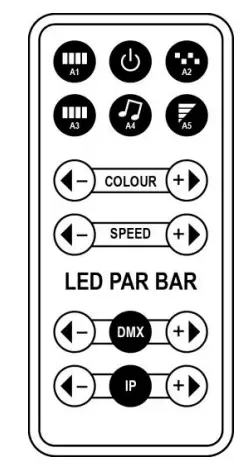
| A1 | all lights on |
| Power | on/off |
| A2 | colour jump change |
| A3 | colour gradual change |
| A4 | sound-activated mode |
| A5 | strobe mode |
| < – COLOUR +> | colour adjustment |
| < – SPEED +> | speed adjustment |
| < – DMX +> | DMX channel selection |
| < – IP +> | running effect |
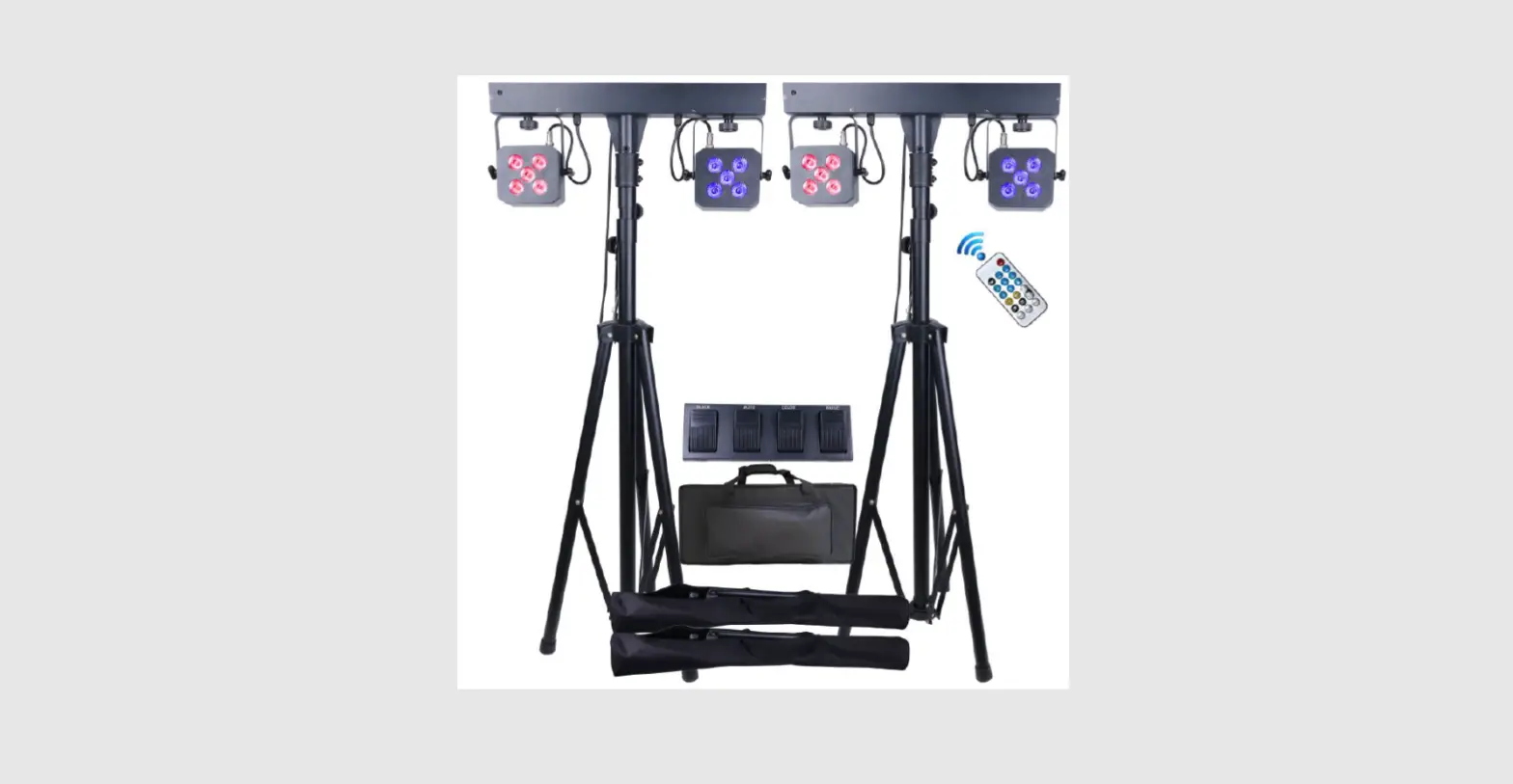
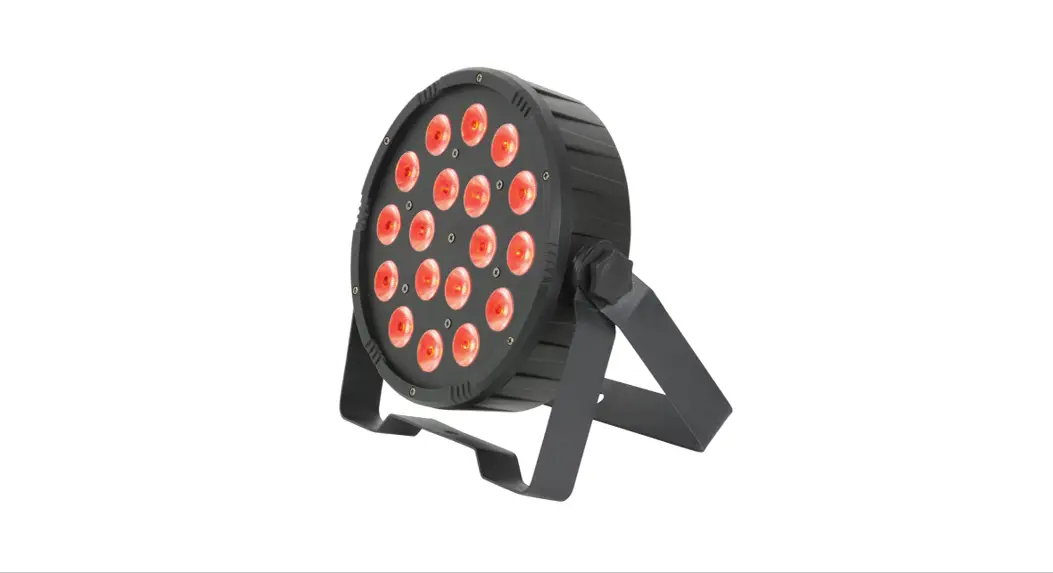
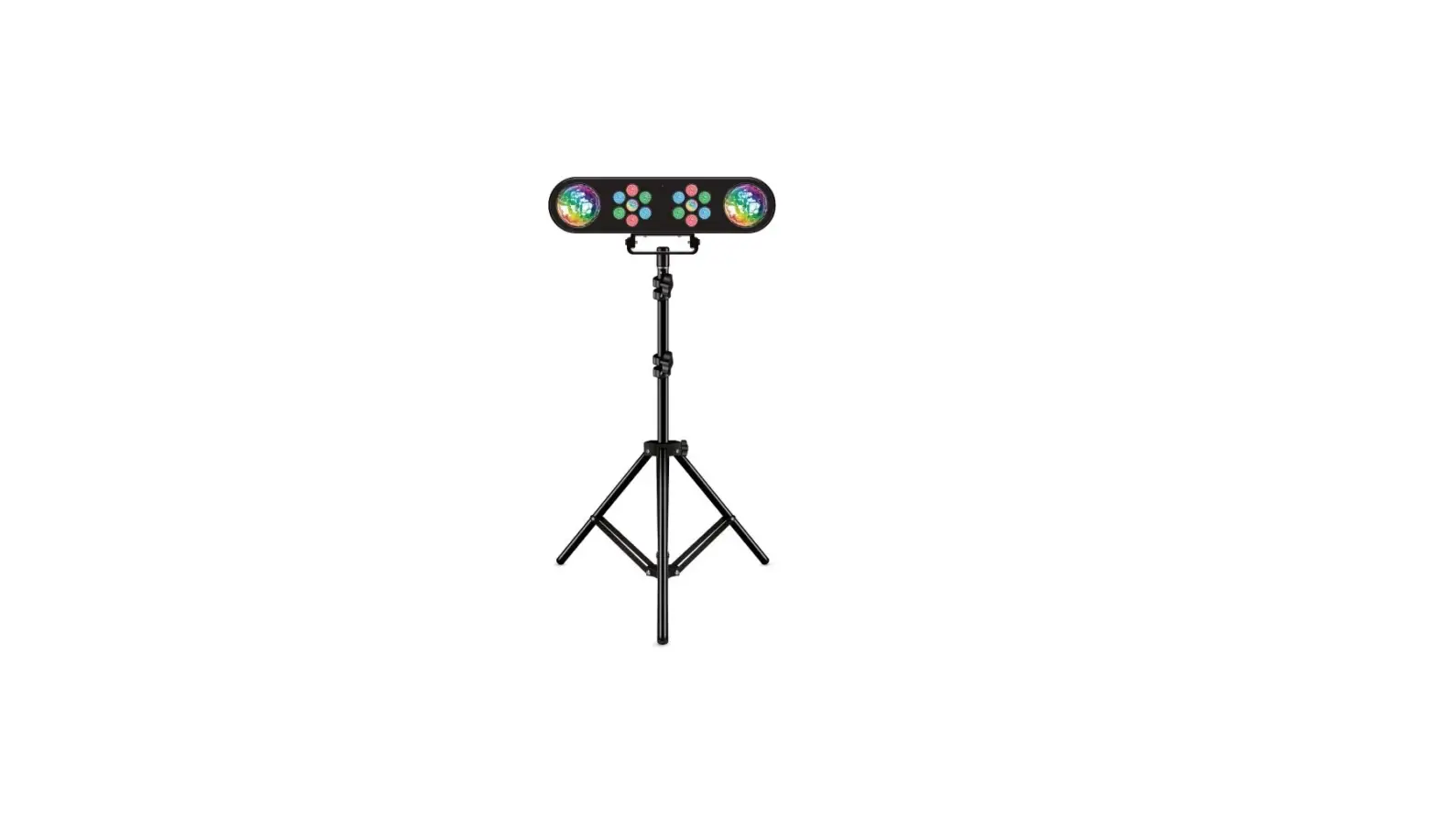
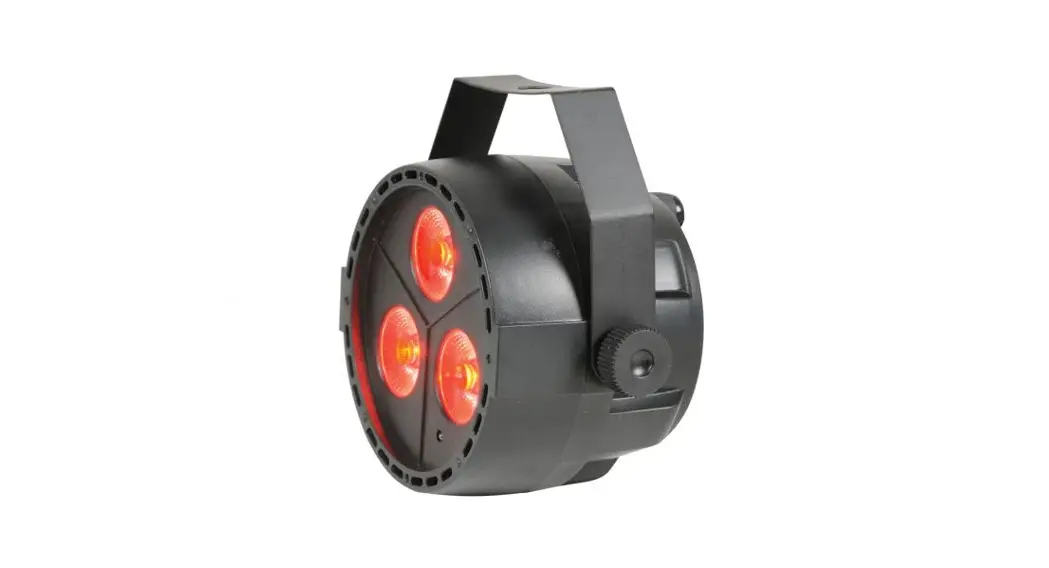
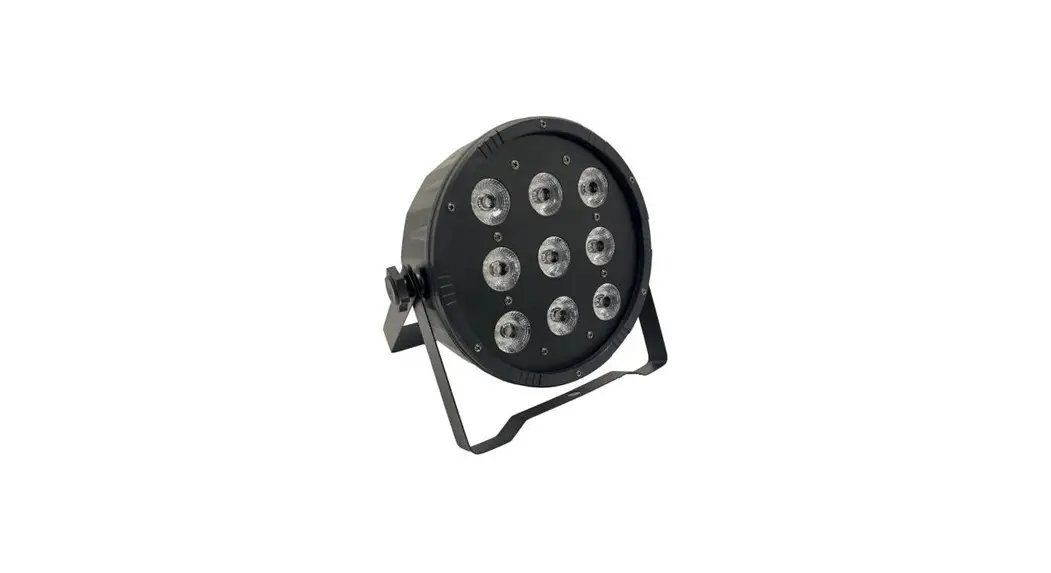
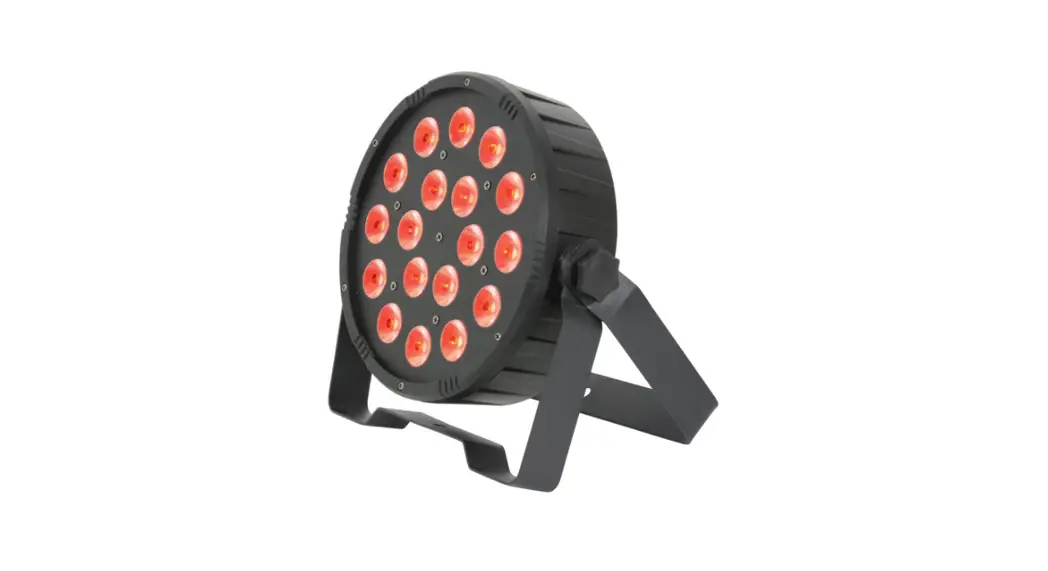
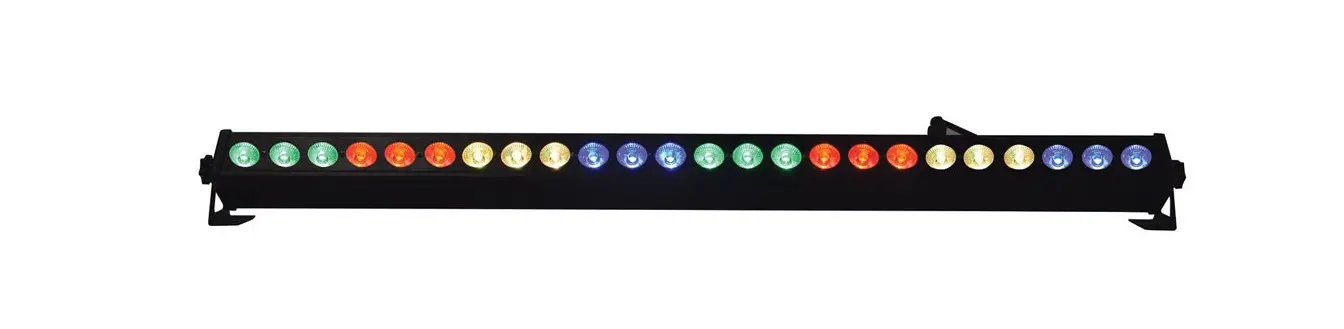
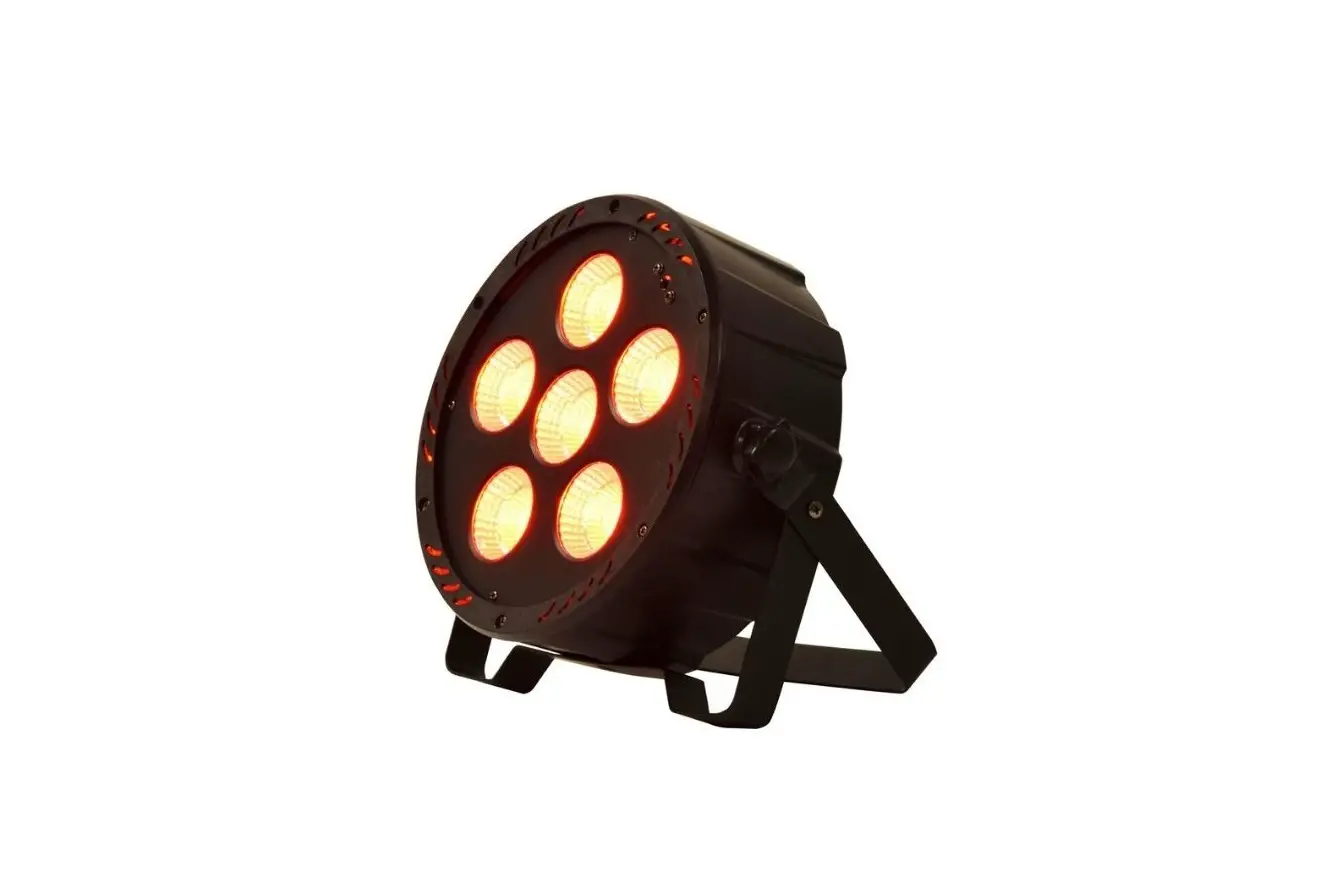
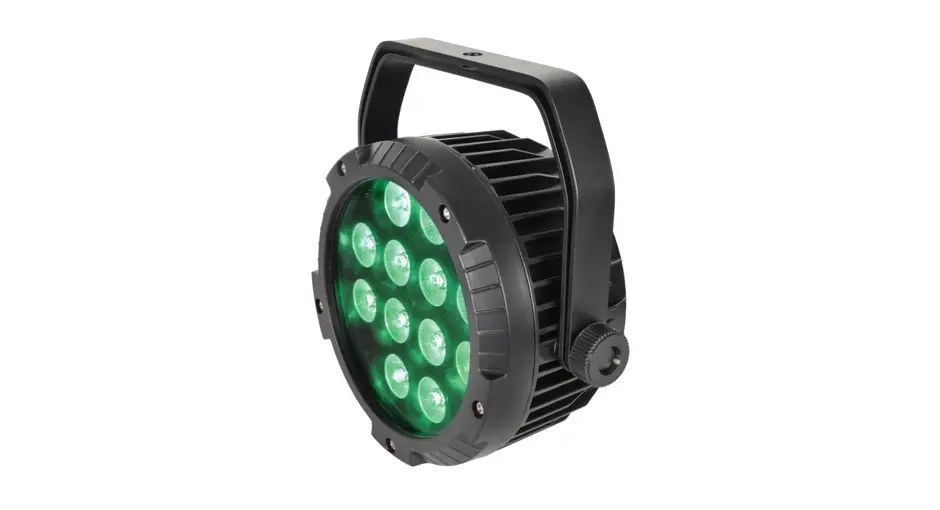
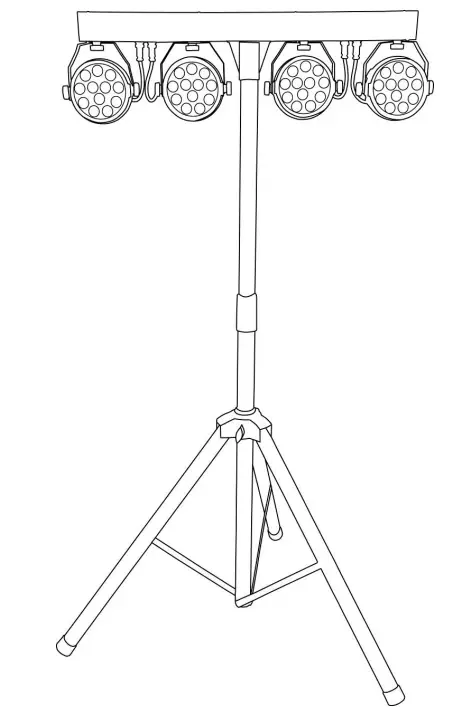
This lightweight, versatile PAR bar system is perfect for mobile DJs and performers who need their lighting to be quick to set up and easily transportable. 4 PAR Cans are each loaded with 12 LEDs in red, green, blue and white for super smooth colour blending.
- Red, green, blue and white colour mixing
- The quick and simple fold-away design allows for easy transportation
- Can be controlled by the rear panel, the remote control or DMX
- 12 pre-programmed auto modes and sound-to-light
- Built-in static or automated programs
- Master/slave mode
- Includes PAR bar, tripod stand, remote controller and transport case
- We recommend that this product is used within the guidelines HSG95
| Power supply | 220-240Vac, 50/60Hz (IEC) |
| Fuse rating | 2A |
| Power consumption | 60W |
| LEDs per Can | 12 x 1W (3:R, 3:G, 3:B, 3:W) |
| Beam angle | 30° |
| DMX channels | 8 |
| DMX connection | XLRM in, XLRF out |
| Height adjustment | 0.9m to 1.8m |
| Dimensions : PAR bar | 200 x 750 x 110mm |
| Weight | 5.5kg |
| LED safety standard | BSEN62471:2008 |
This product is classed as Electrical or Electronic equipment and should not be disposed of with other household or commercial waste at the end of its useful life. The goods must be disposed of according to your local council guidelines.
Errors and omissions excepted.
Copyright© 2021 AVSL Group Ltd, Unit 2 Bridgewater Park,
Taylor Road, Trafford Park, Manchester. M41 7JQ.
www.avsl.com
AVSL (Europe) Ltd, Unit 3D North Point House,
North Point Bus. Park, New Mallow Road, Cork, Ireland.
151.556UK User Manu