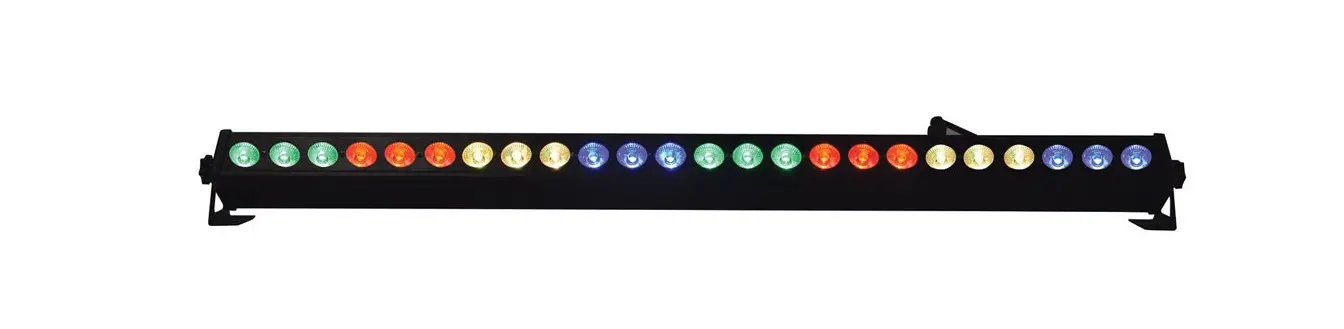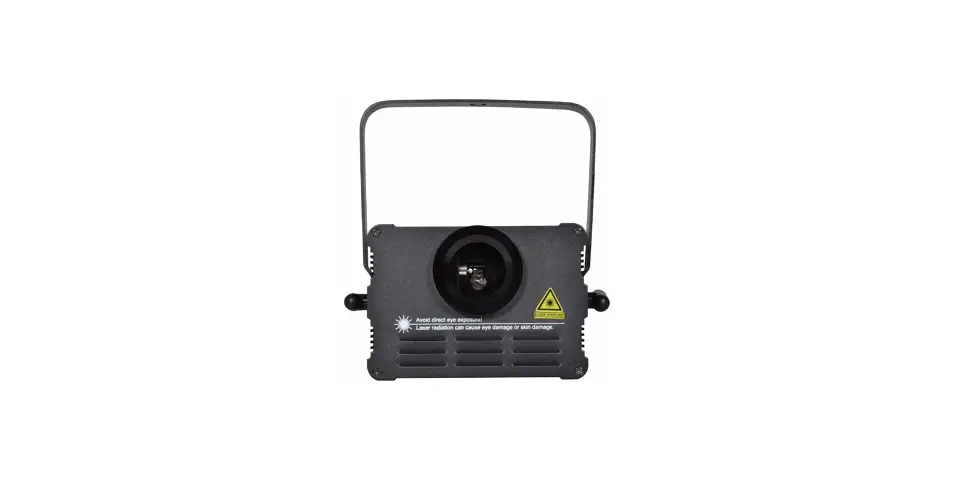

qtx 151.553UK LED & Laser Effects Stage Bar

Caution: Please read this manual carefully before operating Damage caused by misuse is not covered by the warranty
Thank you for choosing the Stage Bar as part of your light show. This effects bar is a complete DMX ighting effects solution which has been designed to be easy to set up as a small light show but with enough features to integrate into larger instalations. Please read and keep the following instructions for future reference.
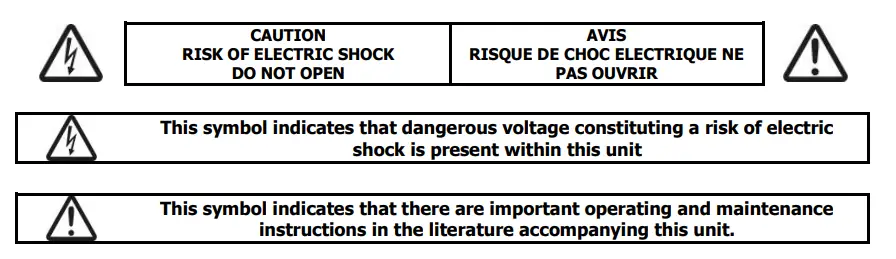
SAFETY SYMBOL AND MESSAGE CONVENTIONS
Warning
To prevent the risk of fire or electric shock, do not expose any components to moisture. If liquids are spilled on the casing, stop using immediately, allow unit to dry out and have checked by qualified personnel before further use. Avoid impact, extreme pressure or heavy vibration to the case. No user serviceable parts inside- Do not open the case – refer all servicing to qualified service personnel.
Safety
Check for correct mains voltage and condition of IEC lead before connecting to a power outlet. Do not allow any foreign objects to enter the case or connectors.
Placement
- Keep away from damp or dusty environments
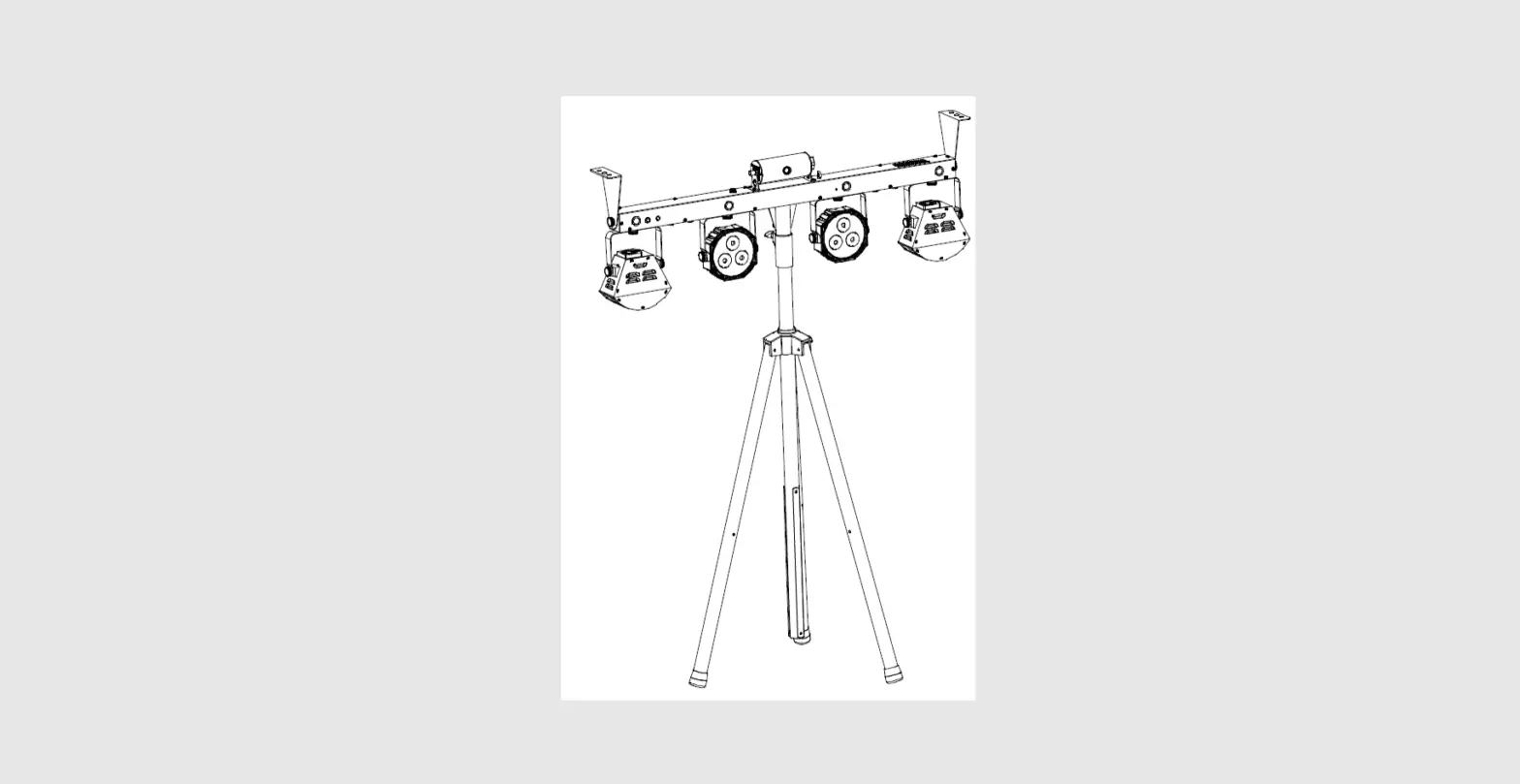
- Use the incduded tripod stand for installation onto a stable surface
- Ensure adequate air-flow around the fixture housings
- Ensure adequate access to controls and connections
- Avoid aiming directily towards eyes at close range
Cleaning
- Use a soft cloth with a neutral detergent to clean the casing as required
- Use a vacuum cleaner to clear ventilation grilles of any dust or debris build-ups
- Do not use strong solvents for cleaning the unit
In the box
Please open the package carefully and check that all contents are present and in good condition. Check with your retailer if any part is missing or broken
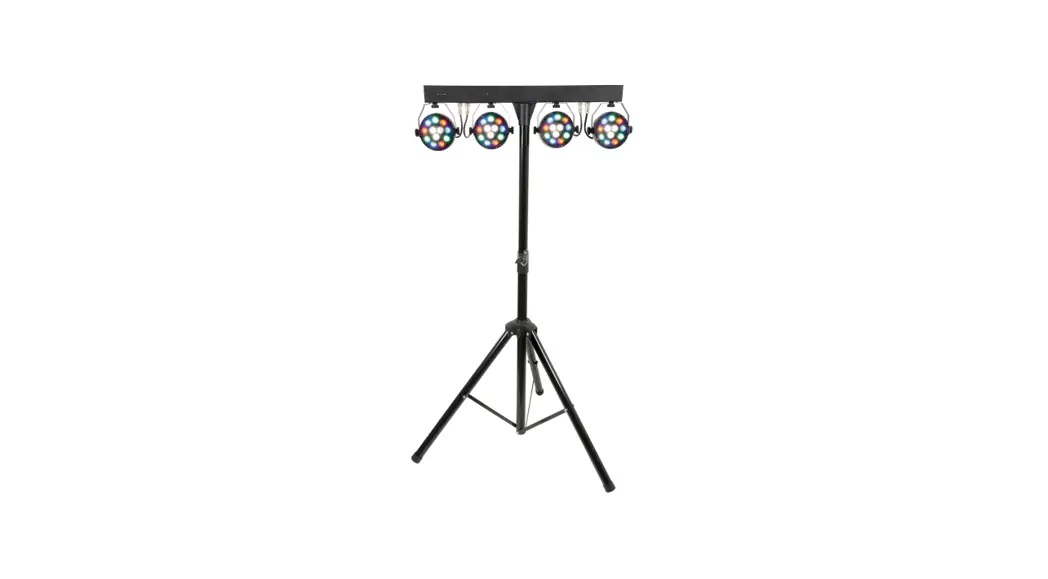
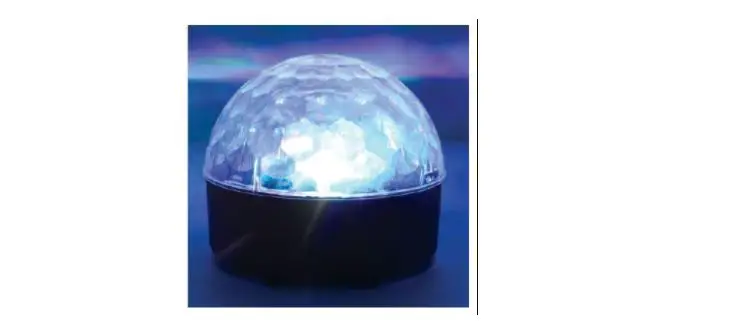
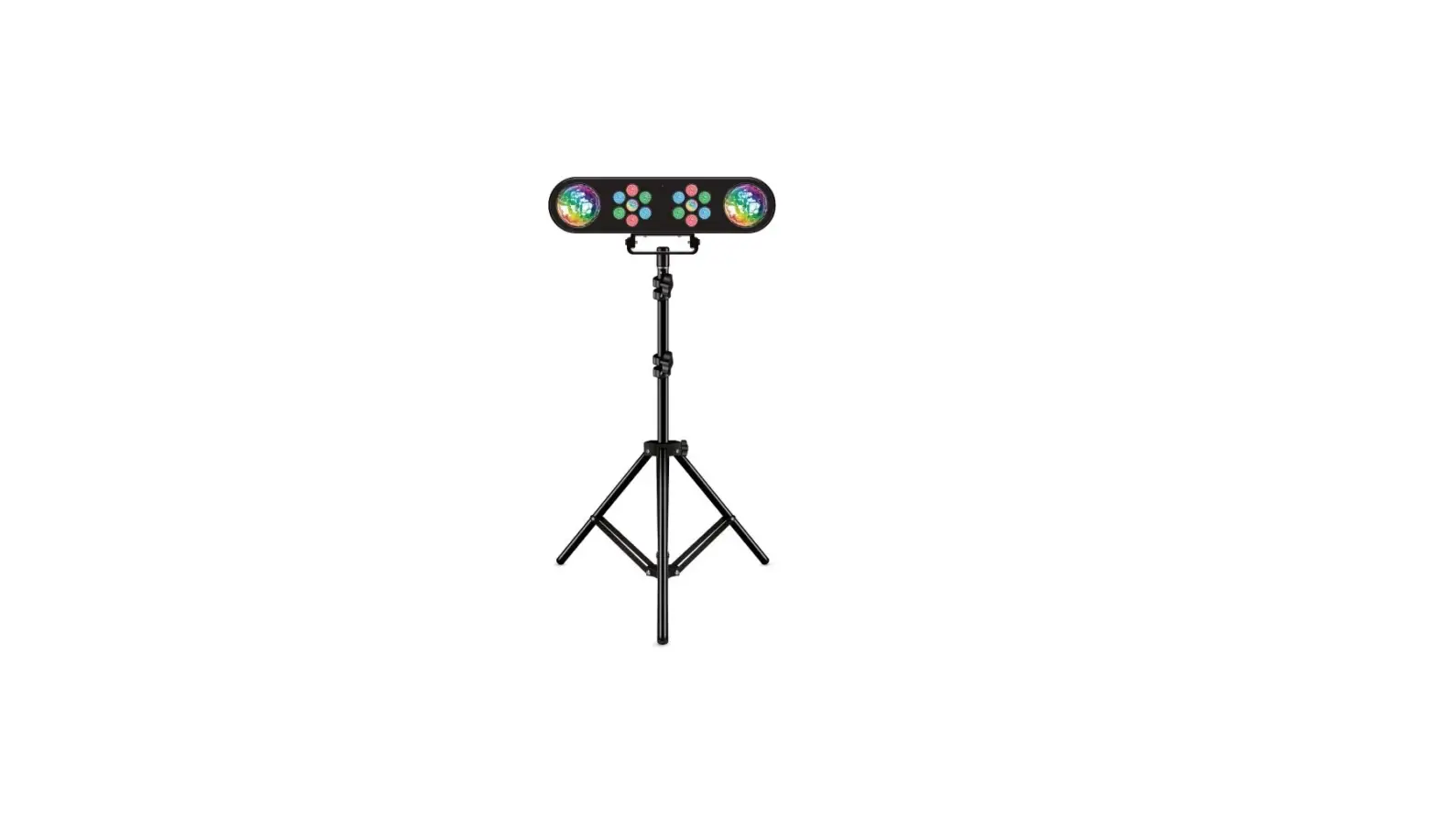
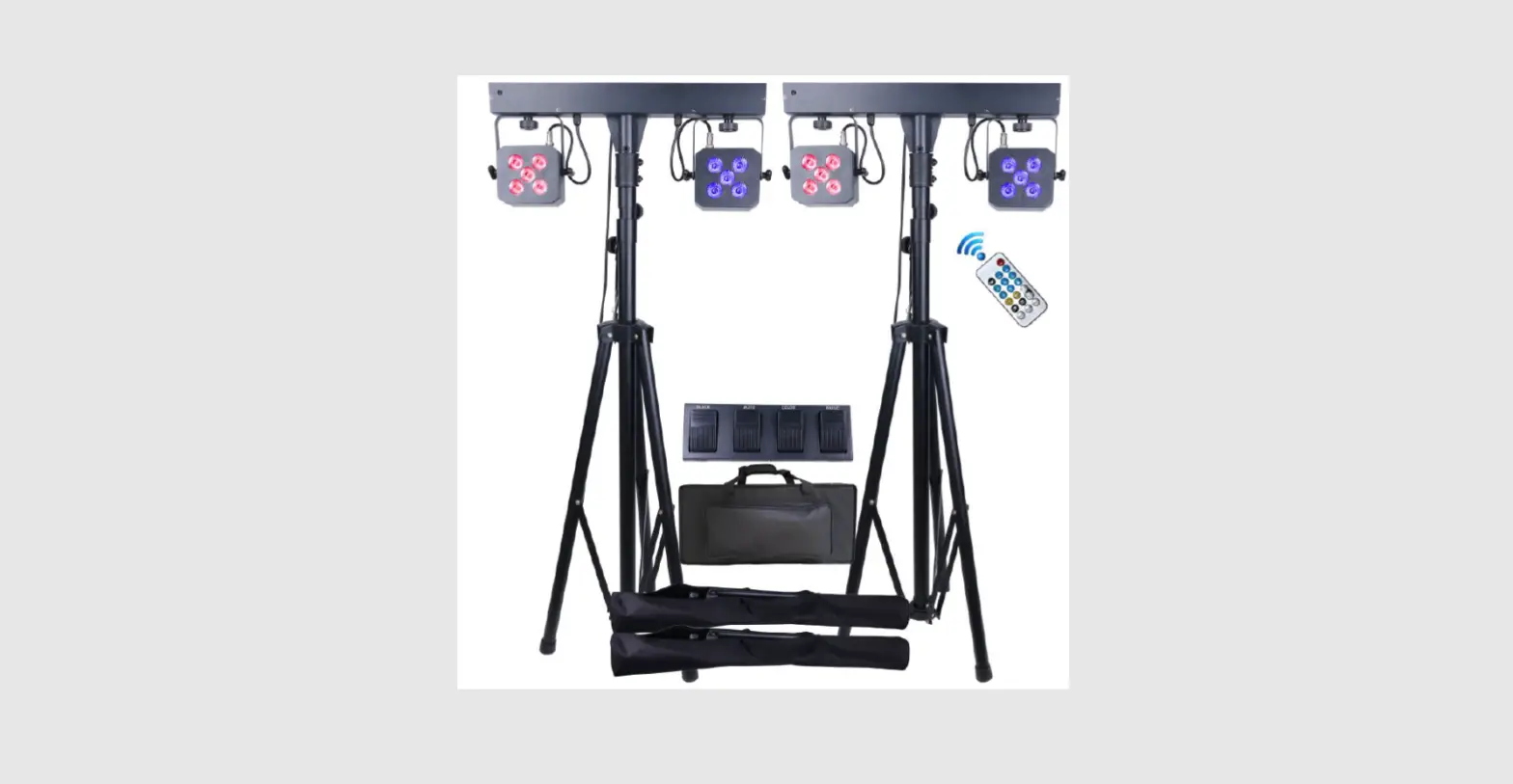
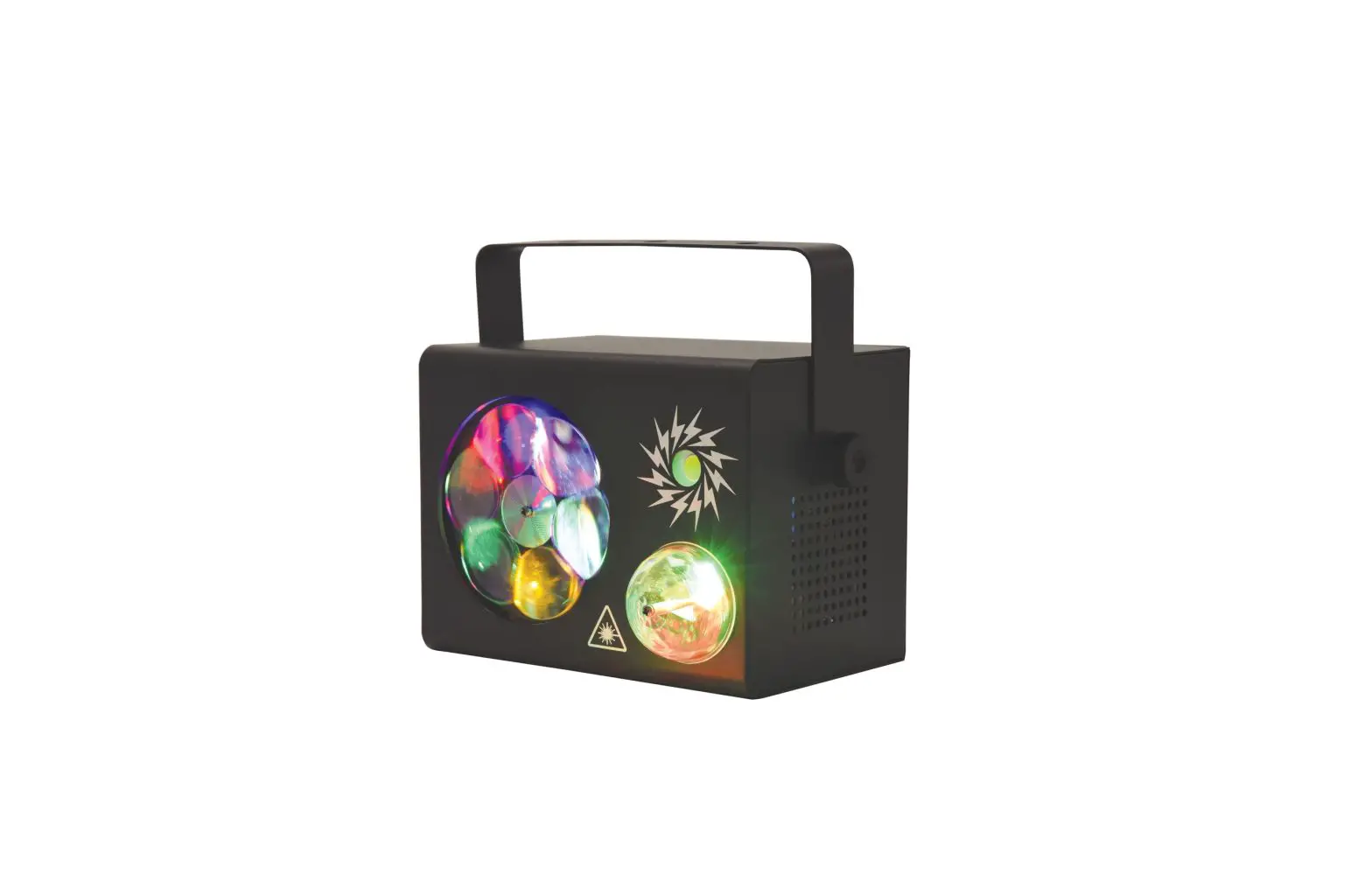
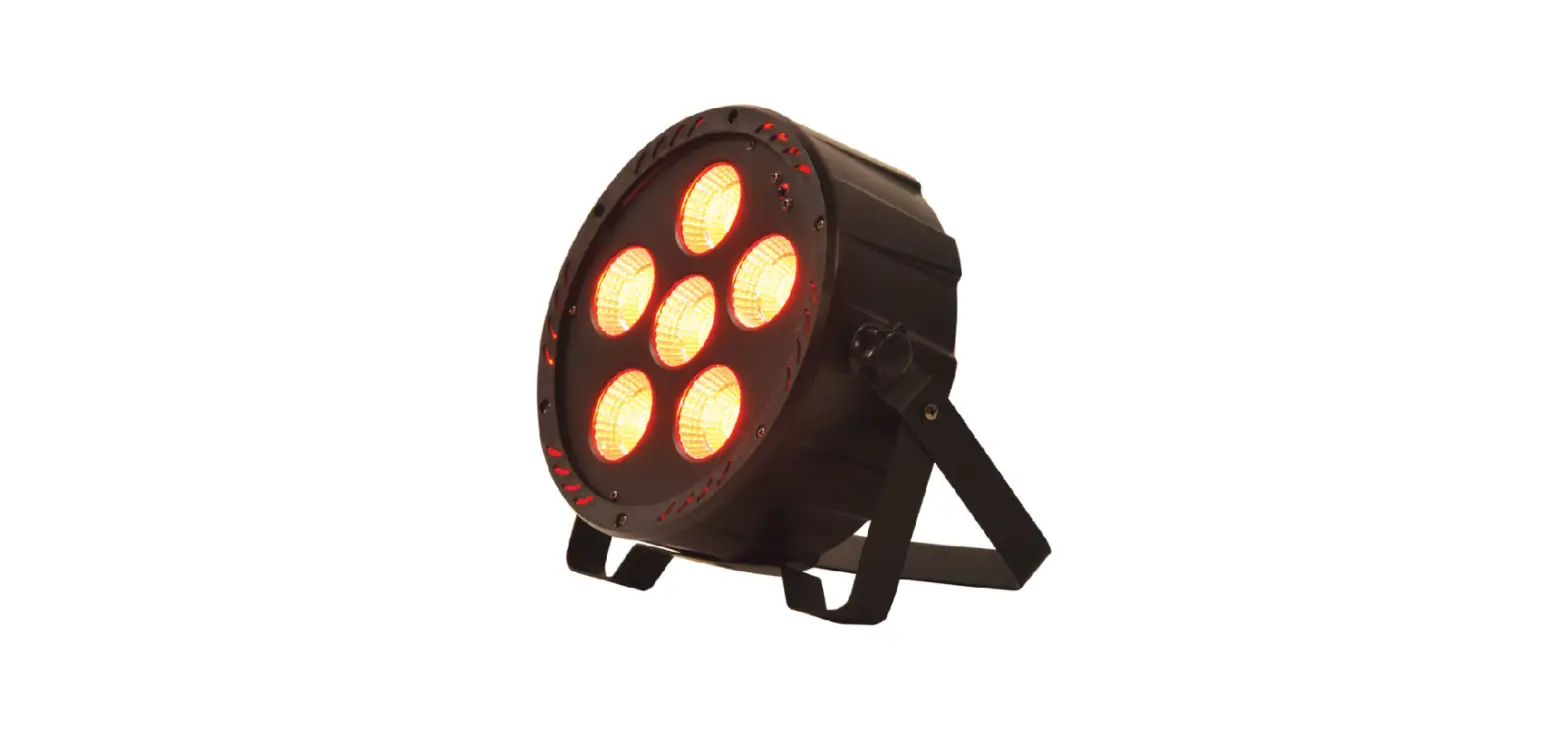
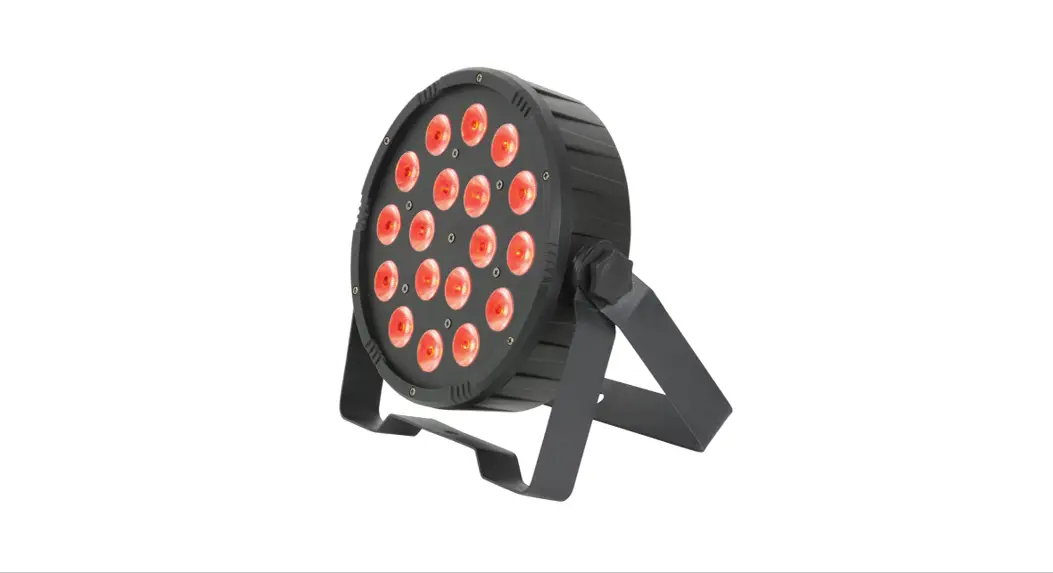
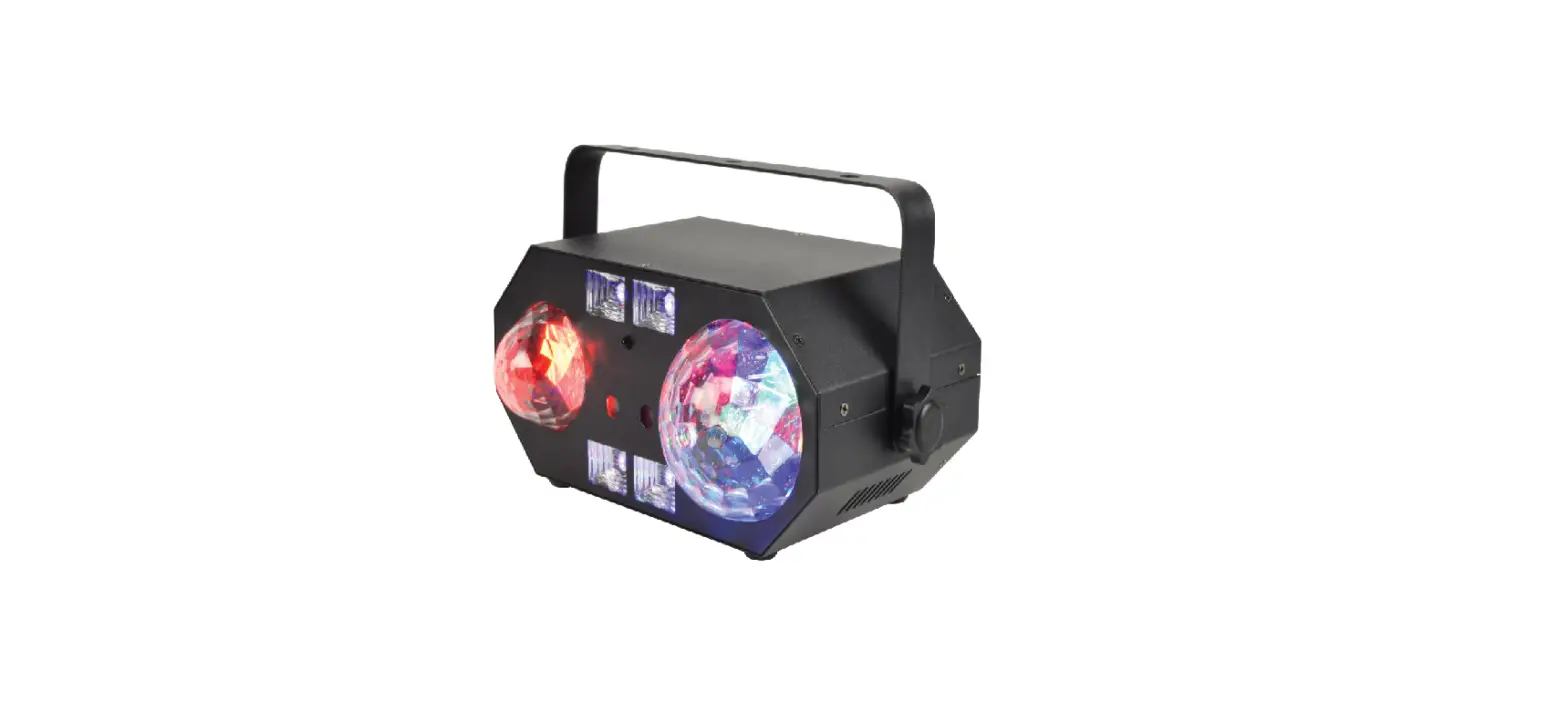
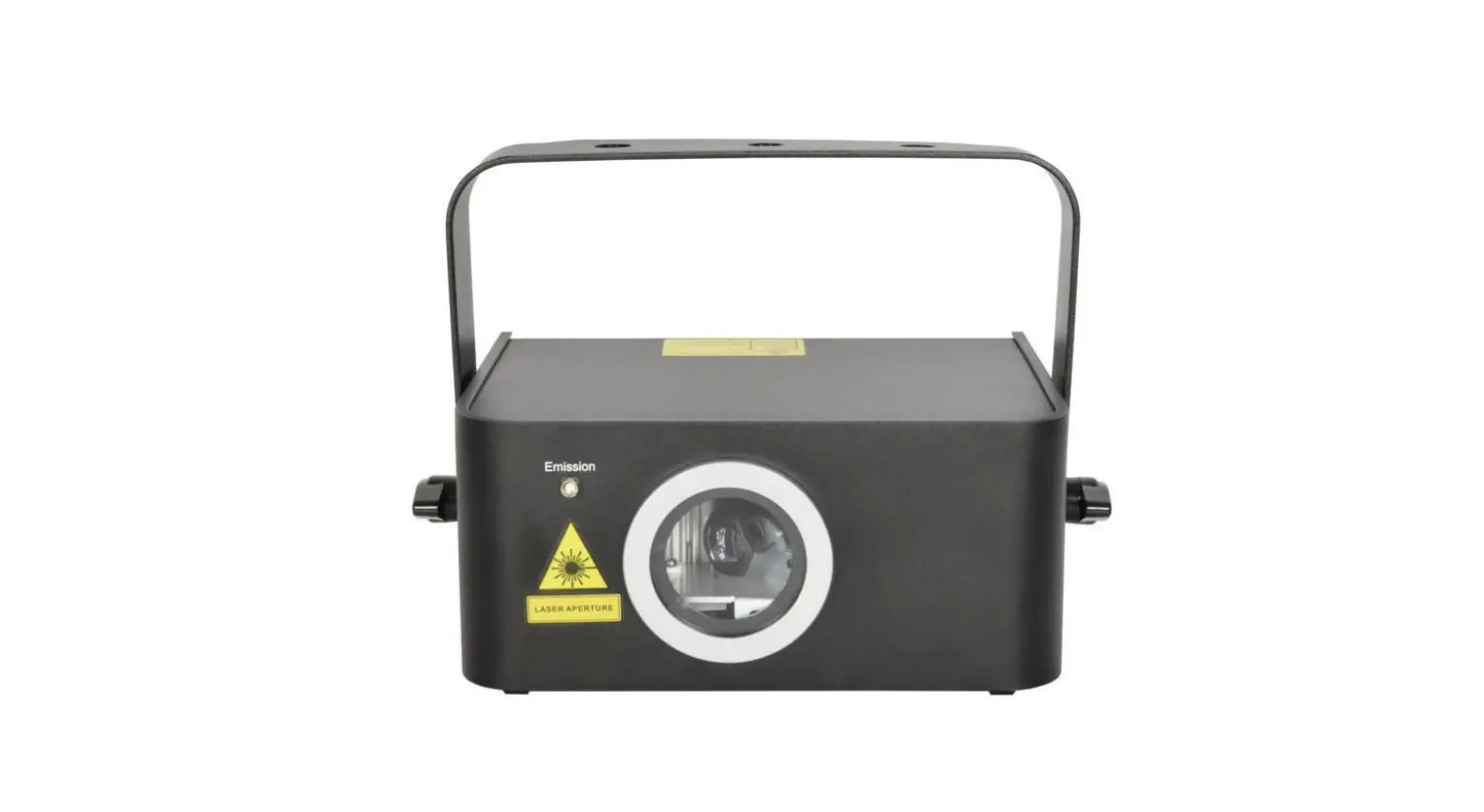
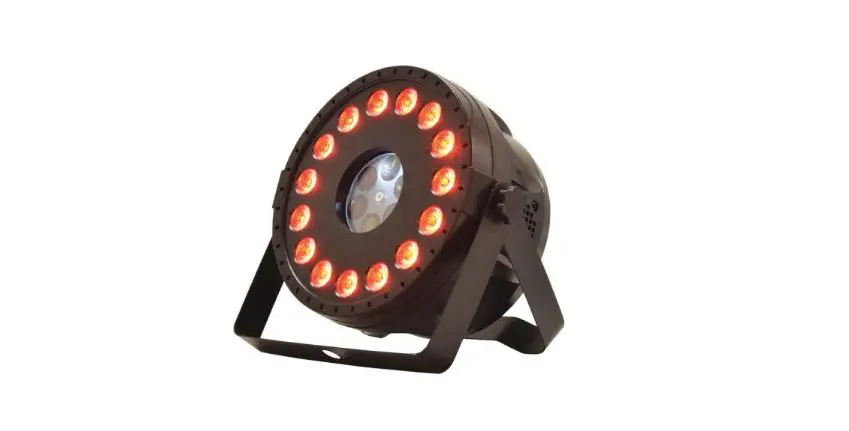
- Effects bar with 2 x PAR cans, a fireball and red/green laser
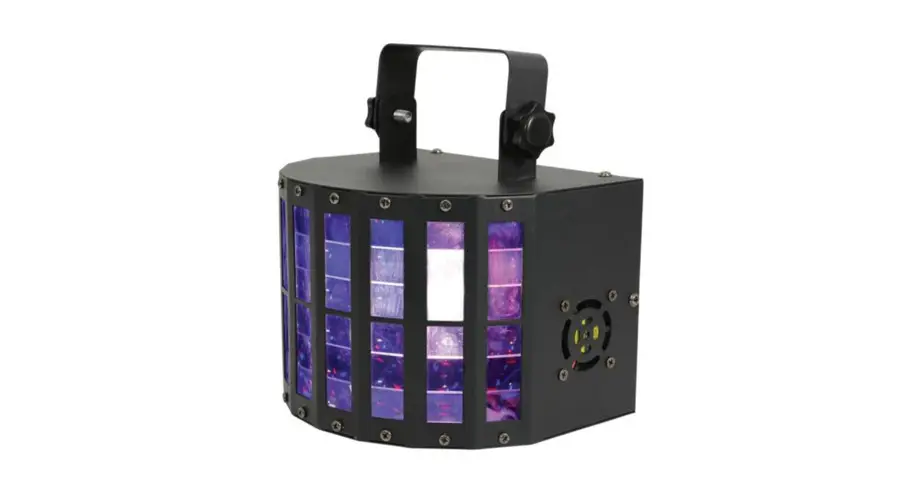
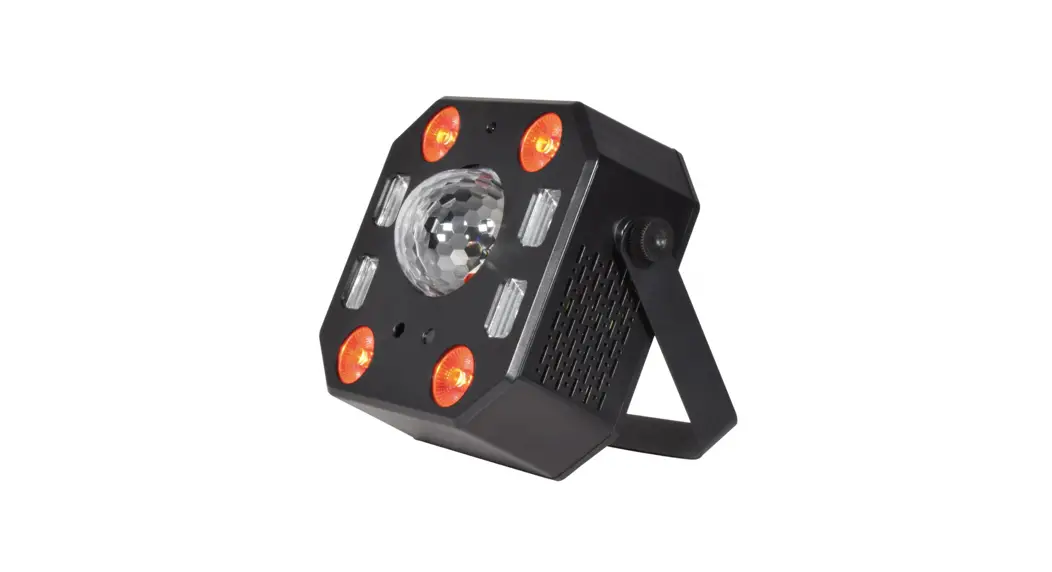
- UV/strobe head & mounting brackets
- Foldable tripod stand
- IR remote control
- IEC mains lead(s)
- Stage bar and stand carry bags
Rear panel

- IEC mains inlet & fuse holder
- DMX input XLR
- DMX output XLR
- UV/Strobe bar connection
- LED display
- MENU buttons
- Microphone
Internal Settings
Using the four function buttons on the rear panel of the bar, the Stage Bar can be set to various modes. Press the MENU button to display the different functions (see table below). Use the UP/DoWN arrow buttons to make your selection and press the ENTER buton to confirm the selection.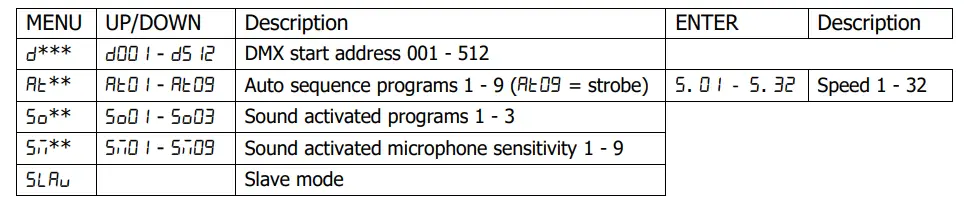
Standalone operation
- The Stage Bar can be operated without external control by selecting one of the auto sequence programs or SOund activated modes from the control panel menu. These are Shown in the Internal Settings section above.
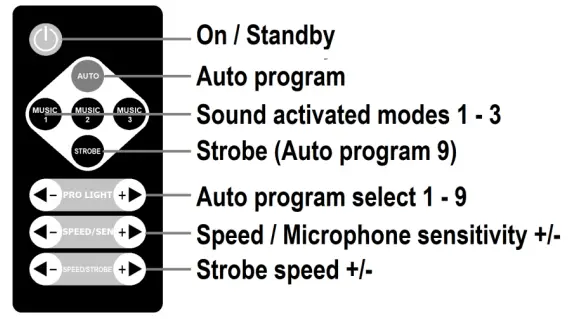
- Internal settings can also be selected via the included IR remote control as detailed below.
- As supplied, the remote handset has a clear plastic tab inserted which should be removed to activate the CR2025 button cell. Point the handset toward the front of the Stage Bar unit at a range of no more than Sm for remote control.

Master/slave operation
- A Stage Bar fixture operating in one of the standalone modes may be connected onto further Stage Bar units by DMX lead (XLR-XLR) as a master unit.
- The slave units must be set to “SLAu” mode to mimic the operation of the master unit.
- When slave mode is selected, the Stage Bar slave(s) will mimic any DMX input from another Stage Bar operating in standalone Auto or Sound activated mode.
DMX operation
- In order to access the DMX functions, the DMX start address will need to be set on the control panel.
- When the display shows “d00 ‘, this means that the Stage Bar is operated starting from DMX address 1.
- When the display shows “dE03”, this means that the Stage Bar is operated starting from DMX address 203.
- The start address can be anywhere between 001 and 512
- The re are 2 DMX channel modes with either 3 or 12 DMX channels ocCupied for basic or advanced control.
- DMX channel assignments in the 2 different modes are shown below (CH1 = start address)
DMX: 3 channel mode
|
CH1 | 000-009 | Black Out | |
| 010-039 | Auto program 1 | All effects on | |
| 040-069 | Auto program 2 | PAR cans only (colour jump) | |
| 070-099 | Auto program 3 | PAR cans + LED fireball + laser | |
| 100-129 | Auto program 4 | PAR cans + LED fireball + laser + strobe | |
| 130-159 | Auto program 5 | PAR cans + LED fireball + laser + UV | |
| 160-189 | Auto program 6 | PAR cans + LED fireball + strobe + UV | |
| 190-219 | Auto program 7 | PAR cans + laser + strobe + UV | |
| 220-249 | Auto program 8 | LED fireball + laser + strobe + UV | |
| 250-255 | Auto program 9 | Strobe only | |
|
CH2 | 000-009 | Black Out | |
| 010-089 | Sound activated program 1 | Sound activated version of Auto program 1 | |
| 090-169 | Sound activated program 2 | Sound activated version of Auto program 4 | |
| 170-255 | Sound activated program 3 | Sound activated version of Auto program 8 | |
| CH3 | 000-255 | Speed / microphone sensitivity |
DMX: 12 channel mode
| CH1 | 000-255 | LED fireball red dimmer 0 – 100% |
| CH2 | 000-255 | LED fireball green dimmer 0 – 100% |
| CH3 | 000-255 | LED fireball blue dimmer 0 – 100% |
| CH4 | 000-255 | LED fireball white dimmer 0 – 100% |
| CH5 | 000-002 | LED fireball rotation off |
| 003-255 | LED fireball rotation on | |
| CH6 | 000-255 | PAR cans red dimmer 0 – 100% |
| CH7 | 000-255 | PAR cans green dimmer 0 – 100% |
| CH8 | 000-255 | PAR cans blue dimmer 0 – 100% |
| CH9 | 000-255 | PAR cans white dimmer 0 – 100% |
| CH10 | 000-063 | Laser off |
| 064-127 | Laser red | |
| 128-191 | Laser green | |
| 192-255 | Laser red + green | |
| CH11 | 000-255 | UV dimmer 0 – 100% |
| CH12 | 000-002 | White LEDs off |
| 003-255 | White strobe: slow to fast |
Specifications
| Power supply | 110-240Vac, 50/60Hz (IEC) |
| Power consumption | 60W |
| Fuse rating | 2A |
| Connections | DMX in, DMX out, IEC power in |
| Effects | 2 x RGBW PAR, RGBW LED fireball, R/G laser, UV/strobe |
| Laser power | 30mW + 100mW (green + red) |
| Laser colour | Green (523nm), red (650nm) |
| Laser class | 3R |
| LED power | 3x4W RGBW PAR cans, 2x4x3W RGBW fireball, 6x4W UV/strobe |
| Control modes | Auto, sound-activated, DMX512, IR remote control |
| DMX connection | XLRM in, XLRF out |
| DMX channels | 3 or 12 channels |
| Dimensions: effects bar | 740 x 250 x 170mm |
| Weight: effects bar | 3.77kg |
| Dimensions: stand | 890 x 130 x 130mm (collapsed) |
| Height adjustment | 0.9m to 1.8m |
| Weight: stand | 2.36kg |
This product is classed as Electrical or Electronic equipment and should not be disposed with other household or commercial waste at the end of its useful life. The goods must be disposed of according to your local council guidelines.
Errors and omissions excepted.
Copyright@ 2021 AVSL Group Ltd, Unit 2 Bridgewater Park, Taylor Road, Trafford Park, Manchester. M41 7JQ.
AVSL (Europe) Ltd, Unit 3D North Point House, North Point Bus. Park, New Mallow Road, Cork,
 TCPDF
TCPDF