
GK-300
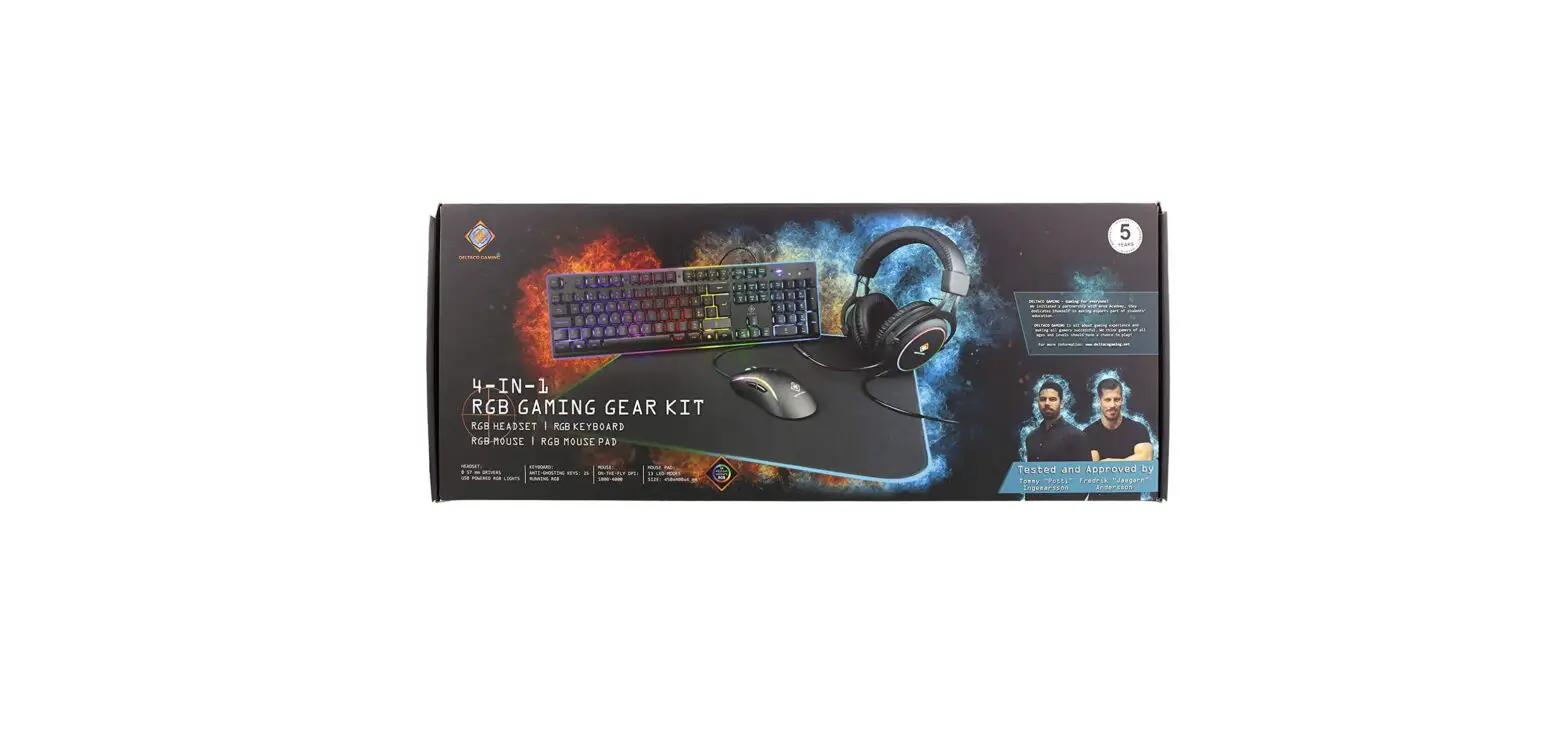
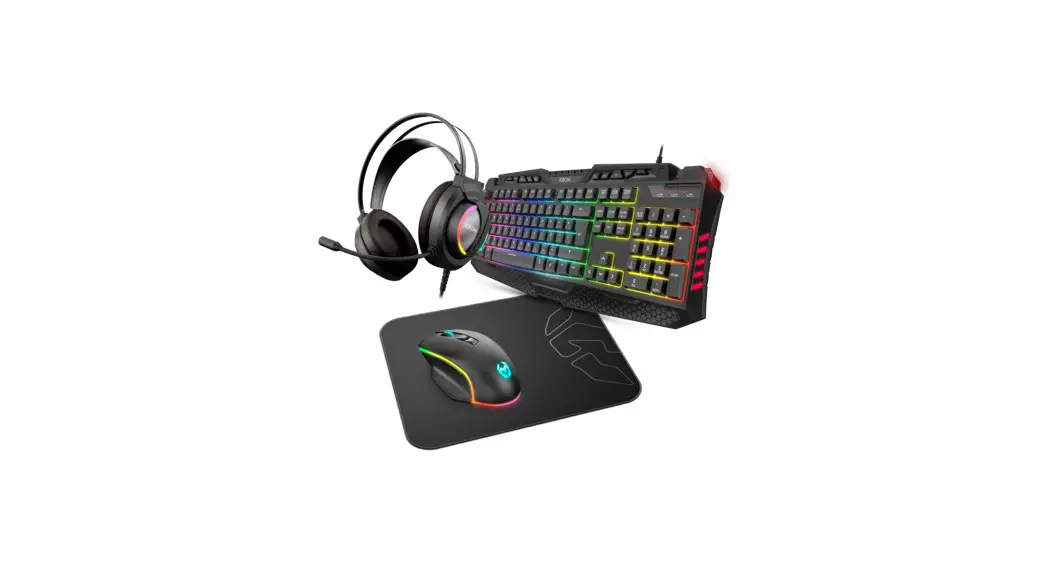
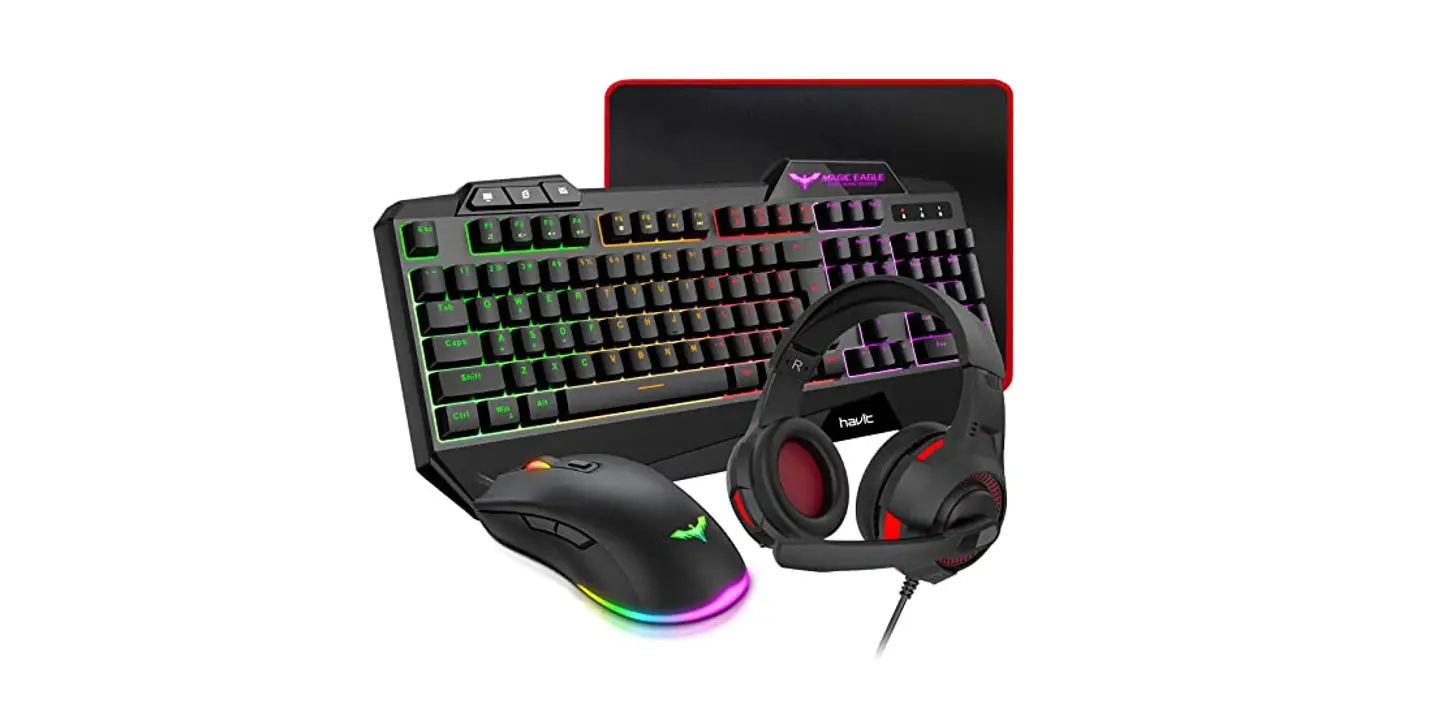
4-IN-1 RGB GAMING GEAR KIT
User manual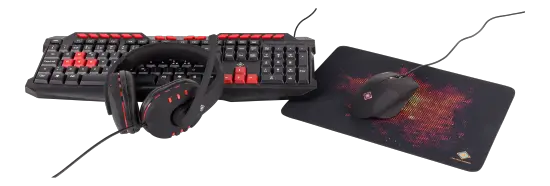
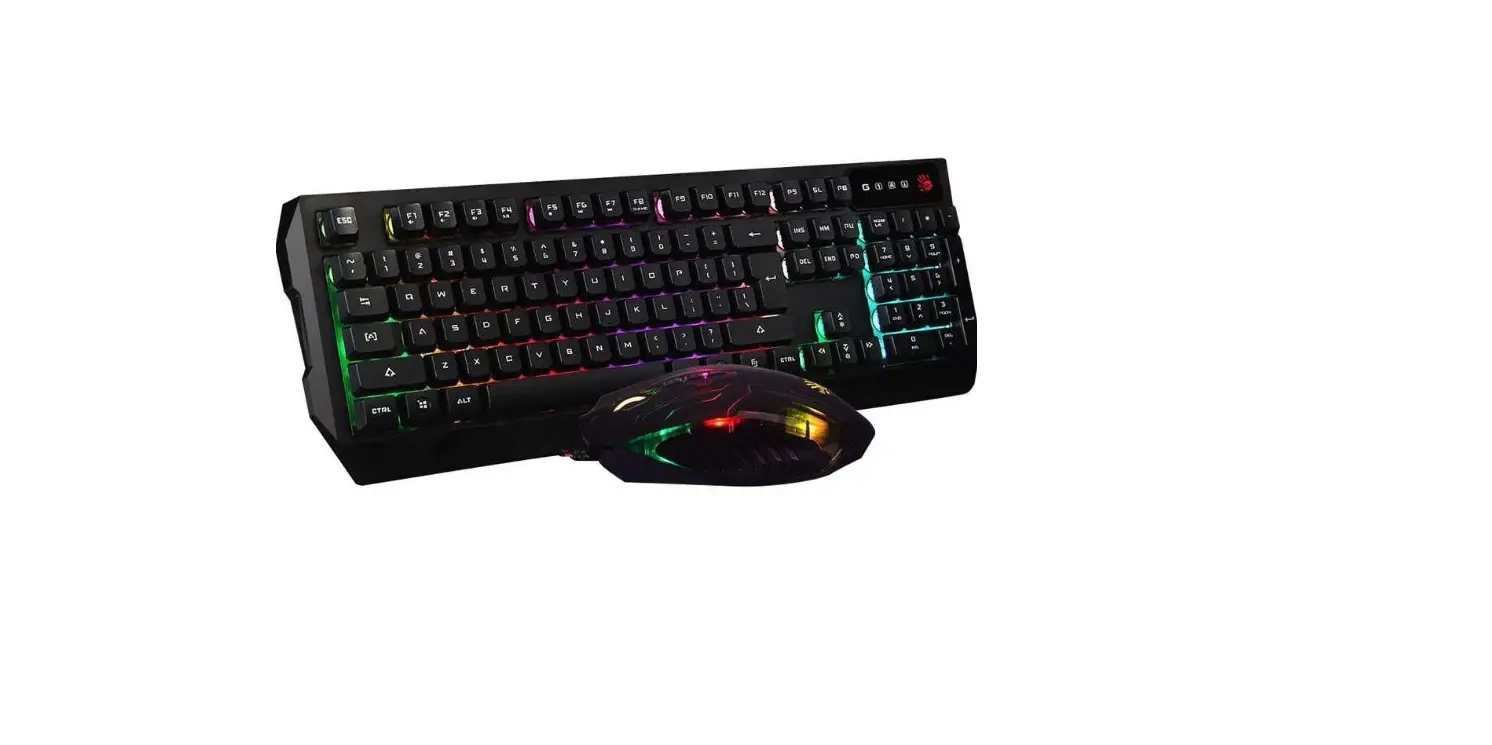
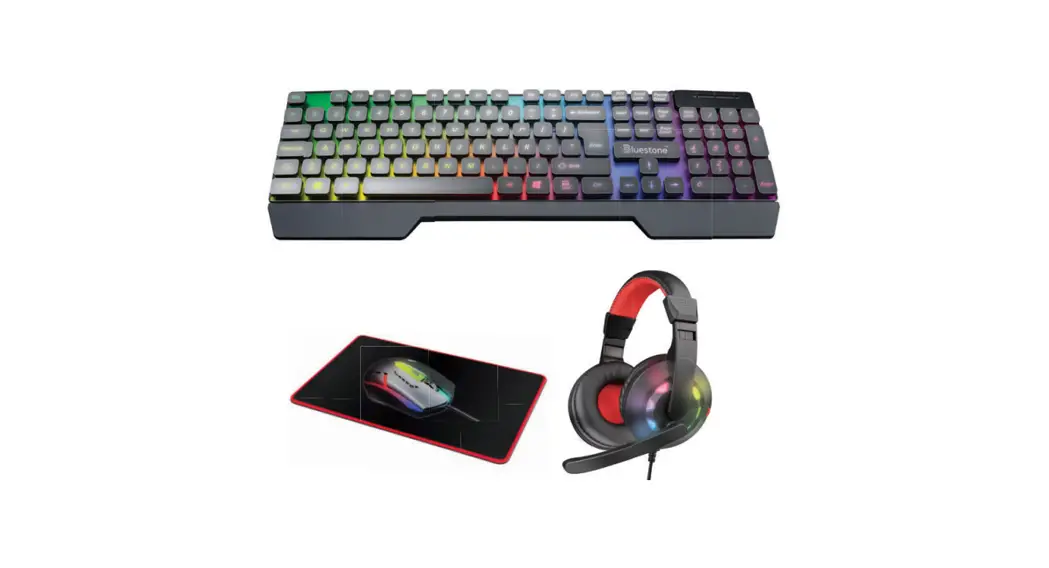
Keyboard
Thank you for choosing Deltaco!
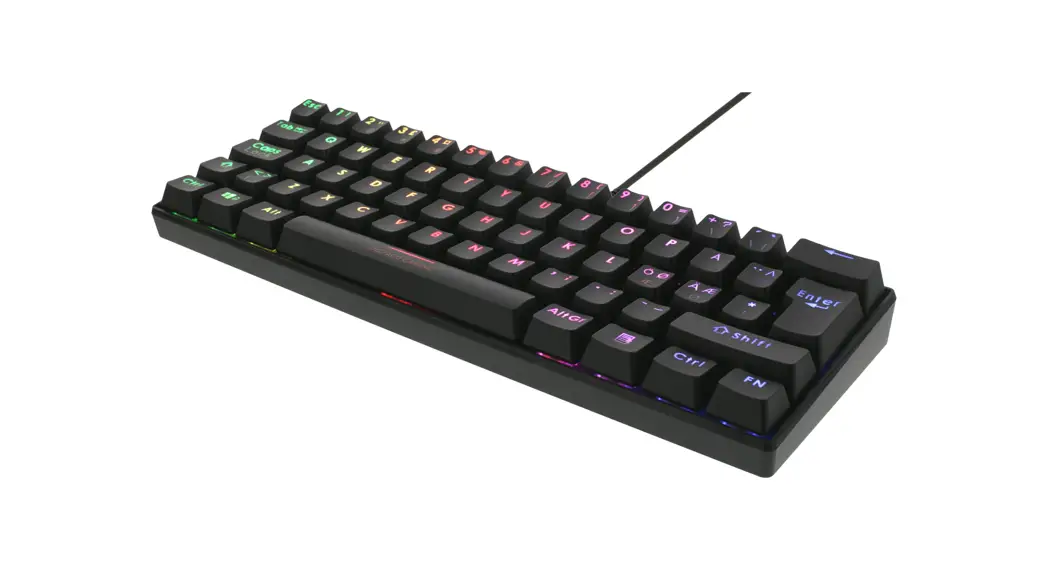
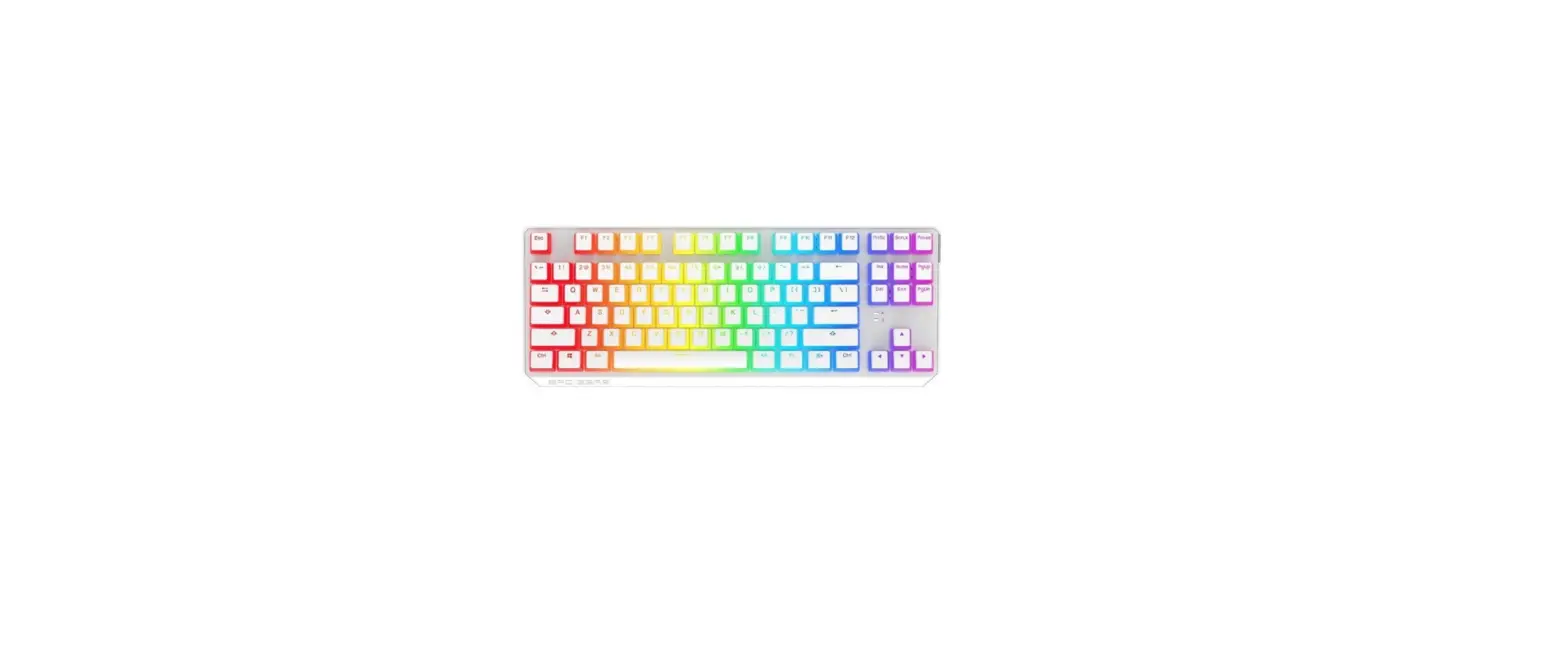
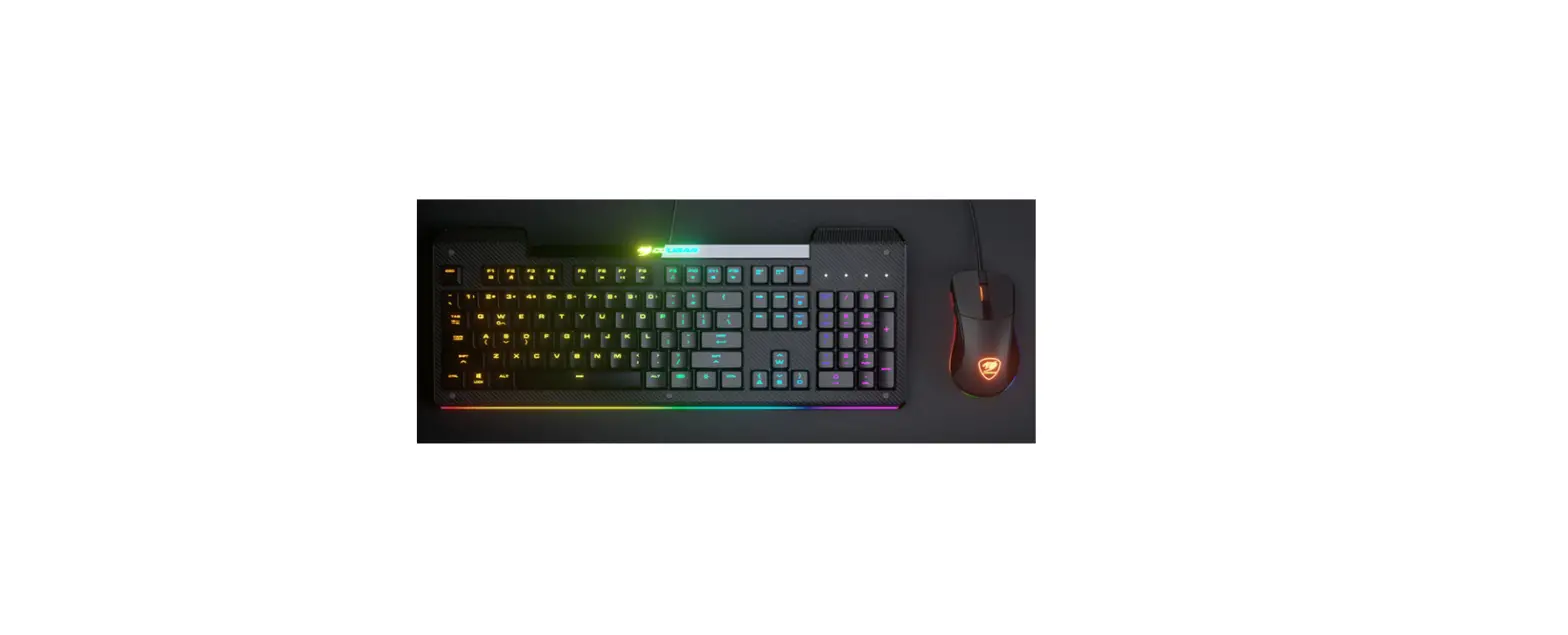
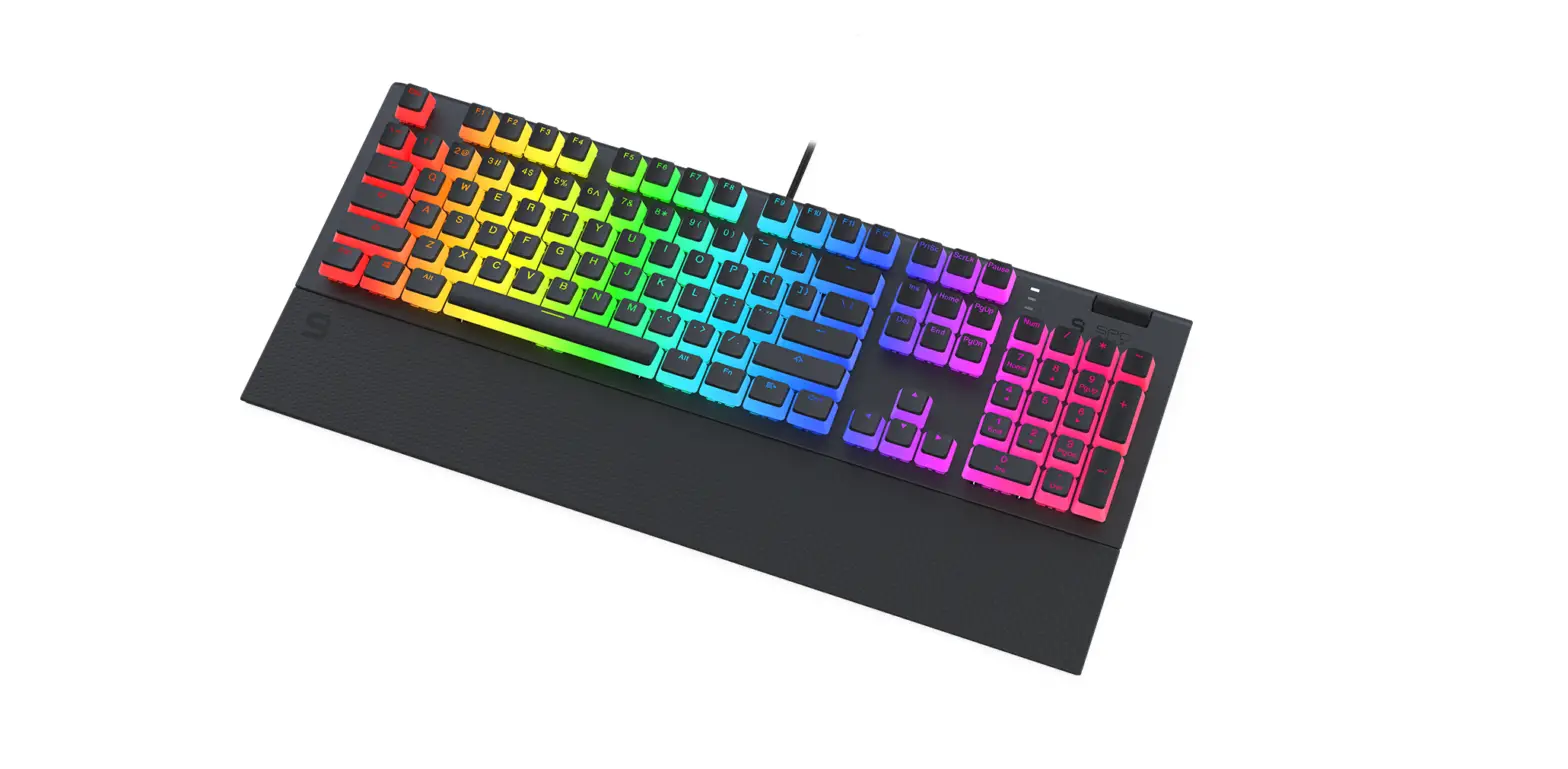
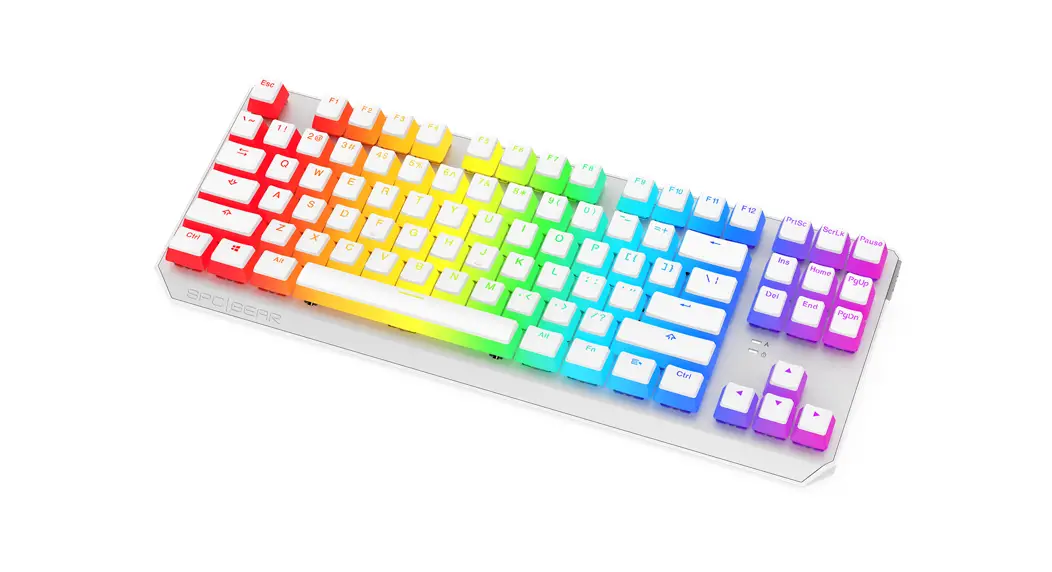
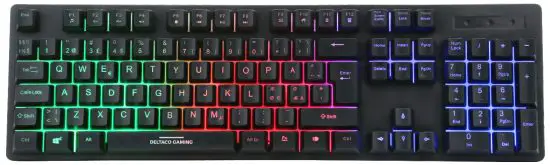
Keyboard Keys
By pressing FN + F1 to F12 you can use certain functions, they are:
FN + F1 = Open media player
FN + F2 = Decrease volume
FN + F3 = Increase volume
FN + F4 = Mute/unmute sound
FN + F5 = Stop
FN + F6 = Previous song
FN + F7 = Play/pause
FN + F8 = Next song
FN + F9 = Open email program
FN + F10 = Home key
FN + F11 = Lock or unlock all keyboard keys
FN + F12 = Open calculator
FN + Windows key = Windows key lock/unlock key = activate/deactivate backlight
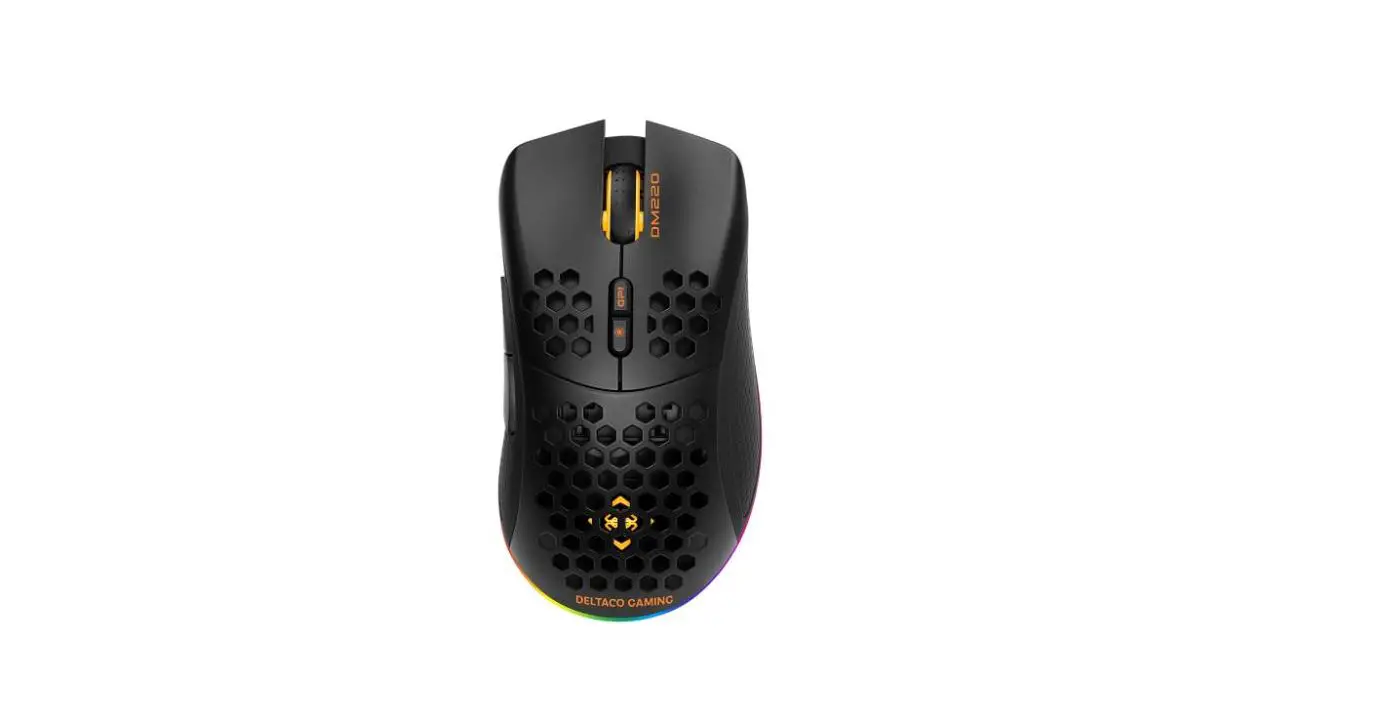
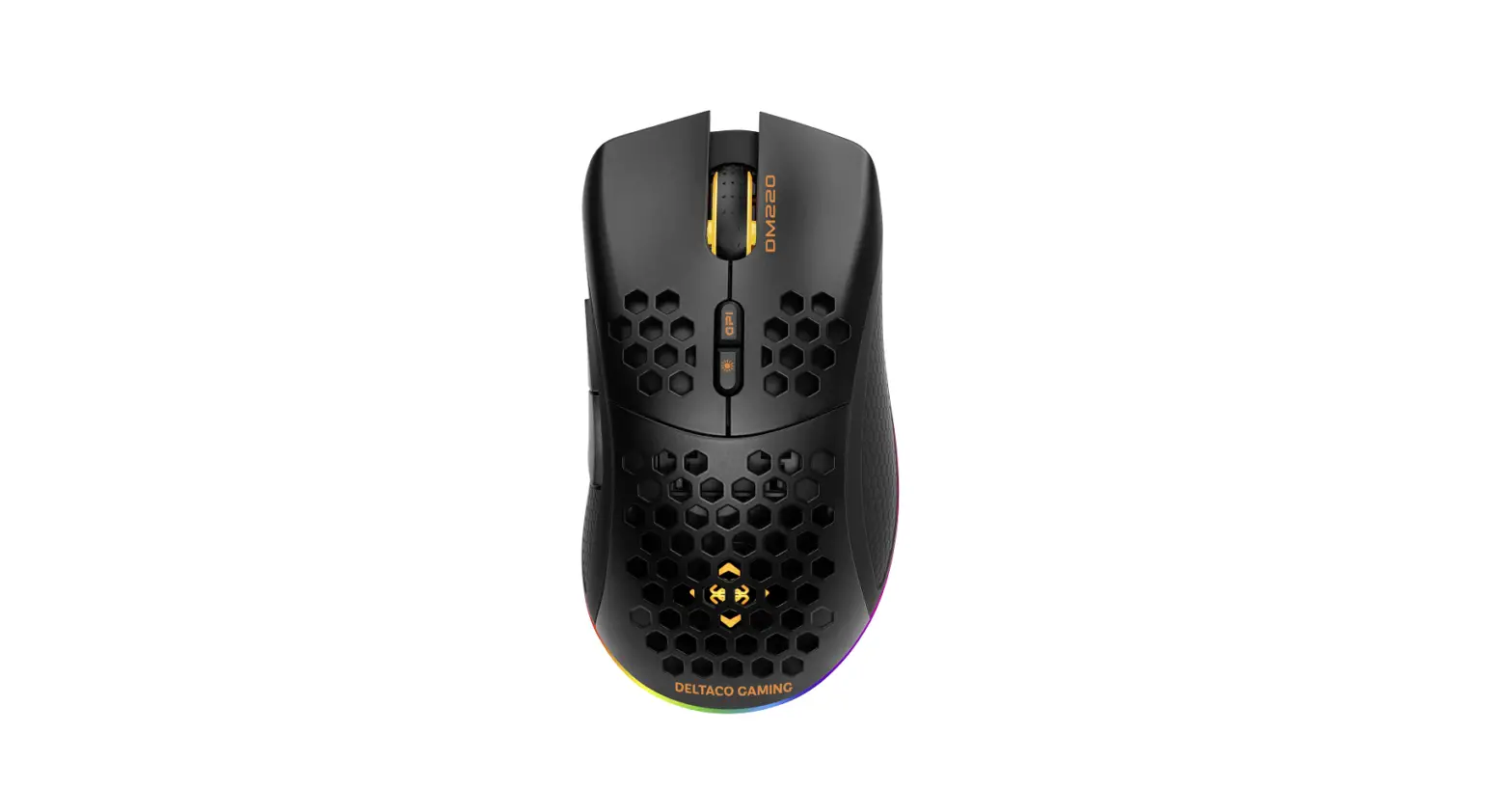
Mouse
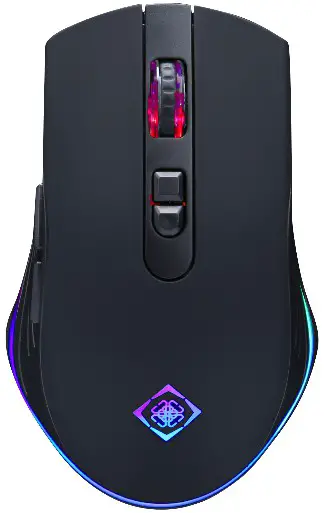
- Forward and backward buttons
- Left and right mouse buttons
- Scroll wheel
- DPI button (800/1600/2400/3200)
- Show your desktop (Same as Win key + D)
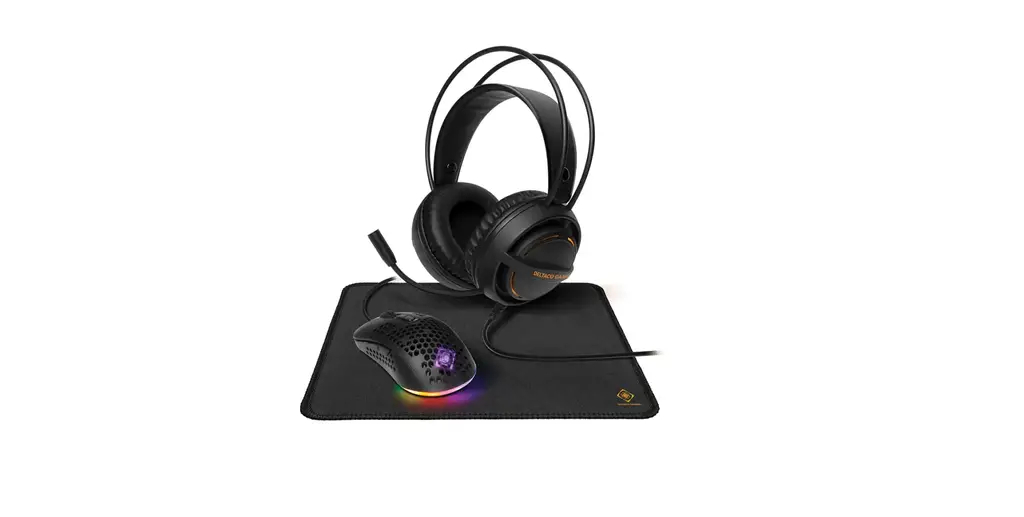
Headset

- Microphone
- Headband
- 50 mm headphone drivers
- Audio cable with 2 x 3.5 mm connectors.
Mousepad

Use
Connect the keyboard, mouse, and headset to your device (for example a computer) with the USB and audio cables. For the keyboard you can try the backlight. For the mouse you can adjust the DPI to your preference. Before putting on the headset, lower the volume to a minimum, then put on the headset, then slowly increase the volume to a comfortable listening level. The microphone can be adjusted down or up. For the mousepad place it on your desk with the cloth side facing upwards.
Cleaning
Clean the products by using a dry cloth. The mousepad can be hand washed with cold water.
Safety instructions
Electrical
- Keep the product dry. Keep it away from all liquids. This product is not waterproof.
- Do not open up or try to repair the product by yourself.
General - Keep the product and packaging out of reach of children to prevent accidents and choking hazards.
- Do not drop or expose to shock damage.
Warranty
Please, see www.deltaco.eu for warranty information.
Support
More product information can be found at www.deltaco.eu.
Contact us by e-mail: [email protected].
Distributed by SweDeltaco AB
www.deltacogaming.com
Made in China
 Pages - Home
 DELTACO GAMING | Homepage