Contents hide

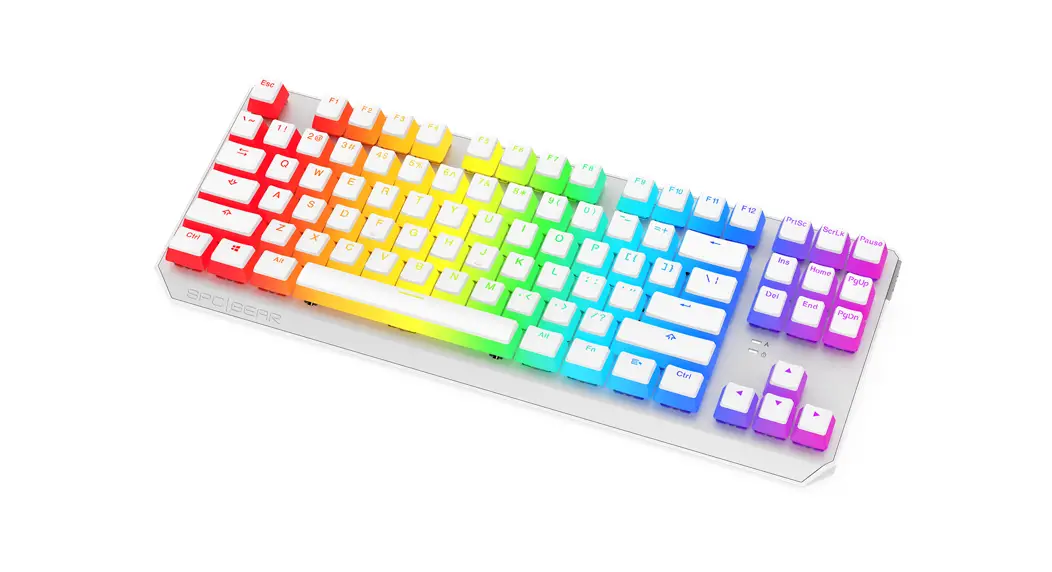
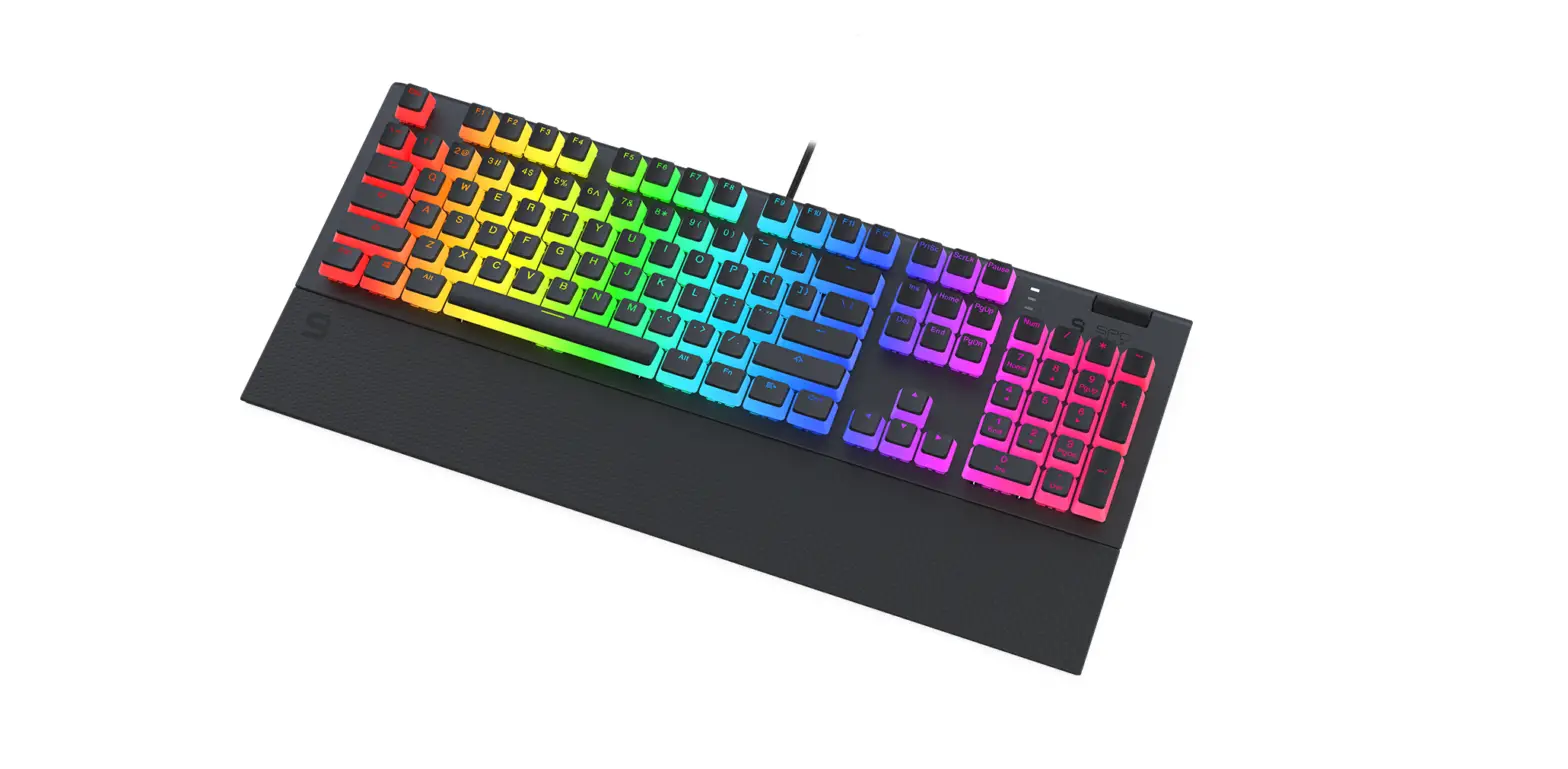
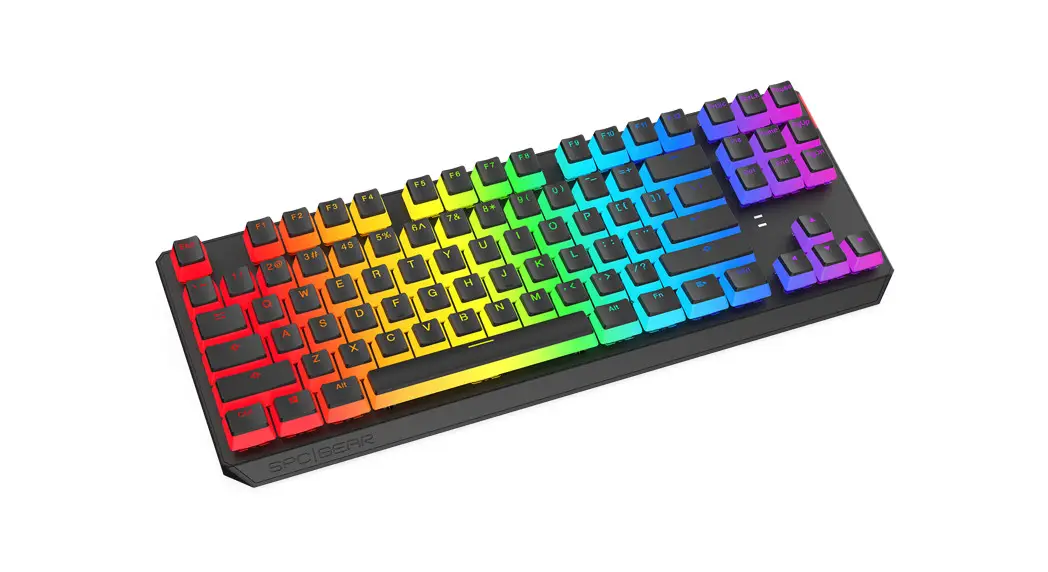
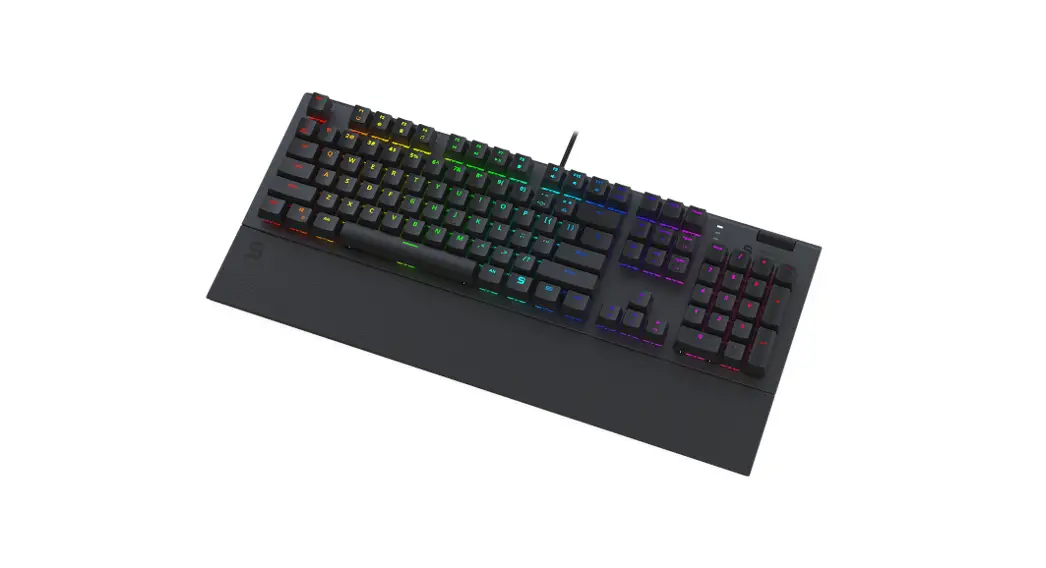
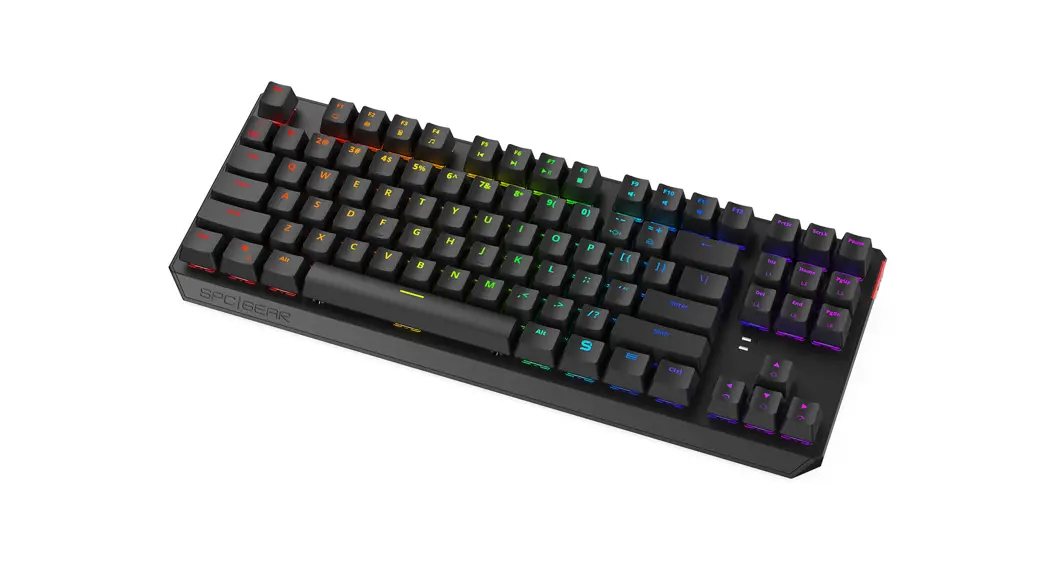
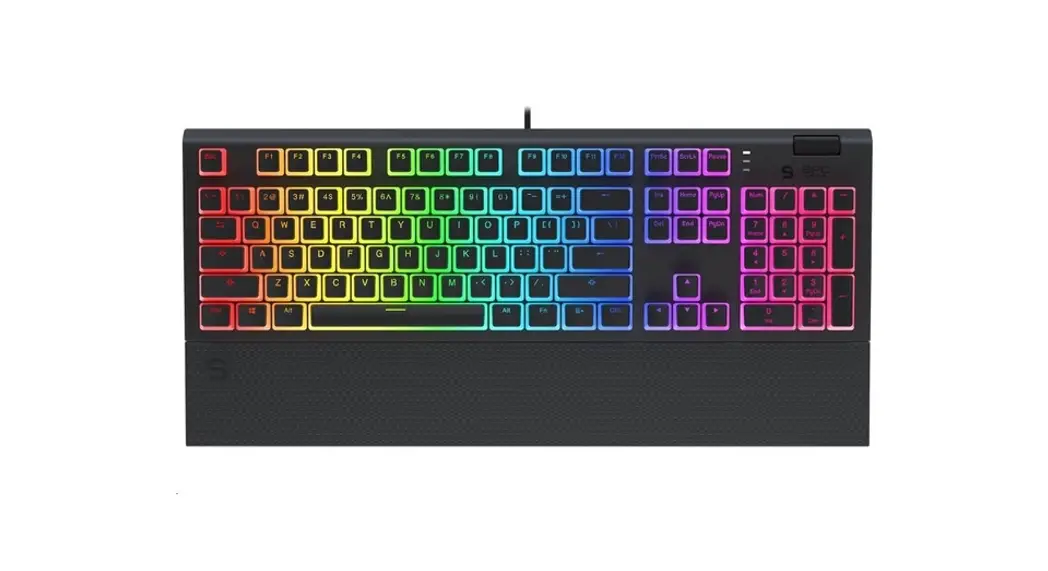
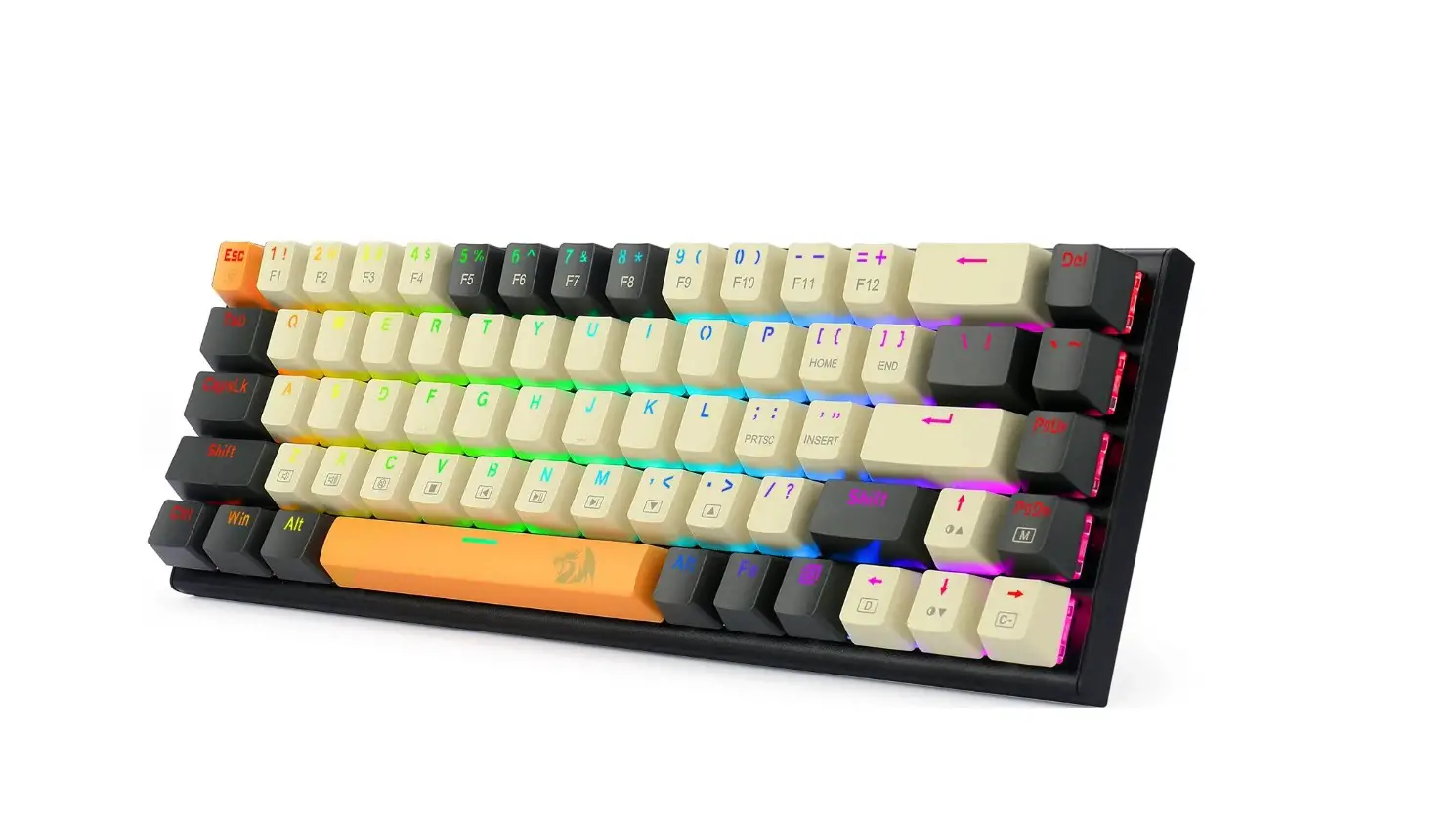
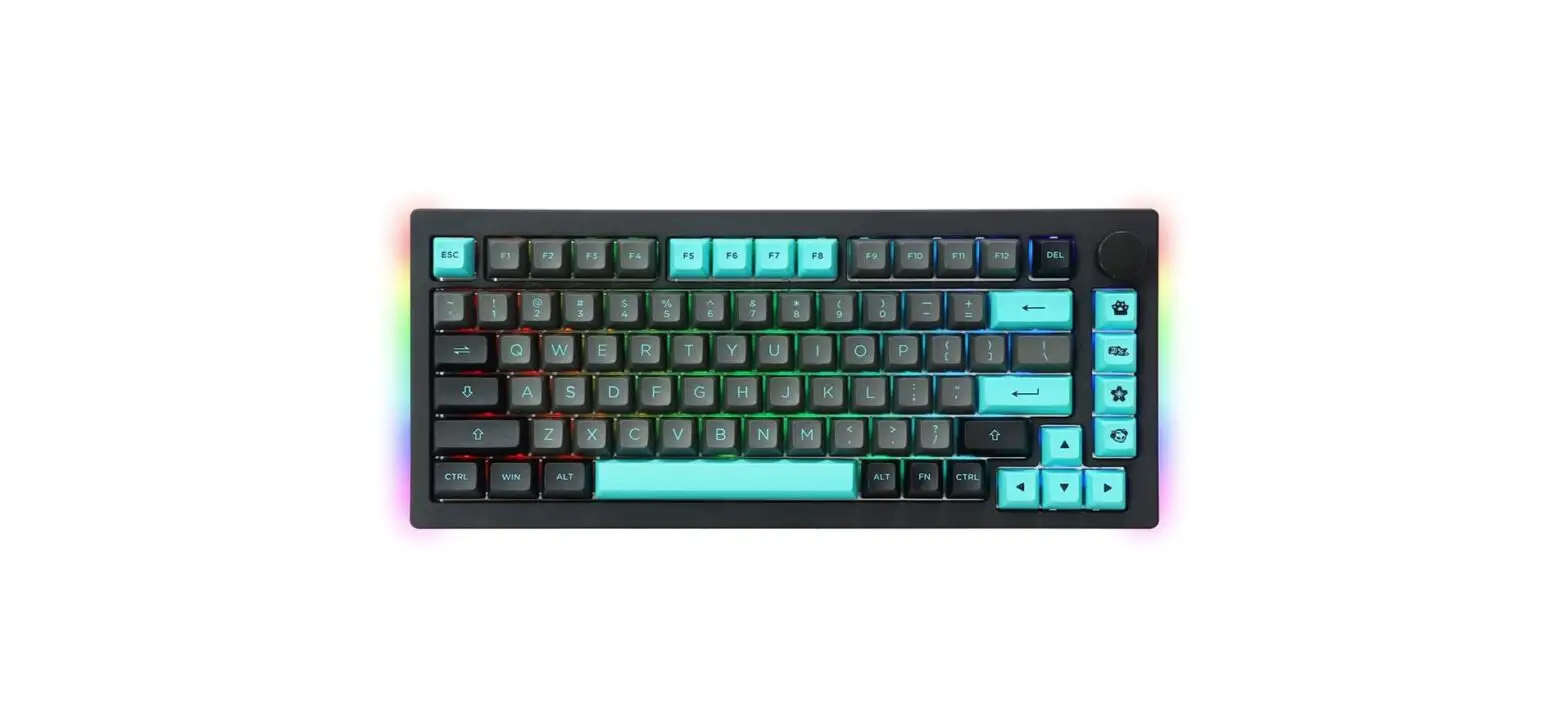
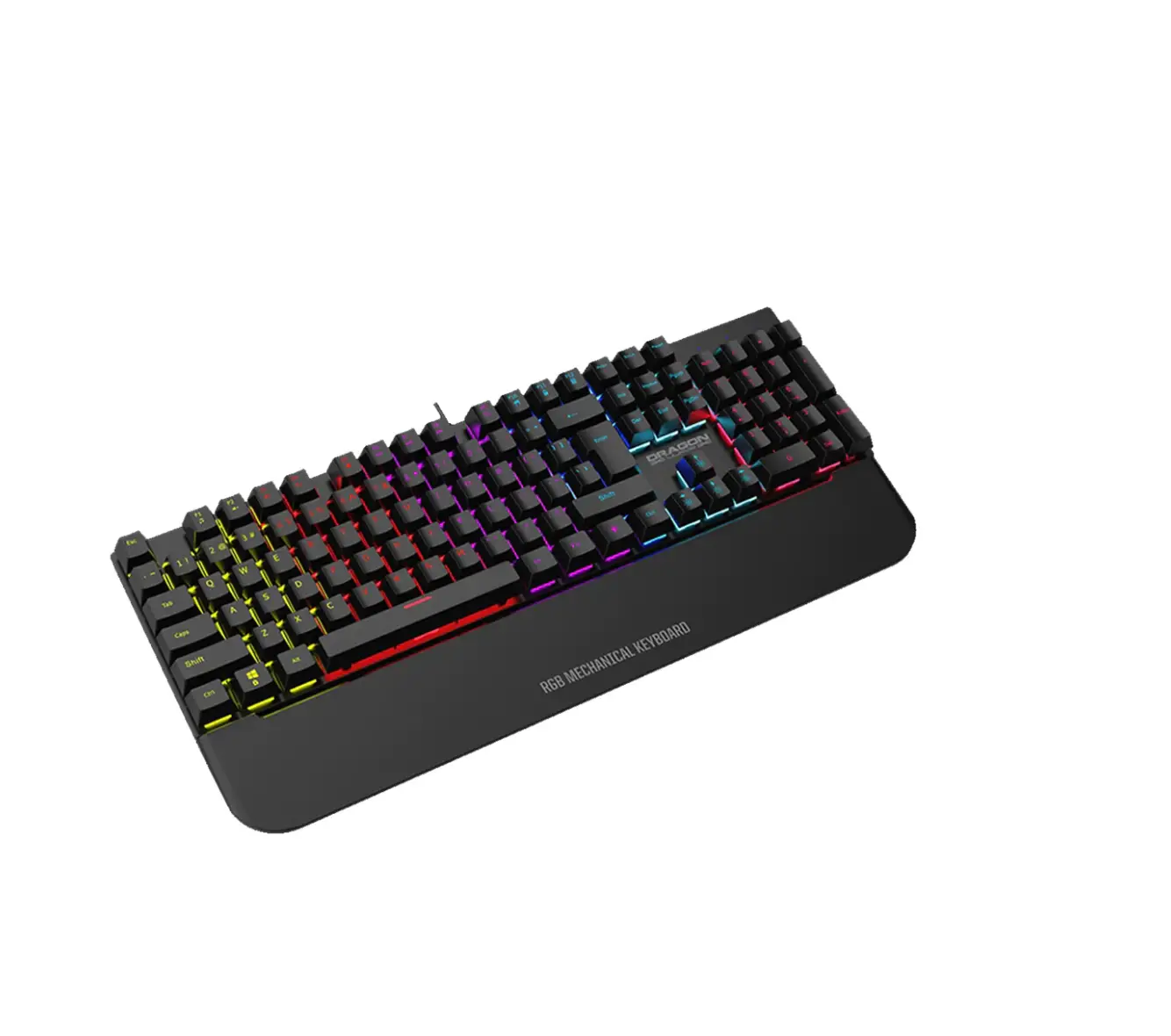
SPC GEAR GK630K Tournament Kailh RGB Mechanical Gaming Keyboard
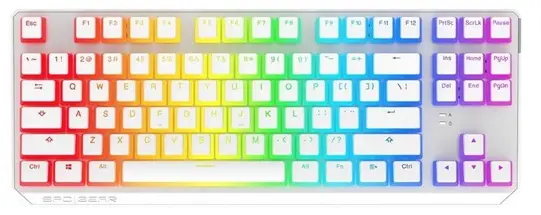
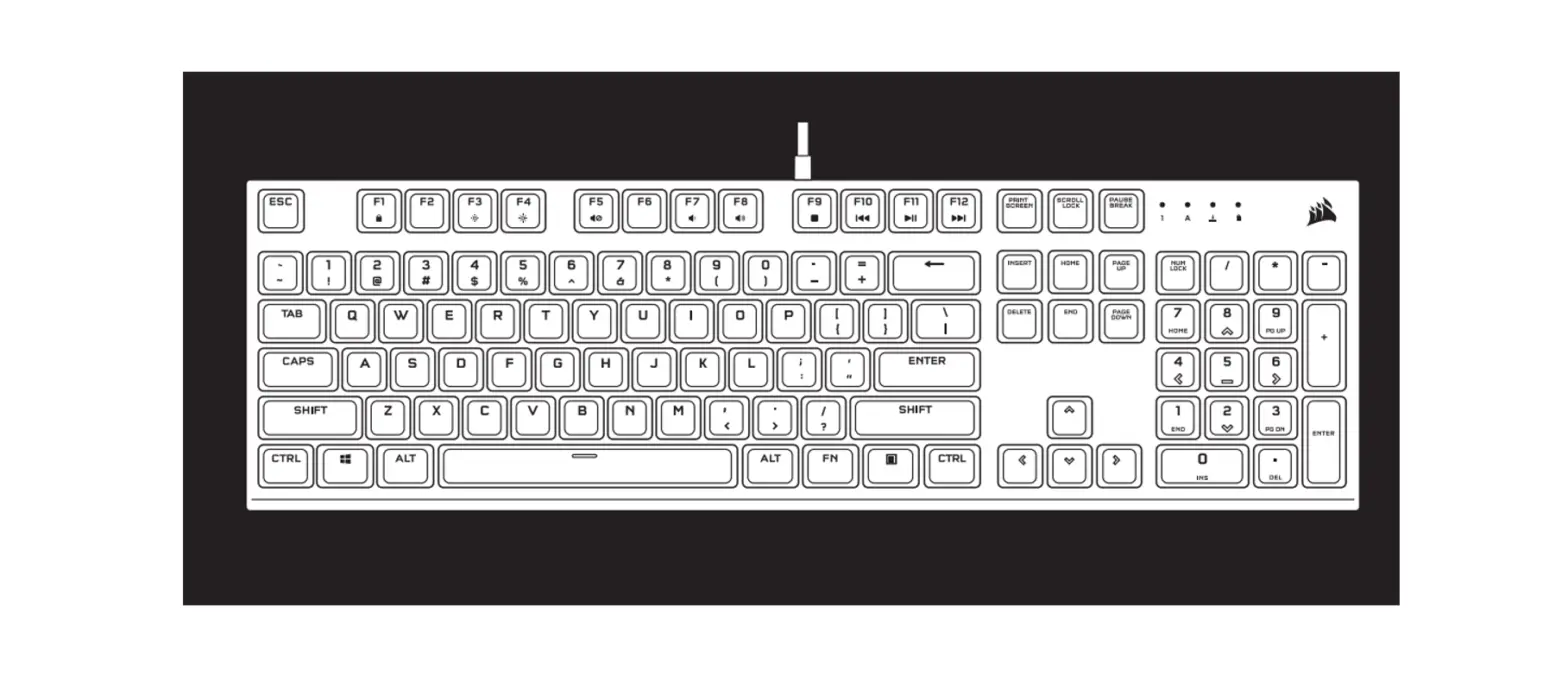
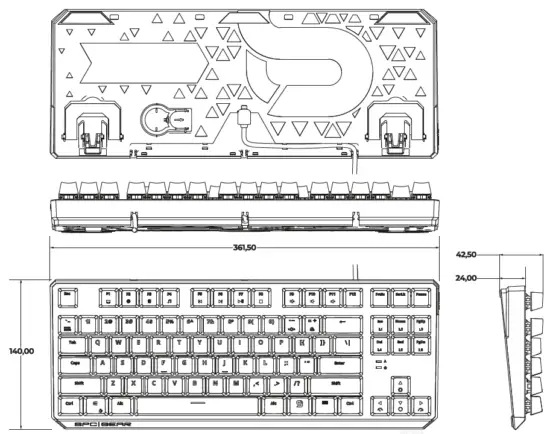
SIZE Keyboard
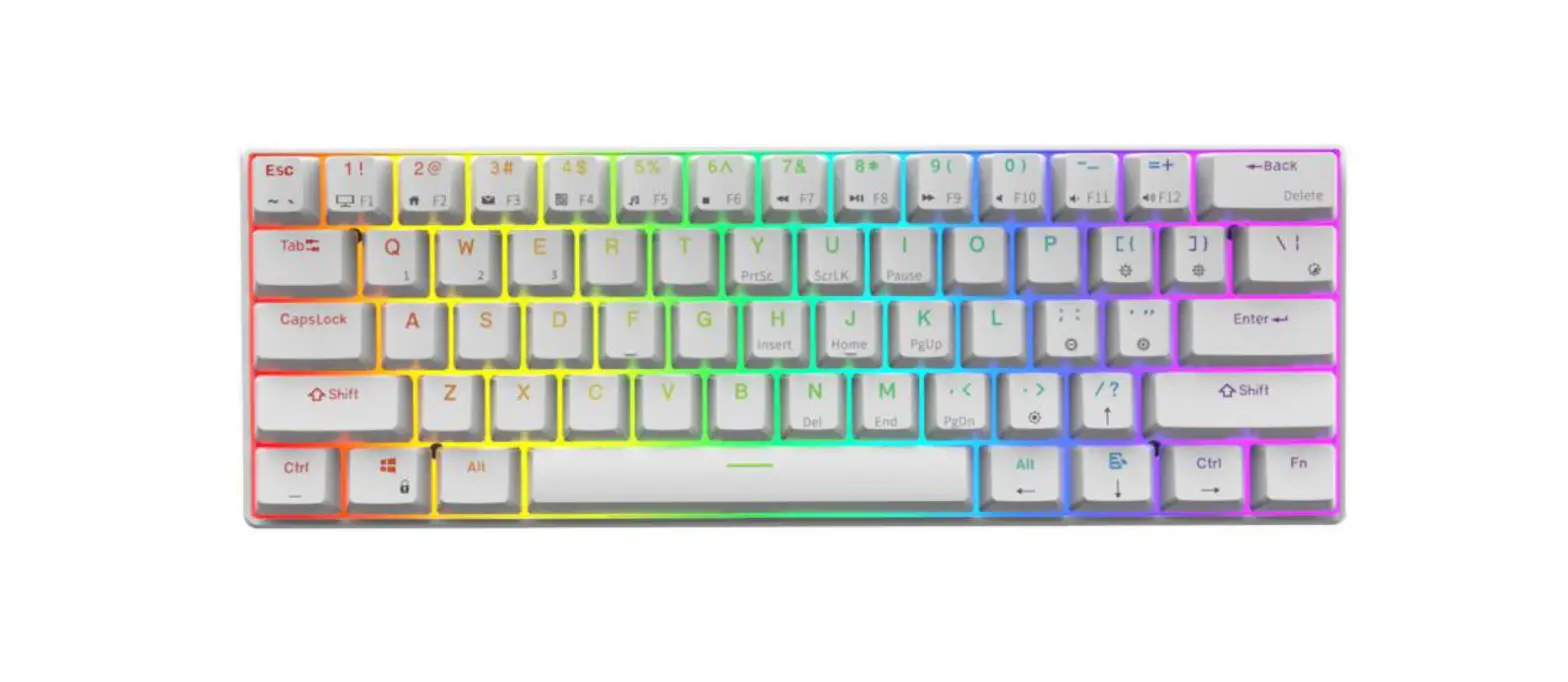
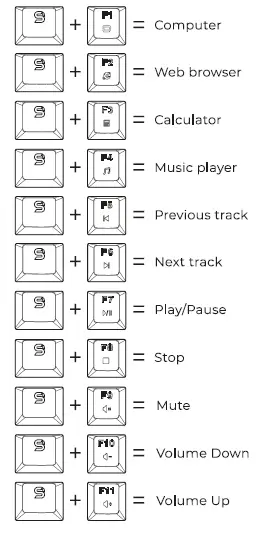
SOFTWARE/MULTIMEDIA KEYS
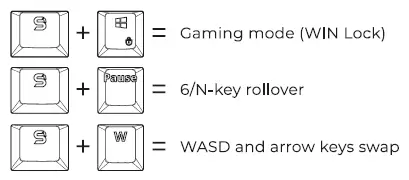
HOTKEYS
BACKLIGHT EFFECTS BACKLIGHT CONTROL
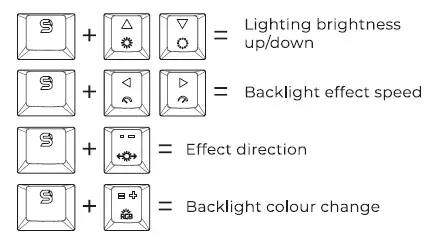
BACKLIGHT EFFECTS
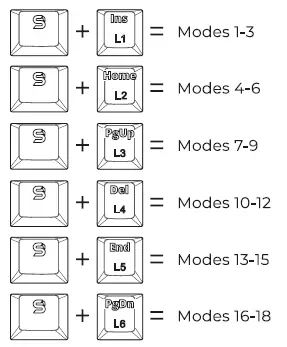
10 CUSTOM BACKLIGHT MODES FOR DIFFERENT GAMES
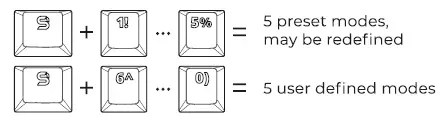
CREATING A CUSTOM BACKLIT MODE
- Press FN (SPC Gear logo key)+ 1-0 to choose 7 of70 custom modes.
- Press FN + – – to start defining custom backlit – PrtSc will start blinking indicating backlit colour. Switch between colours using FN + =+ (RCiB) and select the keys for each colour. You can switch off key LED completely while PrtSc is not blinking.
- Press FN + – – to save custom mode.
MACRO KEYS
- Under gaming mode (FN + Win) press FN + Esc.
- Select any key for defining macro by pressing FN + chosen key. When led starts to blink, choose the required key sequence.
- Press FN + chosen key to save macro. Press FN + Esc to exit macro.
FACTORY RESET
Press FN + Esc.
Immediately after that, press Fl+ F3 + FS.