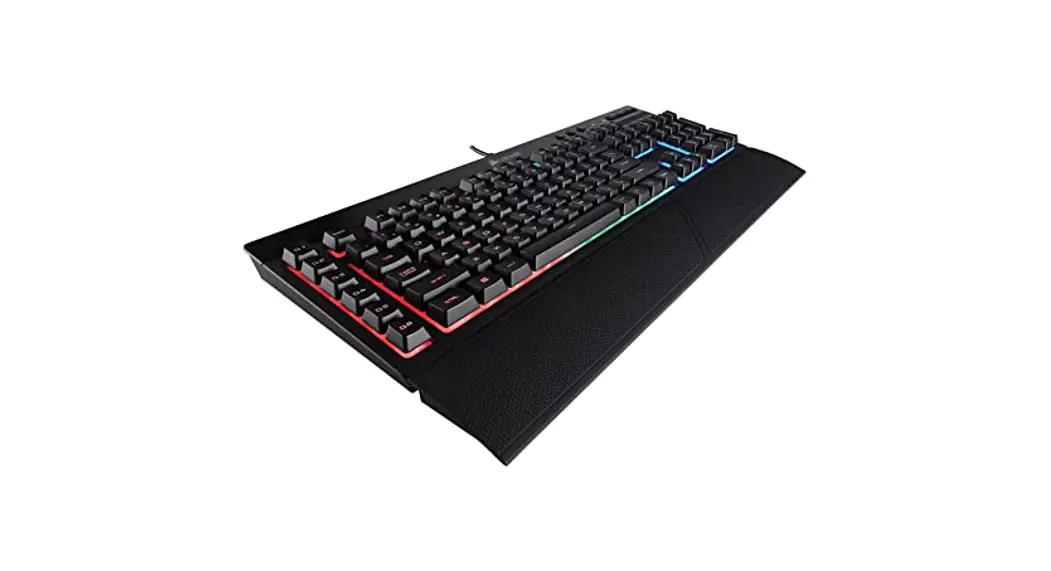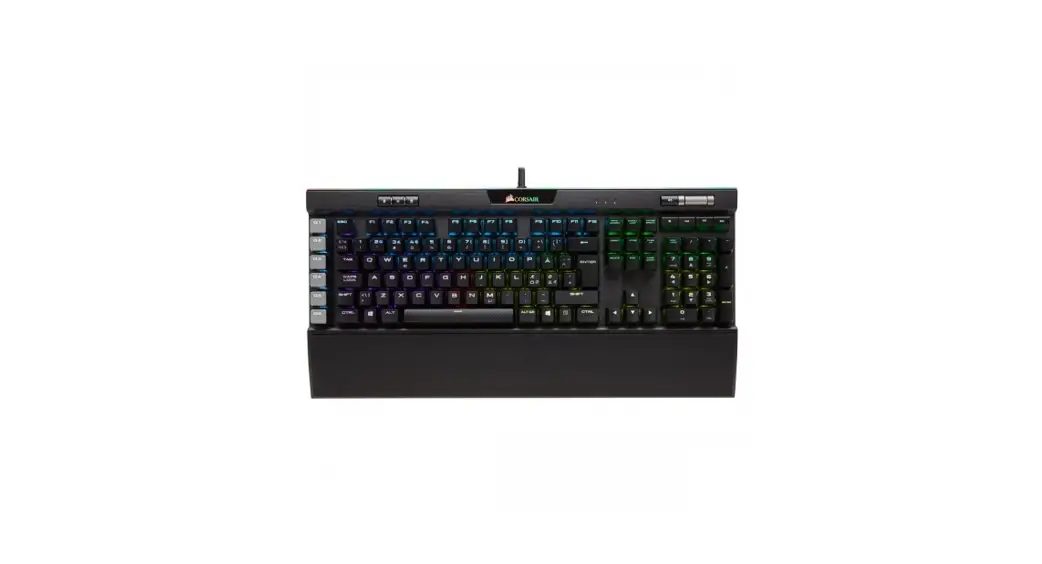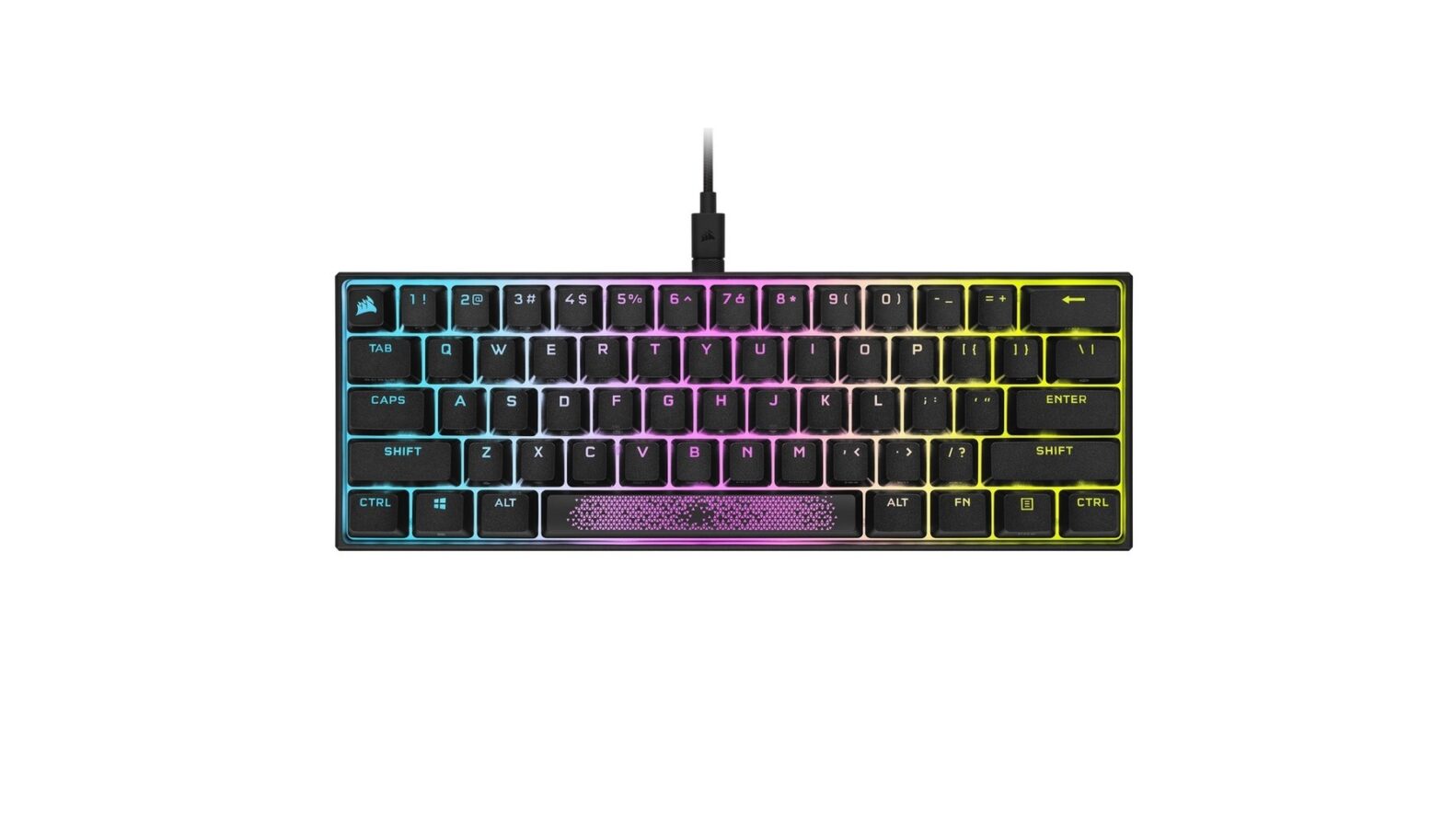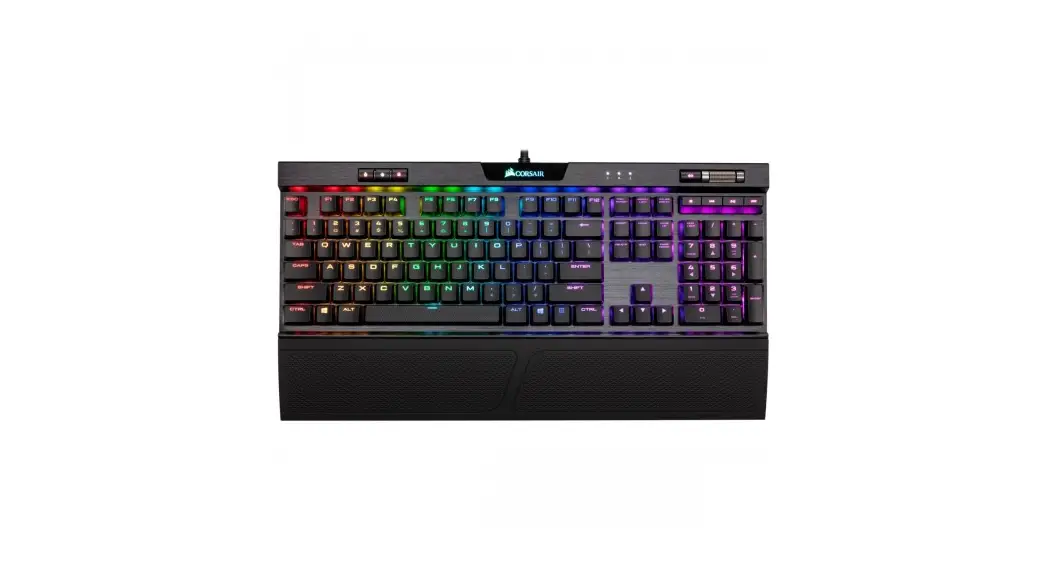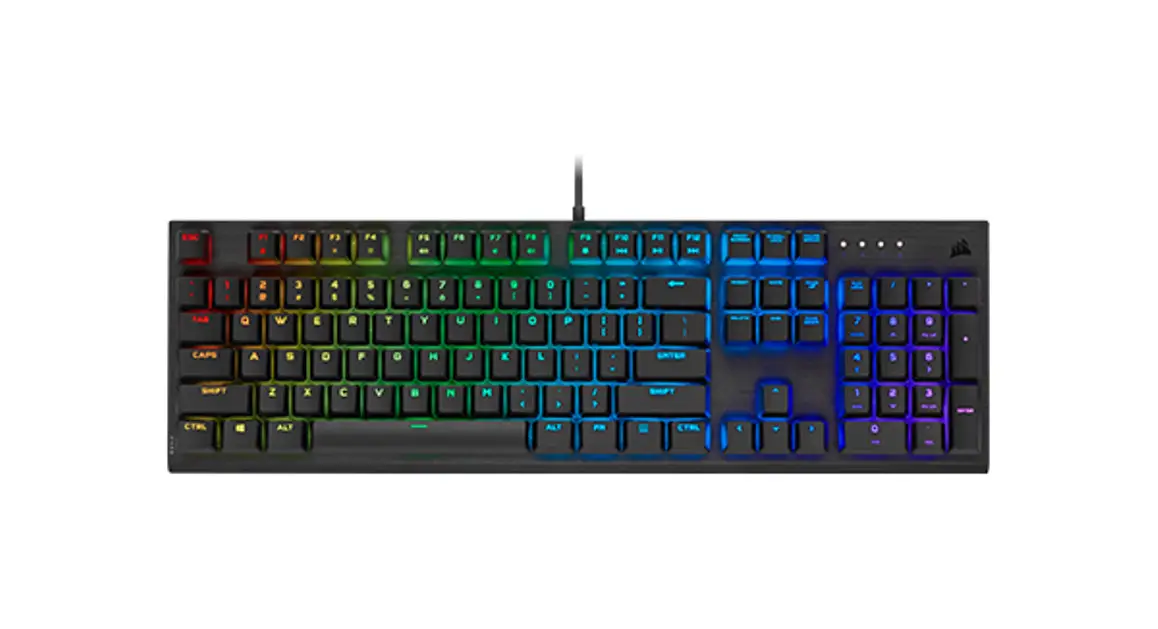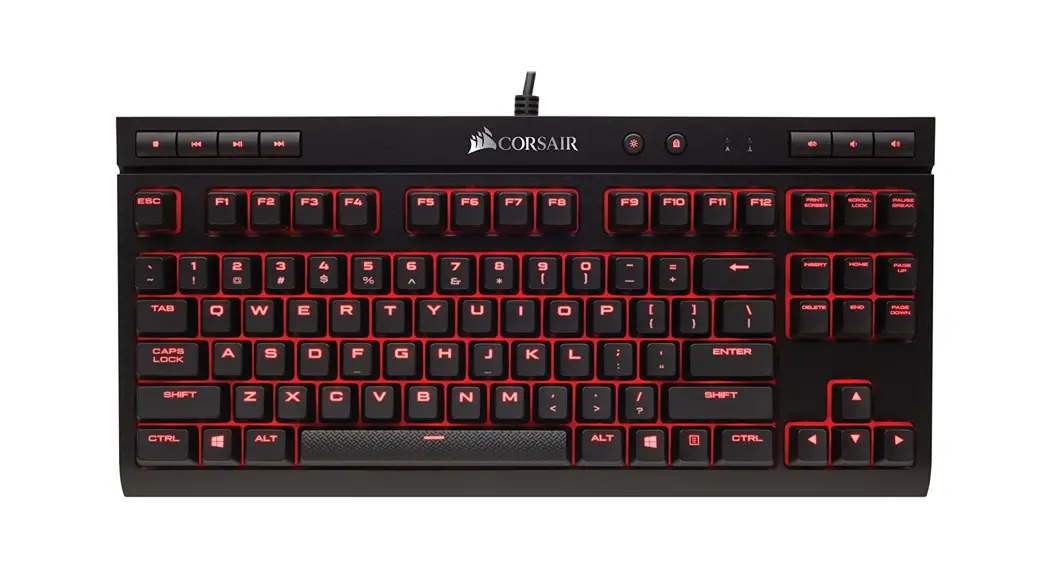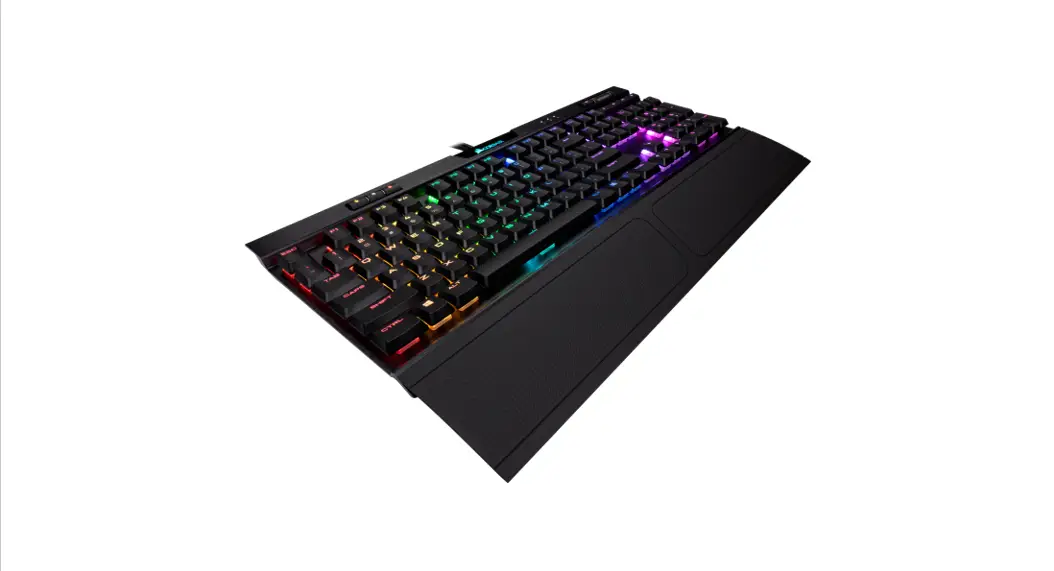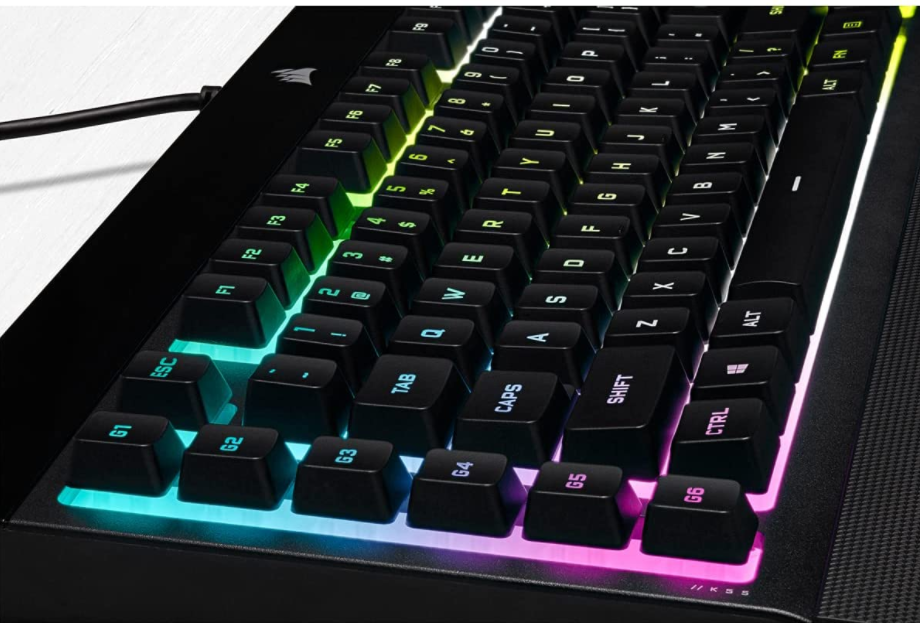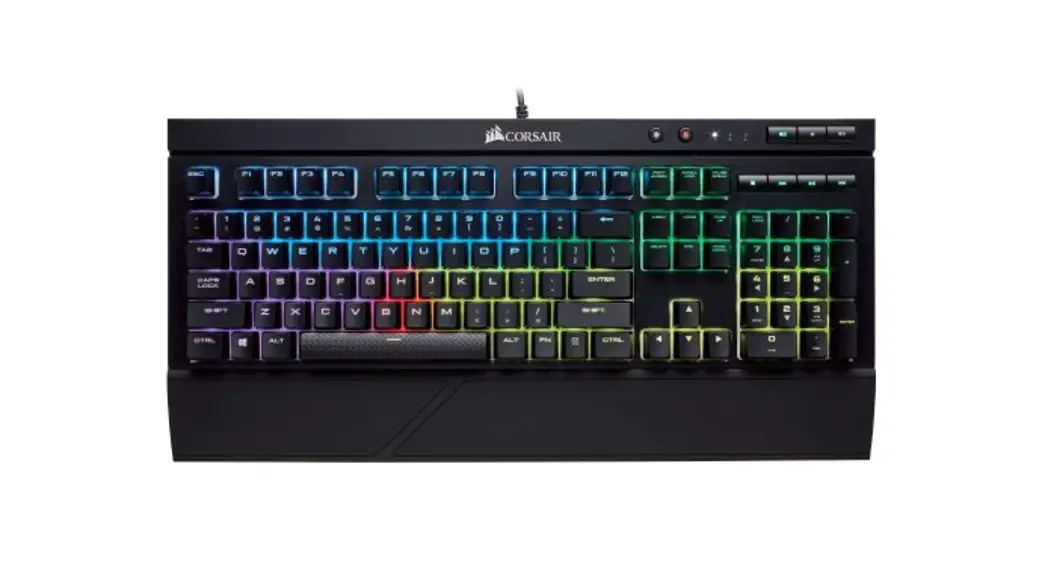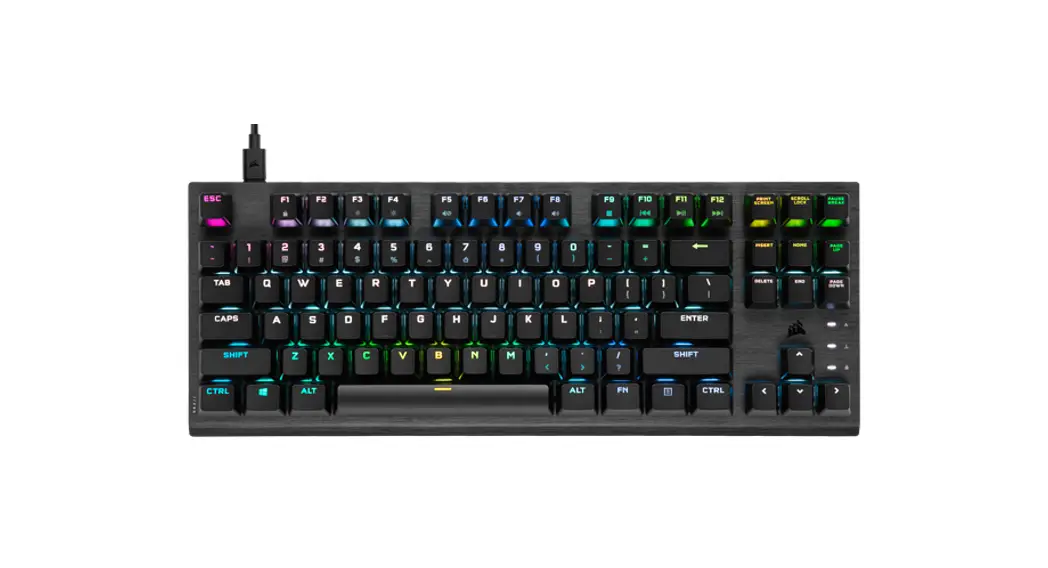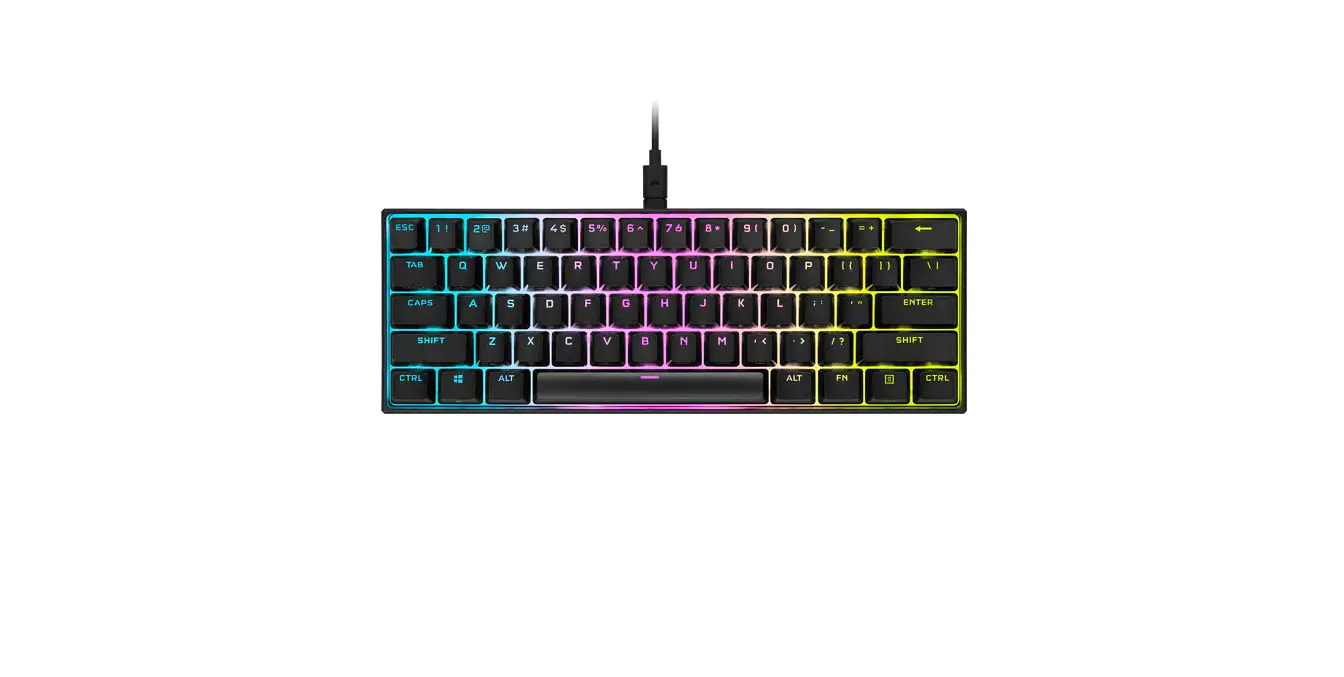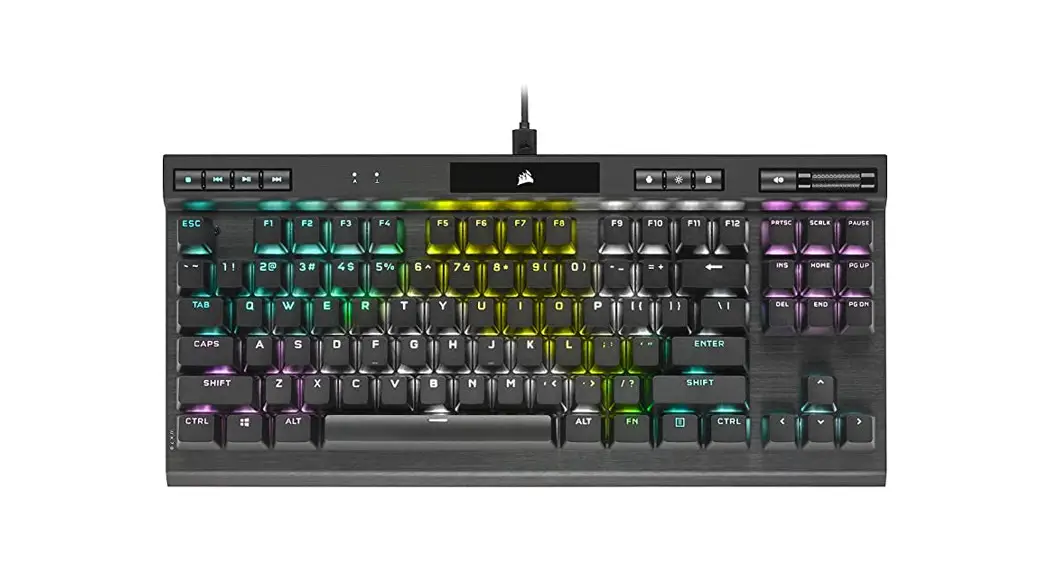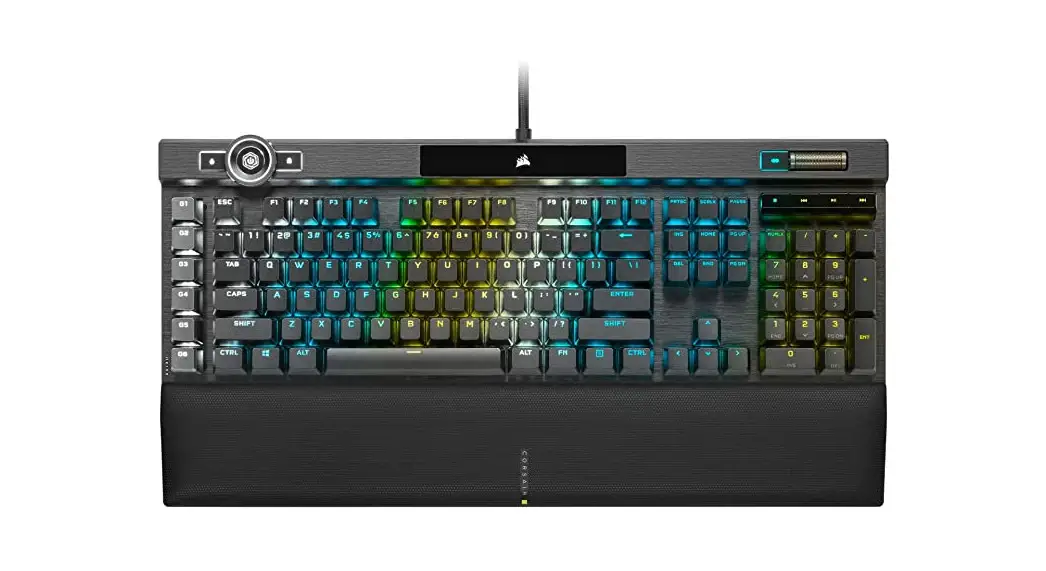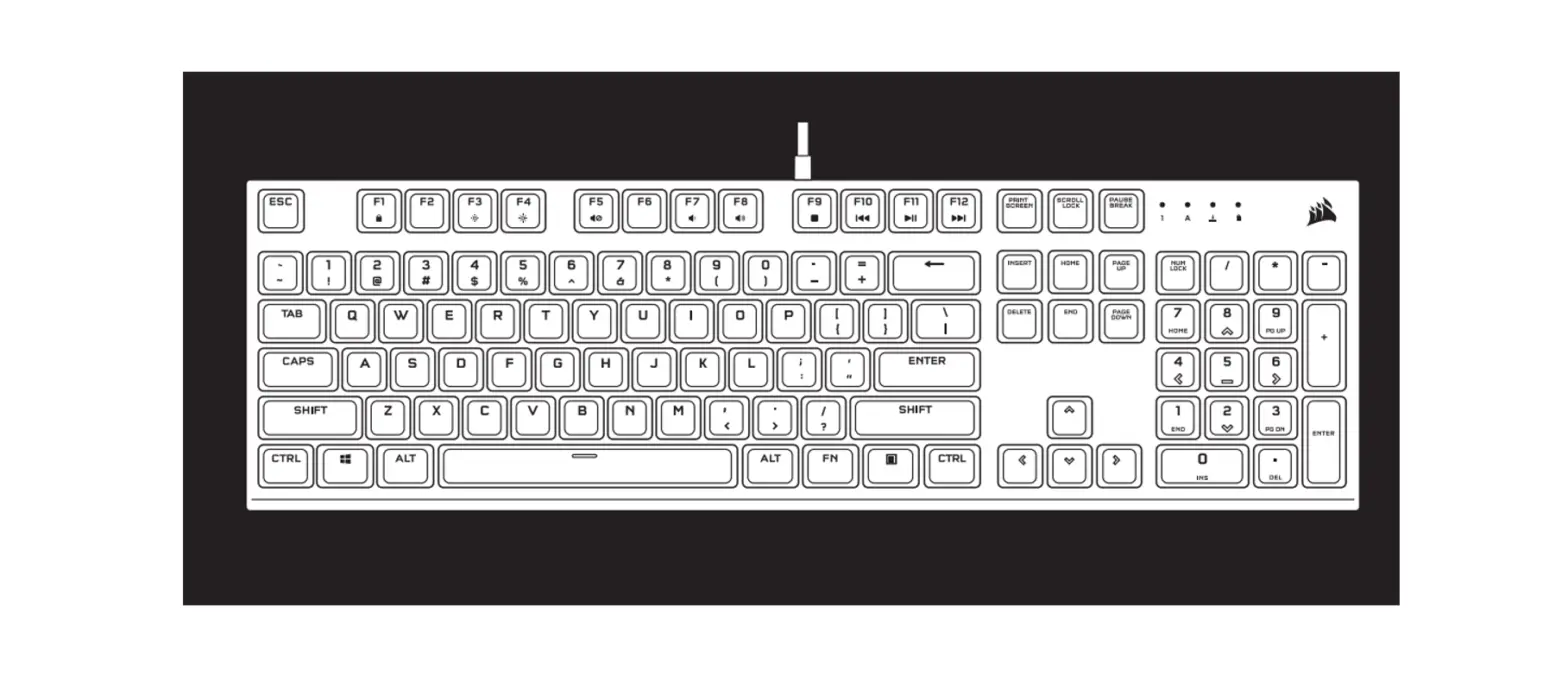

CORSAIR K60 RGB PRO Mechanical Gaming Keyboard
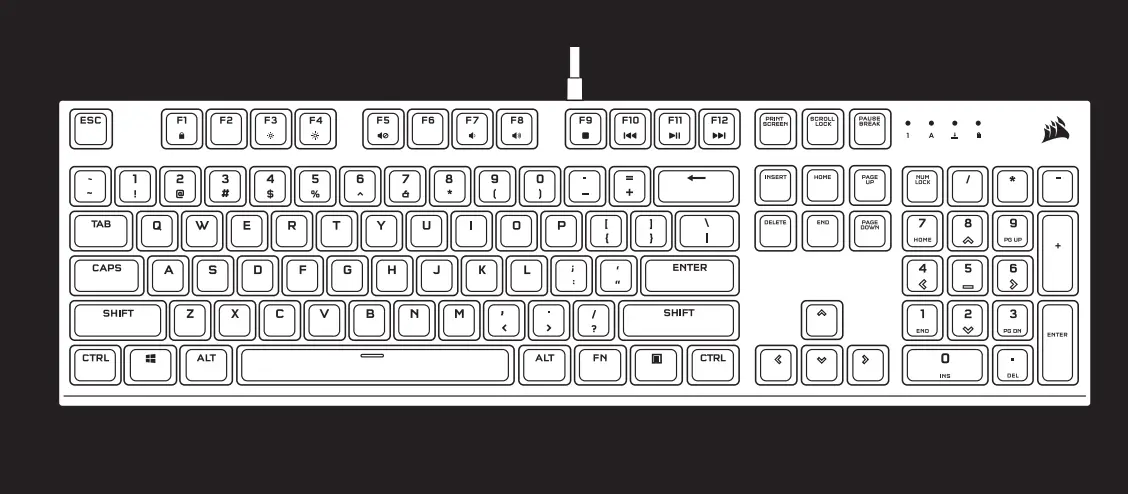
GETTING TO KNOW YOUR KEYBOARD
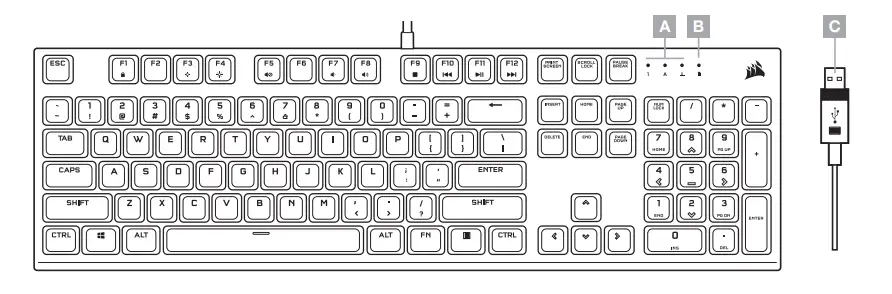
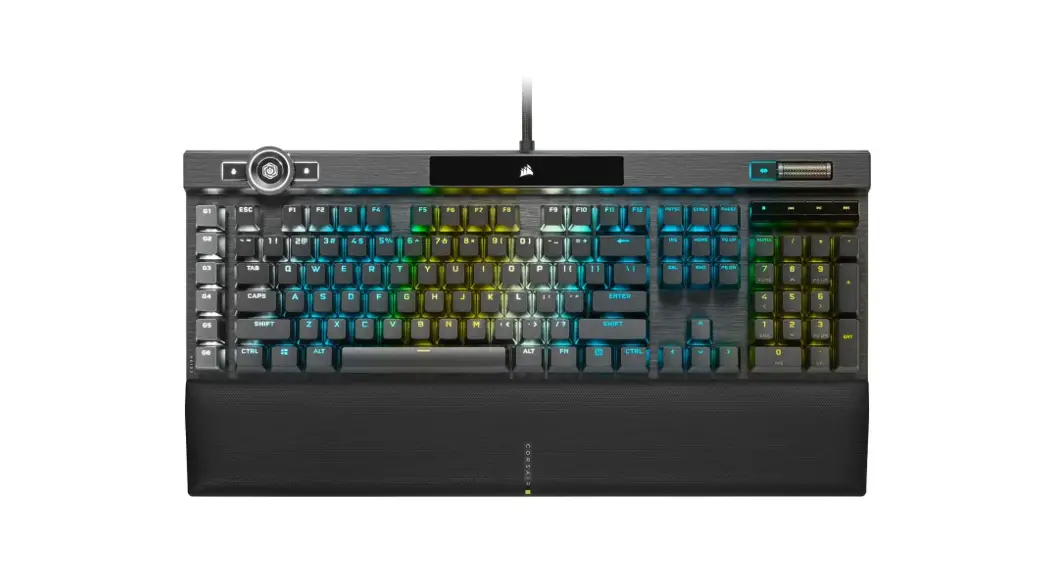
A — NUM, CAPS, AND SCROLL LOCK INDICATORS
B — WIN LOCK INDICATOR
C — USB KEYBOARD CONNECTOR
SETTING UP YOUR KEYBOARD
Connect keyboard USB connector (C) to an available USB 2.0 or better Type-A port on your Windows® PC, Apple Mac®, or Microsoft Xbox One®.*
*www.corsair.com/xbox-one-support
SOFTWARE MODE
When iCUE is running the keyboard operates in software mode and is controlled by iCUE.
Install iCUE on a Windows® PC to connect all of your CORSAIR iCUE compatible products together in a single interface, giving you complete control of everything from lighting to powerful macros. Download iCUE from www.corsair.com/downloads.
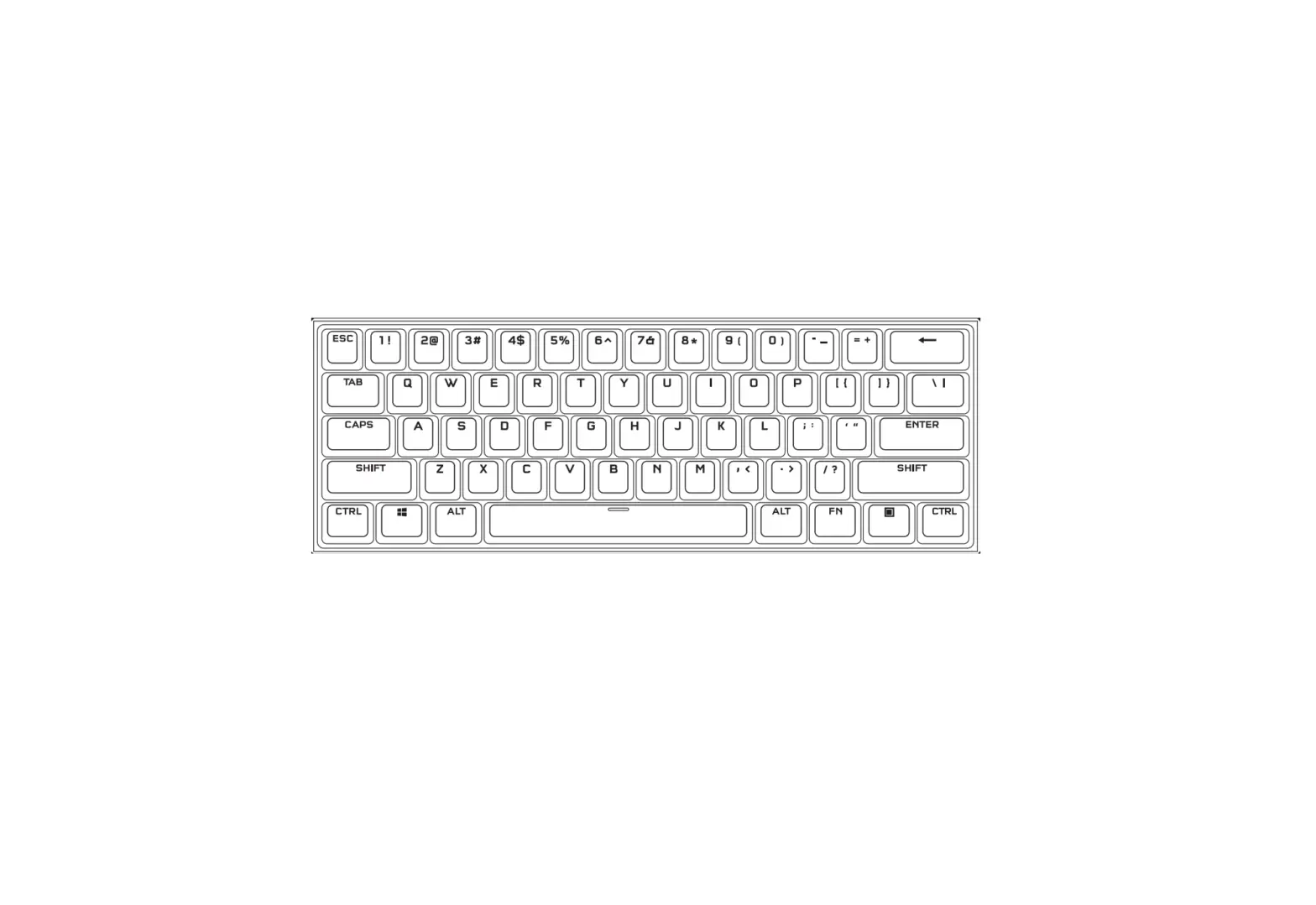
ONBOARD LIGHTING / FUNCTION SHORTCUTS
Keyboard lighting effects can be controlled via the onboard shortcuts below when iCUE is not running or the keyboard is connected to a device that does not support iCUE.
| SHORTCUT | LIGHTING EFFECT |
| FN + 1 | Spiral |
| FN + 2 | Rain |
| FN + 3 | Wave |
| FN + 4 | Visor |
| FN + 5 | Type Lighting (Per-key) |
| FN + 6 | Type Lighting (Ripple) |
| FN + 7 | Pulse |
| FN + 8 | Selective Lighting (FPS Keys) |
| FN + 9 | Selective Lighting (MOBA Keys) |
| FN + 0 | Static |
| SHORTCUT | FUNCTION |
| FN + ` | Reset To Onboard Stored Effect |
| FN + – | Reduce Effect Speed* |
| FN + = | Increase Effect Speed* |
| FN + [ | Rotate Effect Left* |
| FN + ] | Rotate Effect Right* |
| SHORTCUT | FUNCTION |
| FN + F1 | Toggle Win Lock |
| FN + F3 | Decrease Backlighting Brightness |
| FN + F4 | Increase Backlighting Brightness |
*Functions supported on select effects.
| SHORTCUT | FUNCTION |
| FN + F5 | Mute |
| FN + F7 | Decrease Volume |
| FN + F8 | Increase Volume |
| FN + F9 | Stop Playback |
| FN + F10 | Last Track |
| FN + F11 | Play / Pause |
| FN + F12 | Next Track |
FACTORY RESET
To clear the onboard memory, hold the ESC key while plugging in the USB keyboard connector (C), then release the ESC key after two seconds. The keyboard will then power on normally and be reset to factory defaults.
Product Name: K60 PRO Mechanical Gaming Keyboard
Model No.(모델명): R-R-CSI-RGP0097
 PC Components | Gaming Gear | CORSAIR
 Home - Corsair Community
 CORSAIR Downloads | CORSAIR iCUE Software