
User Manual
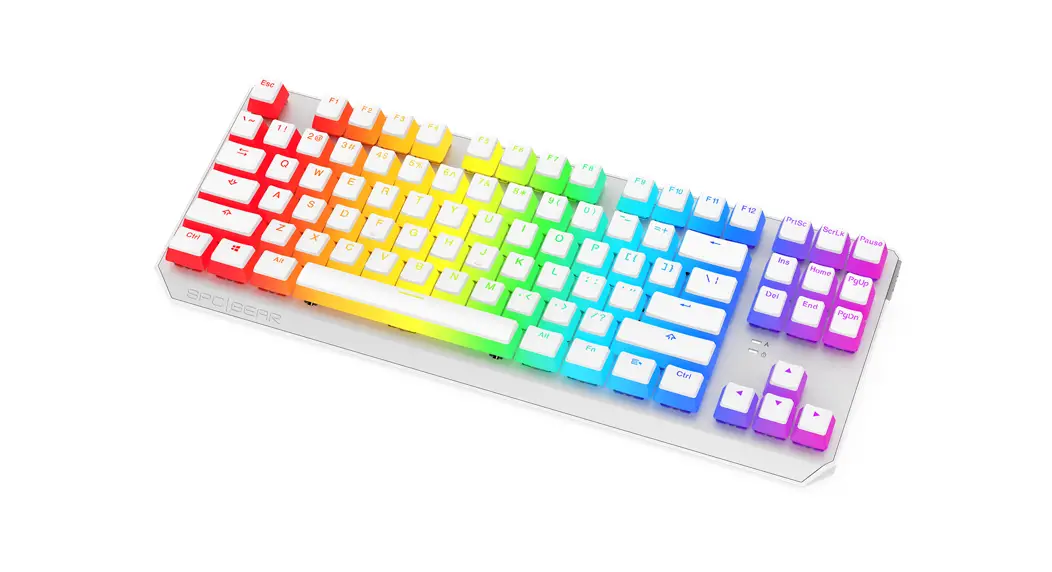
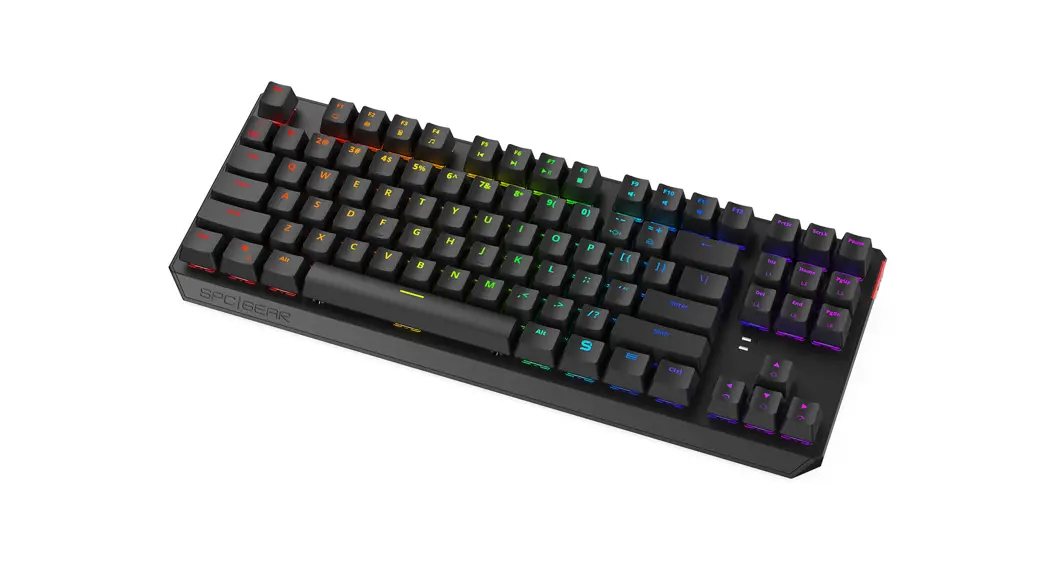
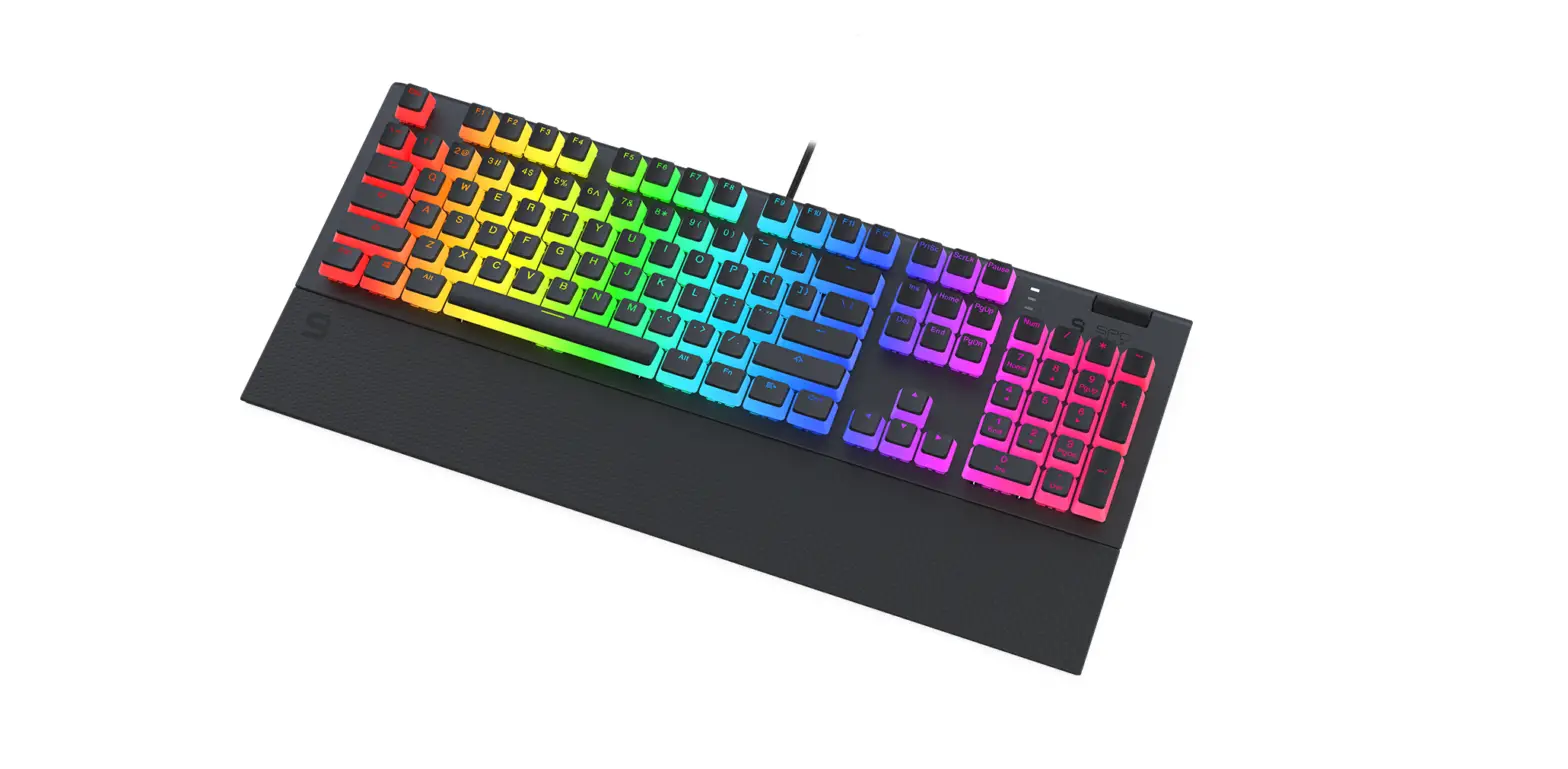
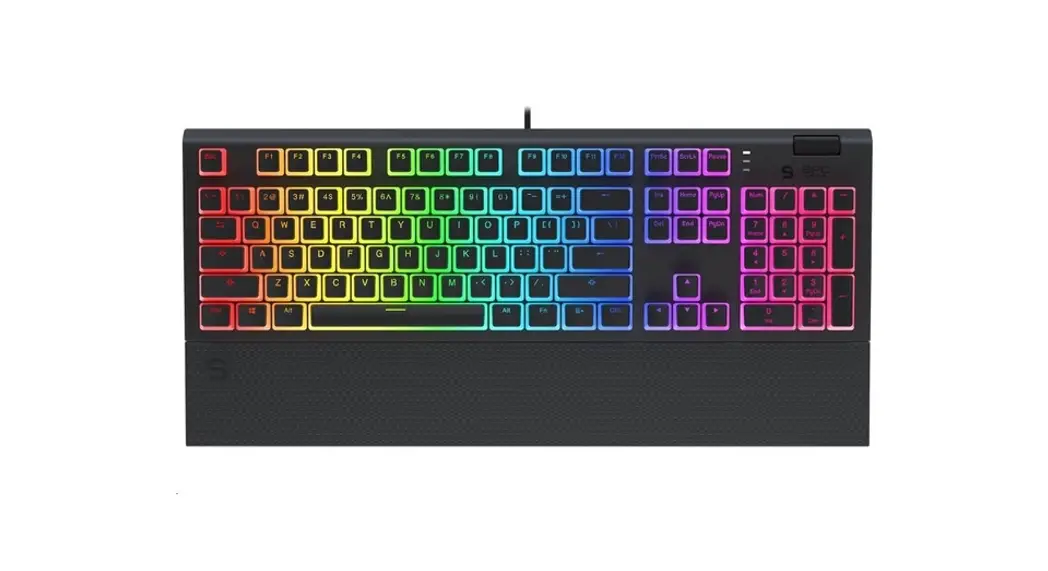
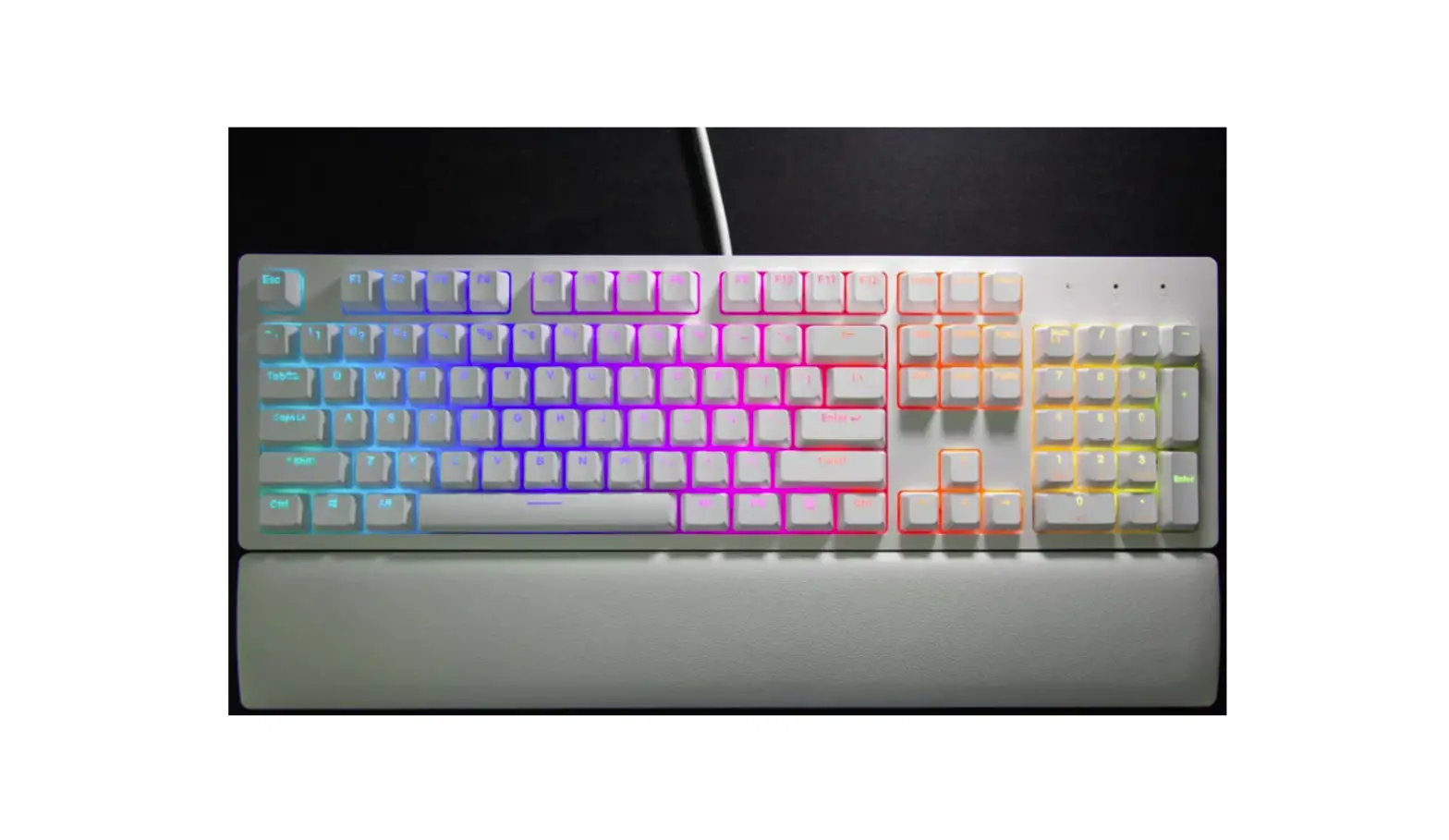
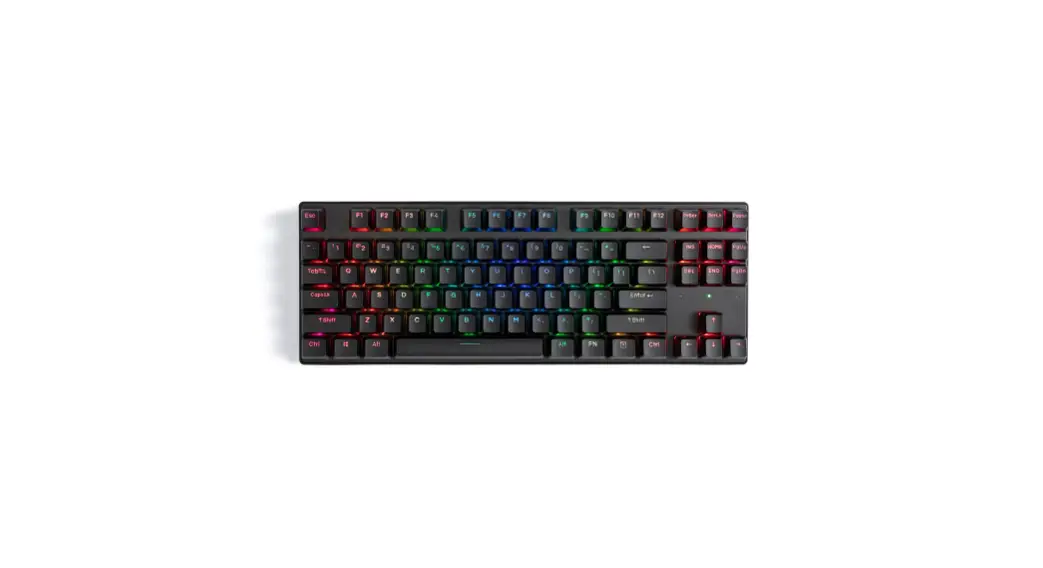
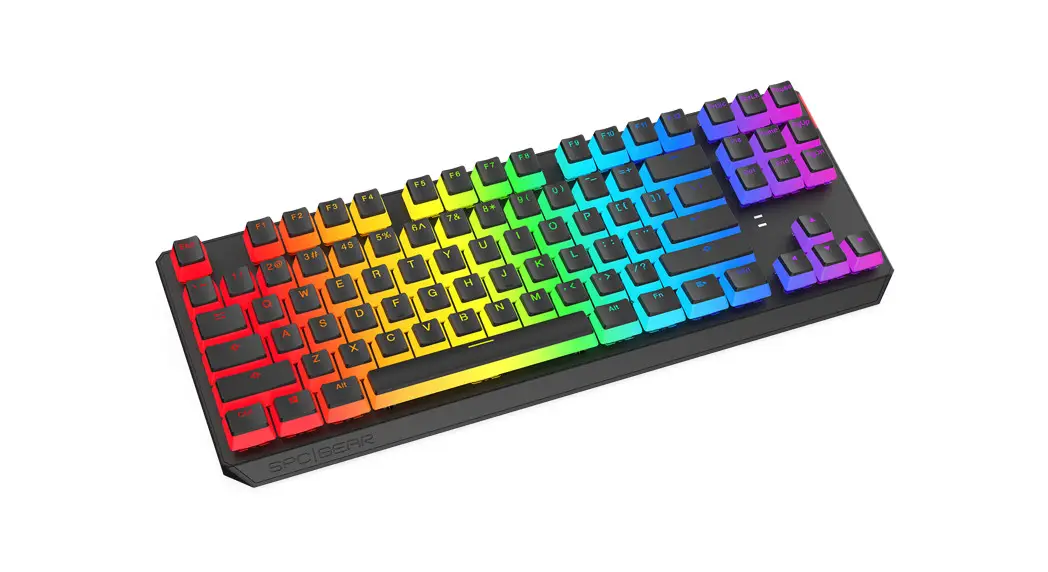
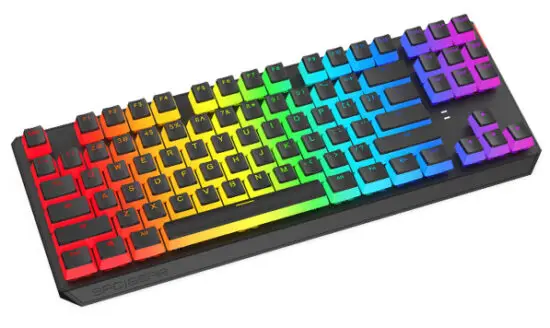
GK630K PUDDING TOURNAMENT KAILH RGB
MECHANICAL GAMING KEYBOARD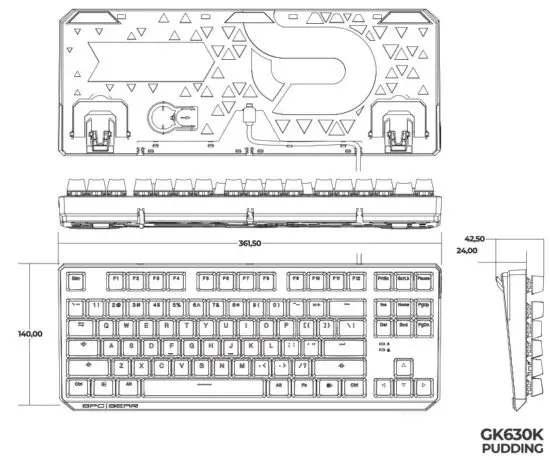
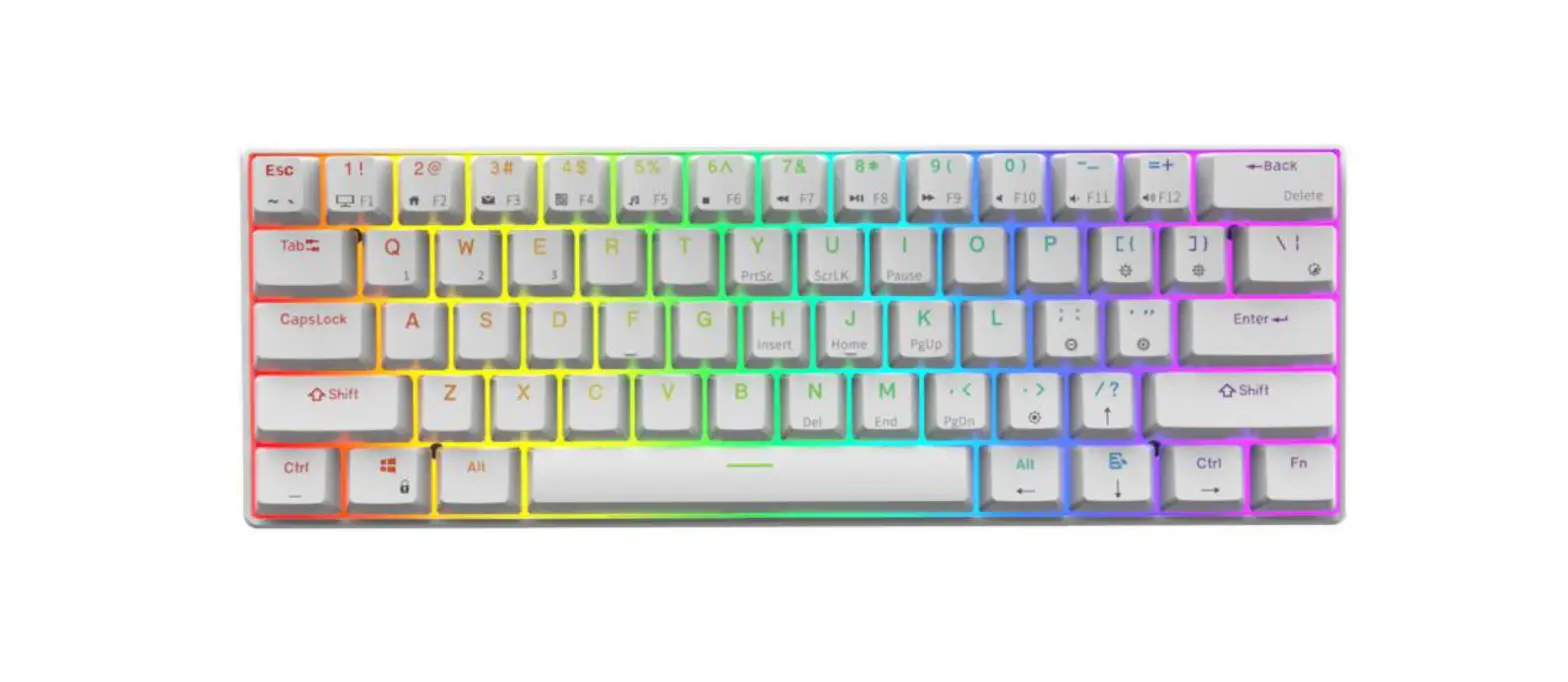
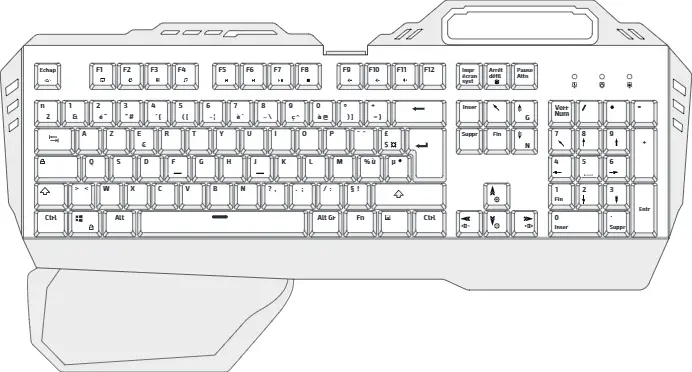
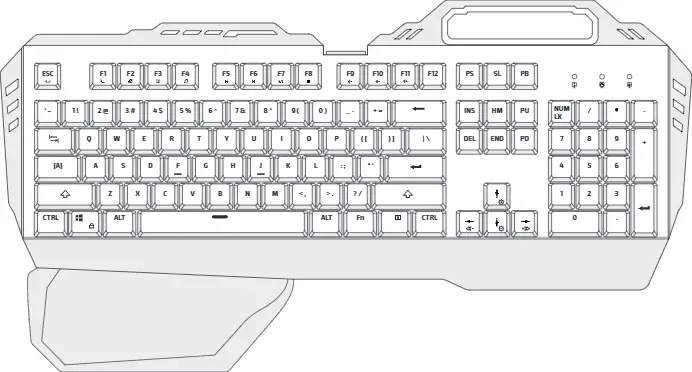
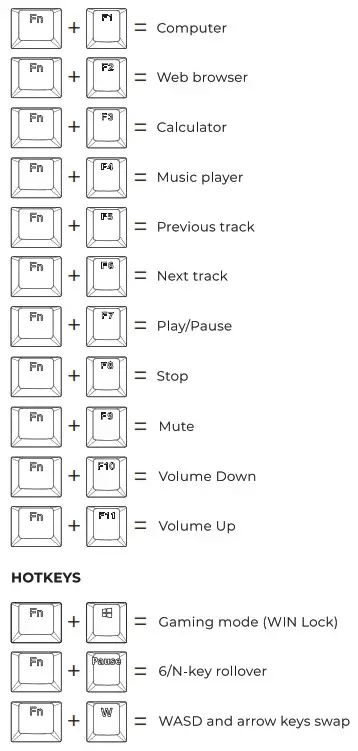
SOFTWARE/MULTIMEDIA KEYS
BACKLIGHT EFFECTS BACKLIGHT CONTROL
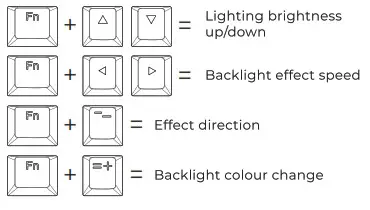
BACKLIGHT EFFECTS
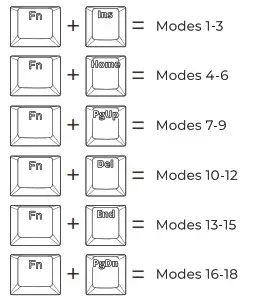
10 CUSTOM BACKLIGHT MODES FOR DIFFERENT GAMES 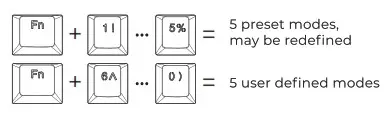
CREATING A CUSTOM BACKLIT MODE
- Press FN +1-0 to choose 1 of 10 custom modes.
- Press FN + ‘- to start defining custom backlit -PrtSc will start blinking indicating backlit colour. Switch between colours using FN + =+ (RG13) and select the keys for each colour. You can switch off key LED completely while PrtSc is not blinking.
- Press FN + ‘- to save custom mode.
MACRO KEYS
- Under gaming mode (FN + Win) press FN + Esc. Win and Esc keys led will be backlit.
- Select any key for defining macro by pressing FN + chosen key. When led starts to blink, choose the required key sequence.
- Press FN + chosen key to save macro. Press FN + Esc to exit macro.
FACTORY RESET
Press FN + Esc. Immediately after that, press Fl + F3 + F5.
 Use and warranty limitations – The product should be used according to its intended purpose. Incorrect use can damage the product and endanger the life of the 1.561: Excessive hurnidiW, dust, and other contaminations can result in product damage which is not covered by the warranty – The warranty does not cover mechanical damage to the product: – Avoid exposure to rapid changes in ambient temperature. Should they occur, wait approx 30 minutes before using the product until the temperature is leveled: – You can find the Warrant Terms and Conditions in ‘Support-at hapsirtpCgearpoonV.
2-year manufacturer warranty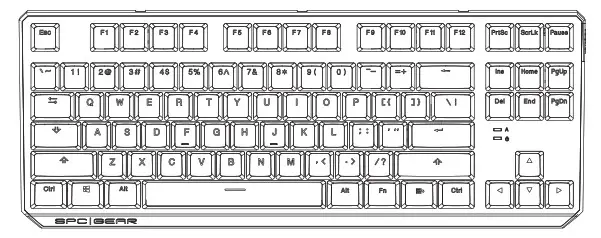
User Manual

ENTITY RESPONSIBLE / TEL. +48222920130 BDO: 000020025