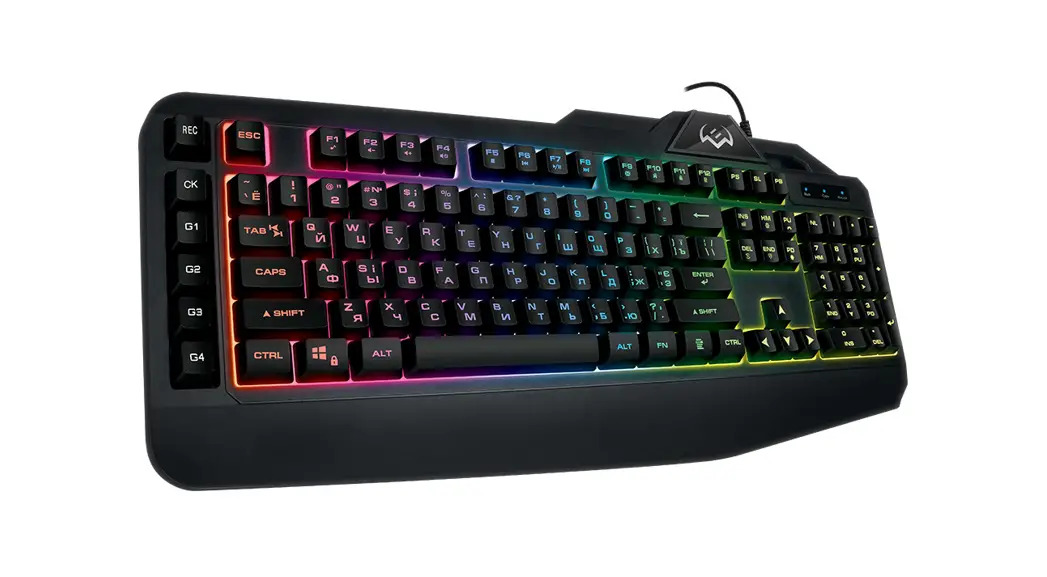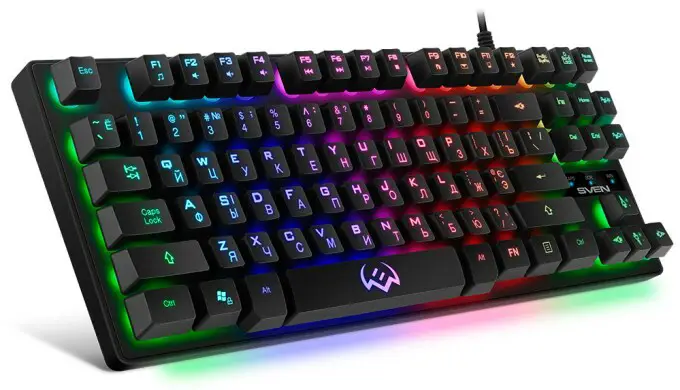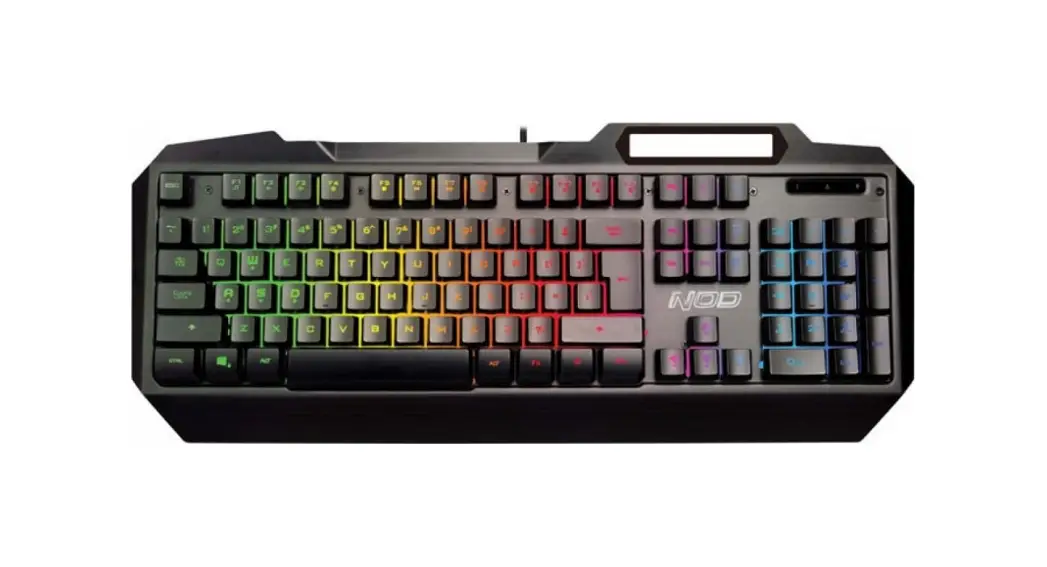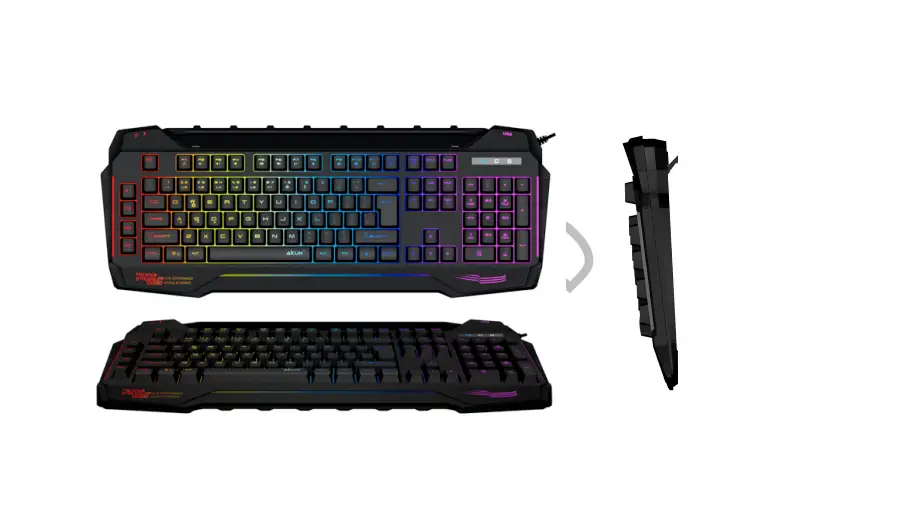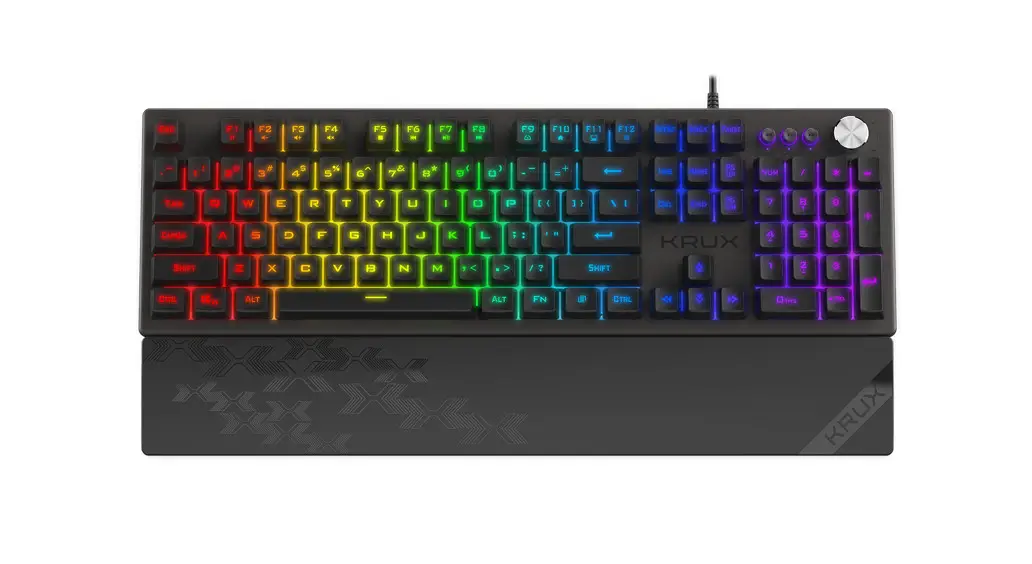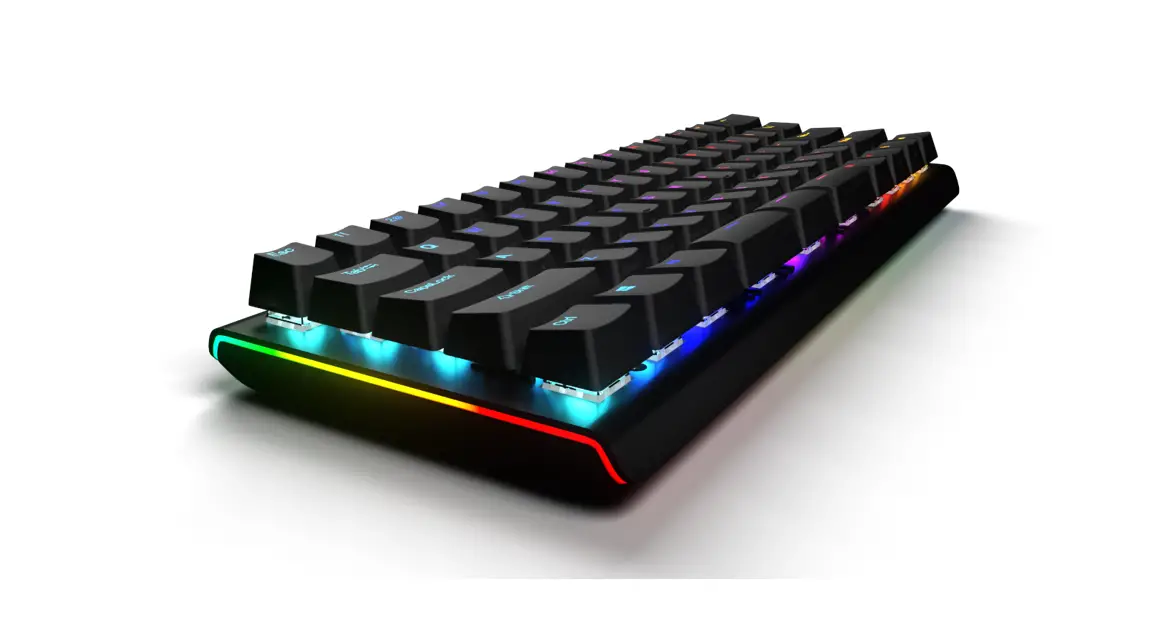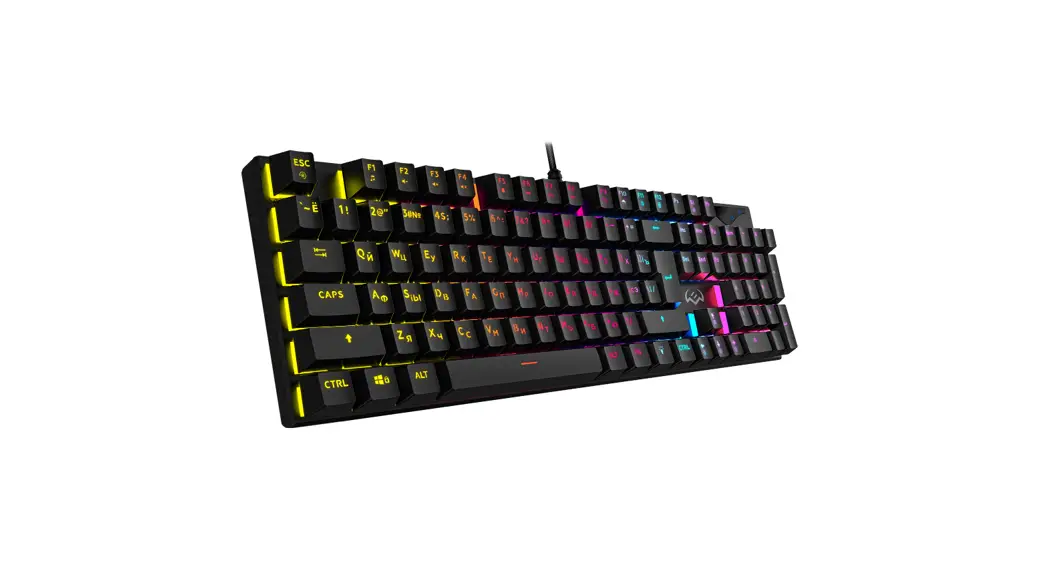
 G9300 RGB Gaming Keyboard
User Manual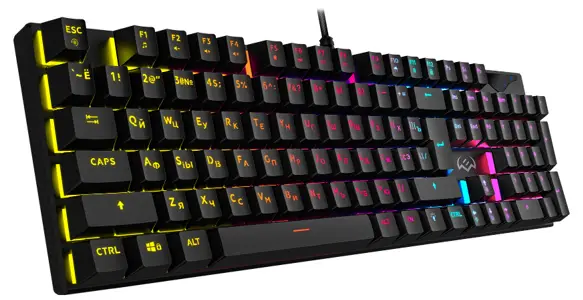
KB-G9300 RGB Gaming Keyboard
Congratulations on the purchase of Sven keyboard!
Please read this User’s Manual before using the unit and retain this User’s Manual in safe place for future reference.
COPYRIGHT
© SVEN PTE. LTD. Version 1.0 (24.11.2021).
This Manual and information contained in it are copyrighted. All rights reserved.
TRADEMARKS
All trademarks are the property of their legal holders.
NOTICE OF RESPONSIBILITY RESTRICTION
Despite the exerted efforts to make this Manual more exact, some discrepancies may occur.
The information of this Manual is given on “as is” terms. The author and the publisher do not bear any liability to a person or an organization for loss or damages which have arisen from the information contained in the given Manual.
UNPACKING
- Unpack the device carefully. Make sure there are no accessories left in the box. Check up the device for damage; if the product was damaged during transportation, address the firm which carried out the delivery; if the product functions incorrectly, address the dealer at once.
- Shipping and transportation equipment is permitted only in the original container.
- Does not require special conditions for realization.
- Dispose of in accordance with regulations for the disposal of household and computer equipment.
APPLICATION
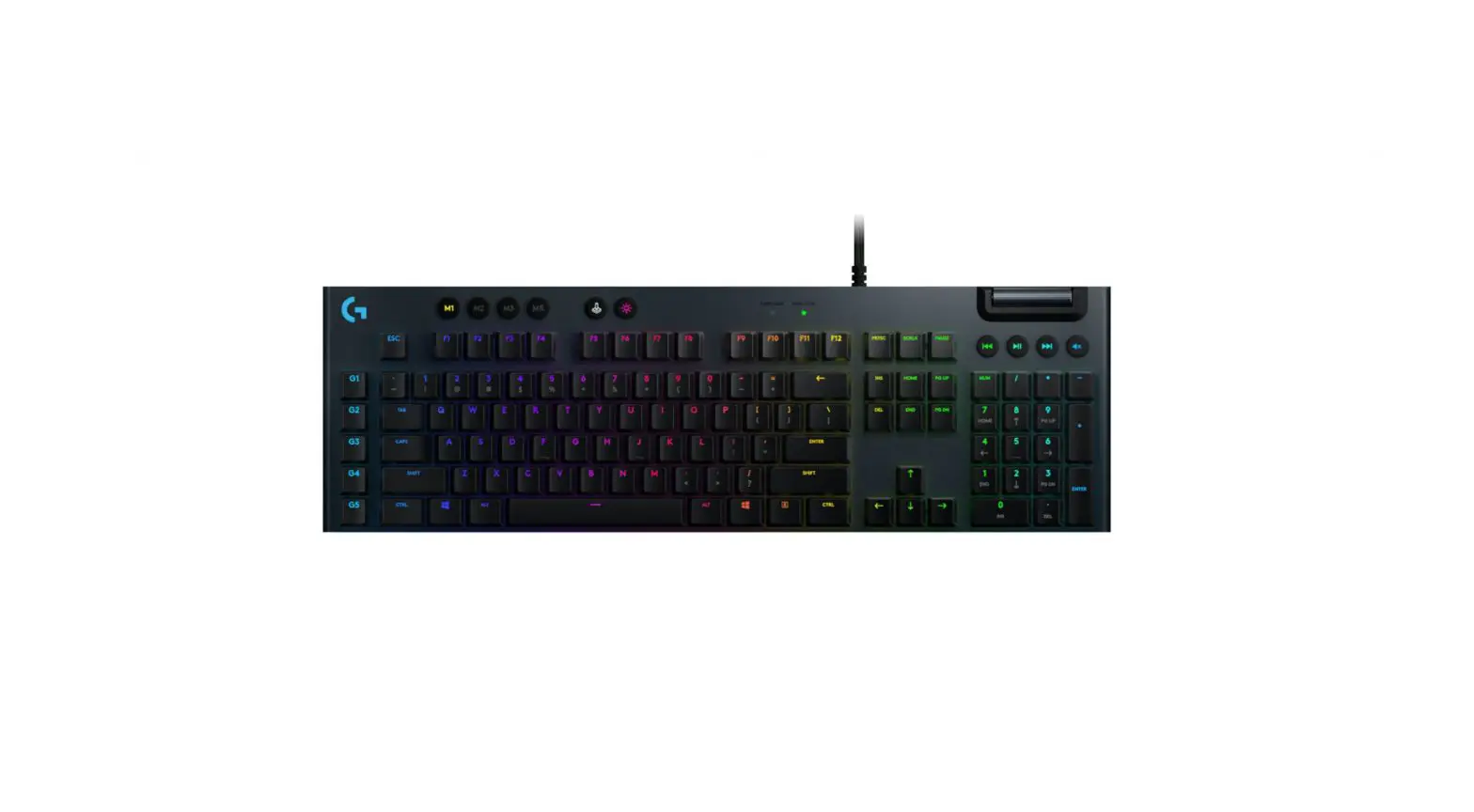
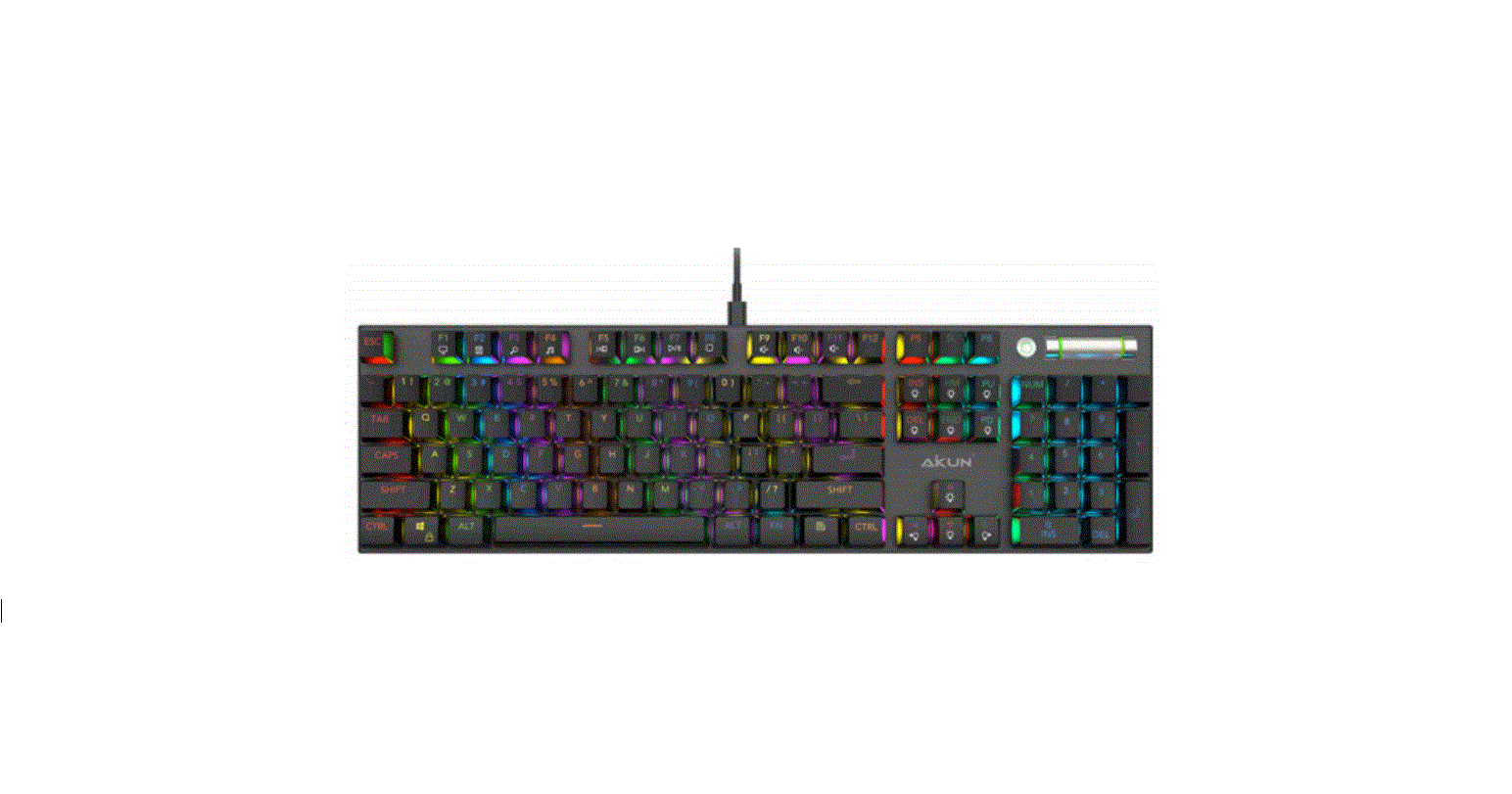
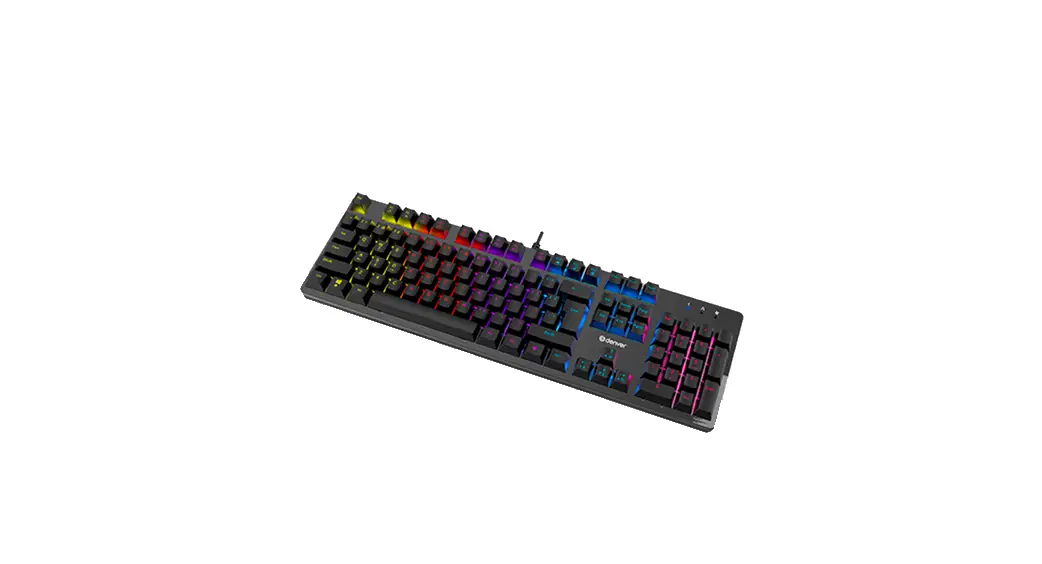
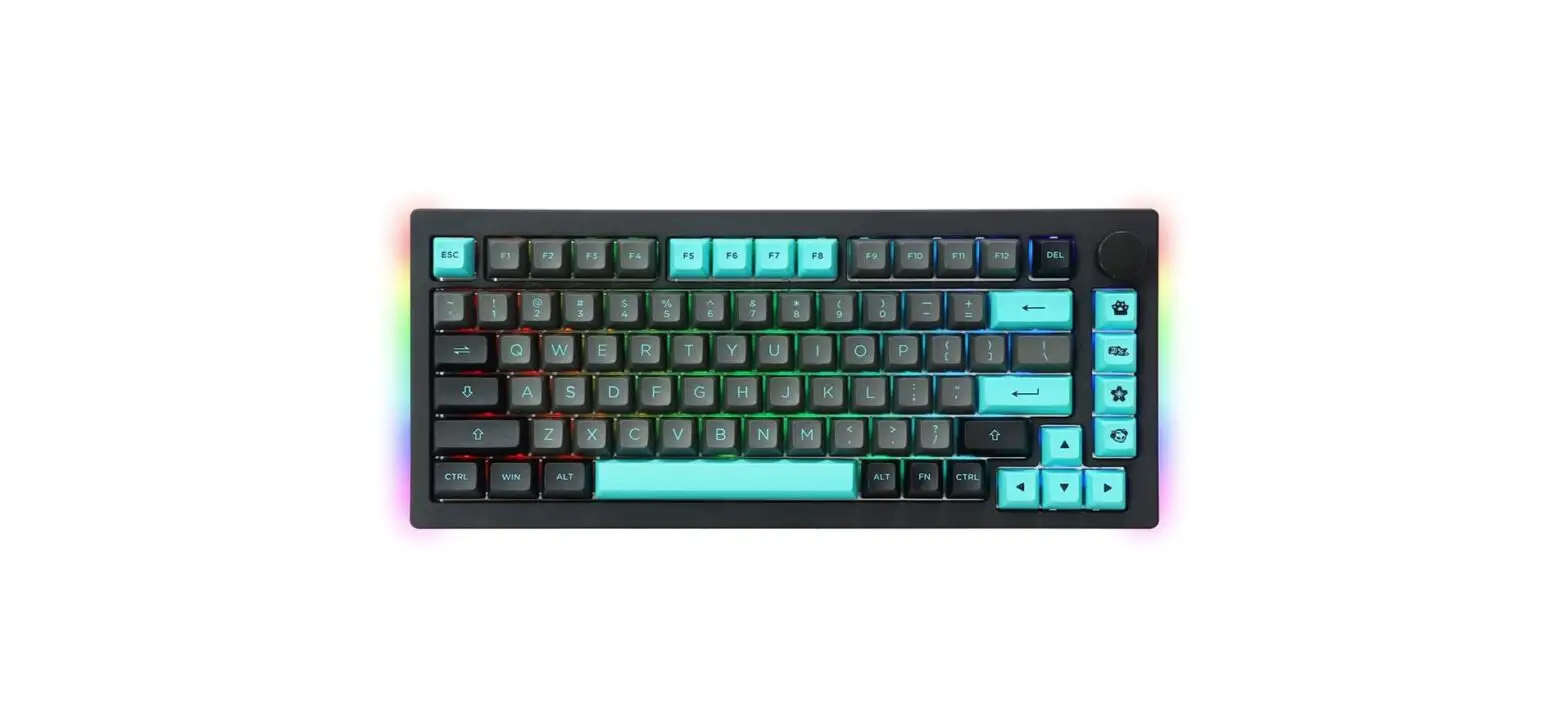
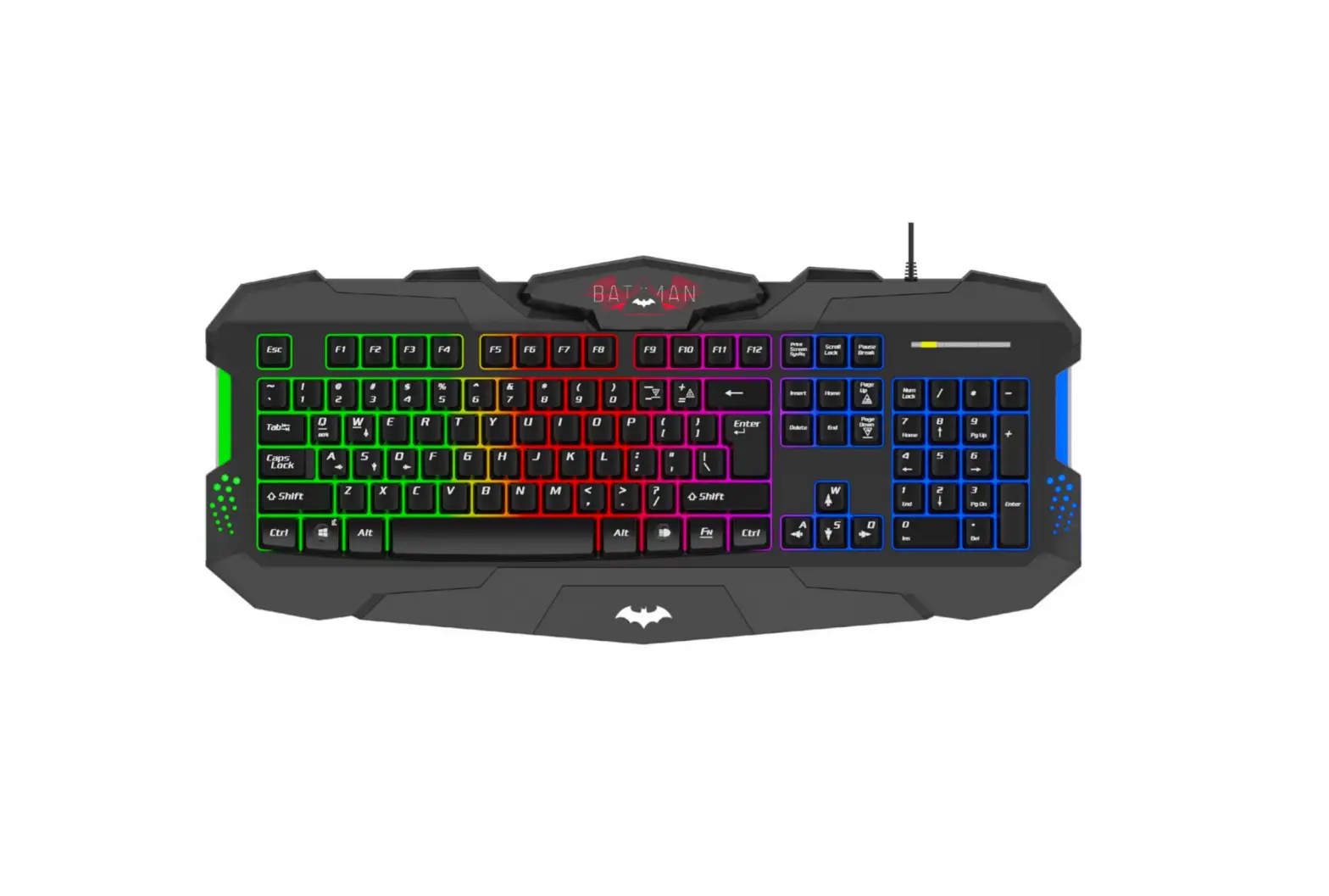
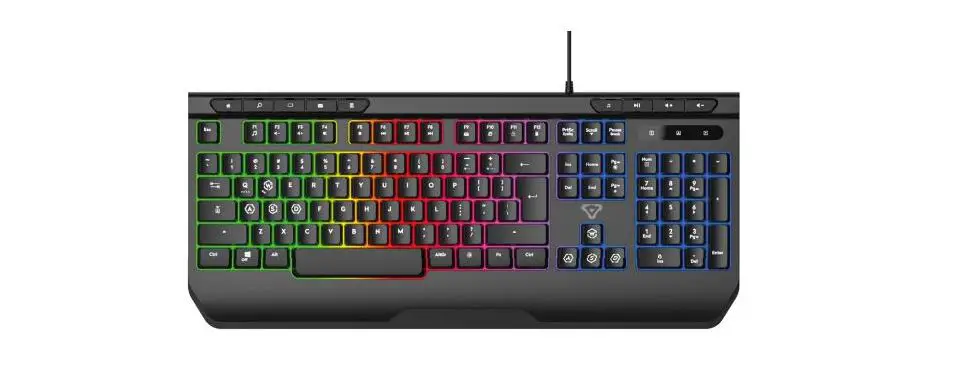
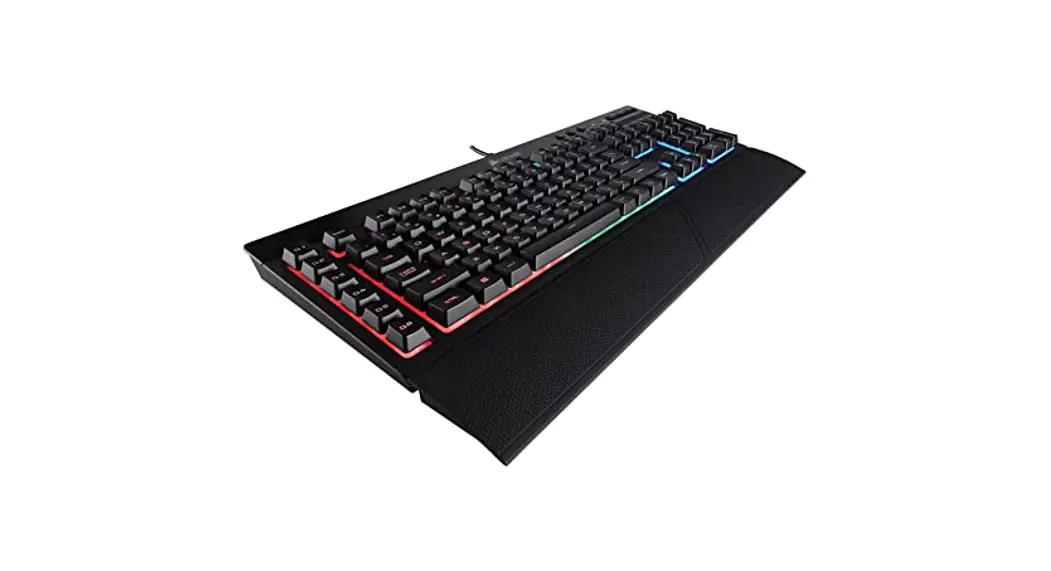
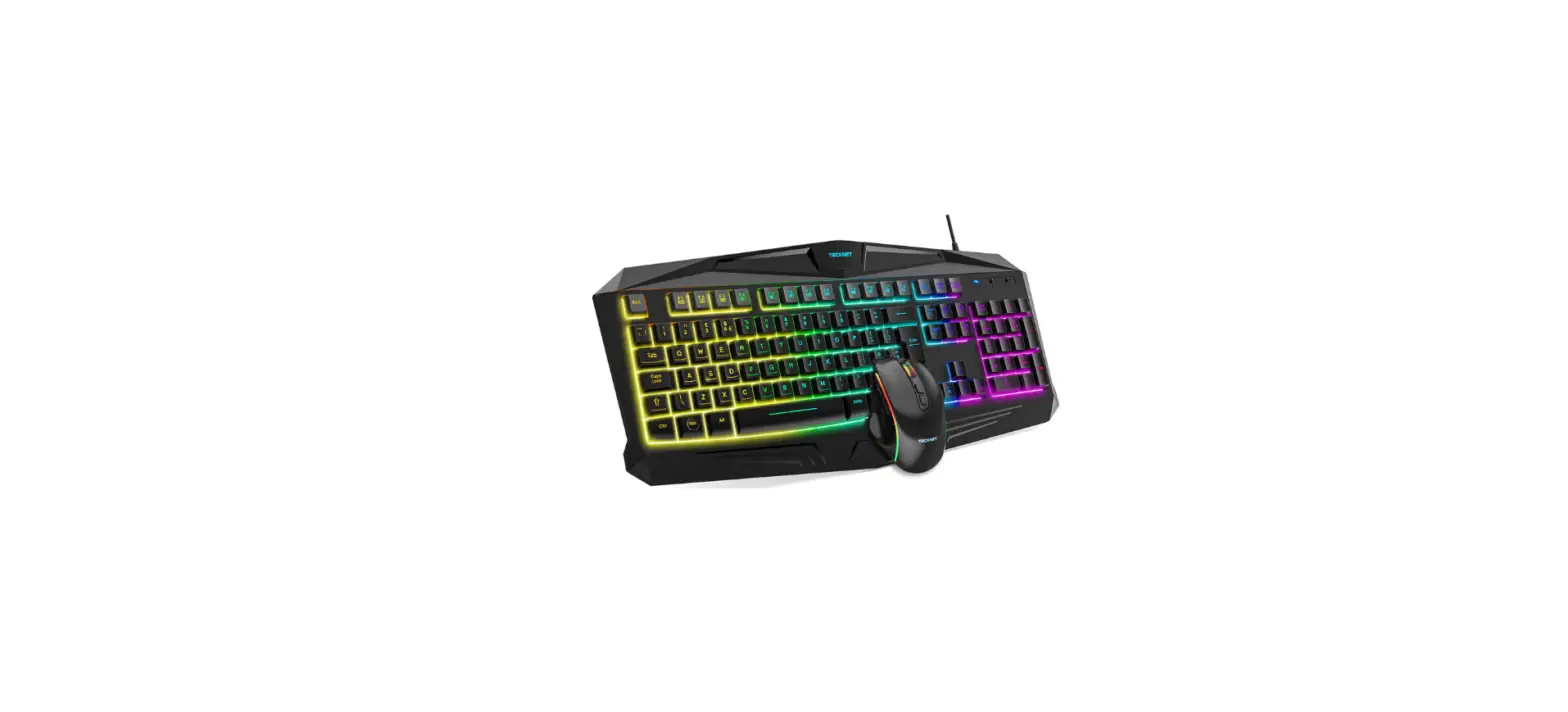
KB-G9300 keyboard is an input device. It is designed to enter information into the computer, as well as controll the operation of the computer.
PACKAGE CONTENTS
- Keyboard — 1 pc
- User’s Manual — 1 pc
- Warranty card — 1 pc
SPECIAL FEATURES
- 20 additional (Fn) functions.
- WIN key lock.
- Blue switches.
- 25 anti-ghosting keys.
- Keyboard brightness backlight control.
- Foldable feet.
- High strength braided cable.
SYSTEM REQUIREMENTS
- ОС Windows.
- Free USB port.
INSTALLATION
- Connect the keyboard to an available USB port of your PC.
- Installation of keyboard is automatic after its connection to USB port of PC.
DESCRIPTION OF QUICK ACCESS KEYS FUNCTION
| Fn + F1 | Start media player | Fn + F12 | Start calculator |
| Fn + F2 | Volume down | Fn + WIN | WIN key lock |
| Fn + F3 | Volume up | Fn +  | Increase backlight brightness level |
| Fn + F4 | Mute/Unmute | Fn +  | Decrease backlight brightness level |
| Fn + F5 | Stop playing | Fn +  | Increase backlight flashing speed |
| Fn + F6 | Play previous track | Fn +  | Decrease backlight flashing speed |
| Fn + F7 | Play/Pause |  | Change backlight mode |
| Fn + F8 | Play next track | Fn +  (Scroll Lock) (Scroll Lock) | Turn ON/OFF backlit |
| Fn + F9 | Start e-mail app | Fn + W | Switch WASD keys |
| Fn + F10 | Open homepage | to arrows and back | |
| Fn + F11 | Lock keyboard | Fn + Esc | Backlight mode reset |
Note. Press the shortcut keys while holding the Fn key.
TROUBLESHOOTING
| Problem | Solution |
| Кeyboard is not working. | 1. Disconnect keyboard from PC and check connector pins for possible damage. If there is no external damage found and connector pins are OK, connect keyboard to PC again. 2. We recommend to address the nearest authorized service center. |
TECHNICAL SPECIFICATIONS
| Parameter, measurment unit | Value |
| Q-ty of keyboard keys, pcs | 104 |
| Q-ty of keyboard shortcut keys, pcs | 20 (Fn) |
| Keyboard layout | Eng/Rus/Ukr |
| OS compatibility | Windows |
| Interface | USB |
| Dimensions, mm | 425 × 120 × 35 (45) |
| Weight, g | 660 |
Notes. Technical specifications given in this table are supplemental information and can not give occasion to claims. Technical specifications are subject to change without notice due to improvement of SVEN production.
www.sven.fi
Model: KB-G9300
Importer:
Tiralana OY, Office 102,
Kotolahdentie 15,
48310 Kotka, Finland.
® Registered Trademark of Oy SVEN
Scandinavia Ltd. Finland.