

 |  |
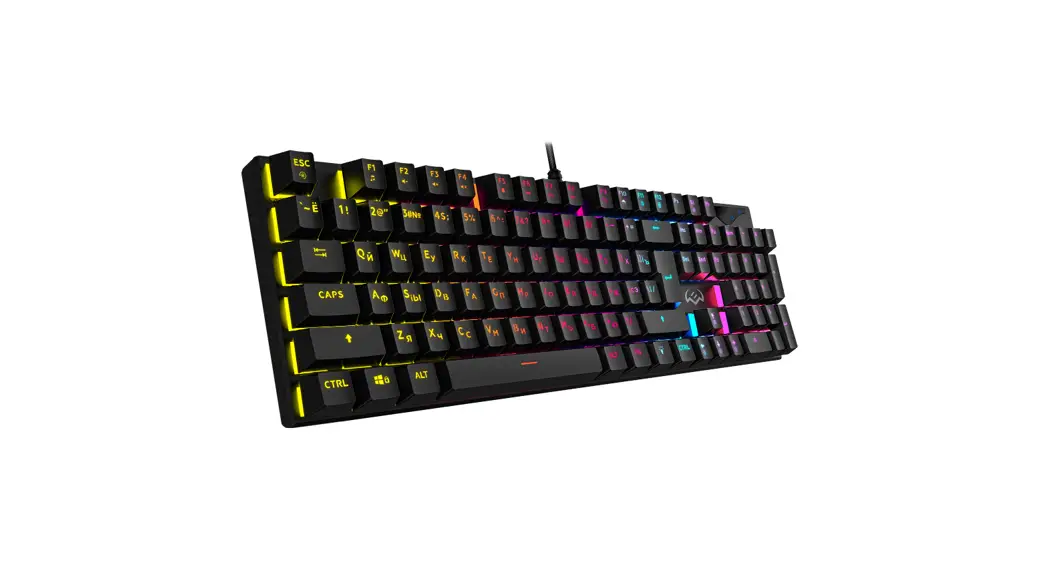
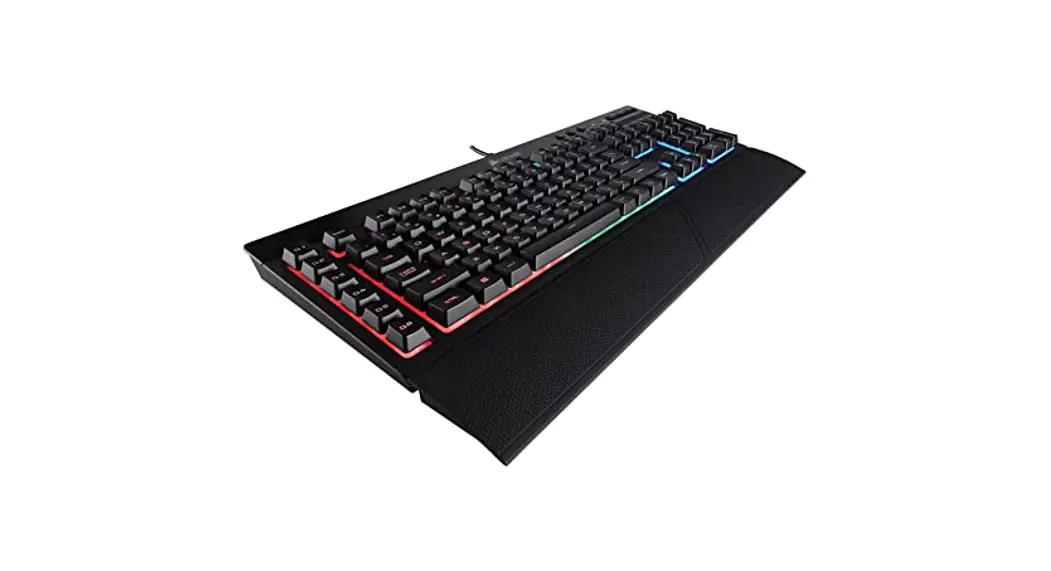
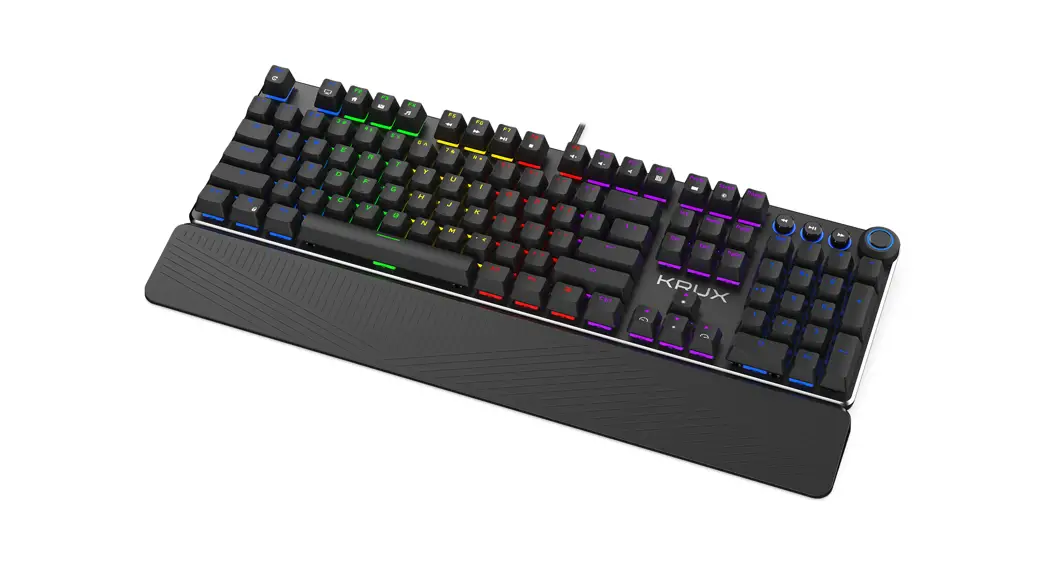
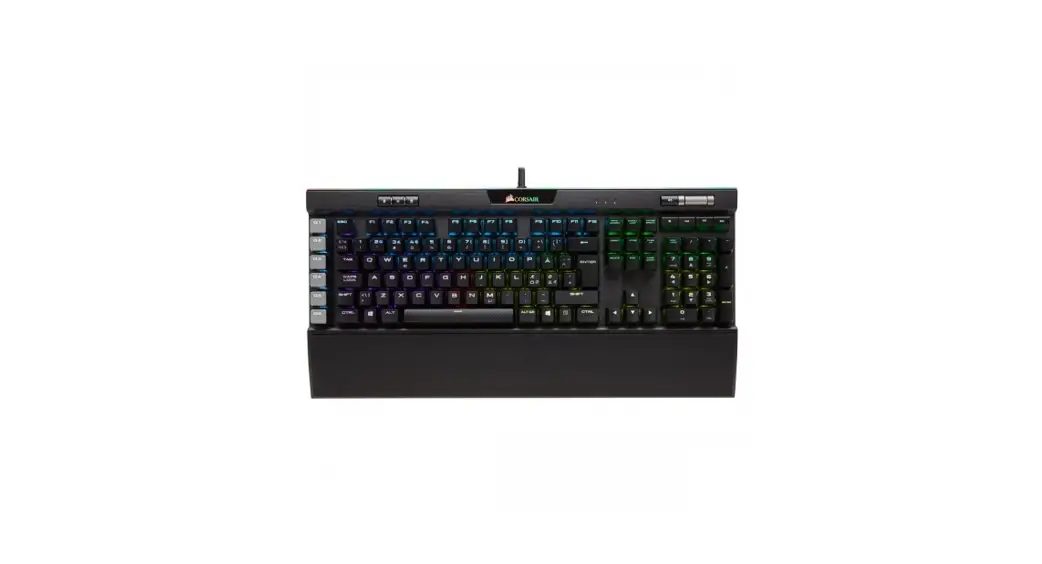
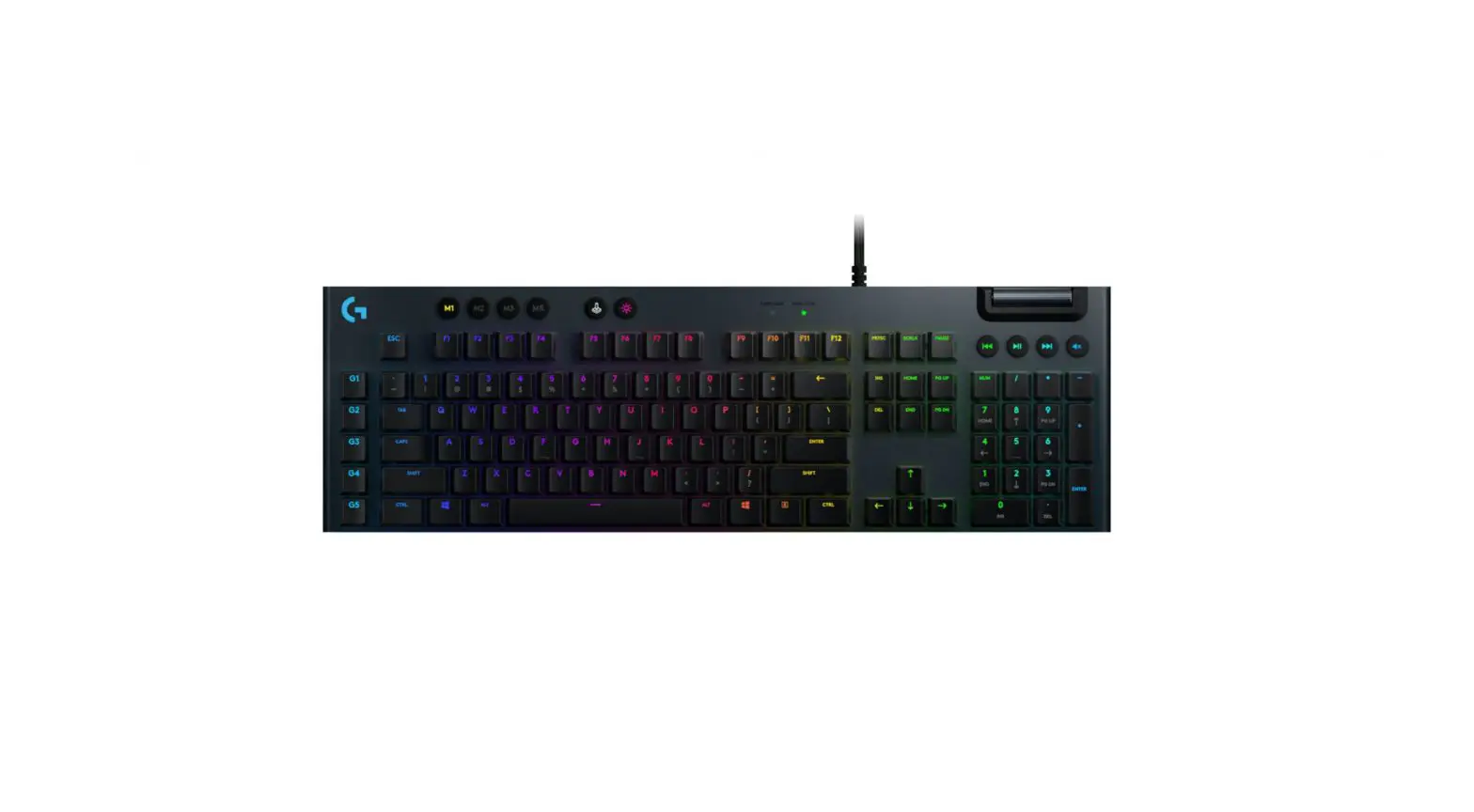
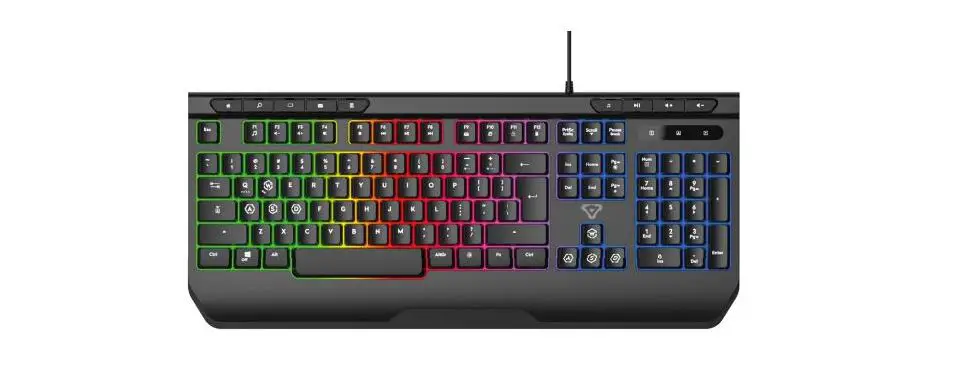
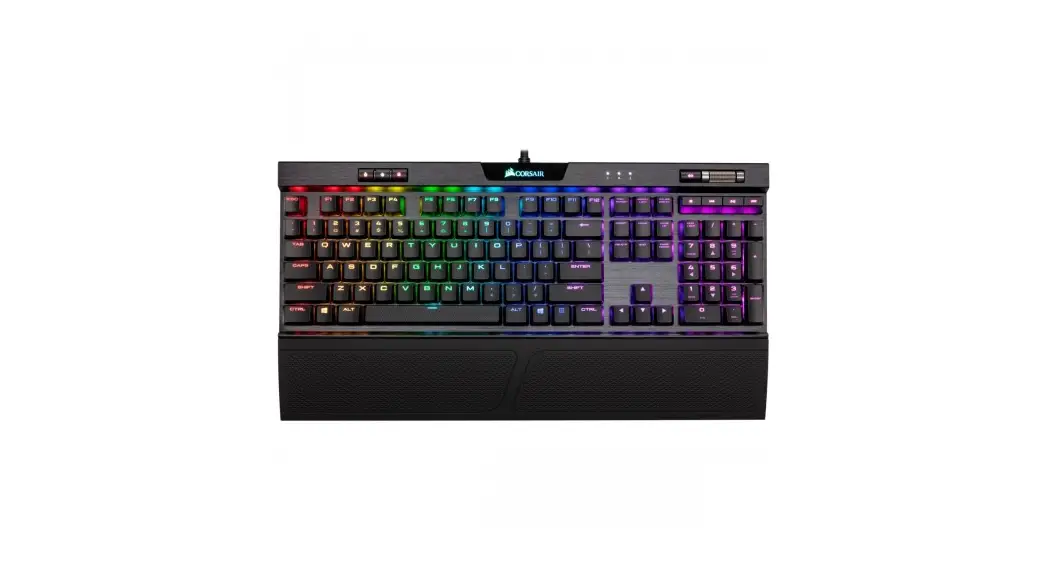
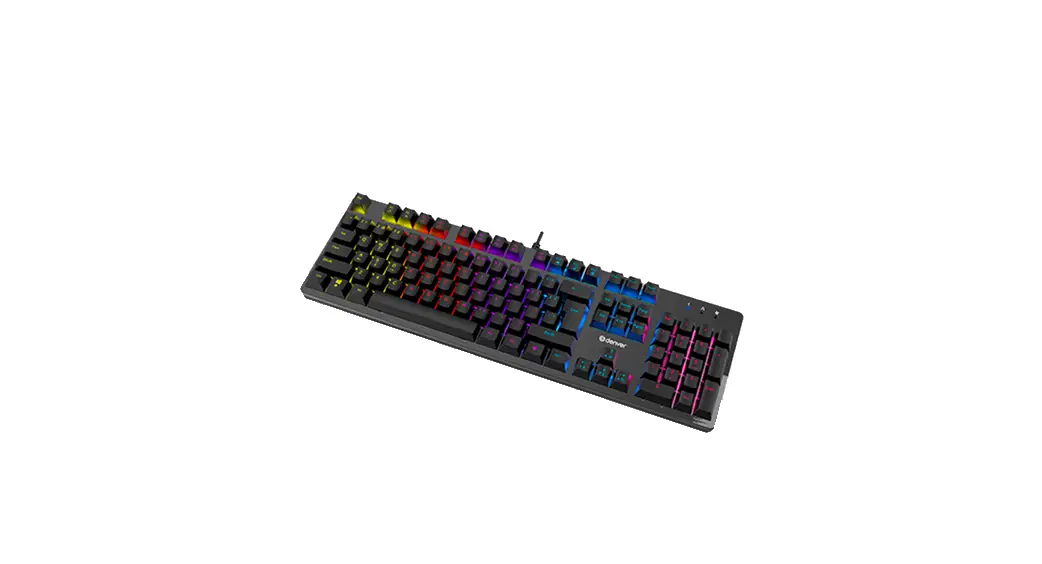
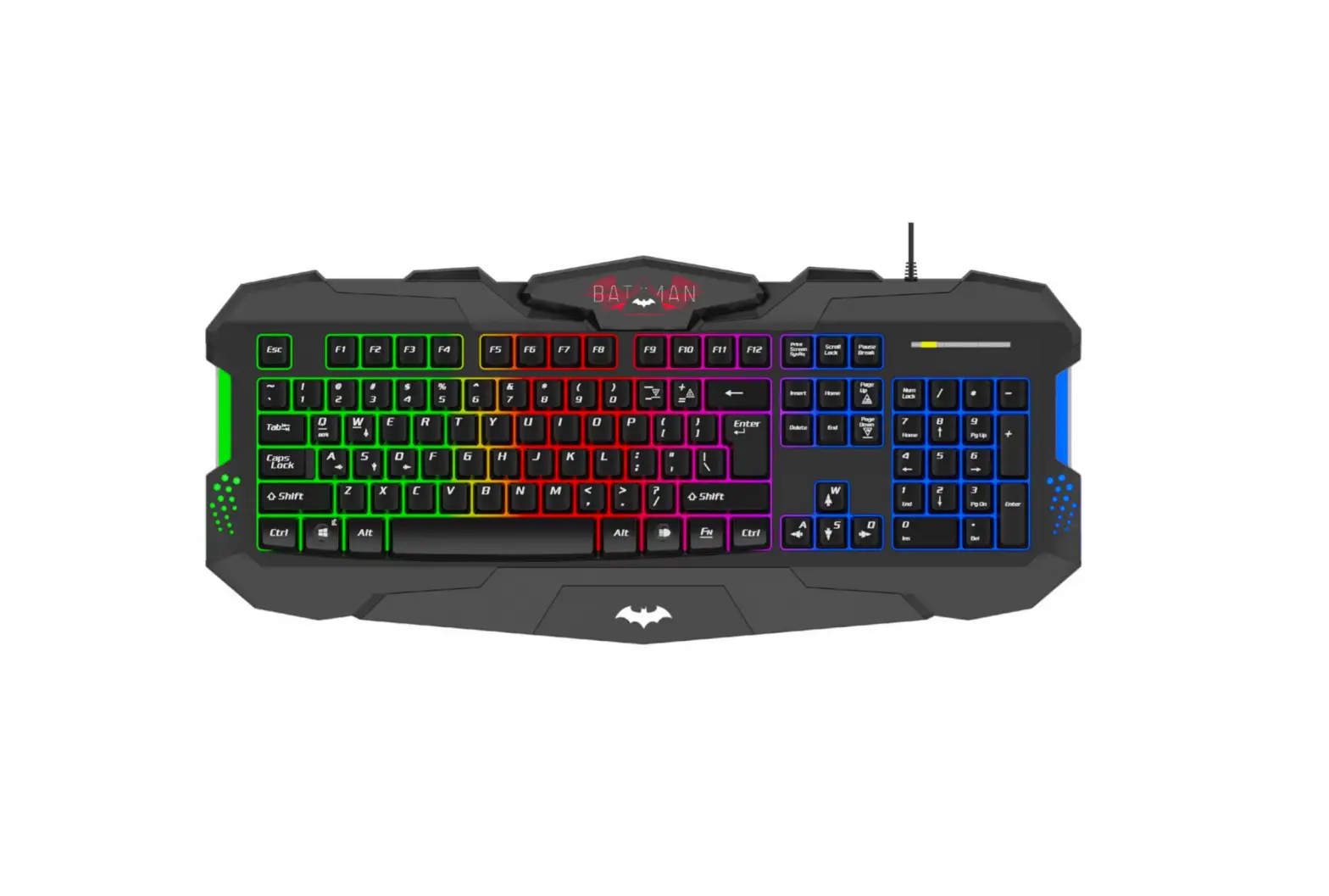
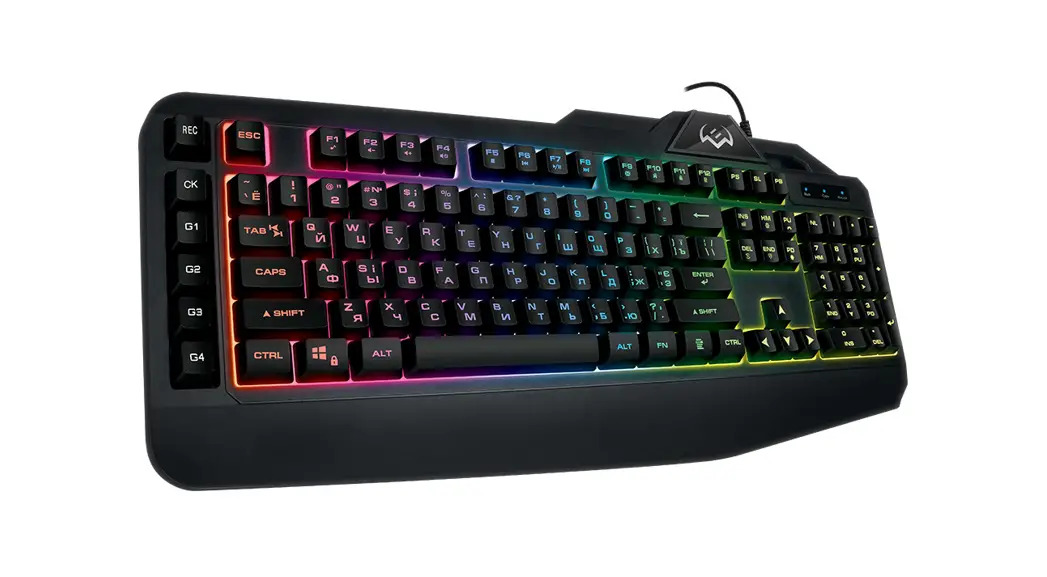
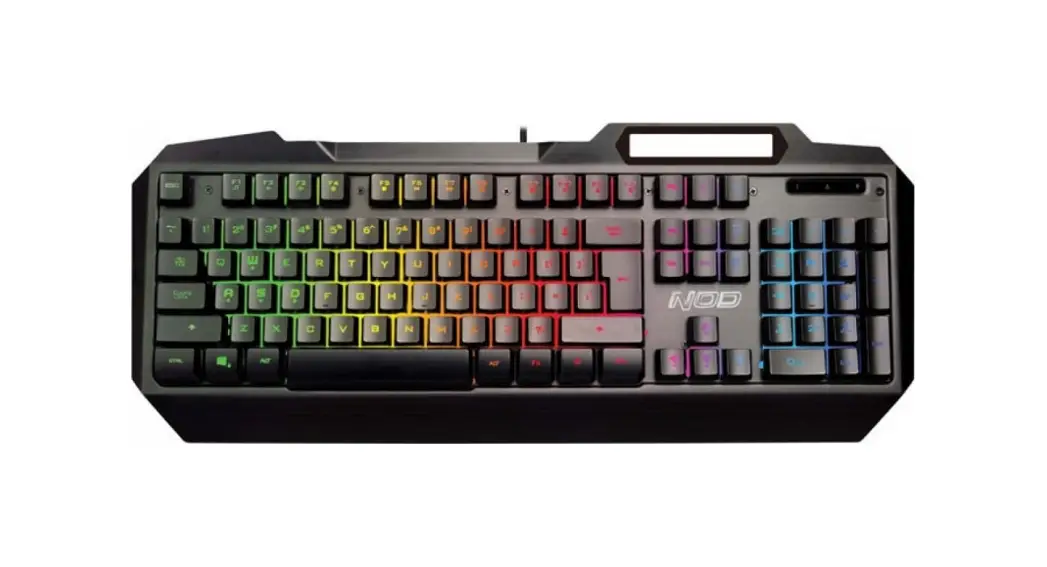
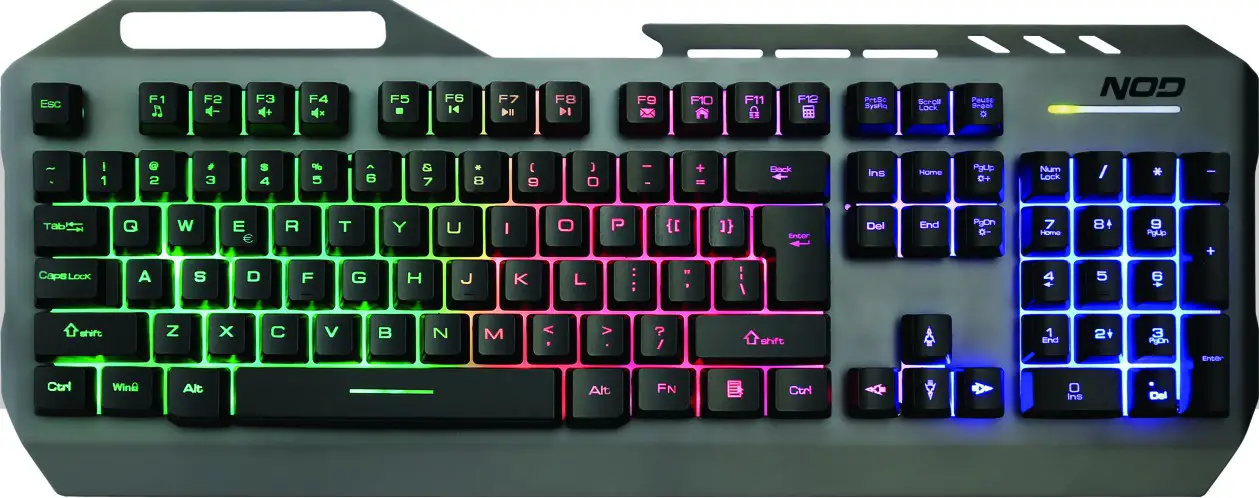
RGB GAMING KEYBOARD
USER MANUAL
INSTRUCTIONS MANUAL
- Plug USB cable of keyboard on your PC port.
- System will automatically detect the keyboard and install the respective driver.
- When installation is finished, you can start using your keyboard.
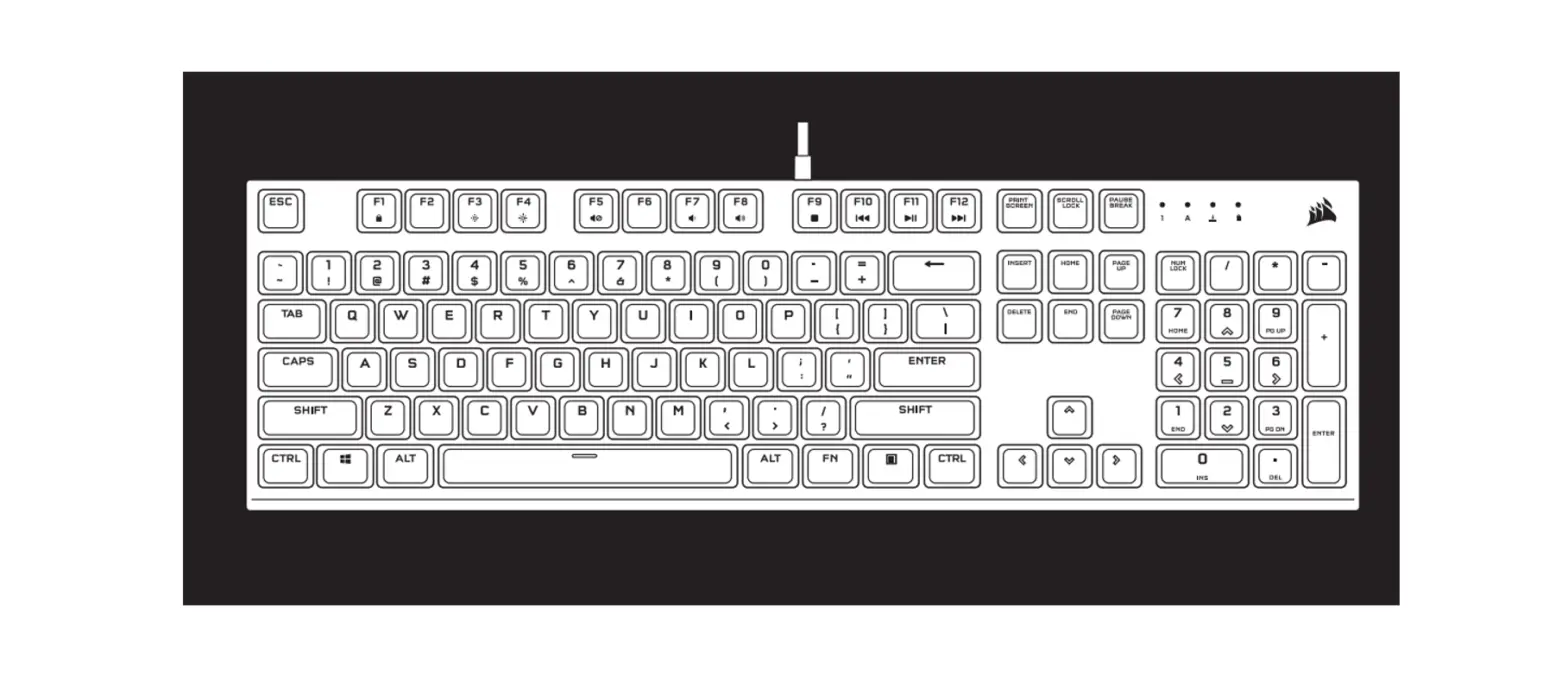
OVERVIEW OF AVAILABLE SHORTCUTS
Anti-Ghosting:
Press up to 19 keys at the same time and execute multiple commands simultaneously.
Keys rollover:
Q, A, Z, W, S, X, E, D, C, B, Space,
↑, ↓, ←, →, Tab, Alt-L/V, Ctrl-L/F, Shift-L
Select lighting mode:
Pause: Turn on / Turn off
FN + Pause: Select between Breathing or Steady backlight
Set brightness level:
Press FN + PAGE UP to increase the illumination brightness and FN + PAGE DN to decrease it.
Press “PAUSE” to turn off backlight.
Gaming mode:
Press FN to lock Windows functions, press the combination again to unlock.
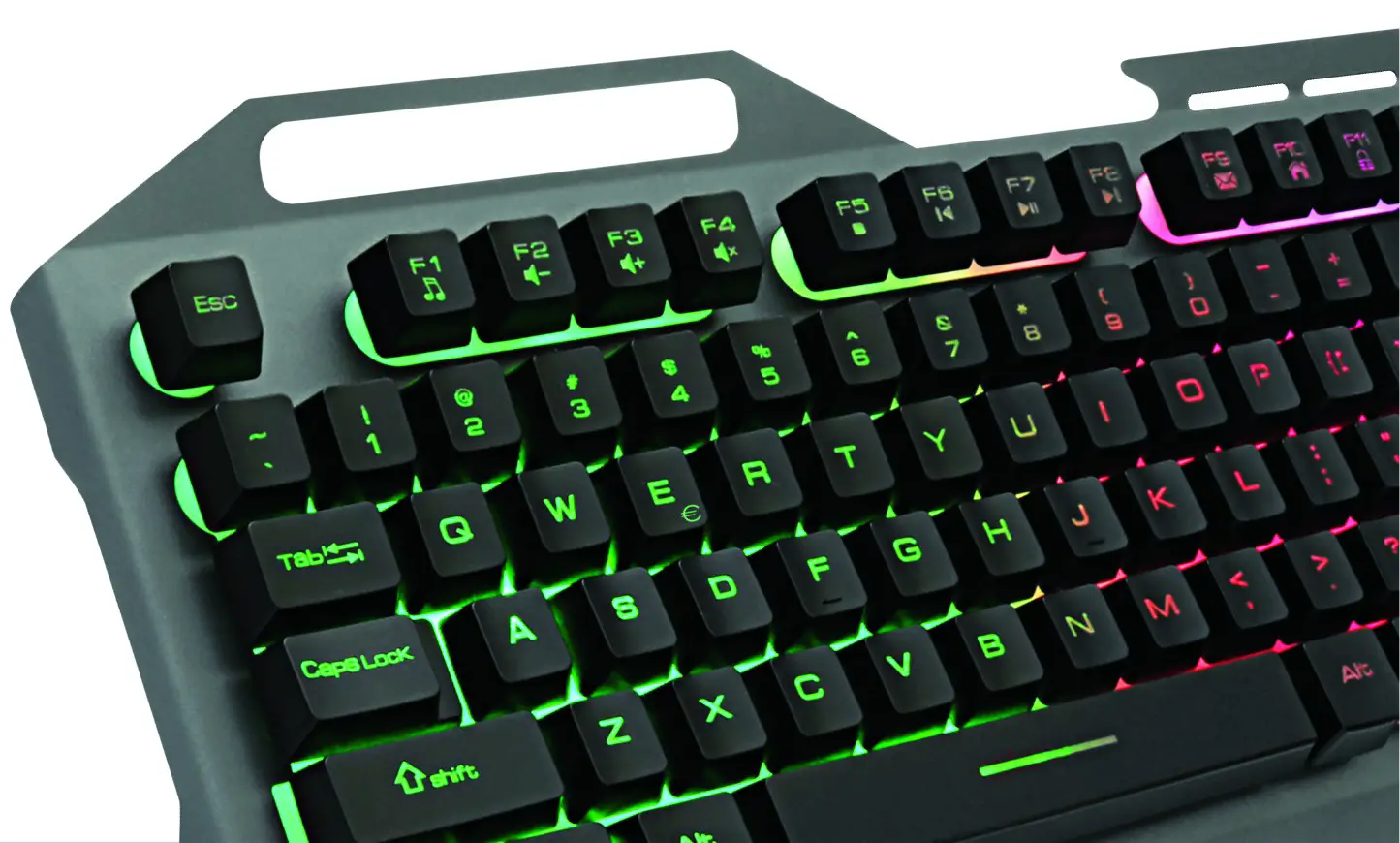
Function Keys with Preset Multimedia Actions:
| Keys | Function |
| Fn + Fl | Windows Media Player on |
| Fn + F2 | Volume down |
| Fn + F3 | Volume Up |
| Fn + F4 | Mute |
| Fn + F5 | Stop |
| Fn + F6 | Previous track |
| Fn + F7 | Play/Pause |
| Fn + F8 | Next track |


IONIAS – KALOCHORI, 570 09 THESSALONIKI GREECE, TEL. +30 2310 700777
e-mail: [email protected] www.sun.gr