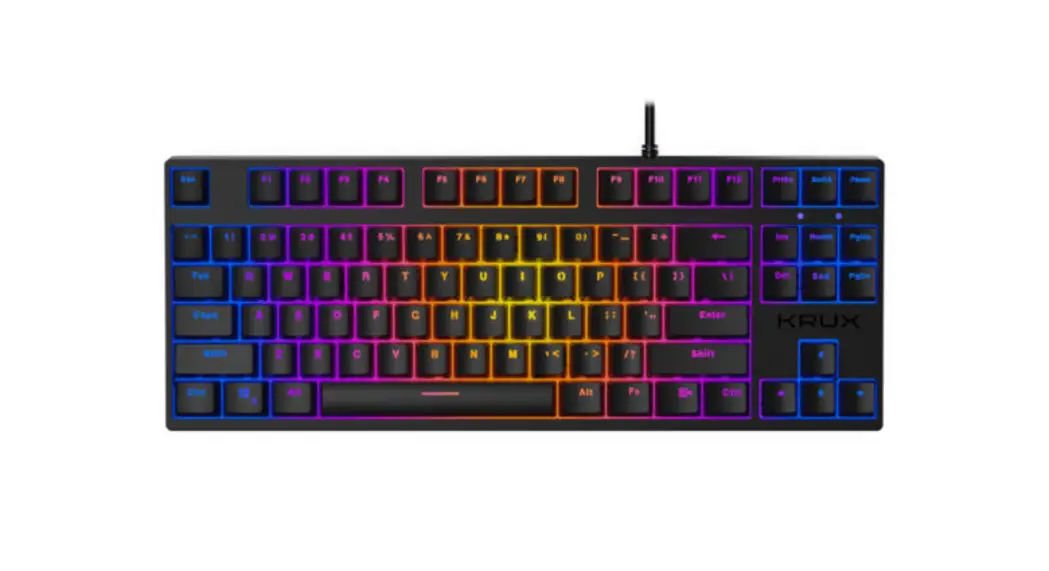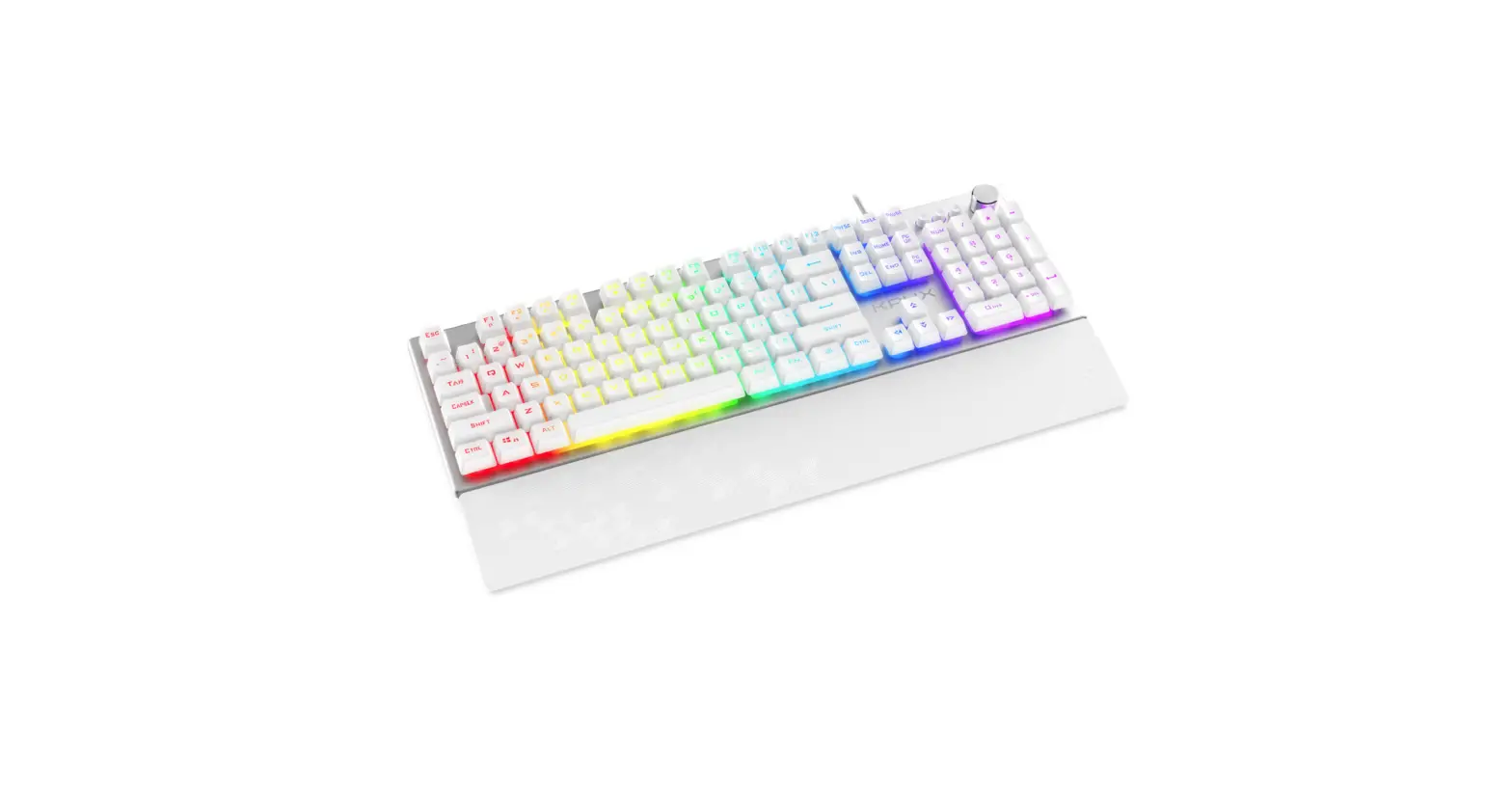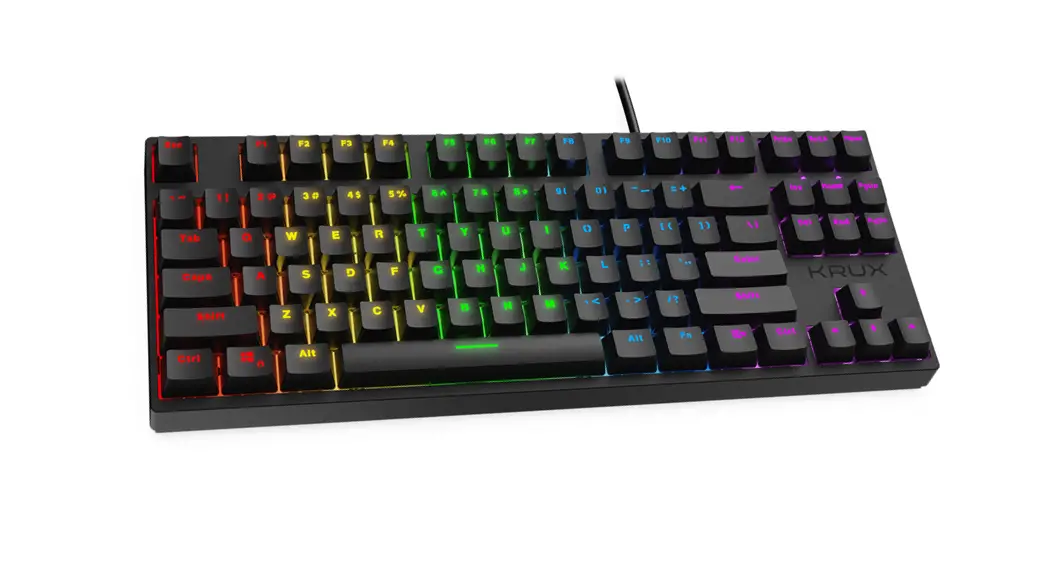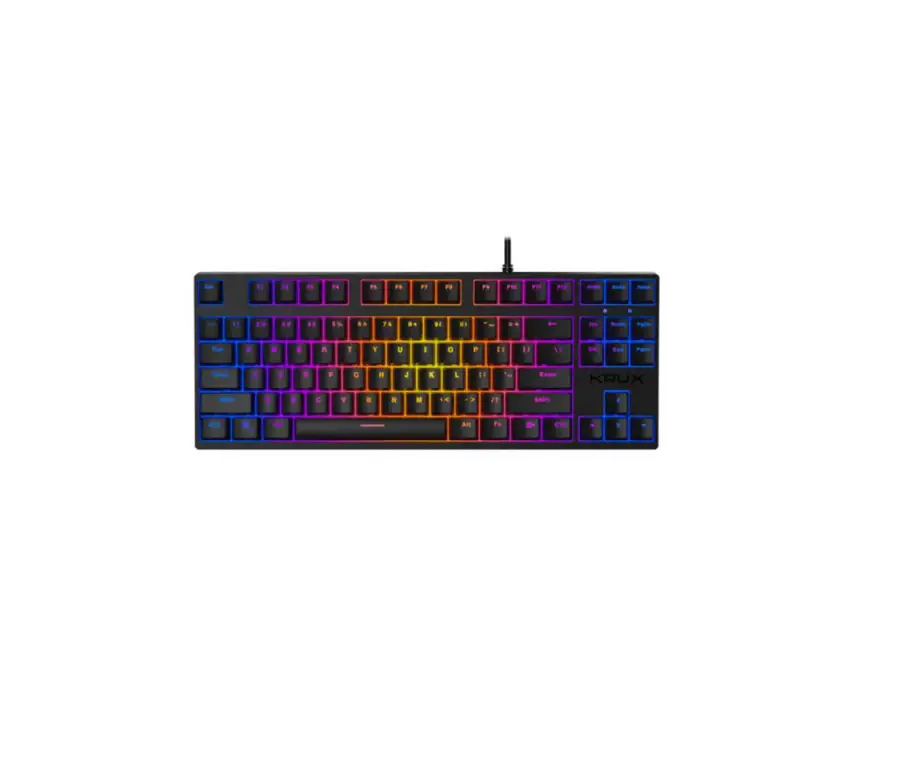

CRATO RGB
KRX0086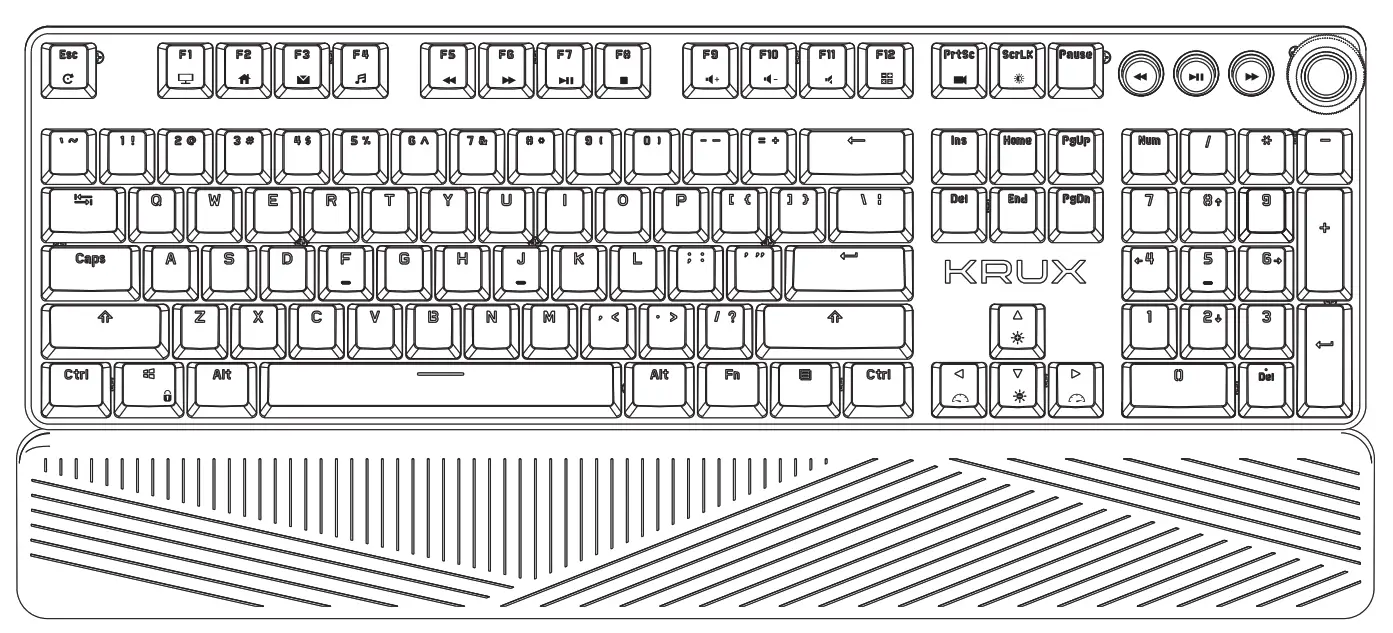 WWW.KRUX.TECH
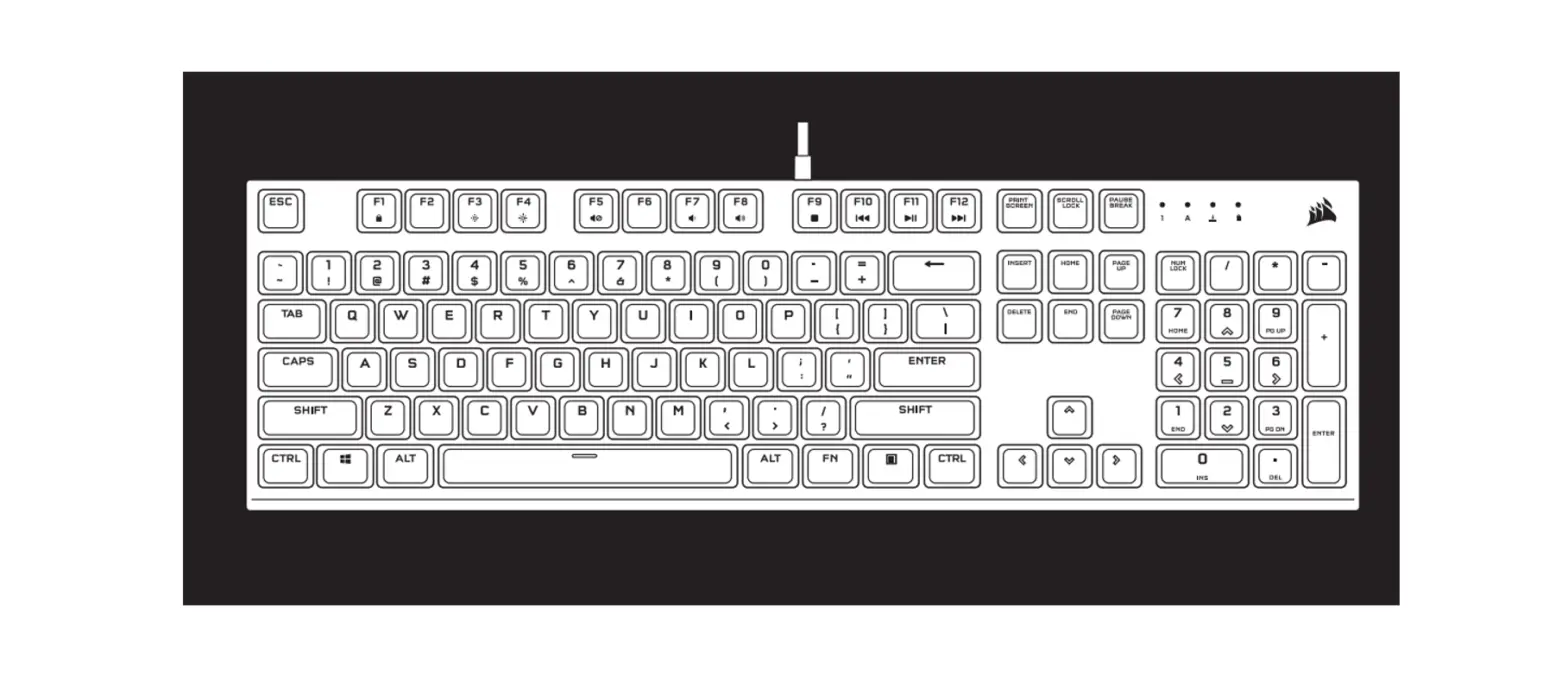
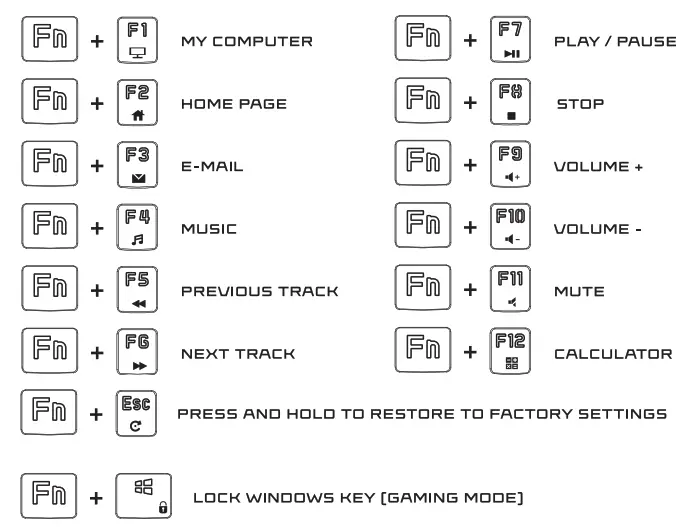
MULTIMEDIA KEY FUNCTIONS:
BACKLIGHT SET:
 | SWITCHING BACKLIGHT MODE [LIGHTING EFFECT MODES CYCLICALLY SWITCH] |
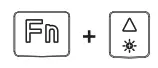 | BACKLIGHT BRIGHTNESS + |
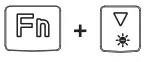 | BACKLIGHT BRIGHTNESS – |
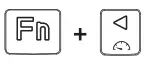 | BACKLIGHT SPERO – |
 | BACKLIGHT SPPEO + |
 | SWITCHING TO ONE OF THE FIVE PREDEFINED BACKLIGHT MODES |
 | SWITCHING TO ONE OF THE SEVEN PROFILES THAT ALLOW YOU TO EDIT THE BACKLIGHT |
MANUAL EDITING OF THE BACKLIGHT
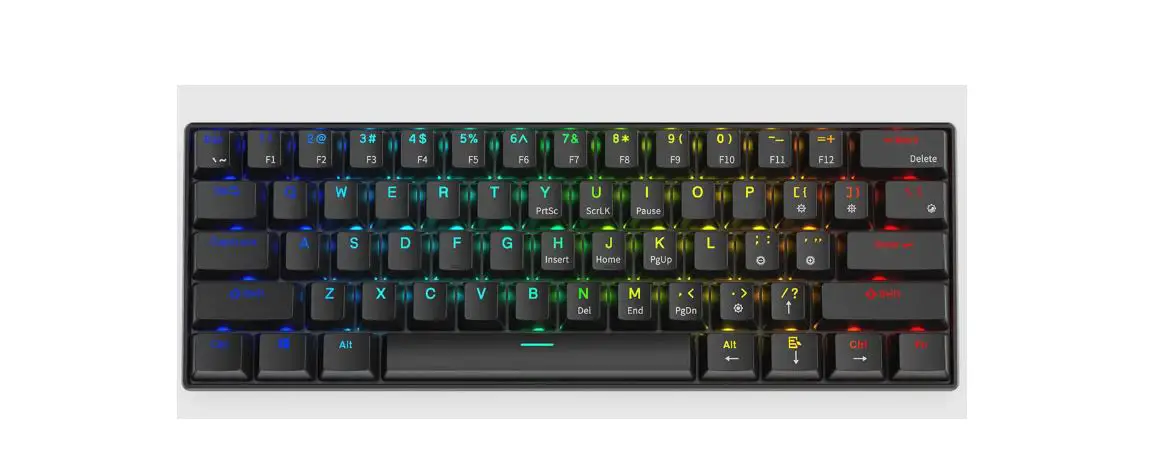
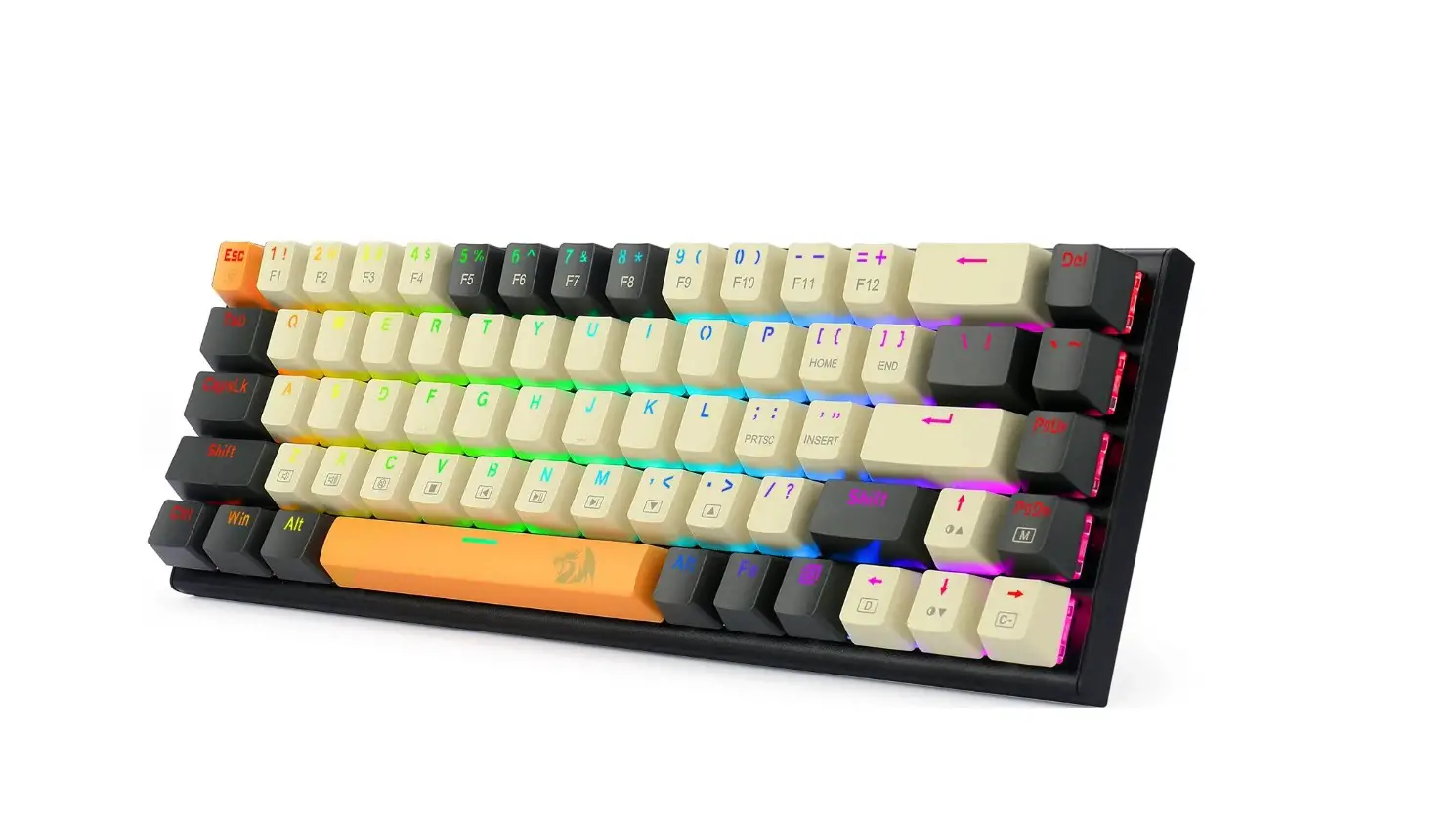
- PRESS THE FN+6/7/8/9/0/-/# KEY TO EDIT THE BACKLIGHT PATTERN.
- PRESS FN + PRTSC, TO ENTER EDIT BACKLIGHT EDIT MODE.
- CLICK ANY BUTTON TO LIGHT THE BUTTON, CLICK REPEATEDLY TO SWITCH THE COLOR OF THE BUTTON, OR TO TURN OFF THE BUTTON.
- PRESS FN + PRTSC AGAIN TO SAVE THE RECORDED LIGHT AND THE KEYBOARD BACKLIGHT WILL STAY IN THE LIGHT-EMITTING AREA MODE.
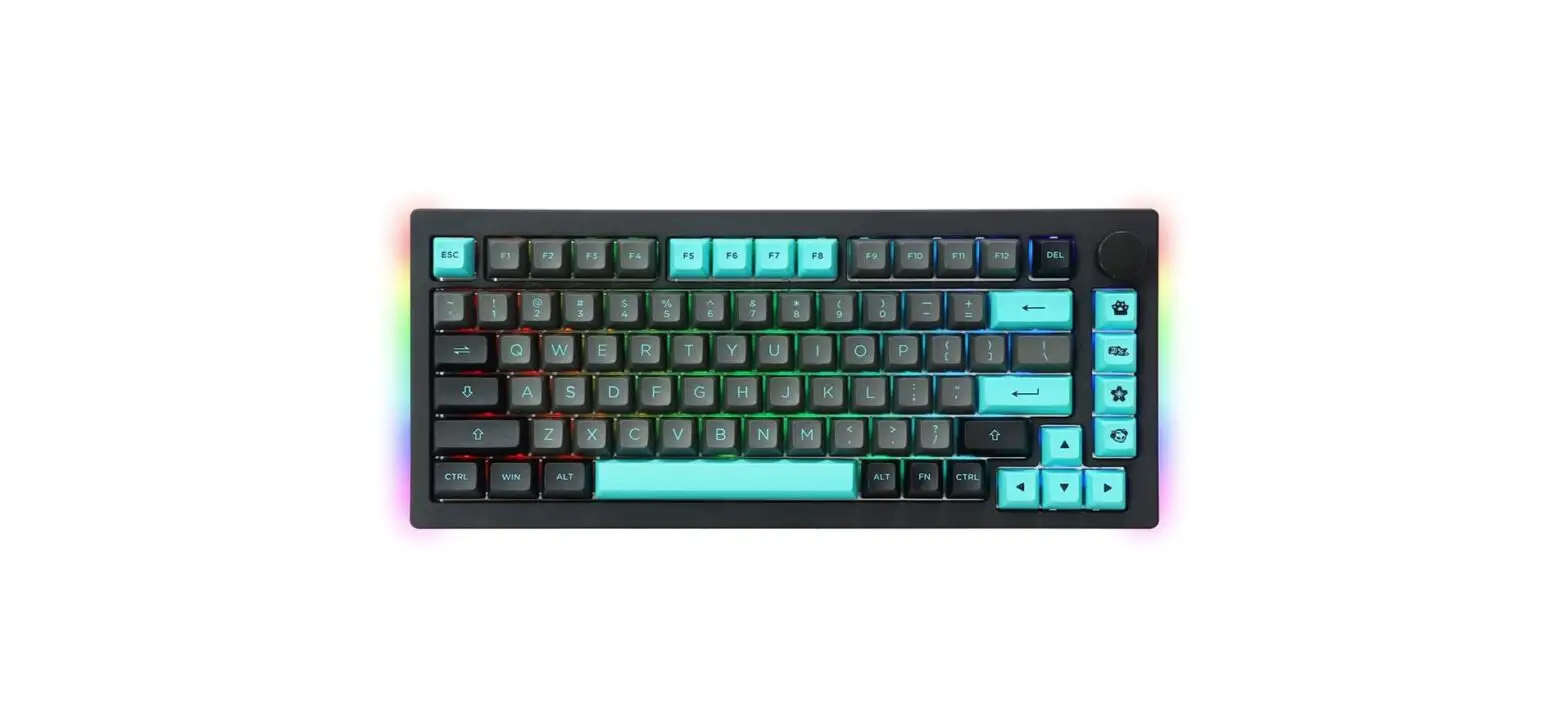
KNDB FUNCTION:
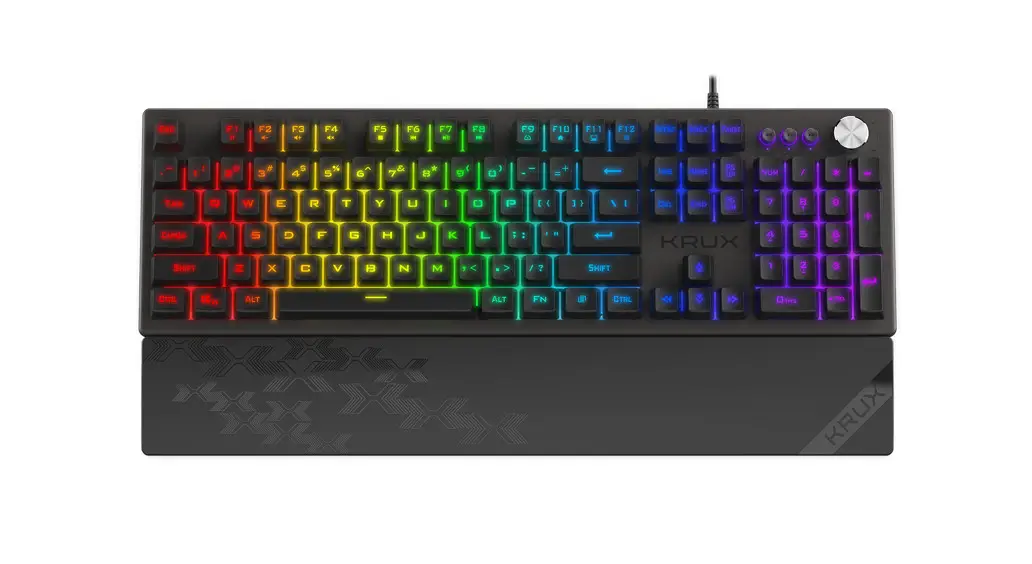
 | PRESS THIS BUTTON TO RETURN TO THE PREVIOUS MUSIC. |
 | PRESS THIS BUTTON TO PAUSE / PLAY MUSIC |
 | PRESS THIS BUTTON TO ENTER TO THE NEXT MUSIC |
 | TURN THE KNOBS CLOCKWISE TD INCREASE THE VOLUME |
 | TURN THE KNOB CLOCKWISE BY ONE LEVEL ONLY TO QUICKLY CHANGE THE VOLUME TO MAX |
 | TURN THE KNOB COUNTERCLOCKWISE TO LOWER THE VOLUME |
 | TURN THE KNOB COUNTERCLOCKWISE BY ONE LEVEL ONLY TO QUICKLY CHANGE VOLUME TO MIN |
 | PRESS THE KNOB TO MUTE |
 | PRESS ANDO HOLD KNOB FOR 2 SECONDS TO SWITCH IT’S FUNCTION TO ZOOM IN/ZO0OM OUT |
Use and warranty limitations:
– The product should be used according to it’s intended purpose.
Incorrect use can damage the product and endanger tha life of the user; – Excessive humidity, dust and other cantaminatians can result in Product damage which is not covered by the warranty; – Avoid exposure to rapid changes ambient temperature. Should they occur, wait approx. 30 minutes before using the product until temperature is leveldad; – You can find the warranty terms and conditions at httes://kruxtech/.