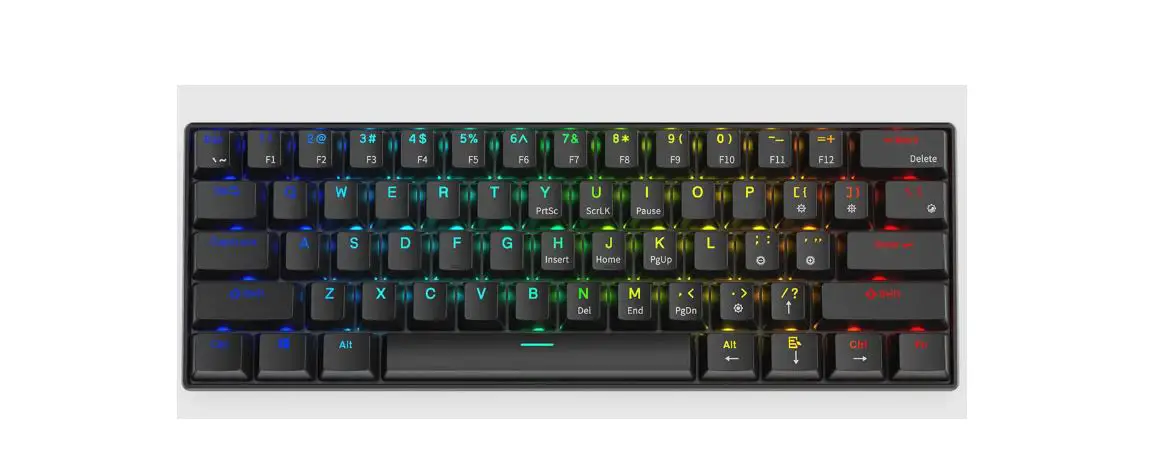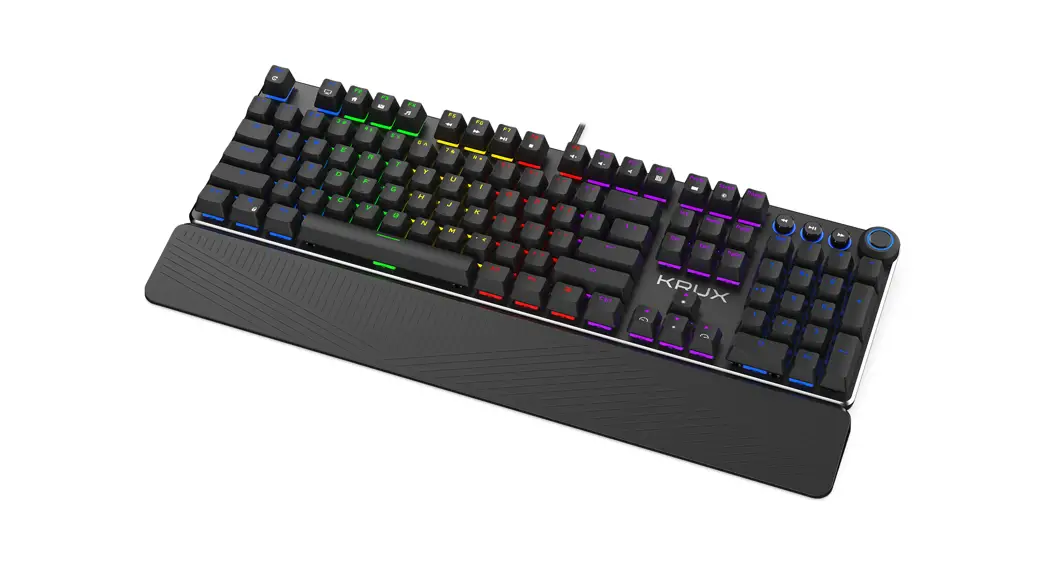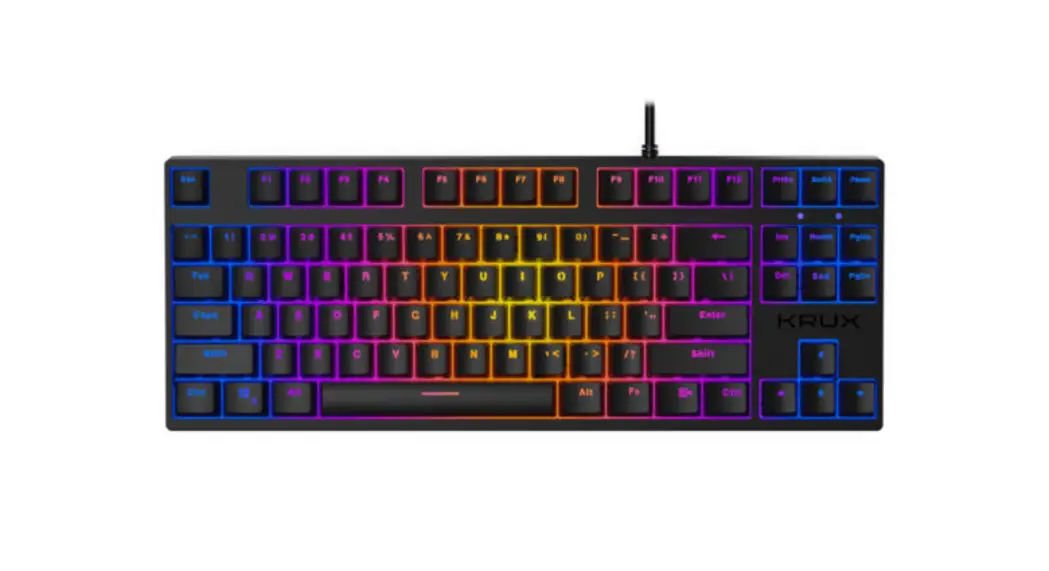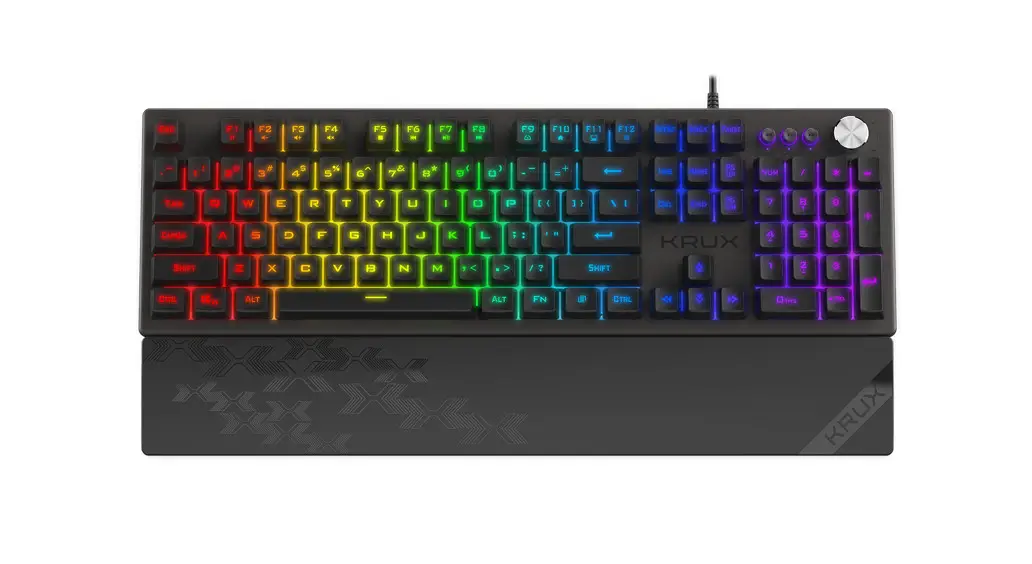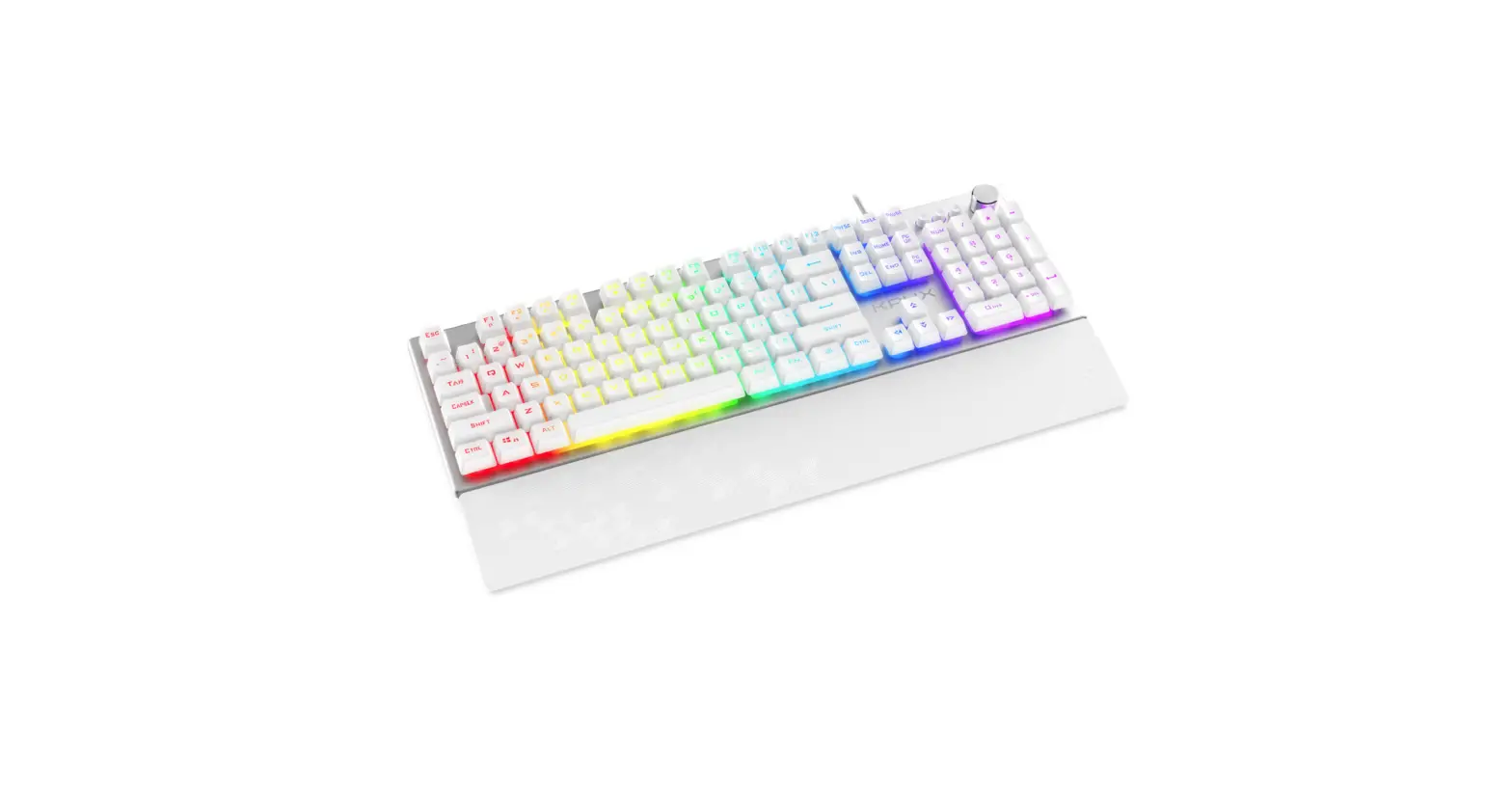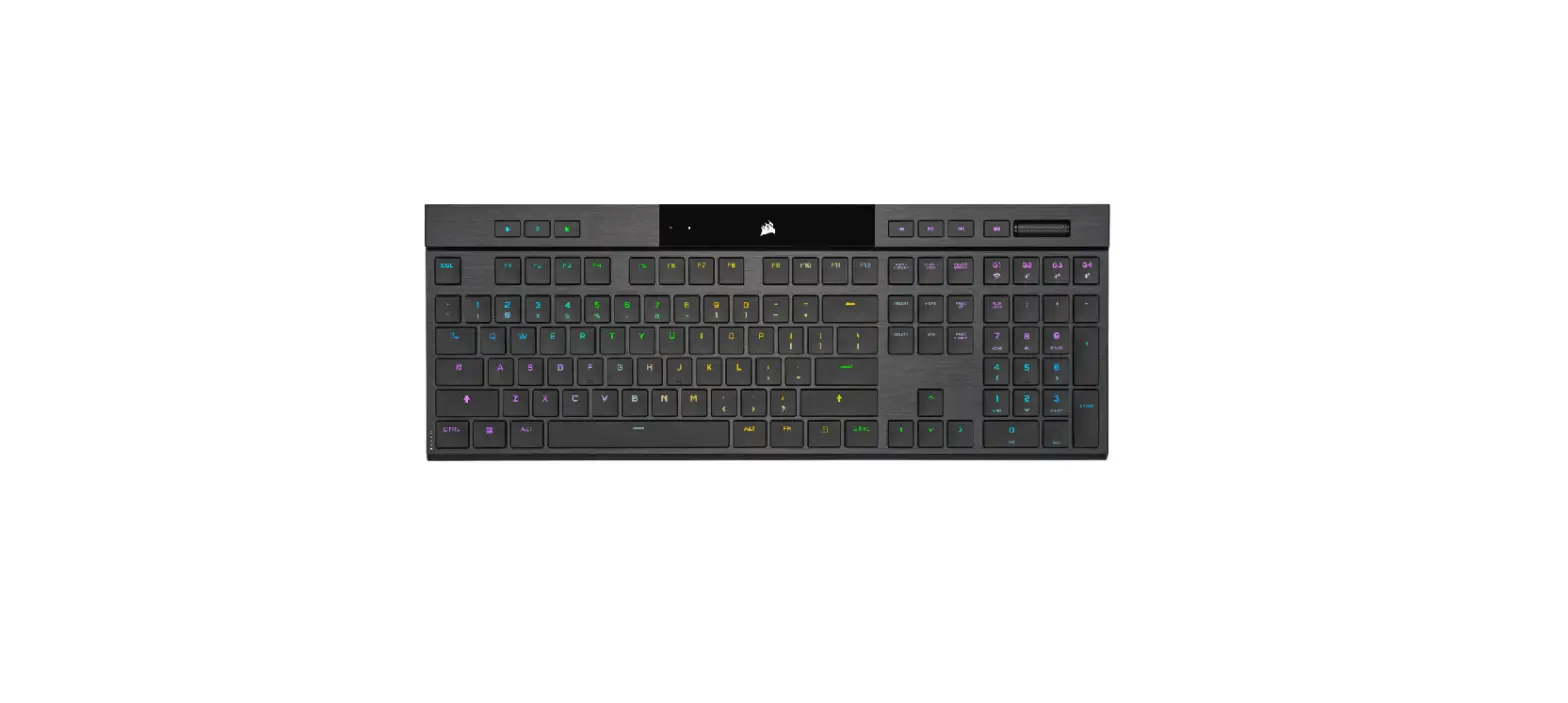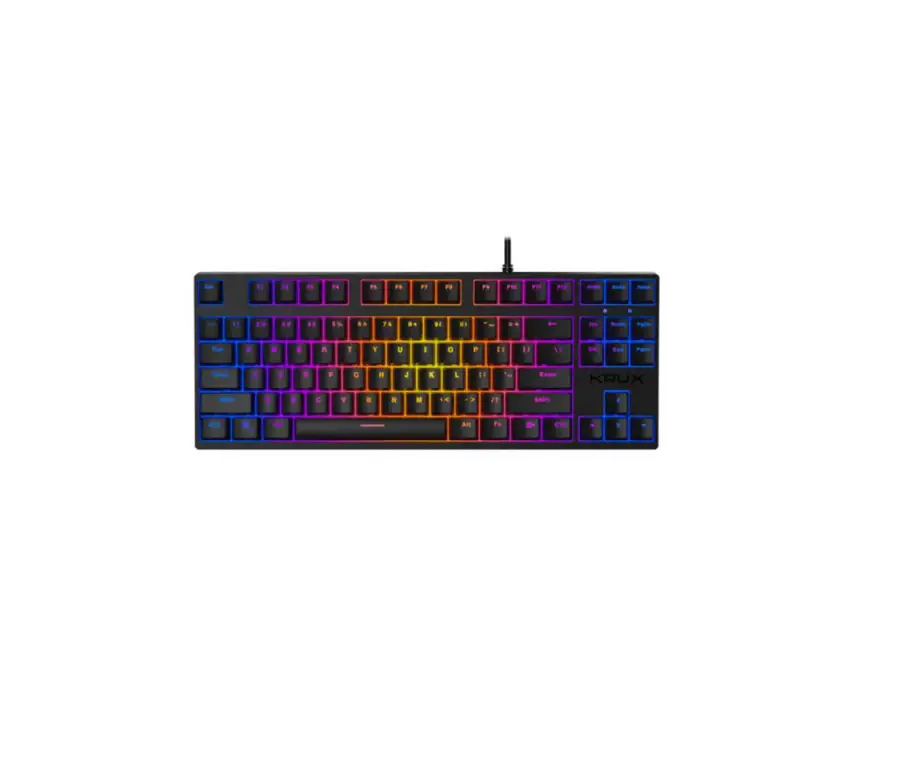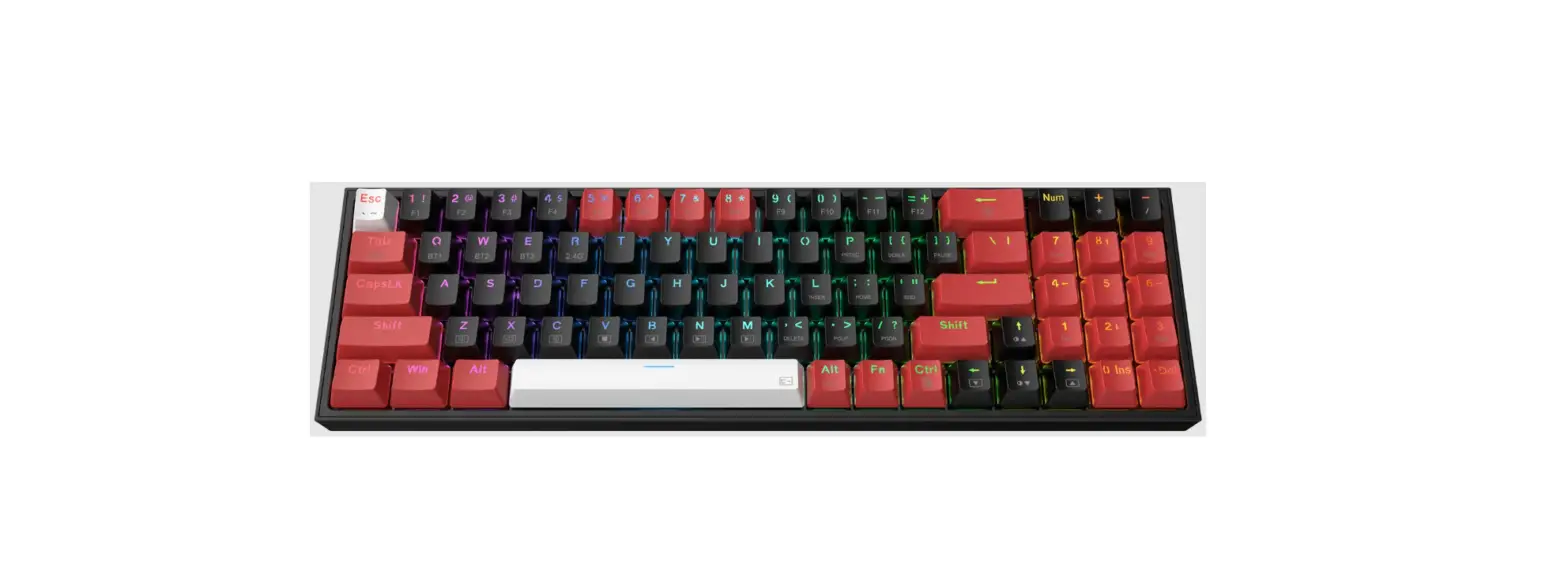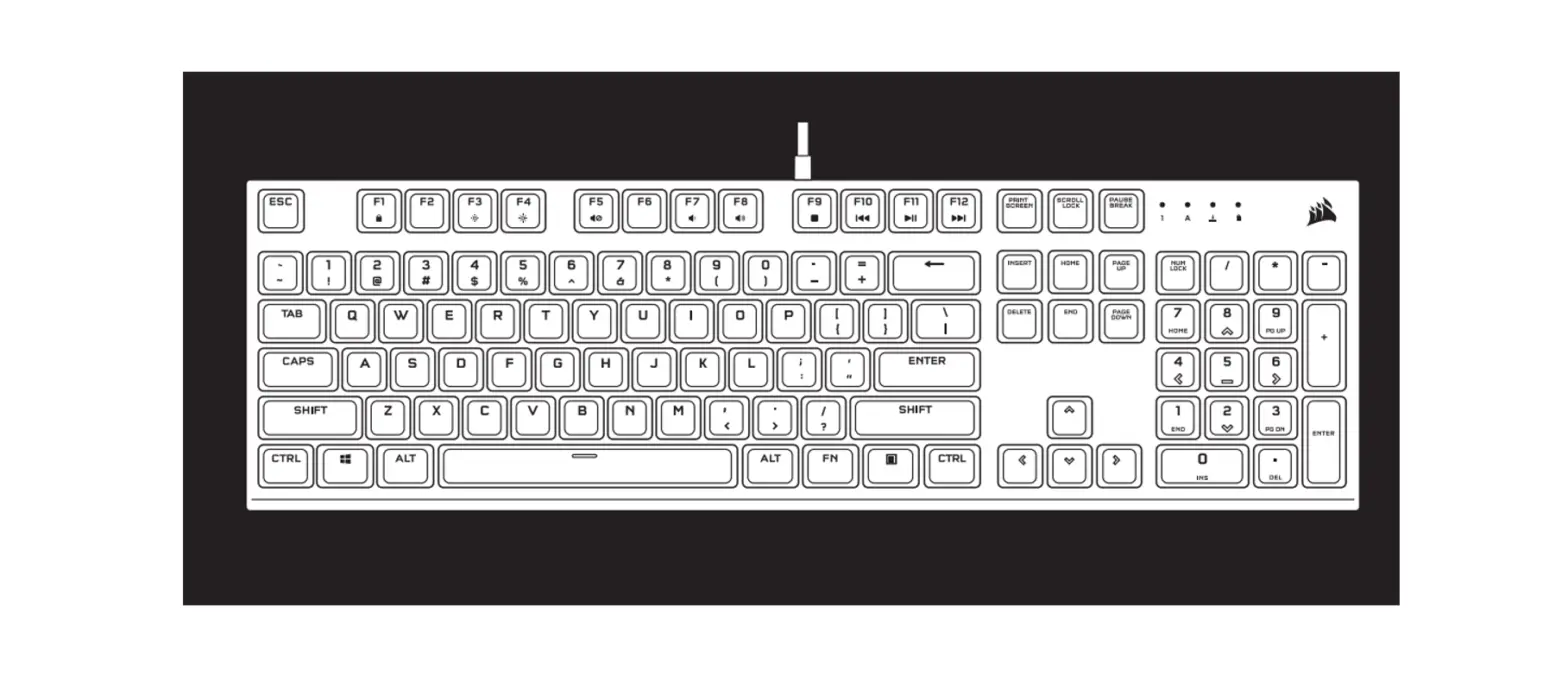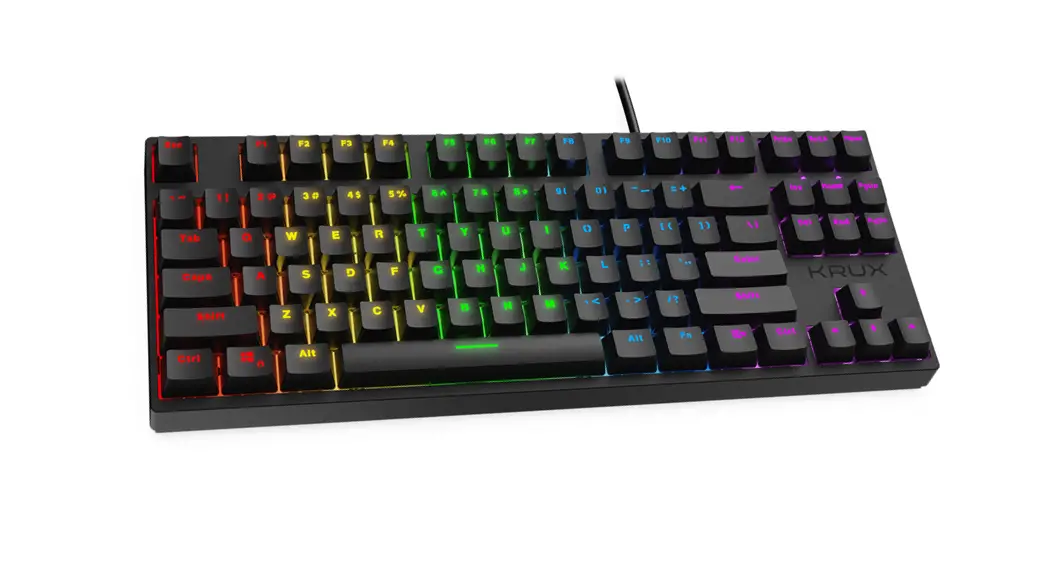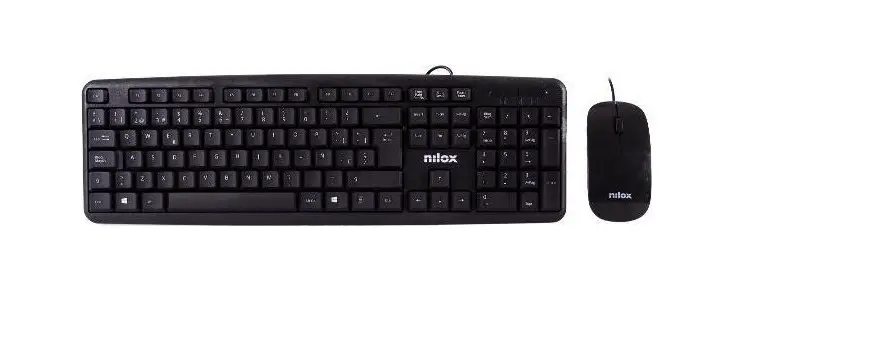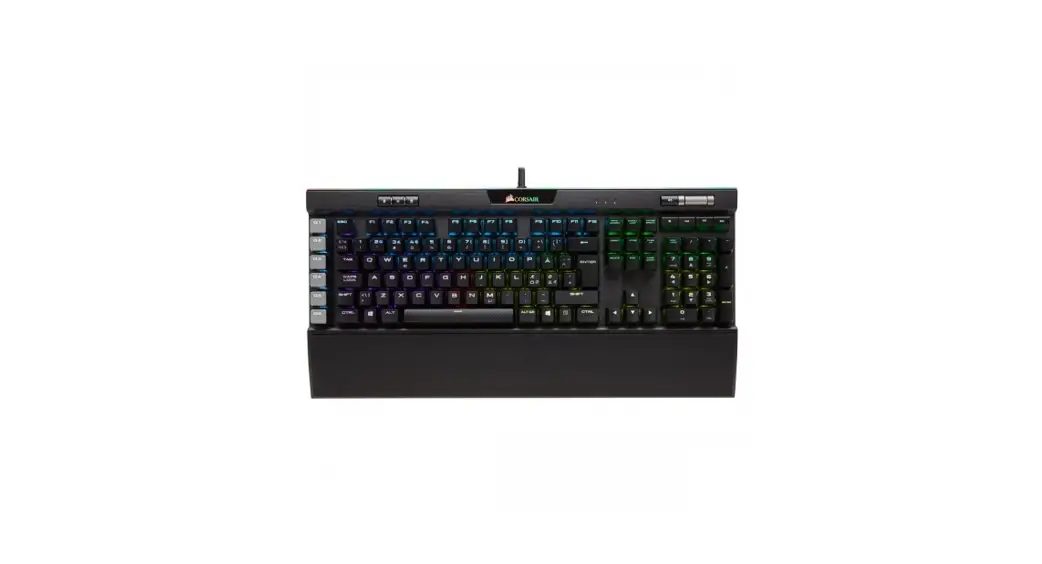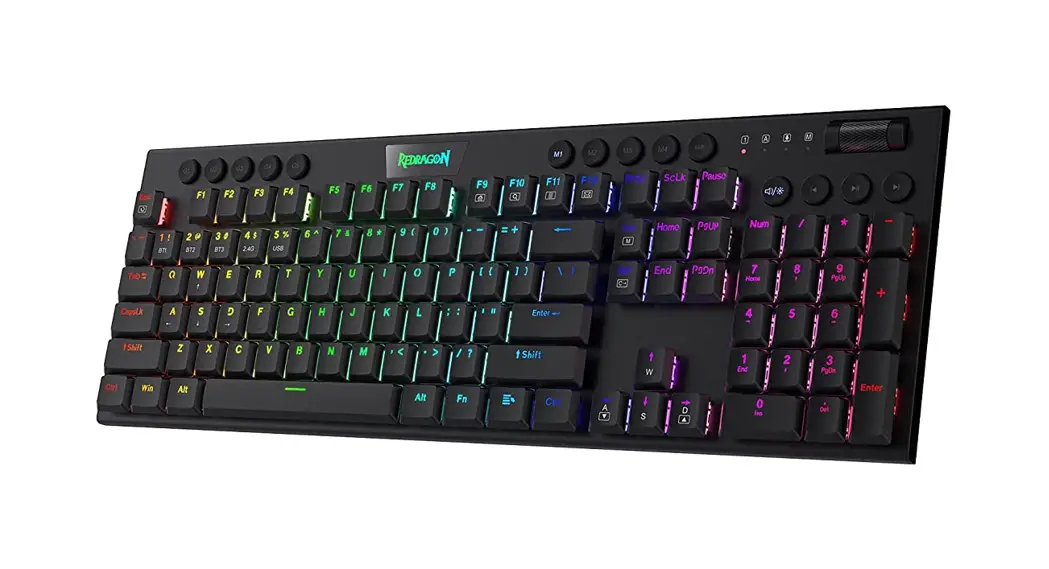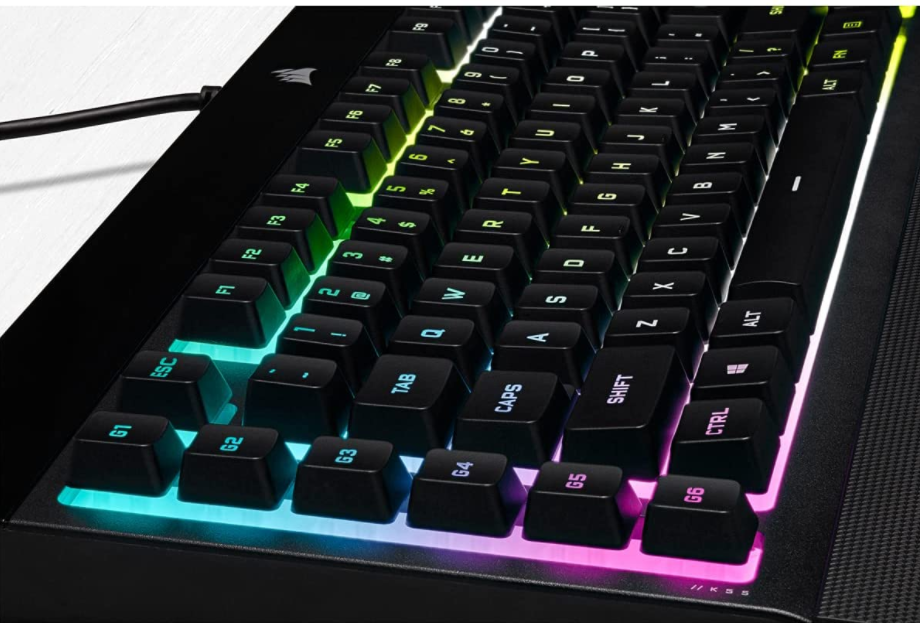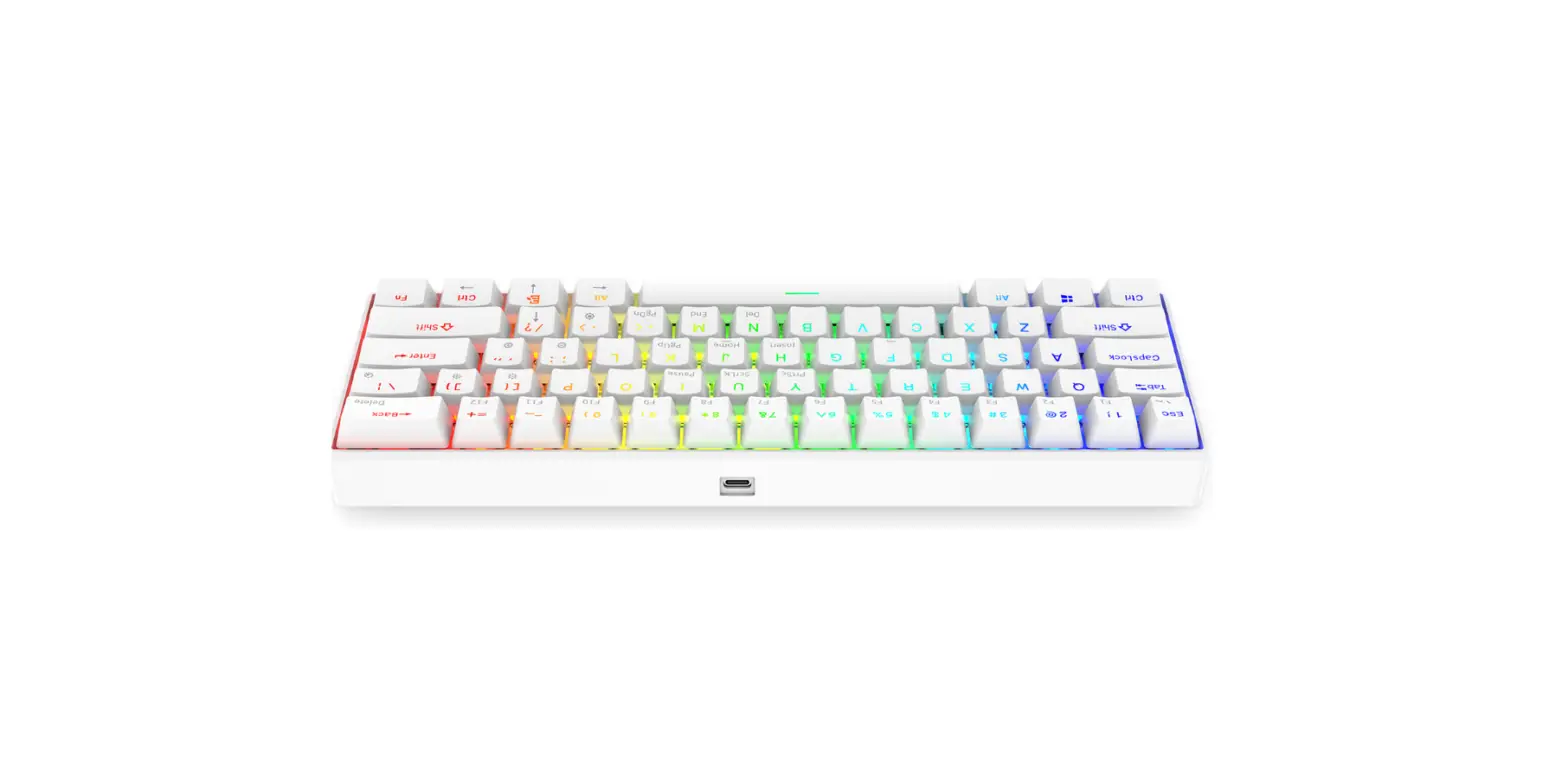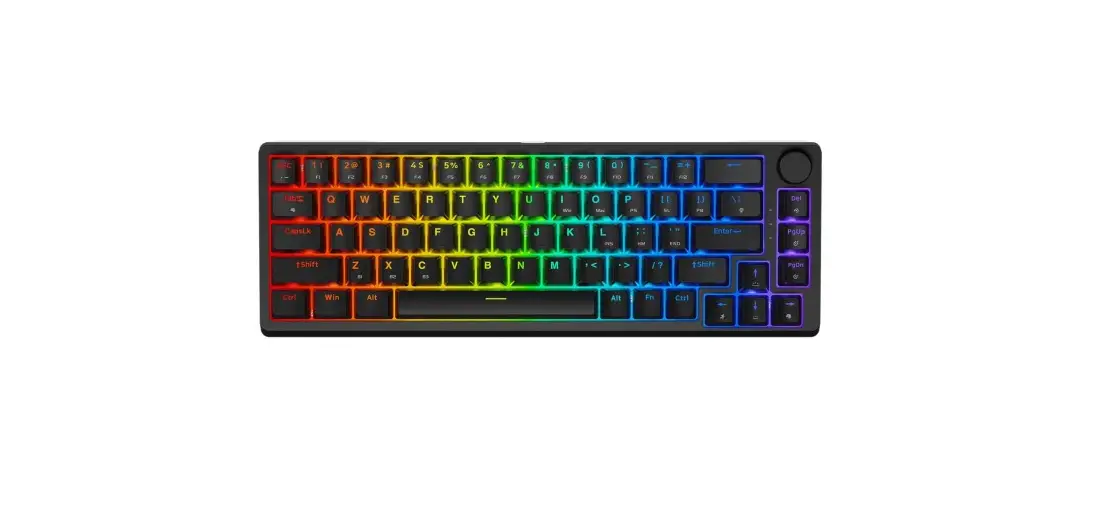
 KRX0076 Neo Pro RGB Wireless Gaming Keyboard
Instruction Manual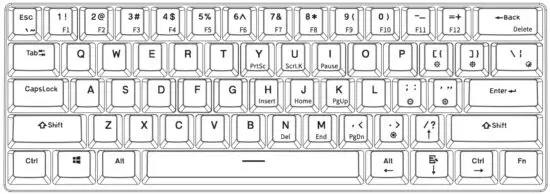
| PRODLCT NAME | KRLX NED PRO RGE WIRELESS |
| TYPE | WIRELESS GAMING KEYBOAJ |
| KEYS | 6I |
| SWITCH TYPE | GATEAON |
| LED BACKLIGHT | RGE |
| CARLE | LSE-CT, 1.5 M |
| NET WEIGHT | SBD G |
| PRODUCT SIZE | 91×101«39.s MM |
| OTHER FEATLRES | GAME MODE, WIN LOCK N-KEY FOLLCLVEF -CL5TOM BACKLIGHT MODE SOFTWARE B15 |
| WARRANTY | 24 MONTHS |
BACKLIGHT SET
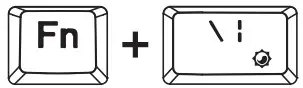 | SWITCHING BACKLIGHT MODE |
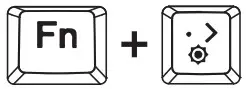 | SWITCH COLOUR |
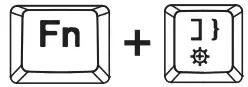 | BACKLIGHT BRIGHTNESS + |
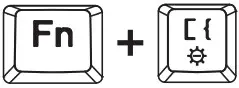 | BACKLIGHT BRIGHTNESS – |
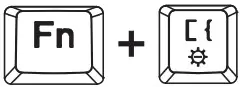 | BACKLIGHT SPPEO + |
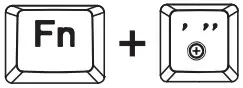 | BACKLIGHT SPERO – |
MLLTIFLNCTIONL KEYS
| KEYS | KEY SECOND FUNCTION [FN + KEY] | KEYS | KEY SECOND FUNCTION [FN + KEY] | KEYS | KEY SECOND FUNCTION [FN + KEY] |
| ESC | – | 8 | F8 | I | Pause |
| 1 | Fl | 9 | F9 | H | Insert |
| 2 | F2 | 0 | F10 | J | Home |
| 3 | F3 | _ | F11 | K | PgUp |
| Li. | FLF | =+ | F12 | N | Del |
| S | FS | -Back | Del | M | End |
| 6 | FB | Y | PrtSc | ,< | PgOn |
| 7 | F7 | U | ScrLI-C |

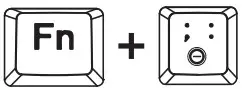 | TURN OFF/ON ARROW l<EYS FUNCTION |
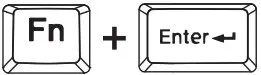 | WIN KEY LOCK |
Win OS and Mac OS SWITCH
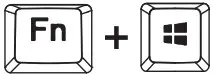 | SWITCH TO WINDOWS MOOE |
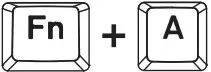 | SWITCH TO MAC MOOE |
MAC MULTIMEDIA FUNCTION

ONLY FOR MAC MDE
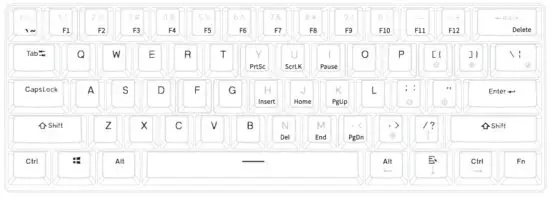
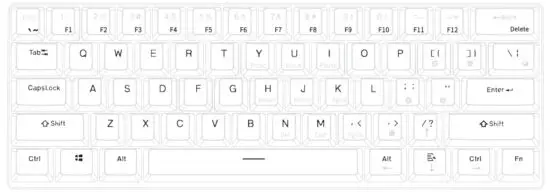
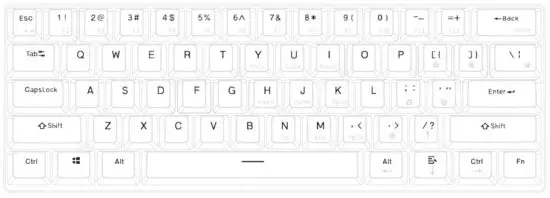
SECOND FLNCTI0N MODE
Press FN+CtrI [left], to switch between modes:
- All multi-functional buttons in second function mode;

- All multifunctional buttons except Y/U/I/FILI/K/N/M/ec in second function mode.

- All buttons back to first function mode.

WIRELESS MUDE
The keyboard is in wireless mode when the bottom switch is ON.
WIRELESS CONNECTING
- Turn the bottom switch ON.
- Press and hold for 3s FN+Q/W/E. When in paring mode – key Q/W/E will start to blink.
- Open the computer/mobile BT function and complete the connection.
The keyboard can be paired with 3 devices at once. You can easily switch between them by clicking:
FN+Q – the first device
FN+W – second device
FN+E – third device
CHARGING
Ta charge keyboard please connect it to the PC by USE cable.
The backlight of the space bar will inform you about:
3blinks – charging mode;
5blinks -battery is fully charged.
SOFTWARE

Ta download the newest version of dedicated software please visit www.rux.tech.
Use and warranty limitations
The product should be used according to it’s intended purpose.
Incorrect use can damage the product and endanger the life af the user;
- Excessiue humidity, dust, and other contaminations can result in ir product damage which is not covered by the warranty;
- mucoid exposure to rapid changes in ambient temperature. Should they occur, wait approx. 30 minutes before using the product until the temperature is leveled;
- You can find the warranty terms and conditions at https://rux.tech/.