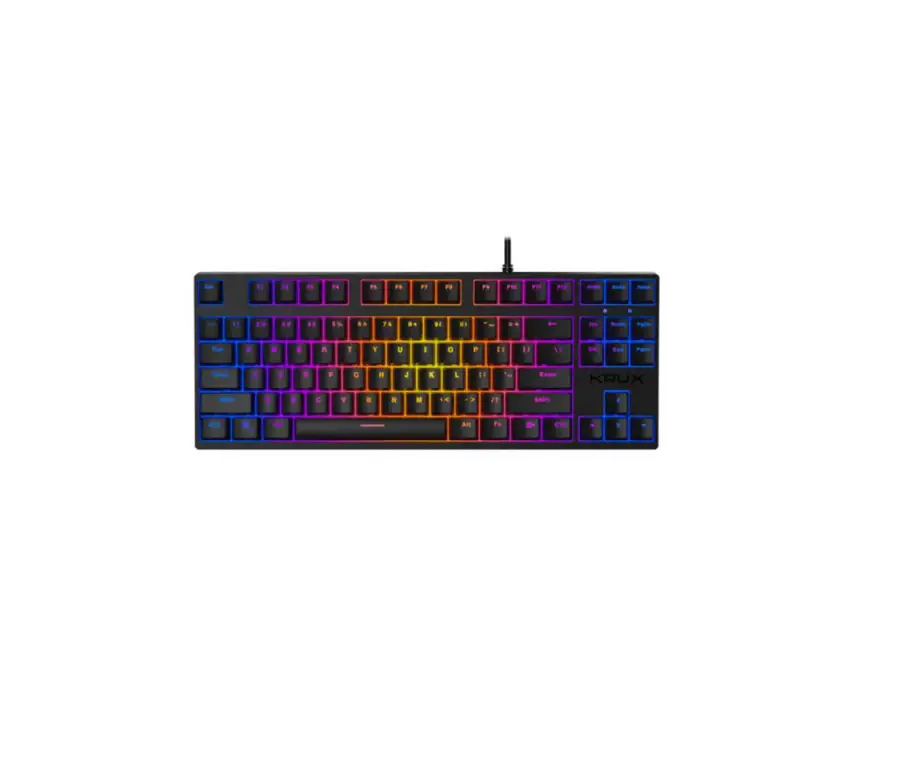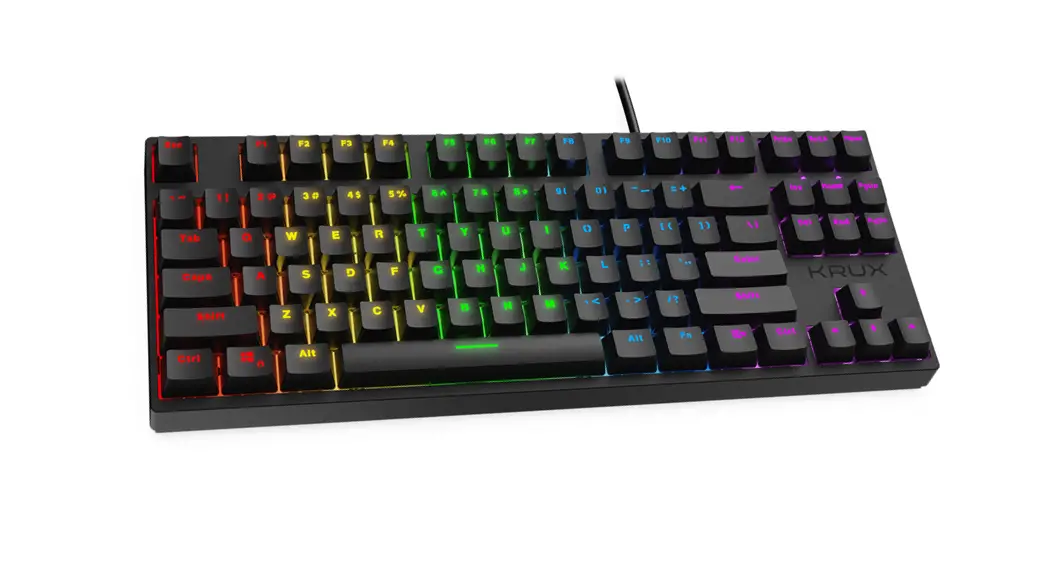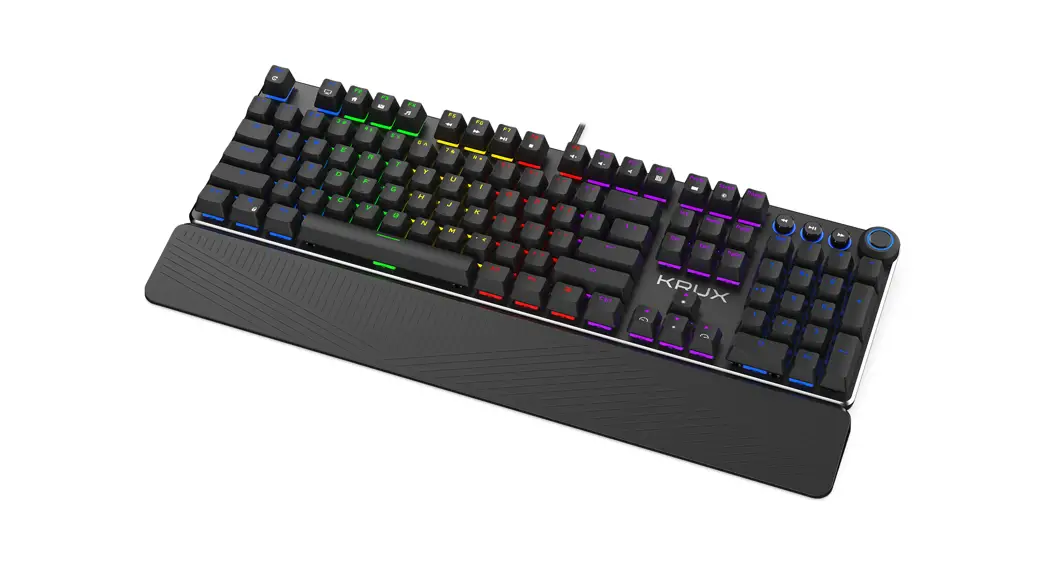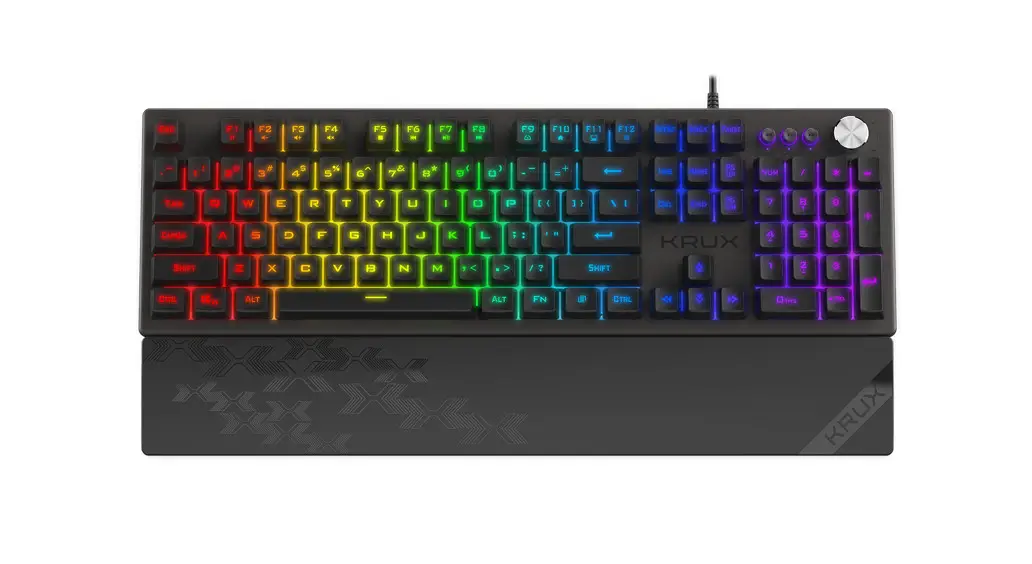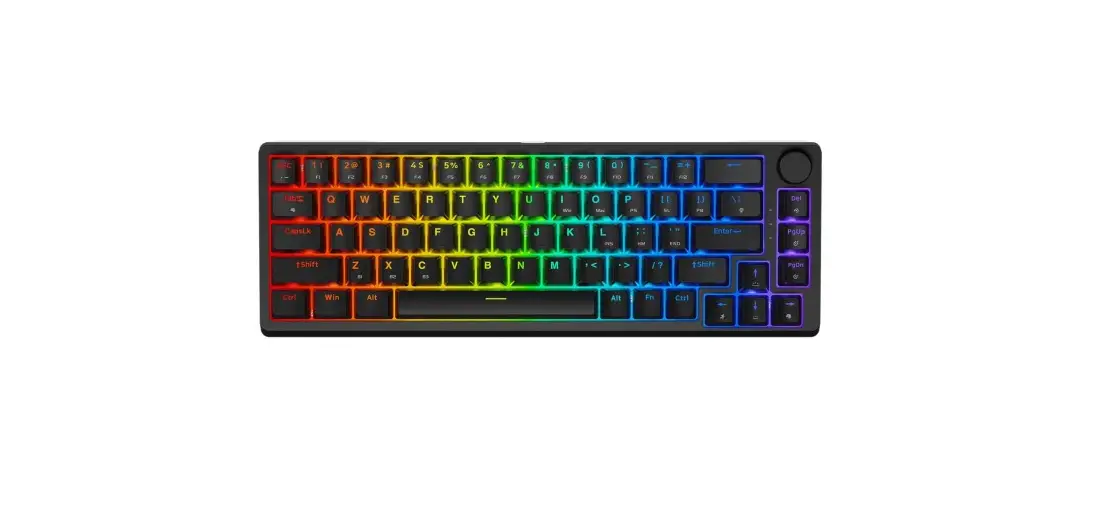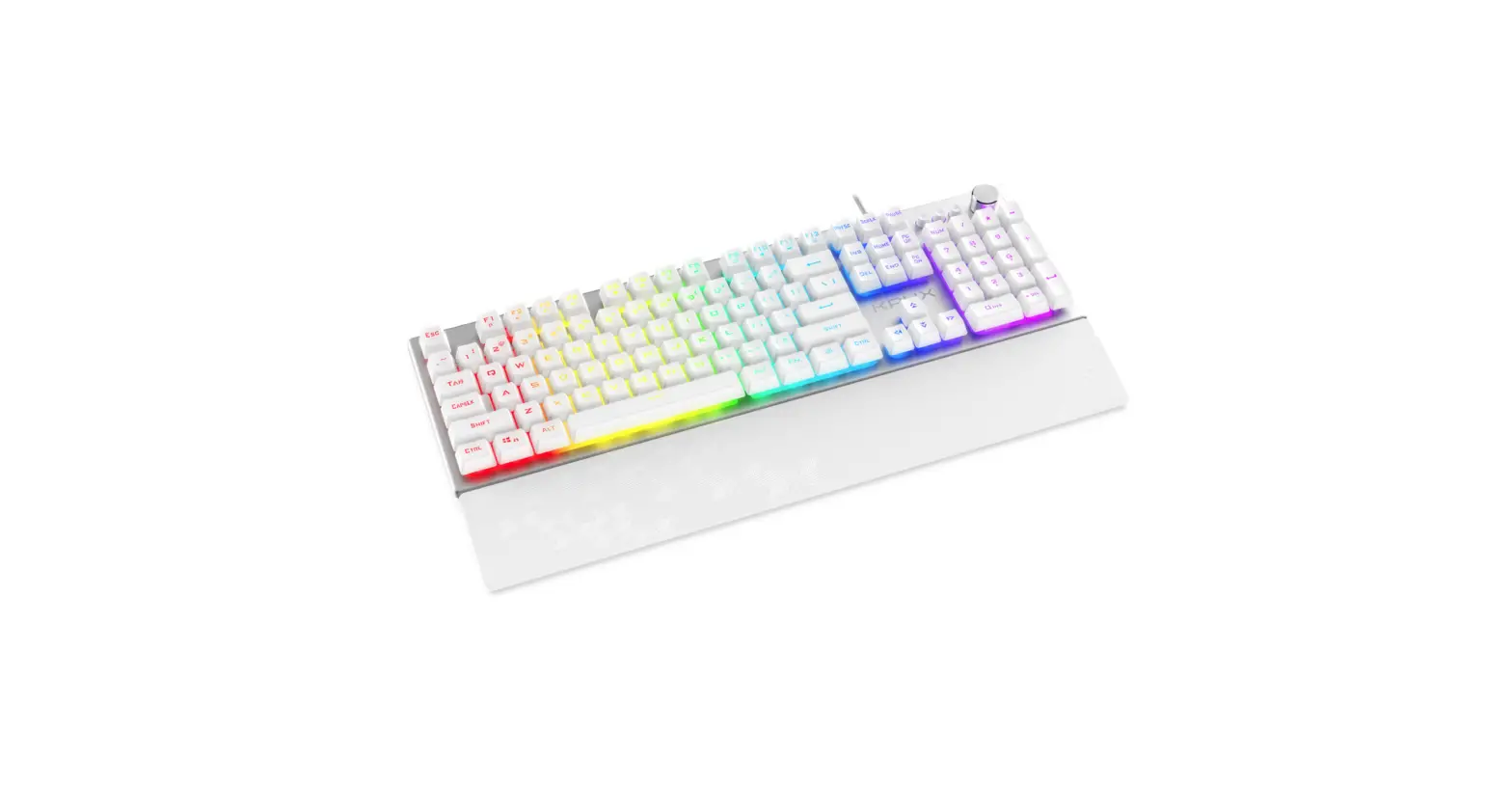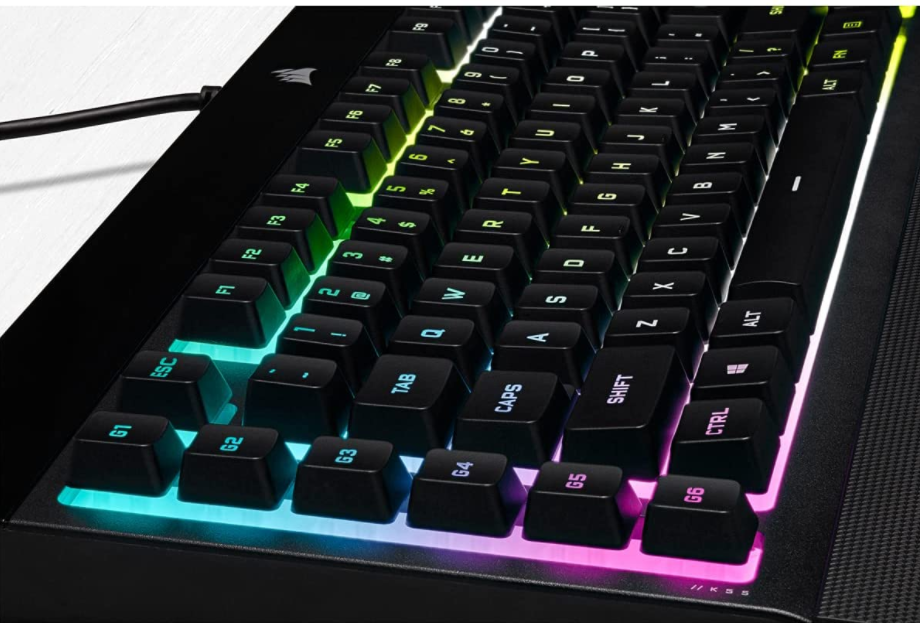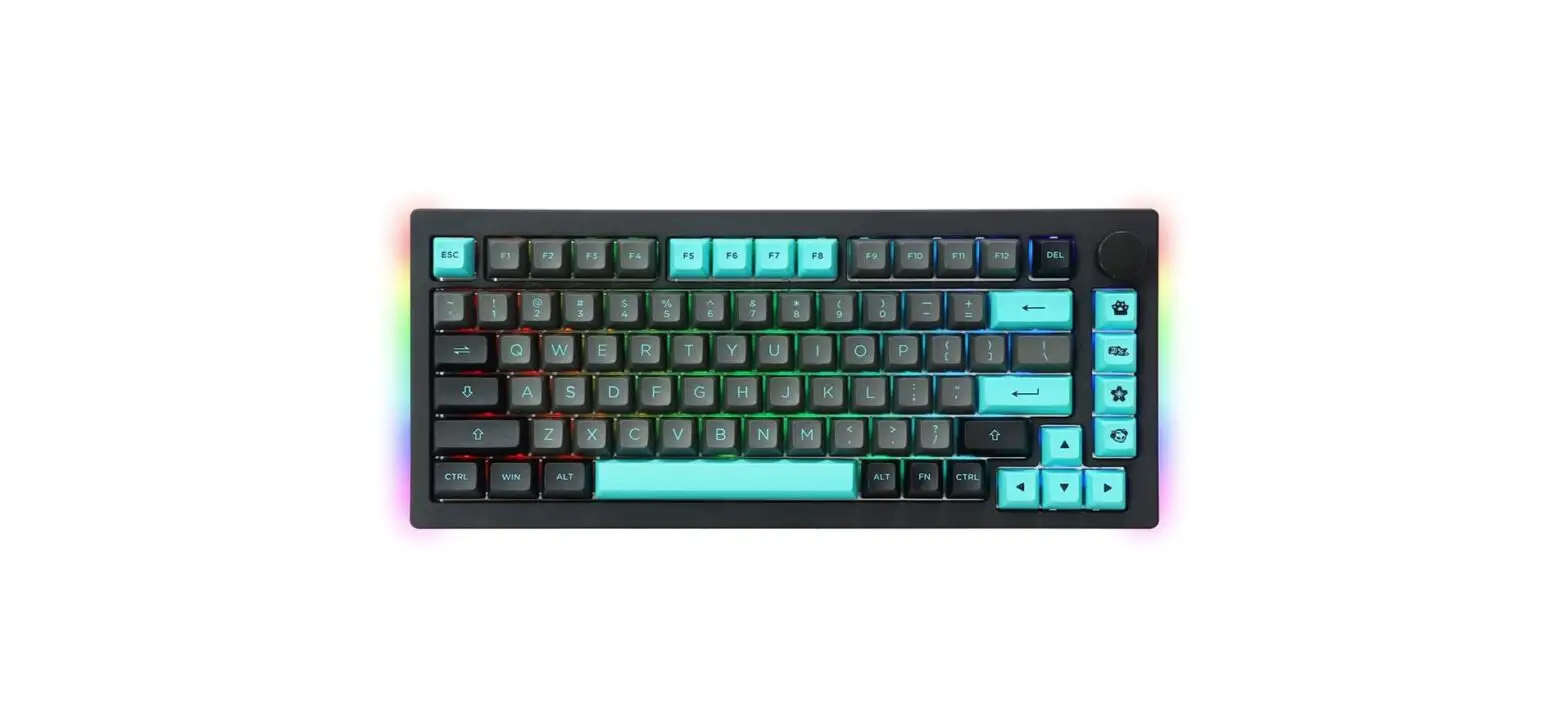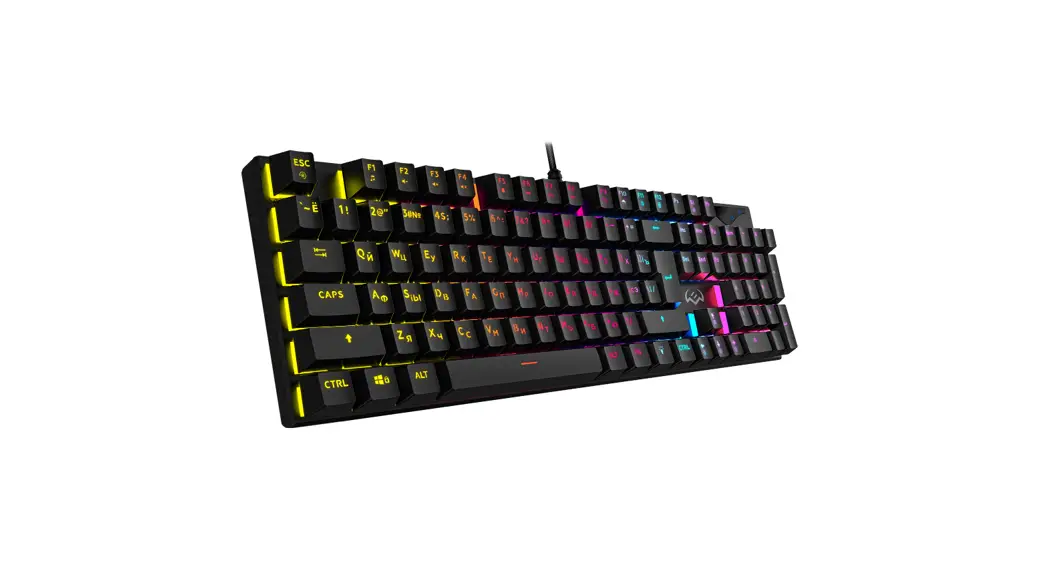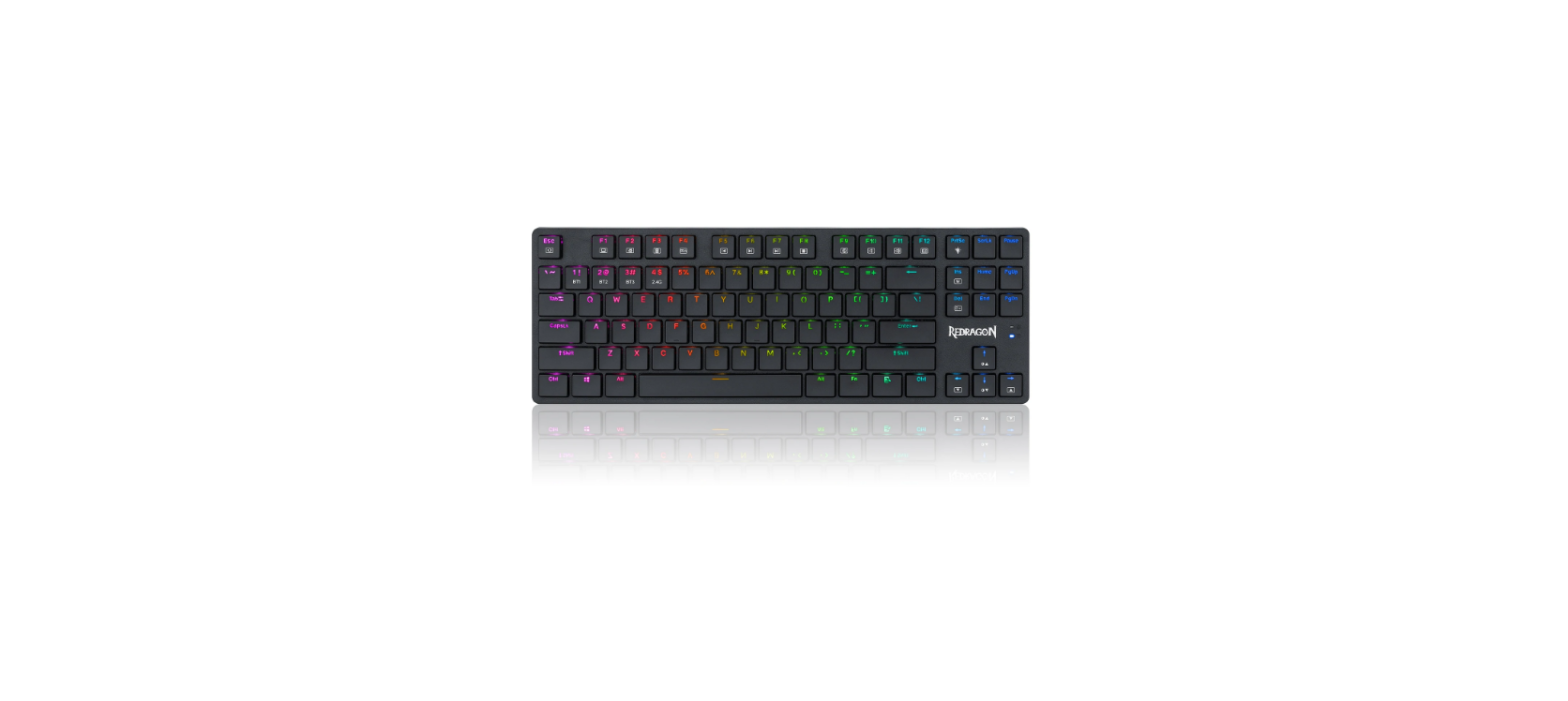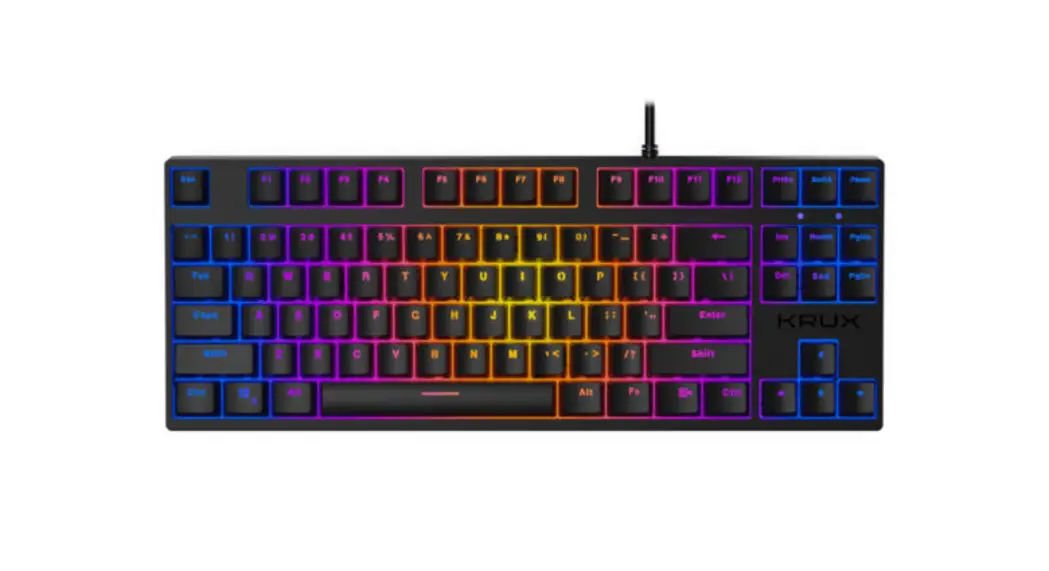

Atax Pro RGB
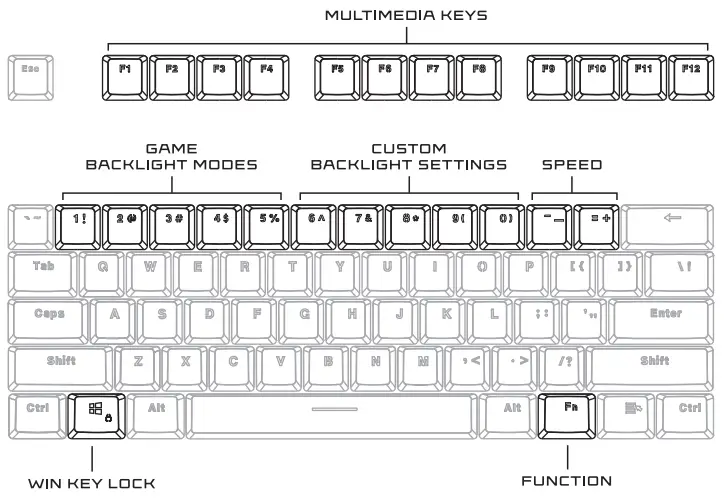
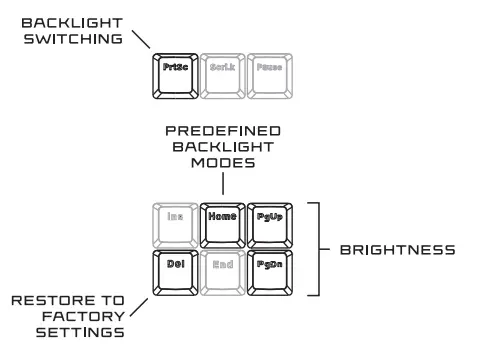
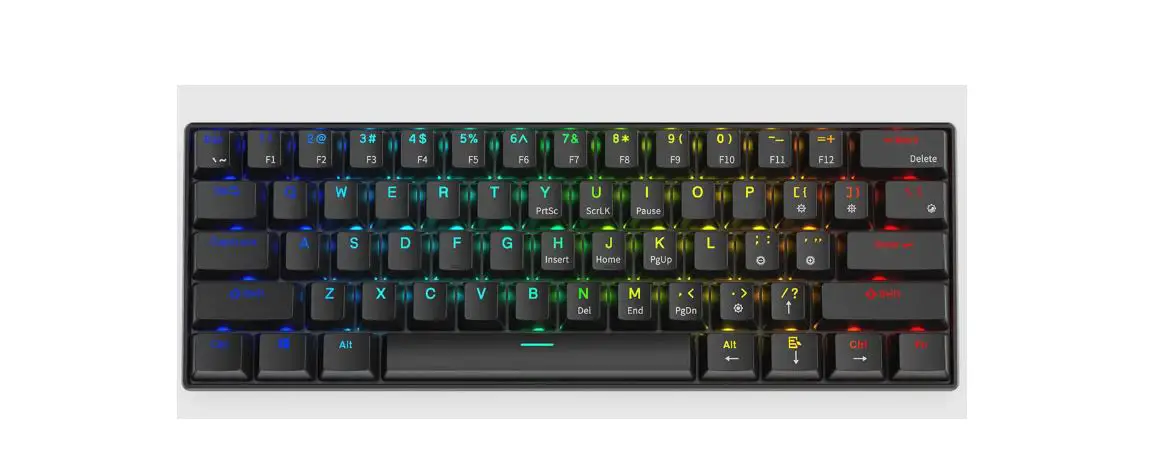
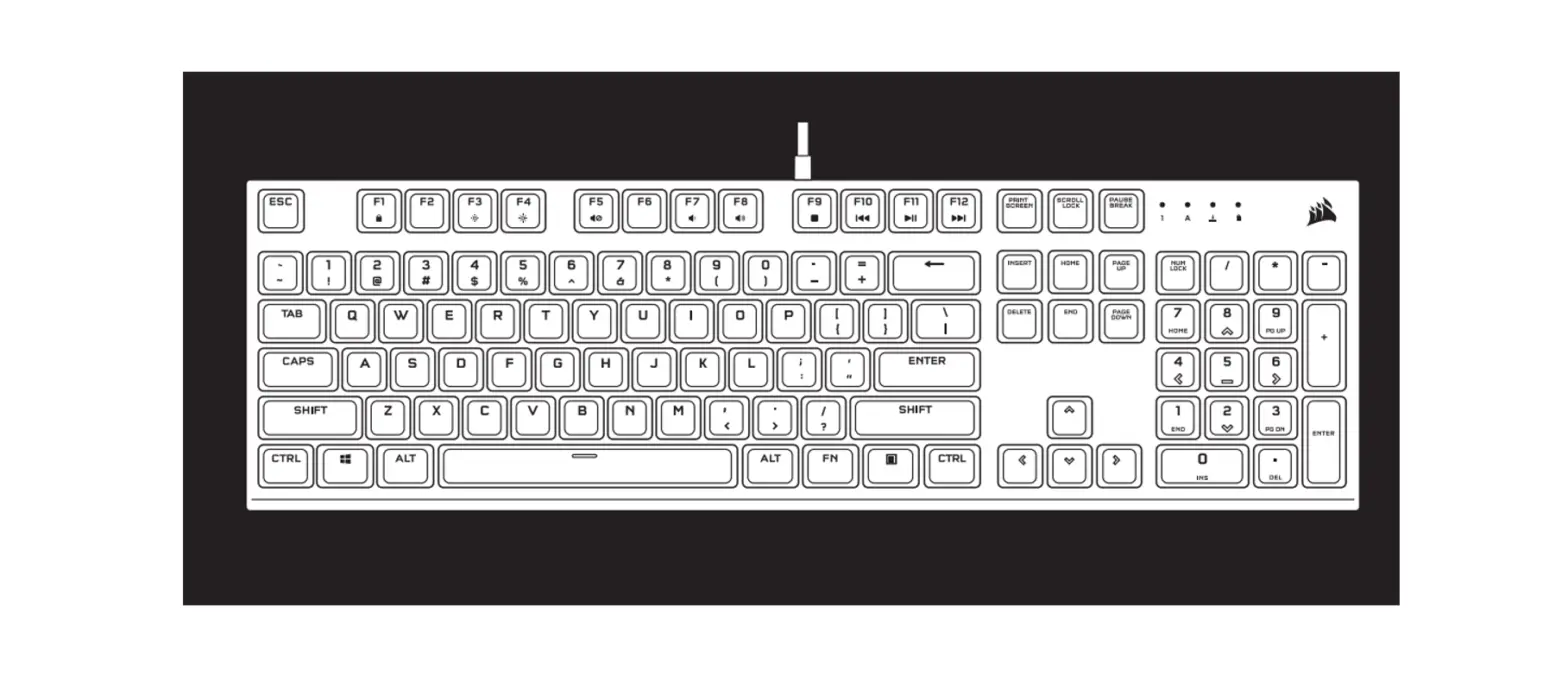
KEY FUNCTION:
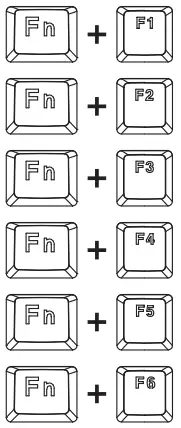 | MUSIC |
| VOLUME – | |
| VOLUME + | |
| MUTE | |
| STOP | |
| PREVIOUS TRACK |
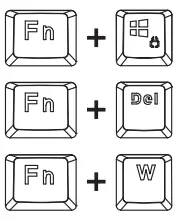 | LOCK WINDOWS KEY |
| RESTORE TO FACTORY SETTINGS [PRESS FOR S SECONDS] | |
| SWITCH FUNCTIONS BETWEEN WASO AND ARROWS |
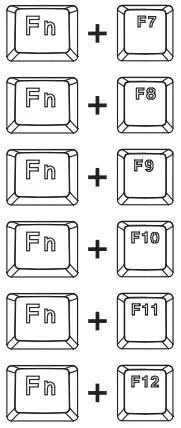 | PLAY/PAUSE |
| NEXT TRACK | |
| HOME PAGE | |
| LOCH WINDOWS KEY [GAMING MODE] | |
| CALCULATOR |
BACKLIGHT SET:
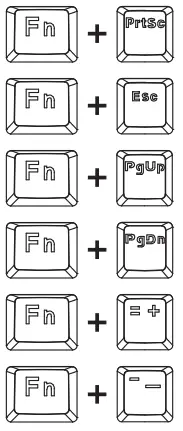 | BACKLIGHT SWITCHING |
| TURN BACKLIGHT ON/OFF | |
| BACKLIGHT LUMINANCE BRIGHTNESS + | |
| BACKLIGHT LUMINANCE BRIGHTNESS – | |
| BACKLIGHT SPEED + | |
| BACKLIGHT SPEED – |
CUSTOM BACKLIGHT SETTINGS:
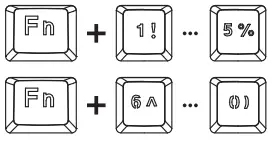 | SCHEME BACKLIGHT MODES |
| CUSTOM BACKLIGHT MODES |
SPECIFIC SETTING METHOD
- Press FN+5-0 to turn on one of the S custom backlight modes.
- Press FN+HOME to start editing.
- Flashing CAPS and SCROLL diodes will inform about the active edition mode. Repeatedly press the selected buttons to change the illumination color or turn it off completely.
- Press FN+HOME to save settings.
SOFTWARE:

https://krux.tech/oprogramowanie/oprogramowanie-klawiatur/#QRCODE
To download the newest version of dedicated software please visit www.krux.tach.
KRUX ATAX PRO RGB Keyboard
2-year manufacturer warranty Use and warranty limitations
– The product should be used according to its intended purpose. Incorrect use can damage the product and endanger the life of the user;
– Excessive humidity, dust and other contaminations can result in product damage that is not covered by the warranty;
– The warranty does not cover mechanical damage to the product;
– Avoid exposure to rapid changes in ambient temperature. Should they occur, wait approx. 30 minutes before using the product until the temperature is leveled;
– You can find the Warranty Terms and Conditions in “Support” at https://krux.tech/
ENTITY RESPONSIBLE / POOMIOT OOPOWIEOZIALNY:
COOLING.PL ZDZIECH SP.J. UL.
SOKaLOWSKA 24 05-805 SOKOLOW, POLAND
TEL. +4B 22 292 01 30 BOO: 000020025
MADE IN CHINA