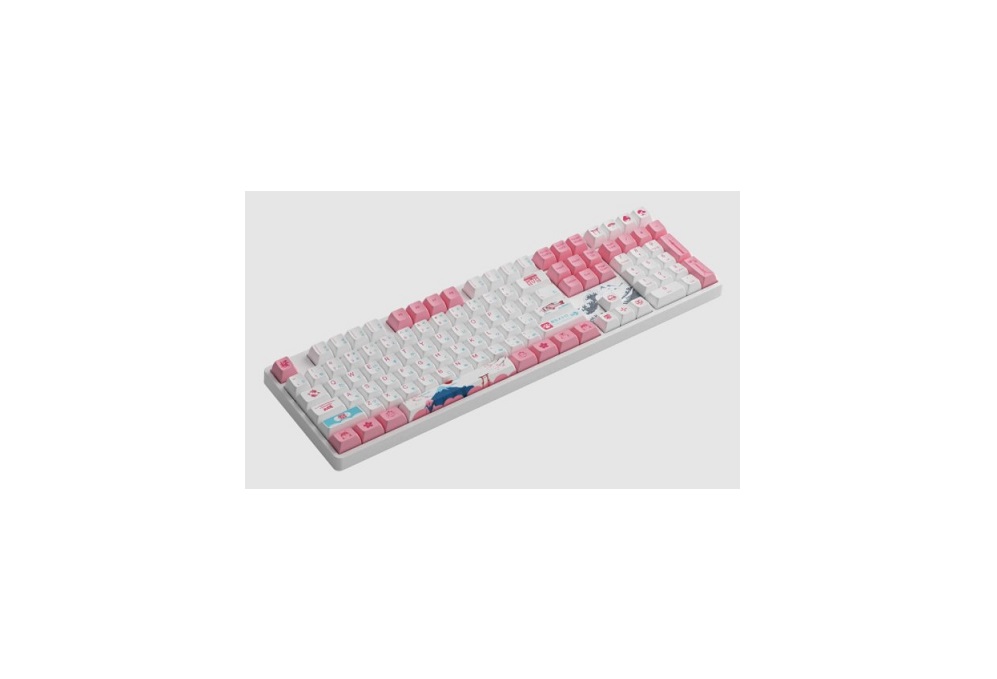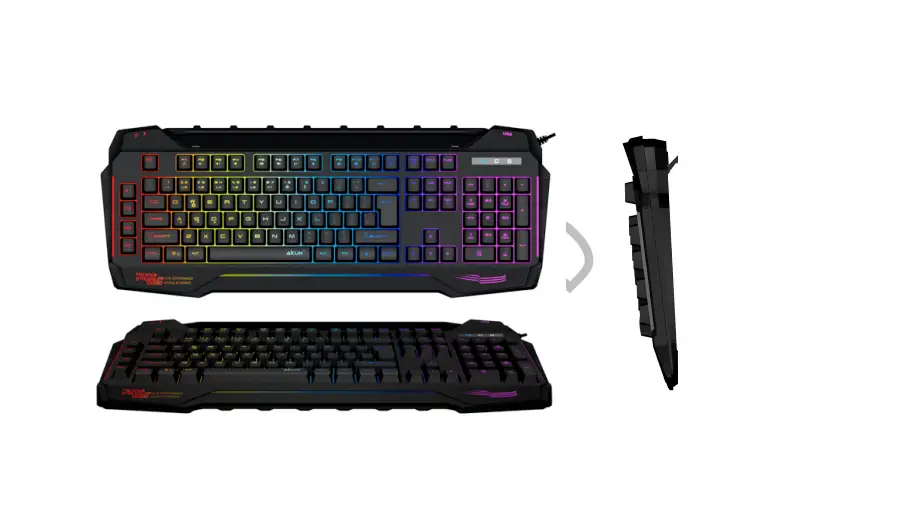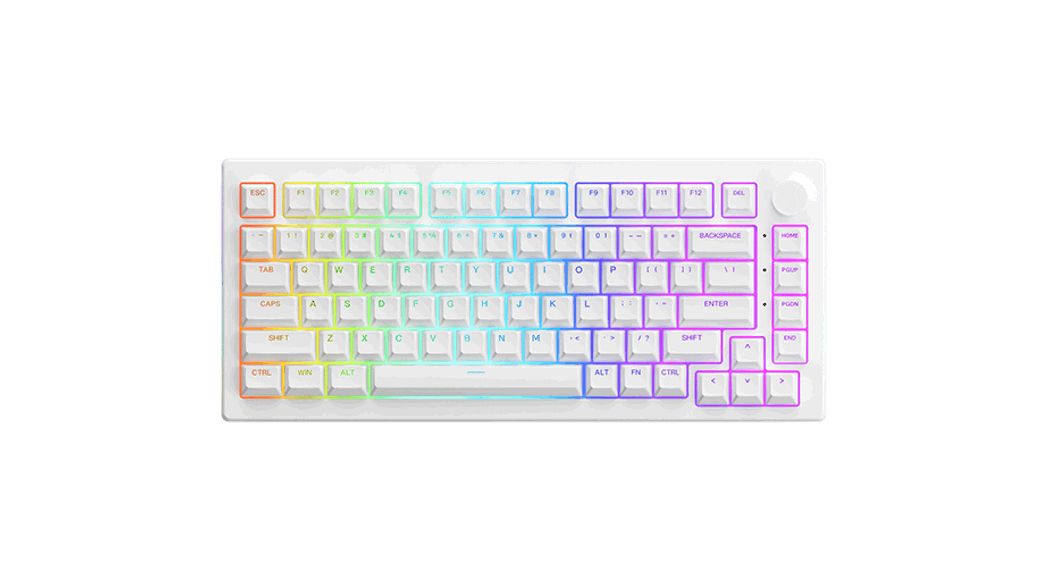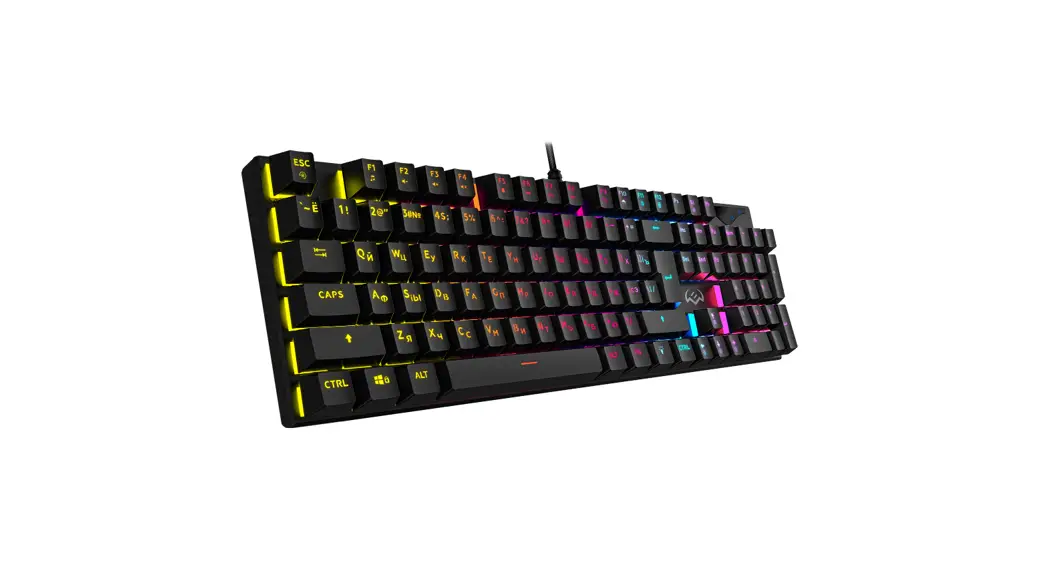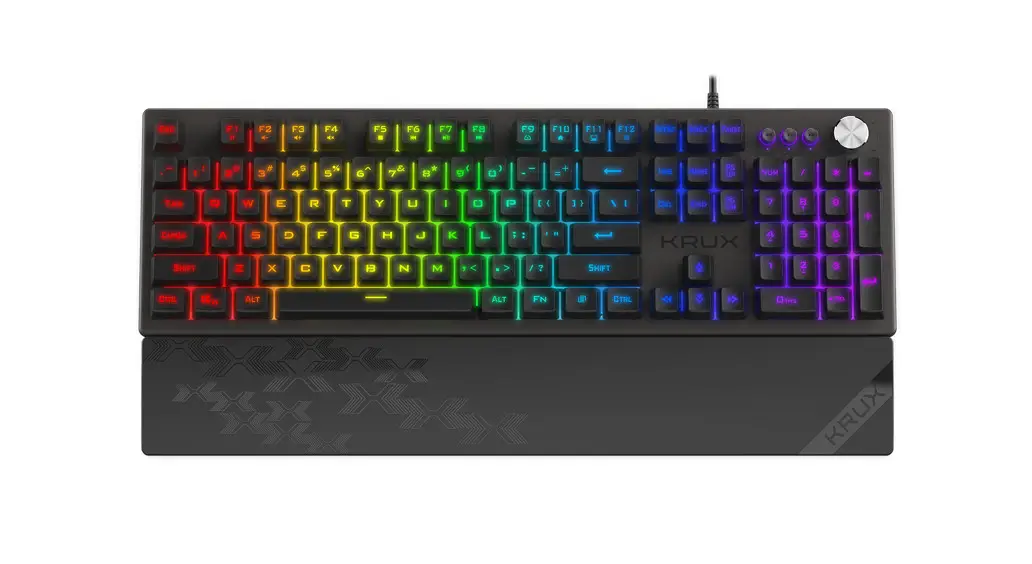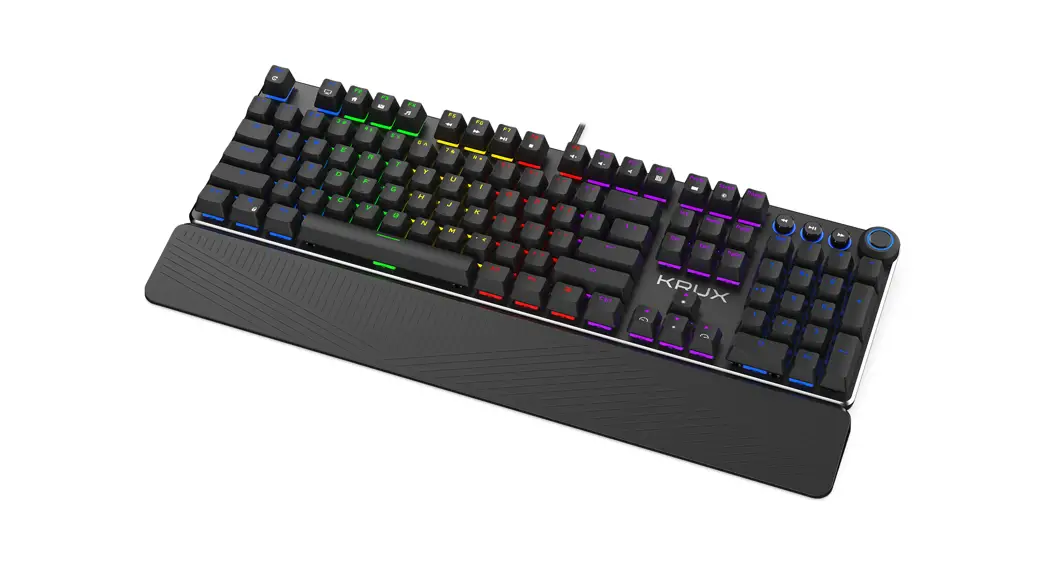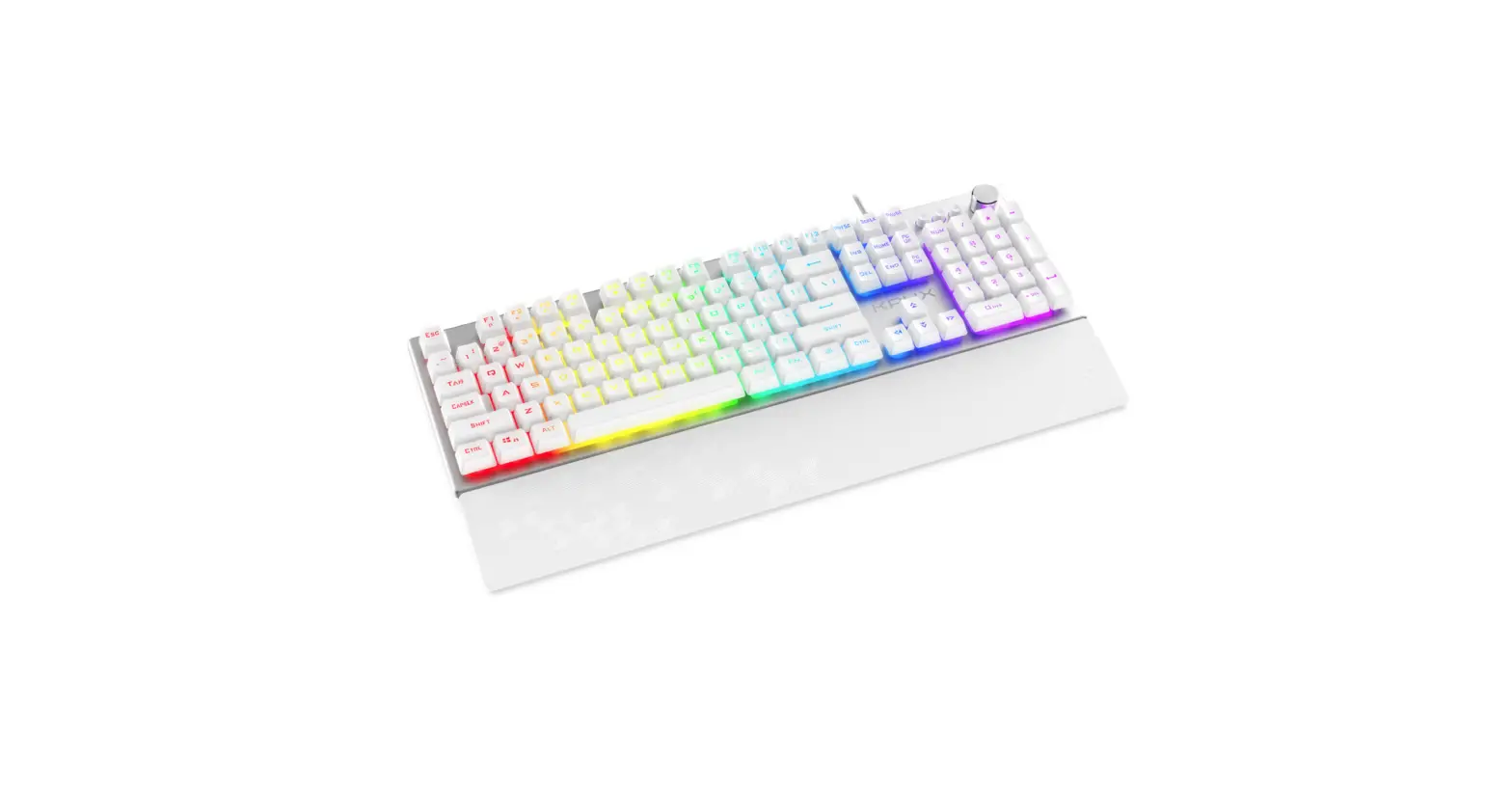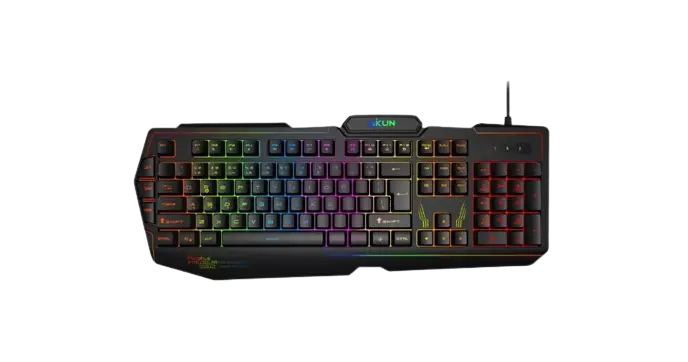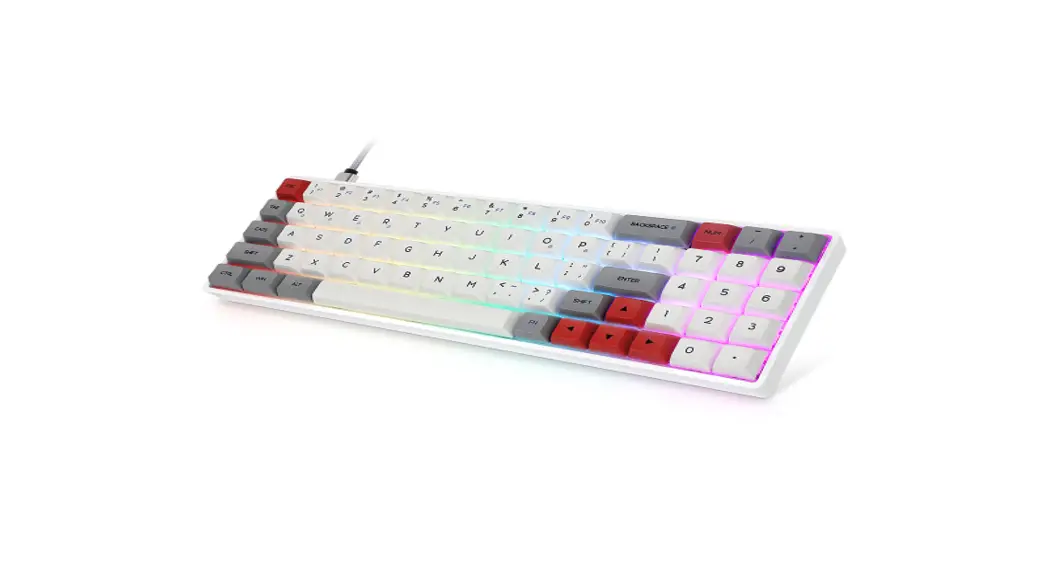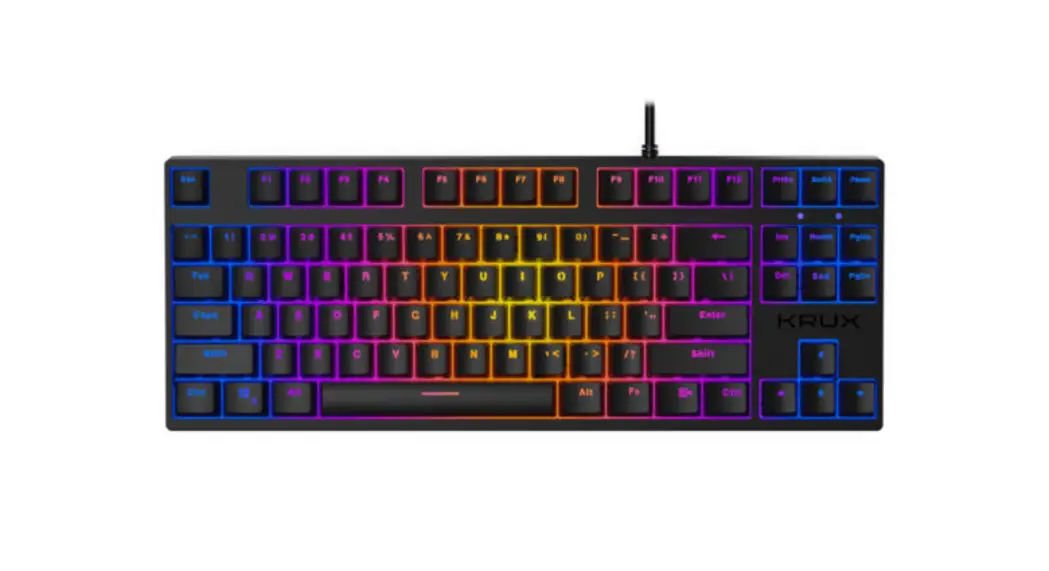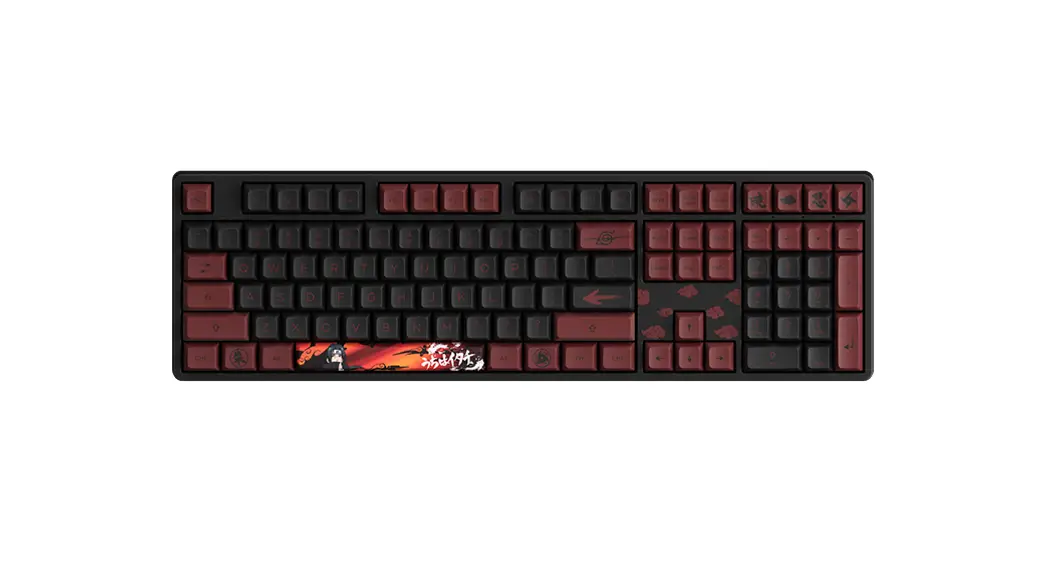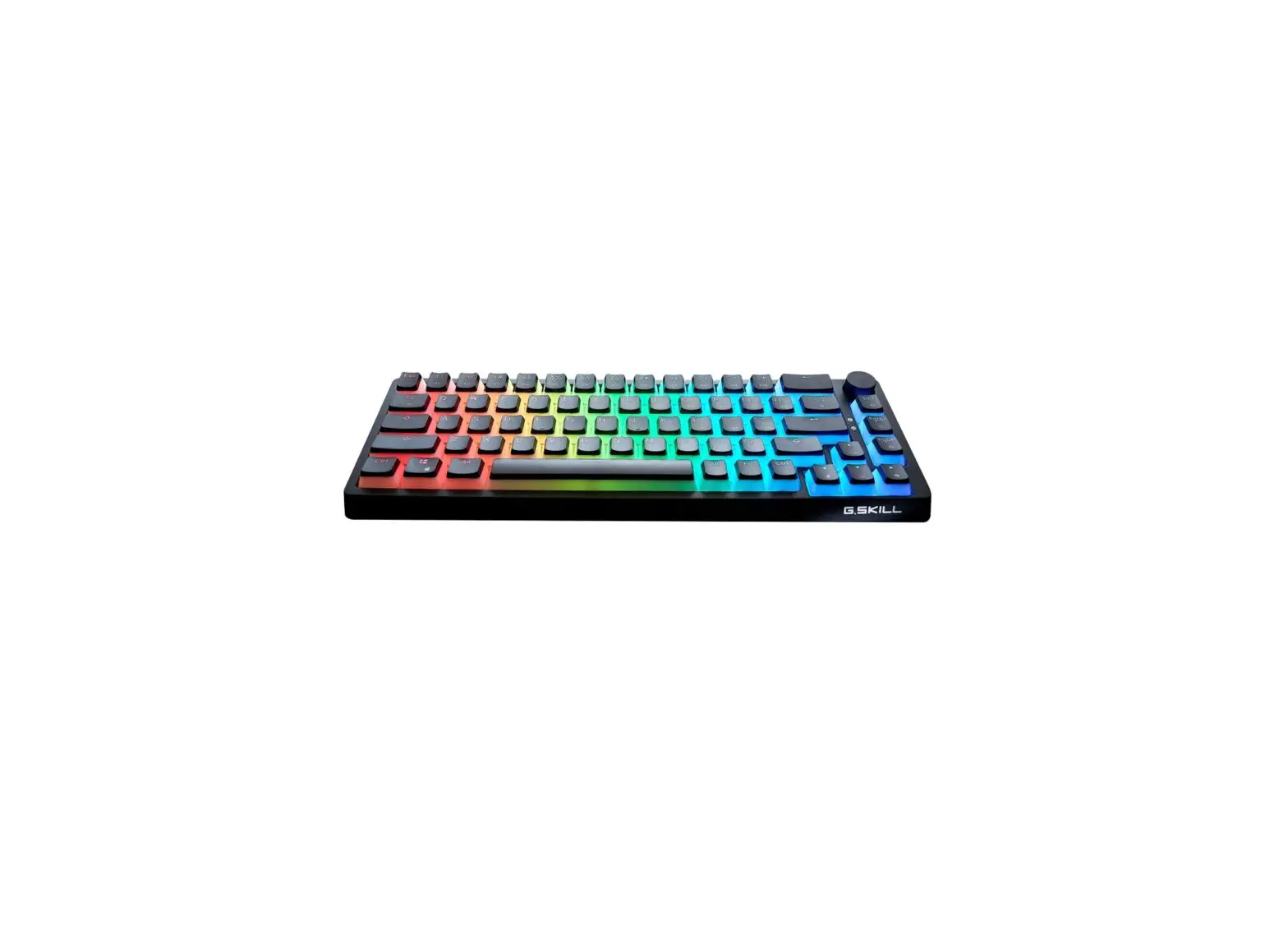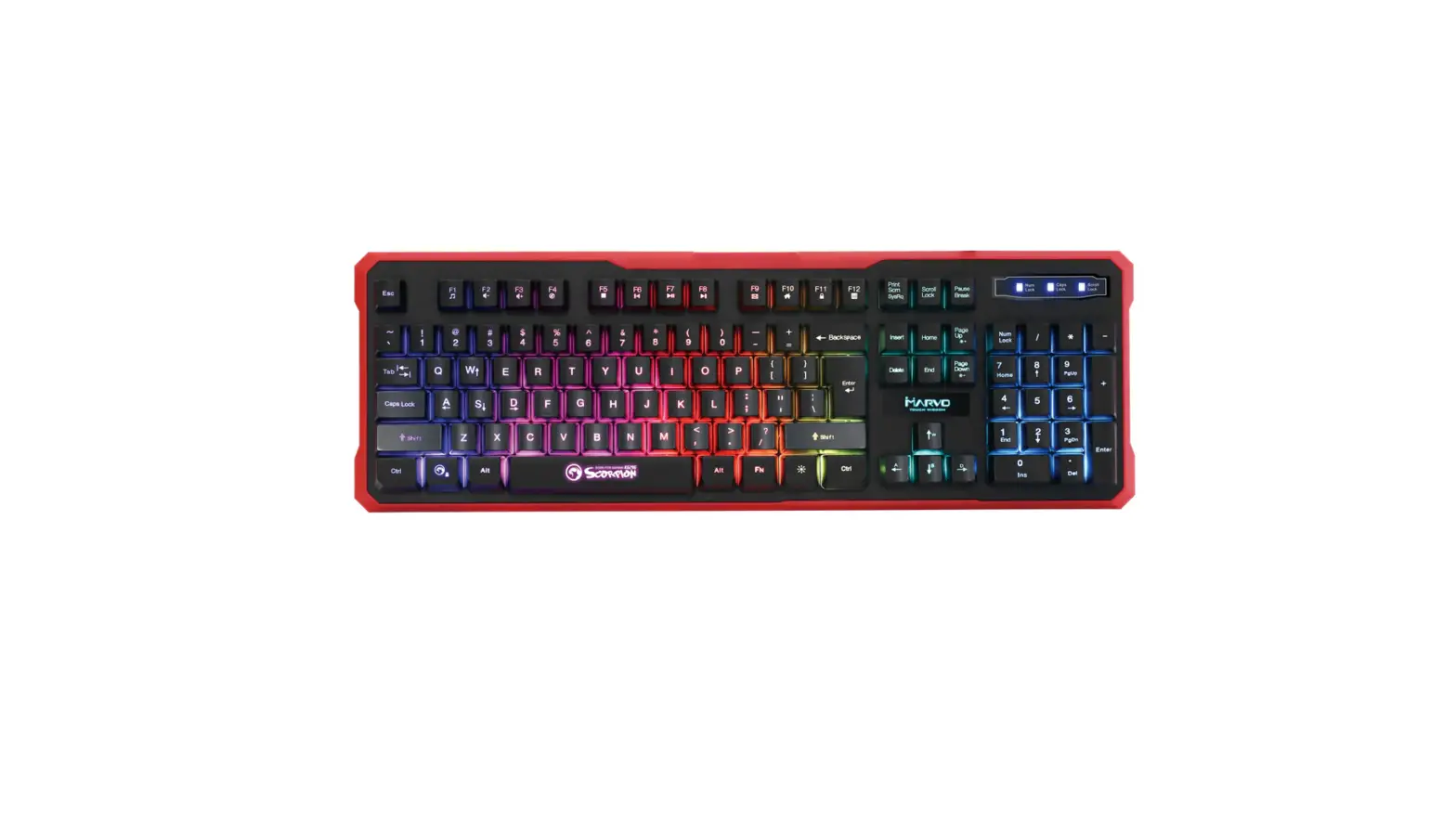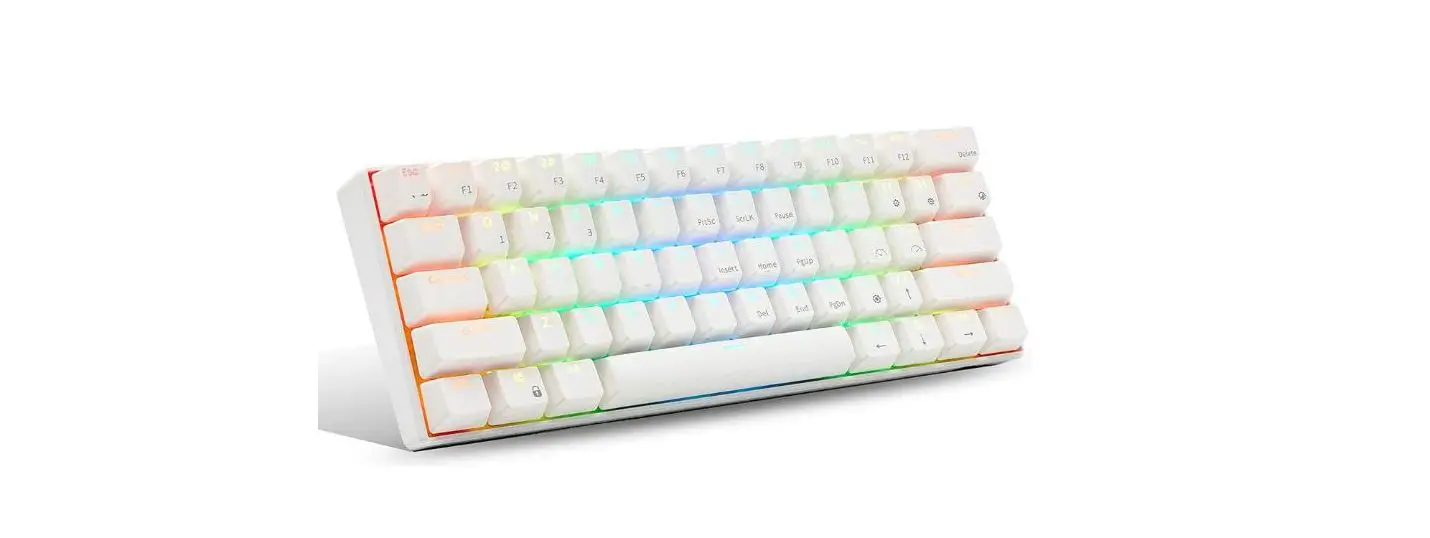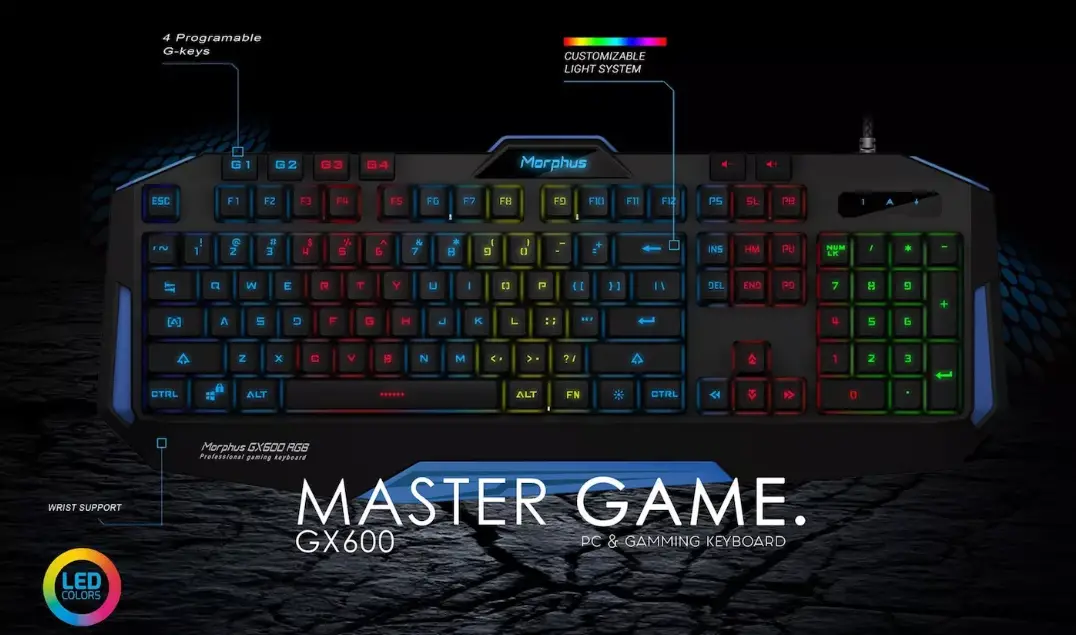

AKUN GX600L RGB Keyboard
PRODUCTS SPECIFICATION
| Model NO. | GX600 RGB LIGHT | TYPE | Wired backlight keyboard | |
| MP DATE | 2018-08-18 | Design Patent | ZL 2017 3 0103077.6 | |
| Products Picture | 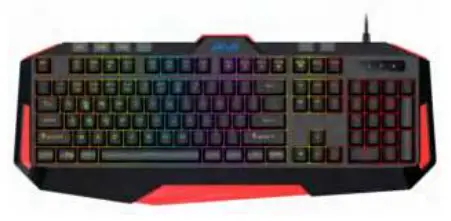 | |||
| Item | Specification | Item | Specification | |
| Basic & Main spec | Keyboard type | Wired backlight keyboard | Key Version | US/UK/ Brazil |
| Interface type | USB | Product Size | 478*195*33.5mm | |
| Connection | Wired | Net weight | 700±50g | |
| Multimedia Keys | Support | Wire | Ф3.5mm*1.75m | |
| Working voltage | UBS 5V | Wire color | OEM | |
| Button type | 15mm*6mm Large silica gel | Compatibility | USB1.1/2.0/3.0 | |
| Load of key | 55g±7g | OS Compatibility | Windows XP/Vista/Win7/Win8/Win10/MAC/LI NUX/ANDROID | |
| Key life | 10 million times | Backlight Color | RGB | |
| Backlight | Support | Breathing | Support | |
| Backlight switch | Support | Water effect | Support | |
| Programmable | NO | Ergonomically | Support | |
| Plug and play | Support | Storage | NO | |
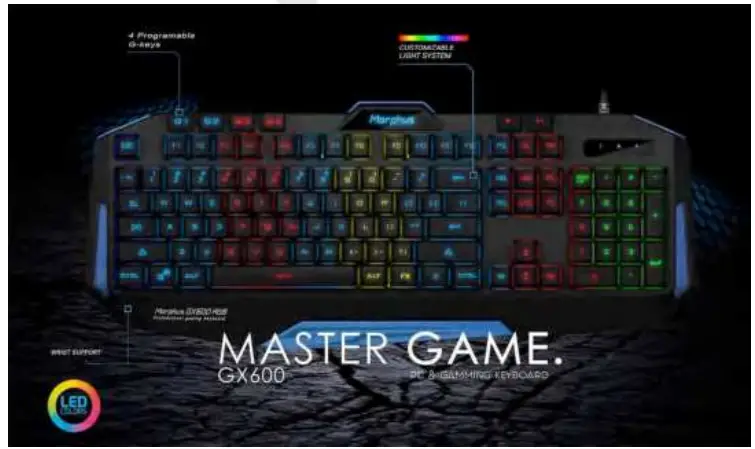
| Macro G-Key | Yes – 4 G-keys | Keycap | Laser Engraving | |
| Electrical parameters | IC Chip | HK9708 | IC vendors | Aikun |
| IC package | COB | Working voltage | DC4.2V-5.5V | |
| Operating current | 200mA | Standby current | ≤50mA | |
| Working temperature | 0″45# | Storage temperature | -20″+60# | |
| Working humidity | 20″90% | Storage humidity | ≤93% (40#) | ||
| Selling Point | 1 | No need driver, plug and play | |||
| 2 | 4 G-Key Macro buttons, 2 pcs multimedia keys, easy to complete control | ||||
| 3 | Support ergonomic design, support 19 keys with no conflict | ||||
| 4 | Support multicolor backlight design, all characters are clearly visible on the dark night; | ||||
| 5 | Large silicone design, feel good, button life can up to 10 million times | ||||
Instructions
- Open the product packaging, take off the keyboard wire tie, put the wire into the computer’s USB port;
- The first time you use this keyboard, the system may need to install the USB driver, then the computer will automatically search and install the keyboard driver;
- After the installation is complete, the keyboard can be used normally;
- Press the light key on the keyboard, can switch and change the backlight;
- Press FN+WINDOWS, can Lock/Unlock WINDOWS Key;
- FN+$1 2 3 4 5 6 7 8 9%Backlight styles, the default backing is FN+1 style
FN+1: the backlight like the stream never stops flowing.
FN+2: RGB backlight
FN+3: 7color backing will breathe and change color automatically.
FN+4: the backlight will be like the tail of the comet;
FN+5: can change the color of backlight
FN+6: the backlight will spread first, then shrink;
FN+7: DIY MODE: Press FN+7 TWO Time in 2 seconds, the white backlight will be twinkle 2 times, then press FN+”↑”, FN+”↓”, can change the color of RGB lights
FN+”←”, FN+”→”, can change the running lights direction
FN+8 Backlight will shrink first, then spread
FN+9 Voice control backlight, press FN+9 first, the RGB backlight can be controlled by Voice, press FN+9 second time, will be red color and can be controlled by voice. - Backlight brightness control&FN+PGUP Brightness increase’FN+PGDN Brightness decrease(4 Brightness adjustment function, the default is the brightest.
- Backlight breathing rate and Marquee speed control: FN+ “-”/FN+ “=” Control adjustment’FN+ “-” Reduced frequency period’FN+ “=” Extended frequency period, 4-speed Brightness adjustment function, The default is the first speed is the fastest.
- Press FN+ F7-F12, The following multimedia functions can be realized:
FN+F1= Media
FN+F2=Volume (-)
FN+F3=Volume (+)
FN+F4=Mute
FN+F5=Pre Track
FN+F6=Next Track
FN+F7=Play/Pause
FN+F8=CD Stop
FN+F9=WWW Home
FN+F10=Mail
FN+F11=My Computer
FN+F12= WWW favorite - Marco function 4 G-Key
This keyboard have 4 macro keys (G1~G4), Can save 4 group, each group can save 62 words.
Press FN + PRTSC’the last light on the keyboard will twinkle, then you can press the keys you want to save After you press the keys you want, press G1~G4, the Marco keys have already saved all the keys you pressed. Delete the Marco: Press FN + PRTSC, then press G1~G4, then G1~G4 will without any words.
| Material specification parameter | |||
| Items | Components | Components | Components |
| Upper case | Black | ABS | OEM |
| Bottom case | Blue/Red/Black/Grey | ABS | OEM |
| Keycaps | Black | ABS | OEM |
| Membrane | Transparent | PVC | Black |
| Rubber | 15mm*6mm | Rubber | Silicon |
| Stand | Black | ABS | Black |
| Palm stand | Black | ABS | Black |
| PCB | 1.6mm single side board | Lead and non-lead process | |
| PCBA | SMT è COB è DIP è test | Lead and non- lead process | |
| Cable | 1.8mφ3.5mm | OEM | |
Product Picture
 Aikun – Electronics