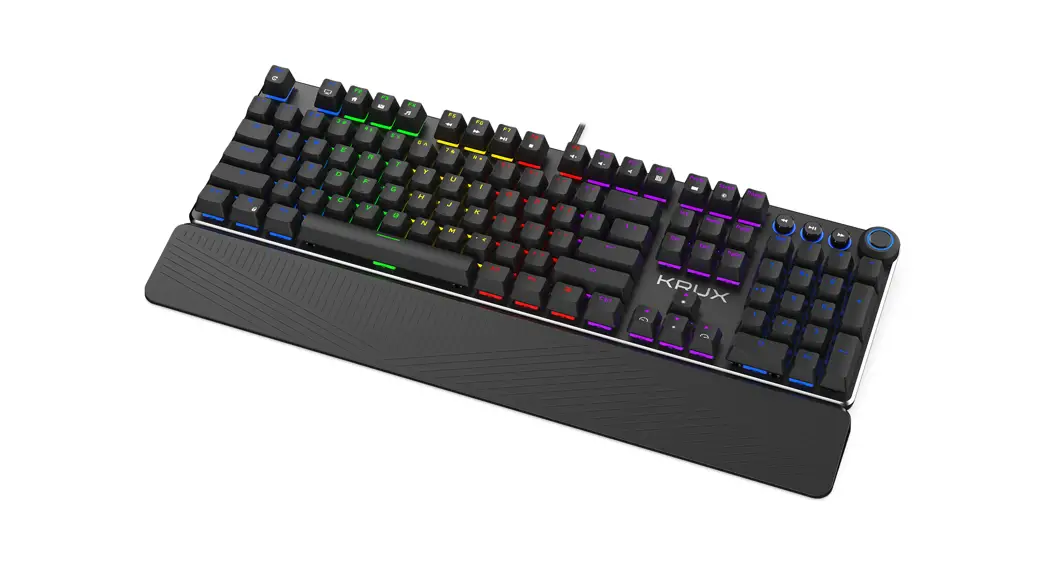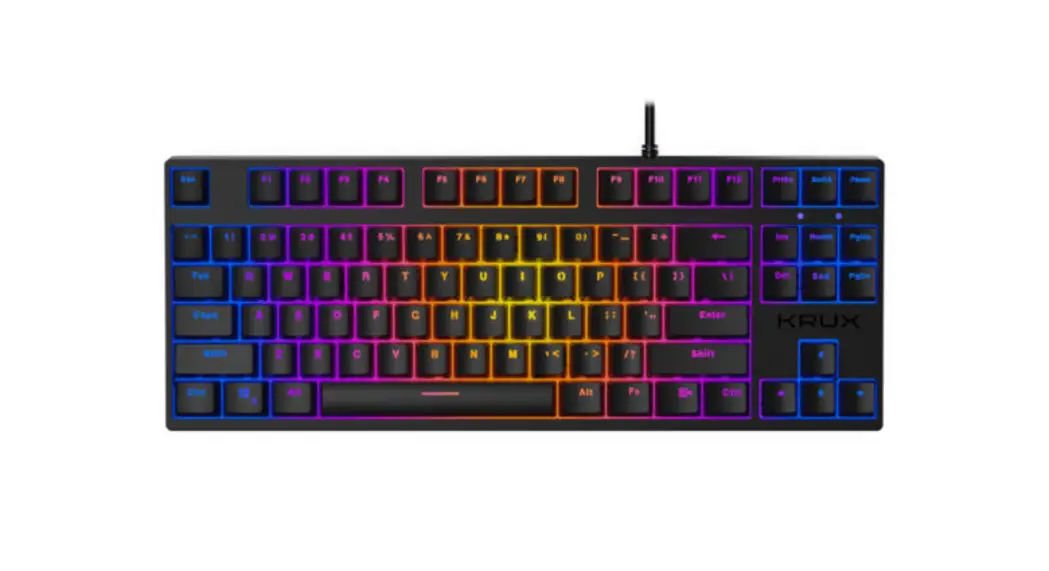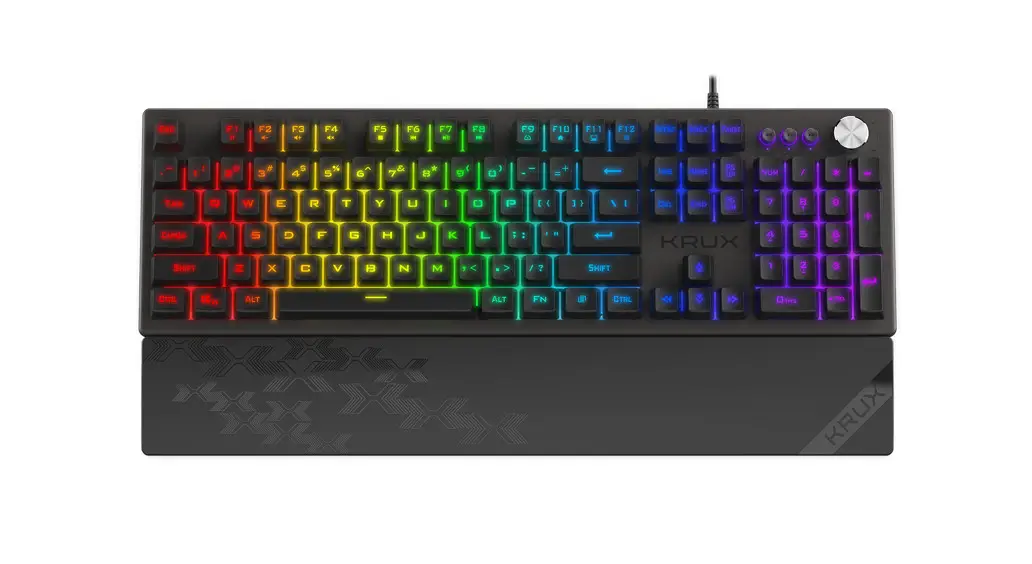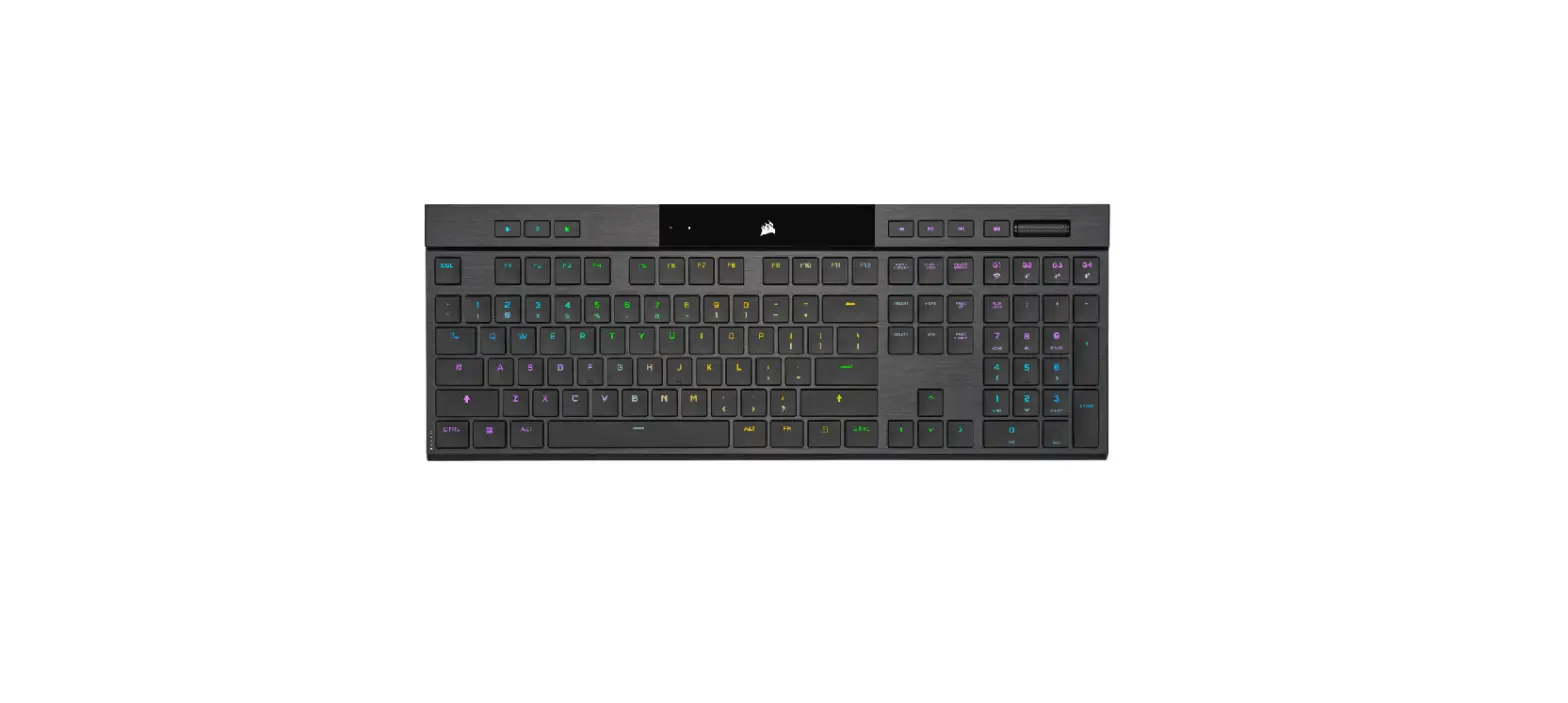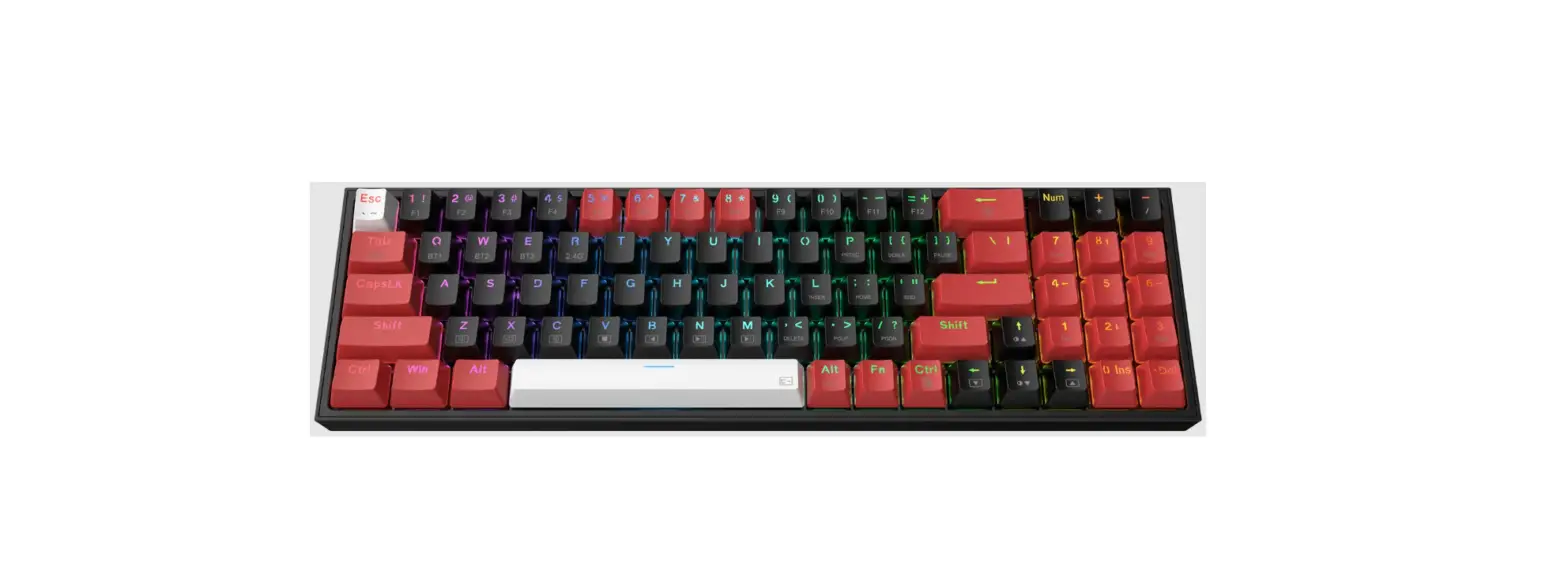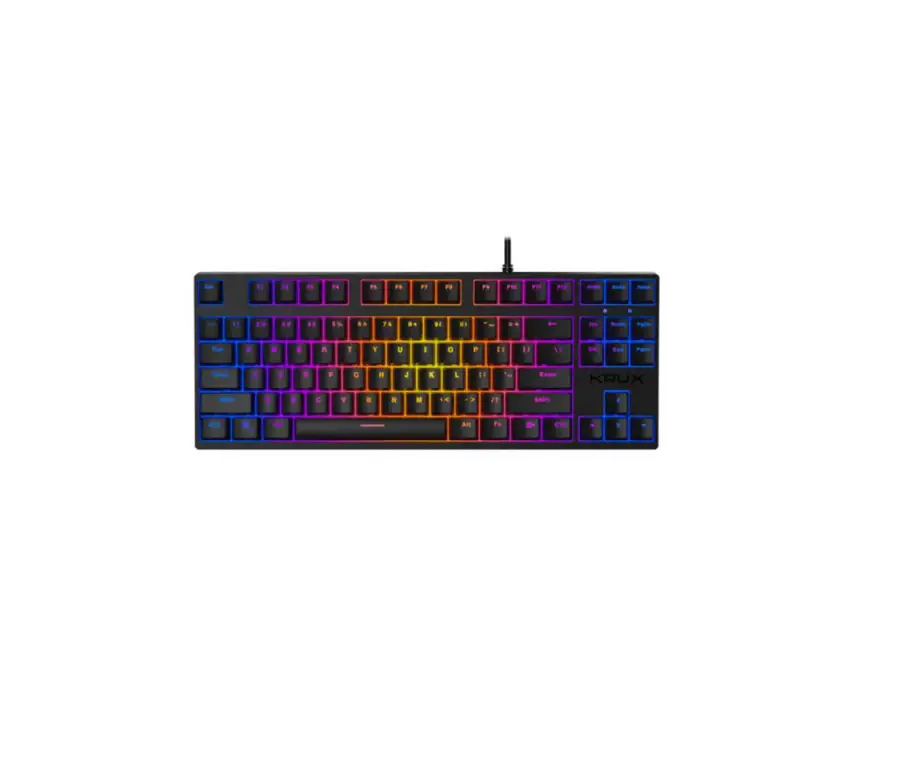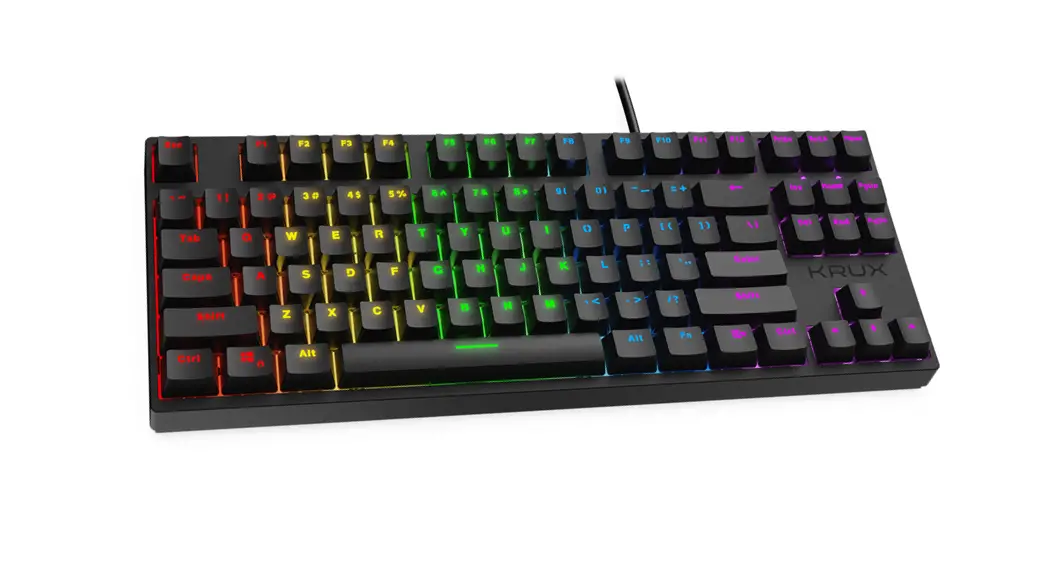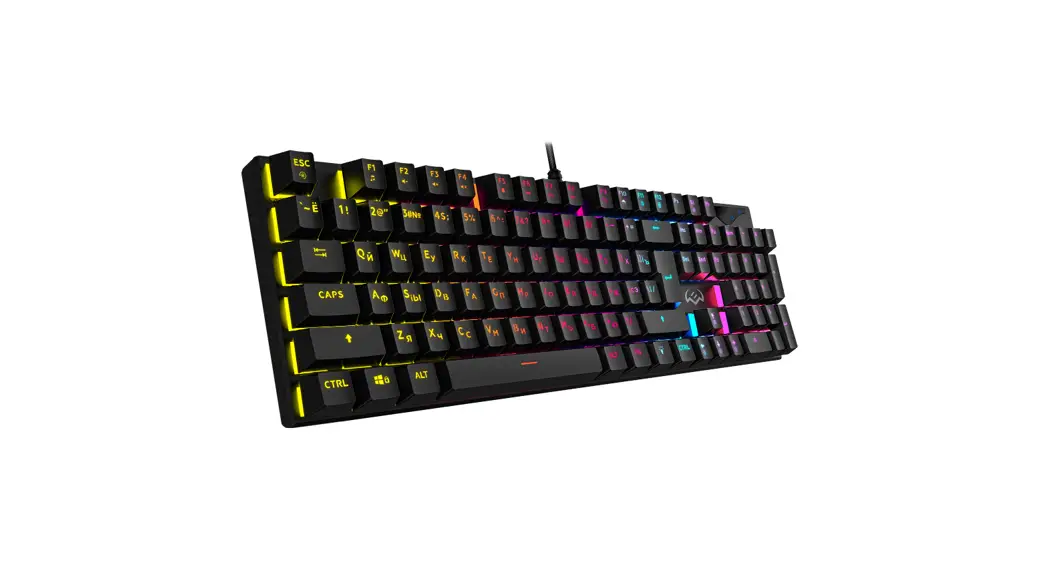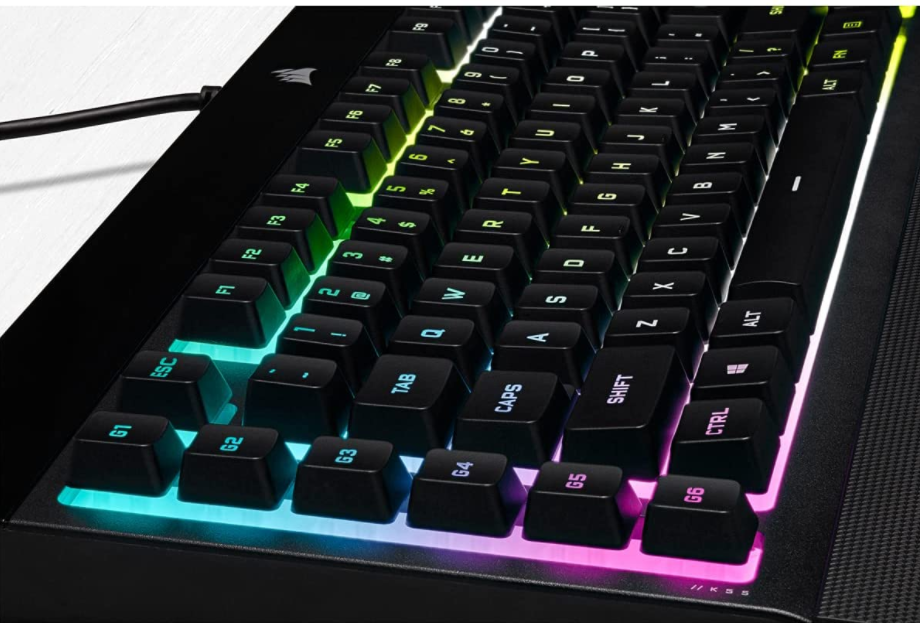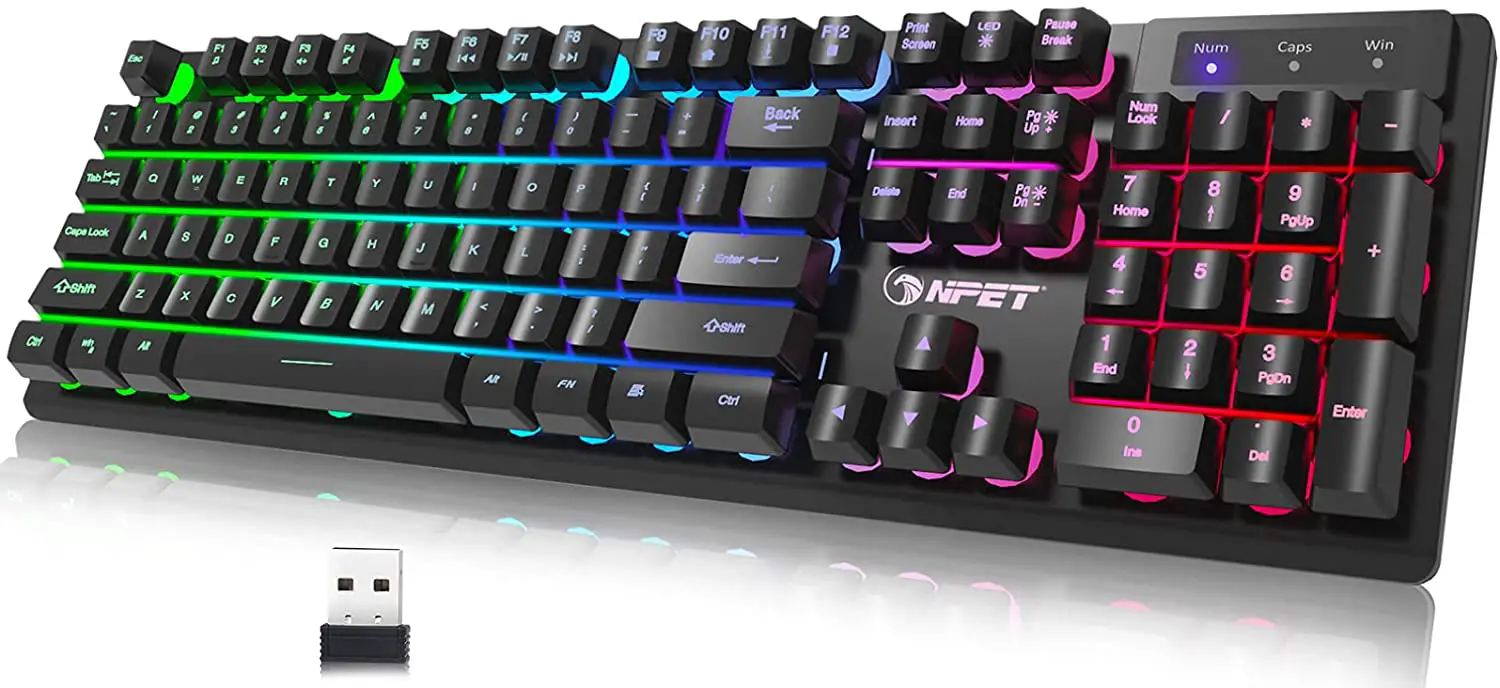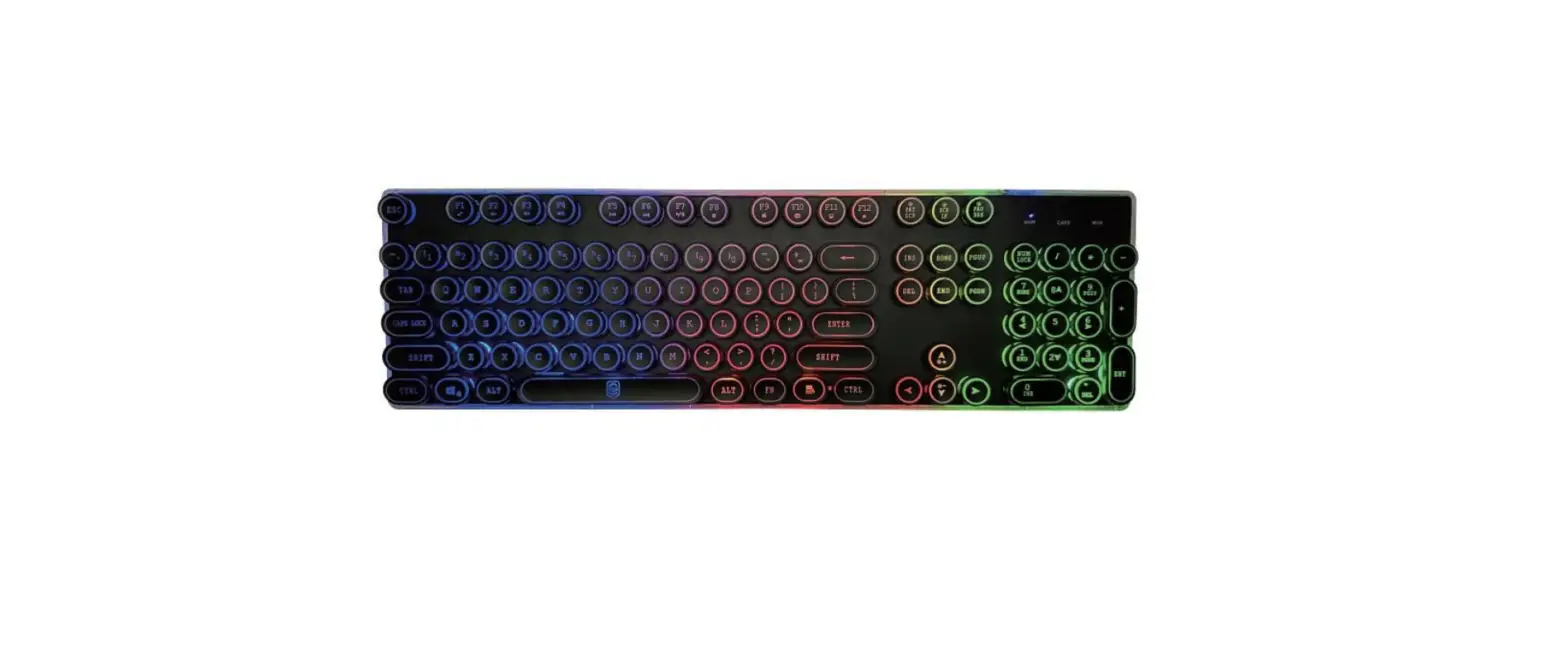
KRUX krx0134 Neo Pro RGB Wireless Gaming
Keyboard Instruction Manual
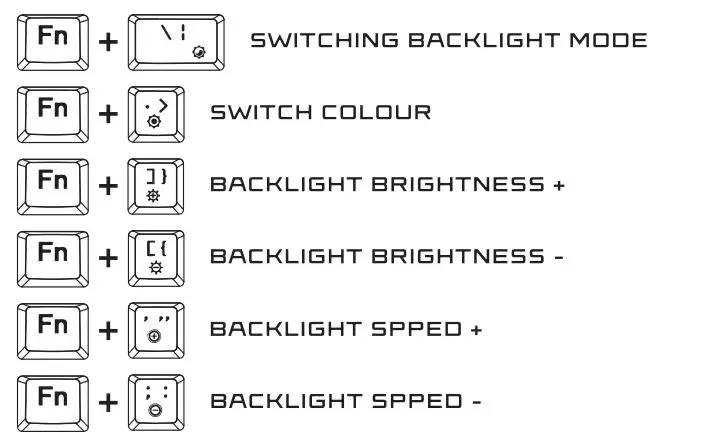
BACKLIGHT SET
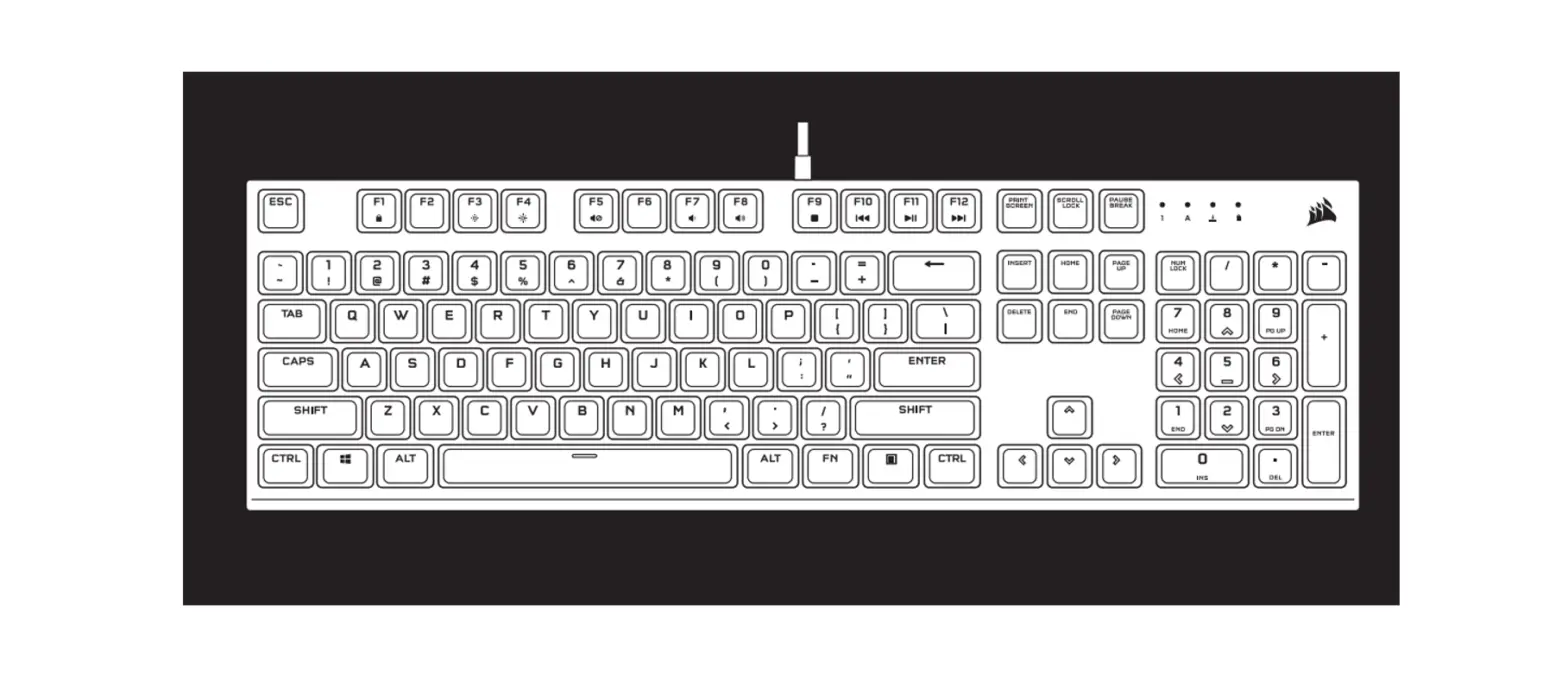
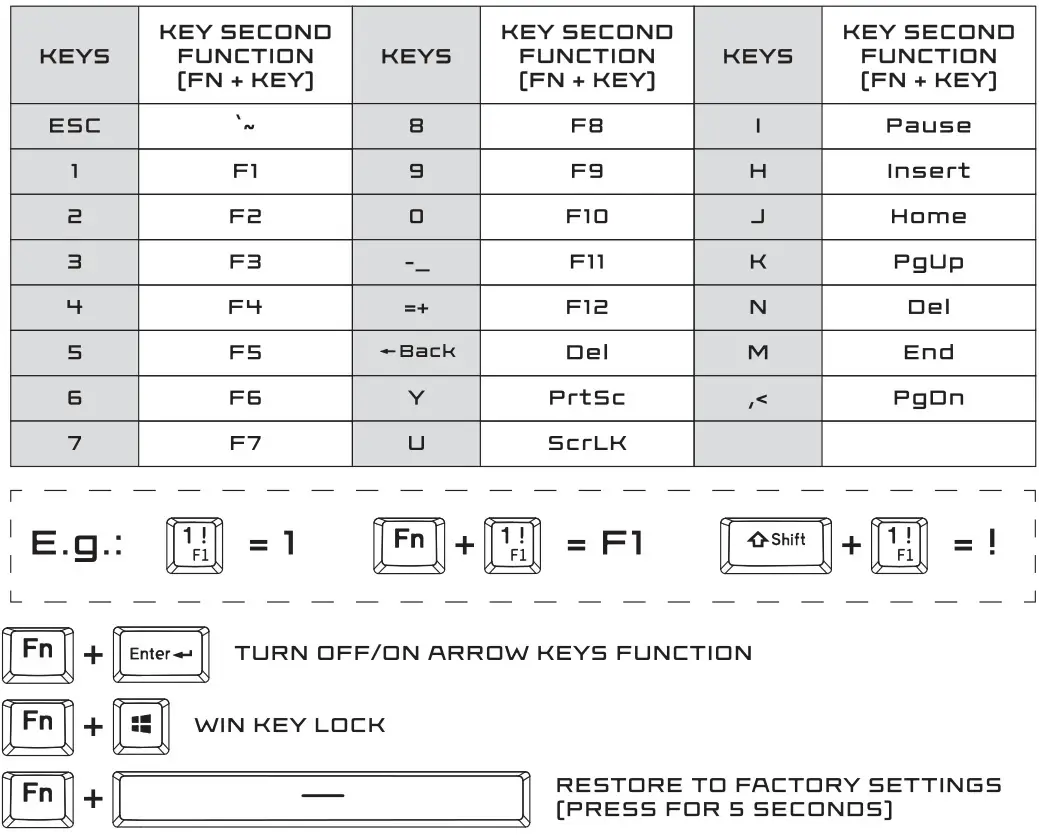
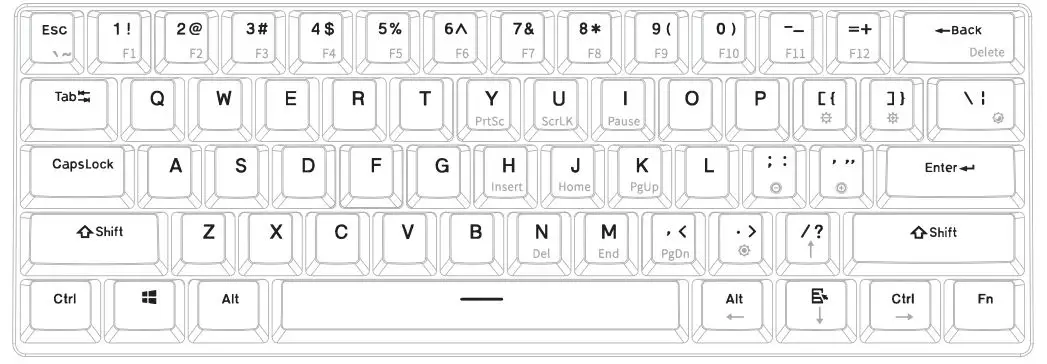
MULTIFUNCTIONAL KEYS:
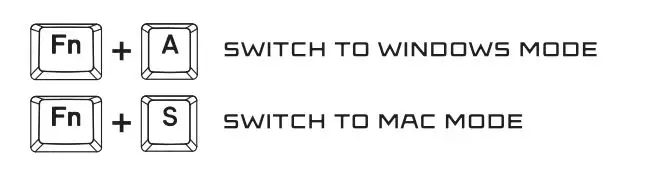
Winos and Macos Switch
MAC MULTIMEDIA FUNCTION*:

SECOND FUNCTION MODE:
Press FN+Ctrl [left], to switch between modes:
1. All multifunction buttons in second function mode
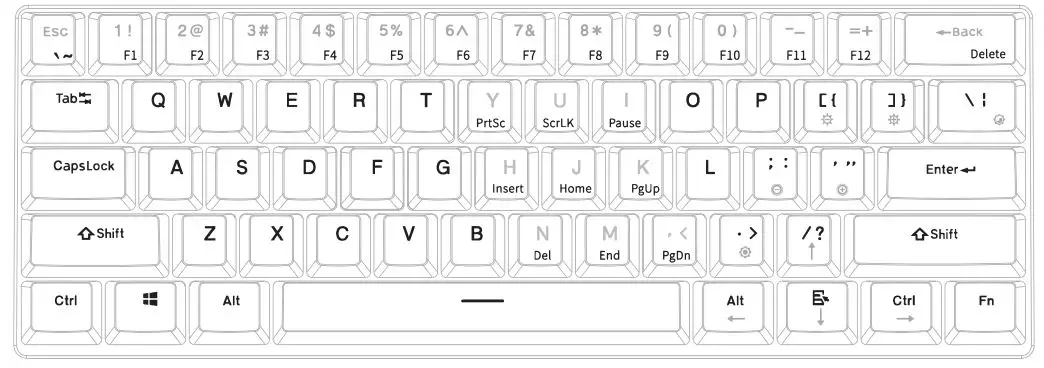
2. All multifunction buttons exept Y/U/I/H/J/K/N/M/,< in second function mode
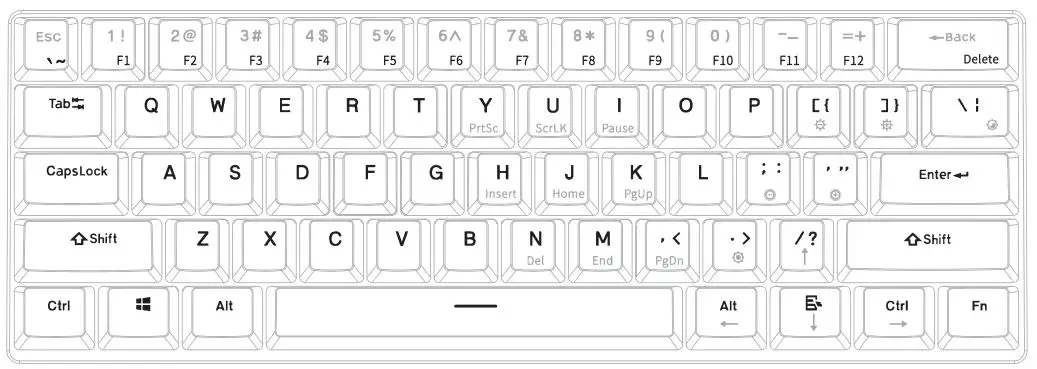
3. All buttons back to first function mode.
WIRELESS MODE
Keyboard is in wireless mode when bottom switch is ON.
WIRELESS CONNECTING
- Turn bottom switch ON.
- Press and hold for 3s FN+Q/W/E. When in paring mode – key Q/W/E will start to blink.
- Open the computer/mobile BT function and complete connection.
Keyboard can be paired with 3 devices at once. You can easily switch between them by clicking:
FN+Q-first device
FN+W-second device
FN+E third device
CHARGING
To charge keyboard please connect it to the PC by USB cable.
Backlight of space bar will inform you about:
3 blinks charging mode;
5 blinks – battery is fully charged.
SOFTWARE:

To download the newest version of dedicated software please visit www.krux.tech.
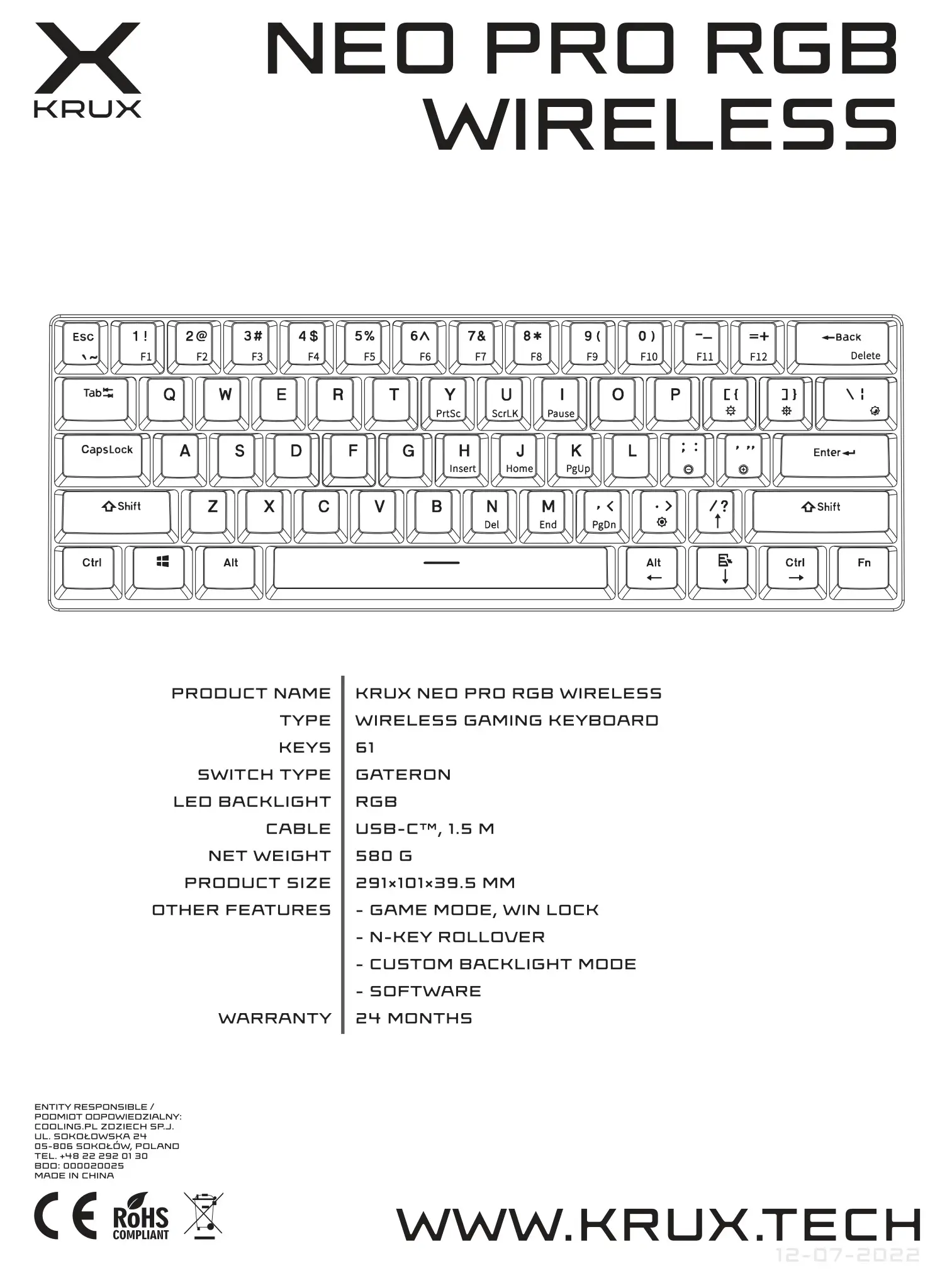
KRUX NEO PRO RGB WIRELESS Keyboard
2-year manufacturer warranty
Use and warranty limitations
– The product should be used according to its intended purpose. Incorrect use can damage the product and endanger the life of the user;
– Excessive humidity, dust and other contaminations can result in product damage which is not covered by the warranty;
-The warranty does not cover mechanical damage to the product;
– Avoid exposure to rapid changes in ambient temperature. Should they occur, wait approx. 30 minutes before using the product until the temperature is leveled;
– You can find the Warranty Terms and Conditions in “Support” at https://krux.tech/