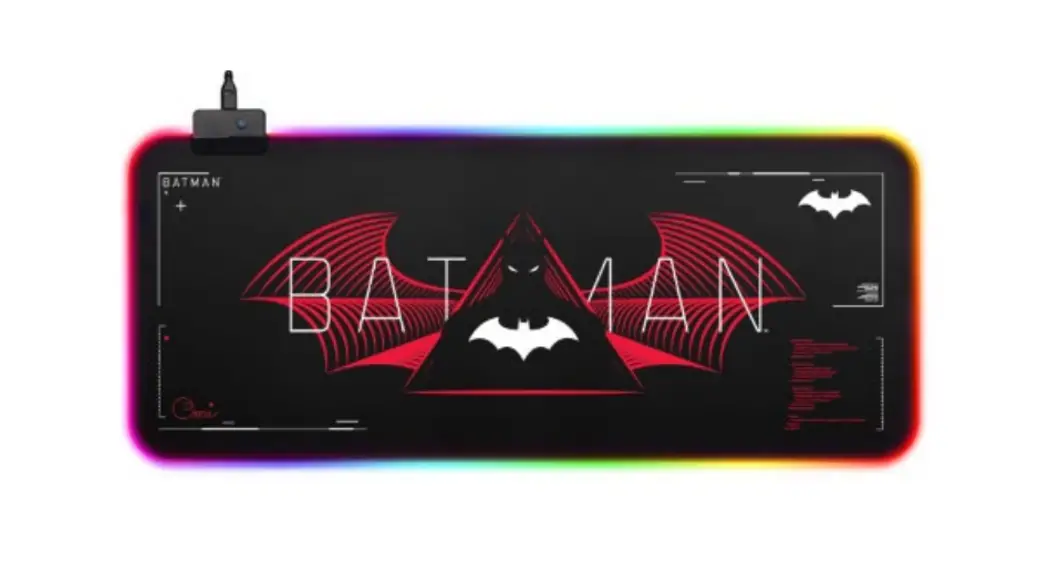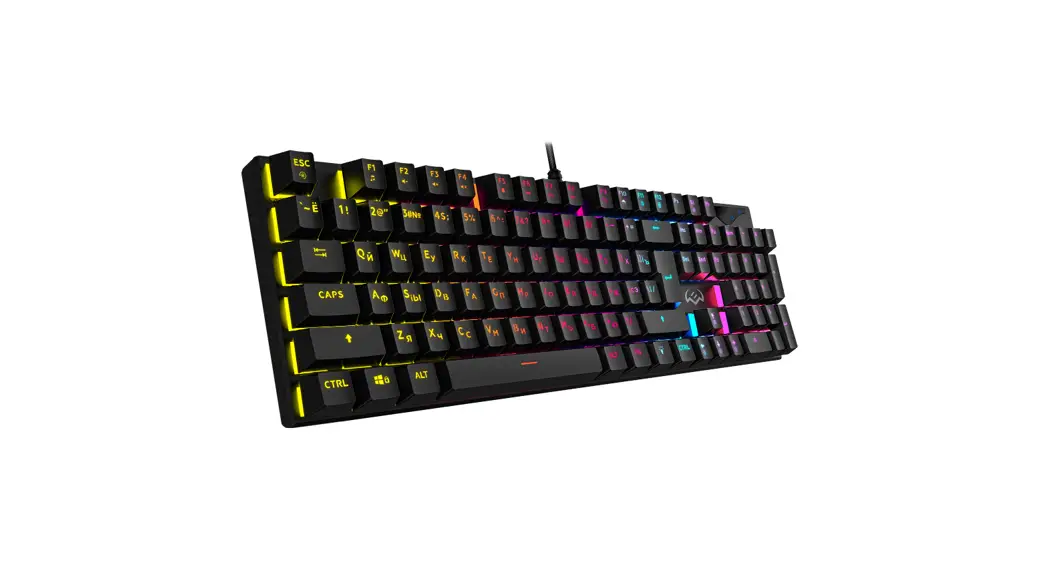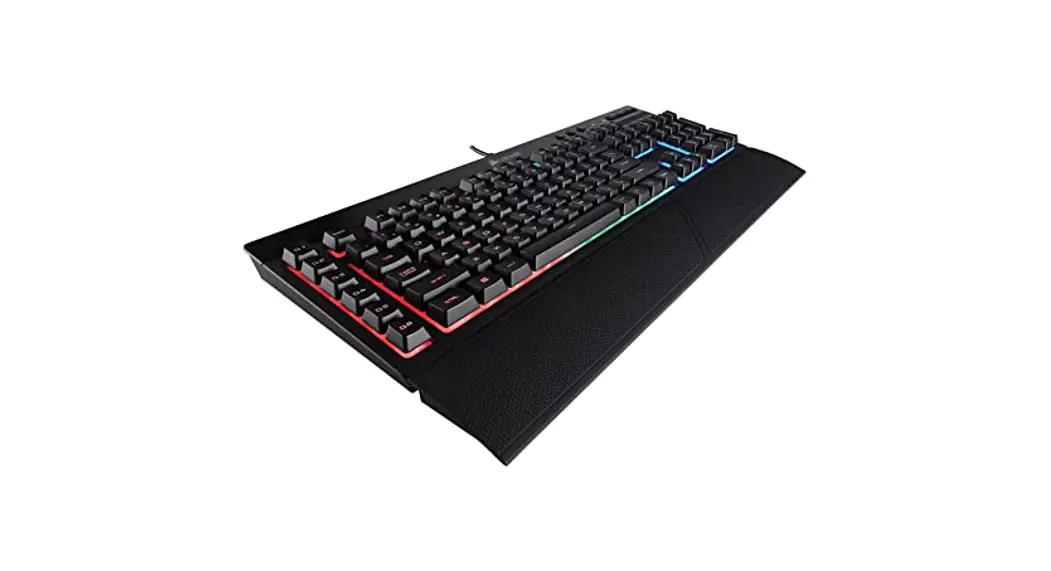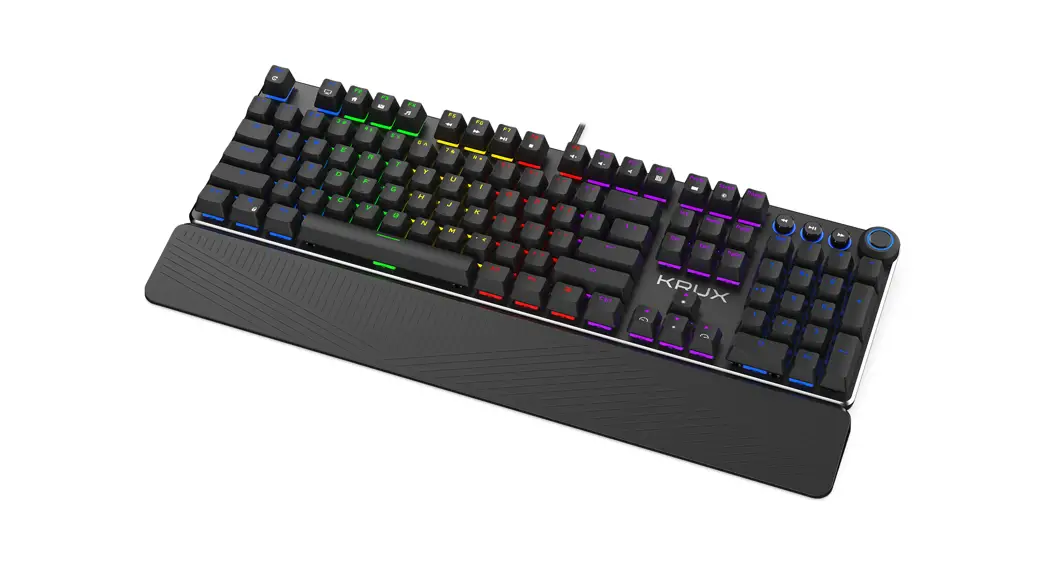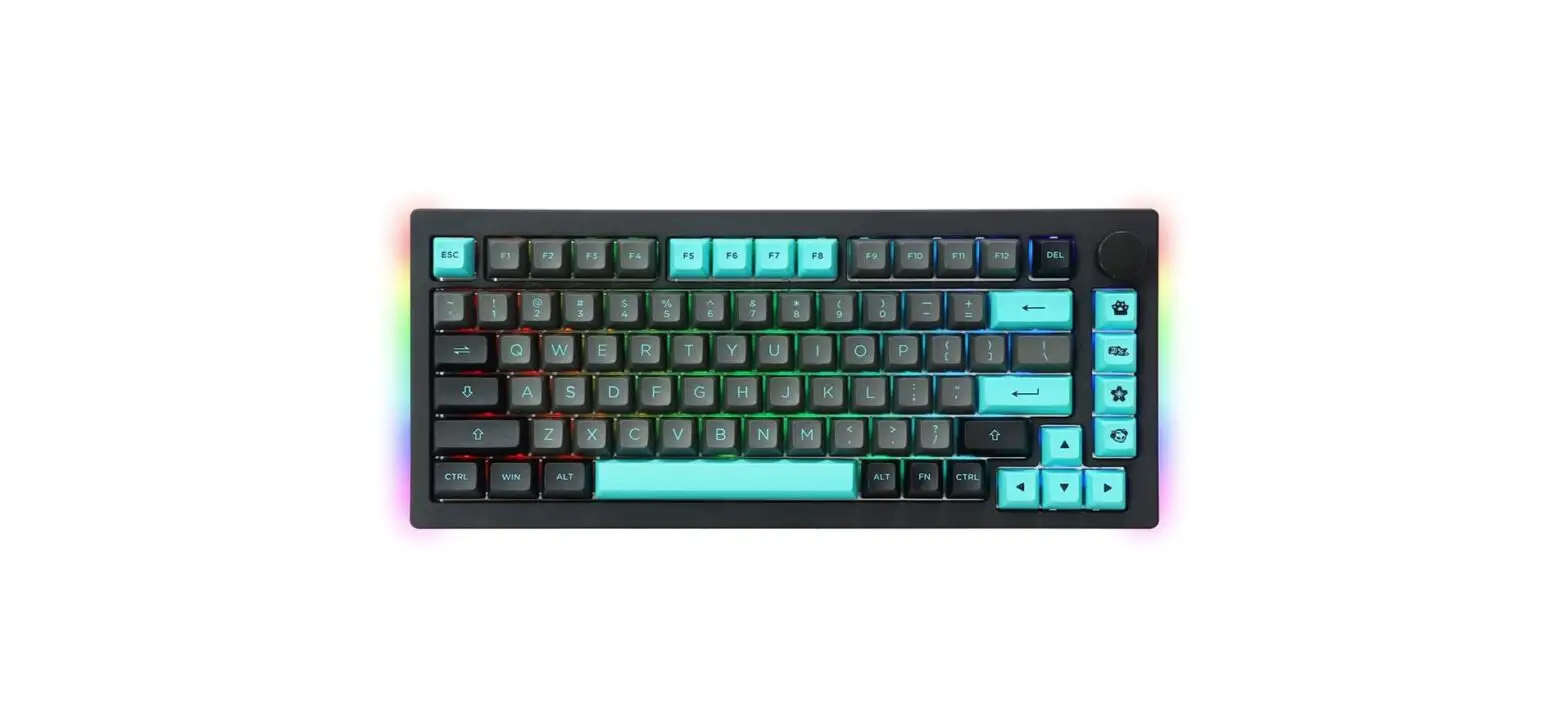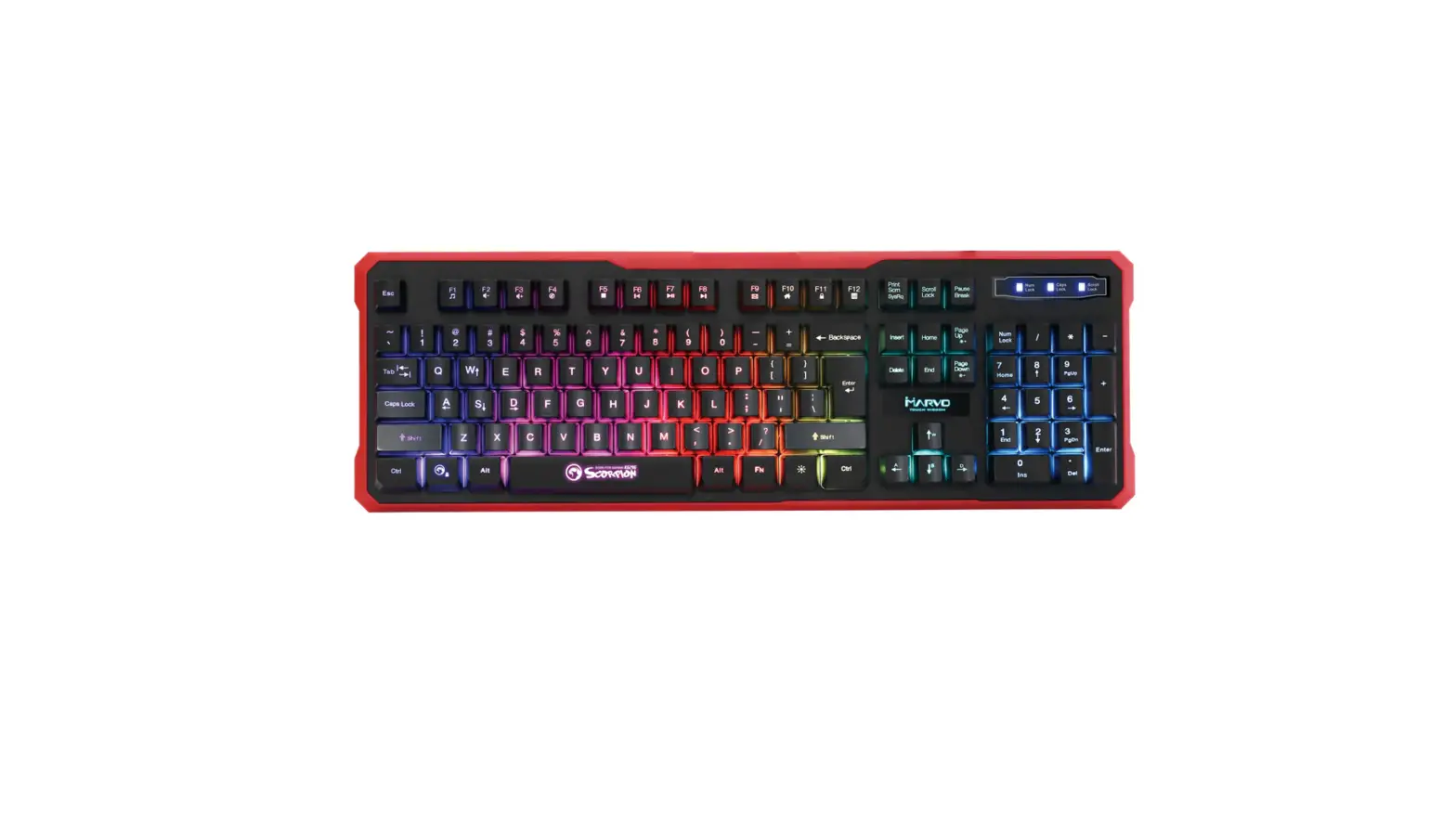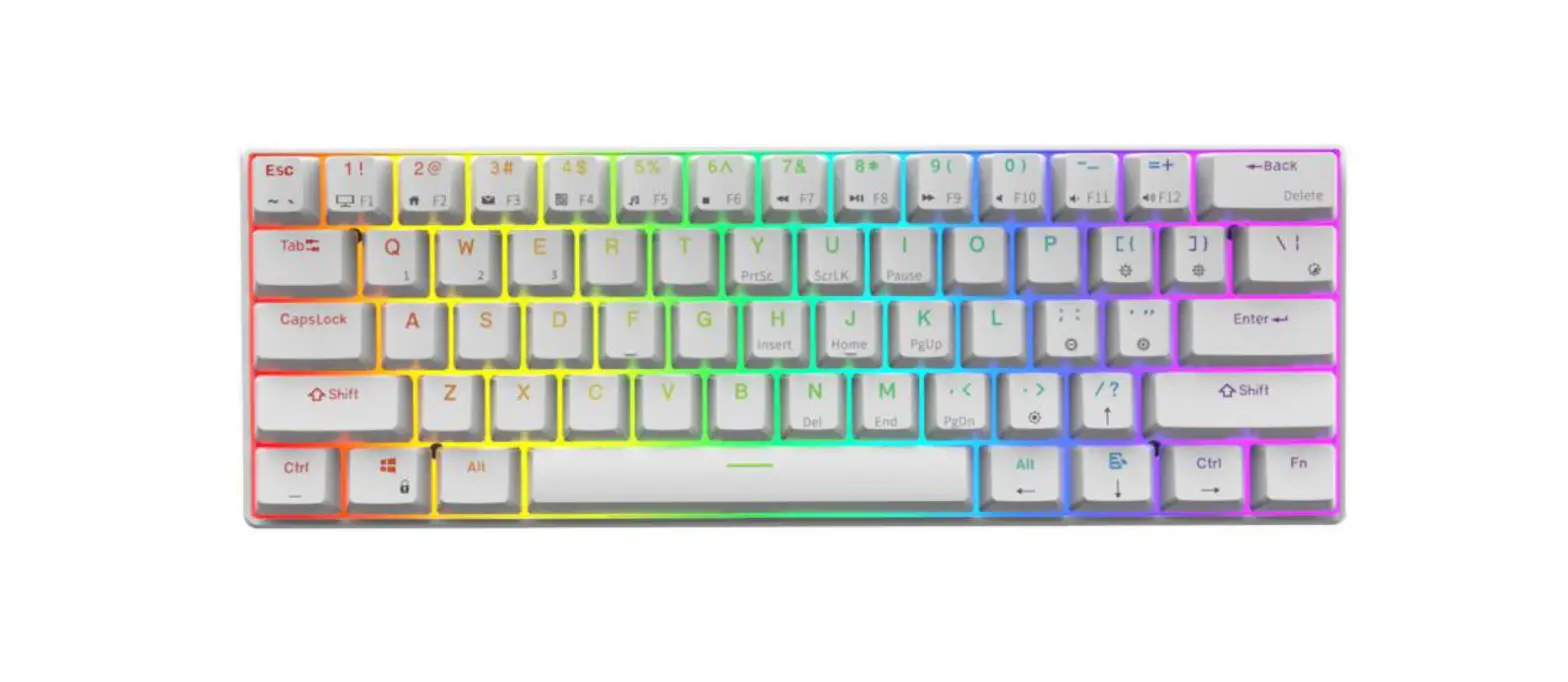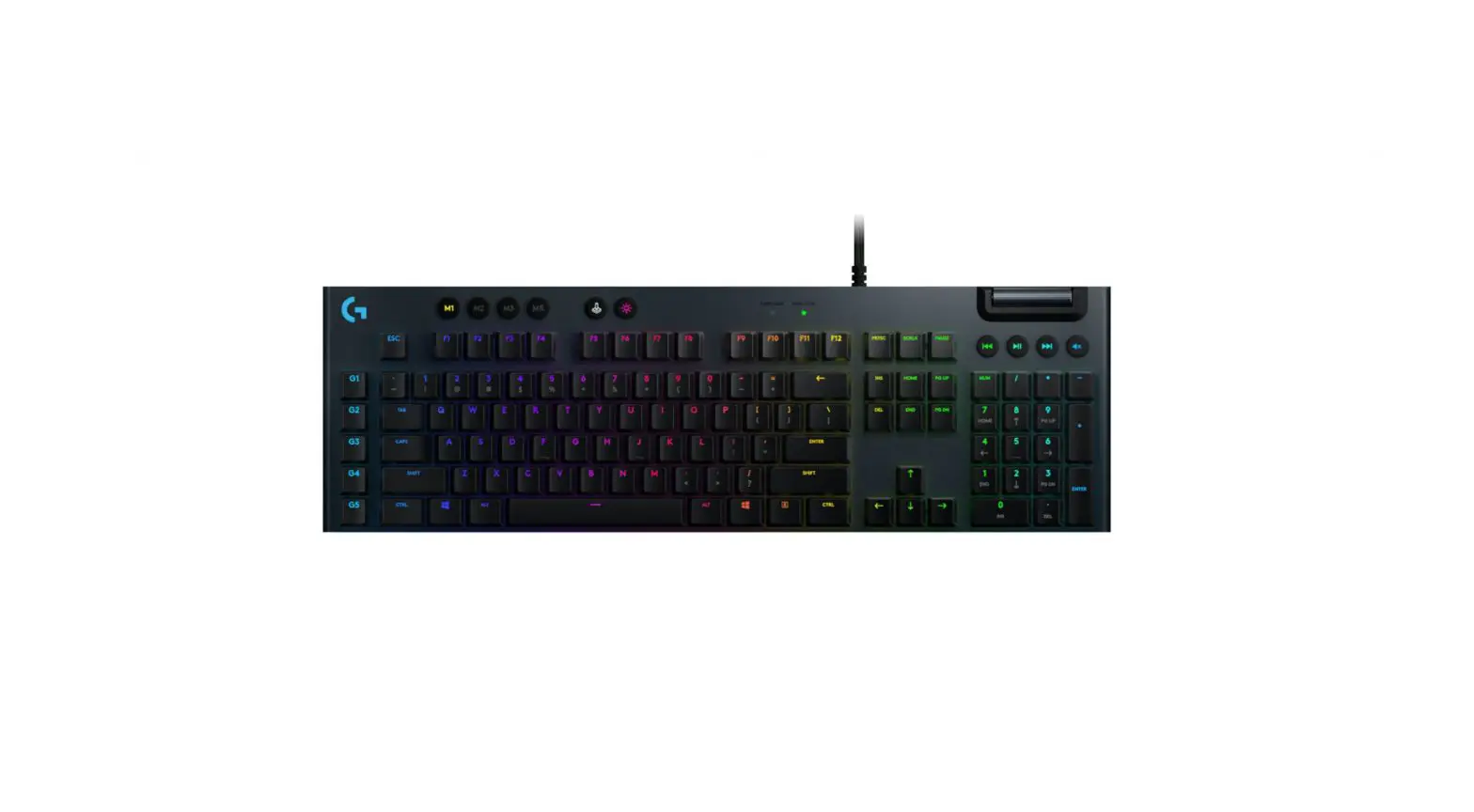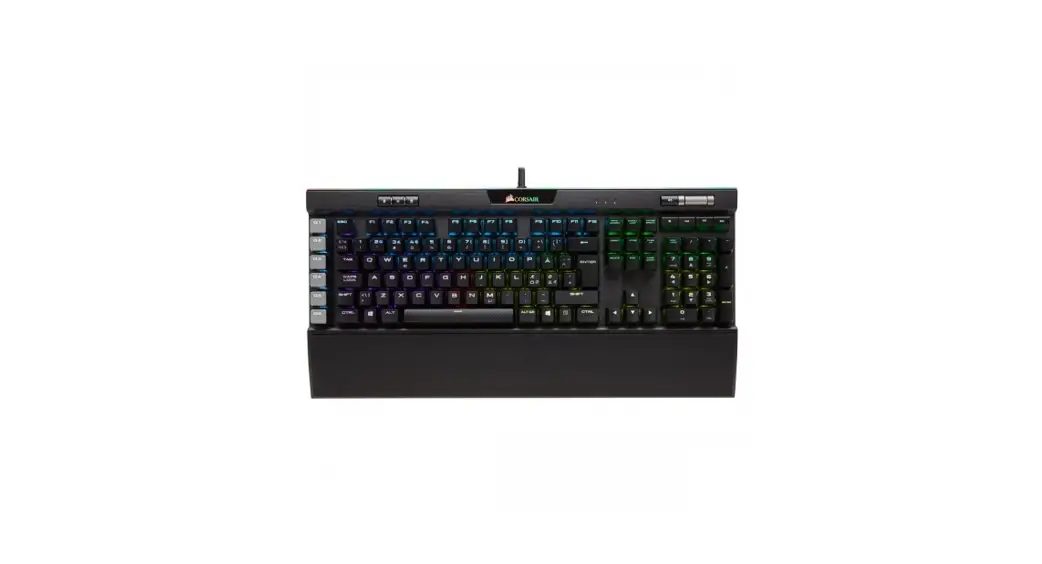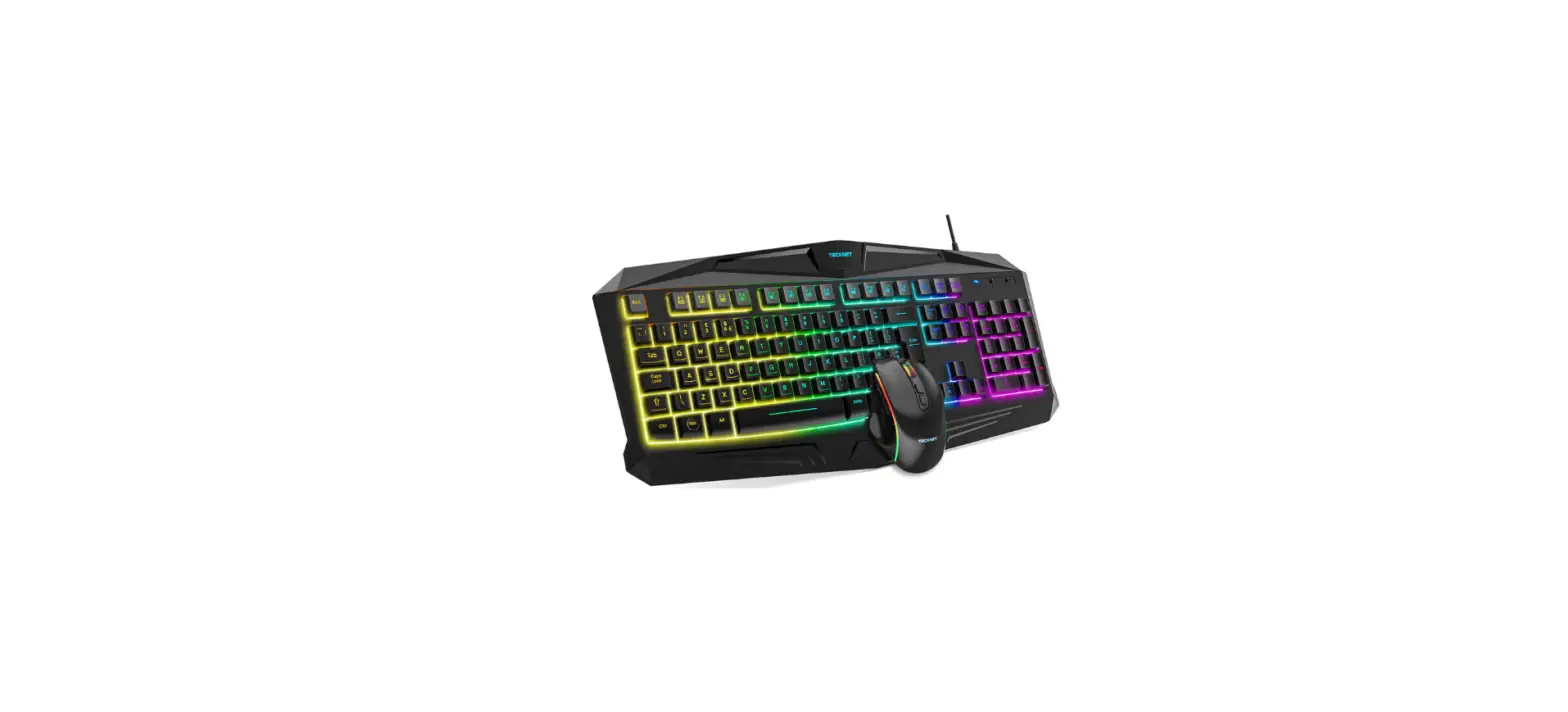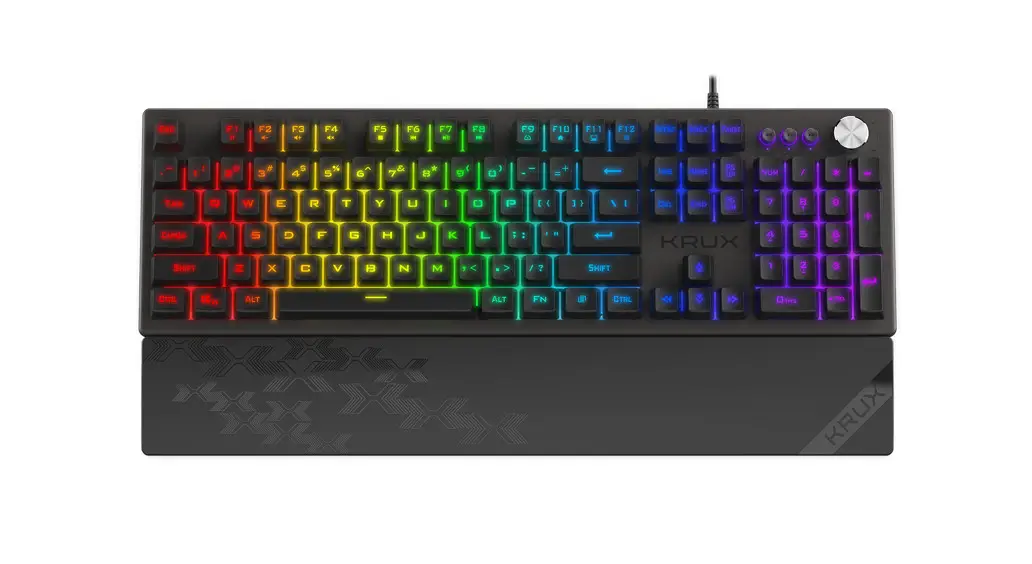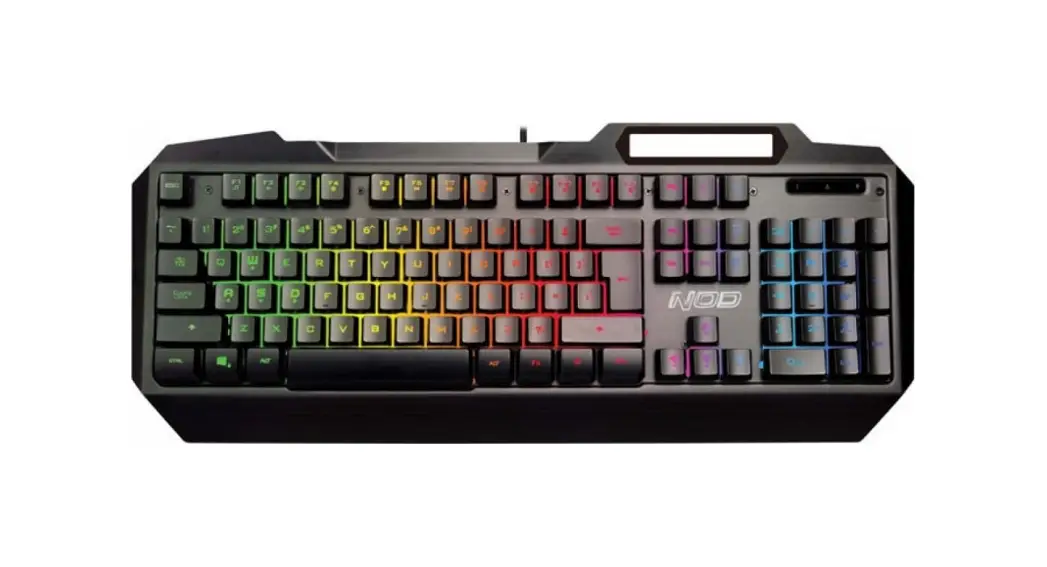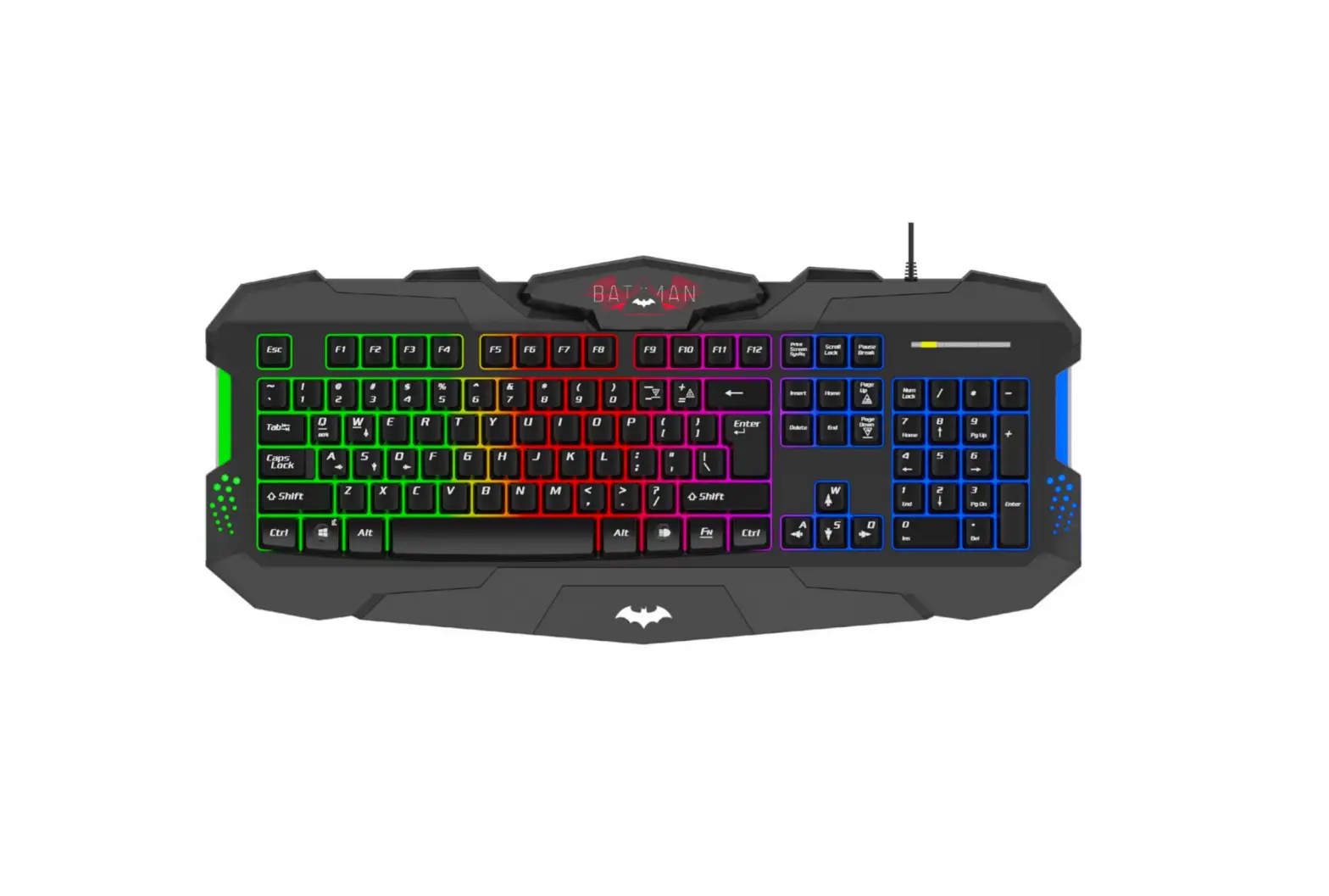
kogan KAGMKBWBRBA Batman RGB Gaming Keyboard
SAFETY & WARNINGS
Ensure to read all warnings and instructions in this user guide prior to first use.
- Keep the keyboard away from sharp objects that could cause damage to the keyboard.
- Do not place heavy objects onto the keyboard.
- Do not stretch, twist, or apply excessive force onto the keyboard body and its keys.
- Do not immerse the keyboard into water or any other liquid.
- Do not disassemble the keyboard.
- Keep the keyboard away from heat sources and other hot environments.
- Do not use harsh abrasives or liquid cleaners on the keyboard.
CLEANING & CARE
To clean the keyboard, ensure the keyboard is not in use and wipe it gently with a damp cloth.
Do not use harsh abrasives or liquid cleaners to clean the keyboard
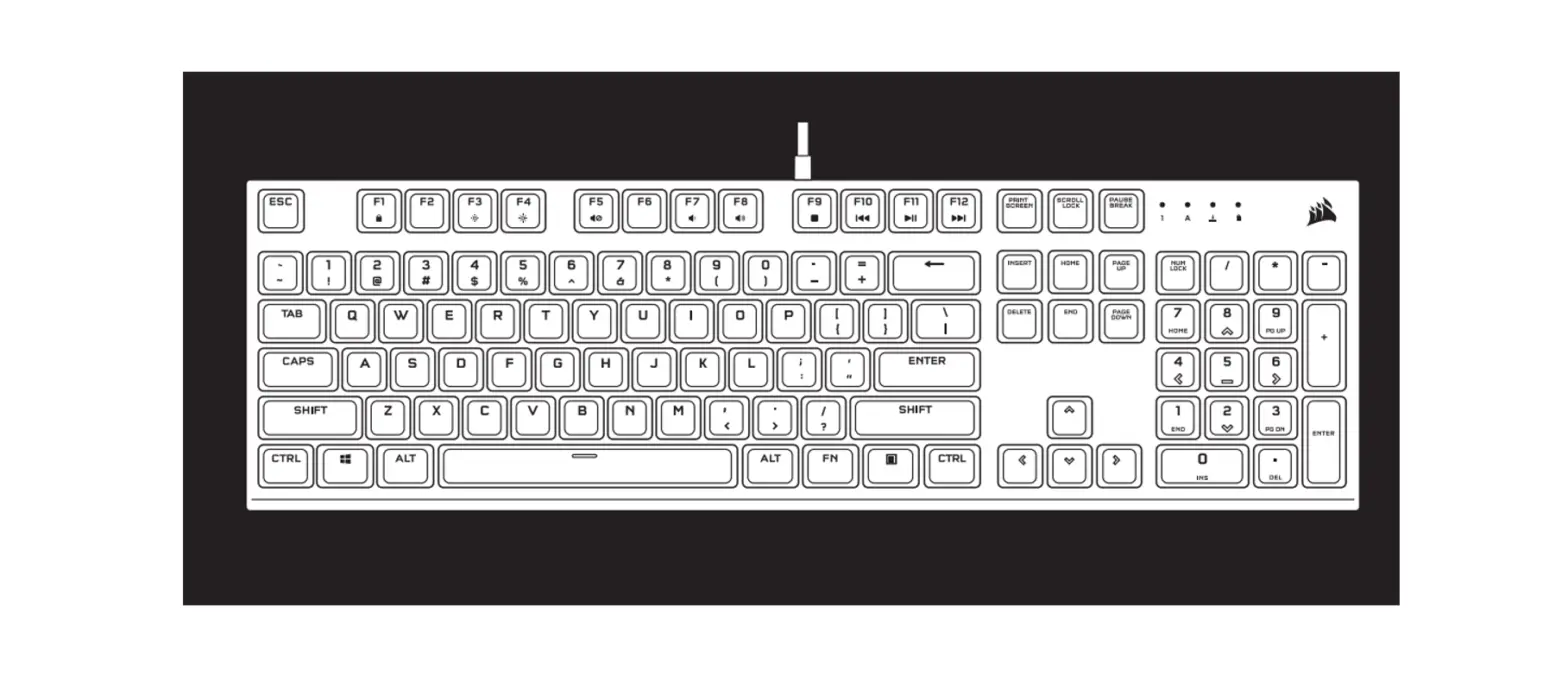
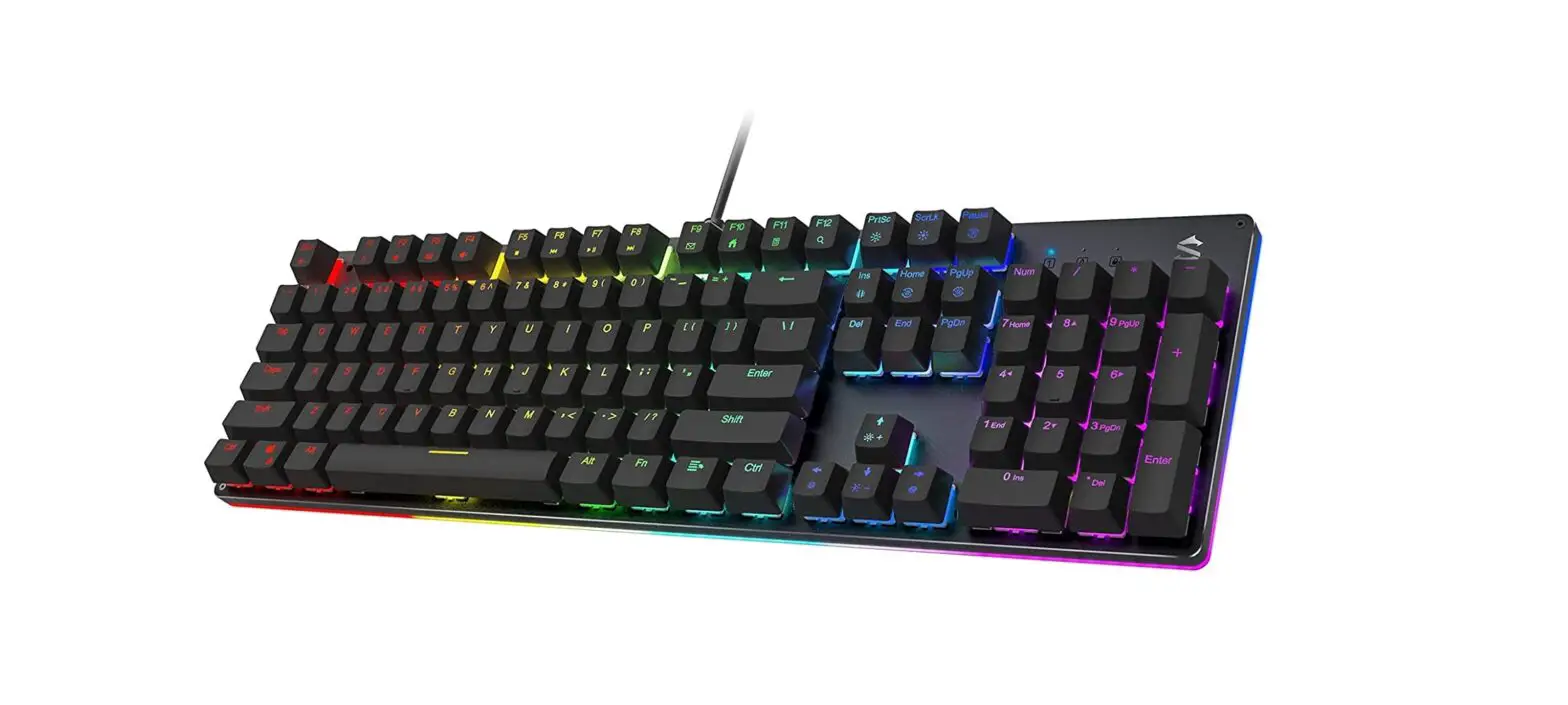
OVERVIEW
OPERATION
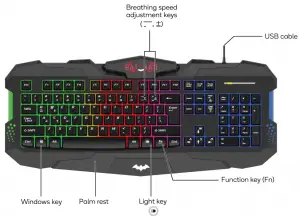
- Connect the USB cable attached on the keyboard into a USB port on the computer.
- Press
 on the keyboard to turn the RGB LED lights on.
Keyboard shortcuts
| Fn + Windows + L | Lock Windows function |
| Fn + W | Swapping the function of WASD keys with the arrow keys |
 | Turn on/off LED light |
| Fn + | Change the LED light breathing mode |
| Fn + Page Up | Lighten the LED light |
| Fn + Page Down | Darken the LED light |
Fn +  | Slow down LED breathing speed |
| Fn + ⩲ | Speed up LED breathing speed |
Keyboard multimedia functions
| Key combination | Implementation function |
| Fn + F1 | Media |
| Fn + F2 | Volume – |
| Fn + F3 | Volume + |
| Fn + F4 | Mute |
| Fn + F5 | Stop |
| Fn + F6 | Play previous |
| Fn + F7 | Play / pause |
| Fn + F8 | Play next |
| Fn + F9 | |
| Fn + F10 | Web / home |
| Fn + F11 | Lock keys |
| Fn + F12 | Calculator |
SPECIFICATIONS
| Size | 475 x 205 x 30mm |
| Voltage | 5V |
| Current | 250mA |
| Material | ABS |
| Keyboard layout | 104 key US layout |
| Non-conflict keys | 19 |
| Cable length | 1.8m |
| Connector | USB-A |
| Plug and play | Yes |
| Systems supported | Windows ME/2000/XP/Vista/7/8/10 |
Need more information?
We hope that this user guide has given you the assistance needed for a simple set-up.
For the most up-to-date guide for your product, as well as any additional assistance you may require, head online to help.kogan.com