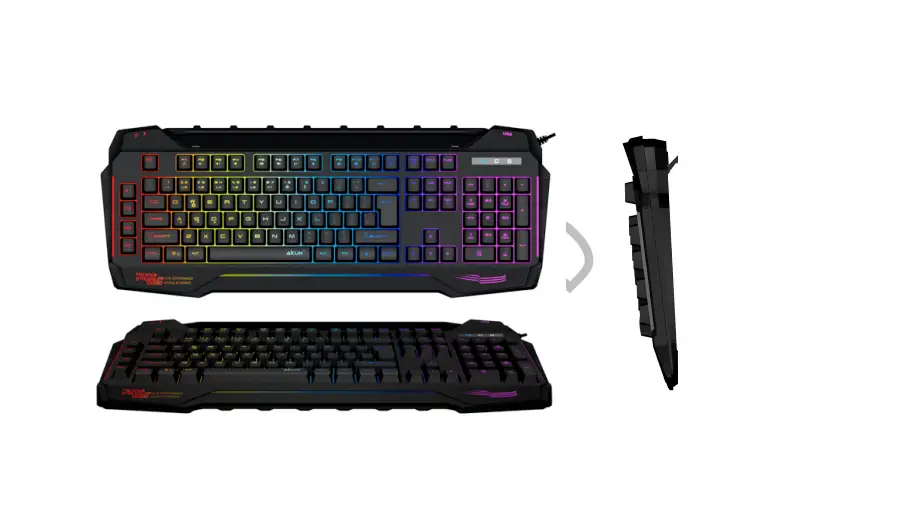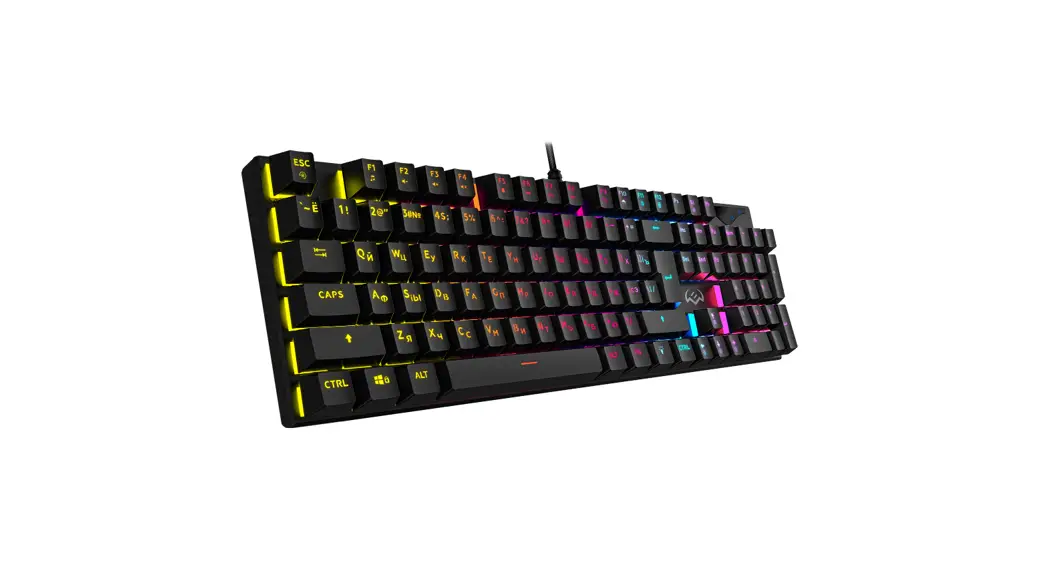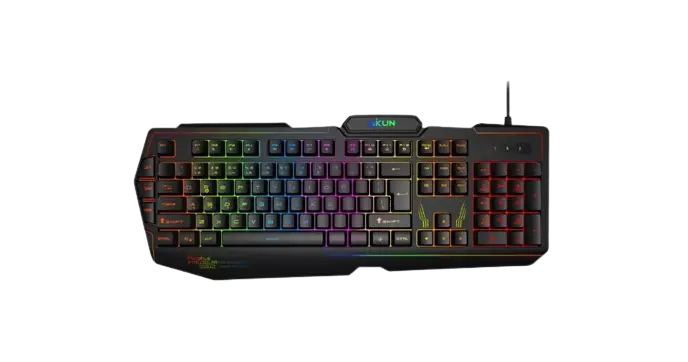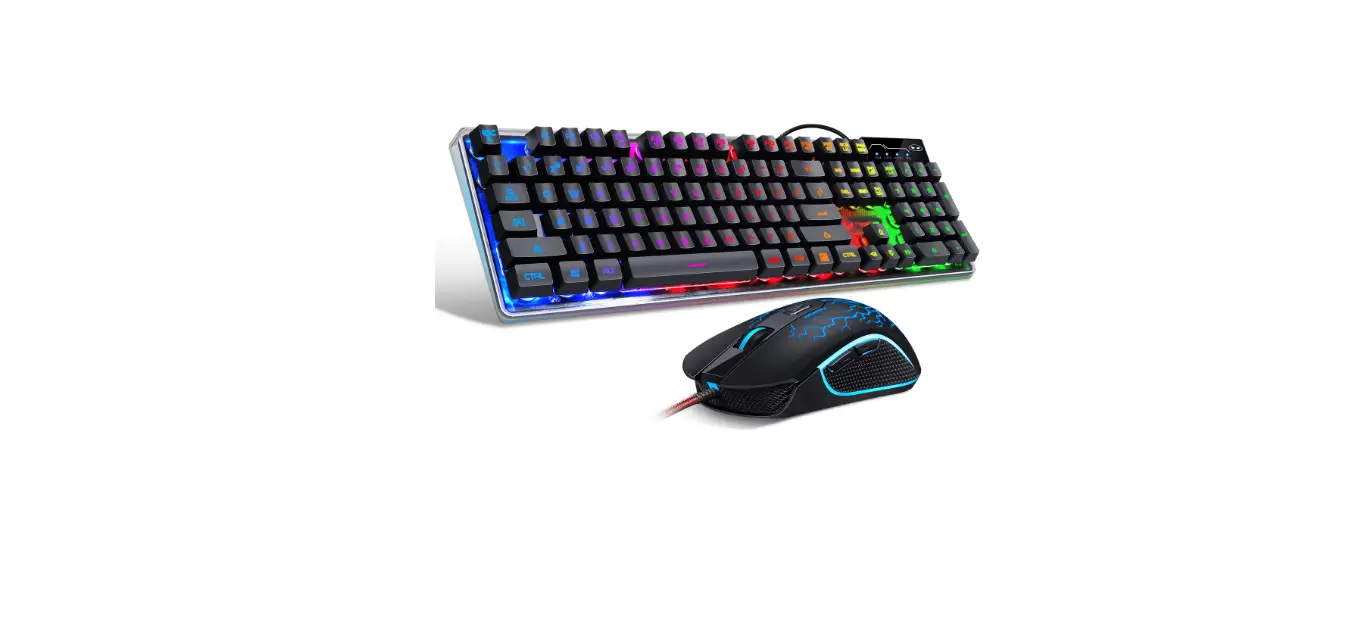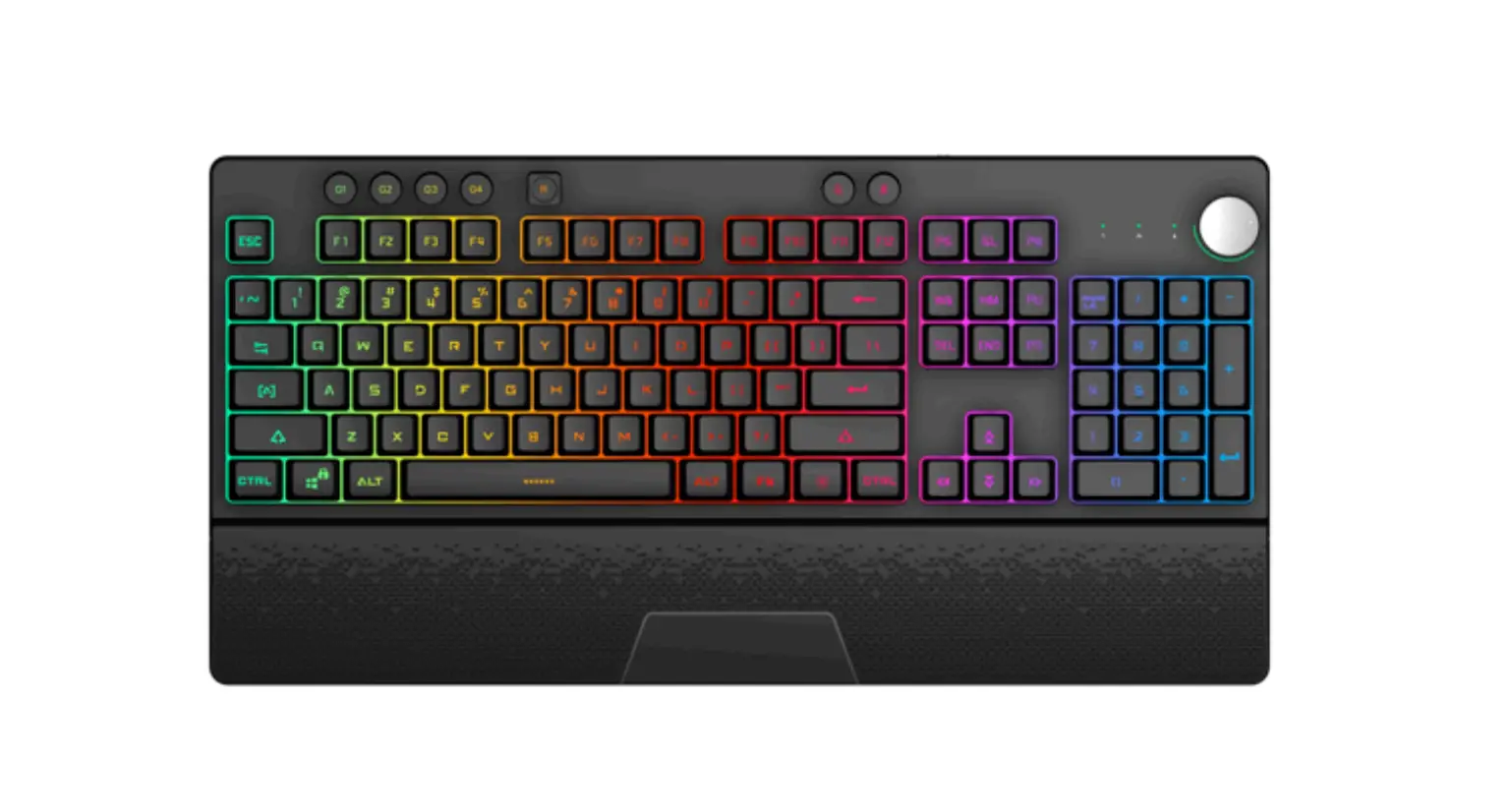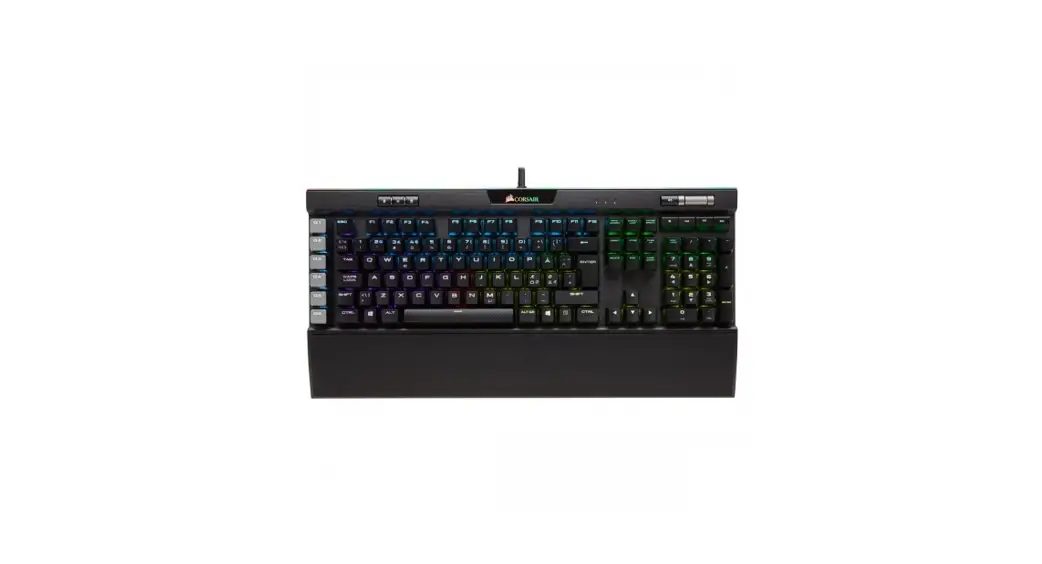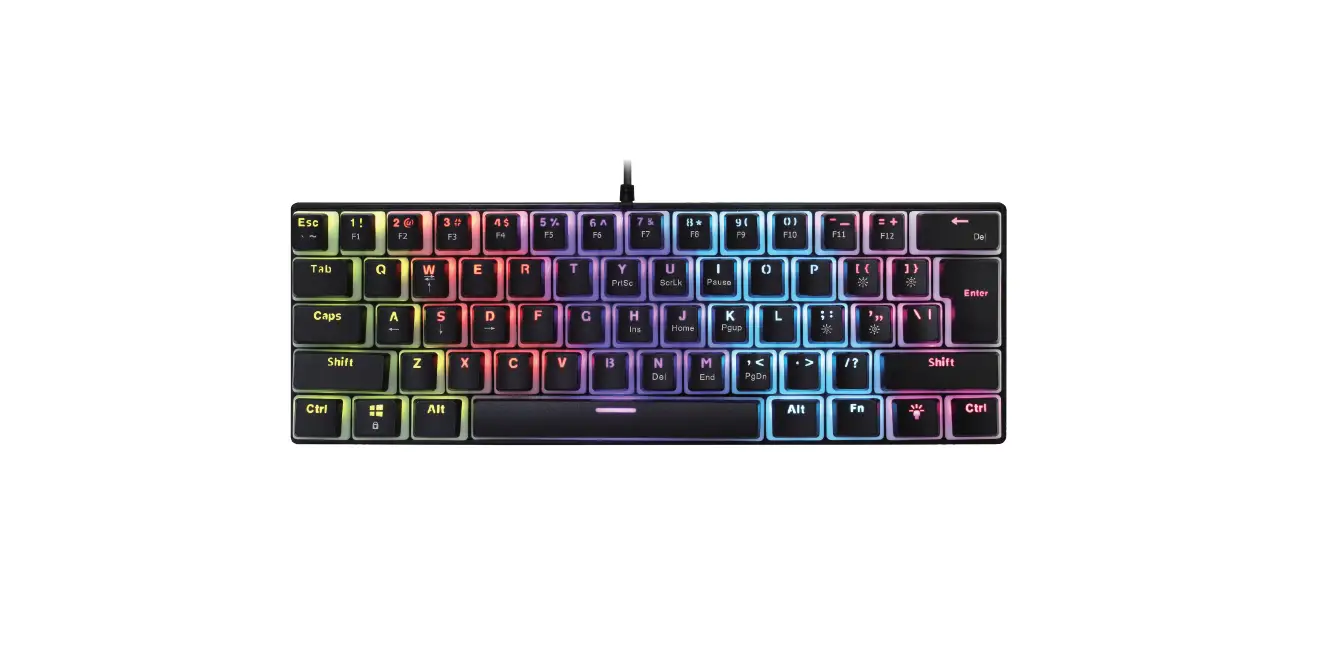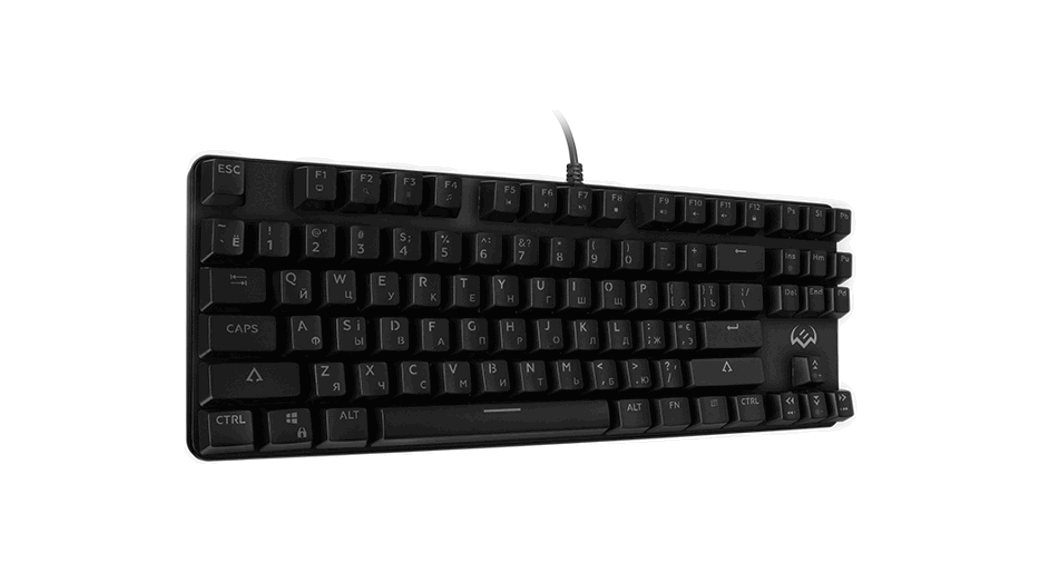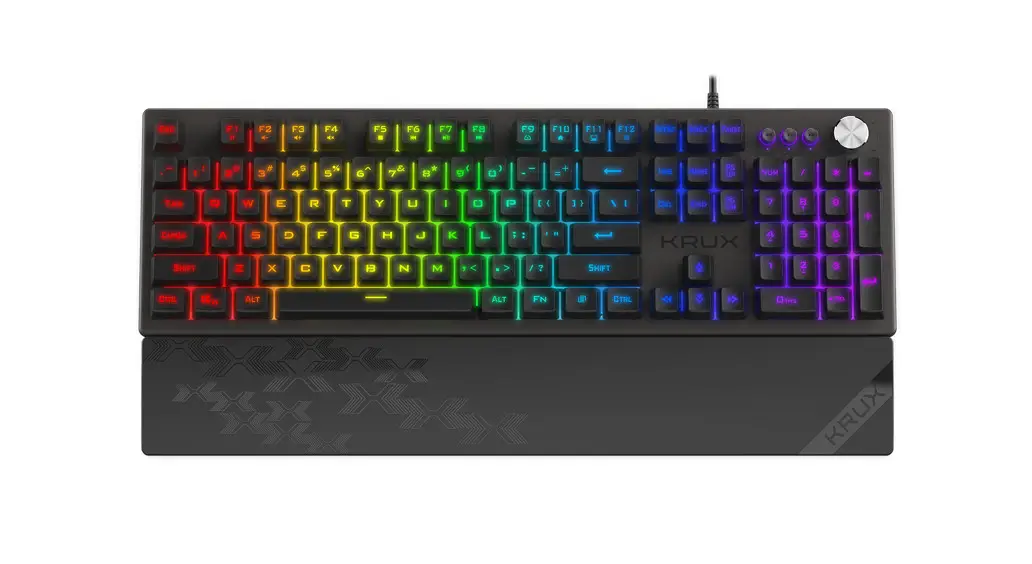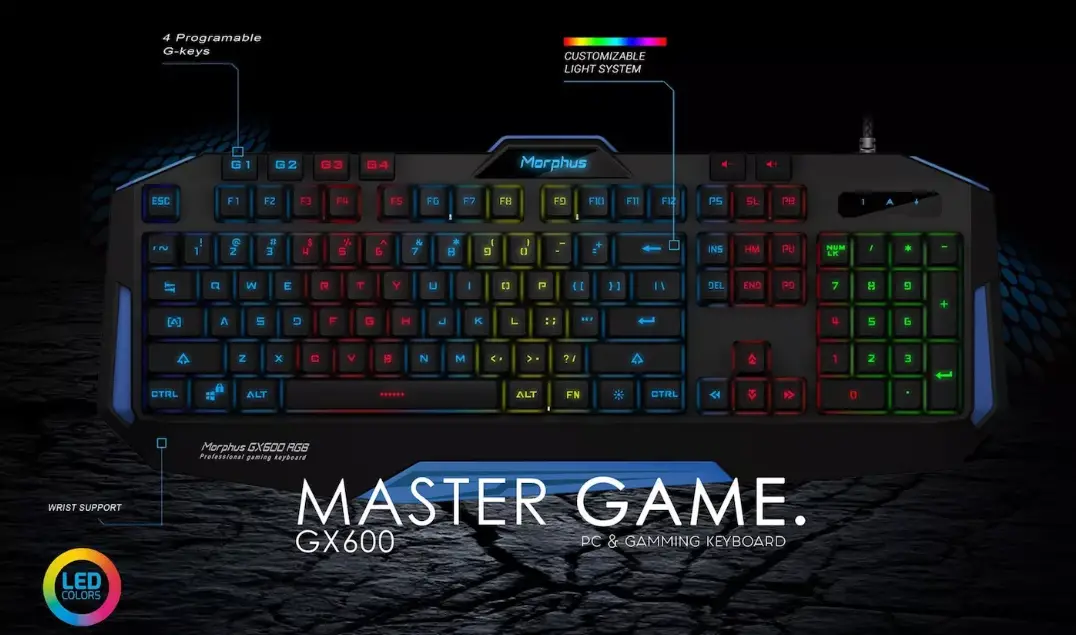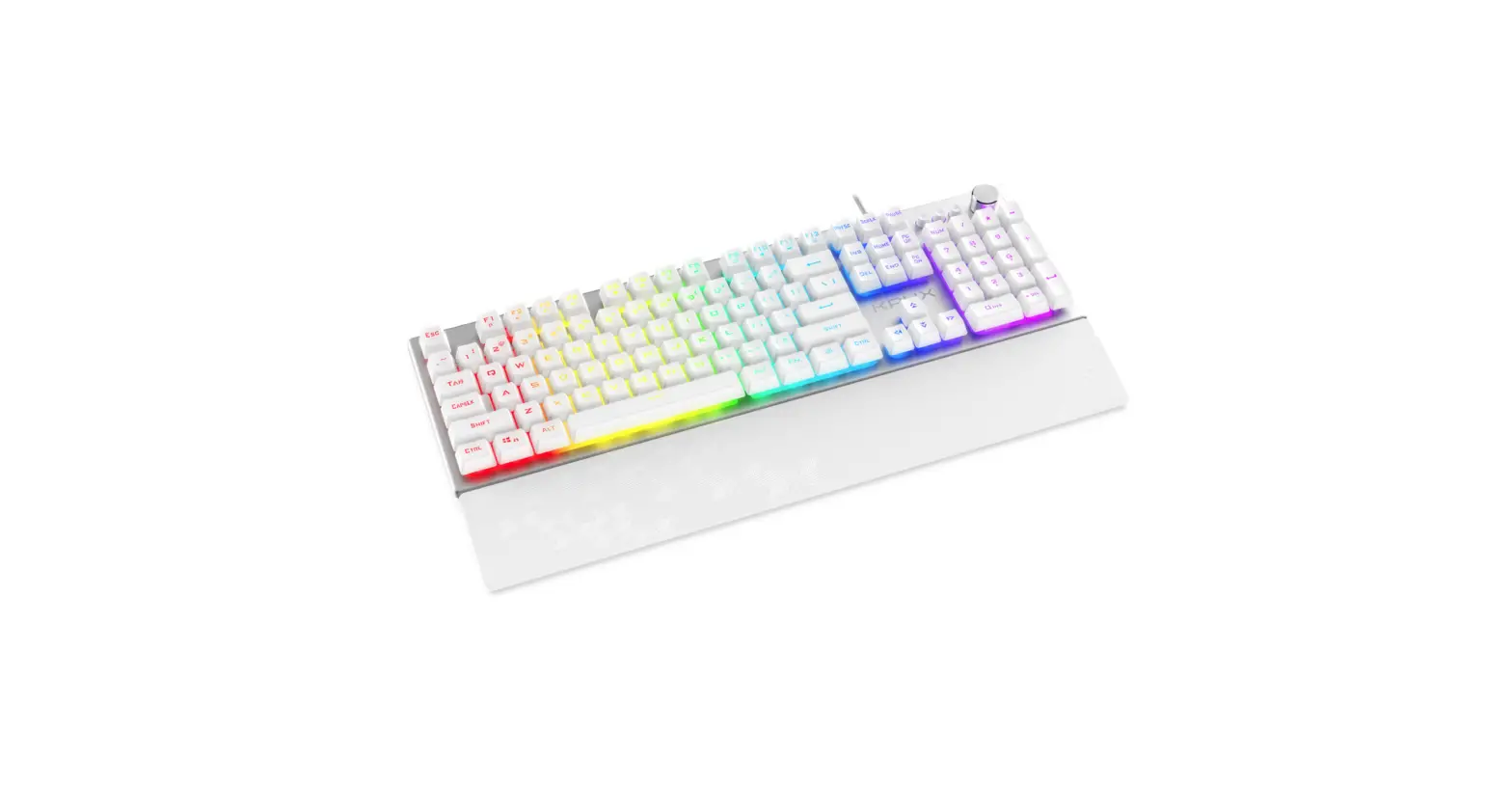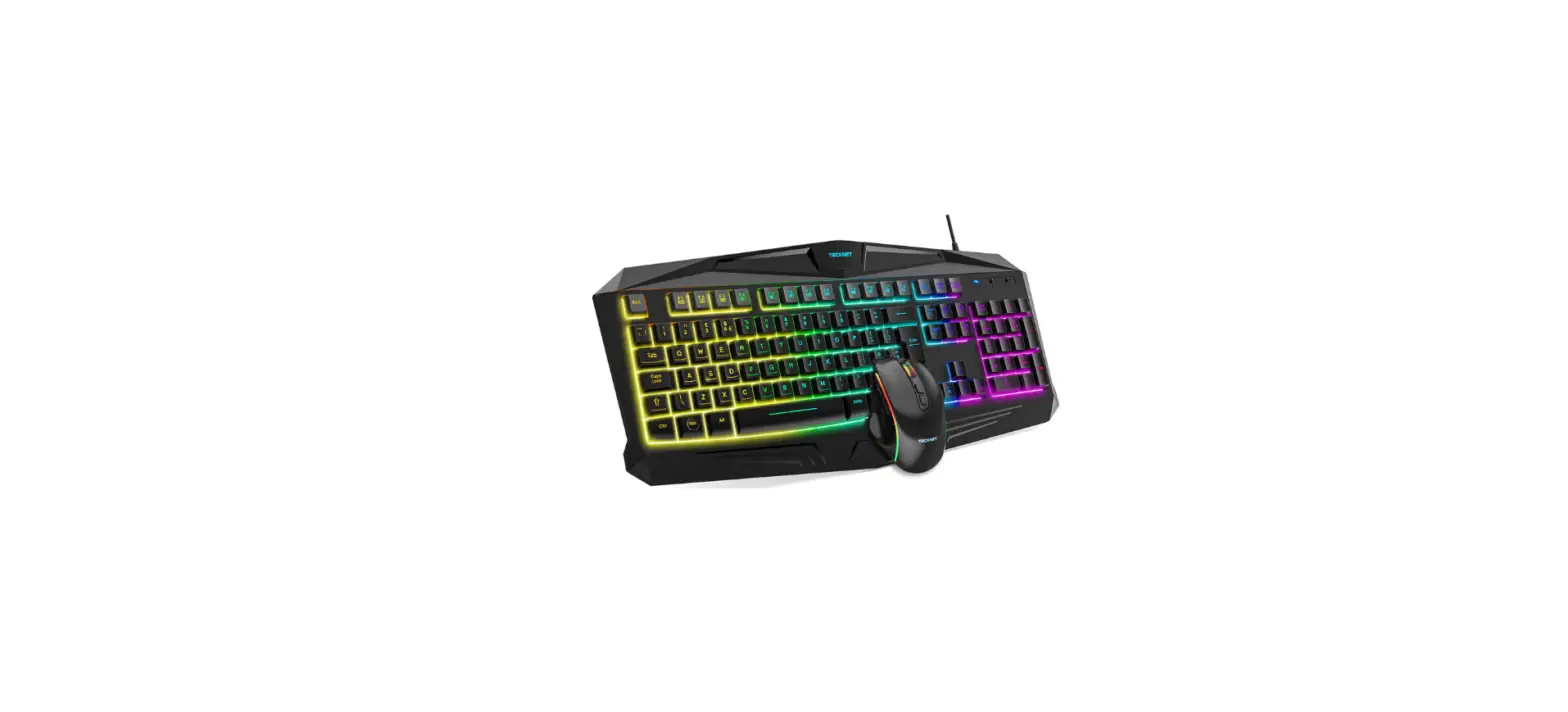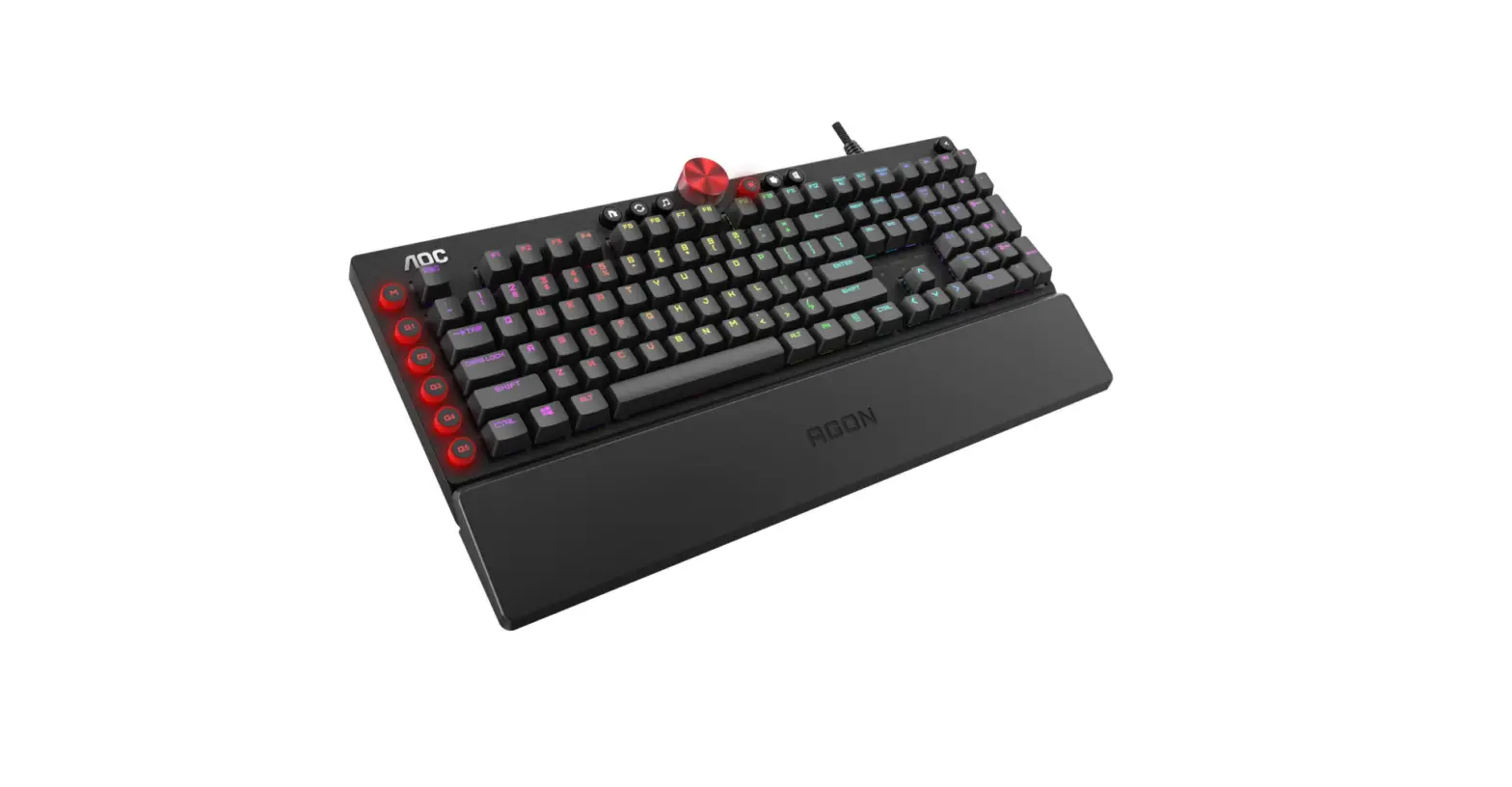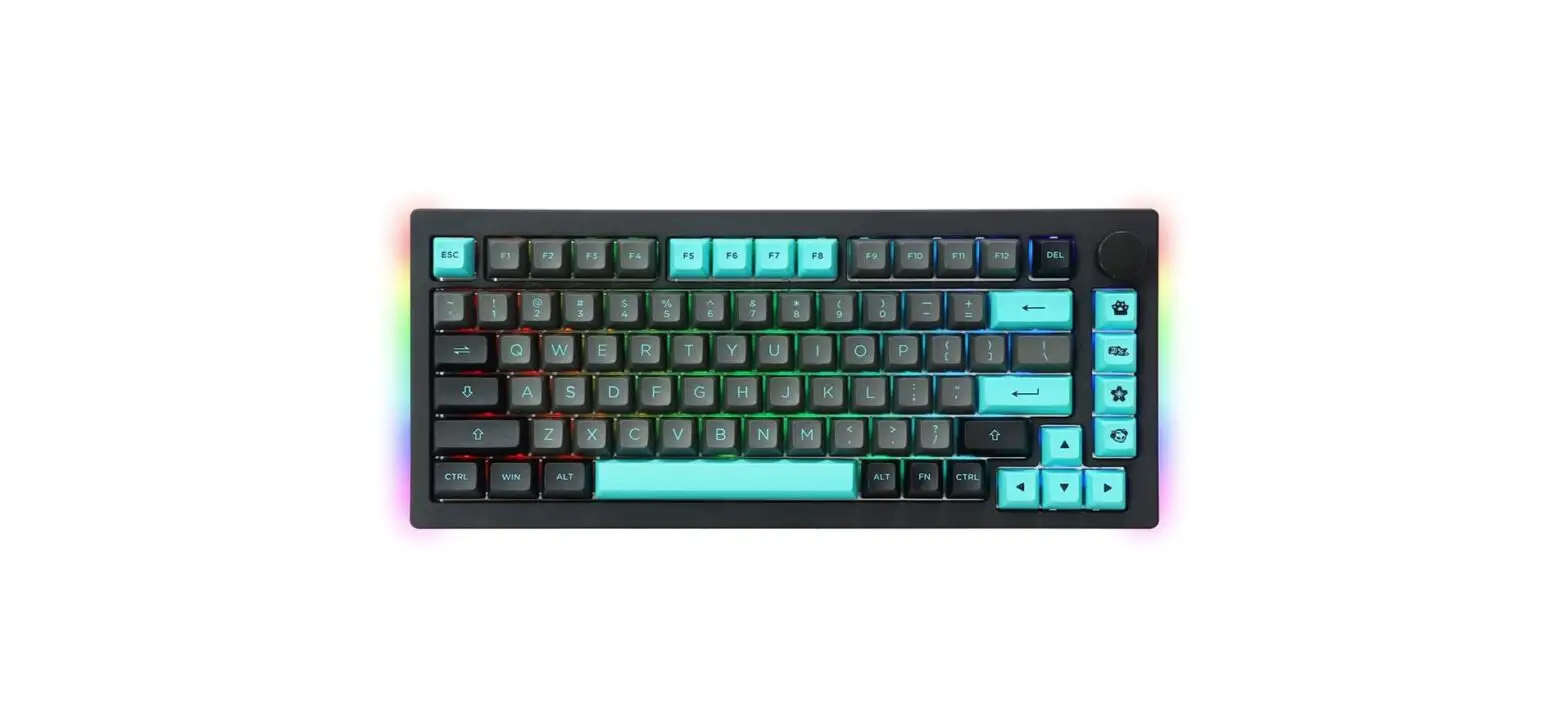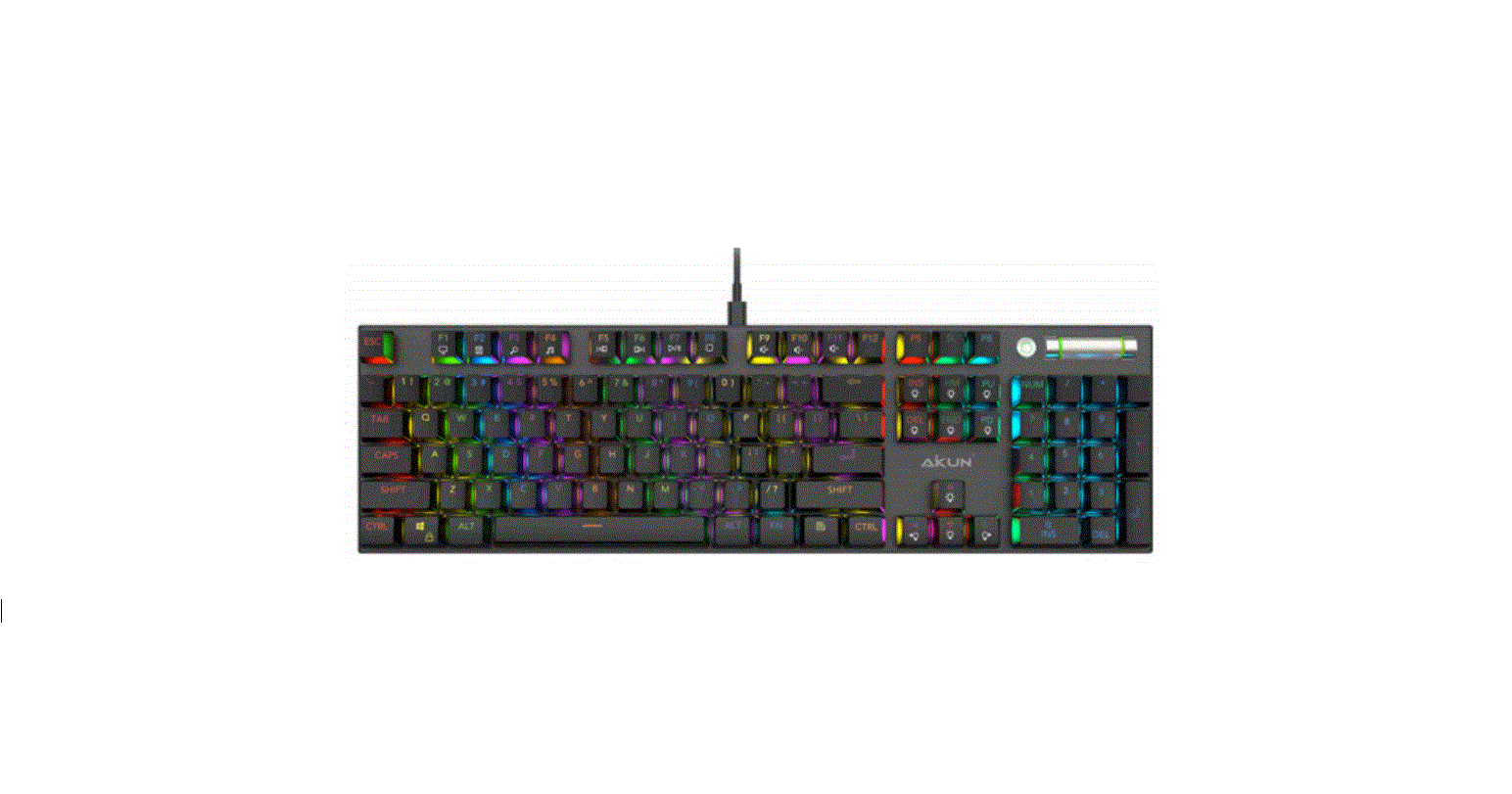

AIKUN GX9100 RGB Backlight Gaming Keyboard
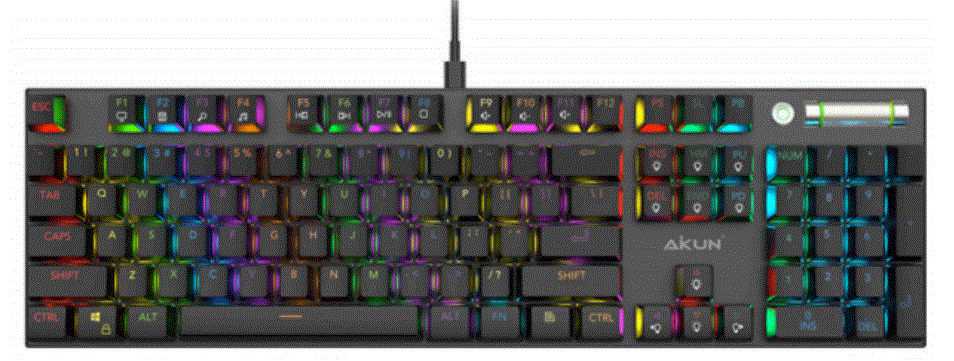
PRODUCTS SPECIFICATION
| Model NO. | GX9100FM – RGB | TYPE | Mechanical RGB keyboard | |
| MP DATE | 2021-11-05 | PATENT ID | ZL 2021 8 0268907.xx | |
|
Products ID | ||||
| Item | Spec/Data | Item | Spec/Data | |
| Basic spec | Keyboard type | Wired Mechanical backlight | Layout | US/UK optional |
| Interface type | USB A | Size (L*W*H) | 435.3 x 124.50 x 34 mm | |
| Connection | Wired | NW (with cable) | 745.50g±10g | |
| Multimedia Keys | Support (FN+F1~F12 keys) | Cable Spec | Type C USB Braided Fiber 1.8m φ3.2mm + Noise Filter | |
| Working voltage | UBS 5V | Cable color | Black | |
| Switch type | GaoTe MX Switch | Interface | USB 2.0 – 1000 report rate | |
| Key pressure | 60g±5g | OS Compatibility | Windows XP and above Android/Apple | |
| Key lifetime | 500,000,000 times | Backlight | 16.8 million color settings | |
| Backlight color | RGB Backlight | Backlight effects | 18 cool lighting effects | |
| Switch type | Blue Switch “ Brown/Black | Waterproof | N/A | |
| Programmable | N/A | Ergonomically | Yes | |
| Plug and play | Yes | Inner Memory | 32K Rom | |
| Working frequency | 48Mhz | Character Print | PBT Double-shot | |
| Electrical parameters | IC | Cortex-M0 32Bit MCU | IC Factory | ARM |
| IC package | SMT (LQFP64) | Working Voltage | DC4.5V-5.5V | |
| Working currents | 200mA | Sleep currents | ≤100mA | |
| Working | 0″45℃ | Storage | -20″+60℃ | |
| Working humidity | 20″90% | Storage humidity | ≤93% (40℃) | |
| Selling points | 1 | Professional Mechanical Gaming Keyboard – RGB Backlight – MX Blue Switches, ABS + Aircraft-Grade Anodized Aluminum Frame Full Size Electronics PCBA. M.M Function – Type C Connection Plug | |||
| 2 | Aircraft-Grade Anodized Aluminum Frame: Built to withstand a lifetime of gaming. Lightweight and rugged durability, necessary for a keyboard that’s going to see a lot of action, “Anti-rust, Anti color change, Anti Water” | ||||
| 3 | Durable build GaoTe MX- Blue Switches: With durable buttons rated up to 50 million clicks, this durable Keyboard will play hard for a long time. | ||||
| 4 | Dynamic multicolor per key backlighting, Adjust the key’s color and illumination level, Speed, and Direction in addition to 18-zones, the double-shot injection molded keycaps for crystal clear backlighting. | ||||
| 5 | 100% Anti-Ghosting With Full Key Rollover: Ensure your commands and simultaneous keystrokes always register the way you intend. | ||||
|
6 | Full Multimedia function: Shortcuts Key: Press FN+ “F1~F12” to control multi-media function calculator, email, web browser, volume, media, etc. DEDICATED KNOB CONTROL The GX9100 features dedicated media controls that can be used to adjust your game volume or make it mute with a touch of a button. | ||||
| 7 | High-Quality USB Cable. USB Type C Cable With Braided Fiber 1.8m φ4.3mm + Noise Filter | ||||
| 8 | High-Quality Anti-Skid Rubber The anti-Skid Rubber base effectively keeps the Keyboard from sliding | ||||
| Material specification parameter | |||||
| Components | Color/ Specification | Raw material | Surface Technical | ||
| Upper case | Black | Aluminum | Black Aluminum | ||
| Bottom case | Black | ABS | Black ABS | ||
| Keycaps | Black | ABS | PBT Double-shot | ||
| Decoration part | Black | ABS | ABS | ||
| Switch | MX Blue Switch Plug shaft | Brand | GaoTe 50 Million MX Switch | ||
| PCB | GX9100-FM- V01 | Structure | Lead and non-lead process | ||
| PCBA | PCB !SMT! DIP! Welding ! test | Type | Double-sided plug-in shaft | ||
| Cable | 1.8mφ 3.2mm | Type | Black Type C – Braided Fiber | ||
| Instructions and Function: 1. Open the product packaging, take out the keyboard, plug USB C into the Keyboard and USB A into the computer’s Port 2. The first time you use this keyboard, the system may need to install the USB driver, then the computer will automatically search and install the keyboard driver; 3. After the installation is complete, the keyboard starts working, with running LED lights for all keys. The keyboard has 18 RGB lights mode by 6 combined keys, FN+INS, FN+HOME, FN+PGUP, FN+DEL, FN+END, and FN+PGDN, each combined key has 3 RGB lights model options | |||||
FN Combination Key Function
|
FN+ | Combination | Key function | Description | |
| F1 | My Computer | Open Multimedia player | ||
| F2 | Calculator | Open Calculator APP | ||
| F3 | Search | The open explorer Search function | ||
| F4 | Media | Open Multimedia player | ||
| F5 | Play Previous | Previous track | ||
| F6 | Play Next | Next track | ||
| F7 | Play / Pause | Play / Pause Music or Video | ||
| F8 | Stop | Playback stop | ||
| F9 | Mute | Mute Any sound, Music or Game | ||
| F10 | Volume – | Reducing Voice Level | ||
| F11 | Volume + | Increasing Voice Level | ||
| F12 | N/A | N/A | ||
| SPACE | Switch Mode | Backlight display different colors Mode | ||
| INSERT | Light switch, including 3 light effects | Select and shaft between 3 colors and backlight effects | ||
| DEL | Backlight mode adjustment Loop toggle 9 color loops | Red – orange – yellow – green – blue – ice blue – purple – pink – rainbow. | ||
| HOME | Light switch, including 3 light effects | Select and shaft between 3 colors and backlight effects | ||
| END | Light switch, including 3 light effects | Select and after between 3 colors and backlight of | ||
| PGUP | Light switch, including 3 light effects | ect and shafting between 3 colors and bac light effects | ||
| PGDN | Light switch, including 3 light effects | Select and shaft between 3 colors and backlight effects | ||
| PAUSE | Backlighting single mode | Switch mode to single backlight | ||
| `~ | Lighting customization | In other modes, FN + ~, switch the light customization mode. In the custom mode, FN + ~, the definition is turned on, the indicator light flashes, and other keys are triggered to adjust the LED color. Press FN + ~ again to save the definition result and exit the definition state. | ||
| Arrow keys: up | harness 0%-25%-50%-75%-100% | Increasing Backlight Brightness 4 Levels | ||
| Arrow keys: down | Br htn s – 0%-25%-50%-75%-100% | Reducing Backlight Brightness 4 Levels | ||
| Arrow keys: left | Dir ction | Light effect direction adjustment | ||
| Arrow key: right | Switch color | Switch the backlight color | ||
| -_ | Slow down the light effect | 5 speeds are adjustable, | ||
| =+ | Speed up the light effect | 5 speeds are adjustable, | ||
| WIN | Windows lock | Lock WIN and APP keys at the same Press FN+WIN and APP to unlock. | ||
| ESC#F1 F3 F5$ | Reset function | Restore the default background light mode | ||
 Aikun – Electronics