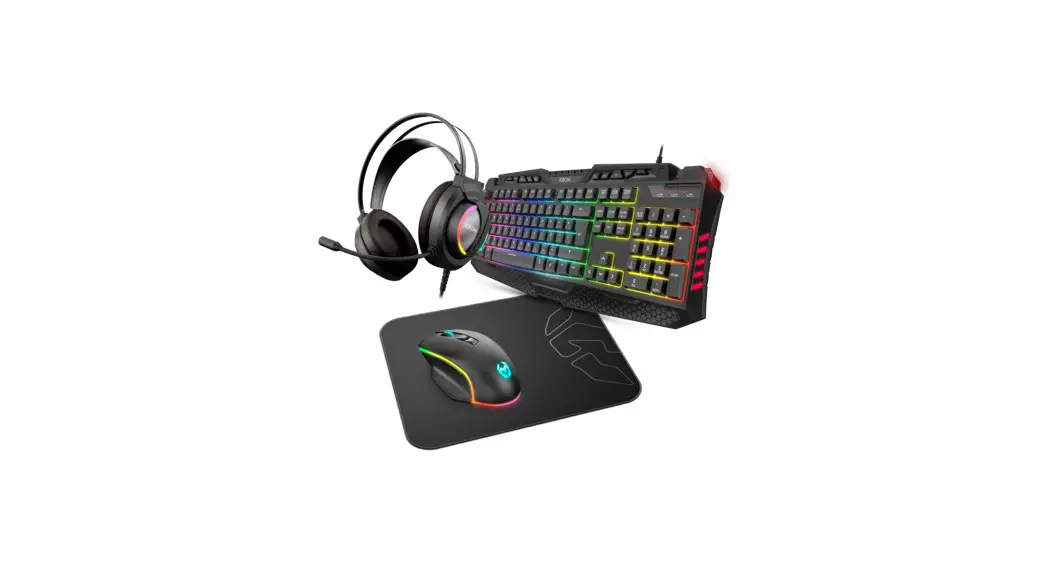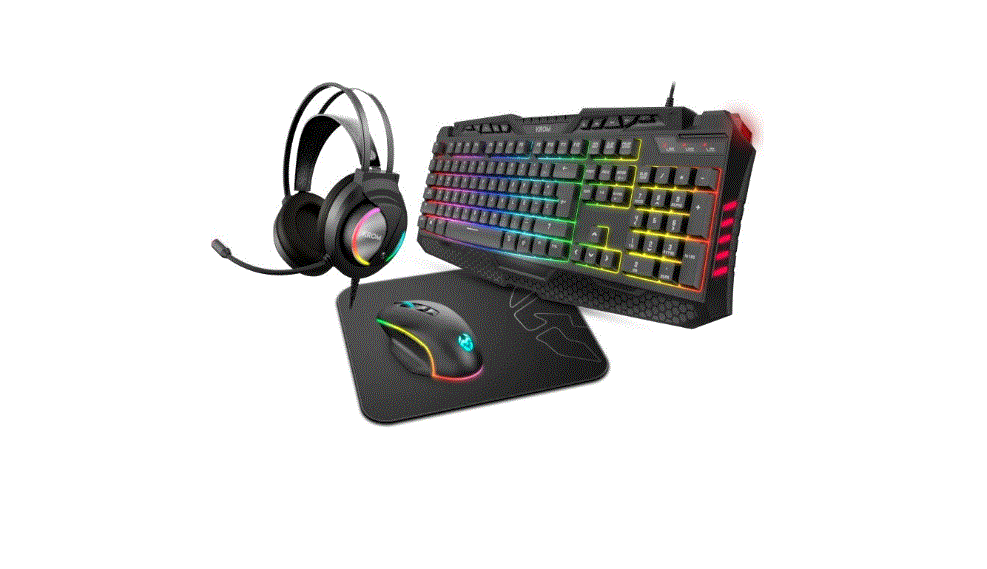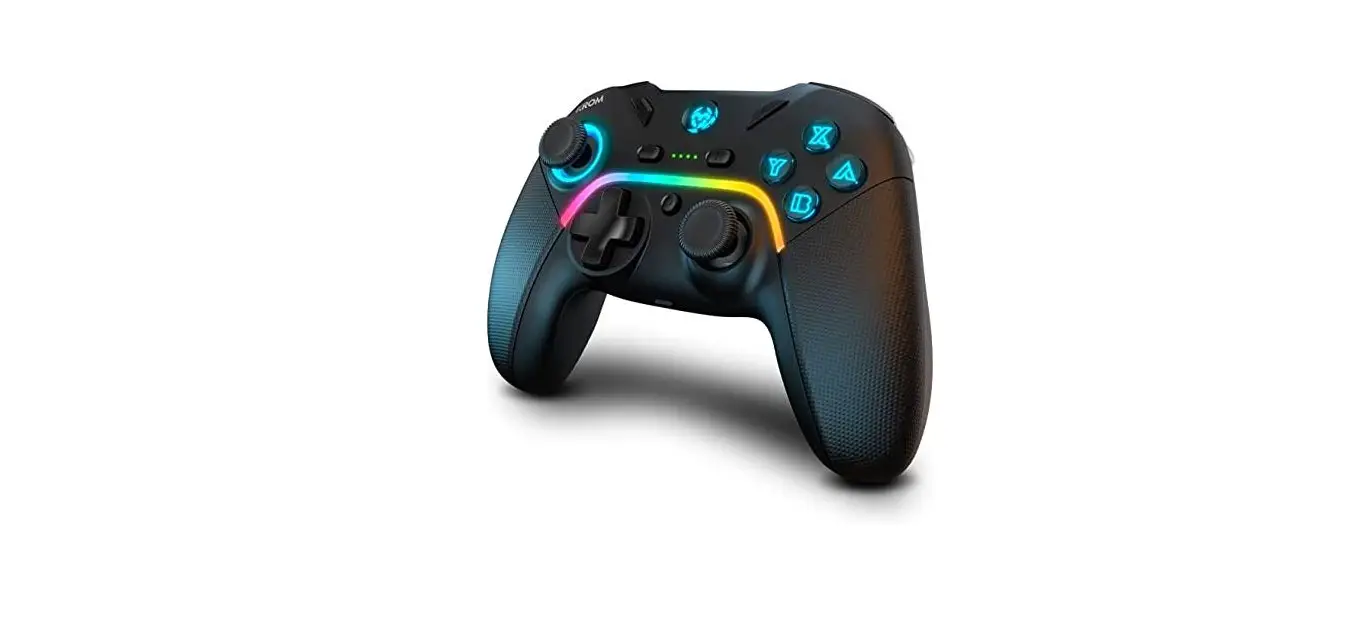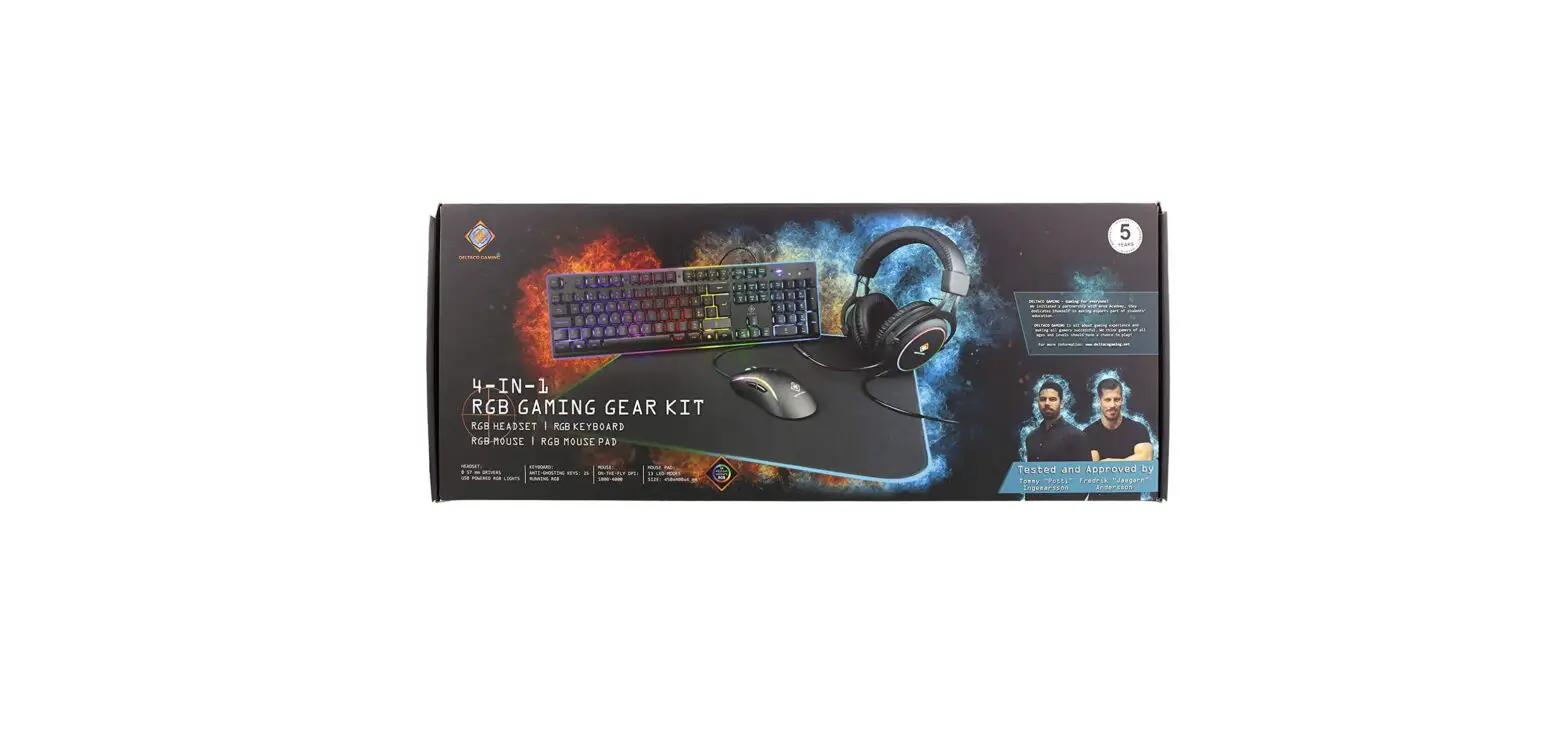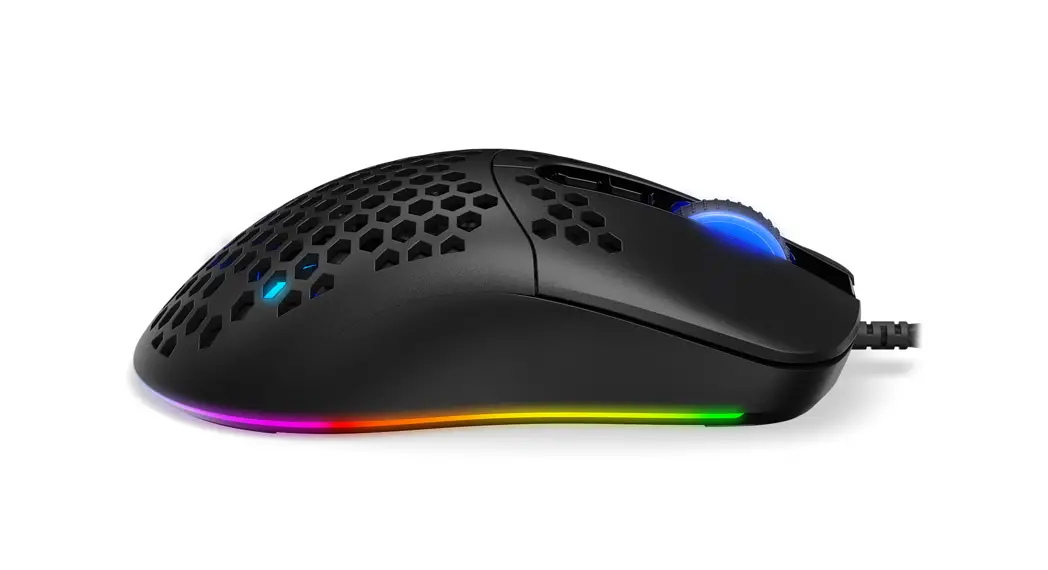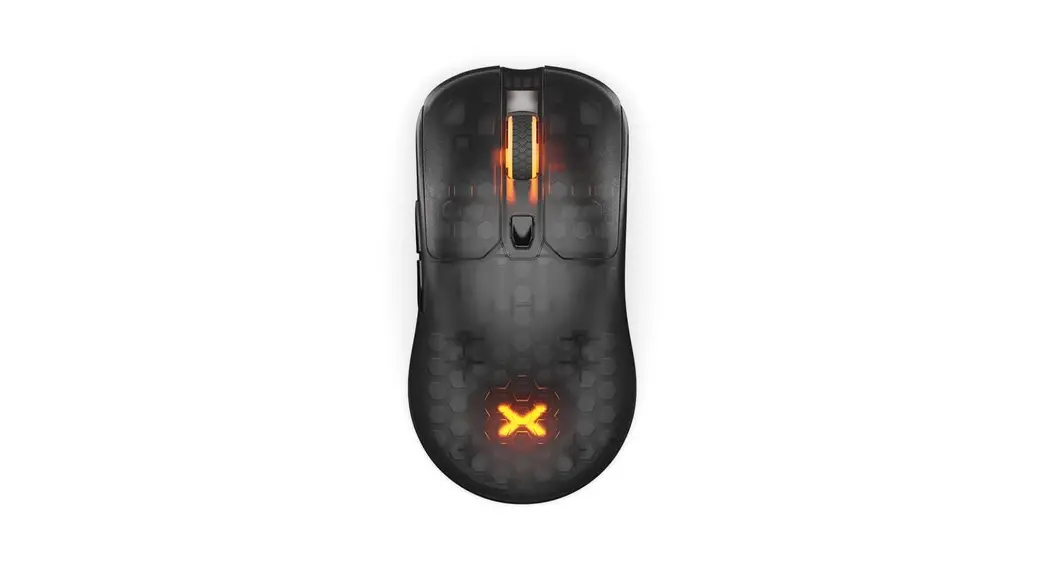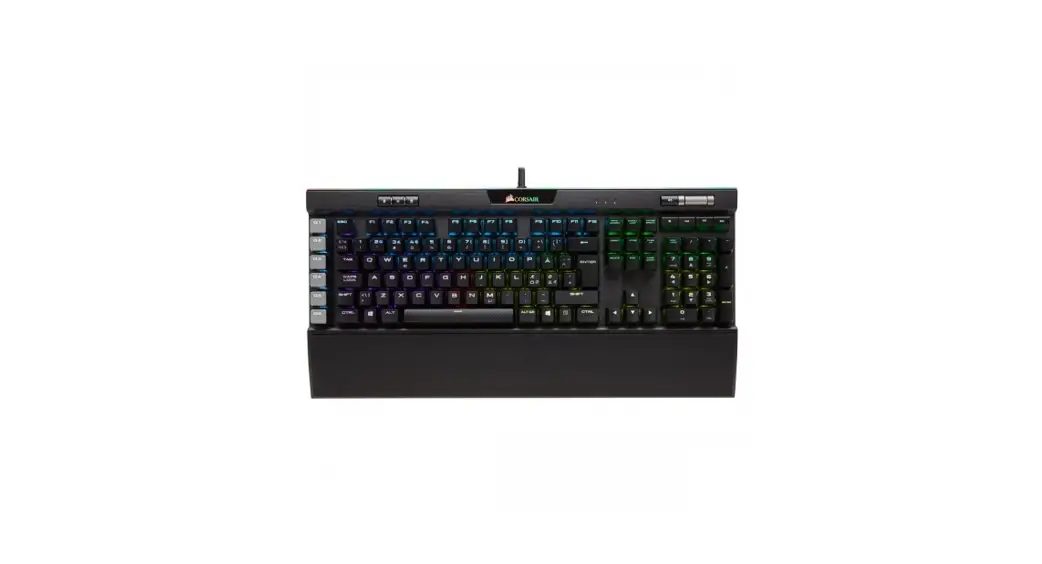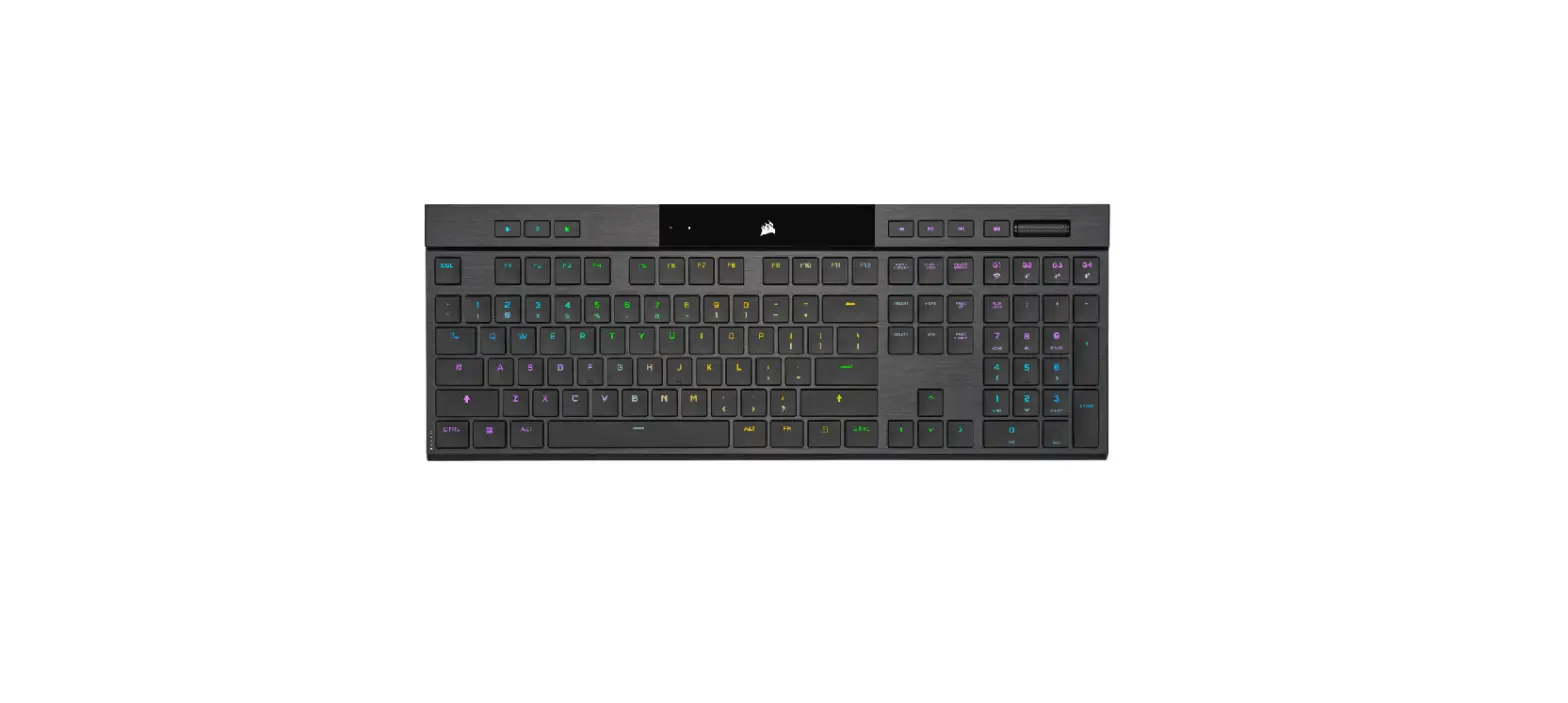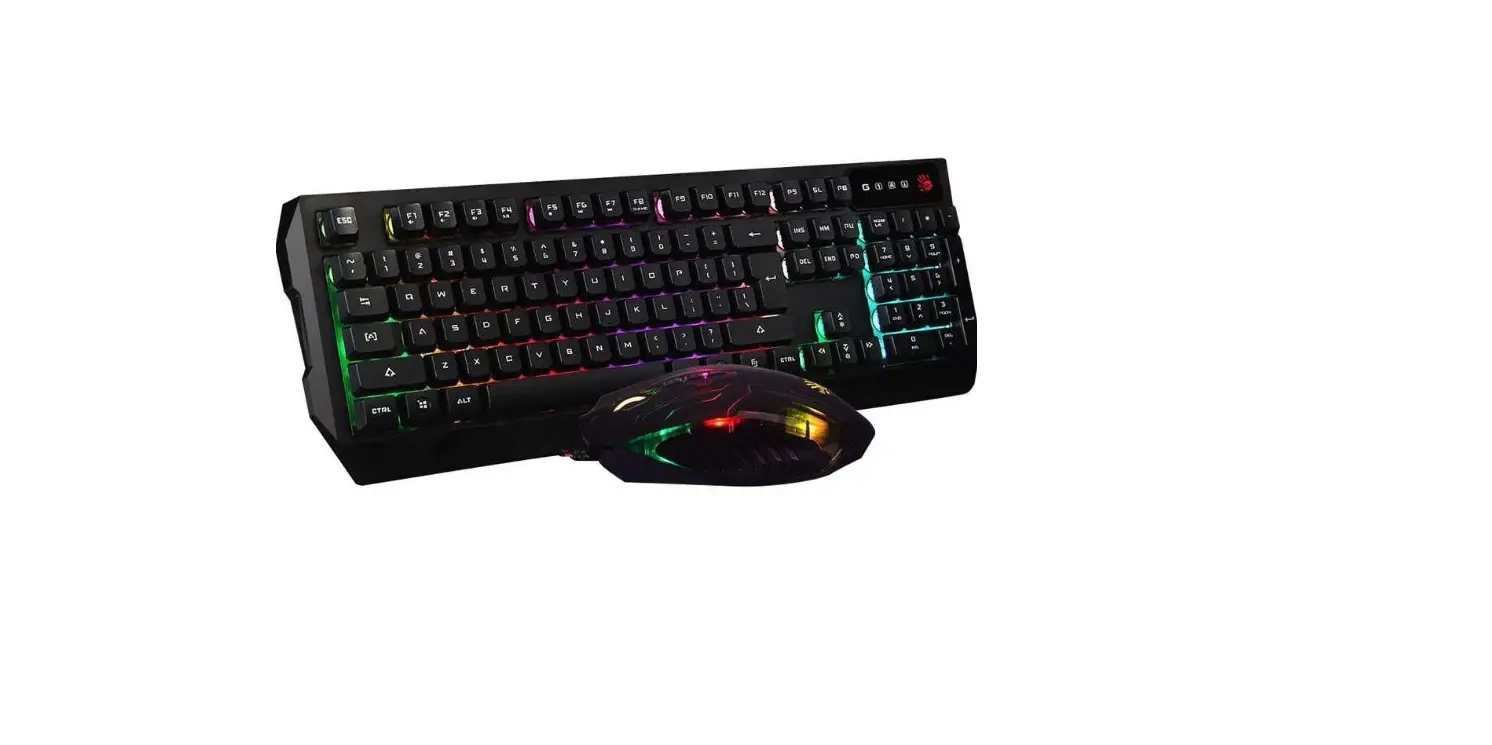

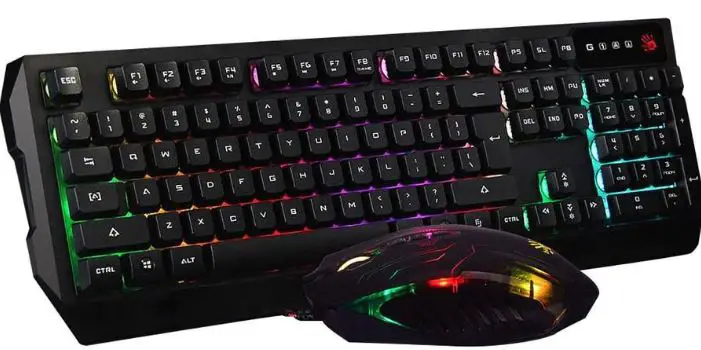
KROM Karrier 4 In 1 RGB Gaming Kit
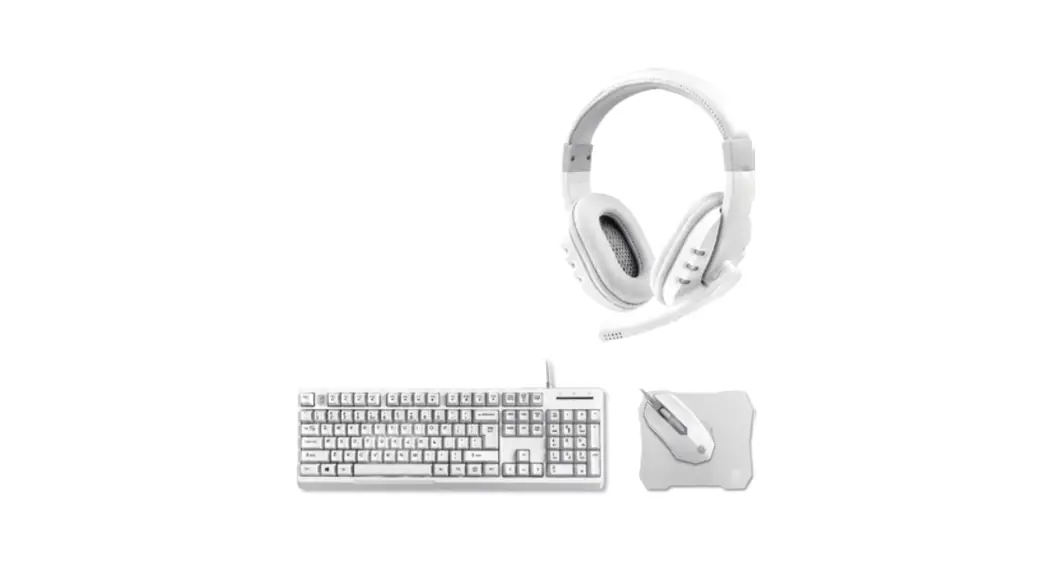
HEADSET
CONNECTION
- Plug the USB and 3.5mmjack into the corresponding ports on your device.
- Wait until the system recognizes and installs the peripheral.
VOLUMEN ADJUSTMENT
To adjust the volume, turn the volume wheel located on back of left earcup.
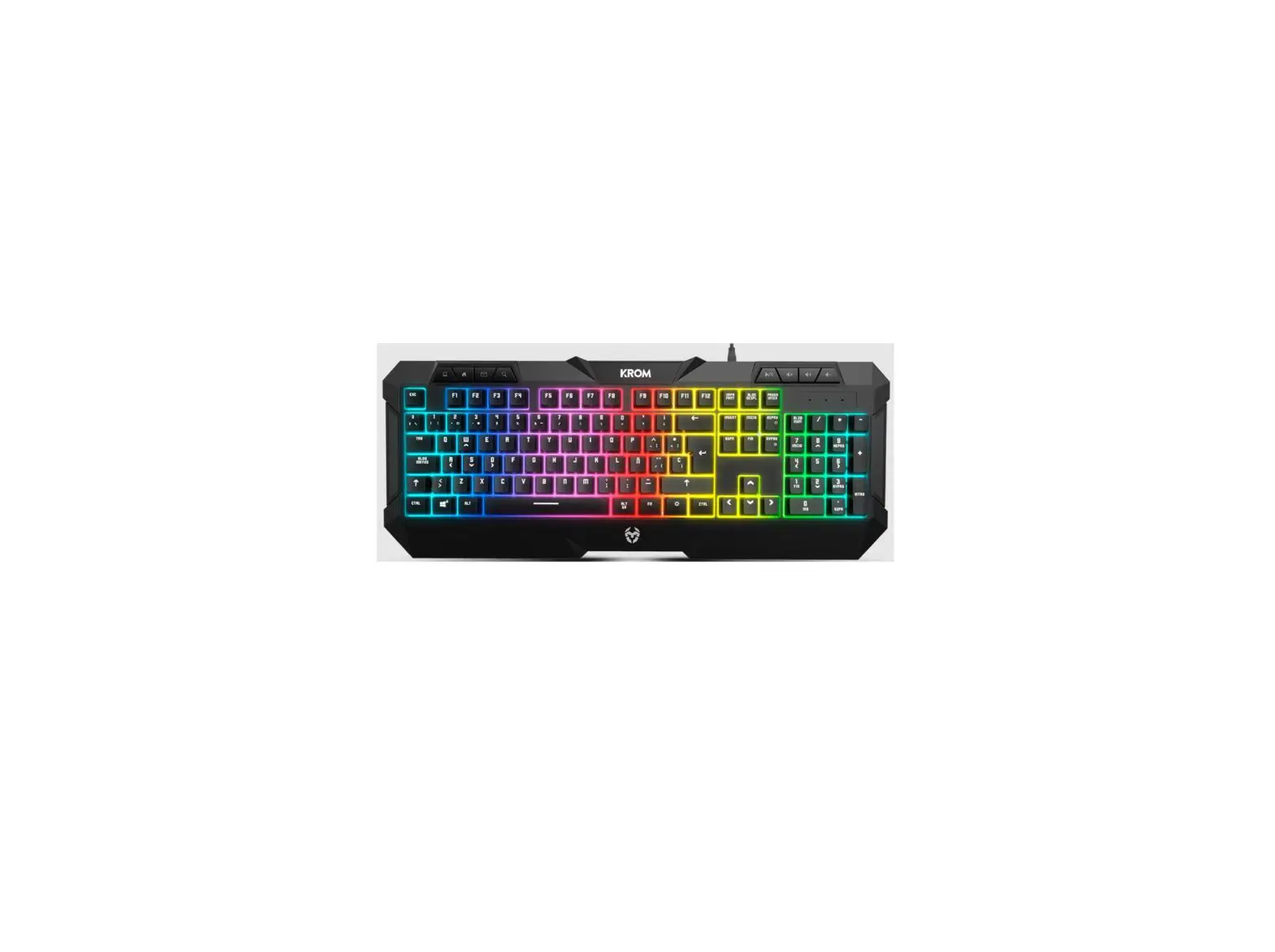
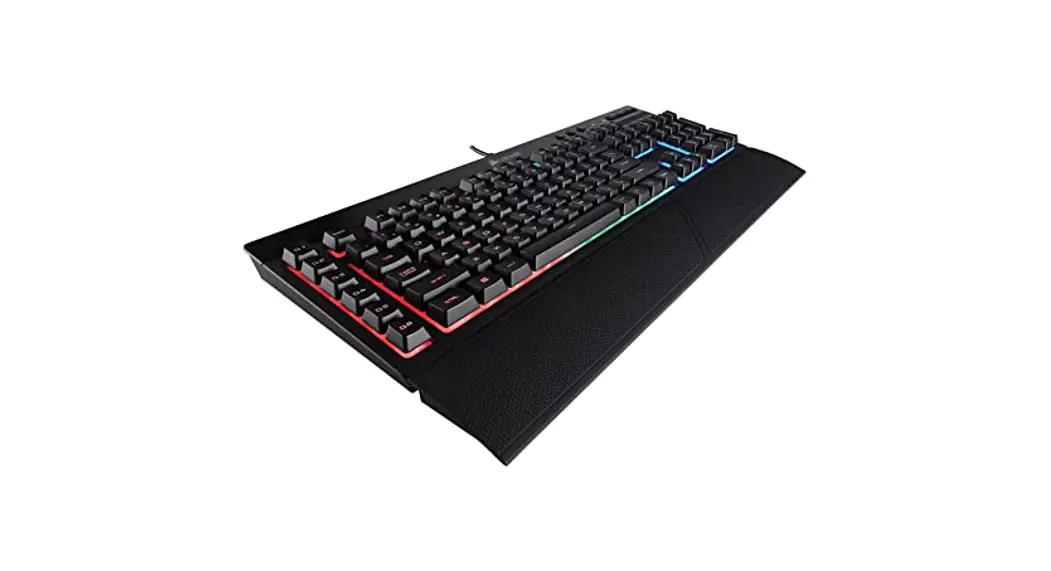
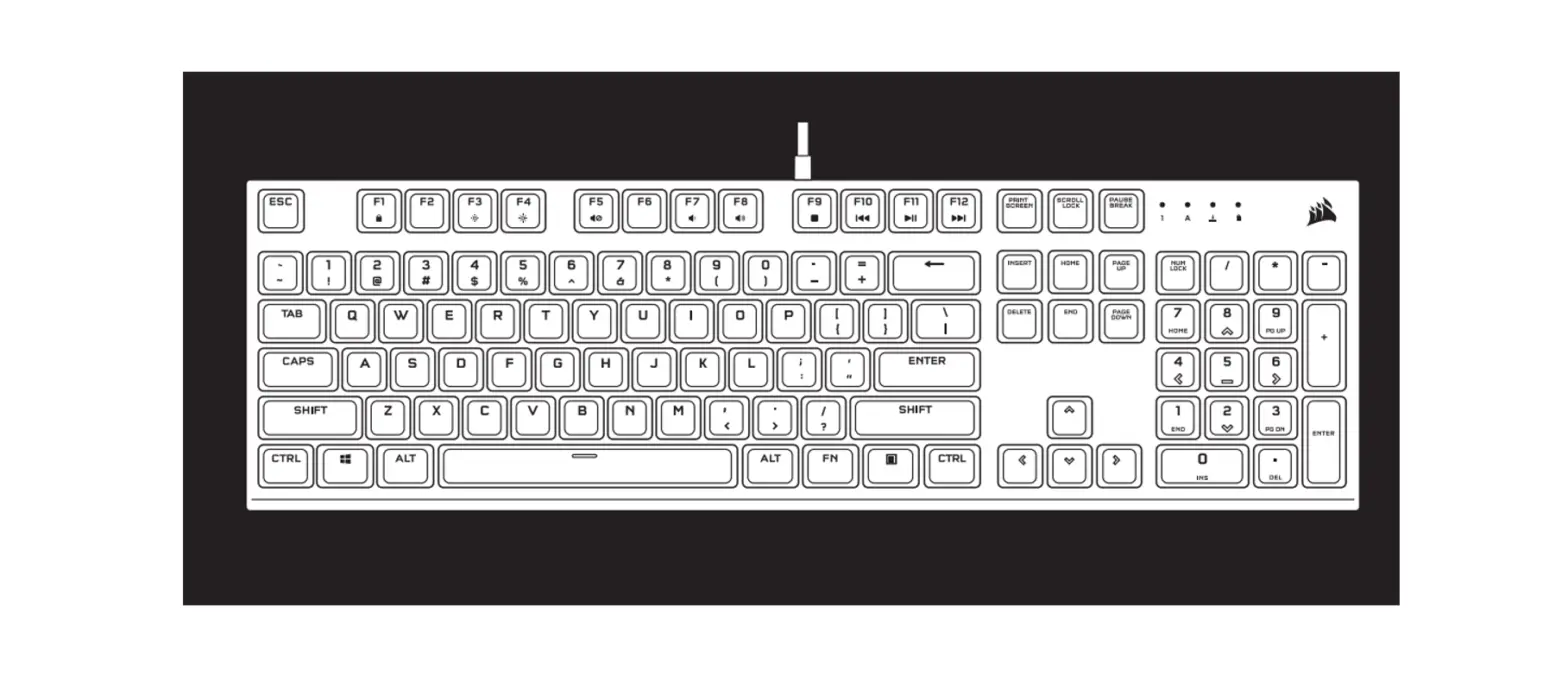
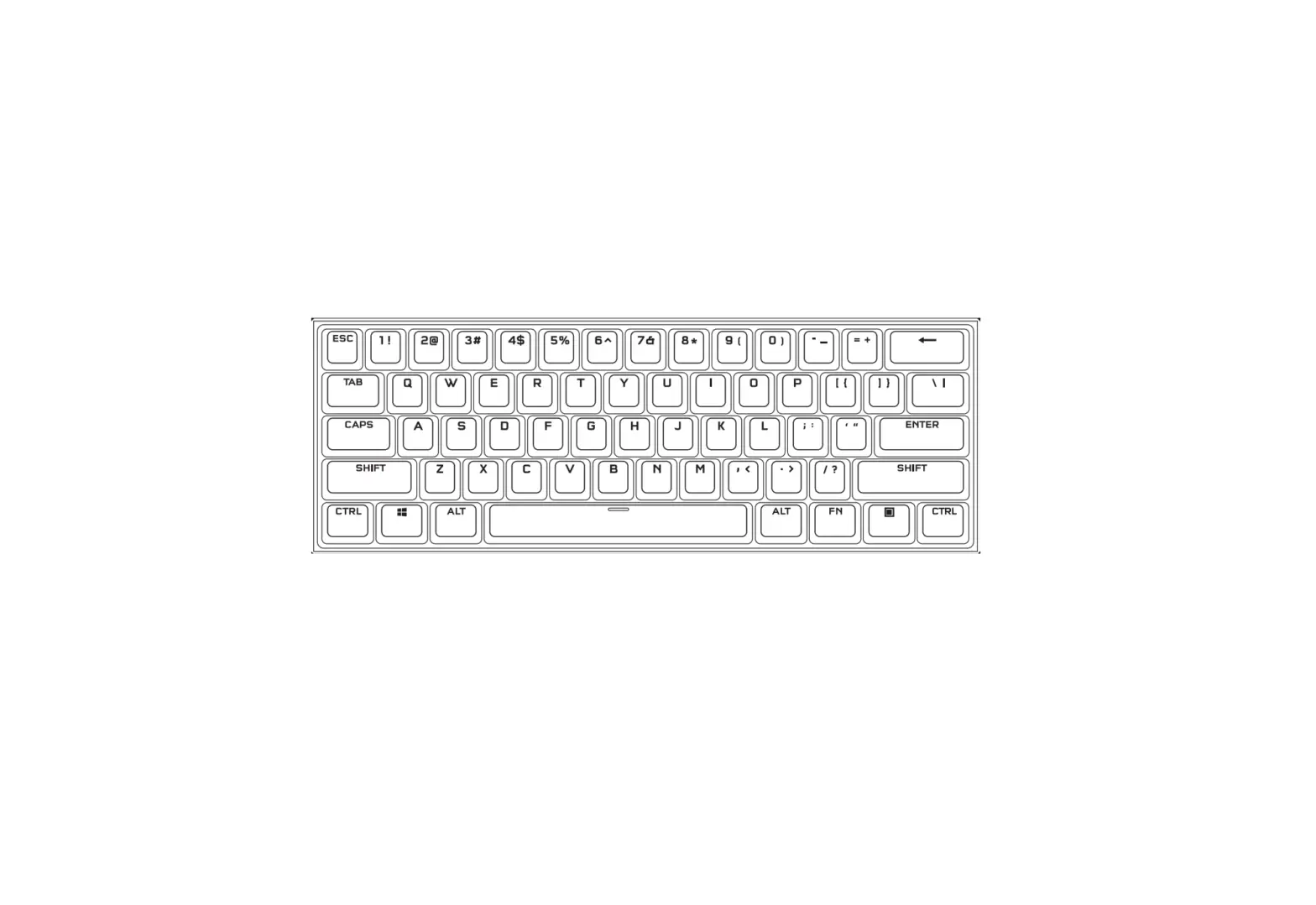
KEYBOARD
CONNECTION
- Plug the USB into the corresponding port of your device.
- Wait until the system recognizes and installs the peripheral.
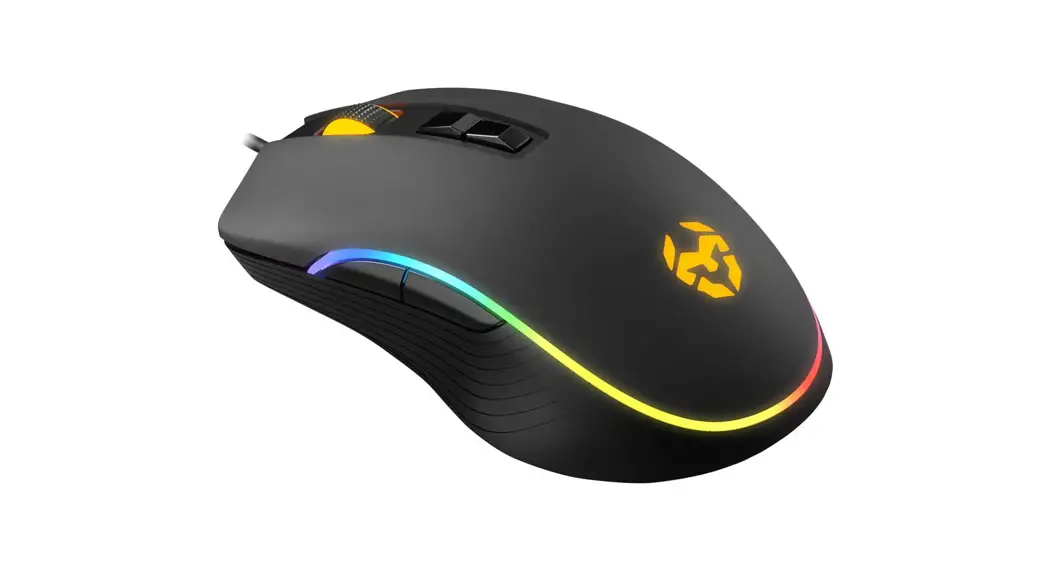
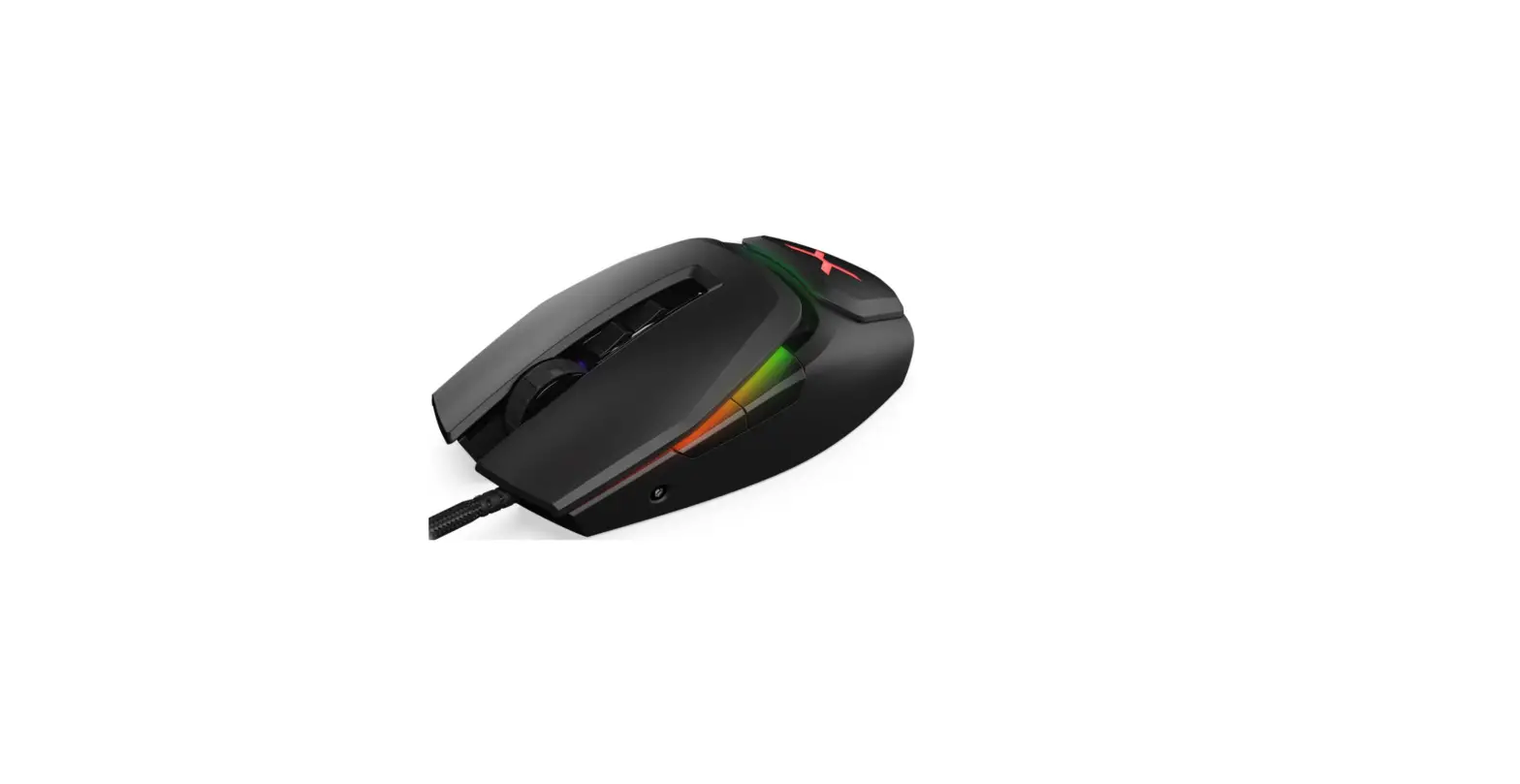
MOUSE
CONNECTION
- Plug the USB into the corresponding port of your device.
- Wait until the system recognizes and installs the peripheral.