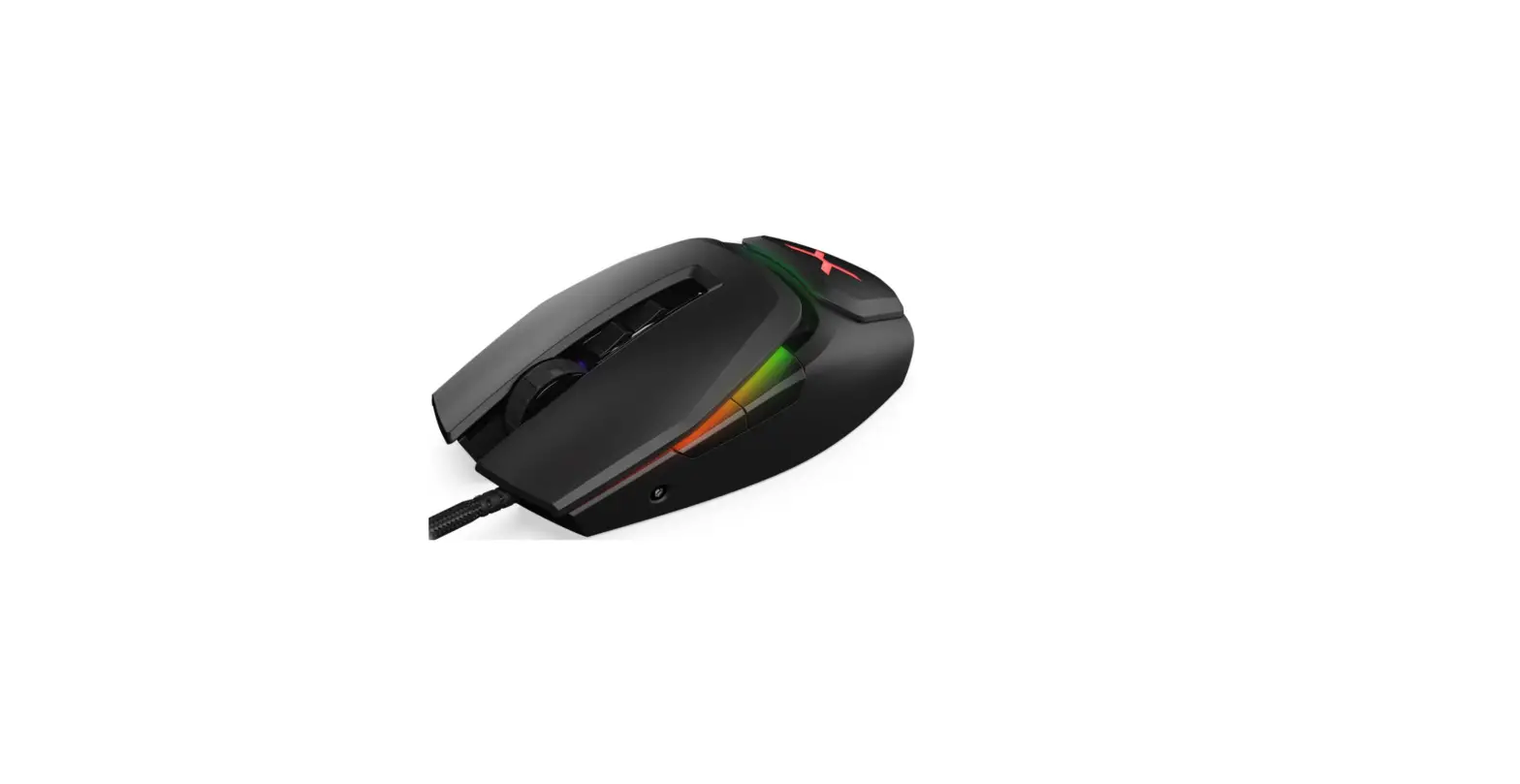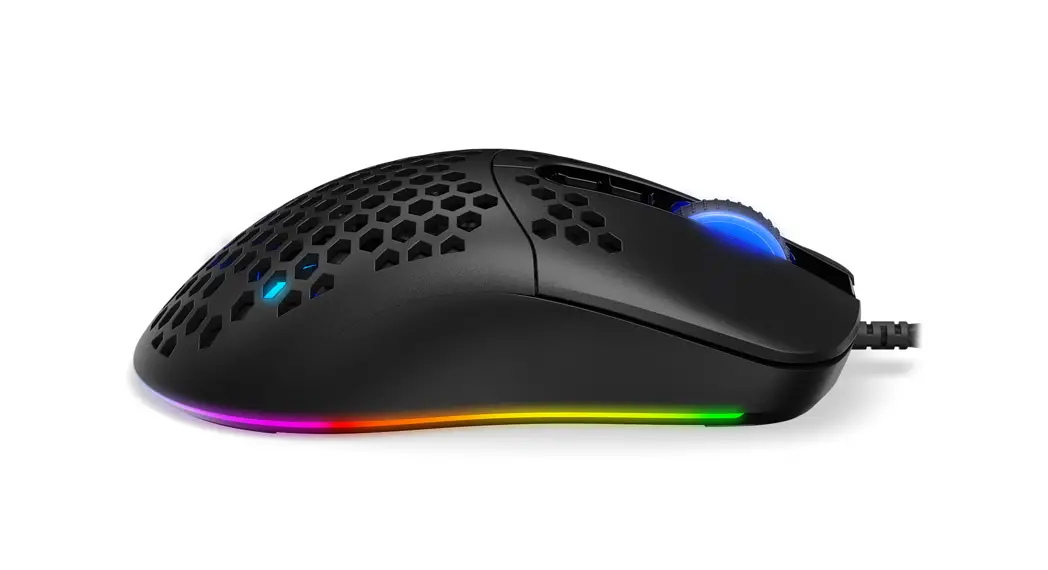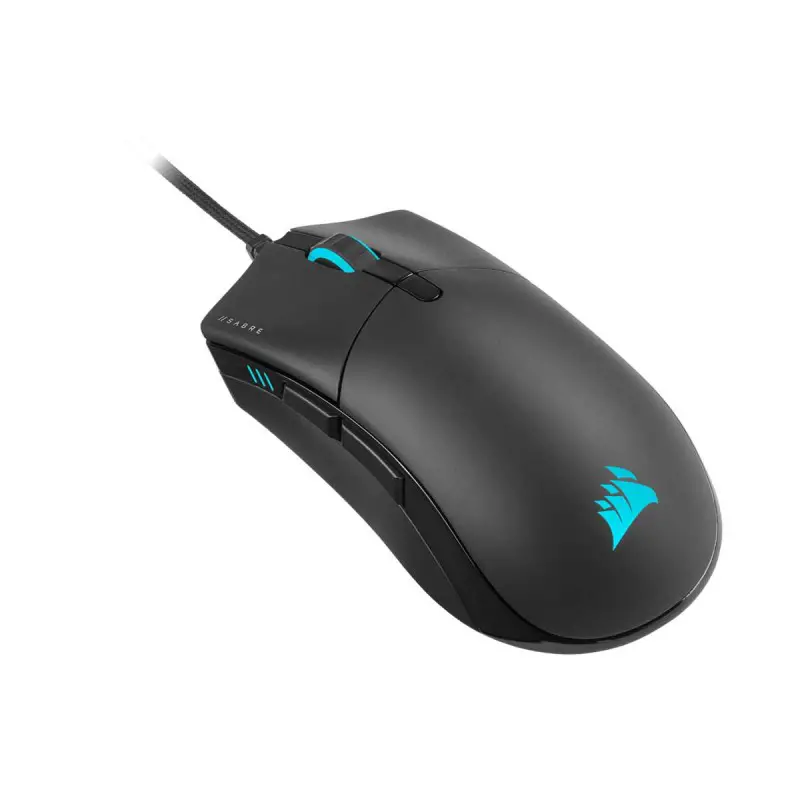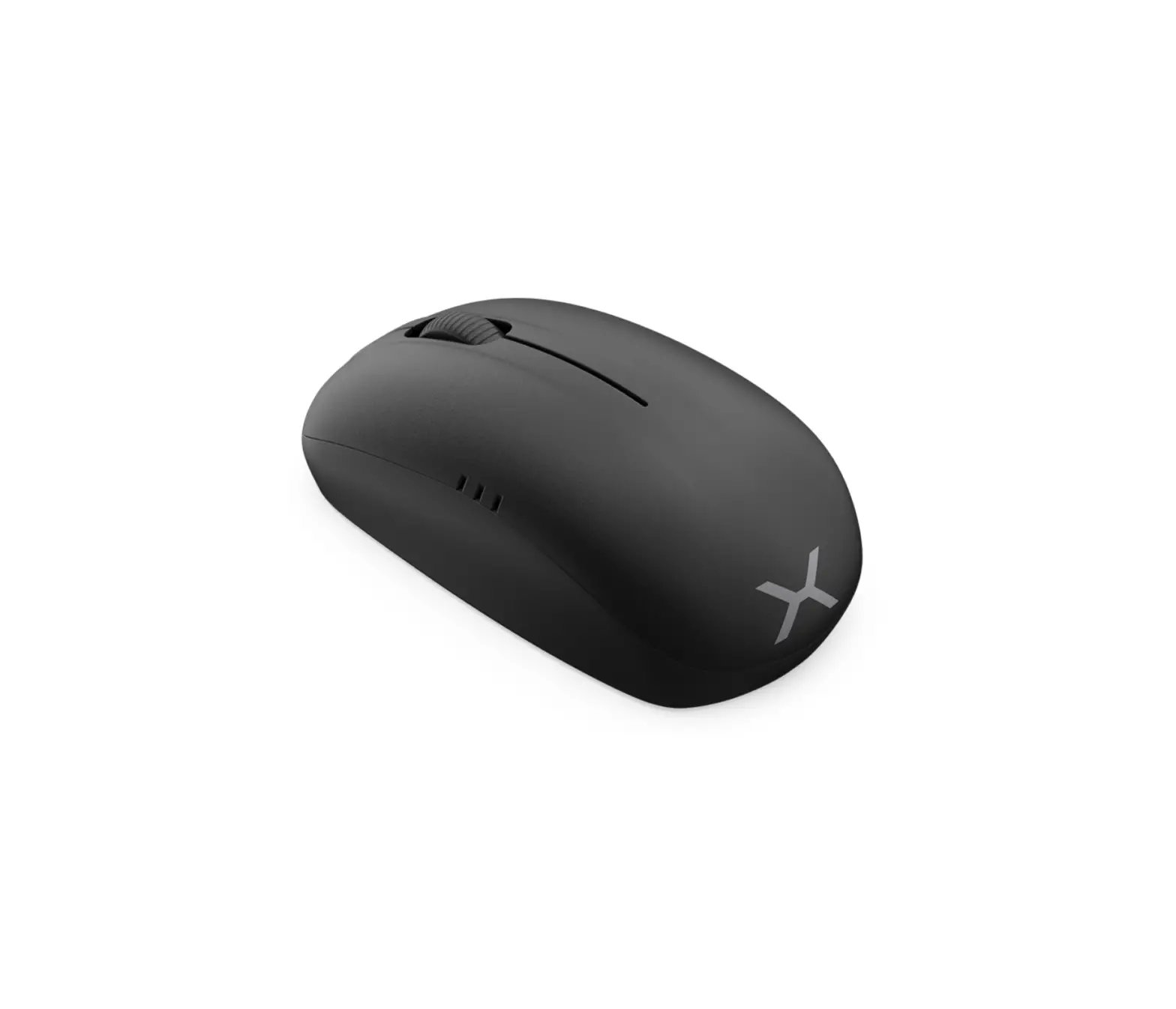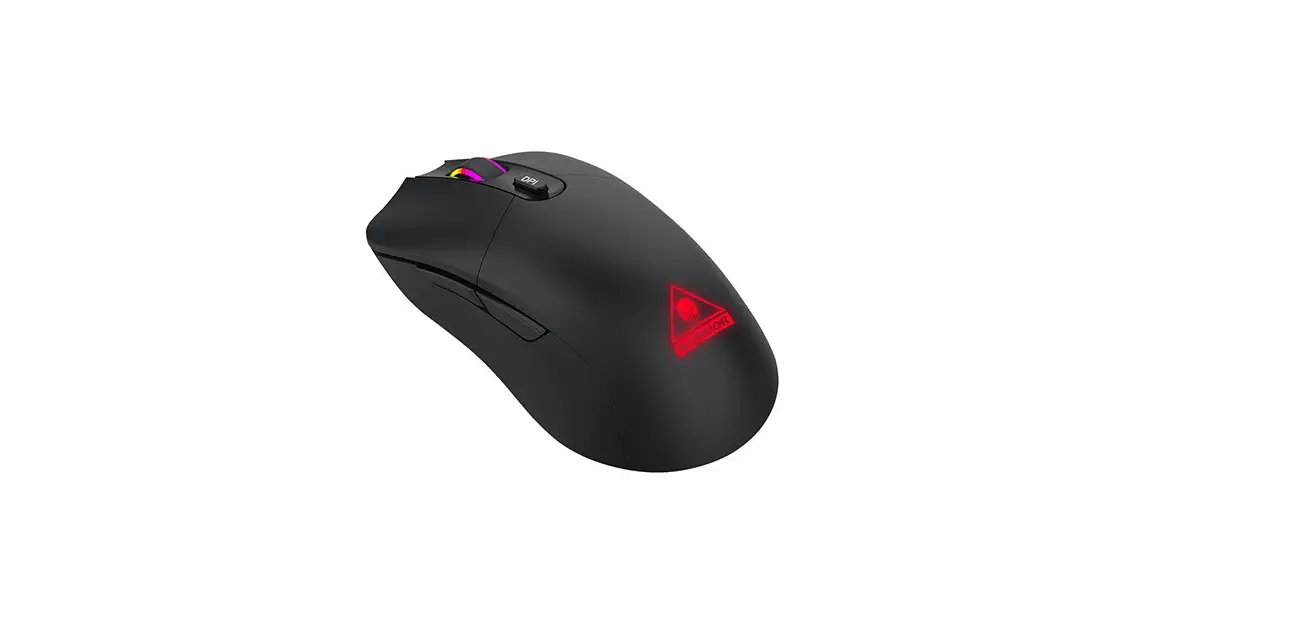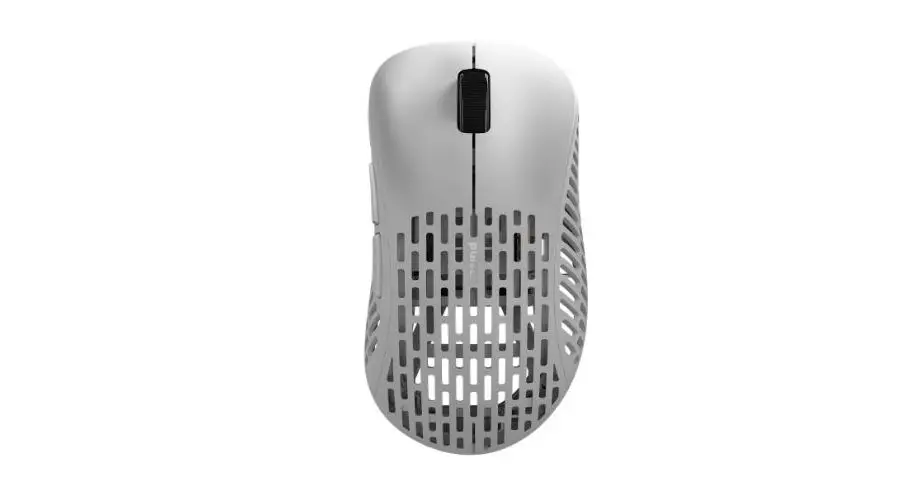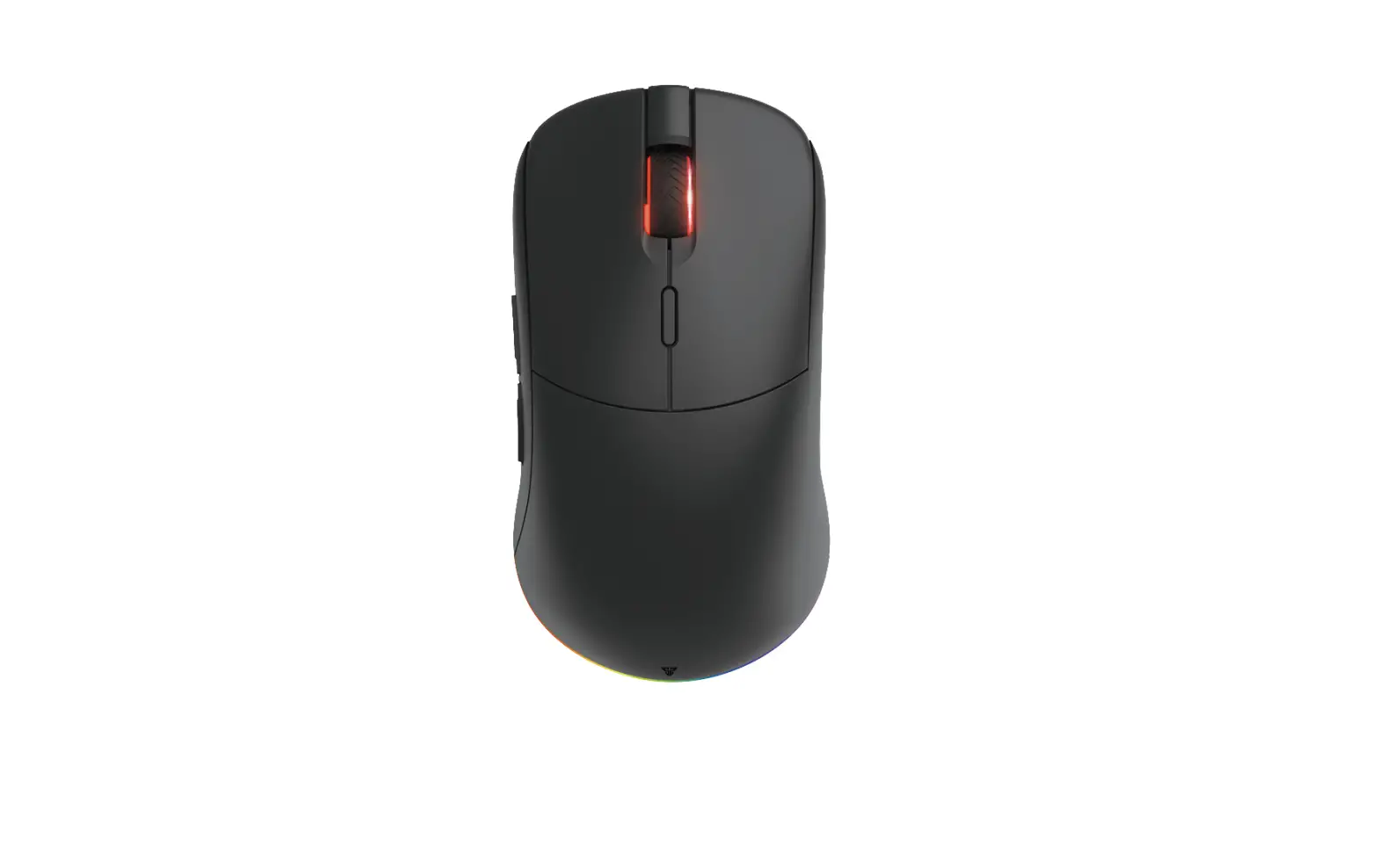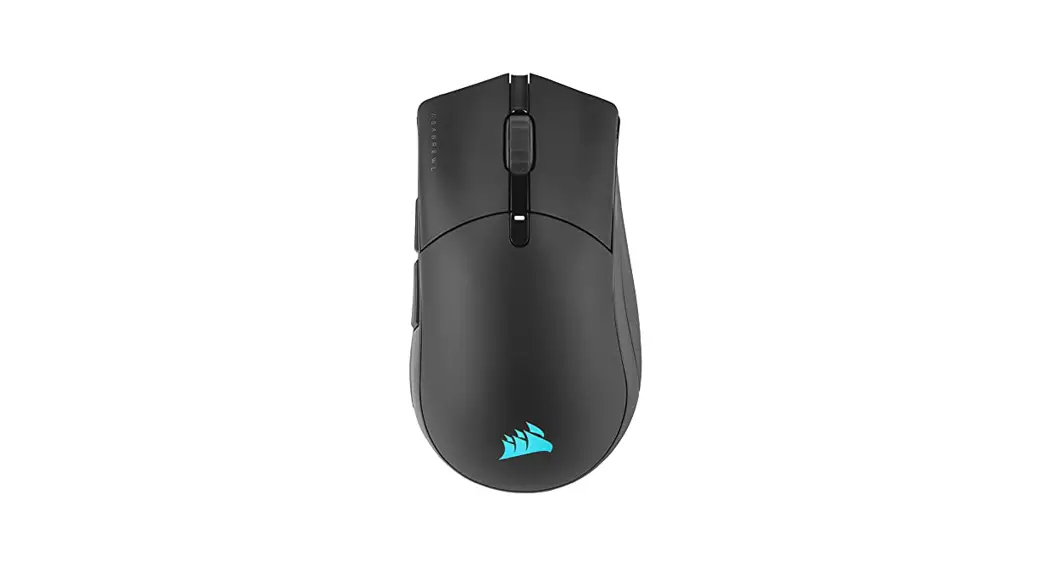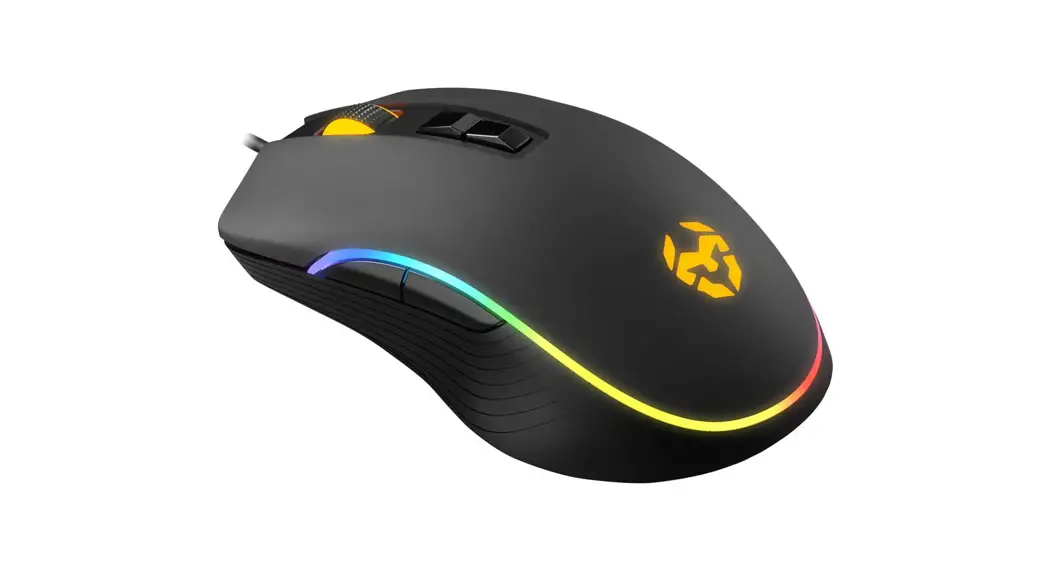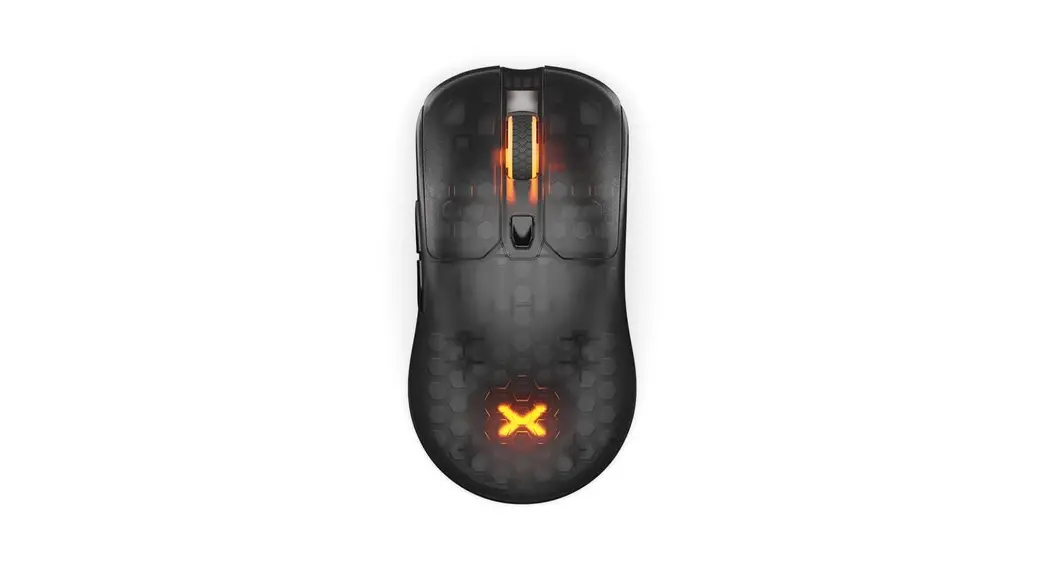

GLOOM PRO RGB
WIRELESS
GAMING MOUSE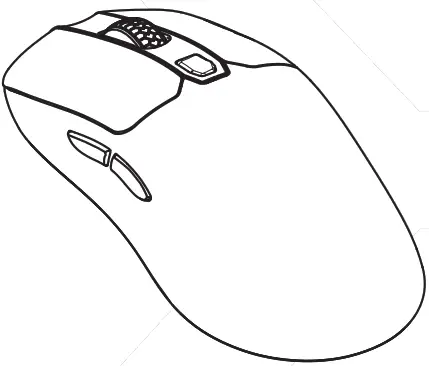
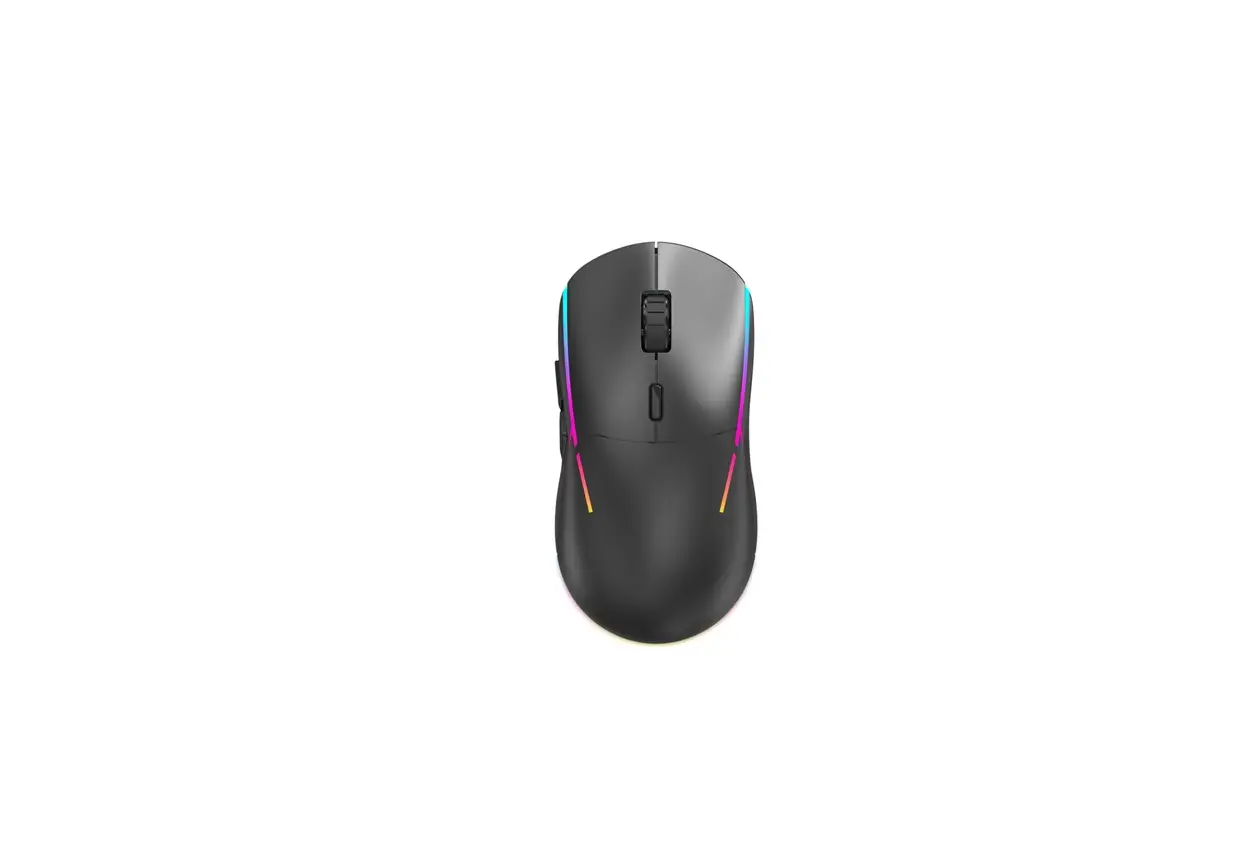
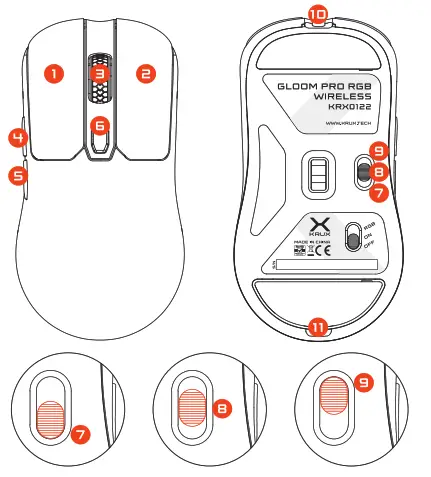
KEY MAP
| 1 Left Button | 7. Turn off the mouse |
| 2. Right Button | 8. Turn on the mouse |
| 3. Scroll Wheel | 3. Turn on RGB light |
| 4 Forward | 10. USB Connector |
| 5. Backward | 11. Receiver |
| 6. OPI Switch | |
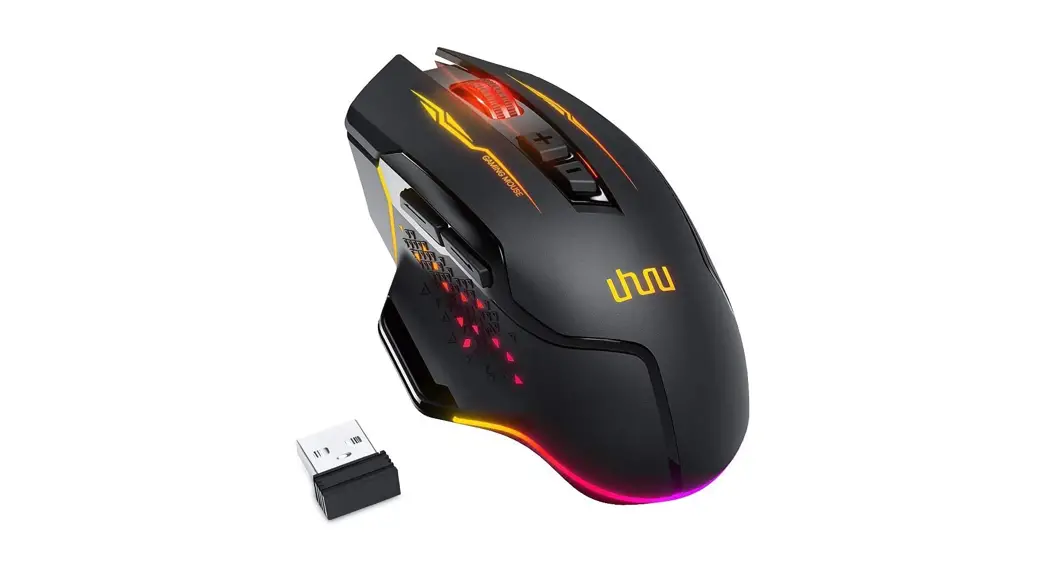
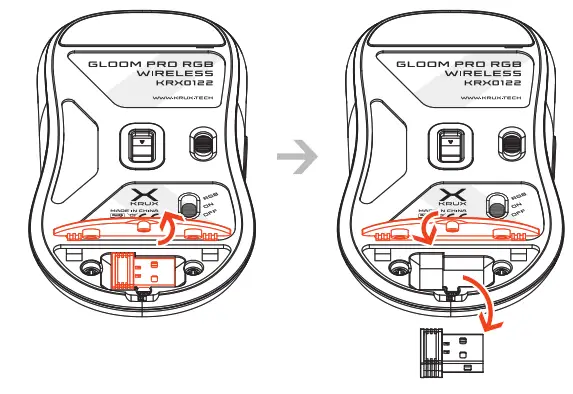
RECEIVER
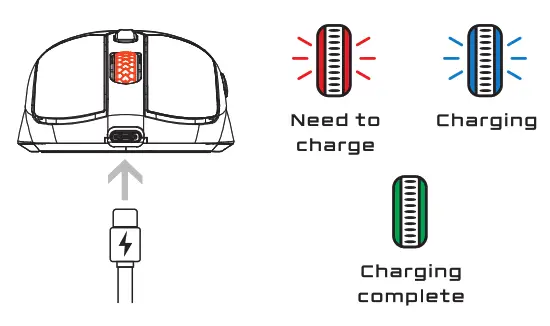
CHARGING AND BATTERY-SAVING FUNCTION
CONNECTIONS
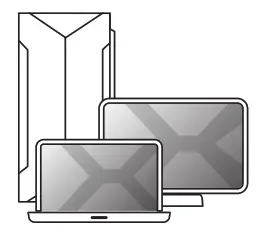
Wired connection or charging with a Type-C™ cable.
 Wireless connection with a USB receiver.
SWITCHING RGB LIGHT MODE
 Wireless connection with a USB receiver.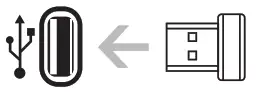
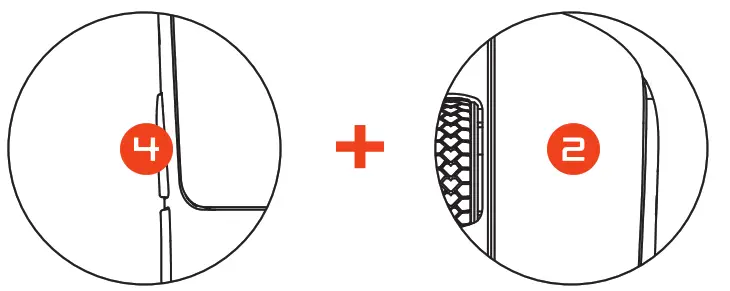
DPISETTING

TECHNICAL SPECIFICATION
SIZE [mm]: 127x67x38
SENSOR: PAW 3370
OP! MAX: 19000
BUTTONS: 6
SWITCHES: OMRON 2DM
POLLING RATE MAX [Hz]: 1000
WEIGHT [g]: 82 -±1
SOFTWARE: YES
CABLE LENGHT: 1.8 m
SOFTWARE
 To download the newest version of dedicated software please visit www.krux.tech
CRUX GLOOM PRO RGB Wireless Gaming Mouse
2-year manufacturer warranty
Use and warranty limitations
– The product should be used according to its intended purpose. Incorrect use can damage the product and endanger the life of the user;
– Excessive humidity, dust and other contaminations can result in product damage that is not covered by the warranty;
– The warranty does not cover mechanical damage to the product;
– Avoid exposure to rapid changes in ambient temperature. Should they occur, wait approx. 30 minutes before using the product until the temperature is leveled;
– You can find the Warranty Terms and Conditions in “Support” at https://krux.tech/
 ENTITY RESPONSIBLE /
PODMIOT ODPOWIEDZIALNY: COOLING.PL ZDZIECH SP. UL. SOKOLOWSEKA 24
05-806 SOKOLOW, POLAND
TEL. +48 ee 29e 01 30 BOO: OOO020025
MADE IN CHINA
KRX0122
www.krux.tech