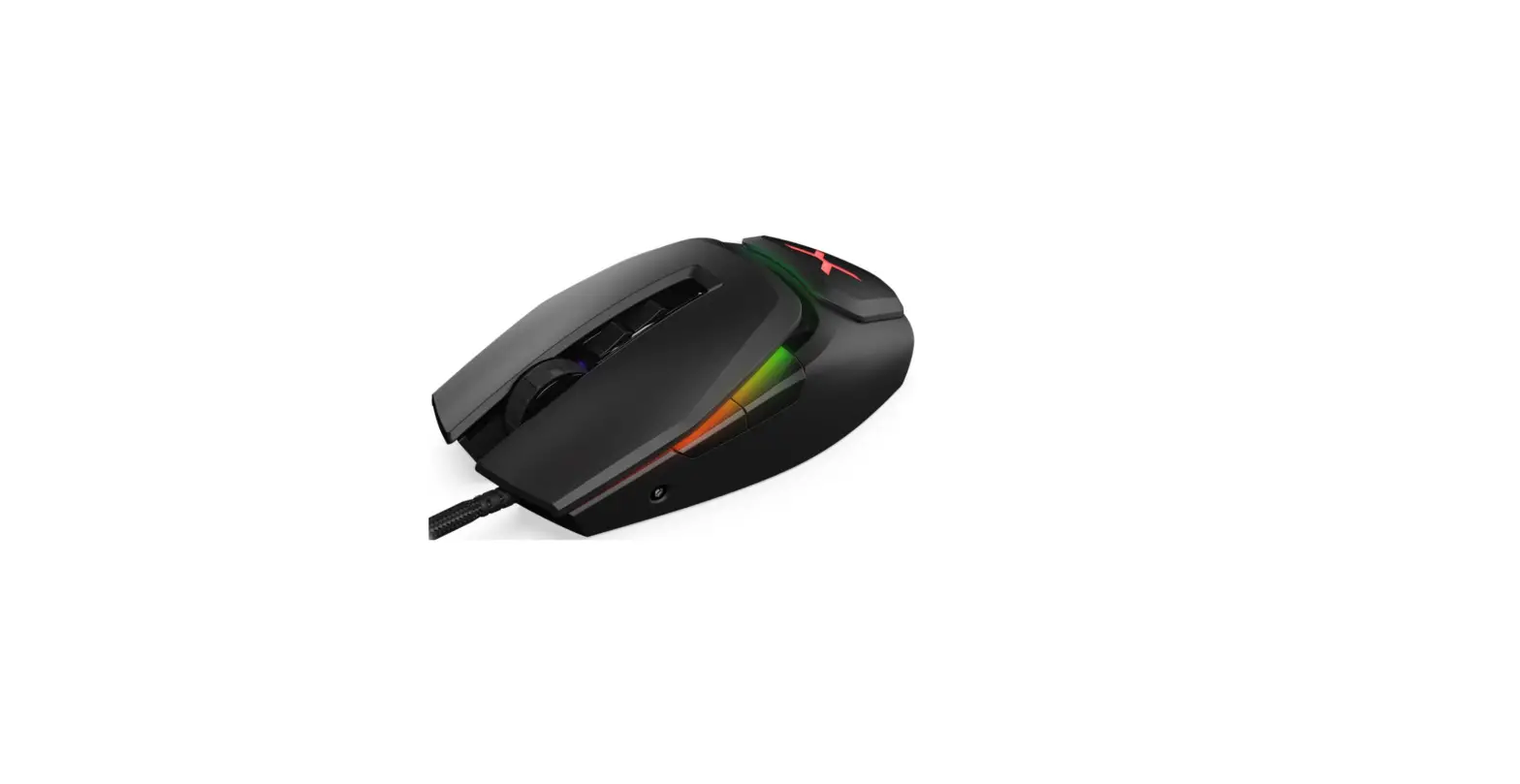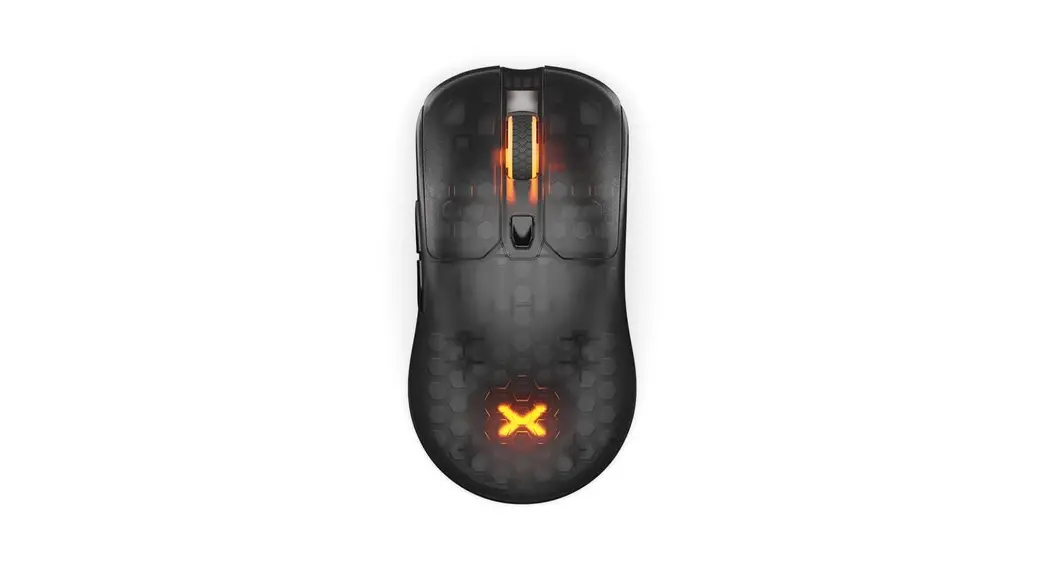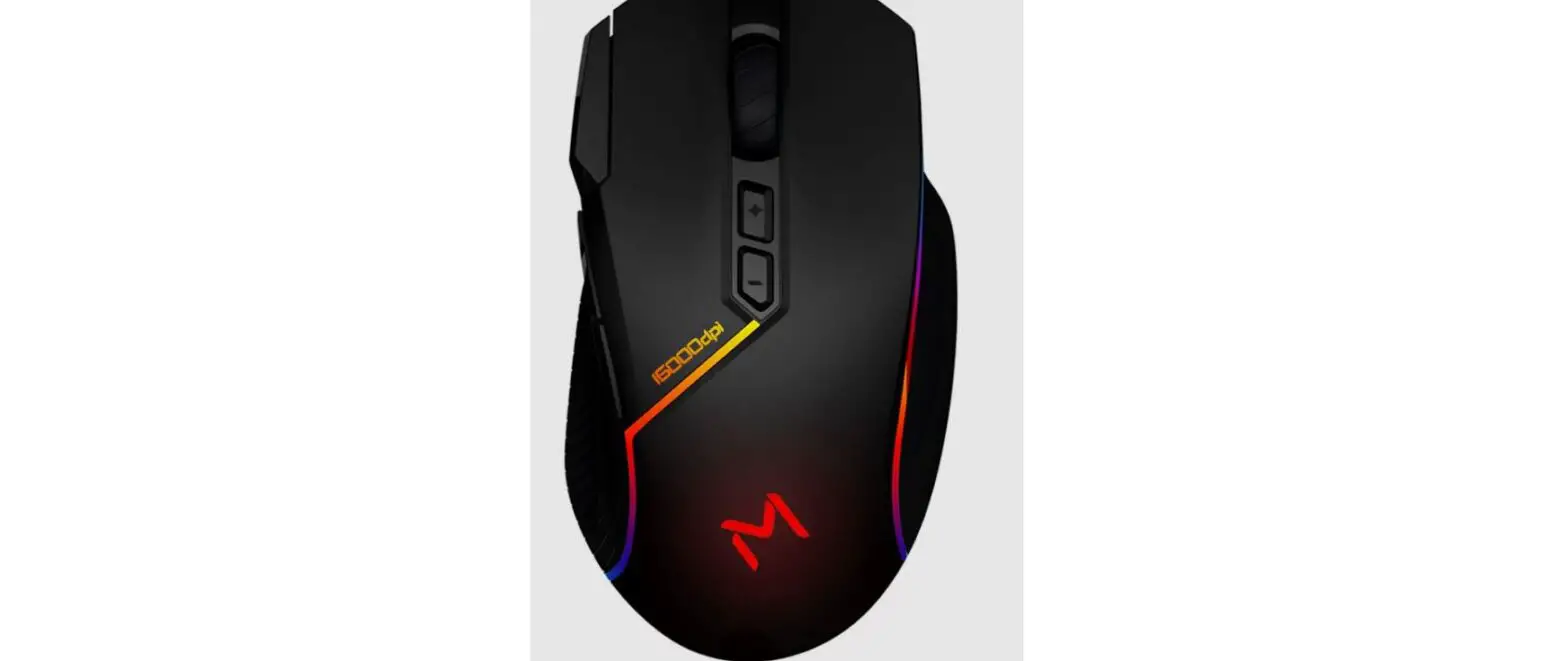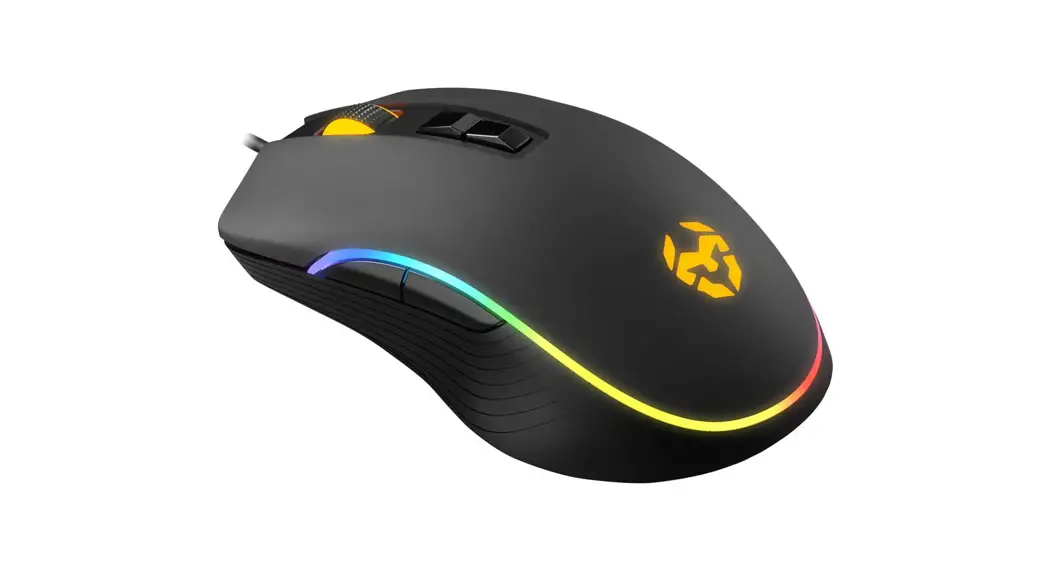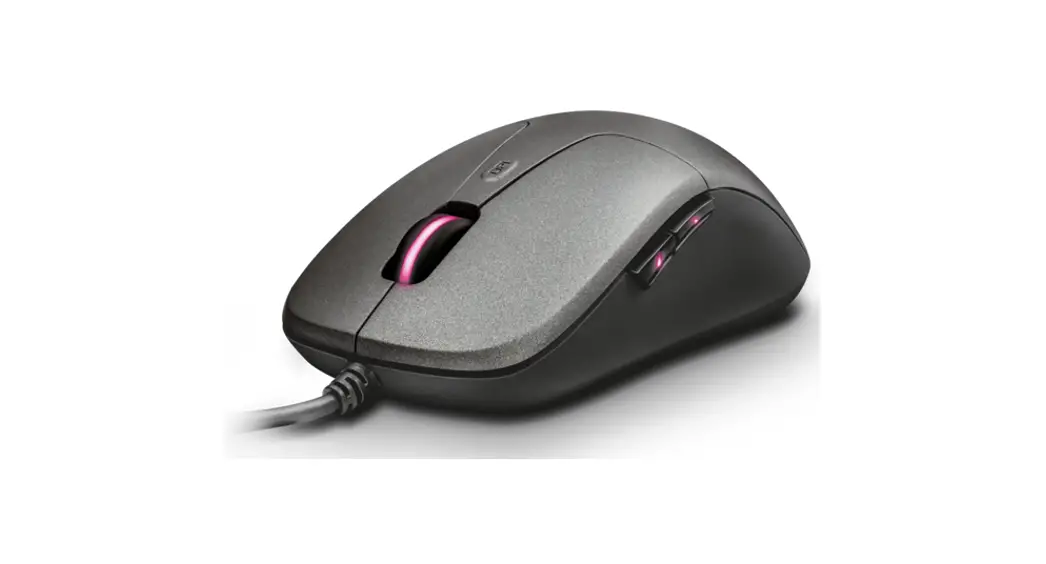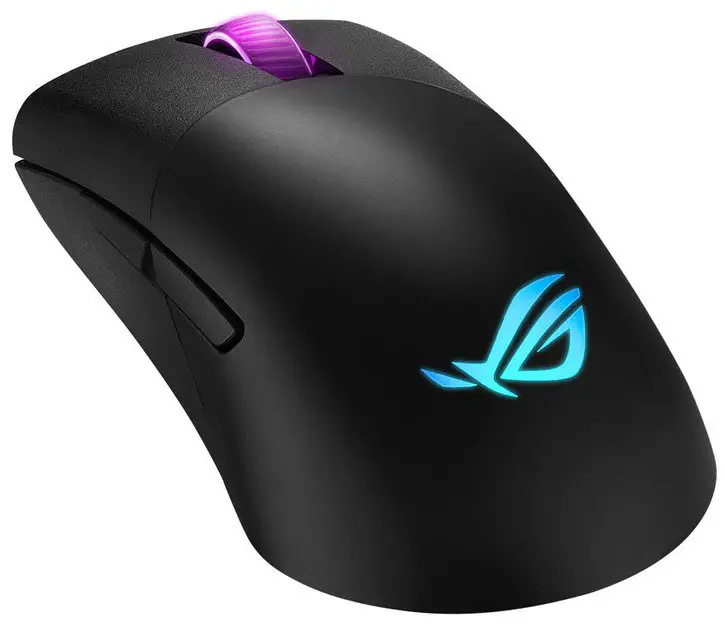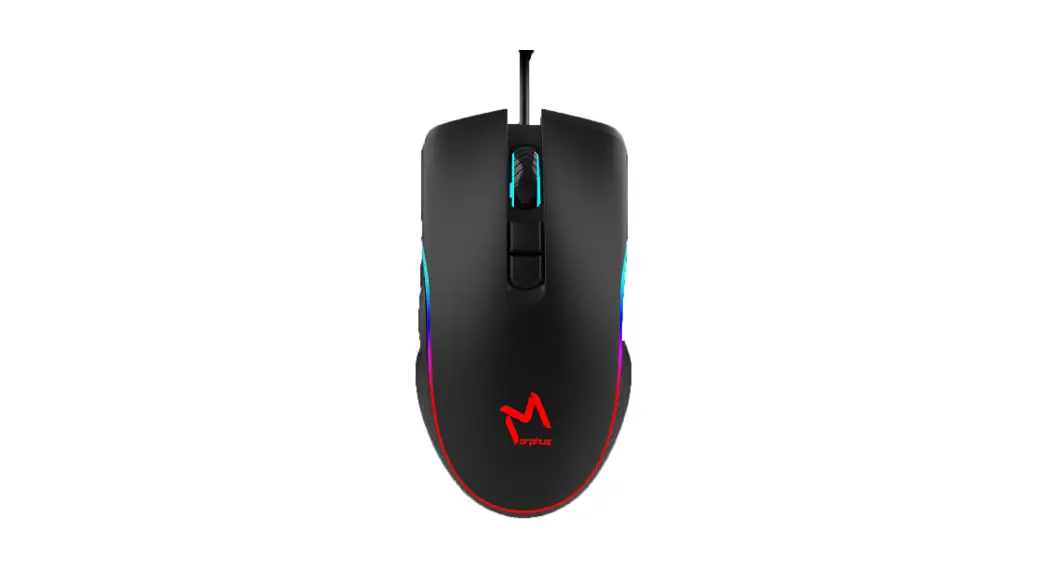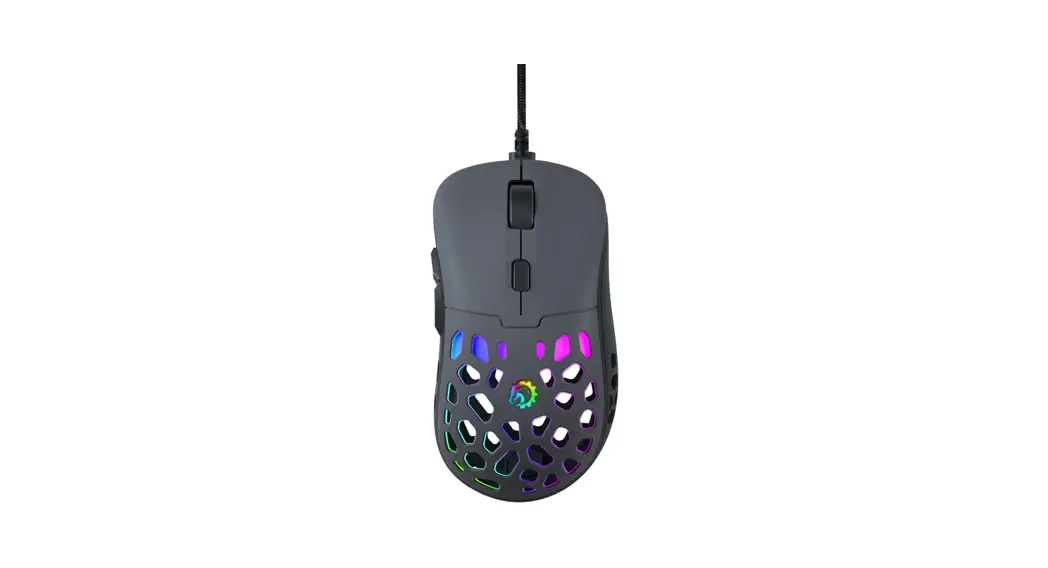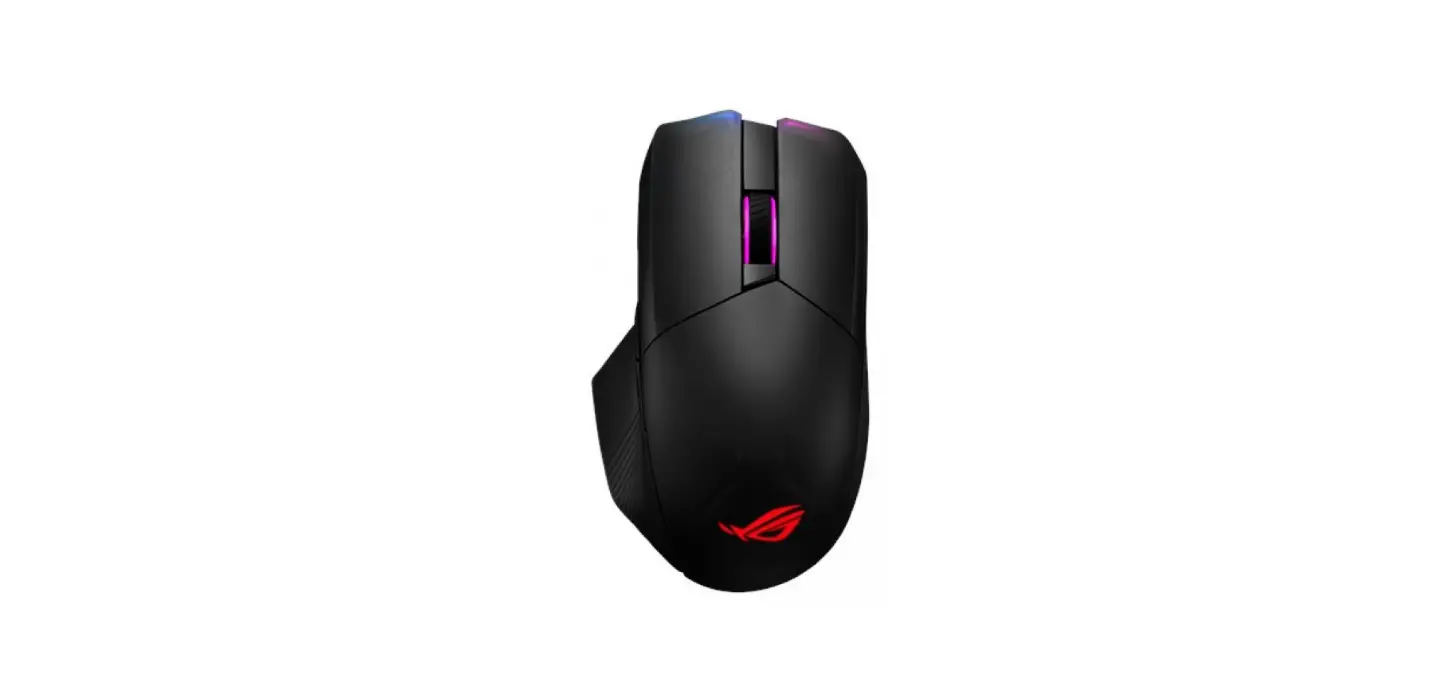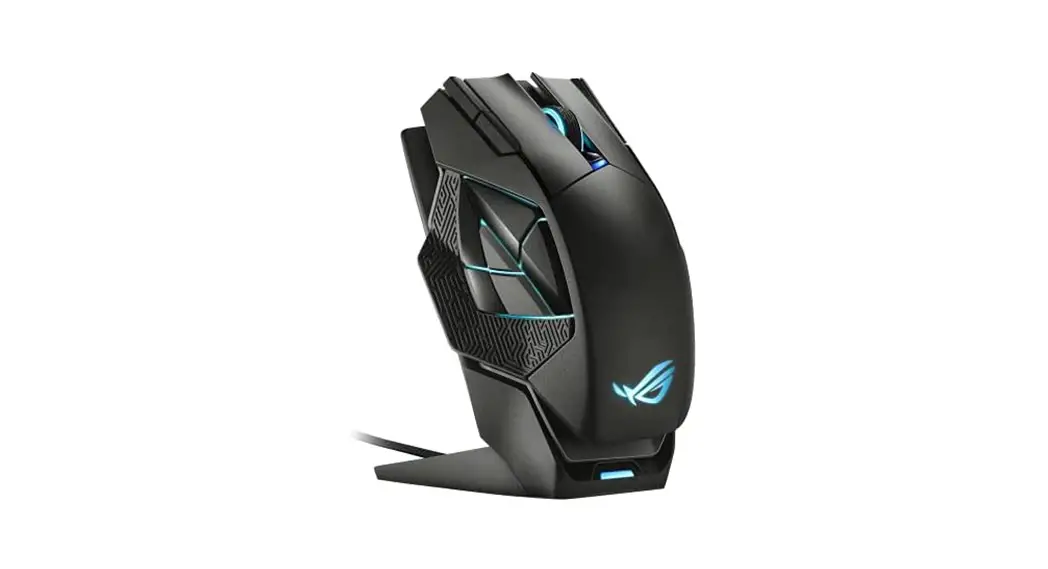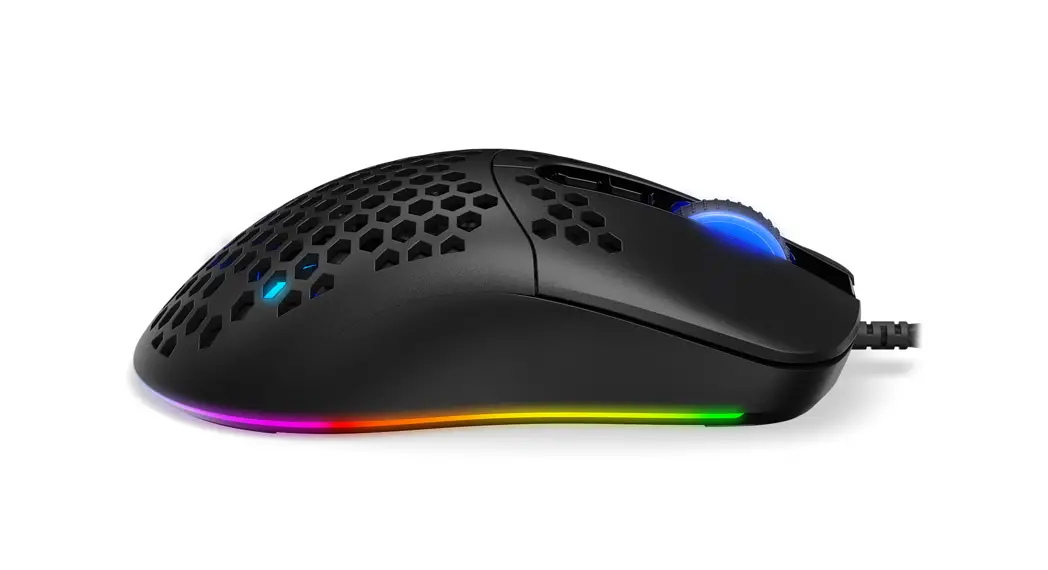
 ASTRA RGB GAMING MOUSE
KRX0096 Astera RGB Gaming Mouse
Use and warranty limitations:
– The product should be used according to its intended purpose. Incorrect use can damage the product and endanger the life of the user;
– Excessive humidity, dust, and other contaminations can result in product damage that is not covered by the warranty;
– Avoid exposure to rapid changes in ambient temperature. Should they occur, wait approx. 30 minutes before using the product until the temperature is leveled;
– You can find the warranty terms and conditions at https://krux.tech/.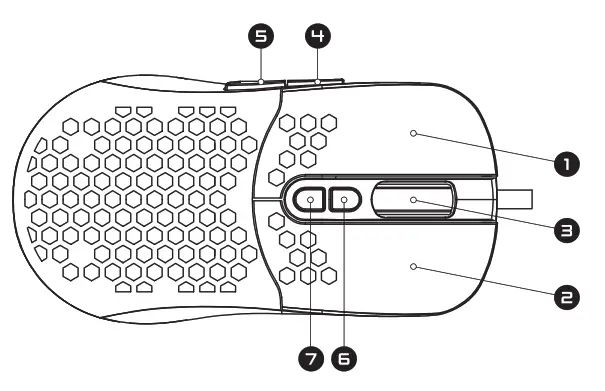
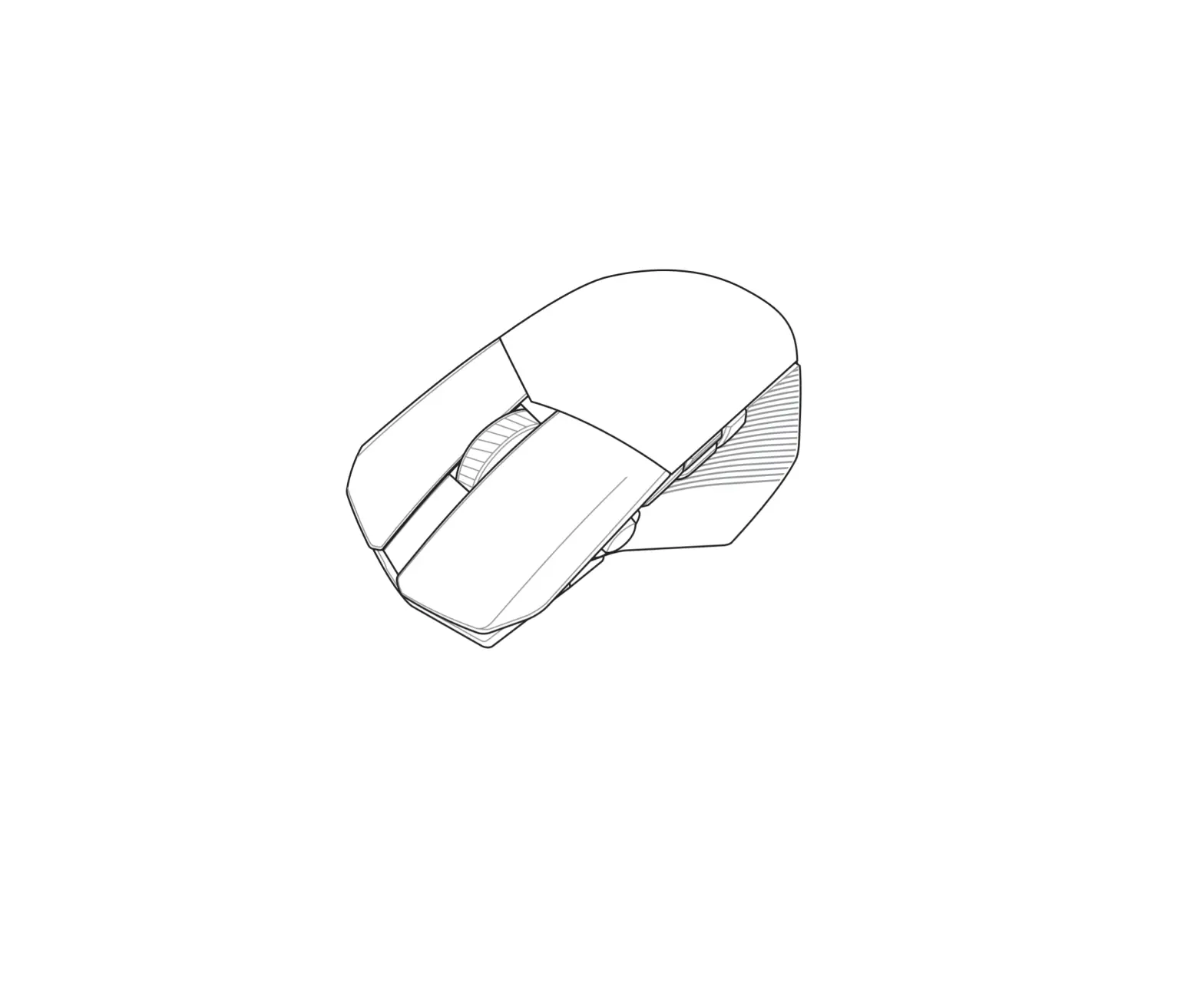
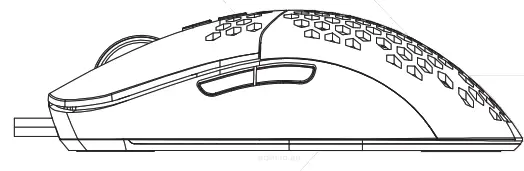
| 1 Left Button 2. Right Button 3. Scroll Wheel | 4“. Forward Button S. Backward Button 6. OPl+ Button 7. OPI- Button |
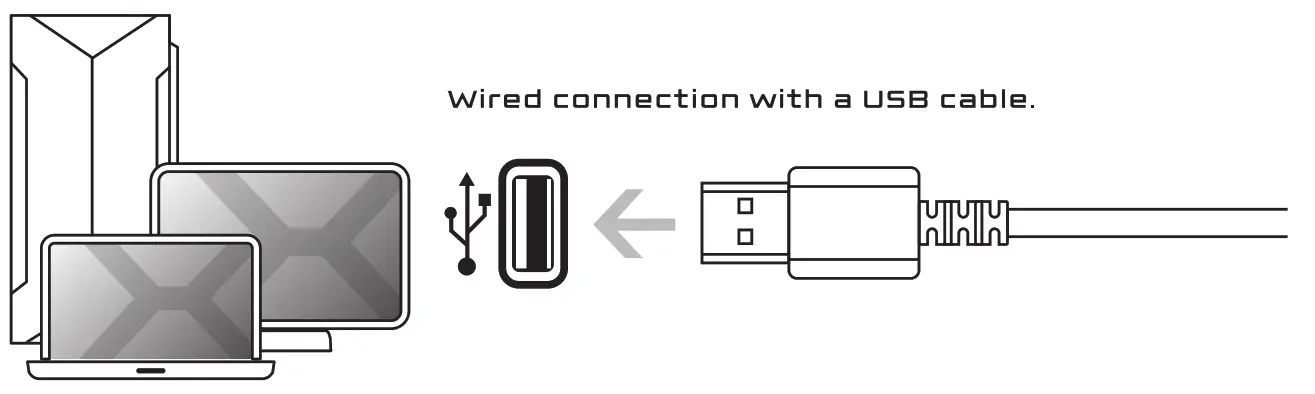
CONNECTIONS
 DPI LEVELS
 DPI LEVELS
| 800 DPI | 1600 OPI | 2400 OPI | 4800 DPI | 6’400 OPI | 12000 DPI |
| RED | GREEN | BLUE | YELLOW | CYAN | PURPLE |
SOFTWARE
 To download the newest version of dedicated software please visit www.krux.tech
 ENTITY RESPONSIBLE
PODMIOT ODPOWIEDZIALNY: COOLING.PL ZDZIECH SPJ. UL. SOKOLOWSKA eb 05-806 SOKOLOW, POLAND
TEL. +48 ee eSe 0130 BOO: OO00e00eS
MADE IN CHINA WWW.KRUX.TECH