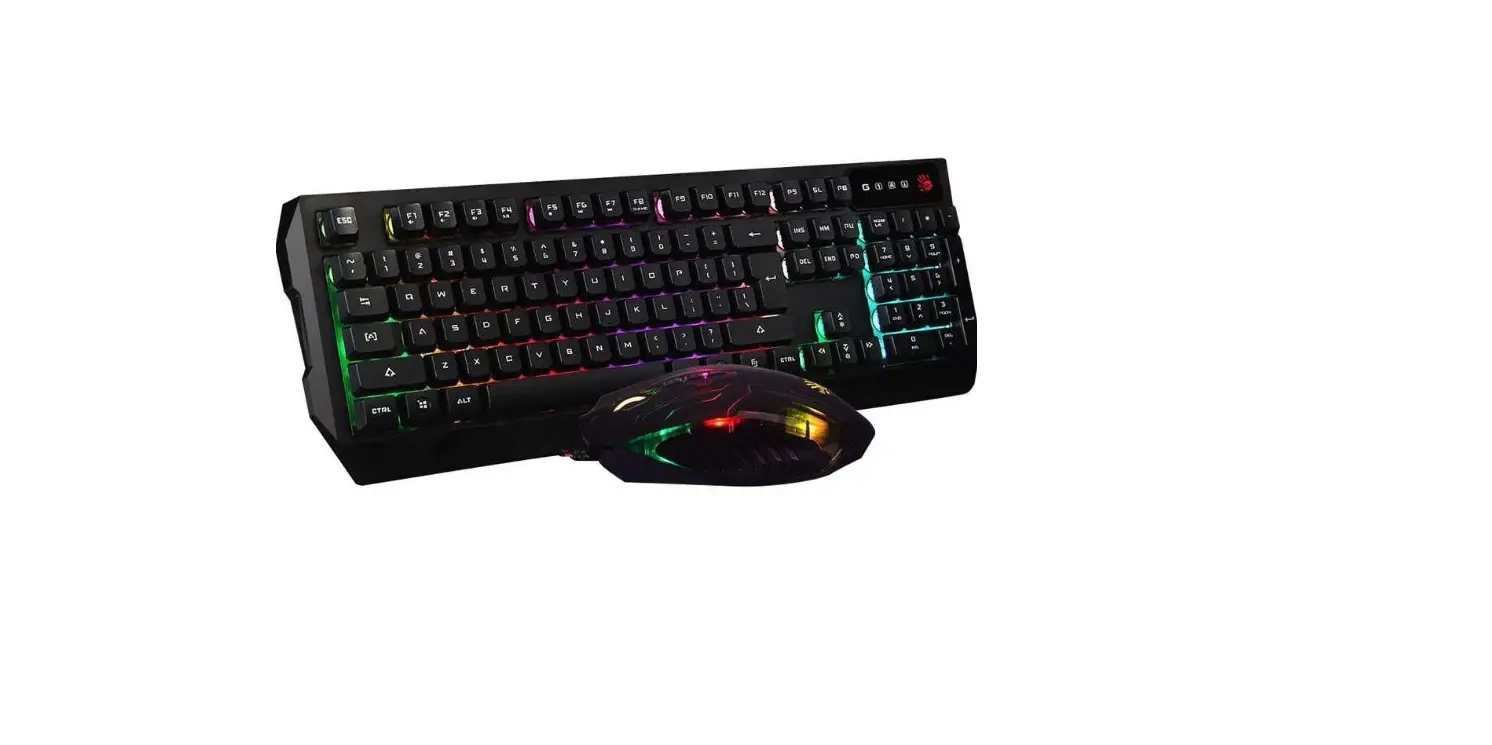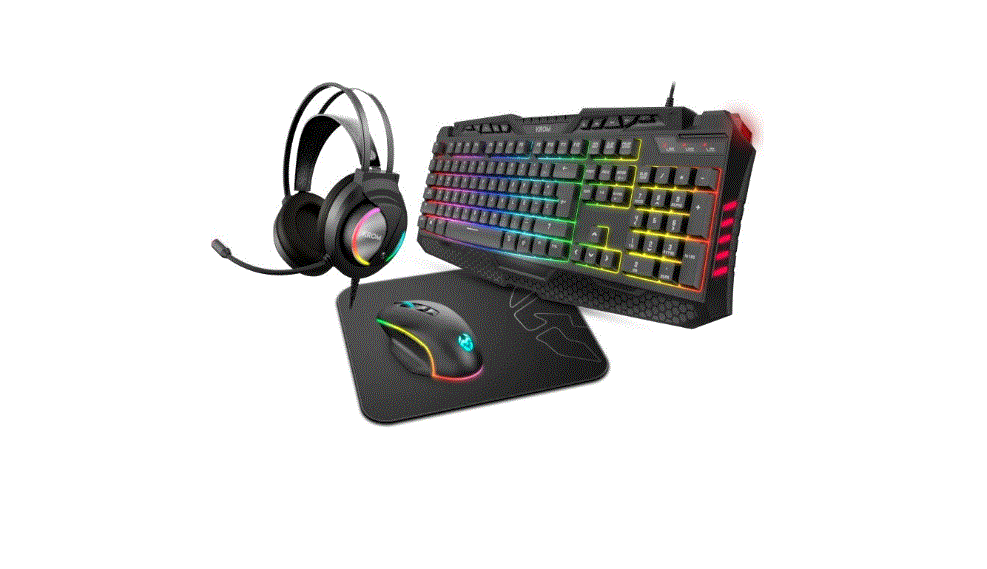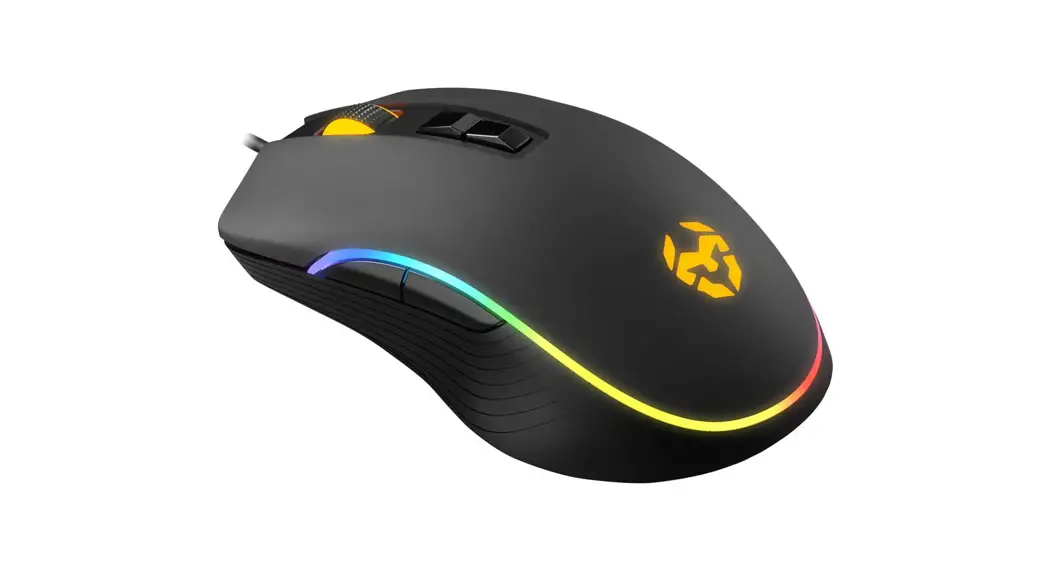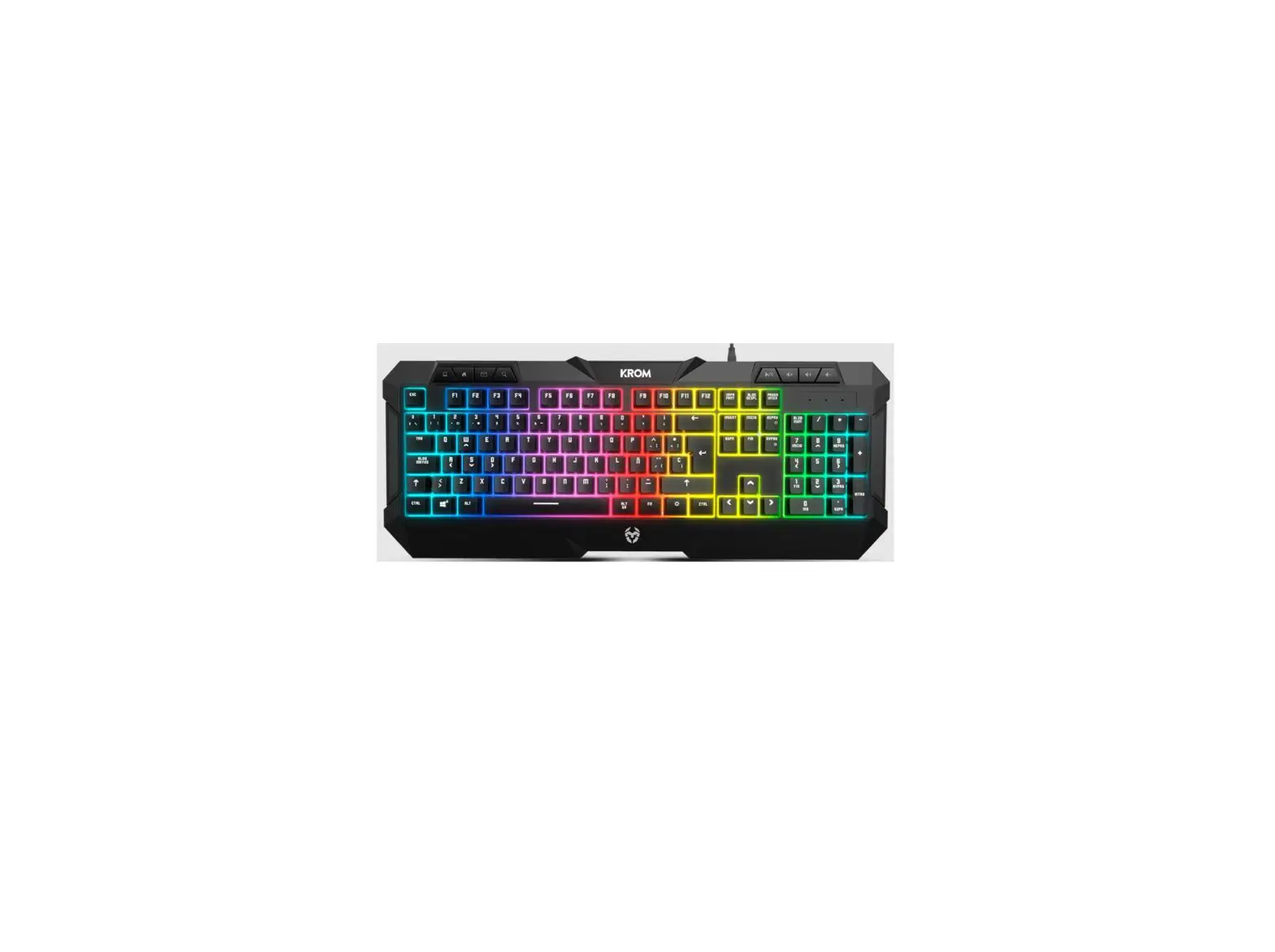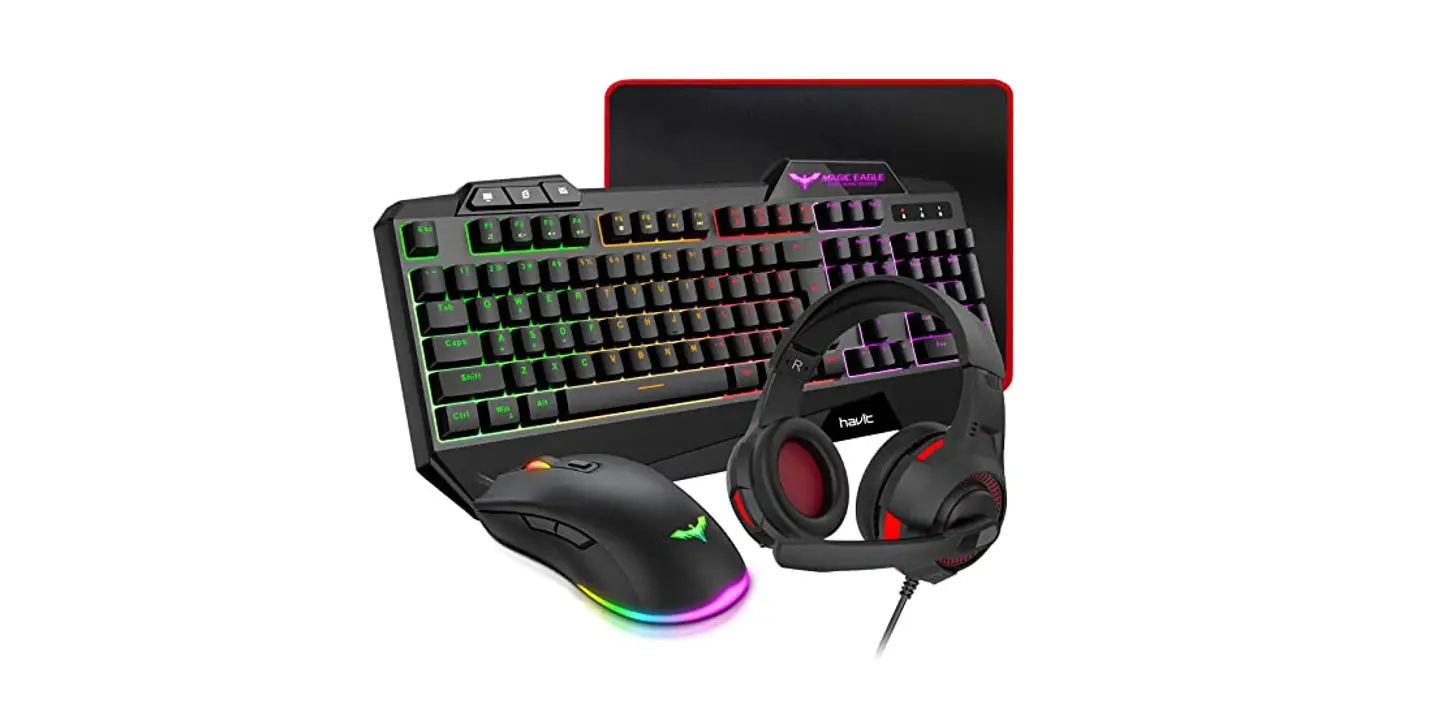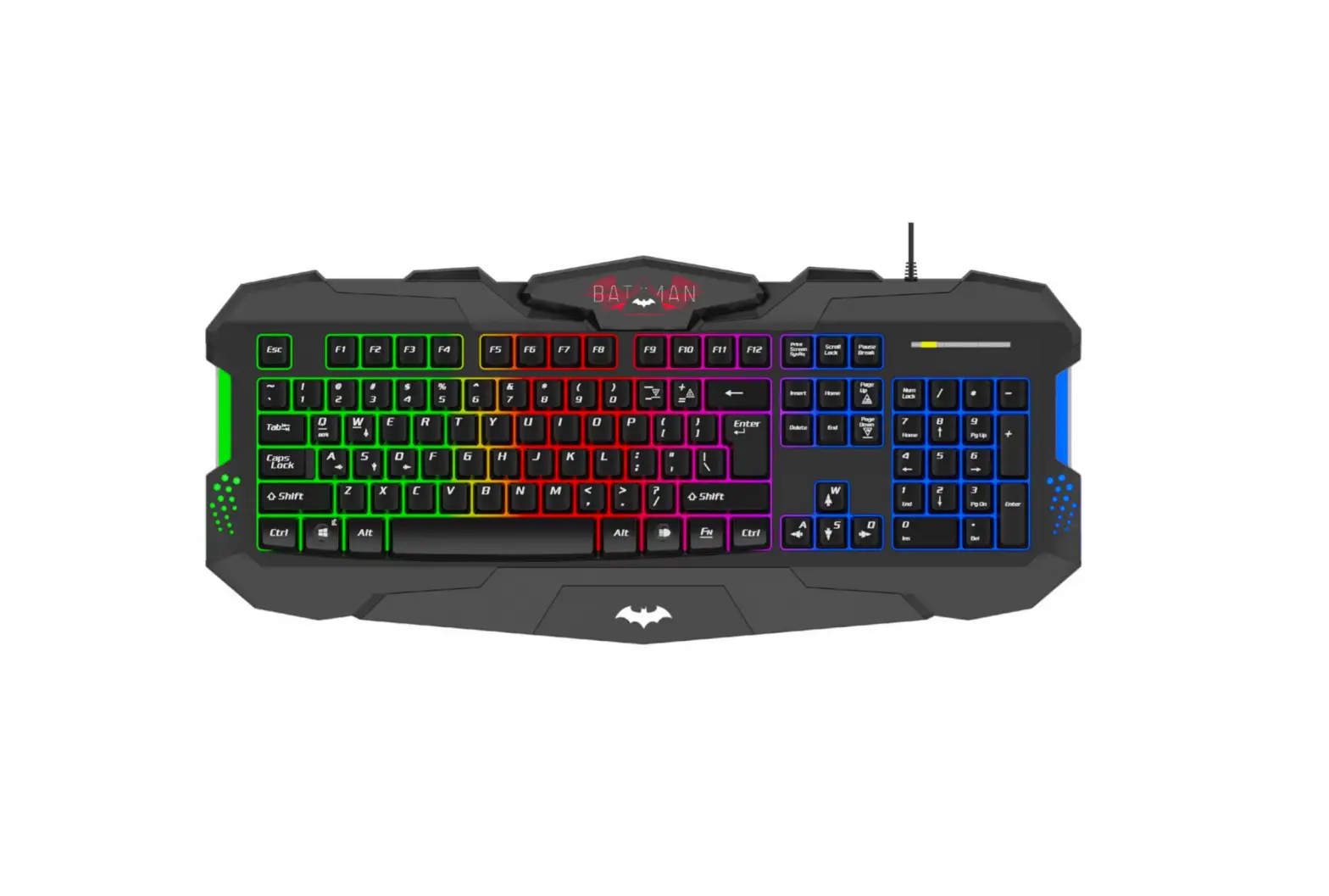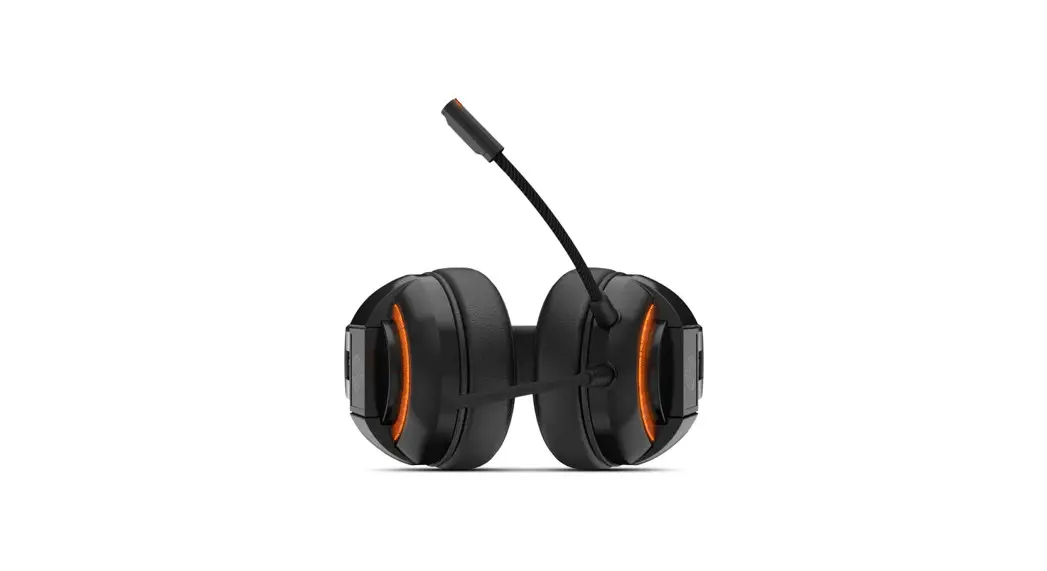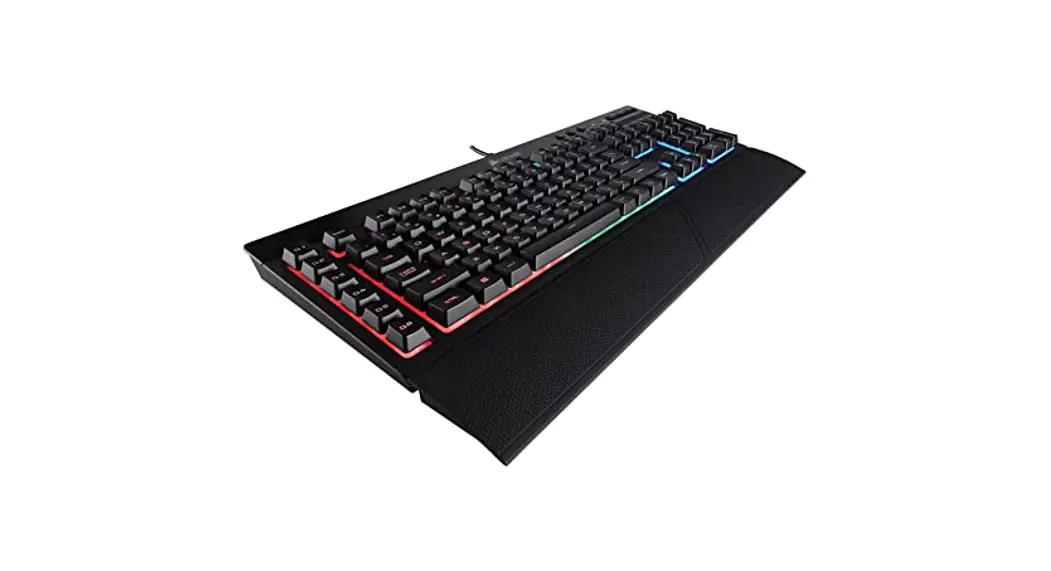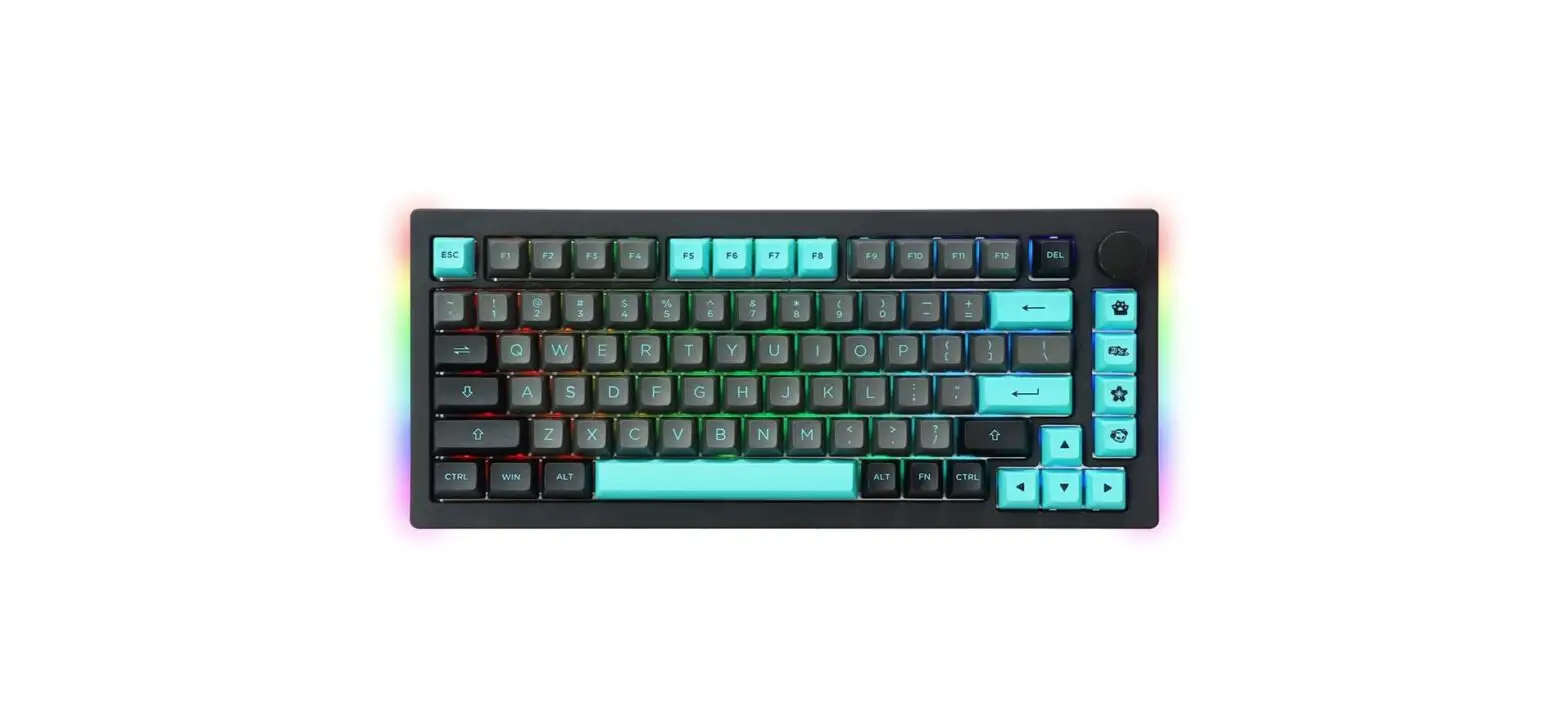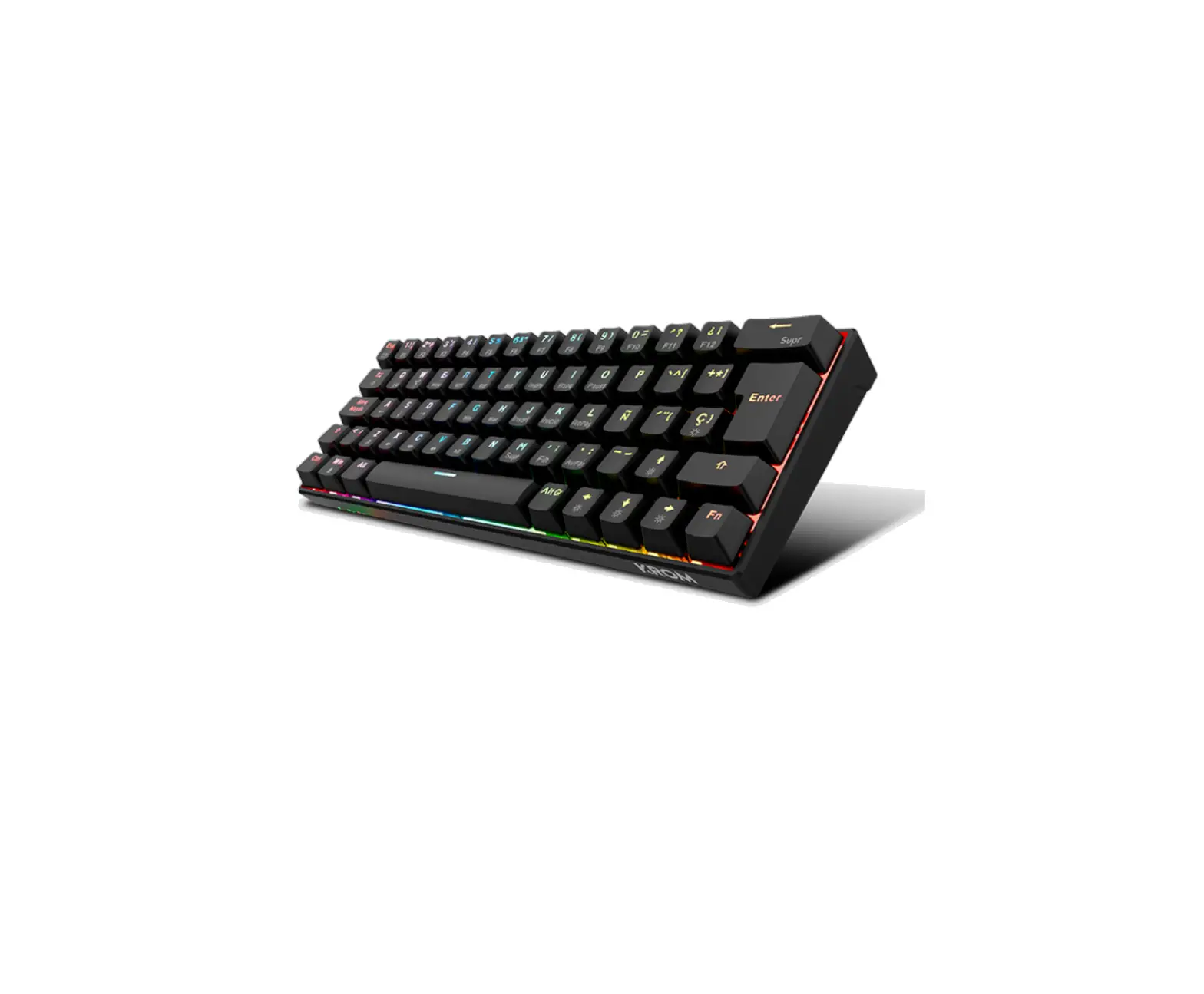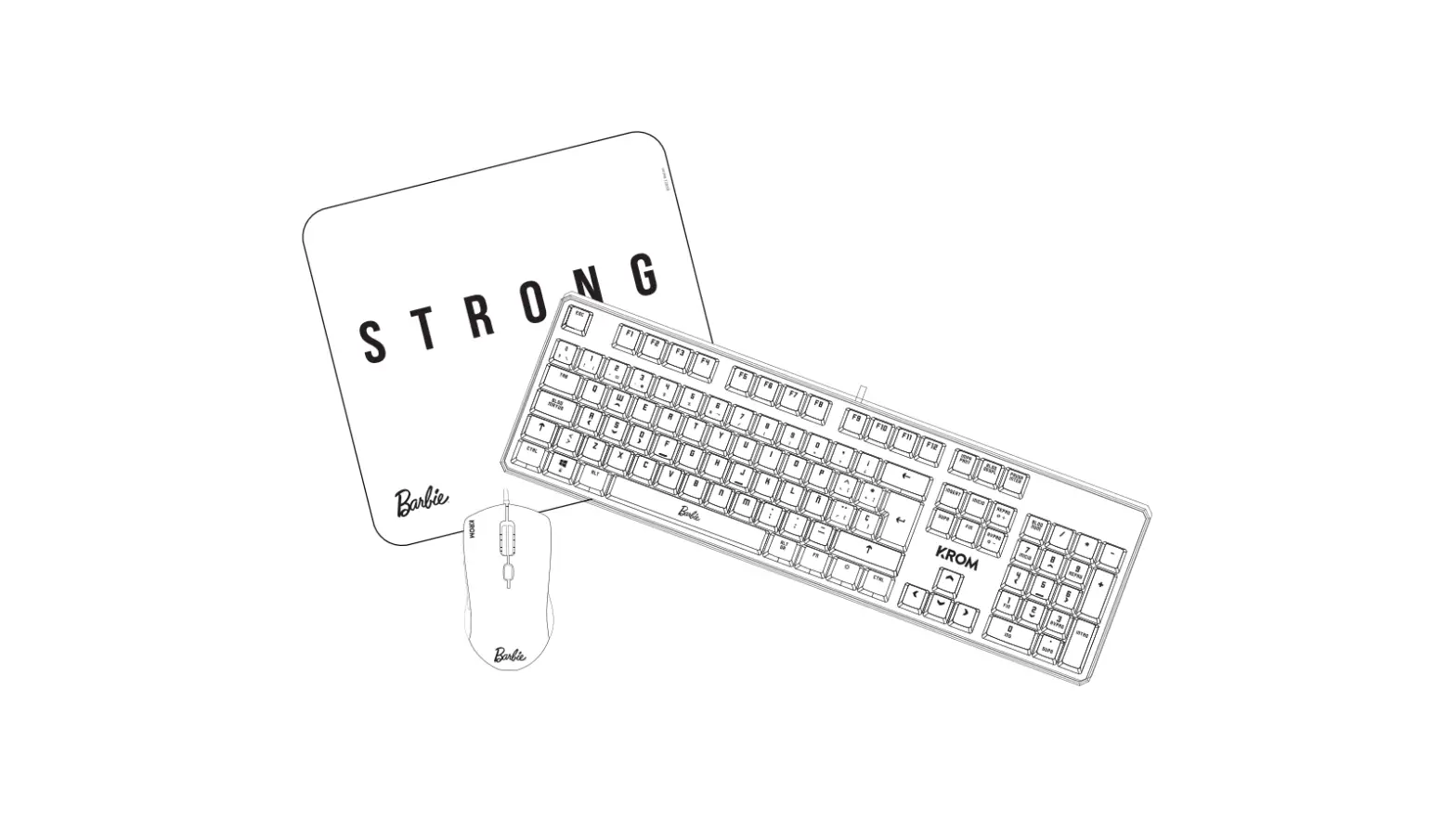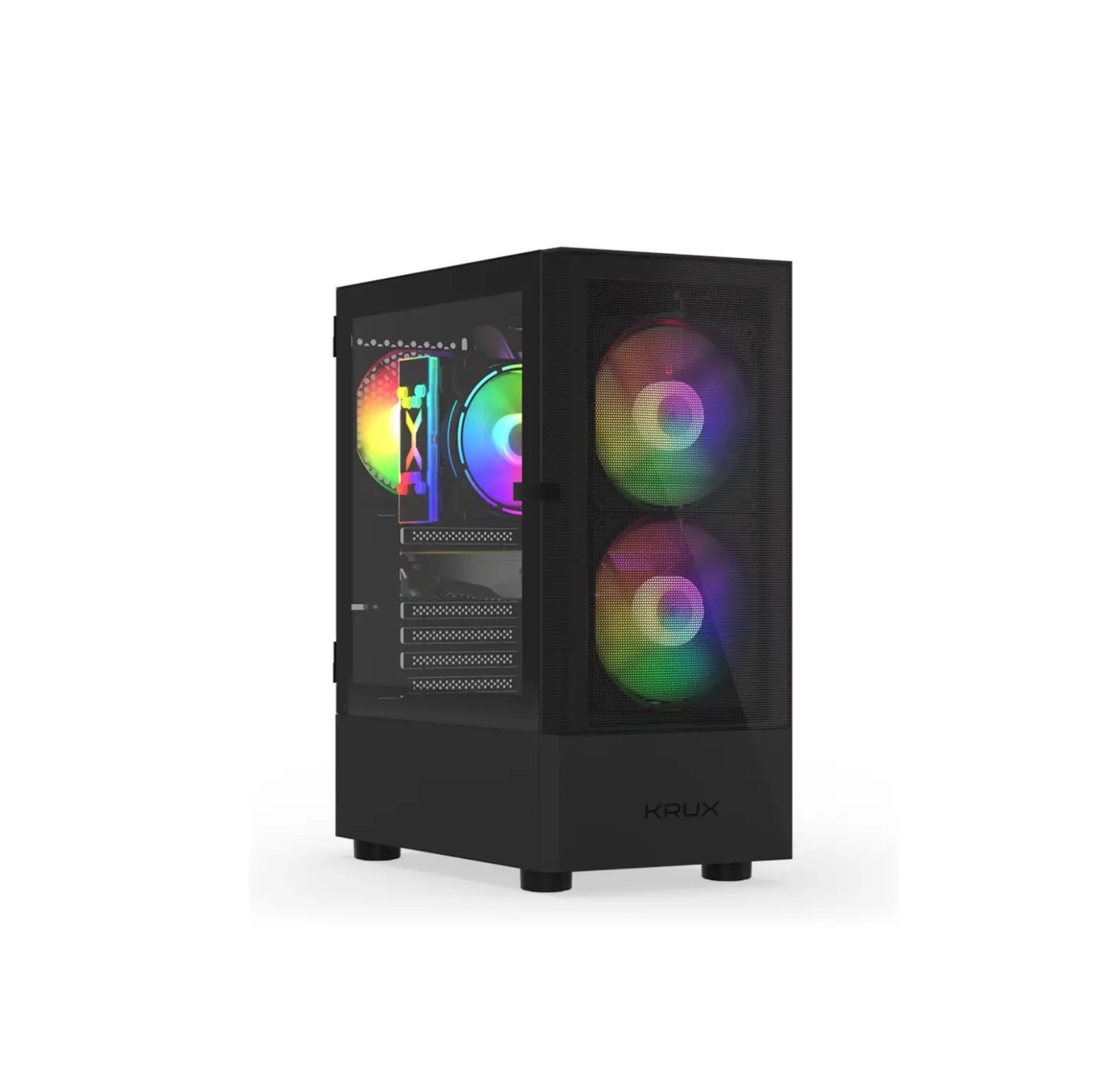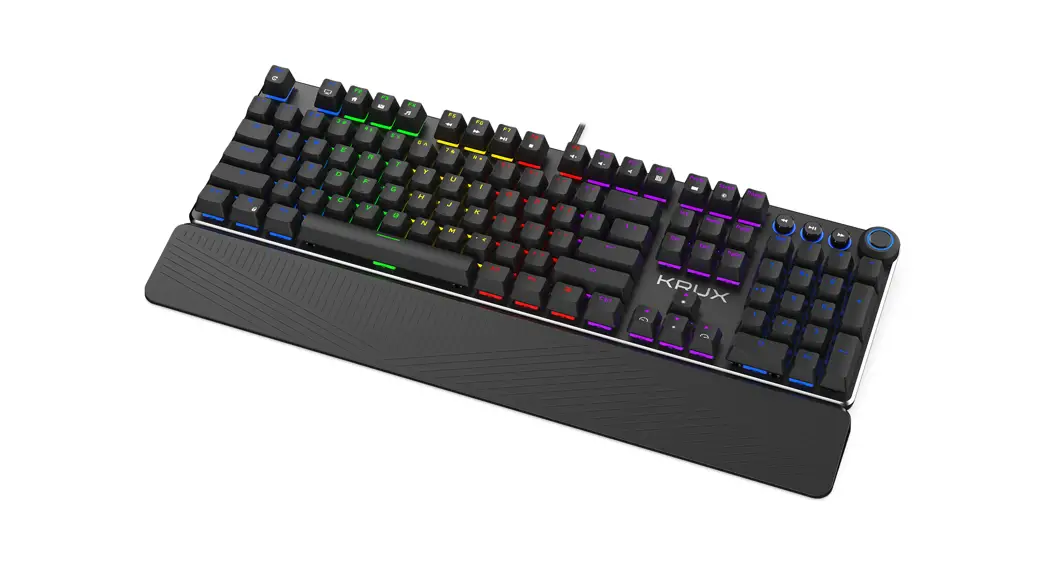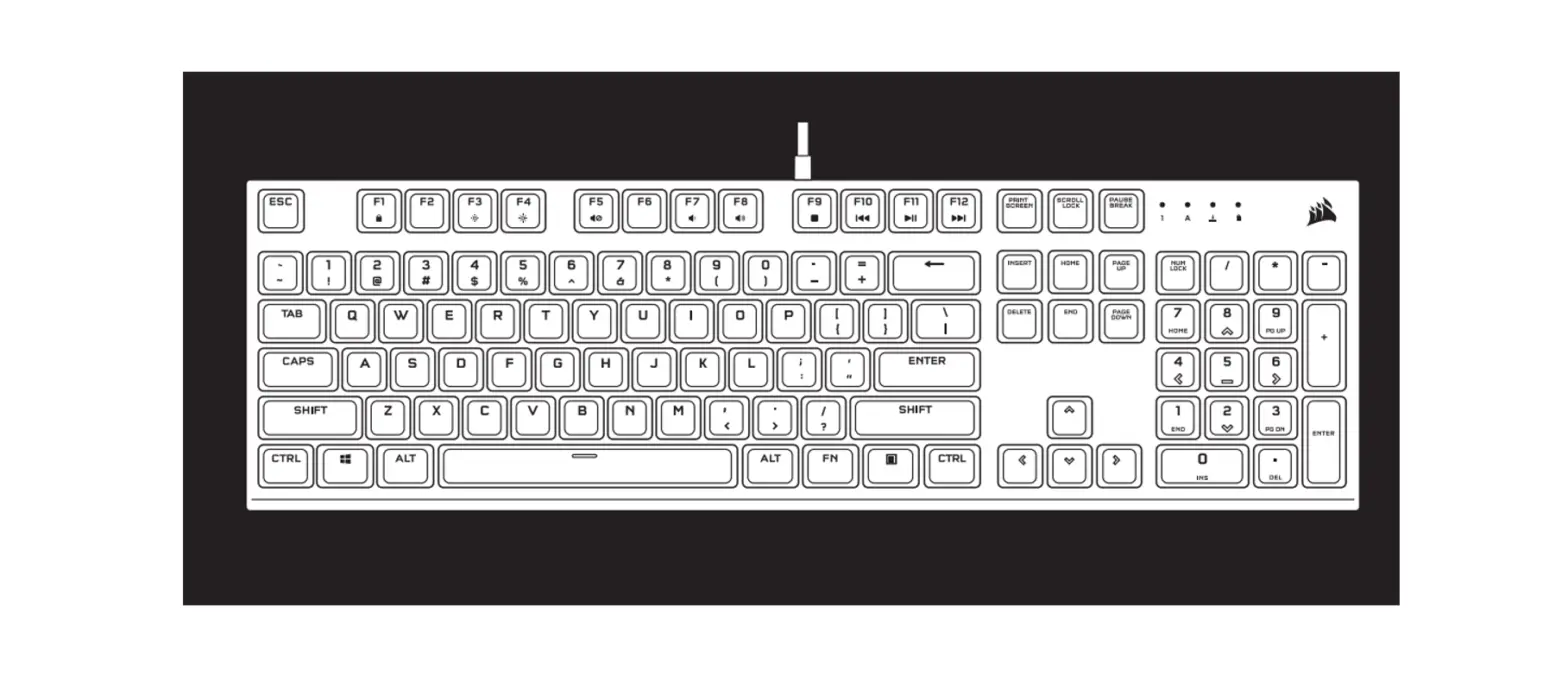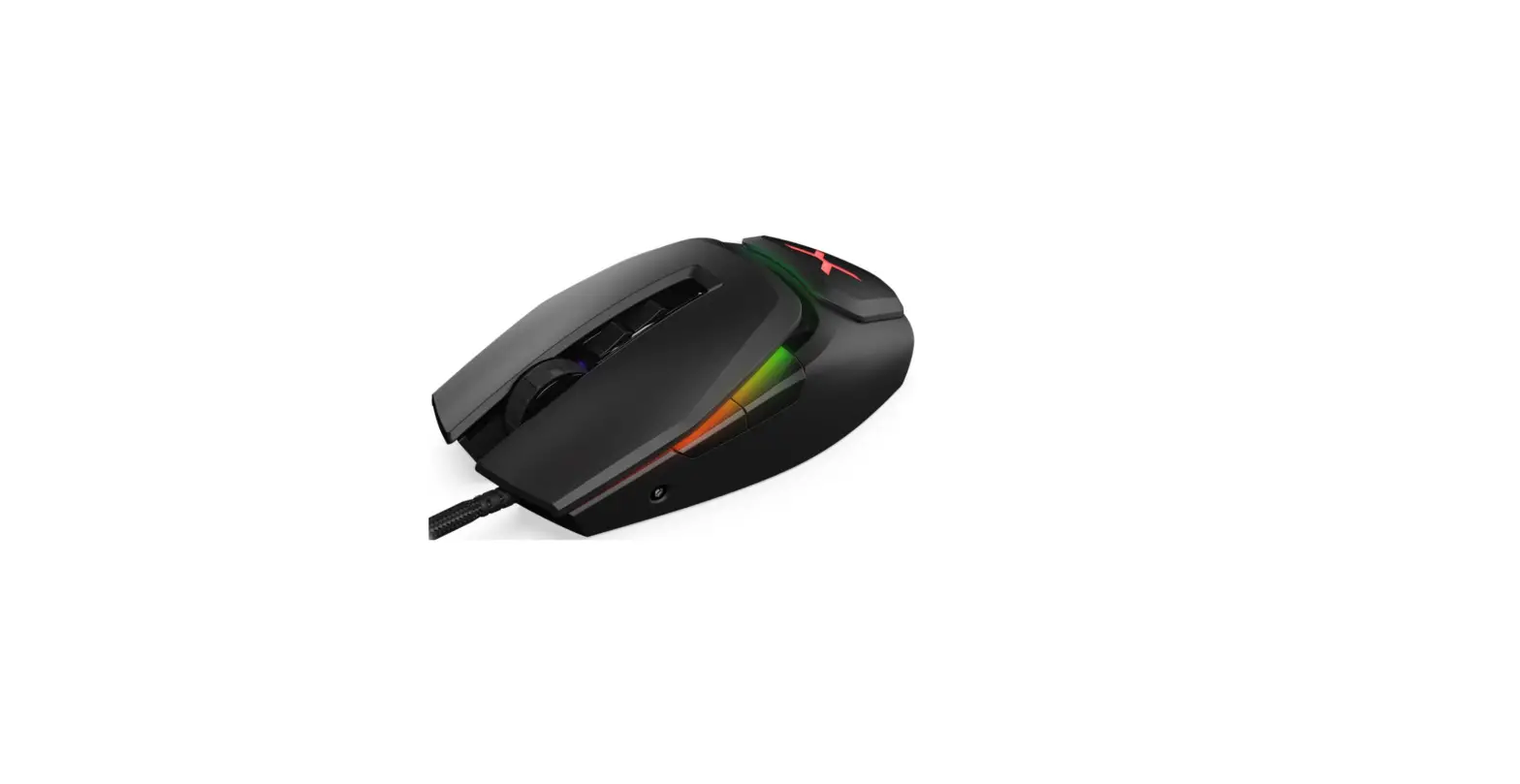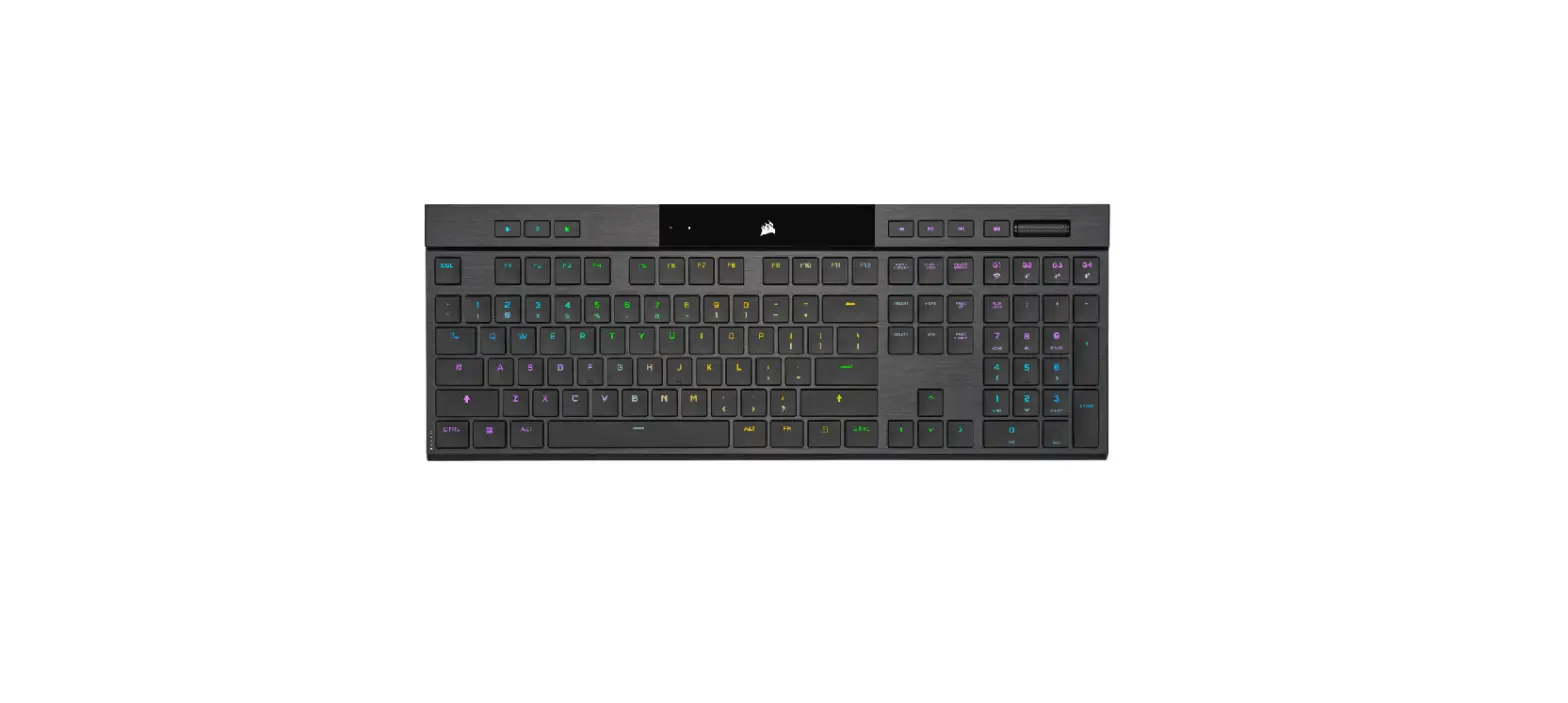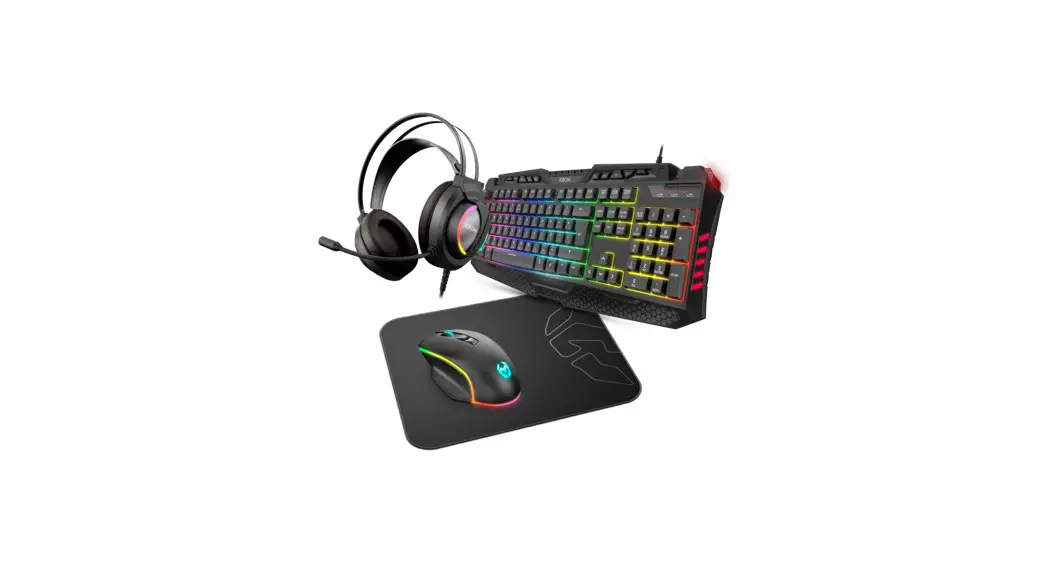

KENYA | 4 in 1 RGB Gaming Kit
USER MANUAL
HOW TO CONNECT THE PERIPHERALS
- Plug the USB and 3.5mm jack into the corresponding port on your device.
- Wait until the system recognizes and installs the peripherals.
- For more info or help, please visit our website: www.kromgaming.com