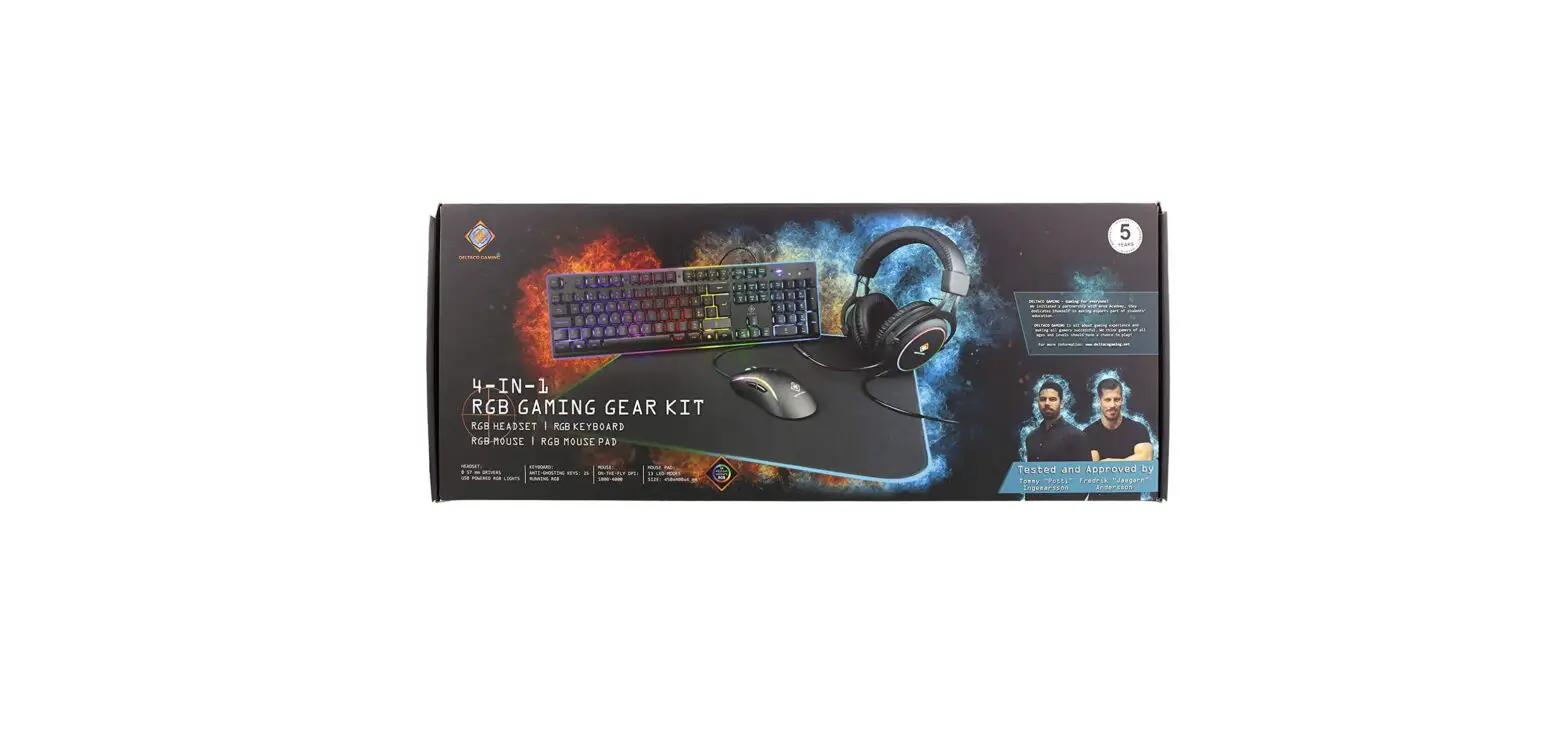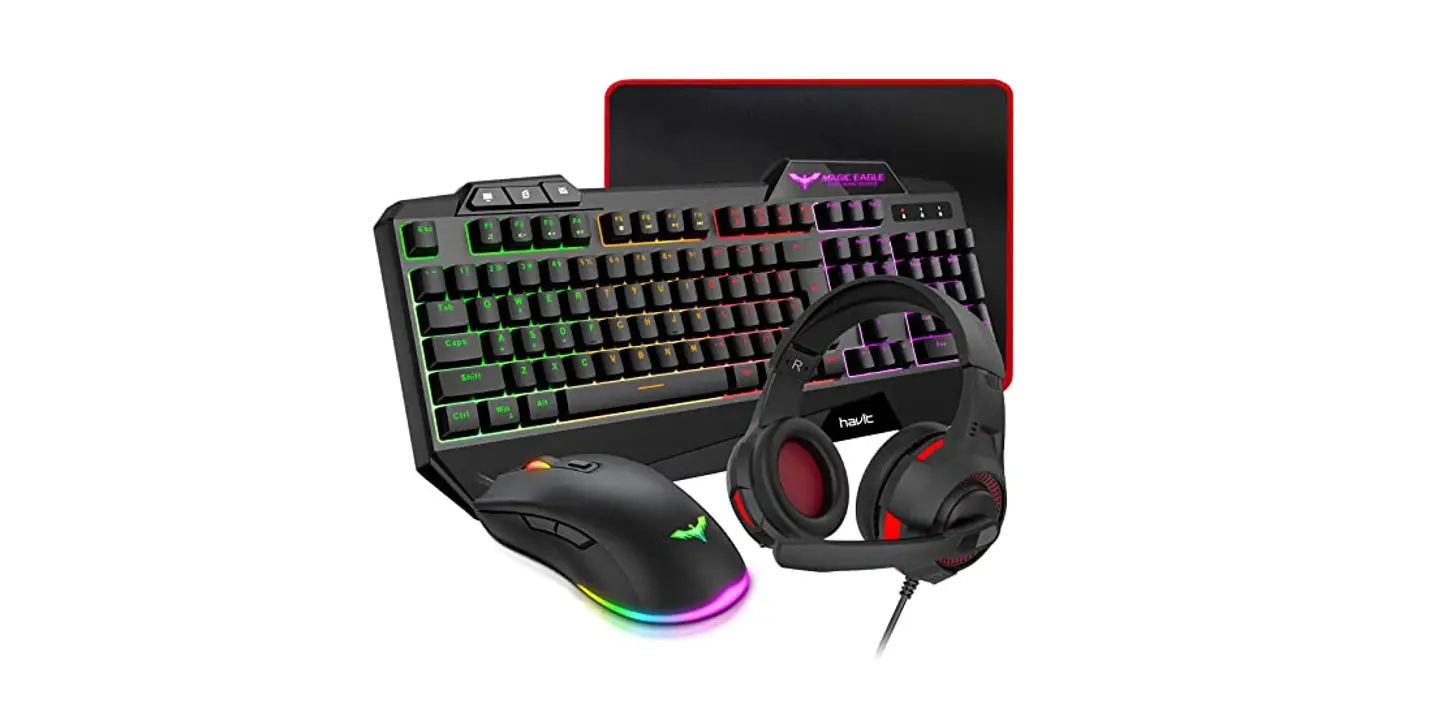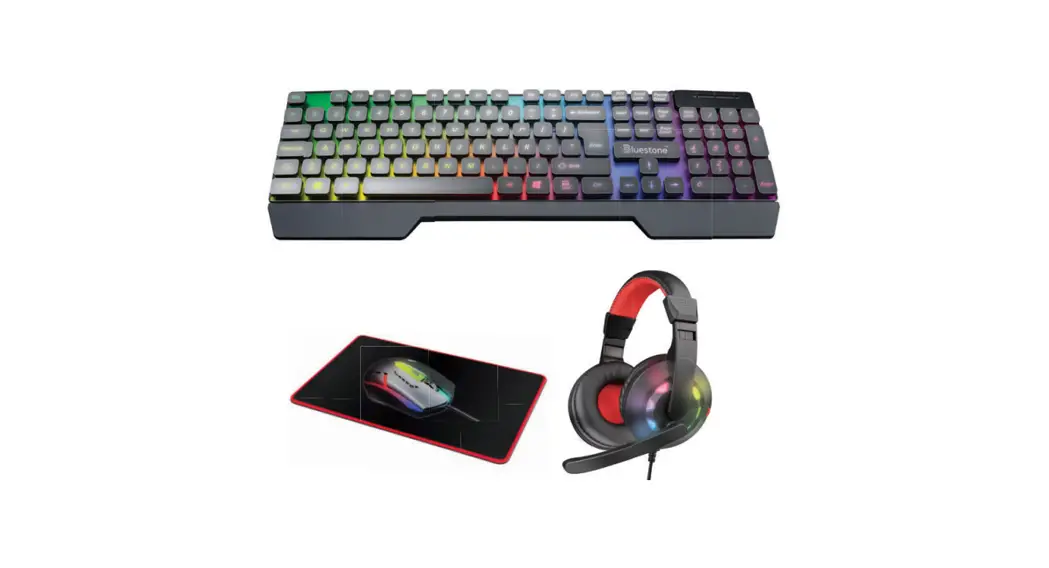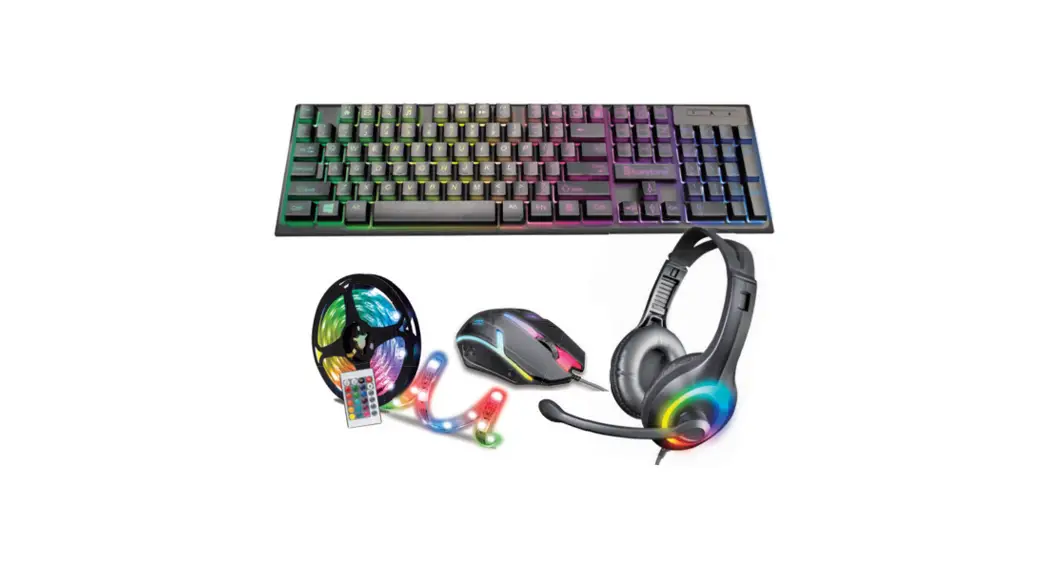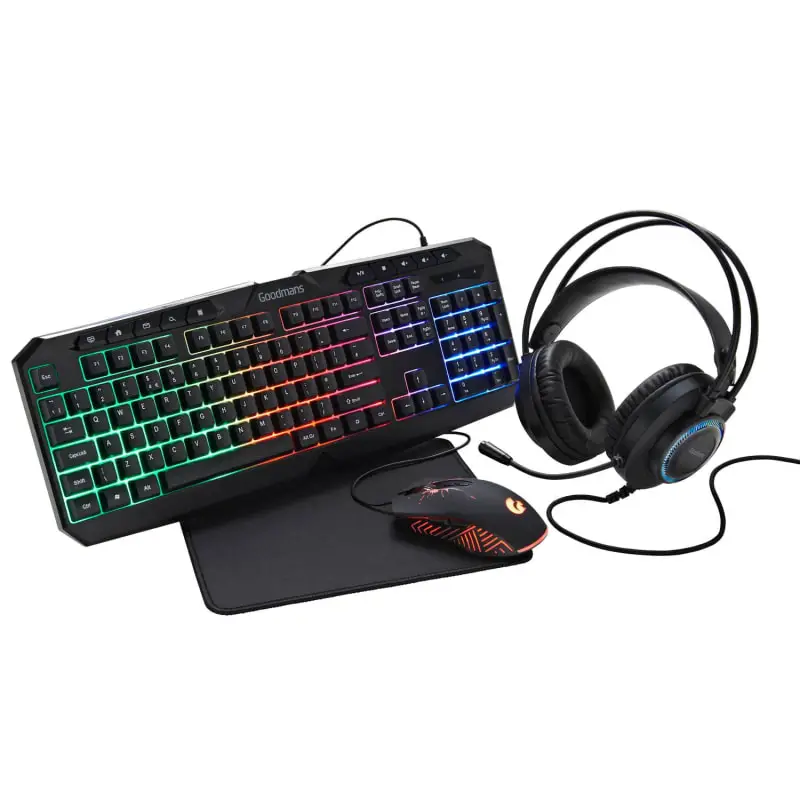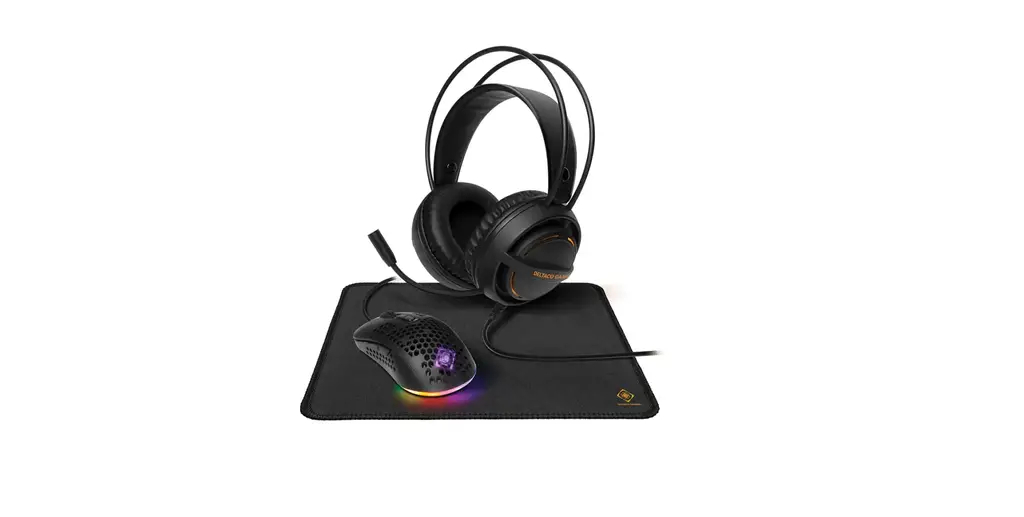

DELTACO GAMING GAM-131 Lightweight 3-In-1 LED Gaming Kit
 OVERVIEW
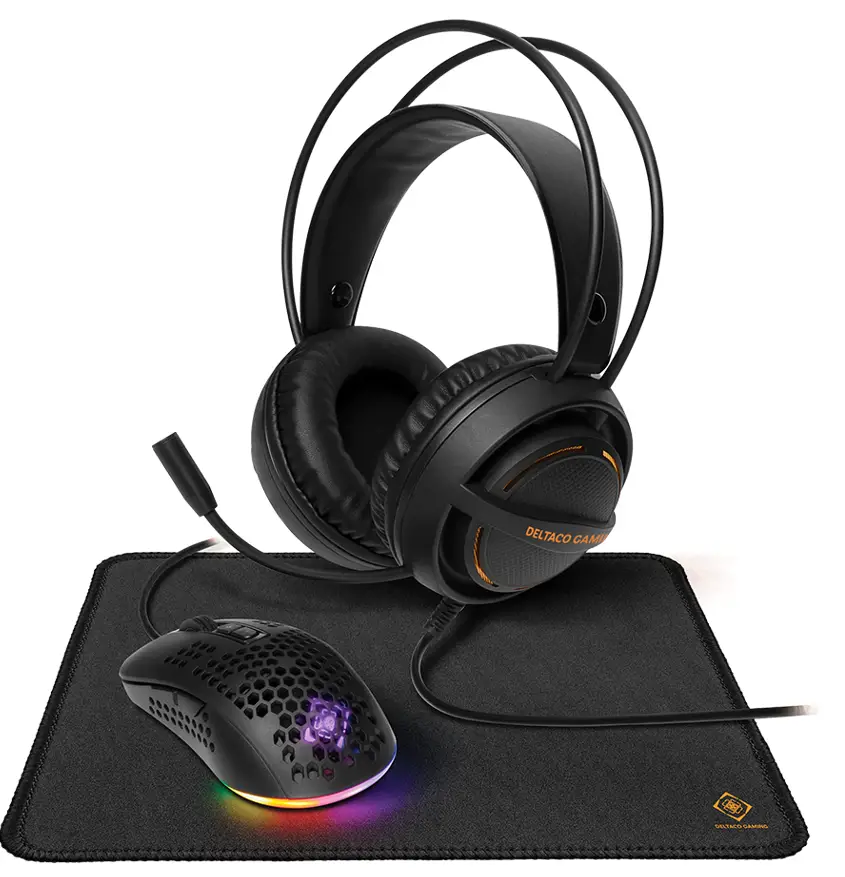 OVERVIEW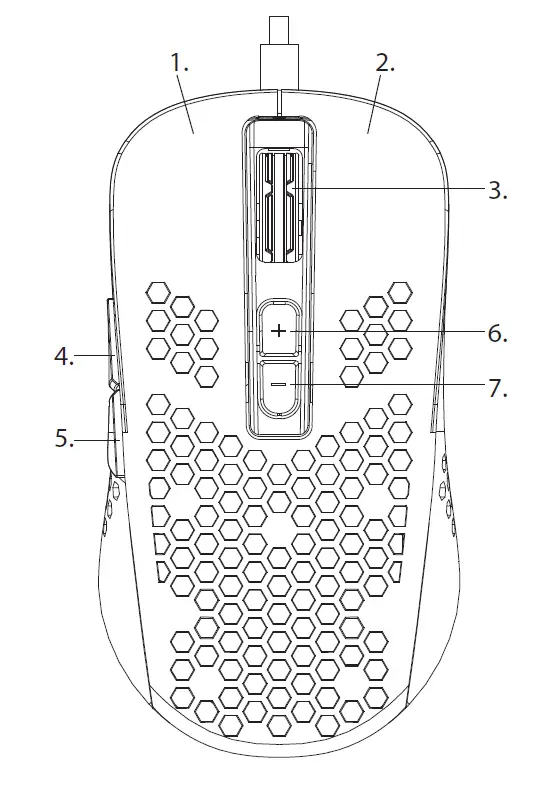
Thank you for choosing Deltaco!
Headset
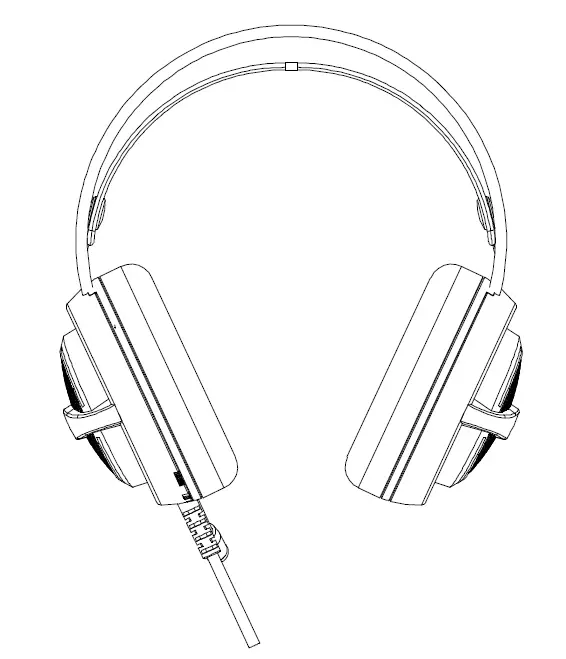
The headset LED lights are powered by USB, 5V DC.
Speaker and microphone are powered through 3.5 mm connectors.
- Use the volume control on the headset to change volume.
- Use the sound on/off button (“mute”) for the microphone on the headset to turn the sound on or off.
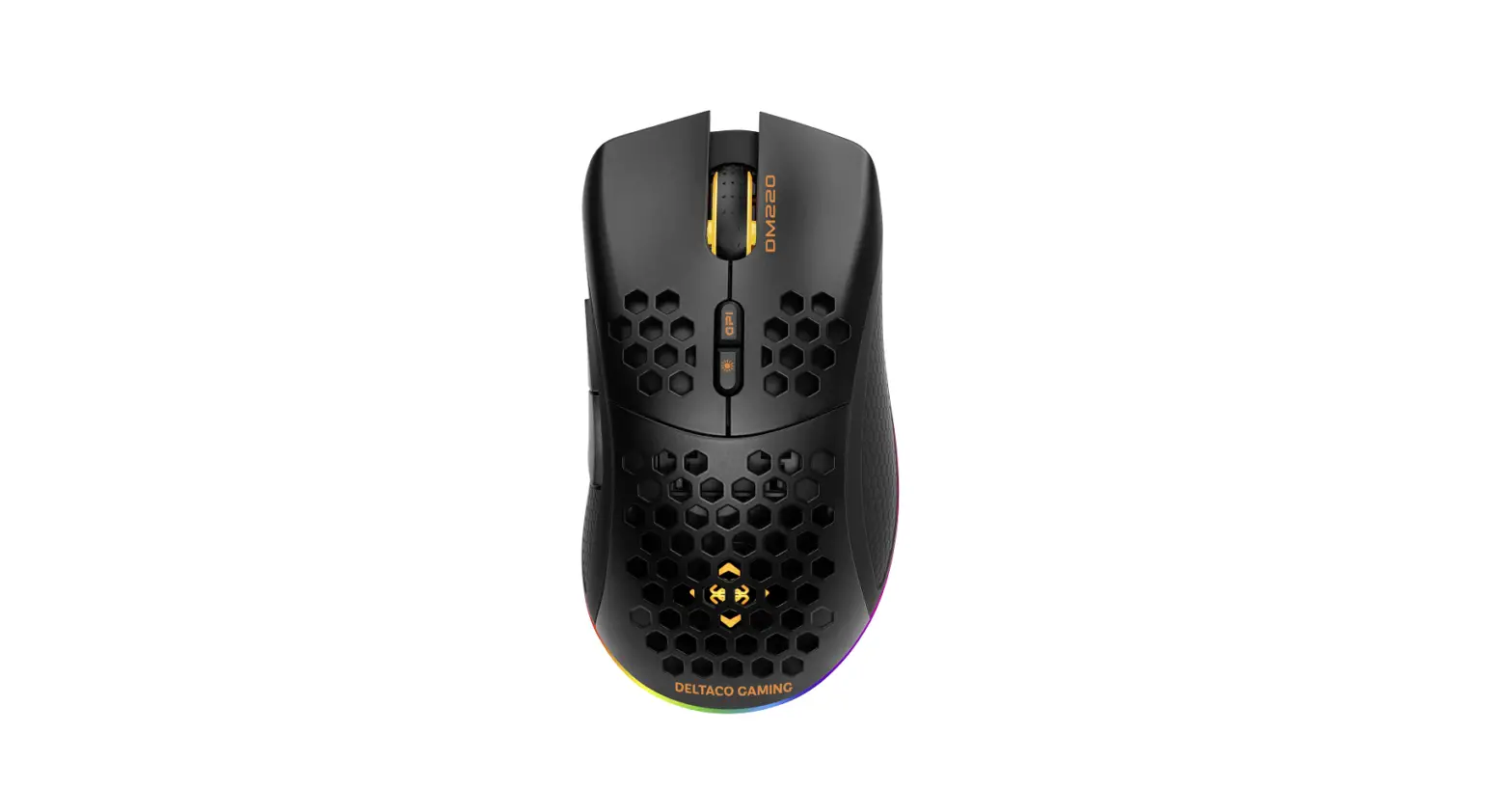
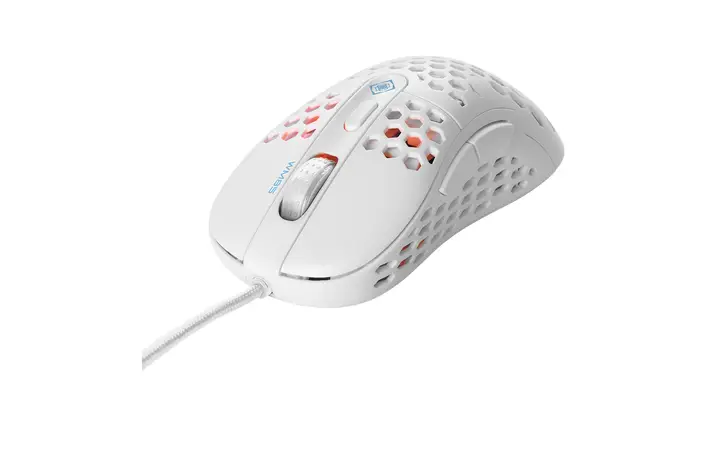
Mouse
- Left mouse button
- Right mouse button
- Mouse wheel button
- Forward
- Backward
- Increase DPI
- Decrease DPI
Connect to a USB port (5V DC) to use the mouse.
The DPI settings are: 1200/1800/2400/3600.
Mousepad
Place the mousepad on your table and then place the mouse on it.
The mousepad can be cleaned with cold water.
Warranty
Please, see www.deltaco.eu for warranty information.
Support
More product information can be found at www.deltaco.eu.
Contact us by e-mail: [email protected].
 Pages - Home
 DELTACO GAMING | Homepage