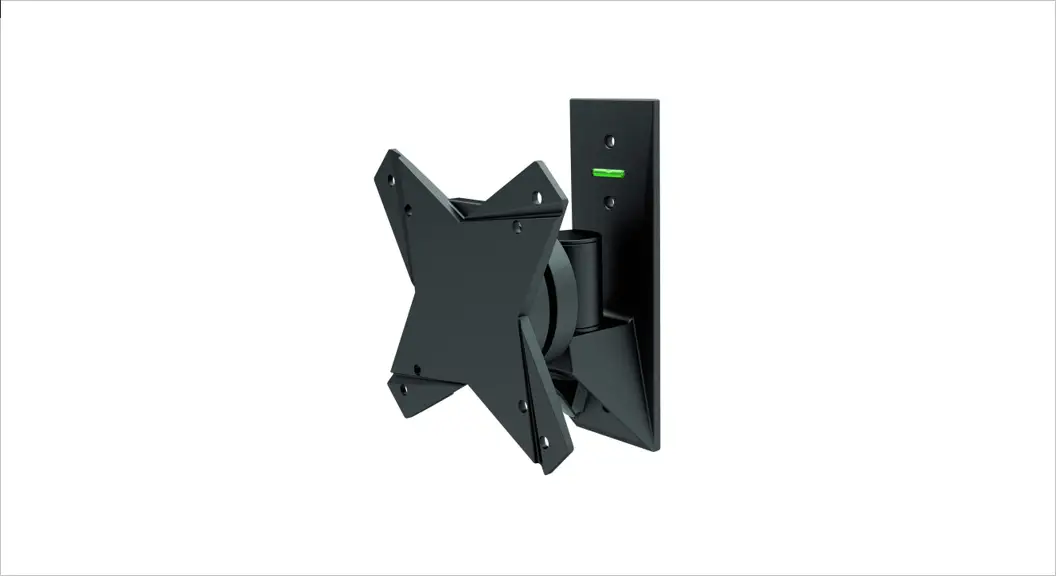
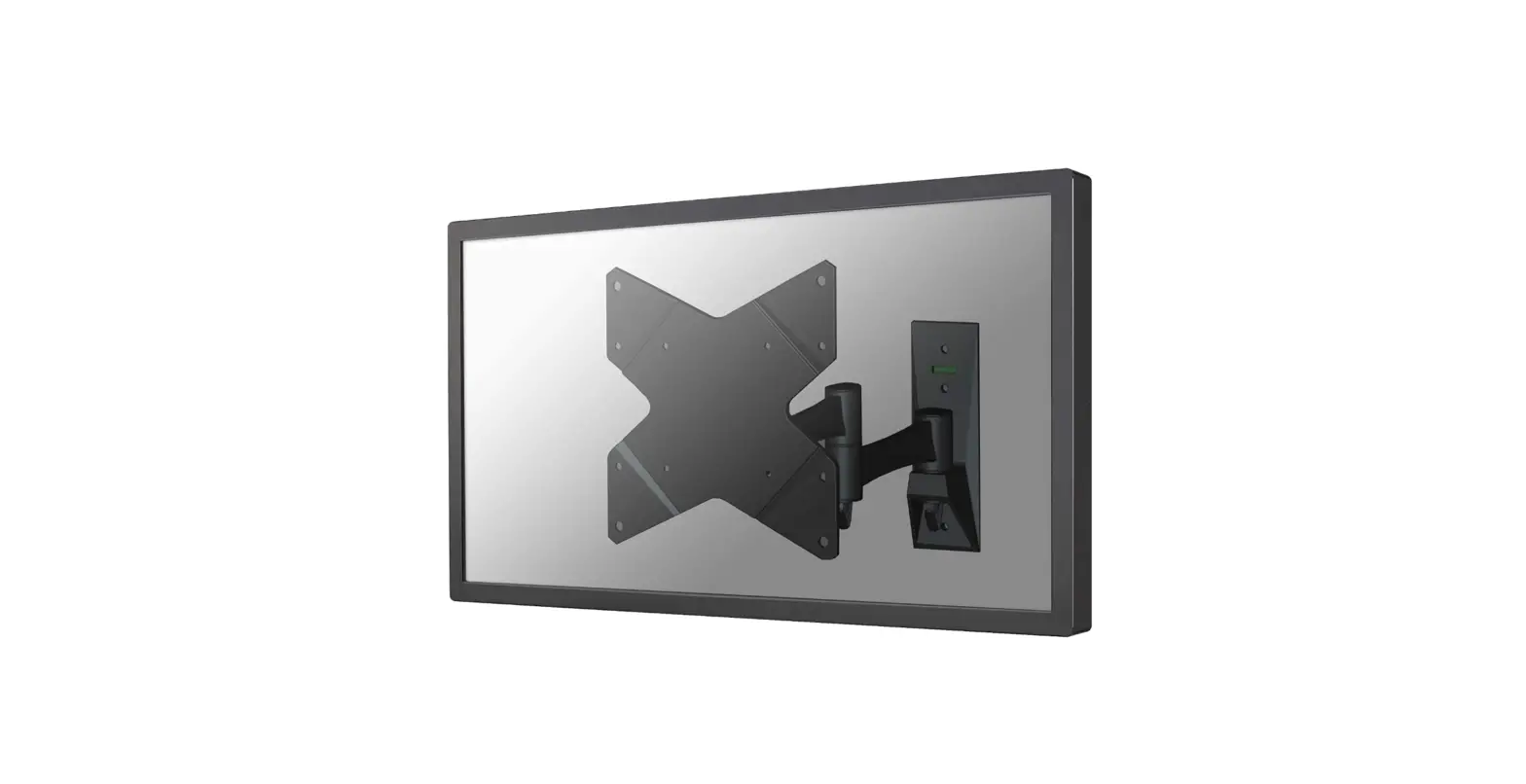
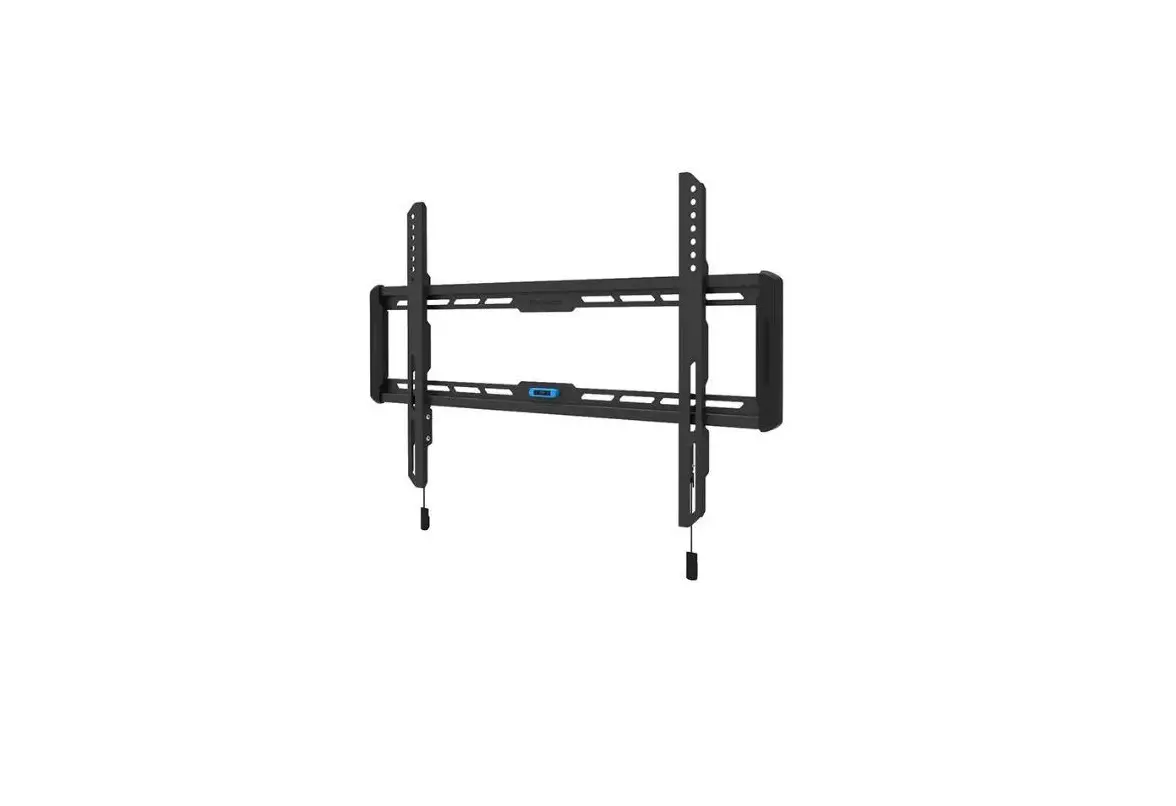
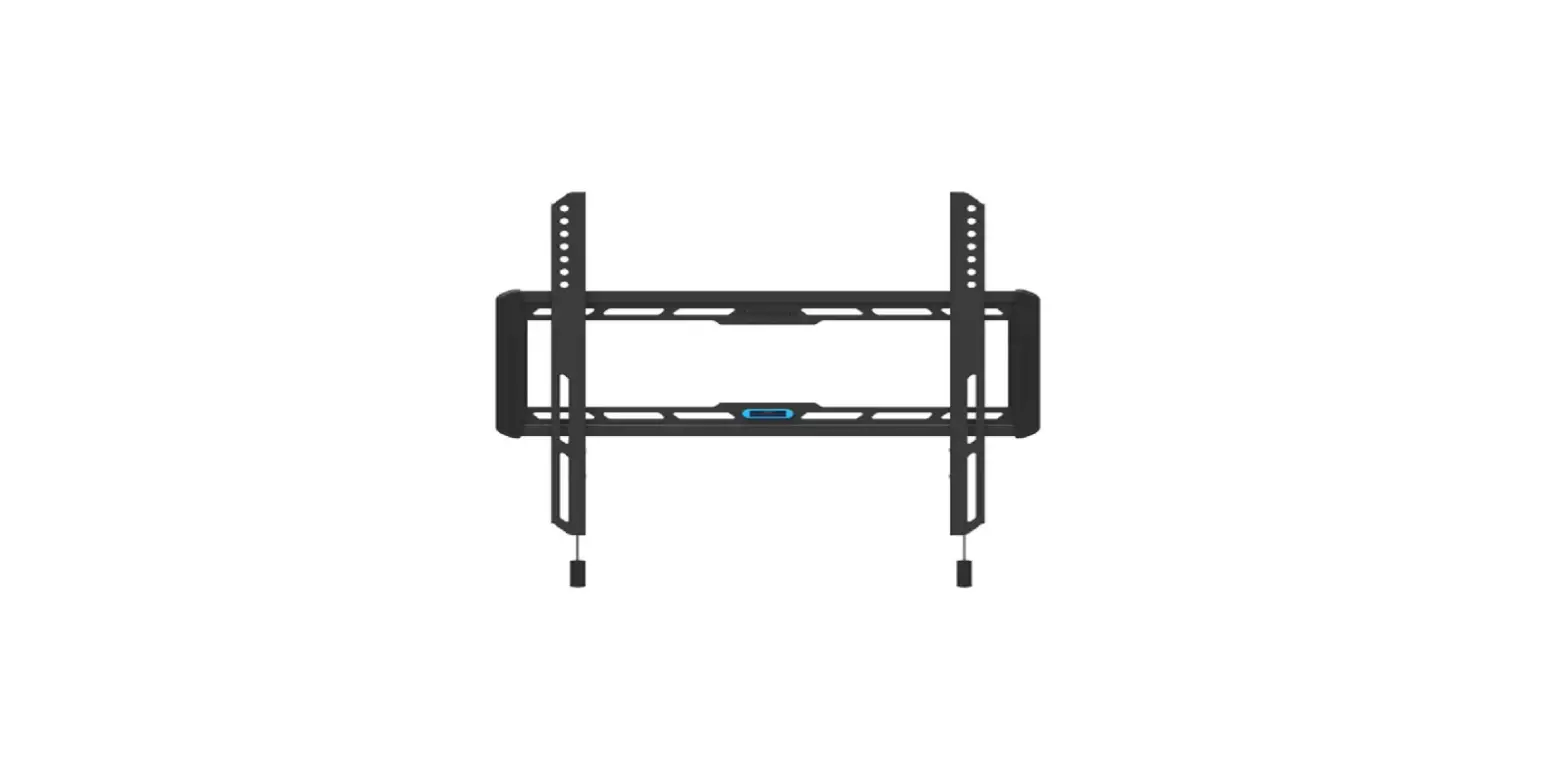
MP0011 TV Mount
Product Information:
This product is a TV mount designed for use in wood stud and
solid concrete walls. It includes velcro cable ties, a bubble
level, and various hardware for installation. The maximum weight
capacity of the mount is 60 lbs (27 kg), and it supports TV screw
diameters ranging from 26~55. The maximum VESA pattern size
supported is 400x400mm/16×16, and the minimum is 75x75mm/3×3.
Product Usage Instructions:
- Before starting the installation, read the instruction manual
carefully to ensure a safe and correct installation. - Ensure that you have all the necessary parts included in the
package and that they are undamaged. If you find any parts missing
or damaged, contact us for assistance. - Identify the TV screw diameter required for your TV and select
the appropriate screws. - Attach the arm and wall plate to the brackets using the
provided hardware. - Ensure that the wall where you plan to install the TV mount is
capable of supporting five times the weight of the TV and mount
combined. Do not install into drywall alone. - Use the bubble level to ensure that the mount is horizontally
level before proceeding. - Position the TV mount on the wall and mark the locations for
drilling pilot holes. - Drill pilot holes into the wall at the marked locations,
following the recommended drill bit size specified in the
instruction manual. - Securely attach the TV mount to the wall using appropriate
screws or anchors for your wall type. - Attach the TV to the mount using the selected screws, ensuring
a secure fit. - Once the TV is securely mounted, use the safety locks to
prevent accidental dislodging of the TV. - Double-check the levelness of the TV and make any necessary
adjustments.
If you have any questions or concerns during the installation
process, please contact us for assistance. Incorrect installation,
assembly, or misuse may result in product damage or bodily injury,
for which MOUNTUP shall bear no responsibility.
MU0011 INSTALLATION INSTRUCTION
Velcro cable ties X5
26″~55″
Max: 60LBS (27KG)
If you have any questions, please contact us.
Step 1-1 Select TV screw diameter
Bubble level X1
Max:400x400mm/16×16″ Min:75x75mm /3×3″
(7)
Safety Caution
Hardware Included
Please read this instruction carefully before installation. If you do not understand these instructions or have doubts about the safety of the installation, assembly or use of this product, please contact us.
This product is designed for use in wood stud and solid concrete wall. – DO NOT install into drywall alone.
The wall must be capable of supporting five times the weight of the TV and mount combined. Do not apply this product to any purpose not indicated by MOUNTUP. Incorrect installation may result in product damage or body injury. MOUNTUP shall bear no responsibility
for any damage or injury resulted from incorrect installation, incorrect assembly or misuse.
WARNING: This product contains small items that could be a choking hazard if swallowed.
Before starting assembly, verify all parts are included and undamaged. For parts shortage or damage, please contact us.
Arm and Wall Plate
01 x1
Brackets
02 x2
Safety Locks
03 x2
Must Check Before Getting Started
MAX:400mm/16″
<16mm(5/8″)
Min. Wood Stud Size: nominal 4″(102mm) actual 3 1/2″(89mm)
Min. 8″ (203mm)
MAX: 400mm/16″
Max: 60LBS (27KG)
Min. Wood Stud Size: nominal 2″(51mm) actual 1 1/2″(38mm)
Drywall with wood studs
Solid concrete wall
Installation Tools (Not Included)
CAUTION: DO NOT install into drywall alone.
Wood Stud Installation Concrete Installation
7/32″ (5.5mm)
Stud Awl Wood
Finder
Drill Bit
3/8″ (10mm)
Masonry Hammer Drill Bit
Step 1-3 Attach the bracket
2M
Band Tape
Pencil
Electrodrill
1/2″ (13mm)
Socket Screwdriver Wrench
1
Hardware (Wall /Product)
Lag Bolts 5/16 x 2½ in
Open-end wrench
x3
x1
A
B
TV Screws / Washers
Philips Screws M4 x 12mm M4 x 30mm
Philips Screws M6 x 15mm M6 x 30mm
Philips Screws M8 x 25mm M8 x 45mm
Spacers L10mm
Washers Ø6mm M4-5-6
x4 x4
x4 x4 x4 x4
x8
x4
M-A
M-B
M-C
M-D
M-E
Step 2A Wall plate installation (wood stud)
Spacers L5mm
x8
M-F
2
Thread screws by hand into the threaded holes on the back of your TV to select which screw diameter fits your TV.
M4 M6 M8
CAUTION: Ensure bracket is securely fastened before moving on to the next step.
(a) For Flat Back
M-A M-C M-B
Use the shorter screws
M-E Not for M8 screws
Top of TV
2A-1 2A-2
Step 1-2 Select TV screw length
When attaching brackets to the flat screen, be careful not to over tighten screws and be sure that screws do not bottom out in the mounting holes.
Too Short
Too Long
Correct
Correct
No!
(b) For Round Back / Extra Space
M-A M-C M-B
Use the longer screws
M-E Not for M8 screws
Top of TV
M-D M-F
No!
34
Keep the arrow up
01
2A-3
4
Locate your studs. Verify and mark the center of the stud by finding the stud edges using an awl, a thin nail, or an edge-to-edge stud finder.
Position the wall plate 01 at your desired height and line up the holes with your stud center line. Level the wall plate and mark the pilot hole locations.
Bubble Level
2.75in (70 mm)
Drill pilot holes using a 7/32 in. (5.5mm) diameter drill bit.
IMPORTANT: Pilot holes must be drilled to a depth
of 2 3/4 in (70 mm). Be sure to drill into the center of the stud.
5
7/32 in Ø5.5 mm
2A-4
A UP
01
No!
Install wall plate 01 using lag bolts A . Tighten the lag bolts A until they are pulled firmly against the wall plate 01
2B-3
Concrete wall anchor 3pcs (NOT INCLUDED)
Ø10*61mm
Contact us to have these additional pieces shipped directly to you.
Step 3 Lift and hang TV with brackets onto wall bracket
TV brackets have two-height -shifts. The first choice You can choose your desired height. The second choice
Step 2B Wall plate installation (concrete or brick)
2B-1
01
Bubble Level
Position the wall plate 01 at your desired height, level the wall plate and mark the pilot hole locations x3.
No!
A UP
01
2B-2
Drill pilot holes
Adjustments
Ø 10 mm 2.75in 70 mm
3/8in Ø 10 mm
Install wall plate 01 using lag bolts A and anchors (not included). Tighten the lag bolts A until they are pulled firmly against the wall plate 01
67
Adjustments
Concrete Wall Concrete Wall
Tool-free Tilting Adjustment
Leveling adjustment (-3°/+3°)
-10° +5°
± 3° ± 3°
03 02
Attech the saftety locks
01
Hang the TV with brackets to the bracket.
78
Product dimensions:
MAX:400mm/16″ MIN:75mm/3″
8.9mm/0.4″
150mm /5.9″
28.6mm/1.1″
MAX:400mm/16″ MIN:75mm/3″
425mm /16.7″
100mm /3.9″
224mm /8.8″
100mm /3.9″
435mm/17.1″
03
Secure 8
58mm/2.3″ 31mm/1.2″
8.7mm/0.3″
If necessary
If TV keeps tilting down, Pull TV to desired
angle then fasten tilting nuts with the open-end
B
B
wrench.
Tighten B
±3°
If needed, TV can be leveled ±3 degrees via adjusting the 4 nuts with the open-end wrench.
C
30mm/1.2″ 20mm/0.8″
40mm/1.6″
206mm/8.1″
206mm/8.1″
431mm/17″ 505mm/19.9″
+5°
-10° 73mm /2.9″
89mm/3.5″
20mm/0.8″
9410
1011
11