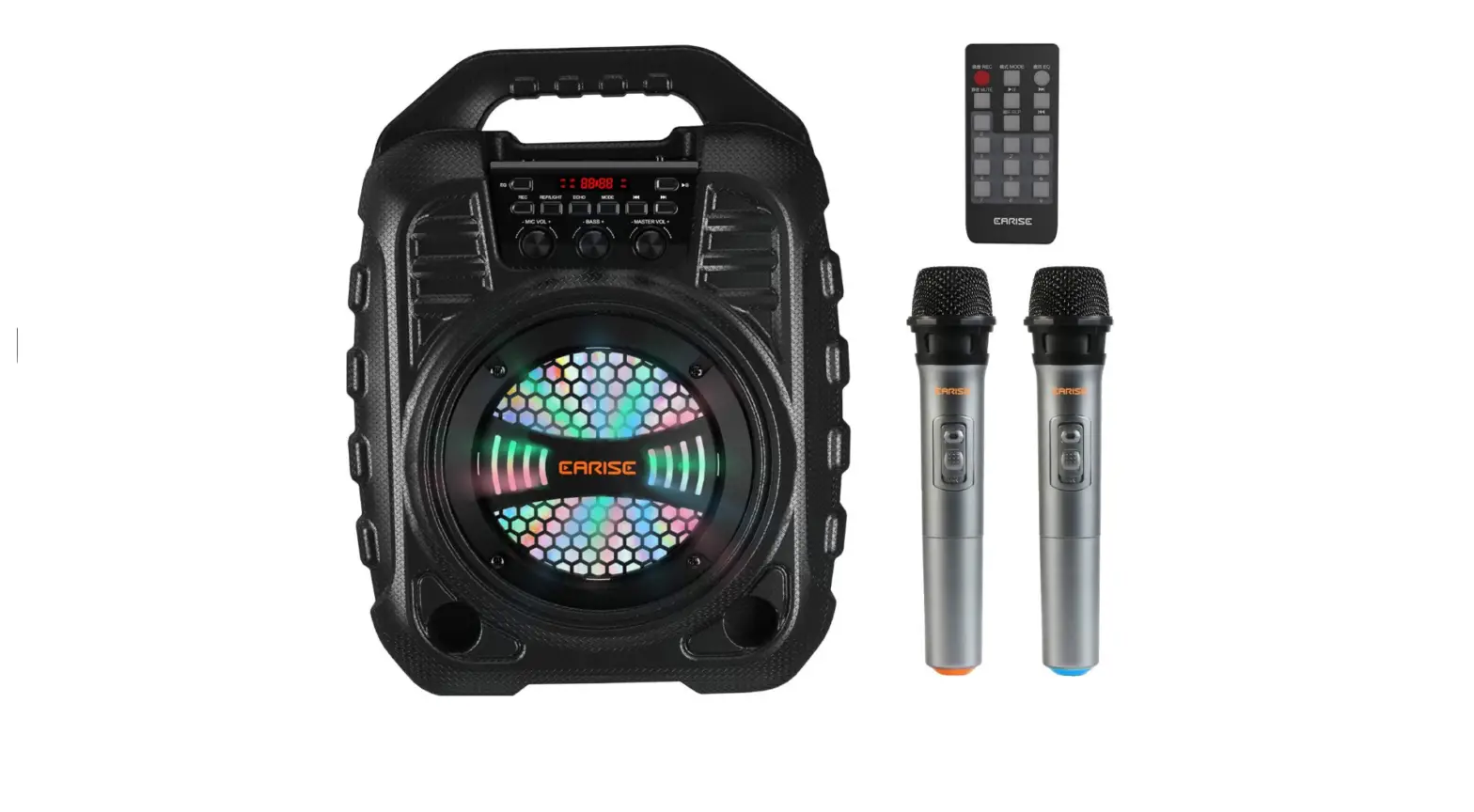
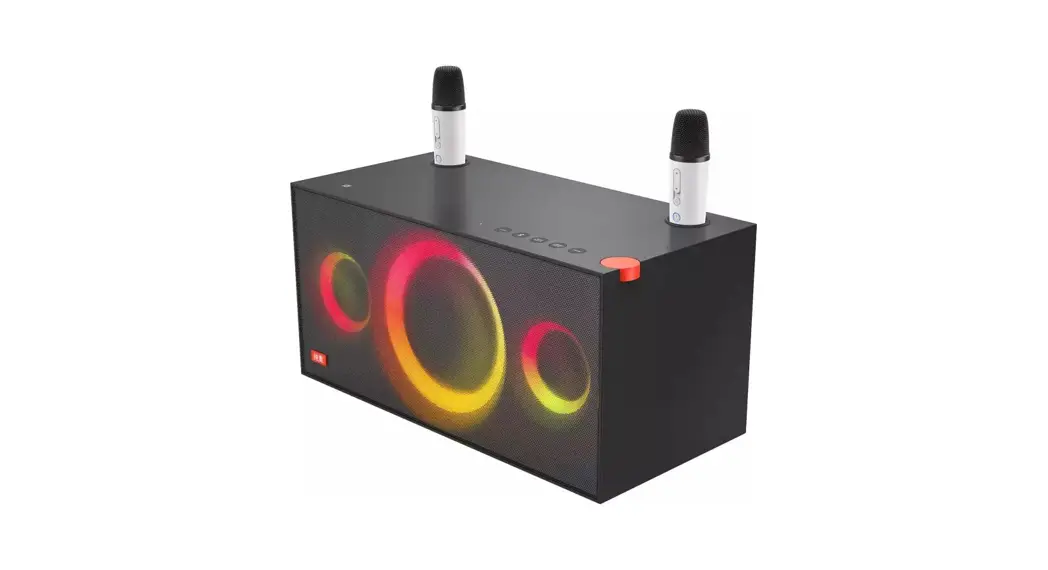
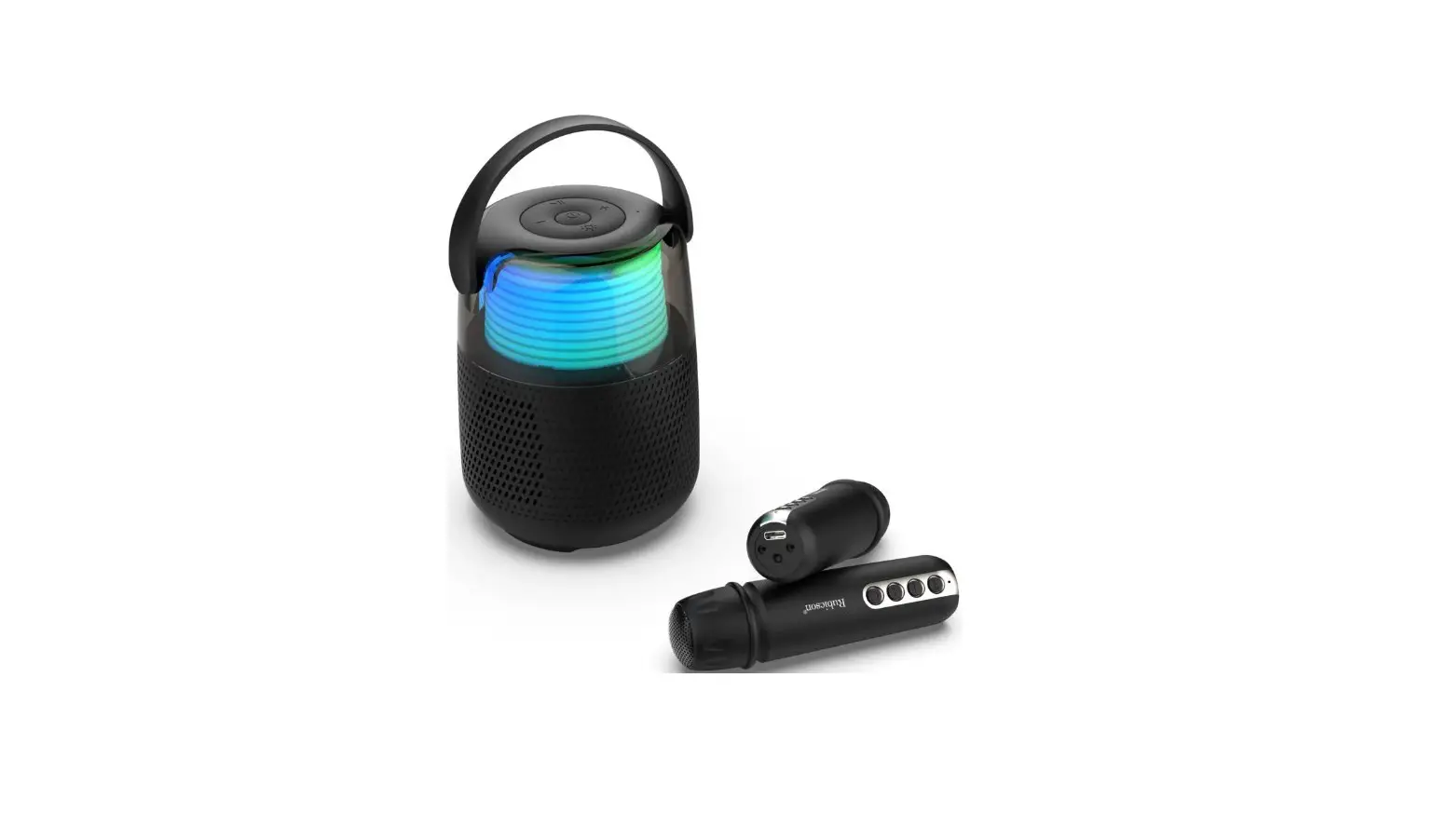
S25 Sound System
Product Information
- Product Name: Karaoke sound system
- Product Model: S25
- Sound Channel System: Monophonic channel
- Bluetooth Module: 5.3+EDR
- Transmission Distance: 10m
- Rated Input: 5V-1A (fast charging not supported)
- Rated Power: 7.4W
- Product Weight: 0.98kg
- Battery Capacity: 3600mAh
- Charging Method: Type-c
- Charging Time: Approximately 2 hours
- Battery Life: Approximately 24 hours
- Playback Duration: 3.5-4 hours
- Horn Size: 66mm
- Product Size: 115 * 105 * 215mm
Product Usage Instructions
Audio:
- Type-c charging port
- TF card
- AUX input
- Short press the volume up, long press one song
- Short press to decrease the volume, long press the previous
song - Short press the light mode to switch, long press to enter TWS,
and the green light will be on for a long time - Long press to turn on/off, short press to play, pause, and the
red light flashes when charging, while the red light remains on
when fully charged
Microphone:
- Long press to turn on/off, short press to mute, double-click to
change the color of the colored light - When charging, the red light flashes and remains on when fully
charged - Short press Reverb Plus
- Short press to reduce reverberation
- Long press to turn reverb on/off, short press to change
sound
After Sales Service Description
Dear user, thank you very much for using our product. In order
to effectively protect your rights and interests, it is clear that
the distribution agents and companies should bear the
responsibility and obligation of product repair, replacement, and
return (hereinafter referred to as the three guarantees). Please
read the following information.
The following situations do not qualify for the three guarantees
service:
- Exceeding the three guarantees period
- Damage caused by failure to use, repair, or store according to
the product manual - Damage caused by disassembly by repairers who are not
responsible for the three guarantees - The content on the Product Warranty Card does not match or is
altered with the physical product identification - Damage caused by force majeure
Common Problem Handling
Tips: This product is not sold with a power adapter. If a power
adapter is used for power supply, a power adapter that has obtained
CCC certification and meets the standard requirements should be
purchased. The battery should not be exposed to environments such
as sunlight, fire, or similar overheating. If the battery is not
replaced properly, there is a risk of explosion, and it can only be
replaced with the same type of battery.
Warranty Card
- Product Model:
- Purchase Date:
- Agent:
- Invoice Date:
- Phone:
- Customer Name:
- Postal Code:
User Manual
Product User Manual
Packing List
Host * 1
Audio cable * 1 Instructions * 1
Charging cable * 1 Certificate of conformity * 1
Packing List
Product Parameters
Audio parameters
Product Name: Karaoke sound syst em Product model: S25 Sound channel system; Monophonic channel Bluetooth module: 5.3+EDR Transmission distance: 10 m Rated input: 5V-1A (fast charging not supported) Rated power: 7.4W Product weight: 0.98kg
Battery capacity; 3600 mAh Charging method: Type-c Charging time: approximately 2 hours Battery life: approximately 24 hours Playback duration: 3.5-4 hours Horn size; 66mm Product size: 115 * 105 * 215mm
Audio parameters
Microphone parameters
Frequency range: 2.4GHz Channel System: Mono Sampling rate: 48KHZ Rated input: 5V -1A Voice w ake-up Xiao An Tong Xue
Battery capacity: 3.7V/800mAh Charging method: Type-c Charging time: approximately 2 hours Battery life: approximately 12 hours
Product Appearance Description
Product Appearance Description
Audio:
1. Type-c charging port; 2. TF card; 3. AUX input; 4. Short press the volume up, long press one song; 5. Short press to decrease the volume, long press the previous song; 6. Short press the light mode to switch, long press to enter TWS, and the green light will be on for a long time; 7. Long press to turn on/off, short press to play, pause, and the red light flashes when charging, while the red light
remains on when fully charged;
Microphone:
8. Long press to turn on/off, short press to mute, double-click to change the color of the colored light; When charging, the red light flashes and remains on when fully charged;
9. Short press Reverb Plus 10. Short press to reduce reverberation; 11. Long press to turn reverb on/off, short press to change soundv
After sales service description
After sales service description
Dear user, thank you very much for using our product. In order to effectively protect your rights and interests, it is clear that the distribution agents and companies should bear the responsibility and obligation of product repair, replacement, and return (hereinafter referred to as the “three guarantees”). Please read the following information
1. The “Product Warranty Card” is a necessary voucher for our company to provide free after-sales service for the product during the warranty period 2. According to the principle of “whoever sells is responsible for the three guarantees”, if there are quality issues with the product, please contact the dealer with the “Product Warranty Card”. The dealer will provide service to the customer, and our company will provide service support to the dealer; 3. Our company promises that customers who have quality issues within seven days from the date of sale (the date shall be based on the valid invoice date, the same below) can return, replace, or repair them now; If there are quality issues within 8-15 days from the date of sale, customers can choose to replace and repair them; If there are quality issues within one year from the date of sale, customers can repair them free of charge; If there are quality issues with the product beyond the warranty period, customers can enjoy lifelong repair (each after-sales service point only charges for component materials): Please fill out the “Product Warranty Card” carefully with the dealer when purchasing
4. The following situations do not qualify for the three guarantees service: (1) Exceeding the three guarantees period (2) Damage caused by failure to use, repair, or store according to the product manual (3) Damage caused by disassembly by repairers who are not responsible for the three guarantees (4) The content on the Product Warranty Card does not match or is altered with the physical product identification (5) Damage caused by force majeure
Common problem handling
Common problem handling
1.If the indicator light does not light up after turning on, please check if the audio power is sufficient, or connect the audio to a 5V/IA power supply for charging. The charging time is approximately 3-4 hours 2. There is no sound from the microphone. It may be due to the power not being turned on, the mode being incorrect, or the volume not being adjusted. Please adjust the microphone volume properly 3. If there is no reverberation in the audio system, it may be that the reverberation switch has been turned off. Please turn on the reverberation switch. 4. If there is noise in the microphone, it may be due to environmental noise, signal interference, or the microphone being too close to the speaker. Please readjust the direction of the microphone If Bluetooth playback is interrupted, it may be because the Bluetooth distance is too far, or there is an obstacle between the phone and the amplifier, which affects signal transmission. Please approach the connected phone and avoid obstacles 6. If Bluetooth cannot be connected, it may be due to being too far away, having obstacles, or being connected by other phones. Please approach the phone to avoid obstacles and disconnect the phone 7. If it is impossible to charge, check whether the charger is normal and whether the red indicator light of the charging port lights up when the audio is charging
Tips This product is not sold with a power adapter. If a power adapter is used for power supply, a power adapter that has obtained CCC certification and meets the standard requirements should be purchased. The battery should not be exposed to environments such as sunlight, fire, or similar overheating. If the battery is not replaced properly, there is a risk of explosion, and it can only be replaced with the same type of battery
Warranty Card
Product model: Purchase date: Agent: Invoice date: Phone: Customer Name: Postal Code:
QUALIFIED CERTIFICATE
MODEL: CHECKER: DATE:
PASS QC 01
FCC Warnning: This equipment has been tested and found to comply with the limits for a Class B digital device, pursuant to part 15 of the FCC Rules. These limits are designed to provide reasonable protection againstharmful interference in a residential installation. This equipment generates, uses and can radiateradio frequency energy and, if not installed and used in accordance with the instructions, maycause harmful interference to radio communications. However, there is no guarantee thatinterference will not occur in a particular installation. If this equipment does cause harmfulinterference to radio or television reception, which can be determined by turning the equipmentoff and on, the user is encouraged to try to correct the interference by one or more of thefollowing measures: · Reorient or relocate the receiving antenna. · Increase the separation between the equipment and receiver. · Connect the equipment into an outlet on a circuit different from that to which the receiver is connected. · Consult the dealer or an experienced radio/TV technician for help.
Caution: Any changes or modifications to this device not explicitly approved by manufacturer could void your authority to operate this equipment.
This device complies with part 15 of the FCC Rules. Operation is subject to the following two conditions: (1)This device may not cause harmful interference, and (2) this device must accept any interference received, including interference that may cause undesired operation.
This equipment complies with FCC radiation exposure limits set forth for an uncontrolled environment. This equipment should be installed and operated with minimum distance 0cm between the radiator and your body.