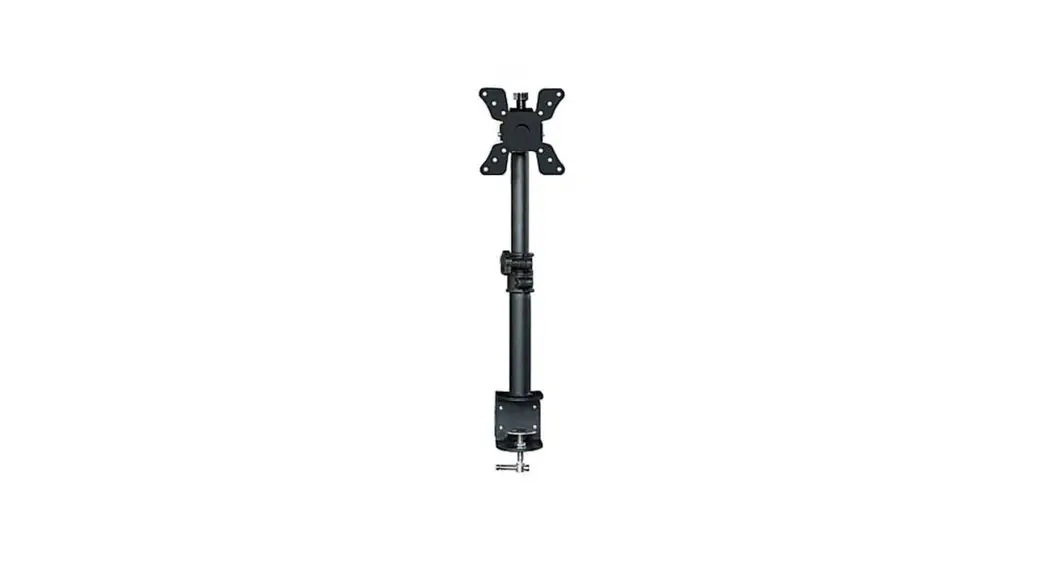
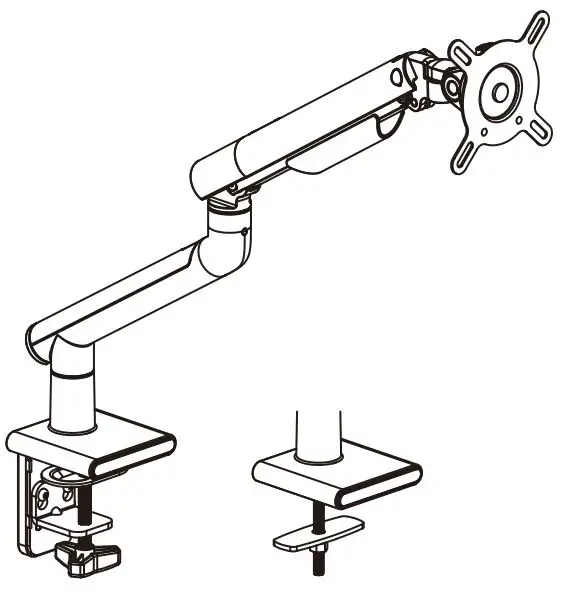
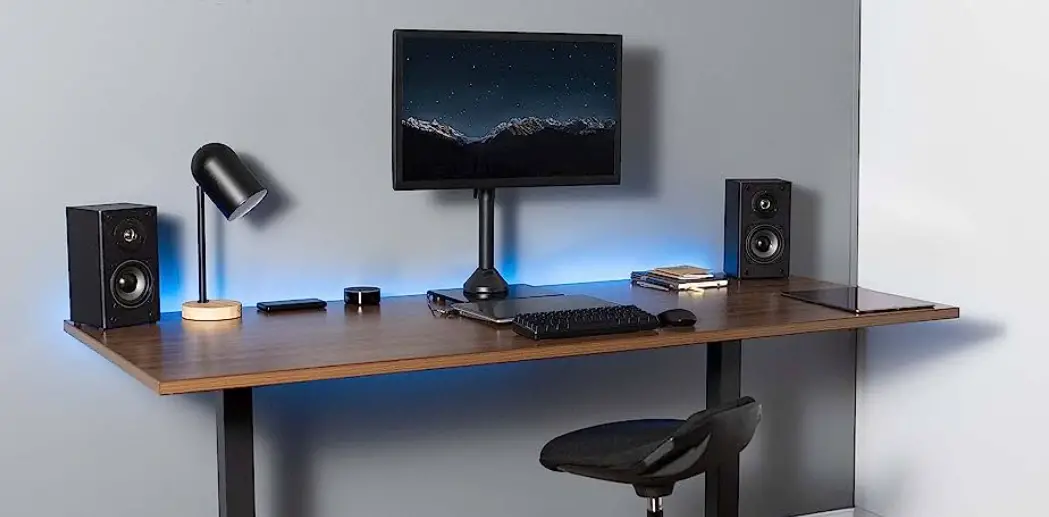
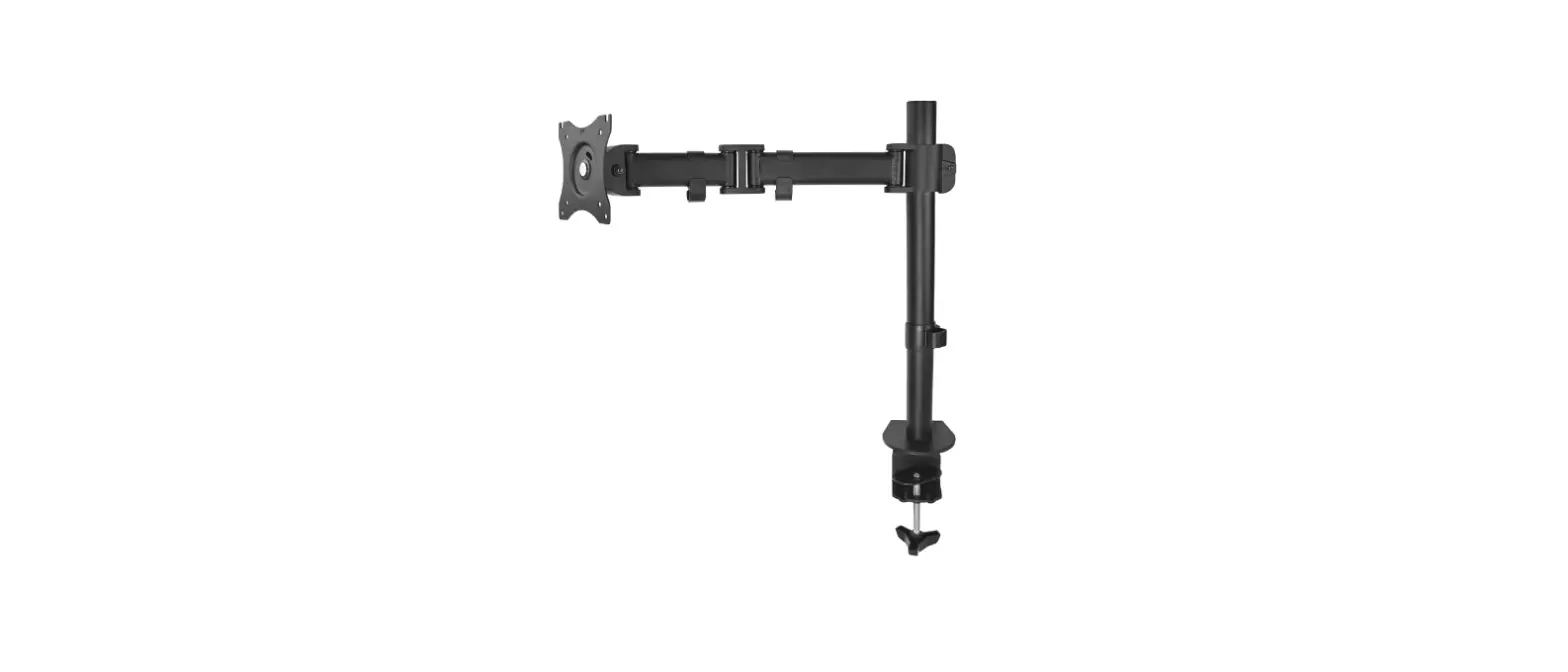
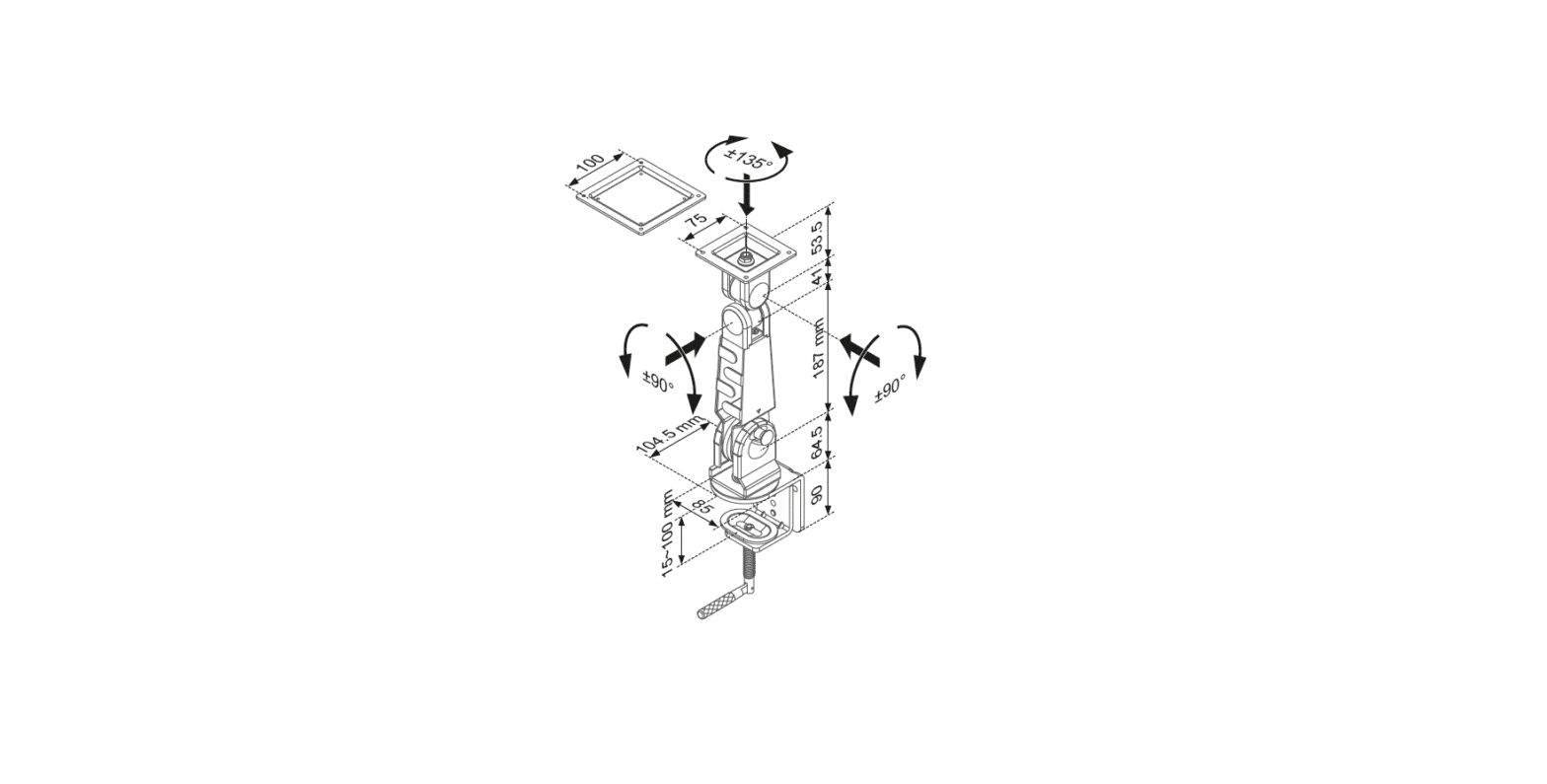
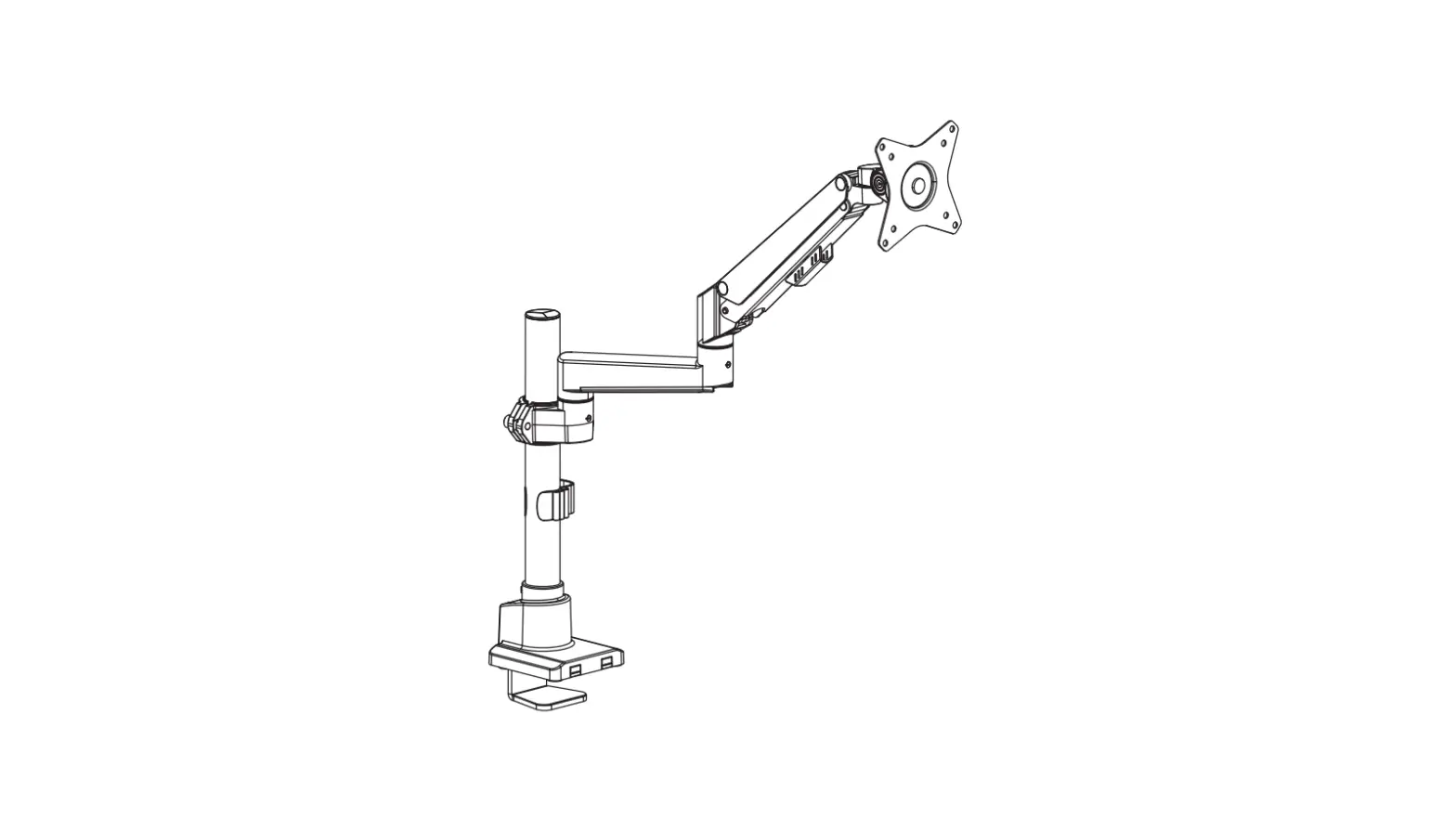
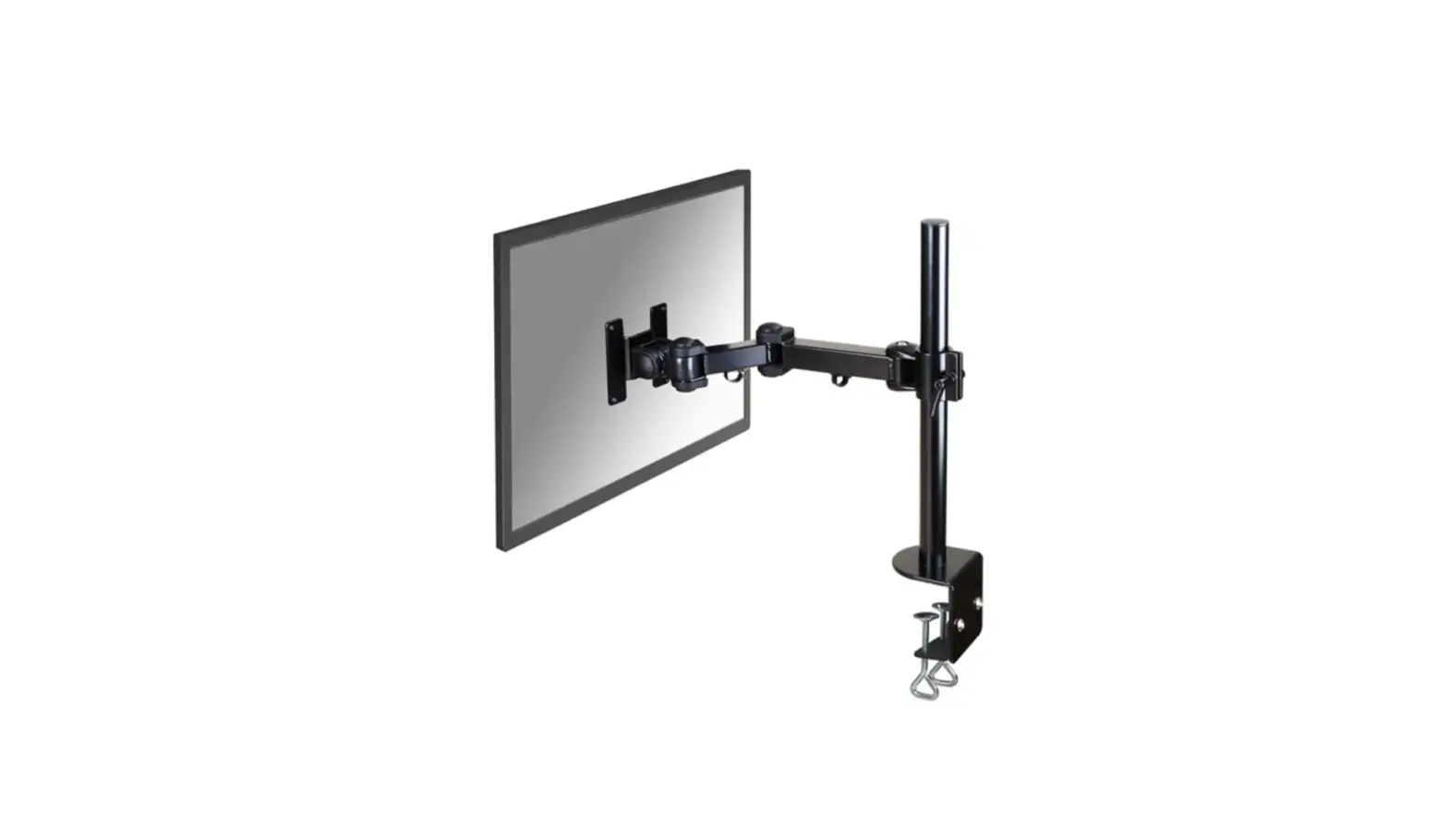
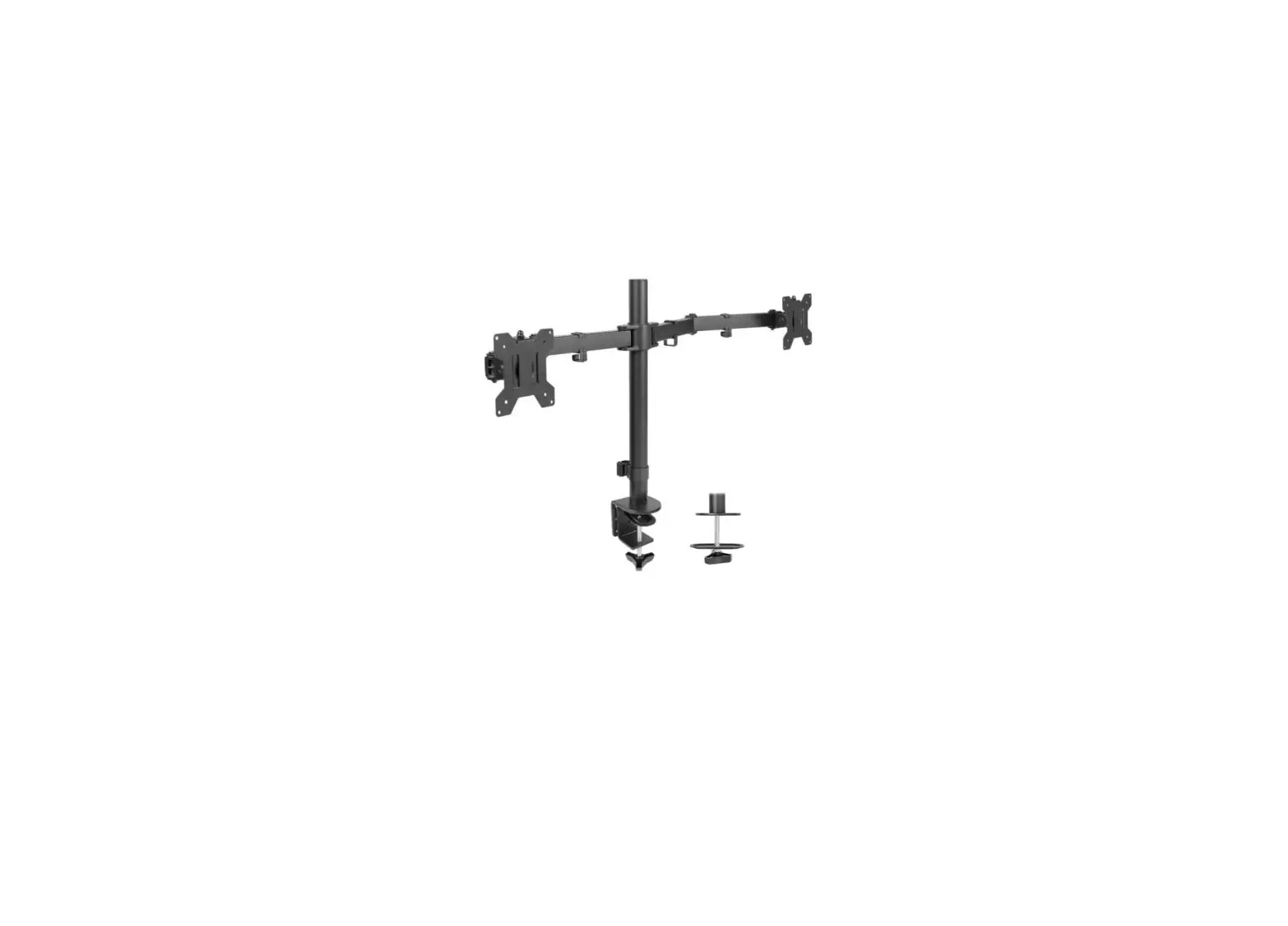
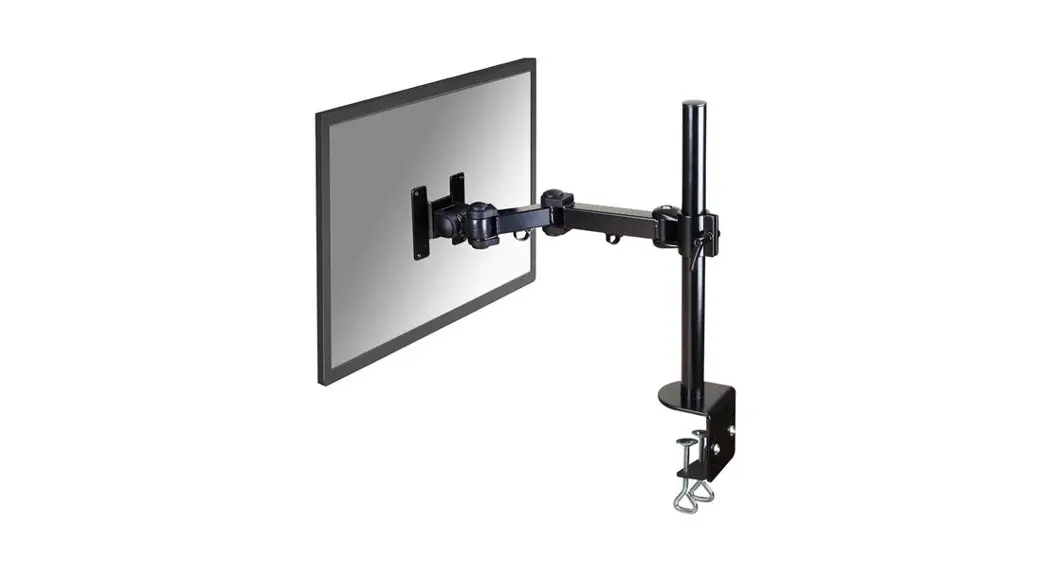
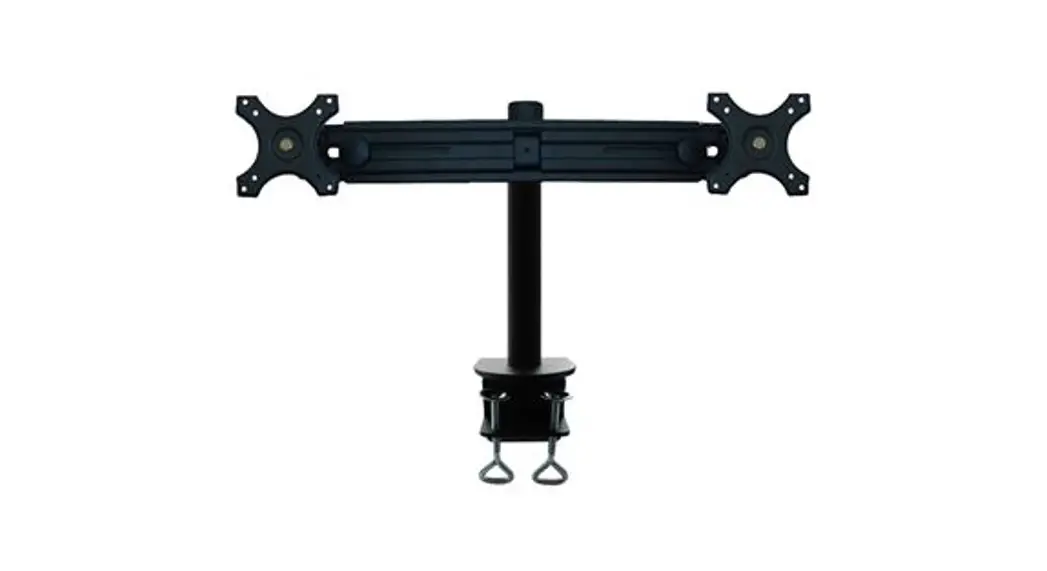
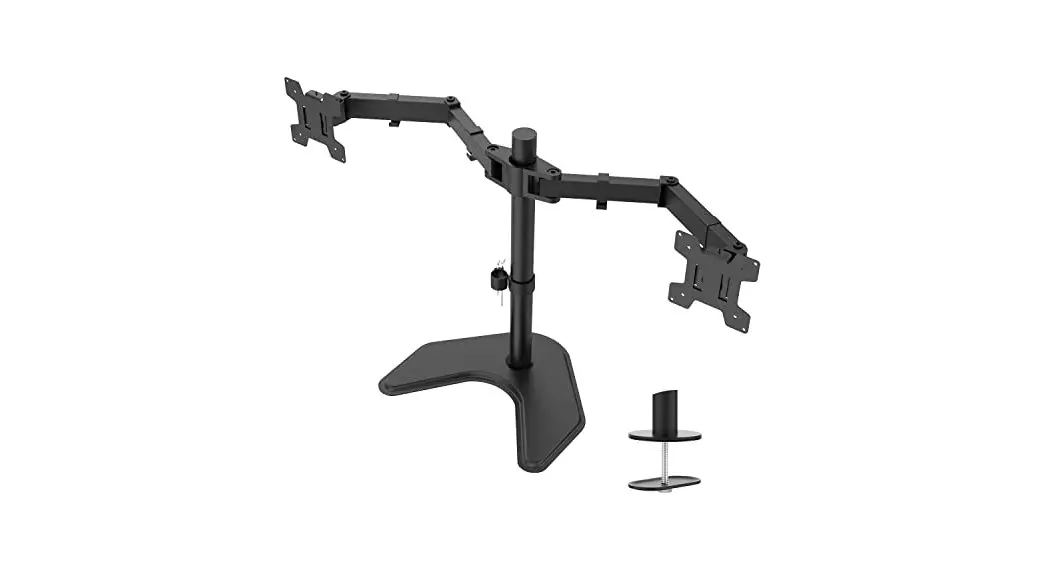
MP0001 Single Monitor Desk Mount
Single Monitor Desk Mount – Product Information
Specifications:
- Compatible VESA sizes: 75×75, 100×100
- Monitor size range: 13-32 inches
- Weight capacity: up to 19.8 lbs (9kg)
- Model: MS-03N-US2.0
Must Check Before Installation:
- Is your monitor compatible with VESA sizes 75×75 or
100×100? - Is the weight of your monitor (including accessories) less than
19.8 lbs (9kg)? - Is your desk thickness between 10mm and 50mm (0.39-1.97
inches)?
If any of the above criteria are not met, this mount is NOT
compatible.
If the mount is not compatible, please contact our customer
service for assistance in finding a compatible mount.
Warnings:
Improper installation may cause damage or serious injury. Do not
use this product for any purpose that is not explicitly specified
in this manual. We cannot be liable for damage or injury caused by
improper mounting, incorrect assembly, or inappropriate use. This
product contains small items that could be a choking hazard if
swallowed. NOT FOR CHILDREN UNDER 3 YEARS. ADULT SUPERVISION IS
REQUIRED.
Supplied Parts:
- Pole (x1)
- Pad (x1)
- Swivel Arm (x1)
- VESA Plate (x1)
- Clamp (x1)
- Bolt M6 (x1)
- Bolt M6mm (x2)
- Spacer L10mm (x4)
- Wire Clip F1 (x1)
- Wire Clip F2 (x2)
- Allen Key 6mm (x1)
- Allen Key 5mm (x1)
- Allen Key 3mm (x1)
Note: Not all hardware included will be used.
Single Monitor Desk Mount – Product Usage Instructions
Assembly Steps:
Warm Tips: You could also refer to the Video Guide about
installation on our product page.
Step 1: Apply Pad to the Pole Bottom
Apply the pad (e) to the bottom of the pole (a) to avoid desk
scratches.
Step 2: Clamp Installation OR Grommet Base Installation
Option A: Clamp Installation
- Mount the clamp (d) to the bottom of the pole (a) by tightening
bolts (B) with the 5mm Allen Key (G). - Adjust the clamp width to fit your desk. Secure the stand to
the desktop by tightening the clamp (d).
Option B: Grommet Base Installation
- If your existing grommet hole comes with a plastic protector,
remove it to ensure a flat surface before installing the desk
mount. - Detach the bracket (d1) and bolt Y (d2) from the clamp
(d). - Position the pole (a) on the mounting surface and then secure
it by tightening the plastic knob after inserting bolt Y (d2)
through the bracket (d1), desk hole, and the bottom of the pole (a)
sequentially.
Step 3: Install Arm to the Pole
- Install wire clip F1 and swivel arm (b) to the pole (a).
- Fasten the bolt with the supplied Allen Key 6mm (G).
- Attach wire clip F2 to the swivel arm (b).
Please do not move the stand outside the desk for safety!
Step 4: Attach the VESA Plate to the Monitor
Option A: Flat Back Monitor
Attach the VESA plate (c) to the monitor.
Option B: Curved or Recessed Back Monitor
Attach the VESA plate (c) and spacers (E) to the monitor.
Step 5: Slide the Monitor onto the Head of Swivel Arm
Slide the monitor onto the head of the swivel arm (b) and
install the security bolt (A). Make sure the security bolt is
installed before rotating the monitor.
Step 6: Make Necessary Adjustments
Tighten the bolt with the supplied Allen Key 5mm (G) to fix the
tilt angle.
Single Monitor Desk Mount
Instruction Manual
75×75 100×100
13~32″
9kg 19.8lbs
MS-03N-US2.0
If you have any questions, please feel free to contact us via Amazon.
Must Check Before Installation
1. Is your monitor VESA 75×75mm/3×3″ or 100×100mm/4×4″?
MAX:100mm
MAX: 100mm
Yes — Perfect! No — This mount is NOT compatible.
2. Is the weight of your monitor (including accessories) less than 19.8lbs (9kg)?
19.8lbs 9kg
Yes — Perfect! No — This mount is NOT compatible.
3. Is your desk thickness 10~50mm (0.39~1.97″)?
10~50mm
Yes — Perfect! Desk
No — This mount is NOT compatible.
If this mount is NOT compatible, please contact our customer service to find a compatible mount.
01
WARNING!
Improper installation may cause damage or serious injury. Do not use this product for any purpose that is not explicitly specified in this manual. We cannot be liable for damage or injury caused by improper mounting, incorrect assembly or inappropriate use. This product contains small items that could be a choking hazard if swallowed. NOT FOR CHILDREN UNDER 3 YEARS. ADULT SUPERVISION IS REQUIRED.
Supplied Parts List
a (x1) Pole
e (x1) Pad
b (x1) Swivel Arm
c (x1) VESA Plate
d (x1) Clamp
All are included in d
d1 Bracket
d2
d3
d4
Bolt Y
Bolt
Clip Plate
A (x1) Bolt M6
B (x2) Bolt M6mm
C (x4) Bolt M4×30mm
D (x4) Bolt M4×12mm
E (x4) Spacer L10mm
F1 (x1) Wire Clip
F2 (x2) Wire Clip
G (x1) 6mm Allen Key
G (x1) 5mm Allen Key
G (x1) 3mm Allen Key
NOTE: Not all hardware included will be used.
02
ASSEMBLY STEPS
Warm Tips You could also refer to the Video Guide about installation on our product page.
STEP 1: Apply Pad to the Pole Bottom
Apply pad (e) to the Pole (a) bottom to avoid desk scratches.
e a
STEP 2: Clamp Installation OR Grommet Base Installation
OPTION A: Clamp Installation
1. Mount Clamp (d) to the bottom of Pole (a) by tightening bolts (B) with 5mm Allen Key (G). 2. Adjust the Clamp width to fit your desk. Secure stand to the desktop by tightening Clamp (d).
B
G
a
d
10 – 50mm 0.39 – 1.97″
03
STEP 2: (Continued)
OPTION B: Grommet Base Installation
1. If existing grommet hole comes with a plastic protector, remove it to ensure a flat surface before installing
the desk mount.
2. Detach Bracket (d1) and Bolt Y (d2) from Clamp (d).
d
DESK
ø 0.39~2.36″ ø 10~60mm
DESK
d1 d2
3. Position pole (a) on the mounting surface and then secure it by tightening the plastic knob after making
Bolt Y (d2) through the Bracket (d1), desk hole, and the bottom of Pole (a) sequentially.
a
10 – 50mm 0.39 – 1.97″
d1
d2 04
STEP 3: Install Arm to the Pole
1. Install Wire Clip (F1) and Swivel Arm (b) to the Pole (a).
b F1 a
2. Fasten the bolt with supplied Allen Key (G 6mm). 3. Attach the Wire Clip (F2) to the Swivel Arm (b).
F2
b G 6mm
DESK
DESK
Please do not move stand outside desk for safety!
05
STEP 4: Attach the VESA Plate to the Monitor OPTION A: Flat Back Monitor
Attach the VESA plate (c) to the monitor with M4×12 bolts (D). NOTE: Hand tighten screws to avoid over tightening.
D c
OPTION B: Curved or Recessed Back Monitor
Attach the VESA plate (c) to the monitor with M4×30 bolts (C) and M4 spacers (E). NOTE: Hand tighten screws to avoid over tightening.
E C
c
06
STEP 5: Slide the Monitor onto the Head of Swivel Arm
Slide the monitor onto the head of Swivel Arm (b) as shown in diagram.
b
Install the security Bolt (A). Make sure the security Bolt is installed before you rotate the monitor.
A
07
SSTTEEPP65::M(CakoentihneuNede)cessary Adjustments Fix the tilt angle
Tighten the bolt with the supplied Allen Key (G 5mm) to fix the tilt angle.
+70°
G 5mm
-90°
Note: When tilted, if the monitor sags or does not stay,
Fix the tilt angle and if the above method is useless, please feel free to
contact our customer service.
Fix the swivel angle
Use the supplied Allen Key (G 5mm) to make the necessary adjustments. Ignore this step if the arm joint has screwed to the proper tightness
±90°
±90°
±90°
G 5mm
08
STEP 7: Manage the Wires
Manage the wires and store the Allen keys (G 6mm, G 5mm, G 3mm) in Wire Clip (F1) for future use.
G 6mm G 5mm G 3mm
F1
09
Product Dimensions
37mm /1.46″
164mm /6.46″
159mm /6.26″
68mm /2.68″
420mm/16.54″
113mm/4.45″ 100mm/3.94″
75mm/2.95″
10 ~ 50mm 0.39 ~ 1.97″
11170350mmmmmm///423.4..99554″””
10
CAUTION AND MAINTENANCE:
· Never allow children to climb, stand, hang, or play on any part of monitor or stand. · This product is intended for indoor use only. Using this product outdoors could lead to
product failure and personal injury. · Check that the bracket is secure and safe to use at regular intervals
(at least every three months).