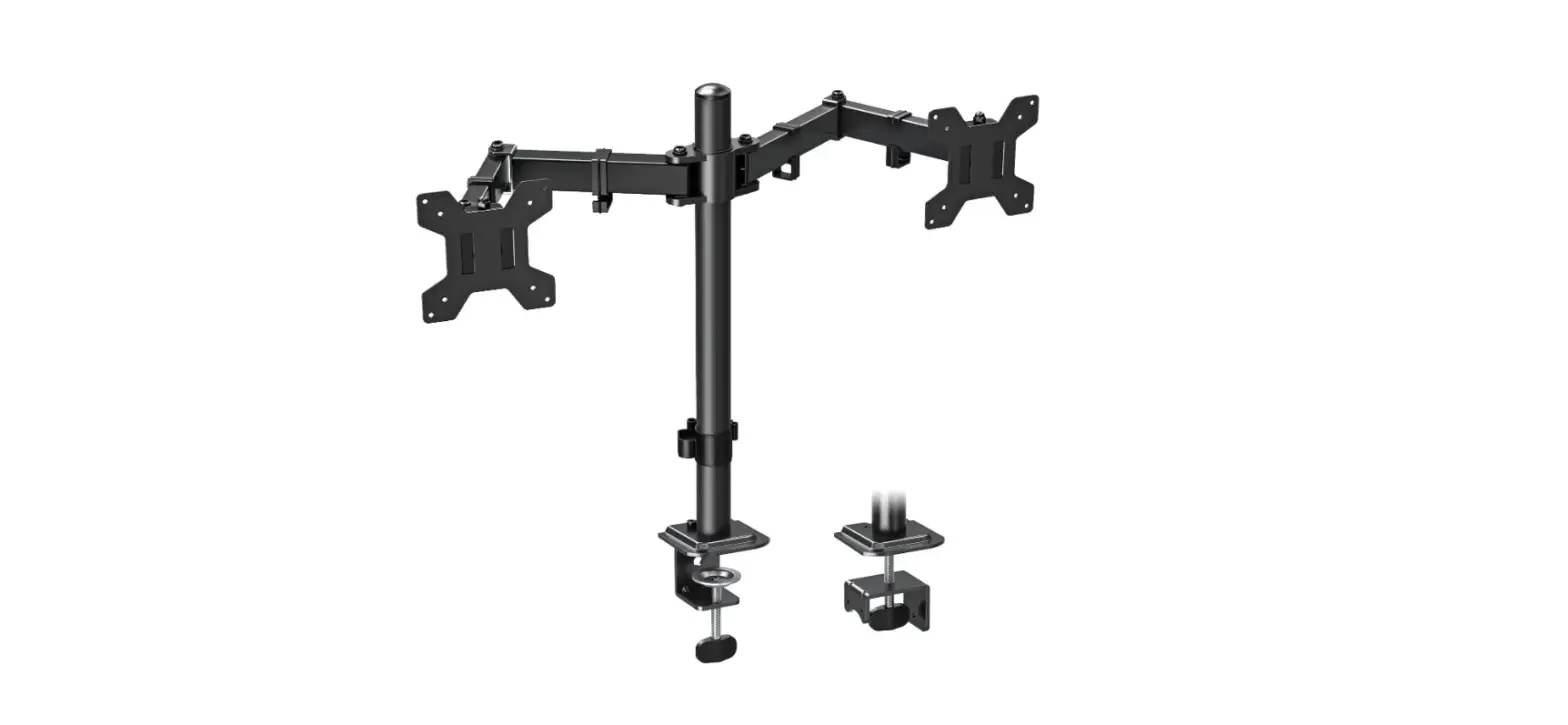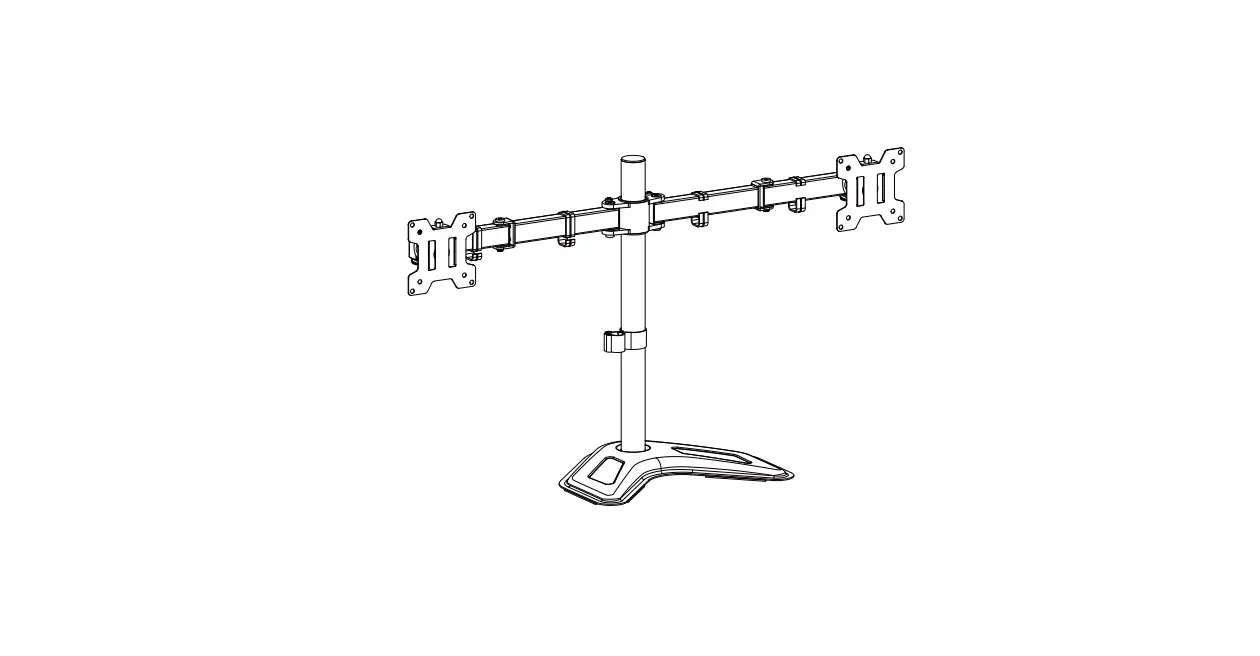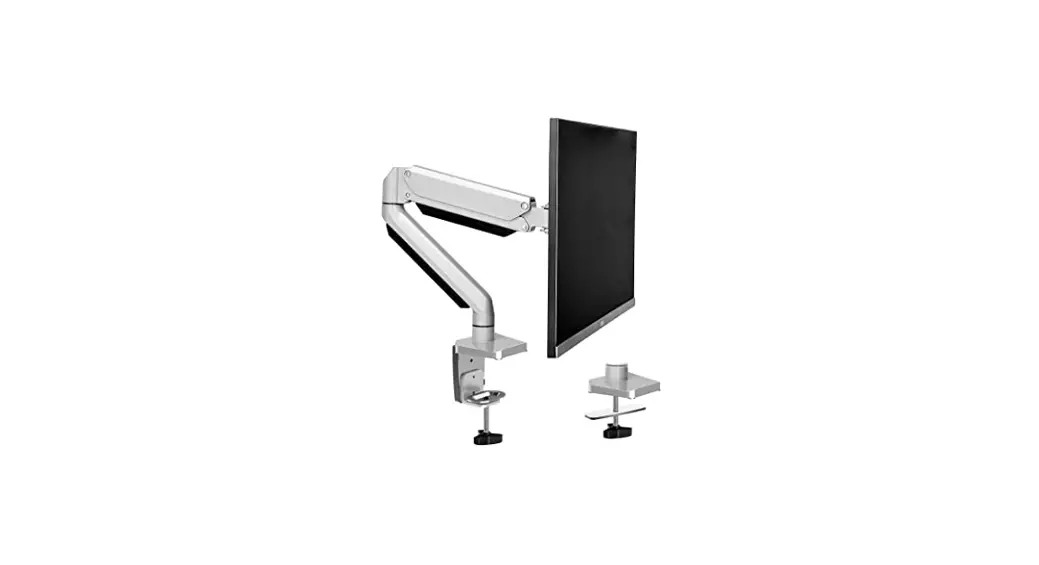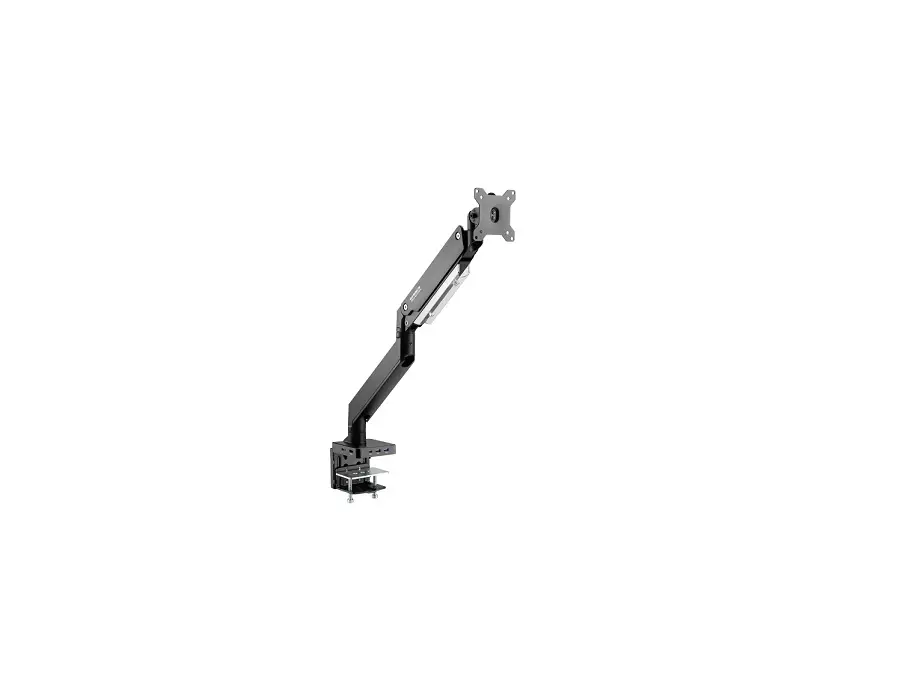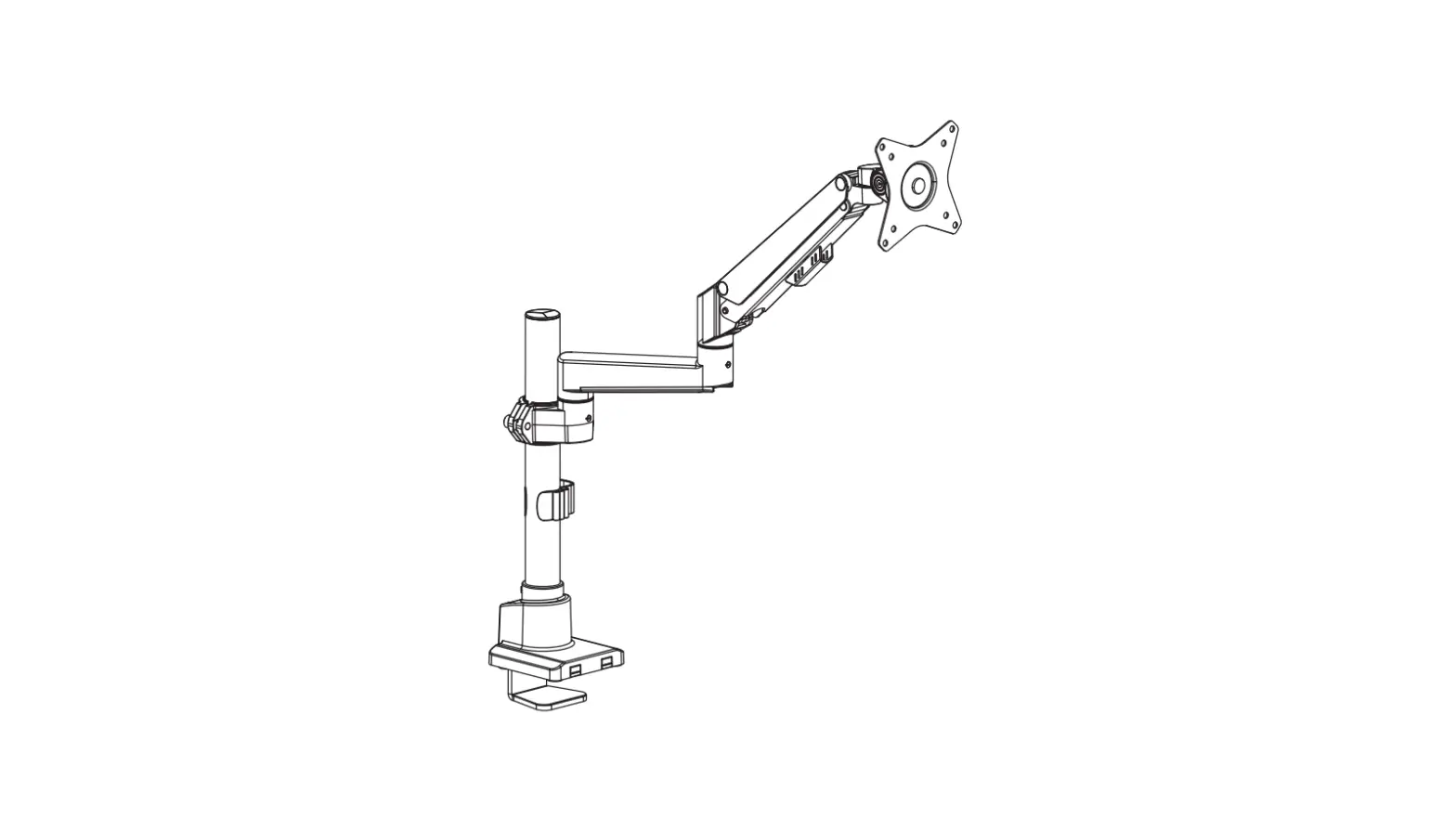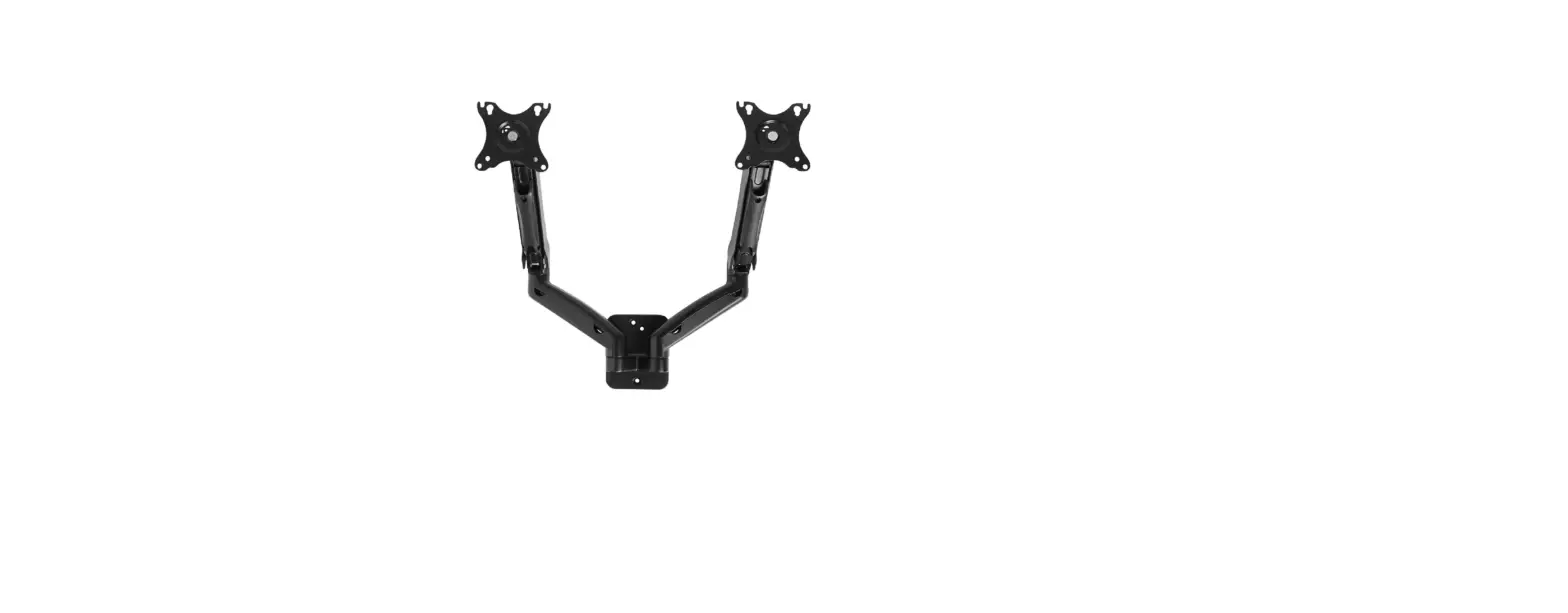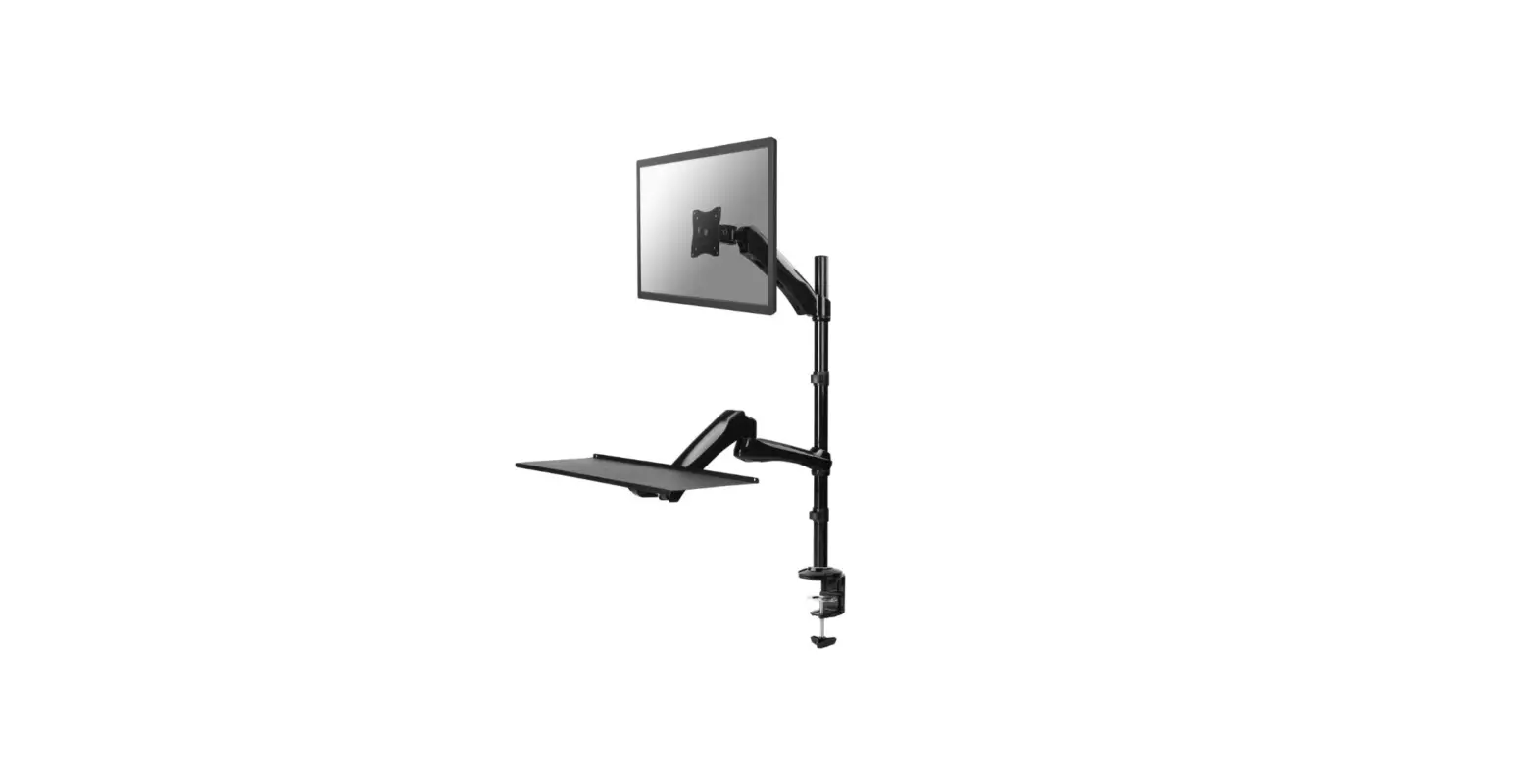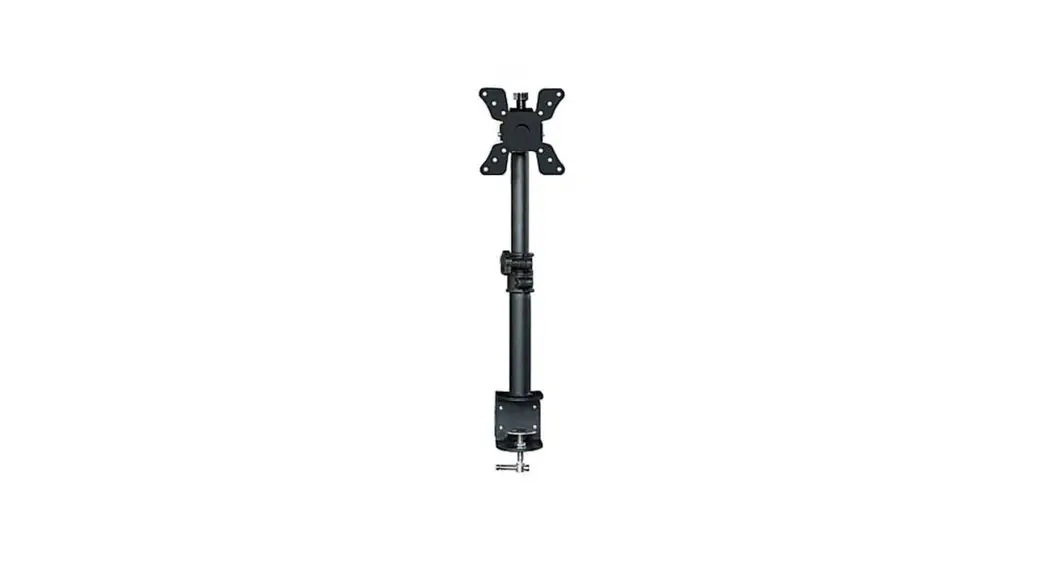
 Single Monitor Mount
Instruction Manual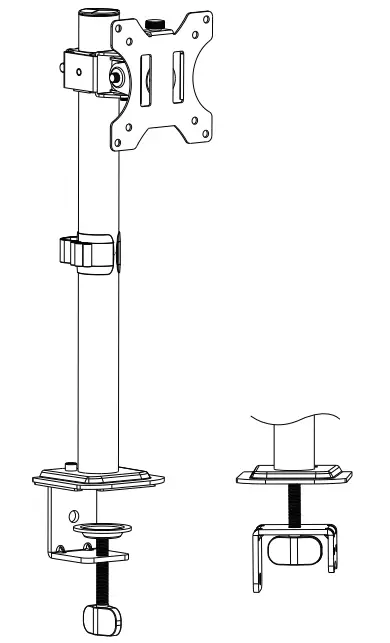

MU4003 Single Monitor Mount
 WARNING!
If you have any confusions or are not quite sure about the installation, please do not hesitate to ask for our help.
Before assembly, please check and make sure all necessary accessories are included and undamaged. Improper installation, such as use the product for monitors over its load capacity or for any purpose not explicitly specified, may cause damage or serious injury. We would not be liable for any damage or injury caused by improper mounting or inappropriate use.
The kit contains small items that could be choking hazards if swallowed. Please keep them OUT OF REACH OF CHILDREN UNDER 3 YEARS OLD. ADULT SUPERVISION IS REQUIRED.
PACKAGE CONTENTS
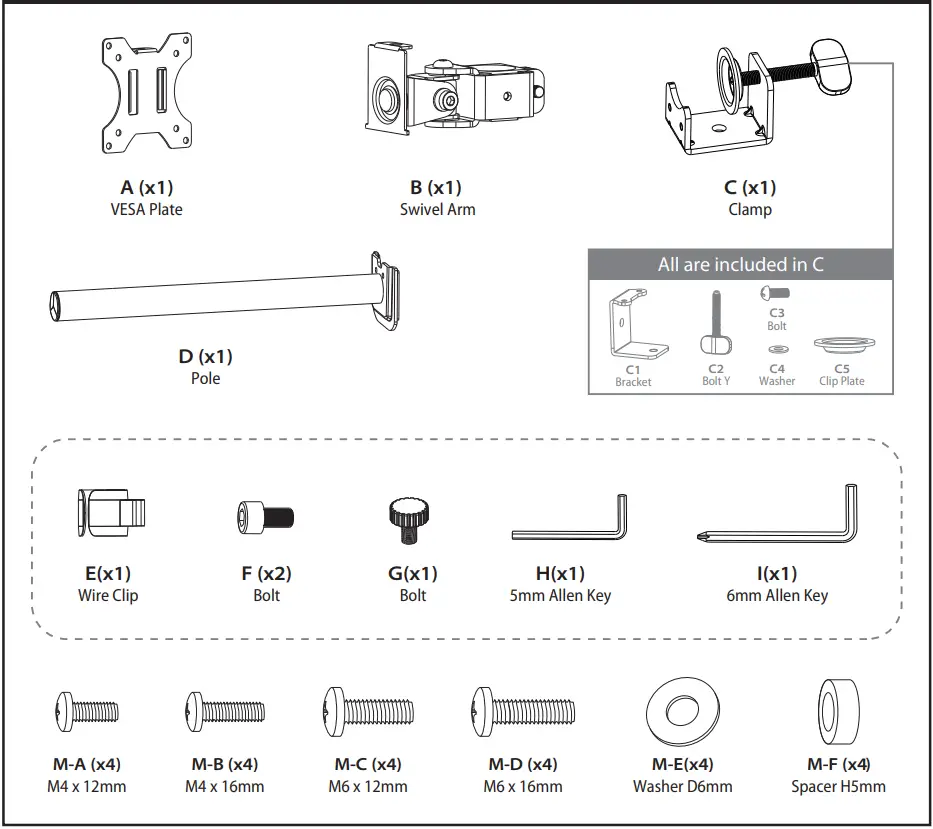
NOTE: Not all hardware included will be used. DO NOT EXCEED WEIGHT CAPACITY.
ASSEMBLY STEPS
Warm Tips
You could also refer to the Video Guide about installation on our product page.
STEP 1: Clamp Installation OR Grommet Base Installation
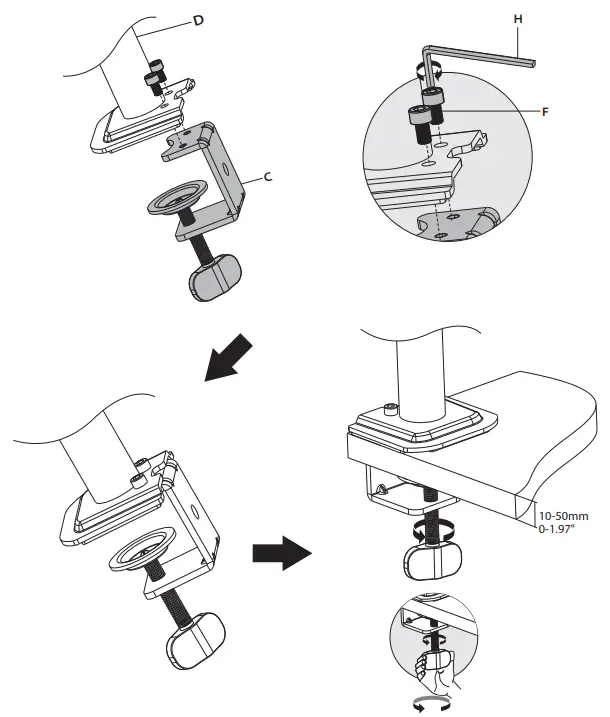
OPTION A: Clamp Installation
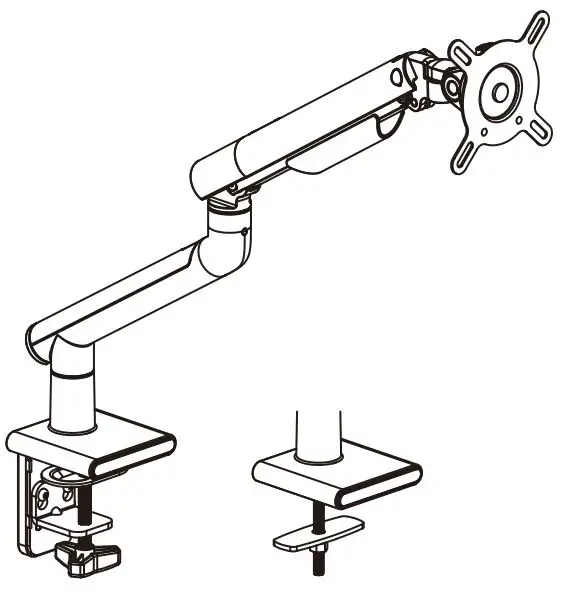
Mount Clamp (C) to the bottom of Pole (D) by tightening bolts (F) with 5mm Allen Key (H). Adjust the Clamp width to fit your desk. Secure stand to the desktop by tightening Clamp (C).
OPTION B: Grommet Base Installation
If existing grommet hole comes with a plastic protector, remove it to ensure a flat surface before installing the desk mount.
Detach Bracket (C1) and Bolt Y (C2) from Clamp (C).
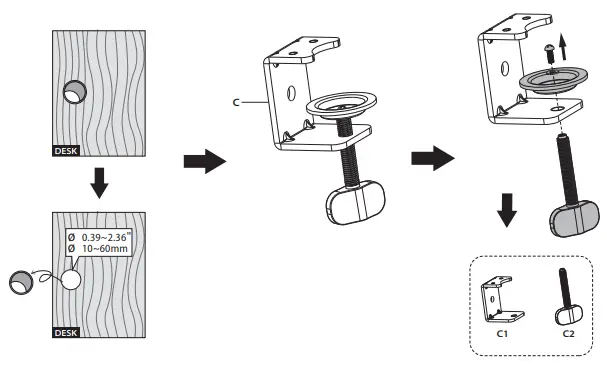
Position pole (D) on the mounting surface and then secure it by tightening the plastic knob after making Bolt Y (C2) through the Bracket (C1), desk hole, and the bottom of Pole (D) sequentially.
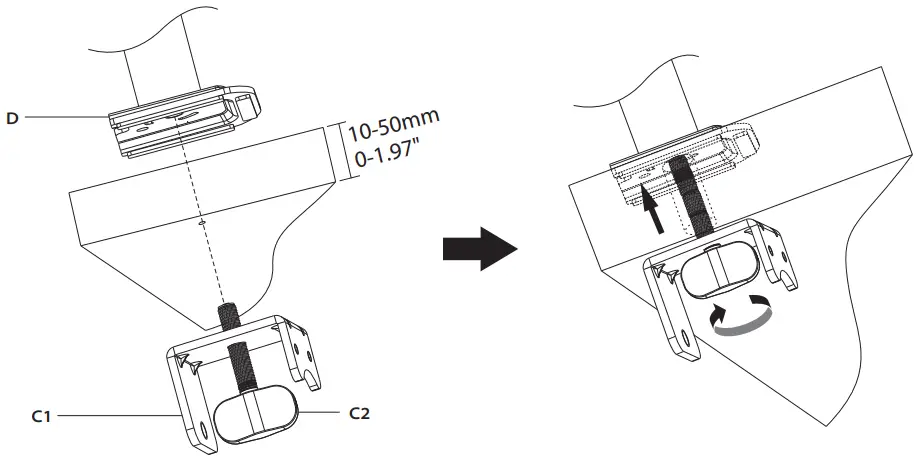
STEP 2 : Arm Installation
Install wire clip (E) and swivel arm (B) to the pole (D). Fasten the bolt with supplied 6mm Allen key (I).
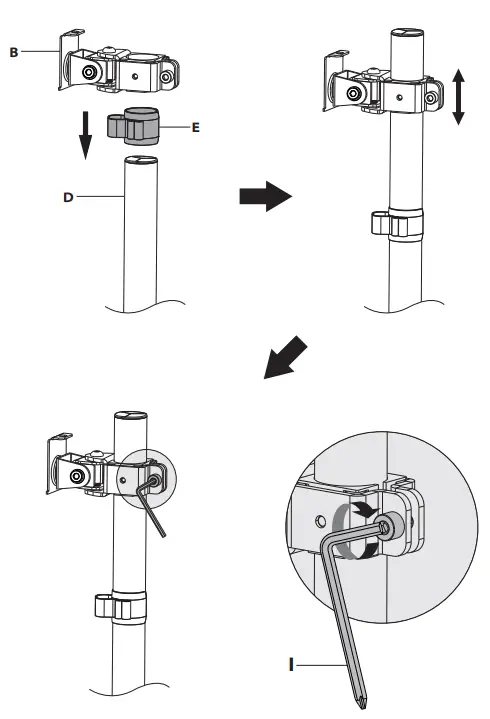
STEP 3: Attach Monitor
OPTION A: Flat Back Monitor
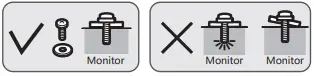
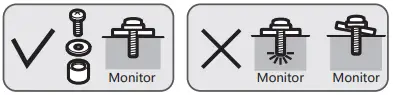
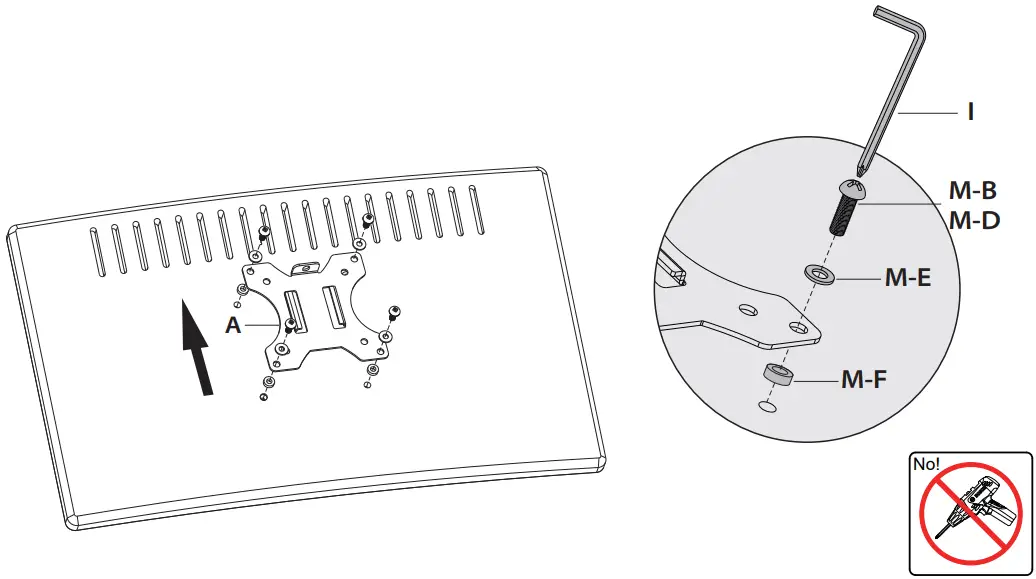
Attach the VESA plate (A) to back of monitor and secure with screws(M-A)or(M-C) with washers(M-E) using 6 mm Allen Key (I). Do not tighten the screws excessively or your monitor might be damaged.
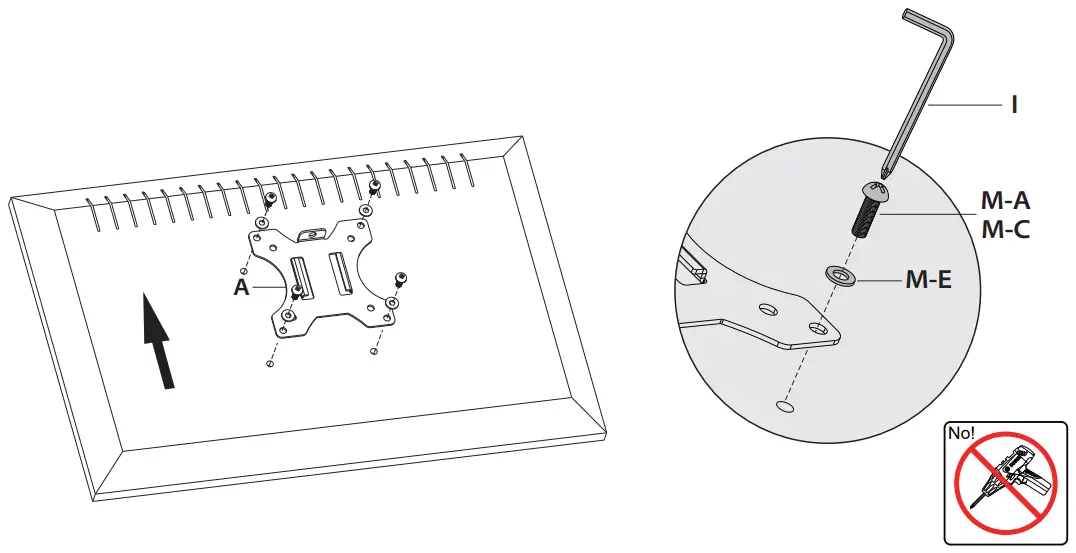
OPTION B: Curved Back Monitor
Attach the VESA plate (A) to back of monitor and secure it with screws (M-B) or (M-D) and washers (M-E) and spacers (M-F) using 6 mm Allen Key (I). Do not tighten the screws excessively or it might damage your monitor.
STEP 4 : Hang Monitor
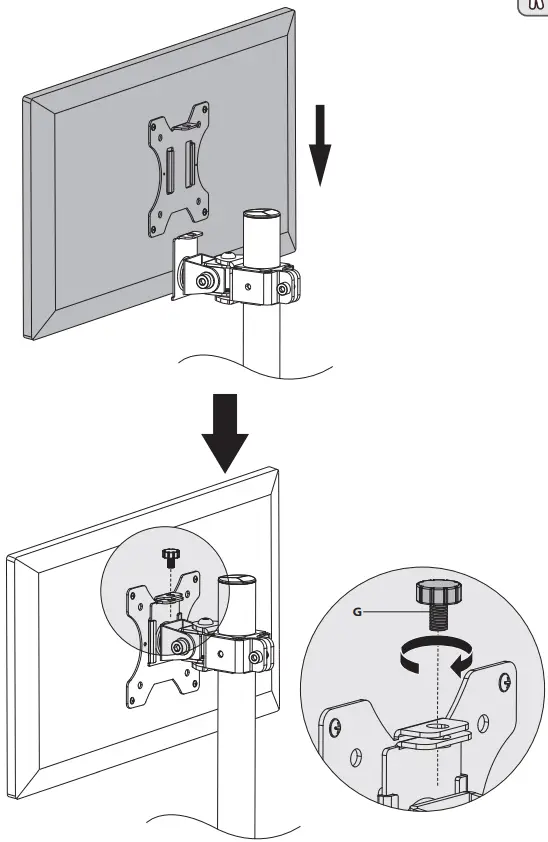
Slide monitor with VESA plate onto mounting bracket.
Secure with security bolt (G).

STEP 5: Tilt Adjustment
Tighten or loosen tilt joint using 6mm Allen Key (I).
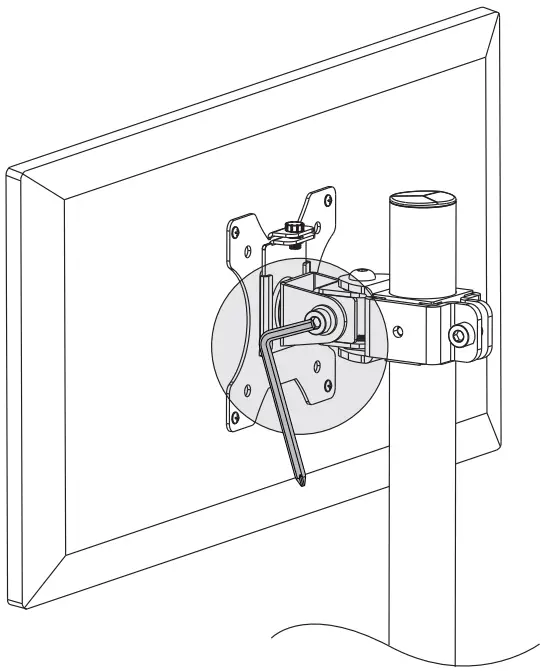
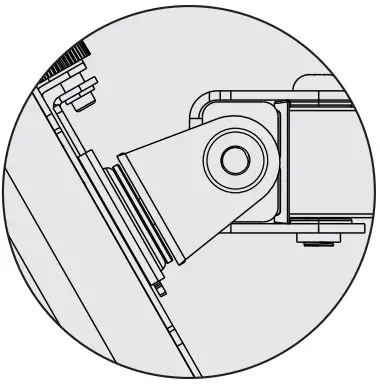 | Problem: If monitor face down. |
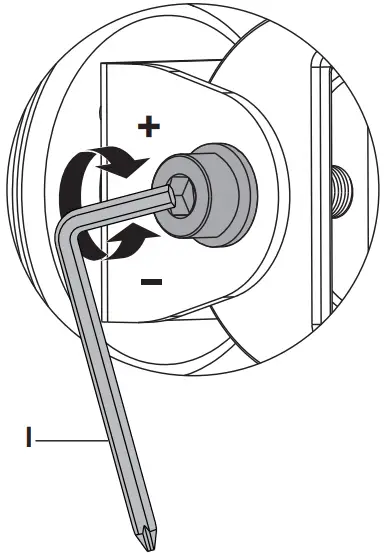 | Solution: 1. Loosen the tilting bolt. 2. Hold the bottom of monitor with one hand and adjust to determine your desired tilt angle. 3. Retighten the tilting bolt to fix the intended angle. |
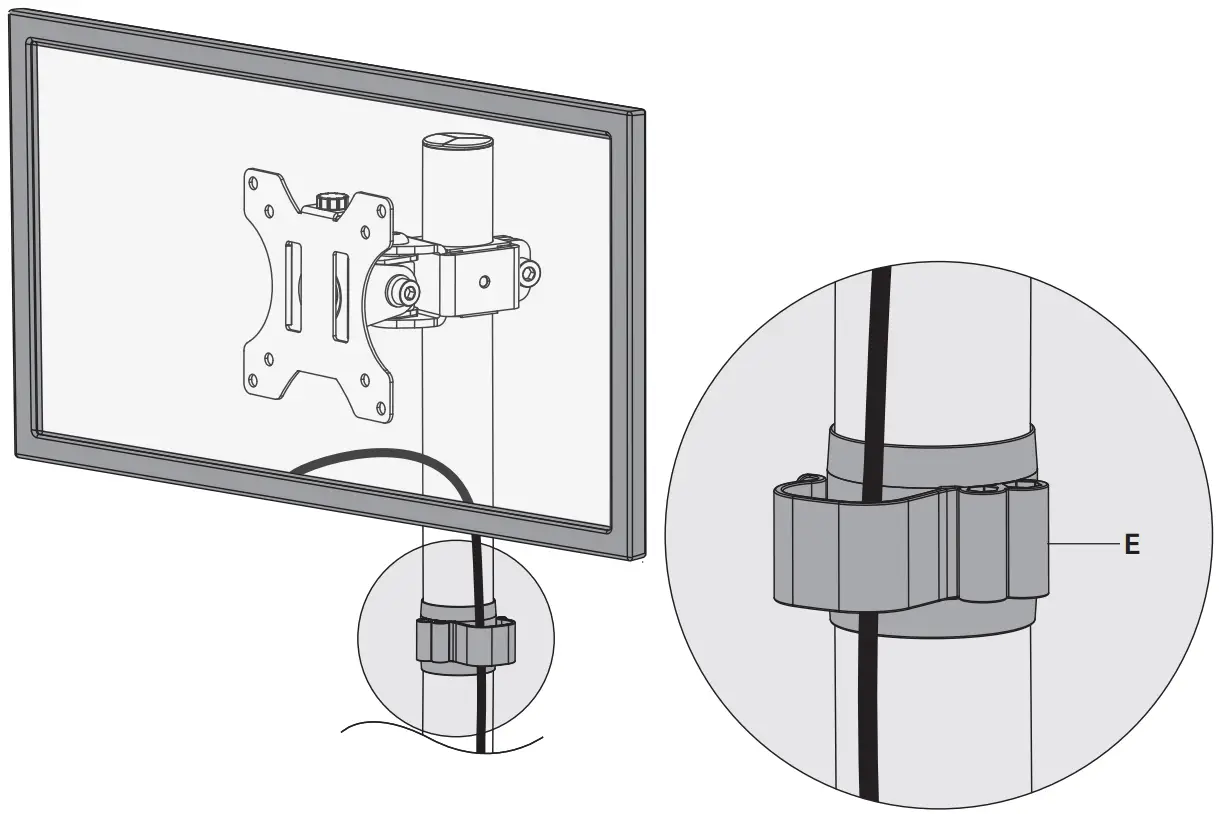
STEP 6: Cable Management
Manage cables with installed Wire Clip (E).
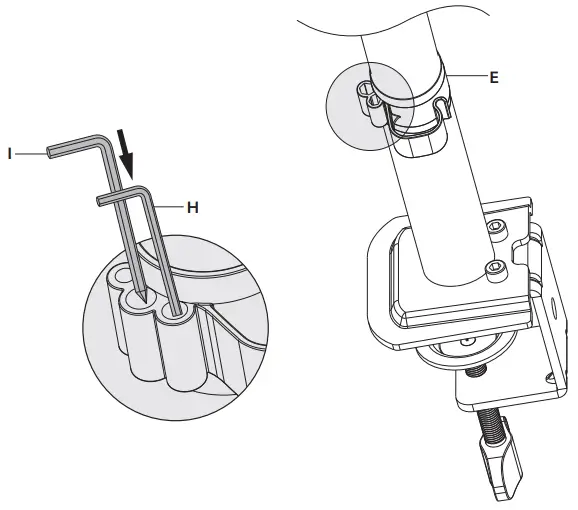
STEP 7: Tool Management
Store 5mm Allen Key (H) and 6mm Allen Key (I) in Wire Clip (E).
STEP 8: Adjust as Desired
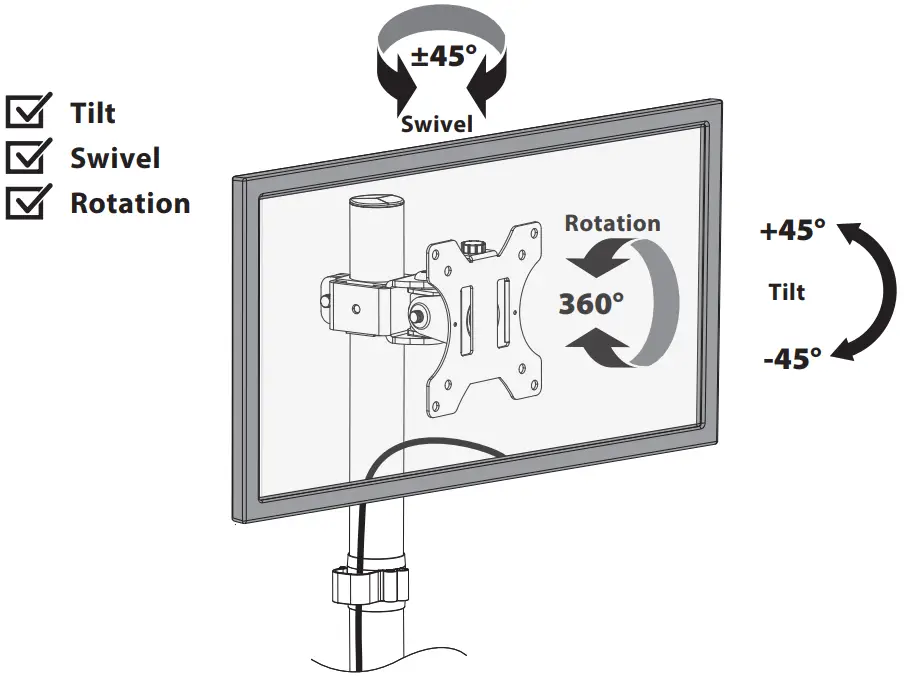
Adjust monitor position and rotation.
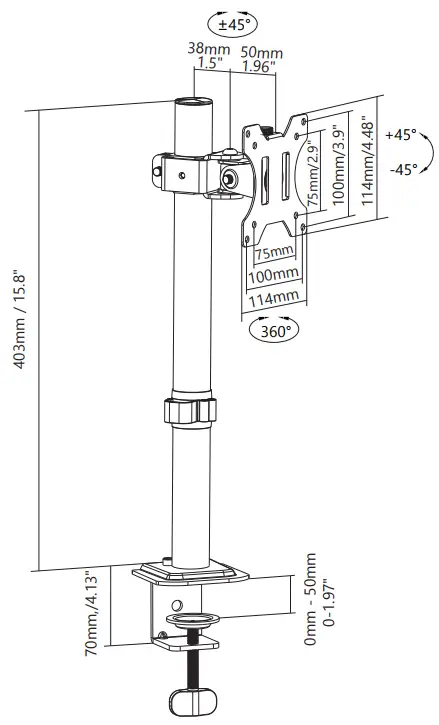
Product Dimensions
CAUTION AND MAINTENANCE:
- Don’t allow children to climb, stand, hang, or play on any part of monitor or stand.
- This product is intended for indoor use only. Using this product outdoors may lead to product damage or personal injury. Check if that the bracket is secure and safe to use at regular intervals (at least every three months).
If you have any questions, please feel free to contact us via Amazon.
MA08-10P-US1.0