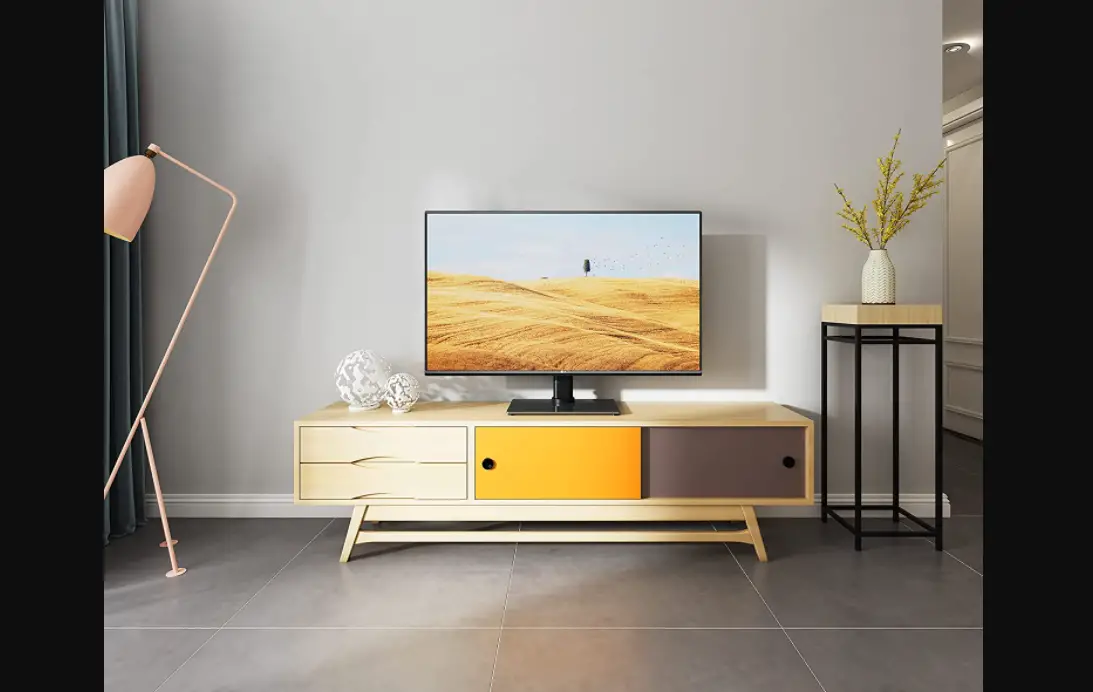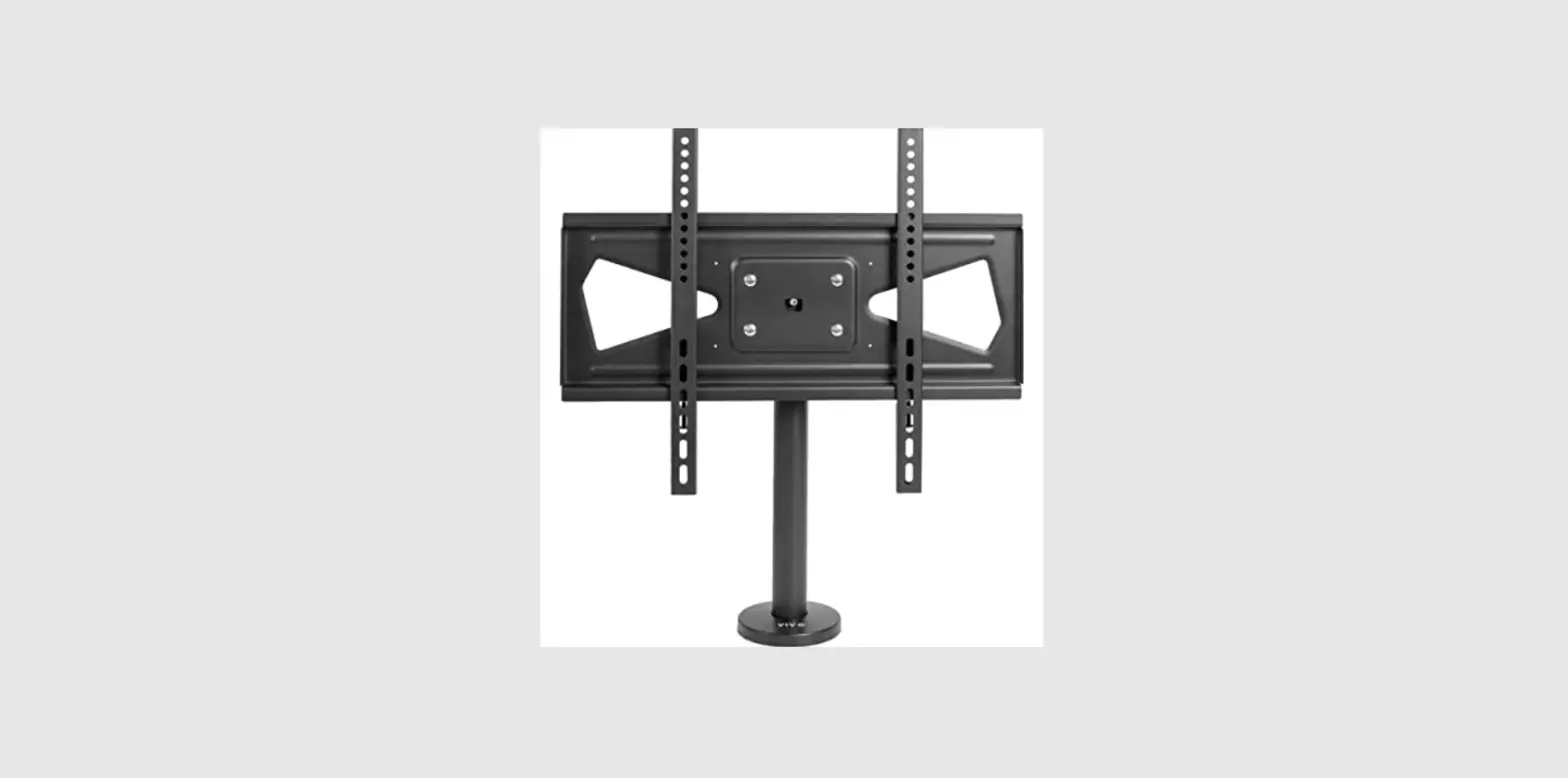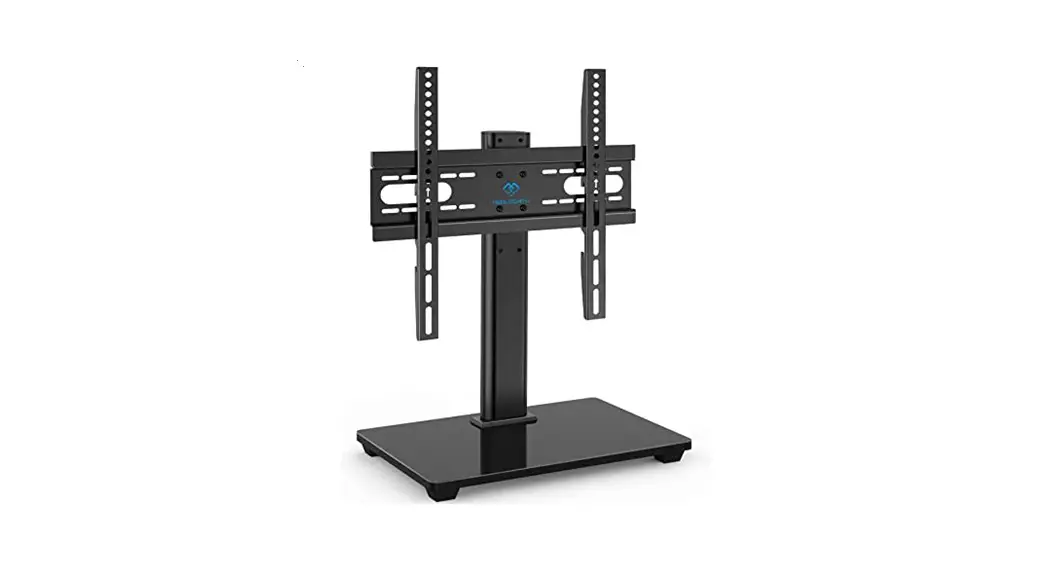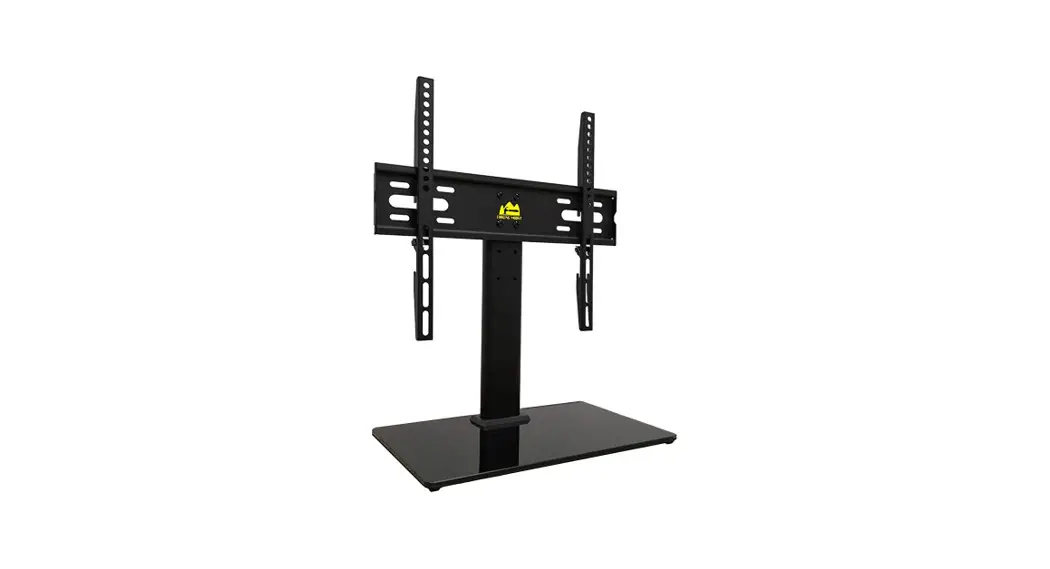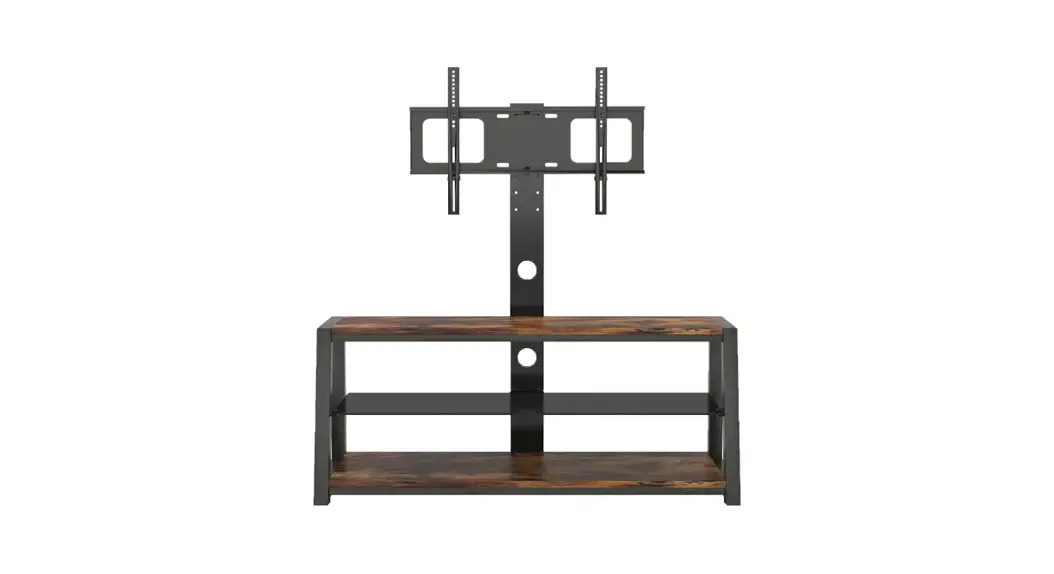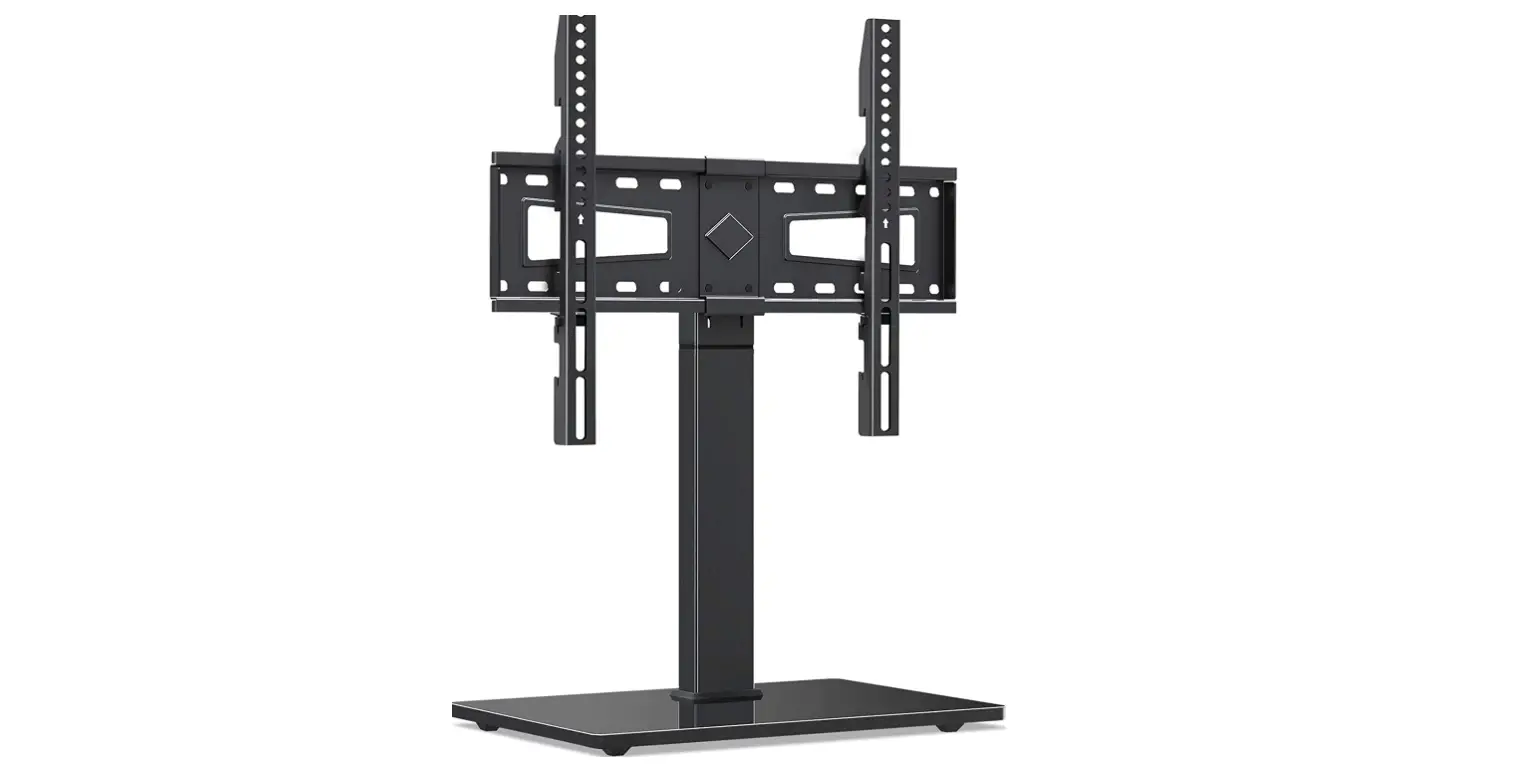

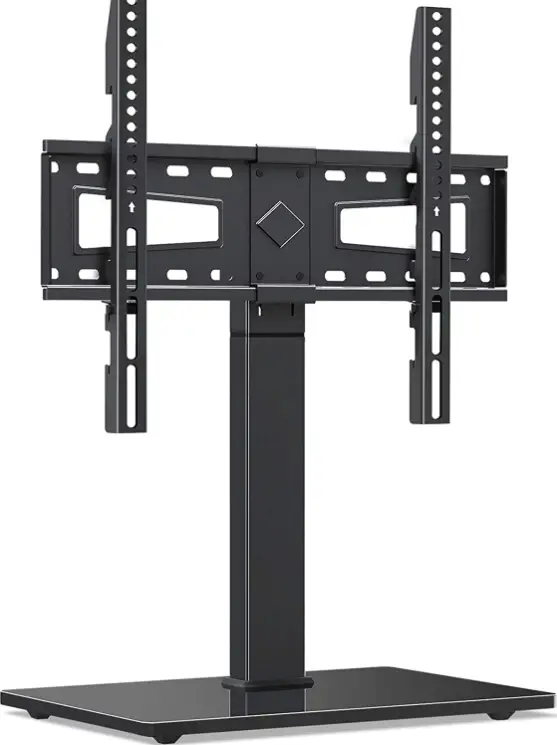
MOUNTUP MU0031 Universal TV Stand
 Safety Caution
BEFORE ASSEMBLY
- Layout all components and hardware. Check all parts are included and undamaged.
- Should anybody intends to install or use this TV stand, please read and understand this manual carefully.
- If you do not understand these instructions or have any doubt about the safety instructions, assembly or use of this product, please contact our customer service.
WARNING
- This product contains small items that could be a choking hazard if swallowed.
- KEEP AWAY FROM CHILDREN UNDER 3 YEARS OLD. ADULT SUPERVISION IS REQUIRED.
- Improper installation, such as using the product for monitors over its load capacity or for any purpose not explicitly specified, may cause damage or serious injury. We would not be liable for any damage or injury caused by improper mounting or inappropriate use.
CAUTION AND MAINTENANCE
- Never allow children to climb, stand, hang, or play on any part of TV or stand.
- This product is intended for indoor use only. Using this product outdoors could lead to product failure and personal injury.
- Check that the bracket is secure and safe to use at regular intervals (at least every three months).
Installation Tools (Not Included)

- Band Tape 2m

- Screwdriver

- Bubble Level
Supplied Parts and Hardware
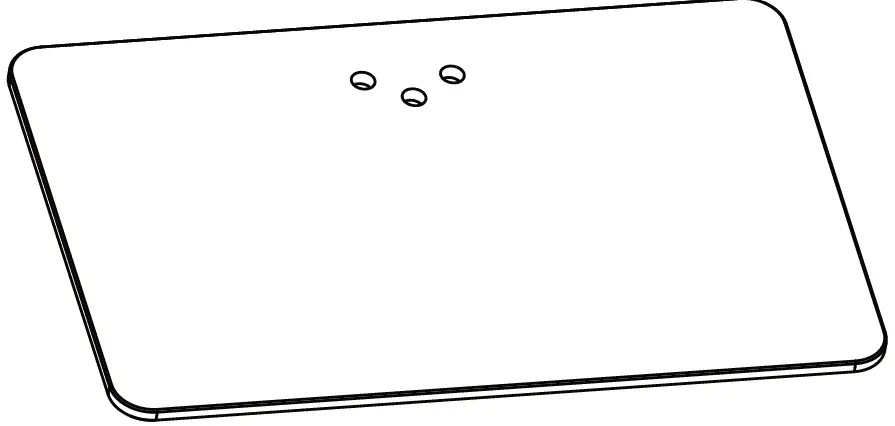
- (×1)
Base
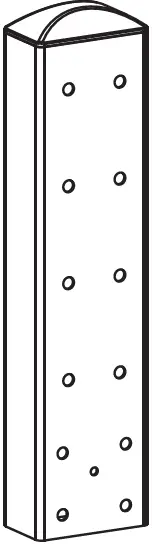
- (×1)
Support Pillar
- (×1)
Support Pillar
- (×2)
TV Bracket
- (×2)
TV Plate
- (×1)
Connecting Plate
- (×1)
Angle Adjuster


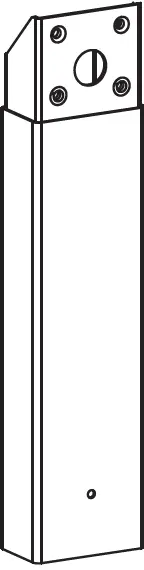

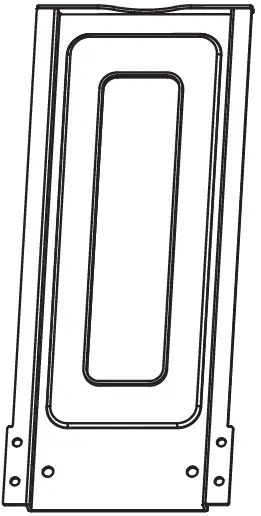
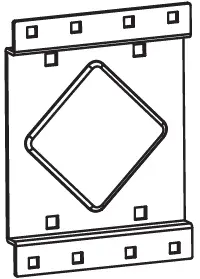
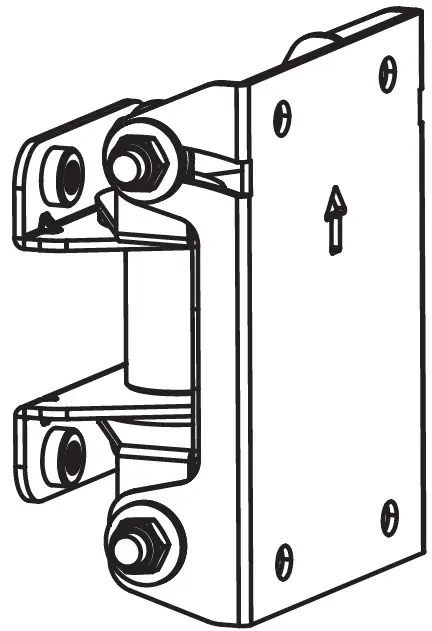
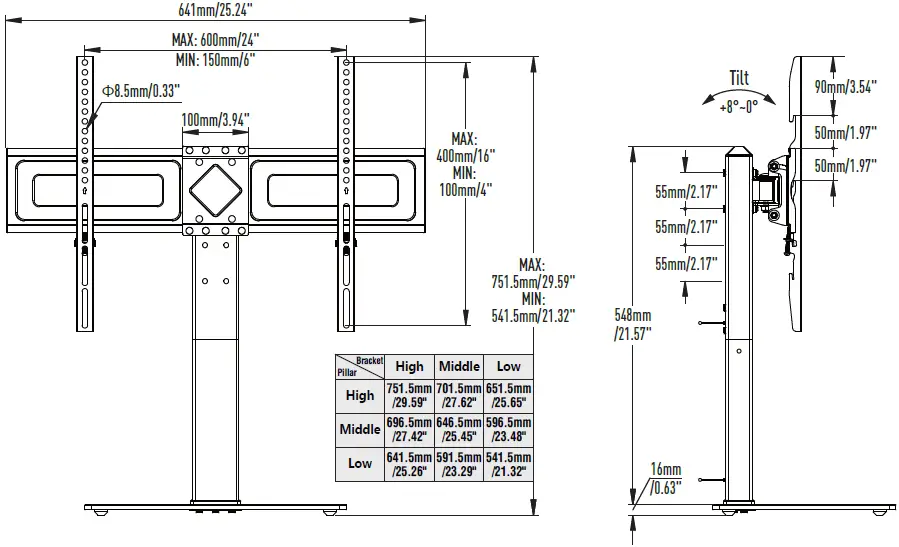
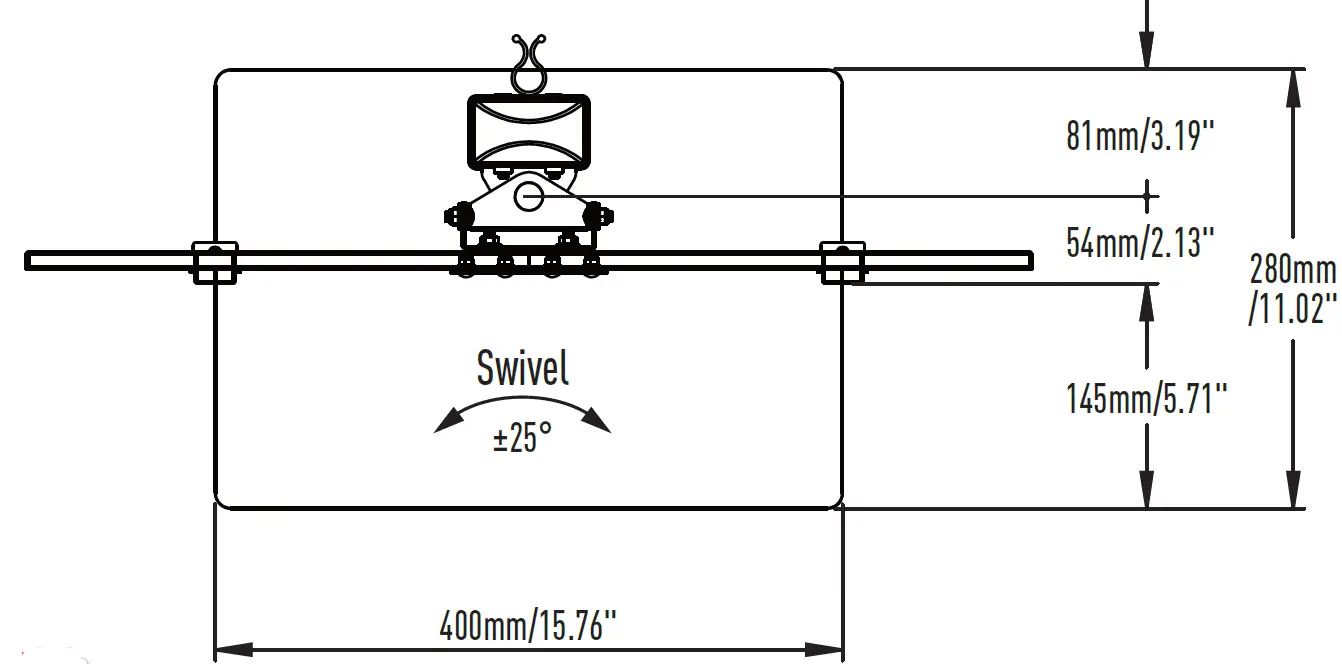
Product Dimensions
 STEP 1: Attach the Brackets to TV
Select TV Screw Length
Thread screws by hand into the threaded holes on the back of your TV after selecting which screw diameter fits your TV. 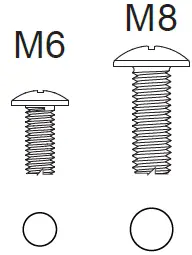
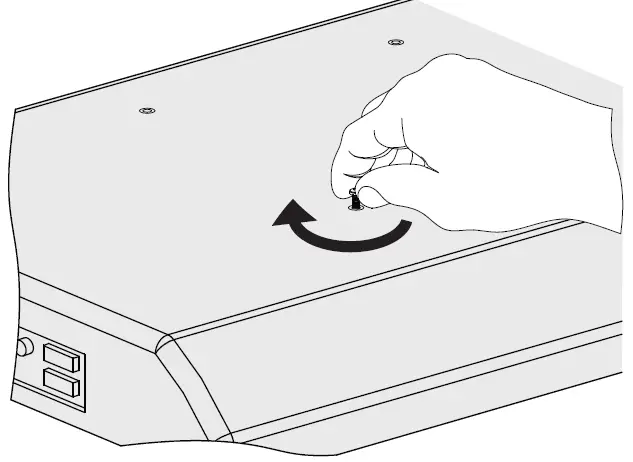 Select TV Screw Length
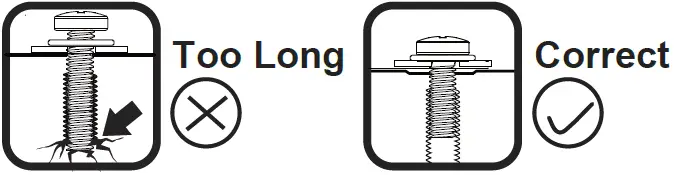
When attaching plate to the flat screen, be careful not to over tighten screws and be sure that screws do not bottom out in the mounting holes.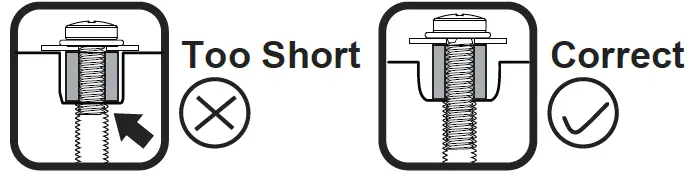
 Attach the TV Brackets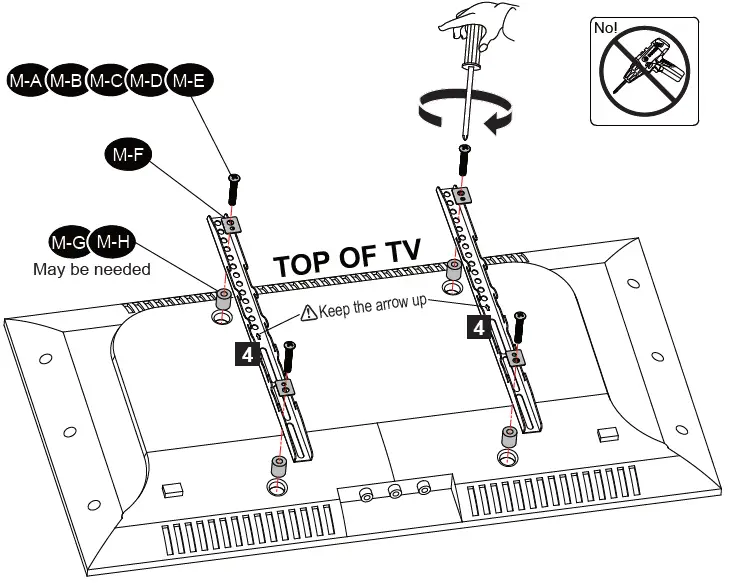
STEP 2: Support Pillar Installation
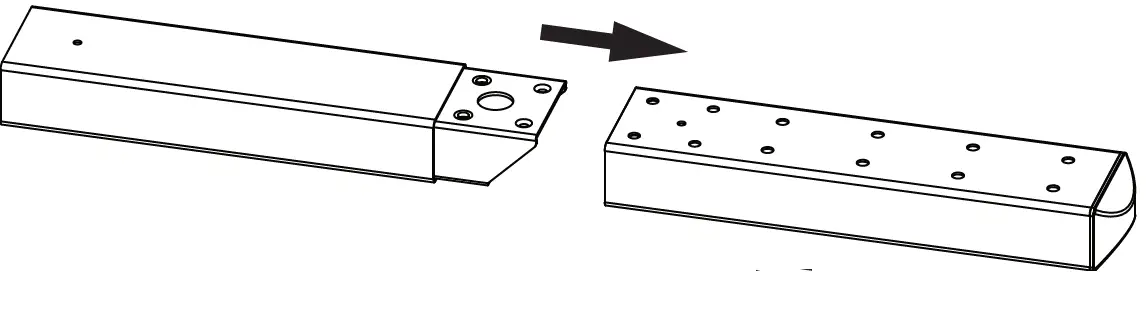 Connect two Support Pillars ( 2 & 3 ).2 3
 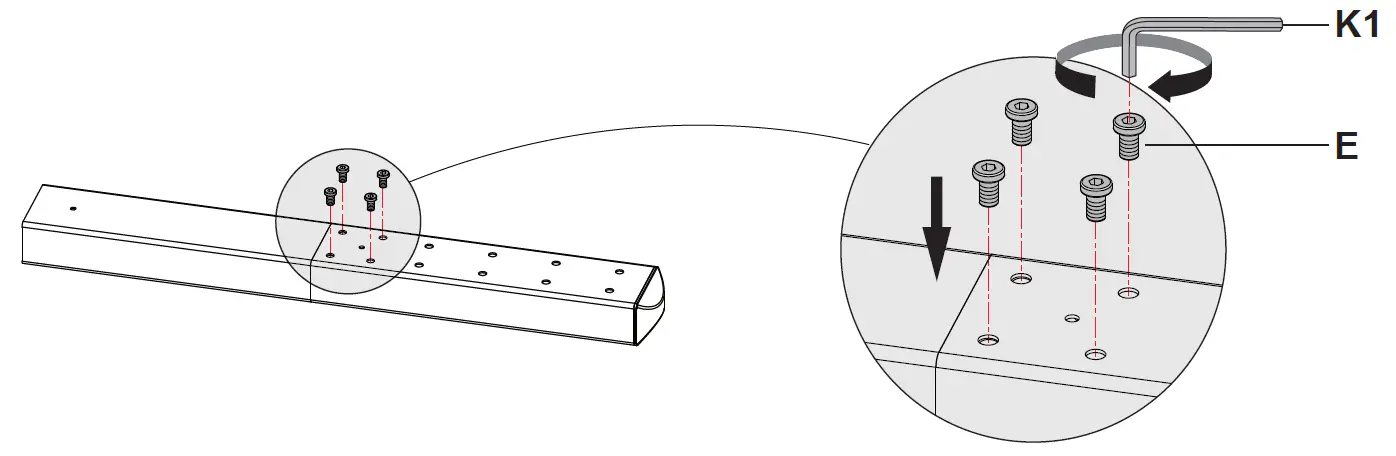 Then insert 4pcs Bolts (E) through the holes of 2Support Pillars ( 2 & 3 ), and use the 4mm 3 Allen Key (K1) to tighten.
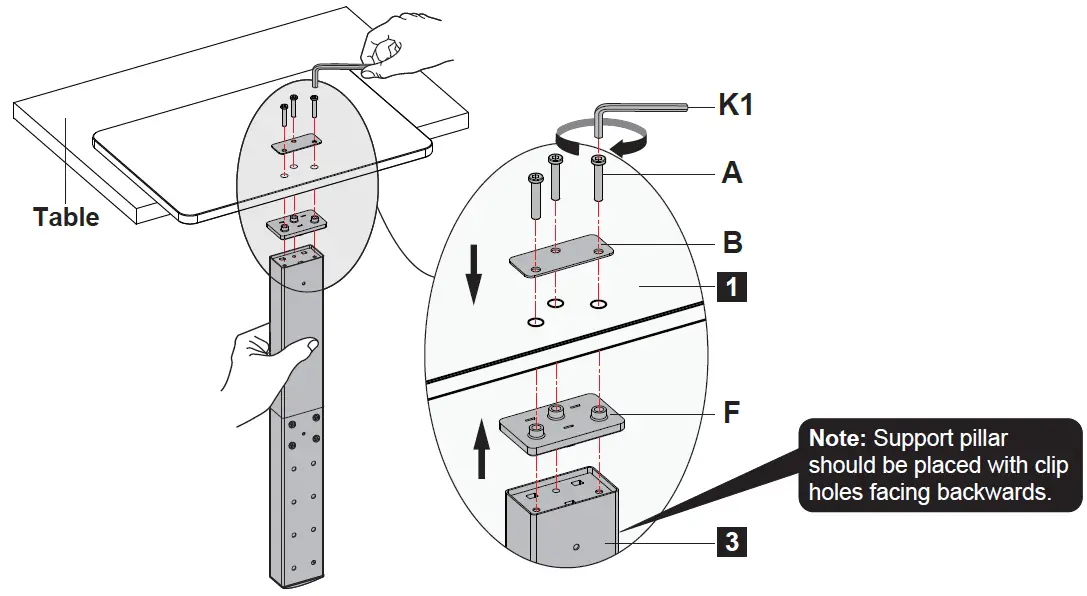 1Put Base on the table;
put Washer (B) and Bolts (A) on the base; keep clip holes of Support Pillar toward backside then put Plastic Cover (F) and Support Pillar under the3 base. Then tighten the bolts (A) with the 4mm allen key (K1).
STEP 3: Apply Foot Pads to the Base
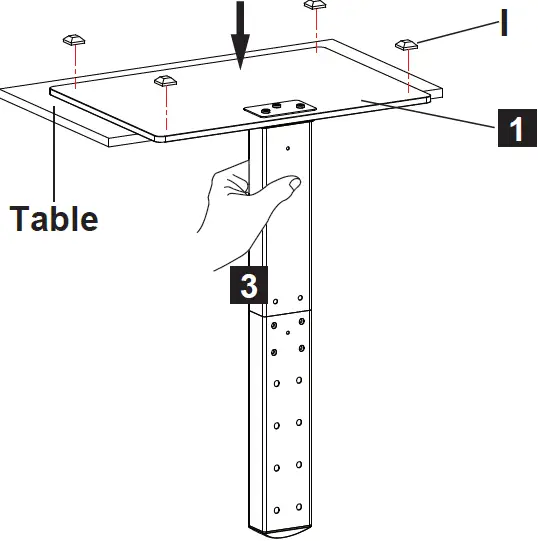
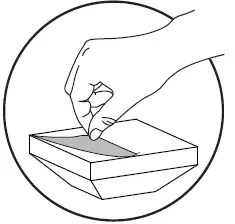 Hold the Support Pillar with3 one hand and tear off plastic film of Foot Pads (I), then attach Foot Pads (I) near four conors of the Base bottom.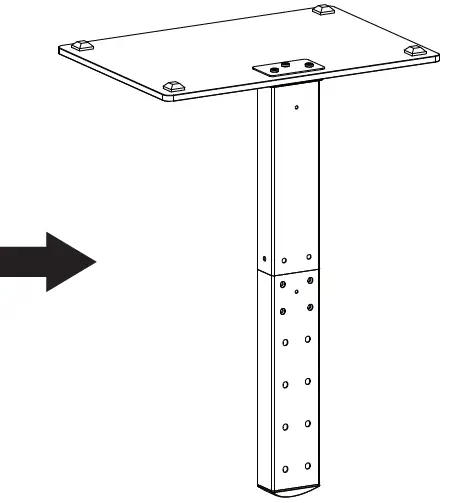
STEP 4: TV Plate Installation
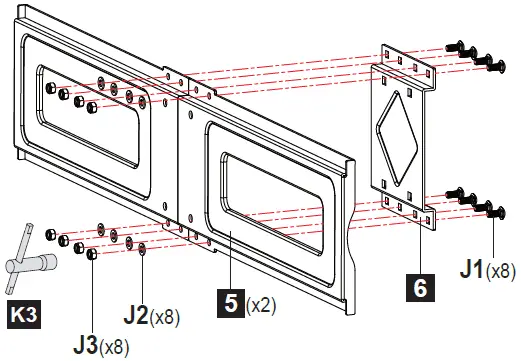
- Connect 5TV Plate and Connecting 6Plate by using and M5 Bolts (J1), Washers (J2) and Nuts (J3). Use the Socket Wrench (K3) to tighten the nuts.

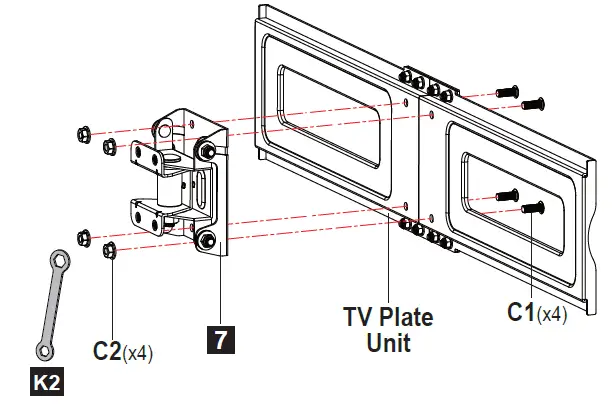
- Connect TV Plate Unit and Angle 7Adjuster by using and M6 Bolts (C1) and Nuts (C2). Use the Wrench (K2) to tighten the nuts.

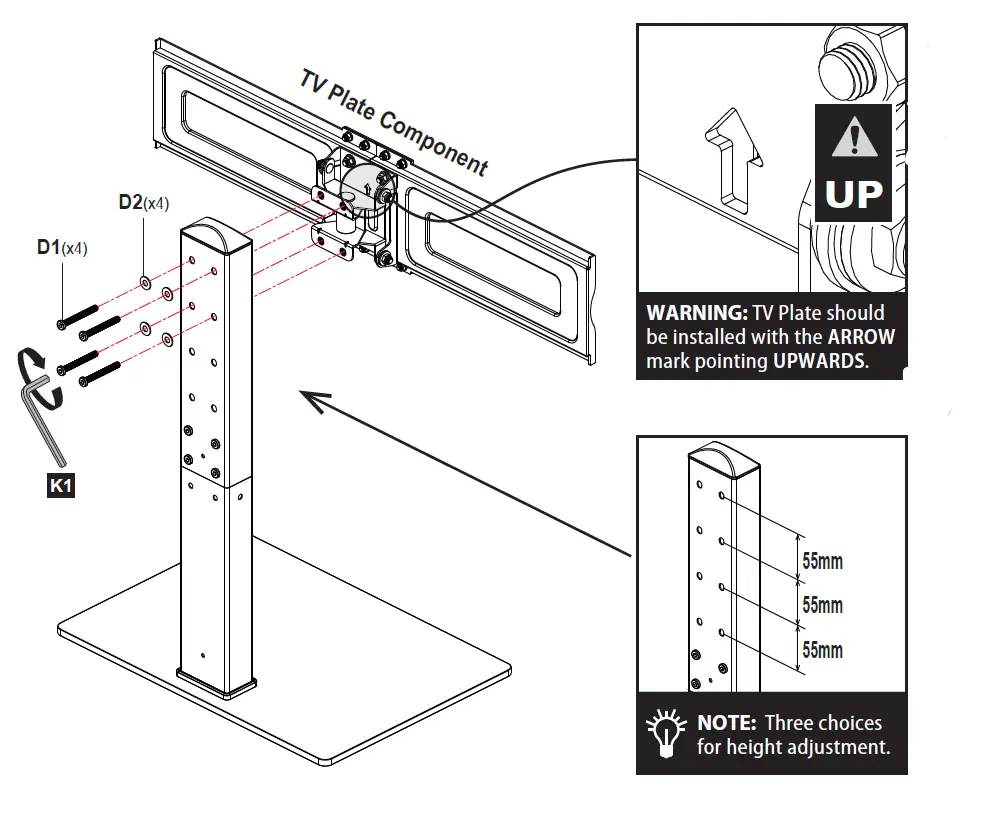
- Choose the appropriate position (three options) for your TV Plate, then connect TV Plate Component to Support Pillar by using Bolts (D1) and W2 ashers (D2). Use the 4mm allen key (K1) to tighten them.

STEP 5: Attach TV with Brackets to TV Plate
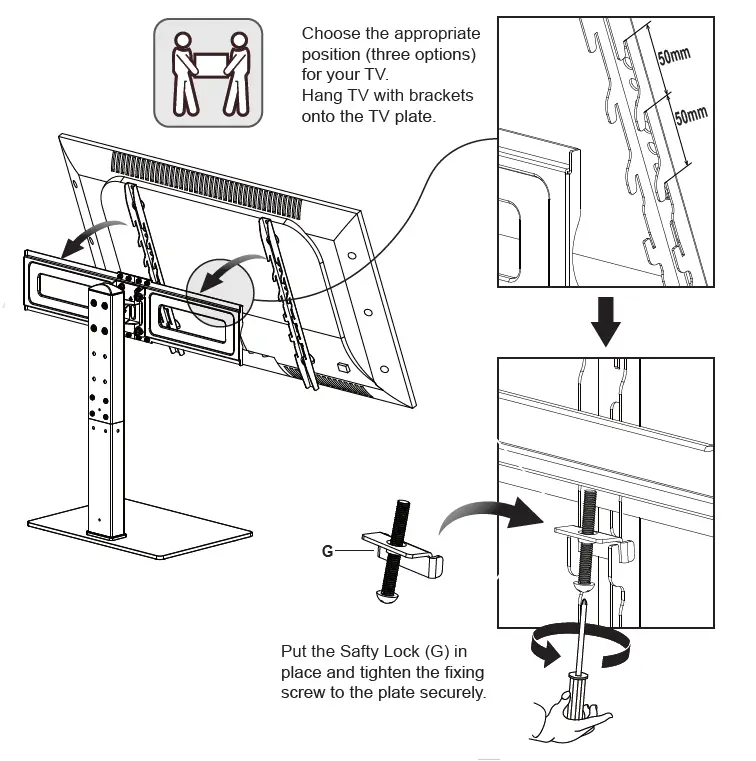
STEP 6: Cable Management
Attach Wire Clips (H) into the holes of Support Pillar . Manage cables with the Wire Clips (H).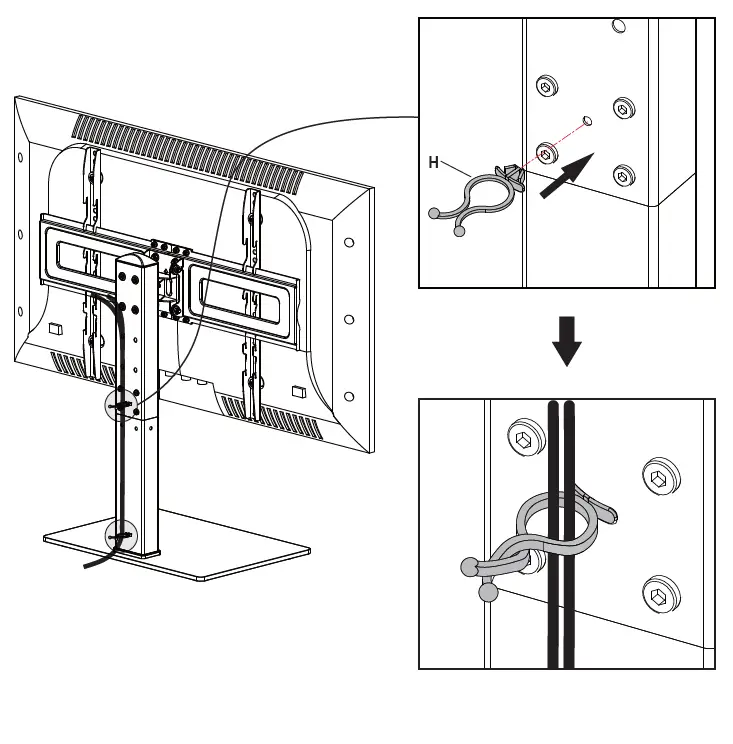
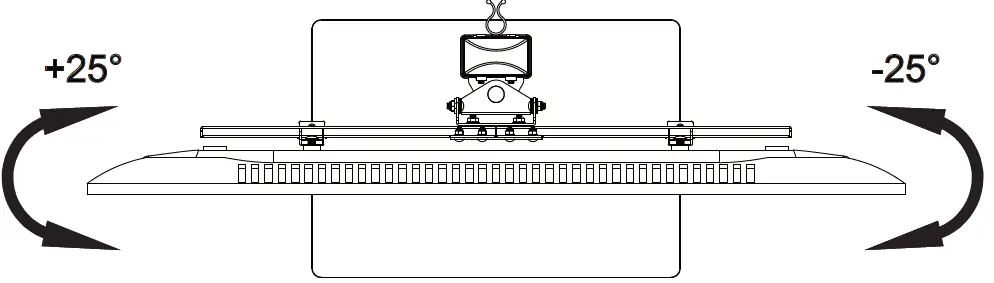
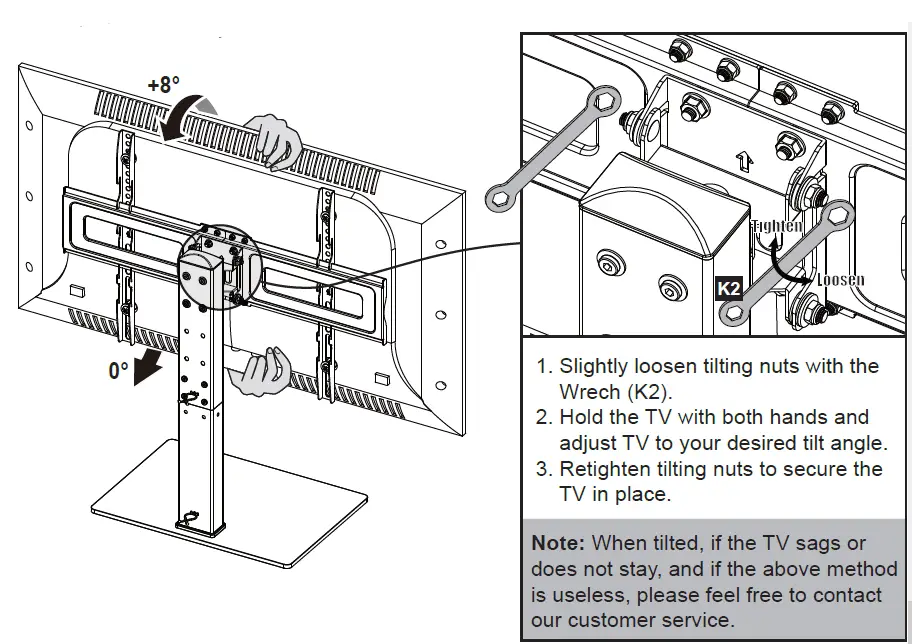
STEP 7: Adjustments (If necessary)
Tilt Adjustment
Swivel Adjustment