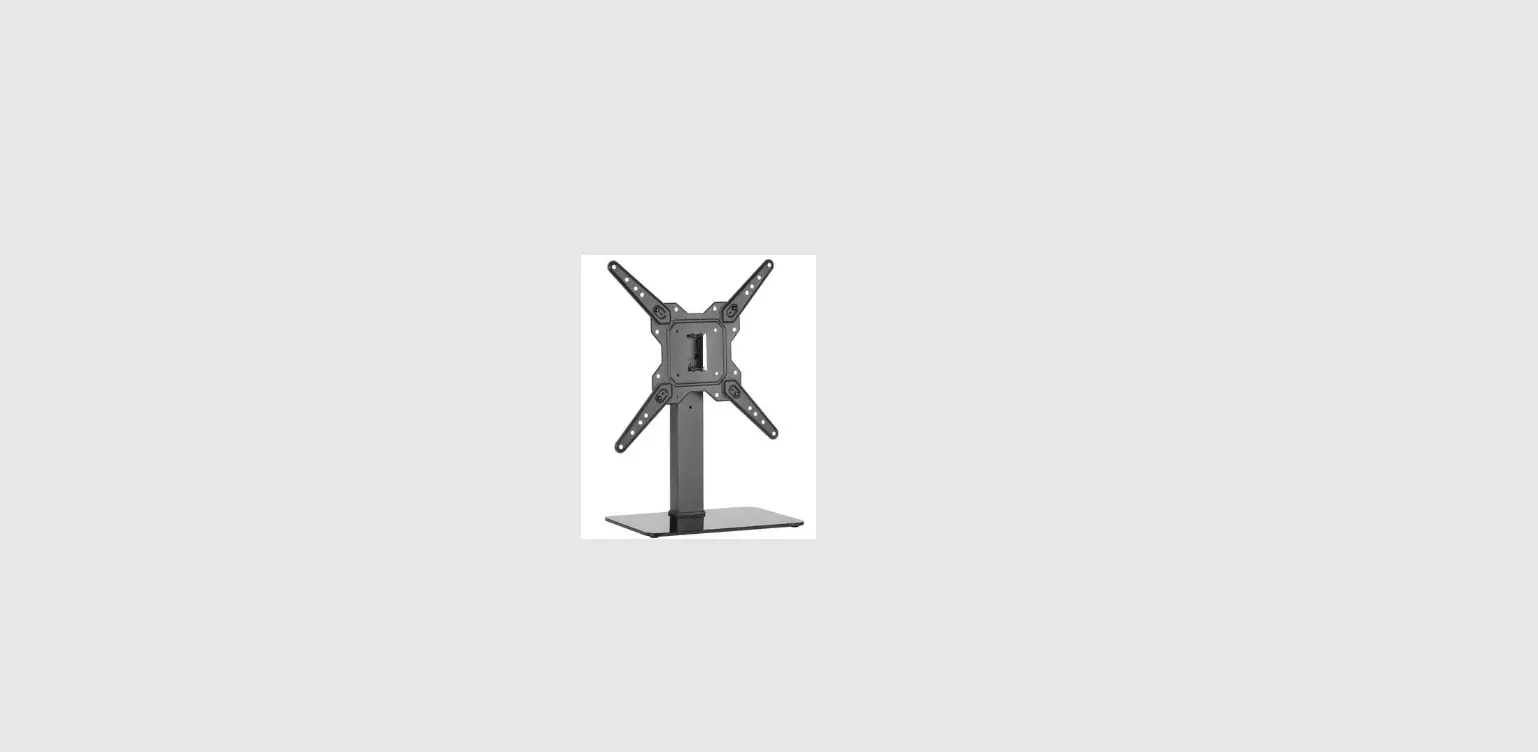

XAS309-1
INSTRUCTION MANUAL
For 37-70″ TV
If you have any questions along the way, just give us a call 1-800-460-0956 or mail to [email protected].
We’re ready to help!
 CAUTION: PLEASE READ ENTIRE MANUAL PRIOR TO USE AND SAVE THESE INSTRUCTIONS
Before getting started, let’s check below lists to make sure it is just right for you!
| 1. Check your TV VESA is within Min and Max size | 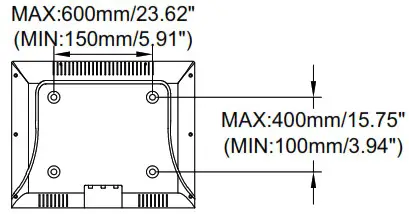 No? This mount is NOT compatible. Yes? Perfect ! |
| 2. Does your TV (including accessories) weigh MORE than 99 lbs. (45 kg)? | 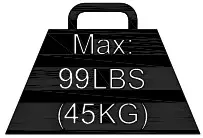 No? Perfect you may continue. No? Perfect you may continue.Yes? This mount is NOT compatible. CAUTION: DO NOT exceed the maximum weight indicated. This mounting system is intended for use only with the maximum weights indicated. Use with products heavier than the maximum weights indicated may result in collapse of the mount and its accessories, causing possible injury. |
| 3. Do you have all the tools needed? (NOT INCLUDE) | 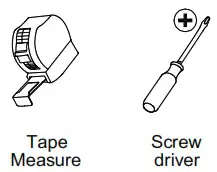 Please read this instruction carefully before installation. If you do not understand these instructions or have doubts about the safety of the installation, assembly or use of this product, please feel free to contact Customer Service: Please read this instruction carefully before installation. If you do not understand these instructions or have doubts about the safety of the installation, assembly or use of this product, please feel free to contact Customer Service:E-mail: [email protected] Phone call: 1-800-460-0956 |
| 4. CAUTION | • Do not use this product for any purpose not explicitly specified by manufacturer • Manufacturer is not responsible for damage or injury caused by incorrect assembly or use |
Dimensions
| TV INTERFACE | 3D |
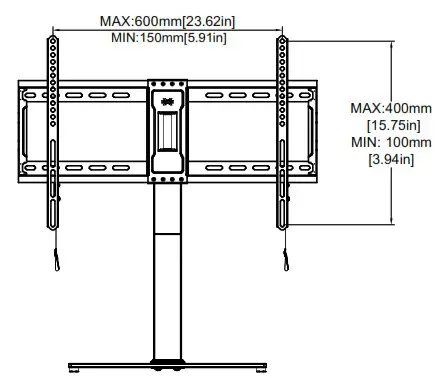 | 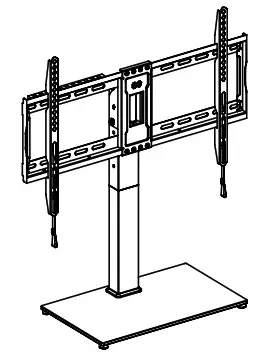 |
| TOP VIEW-RETRACTED | SIDE VIEW |
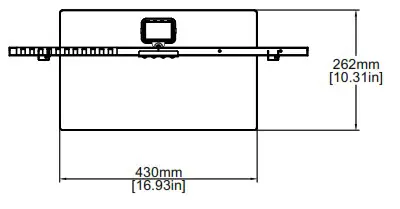 | 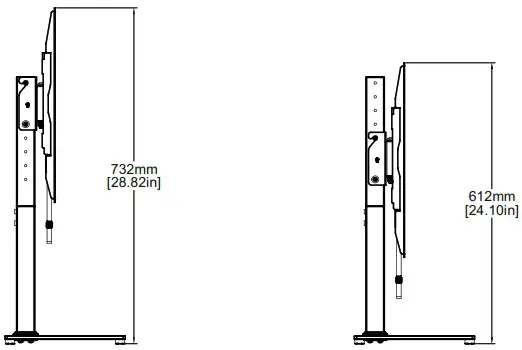 |
Parts and Hardware
WARNING: This product contains small items that could be a choking hazard if swallowed. Before starting assembly, verify all parts are included and undamaged. If any parts are missing or damaged, do not return the damaged item to your dealer; contact Customer Service. Never use damaged parts!
 NOTE: Not all hardware included will be used.
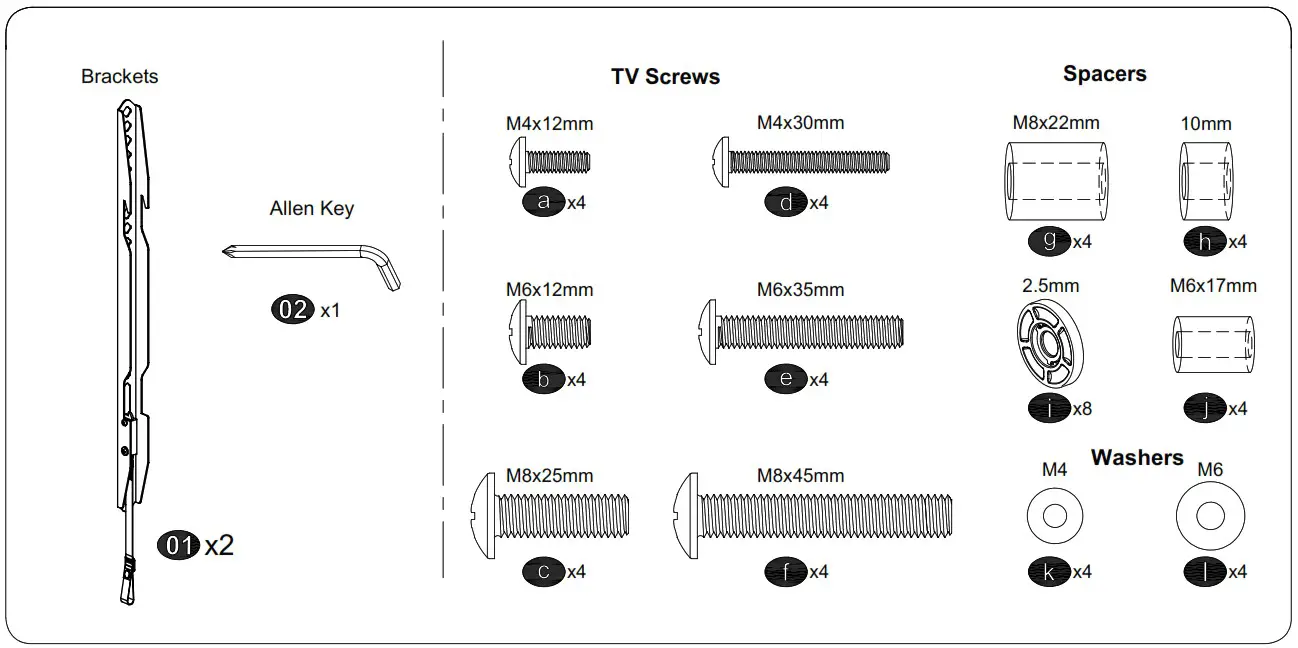
Hardware for Products Assembly
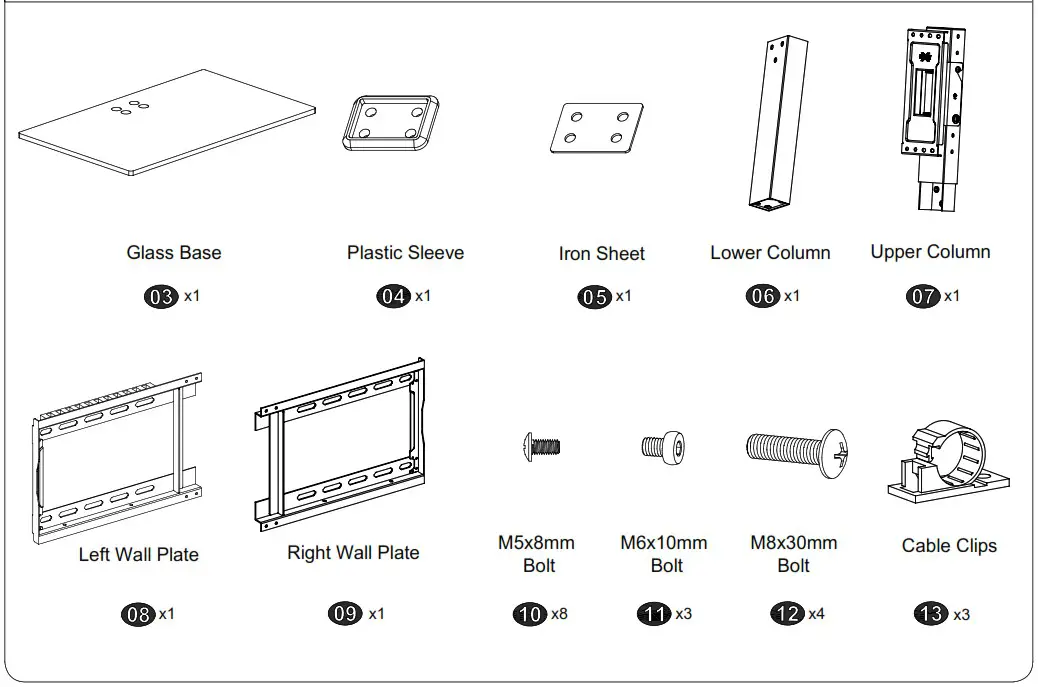
STEP 1 Attach Brackets to TV
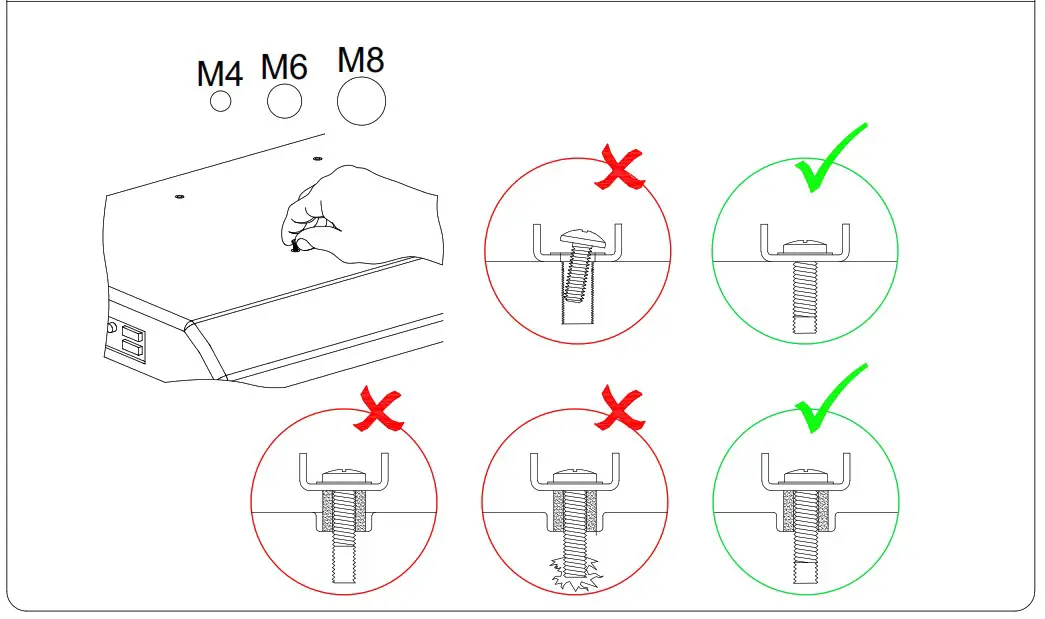
1-1 Select TV Screws
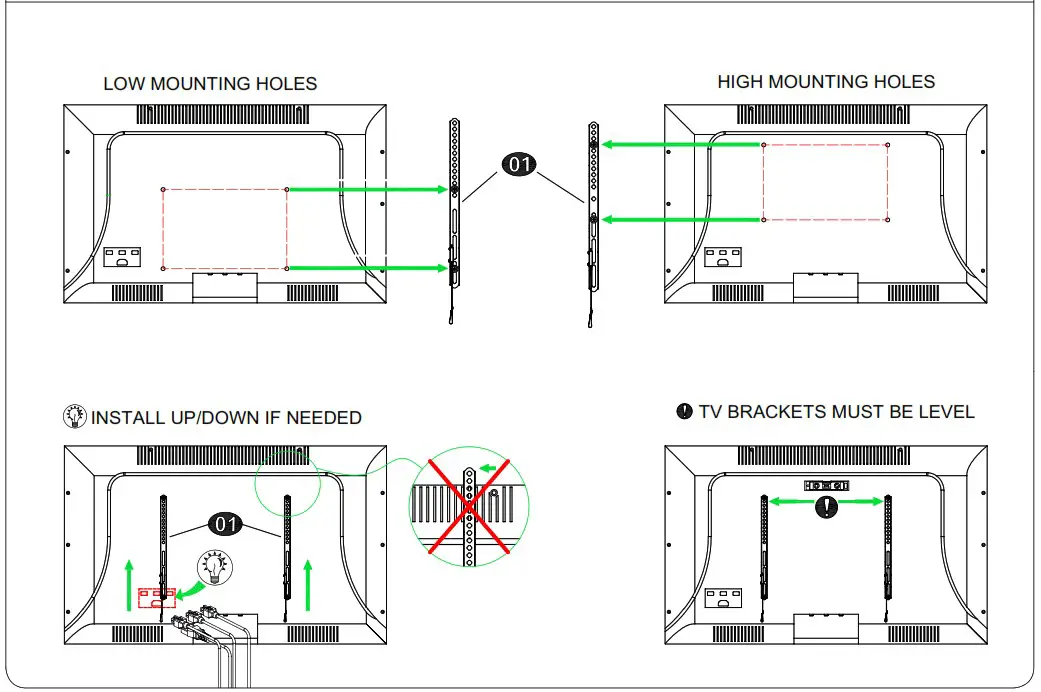
1-2 Figure out the suitable position of brackets
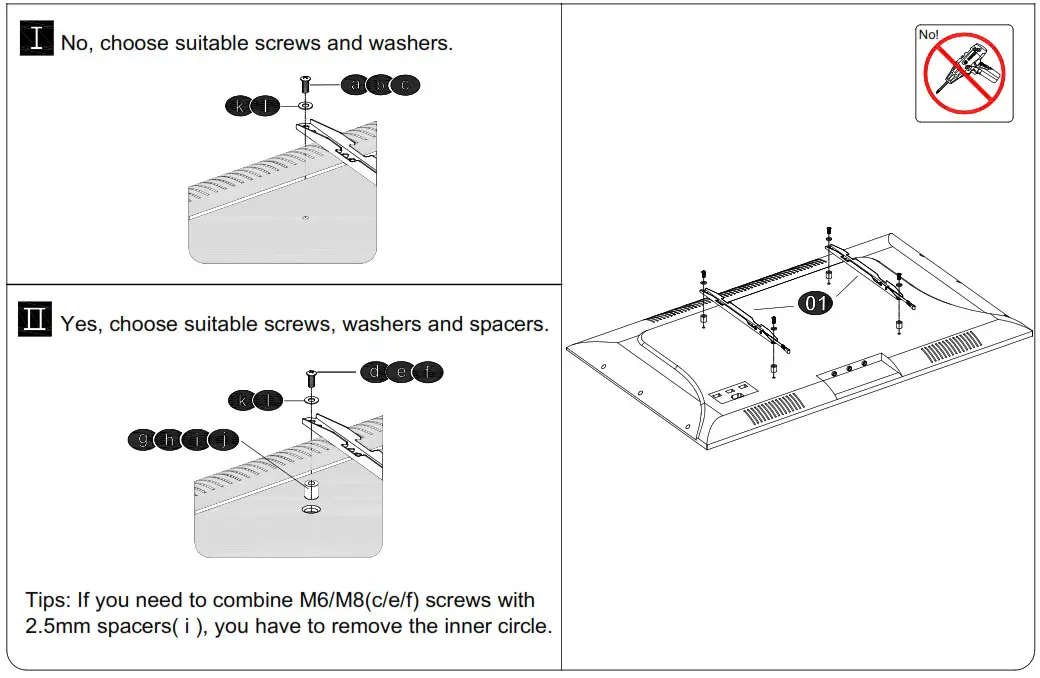
1-3 Need Spacer? and 1-4 Attach the TV Plate
STEP 2 Column Installation
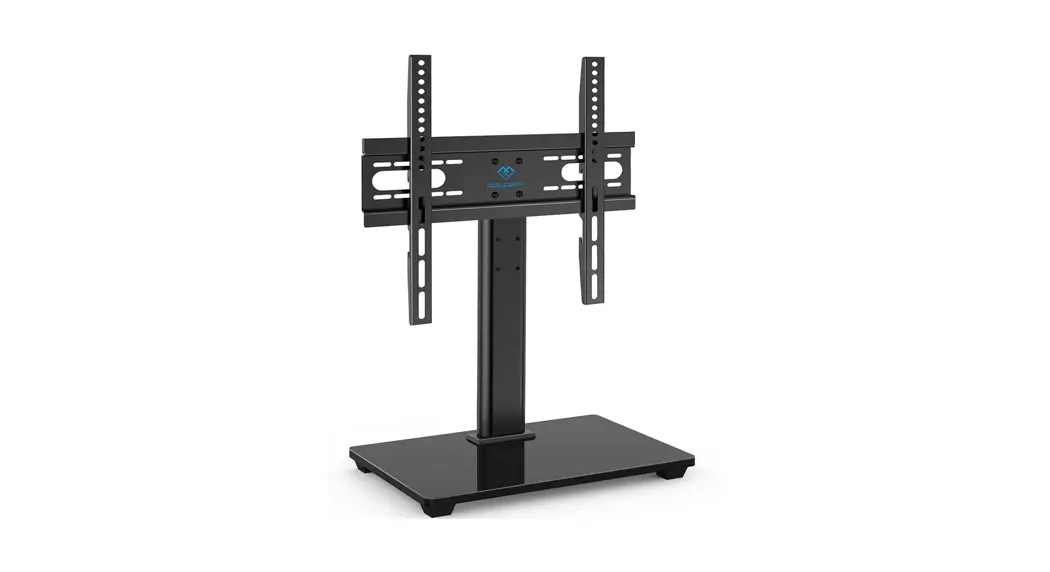
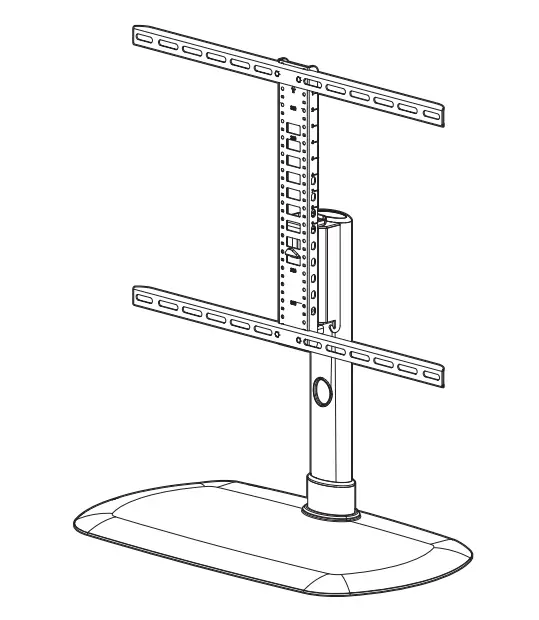
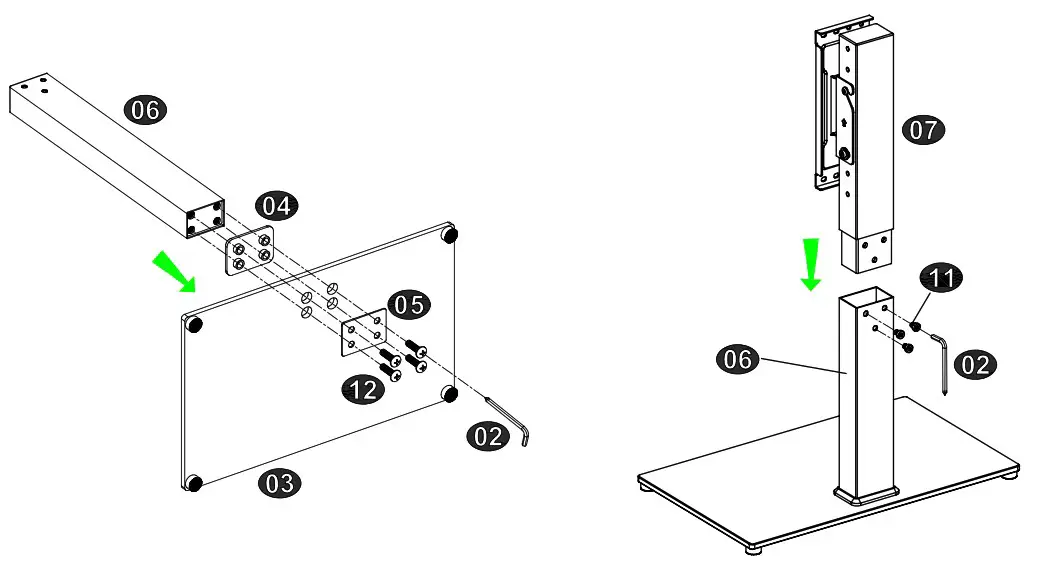
2-1 Assemble the column 06 on the glass base 03 through iron sheet 05 and plastic sleeve 04 with screws 12 and allen key 02.
2-2 Assemble upper column 07 into column 06 using bolts 11.
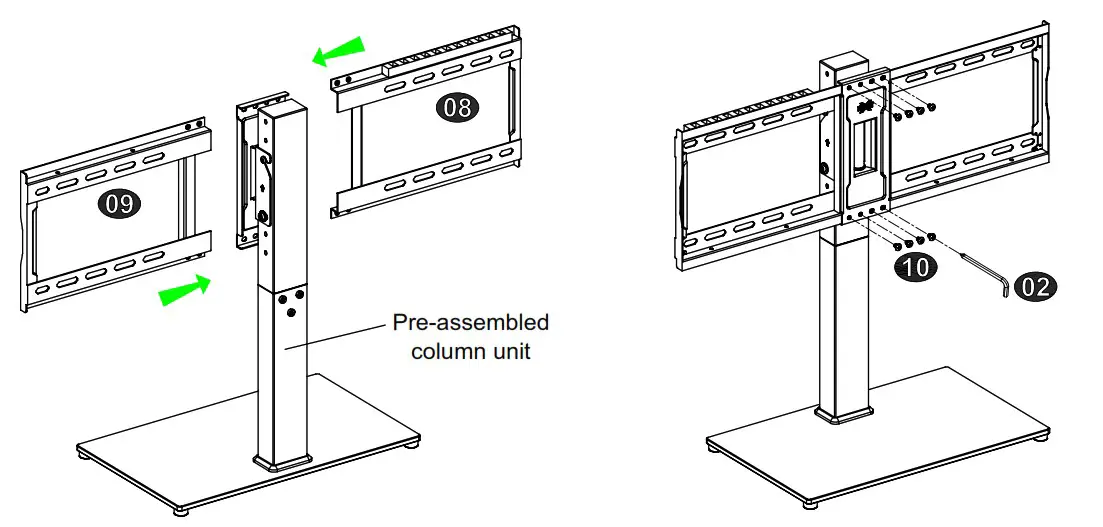
STEP 3 Hang and Secure Wall palates onto Pre-assembled Column Unit
Using bolts 10 to connect left wall plate 08 and right wall plate 09 with pre-assembled column unit.

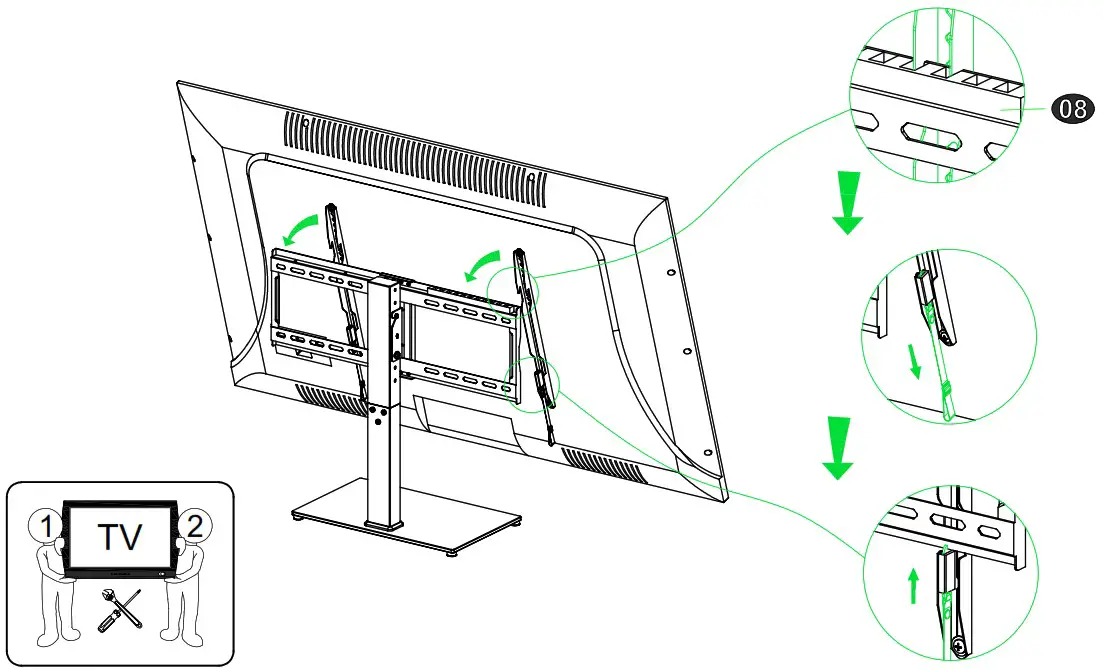
STEP 4 Hang and Secure TV Unit onto the Column
CAUTION: BRACKETS MUST BE PUT INTO LEFT WALL PLATE 08 FULLY!

STEP 5 Adjustments
5-1 TV Tilting up adjustment (+3°):
If you need to tilt TV, you can loosen the bolts below and tilt up +3°. Then tighten the bolts.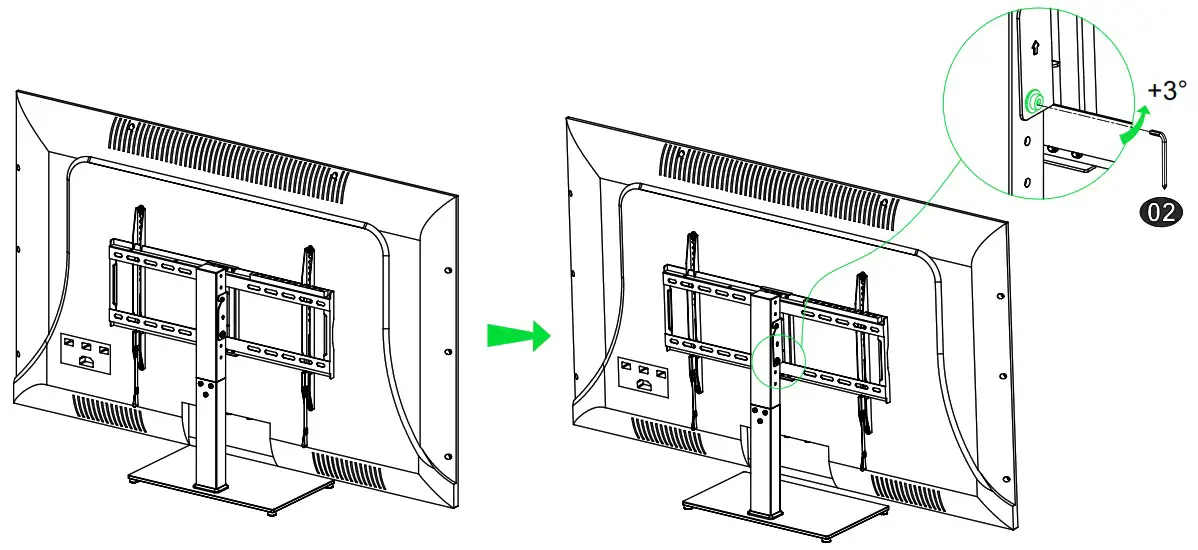 5-2 Height Adjustment
If the TV height is still not suitable, you can adjust the height by following the steps below.
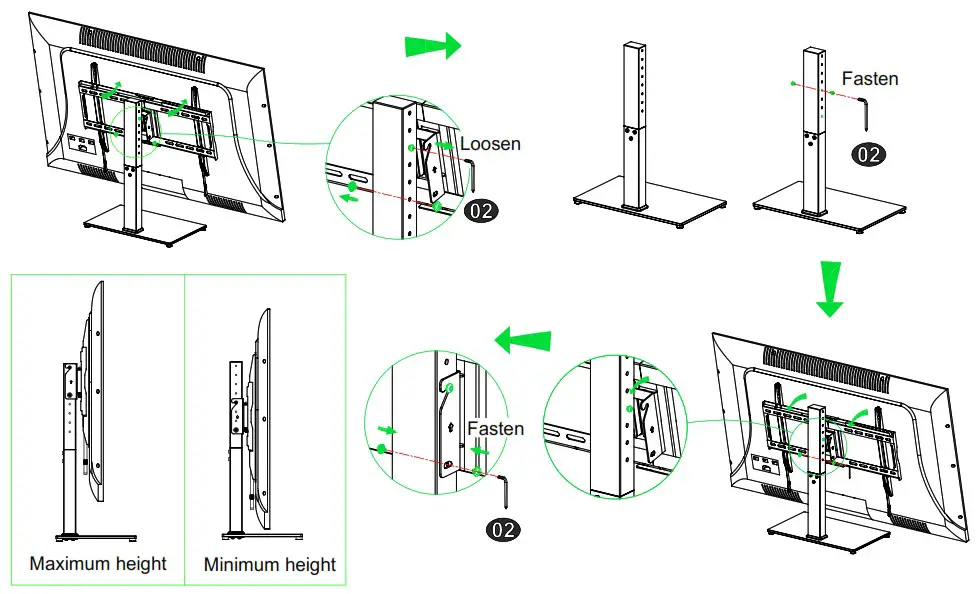
5-3 Swivel Adjustment 14
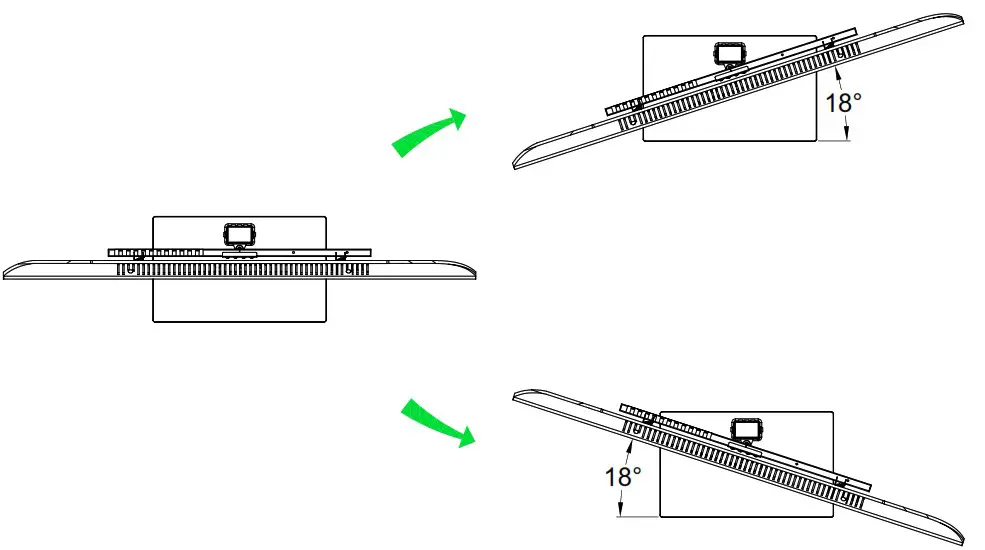
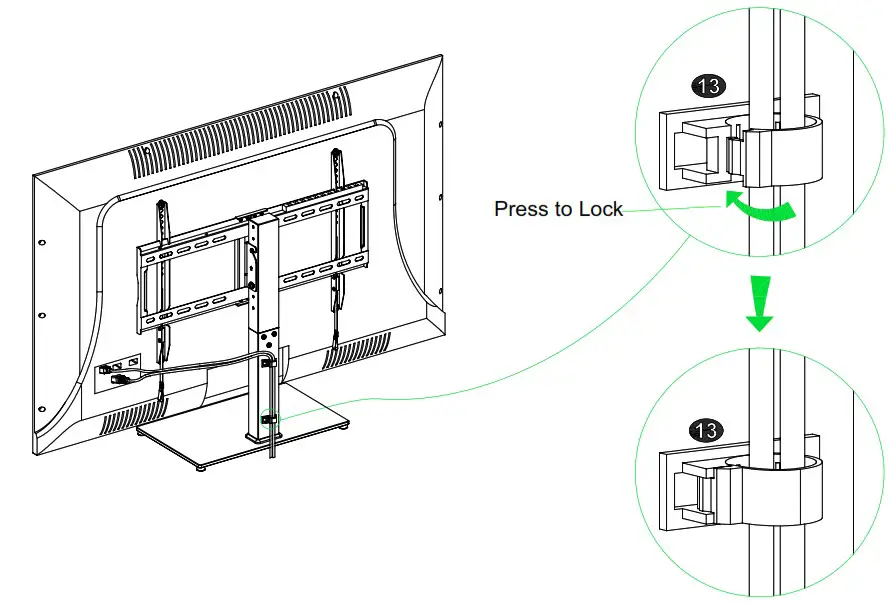
5-4 Tidy your Cables