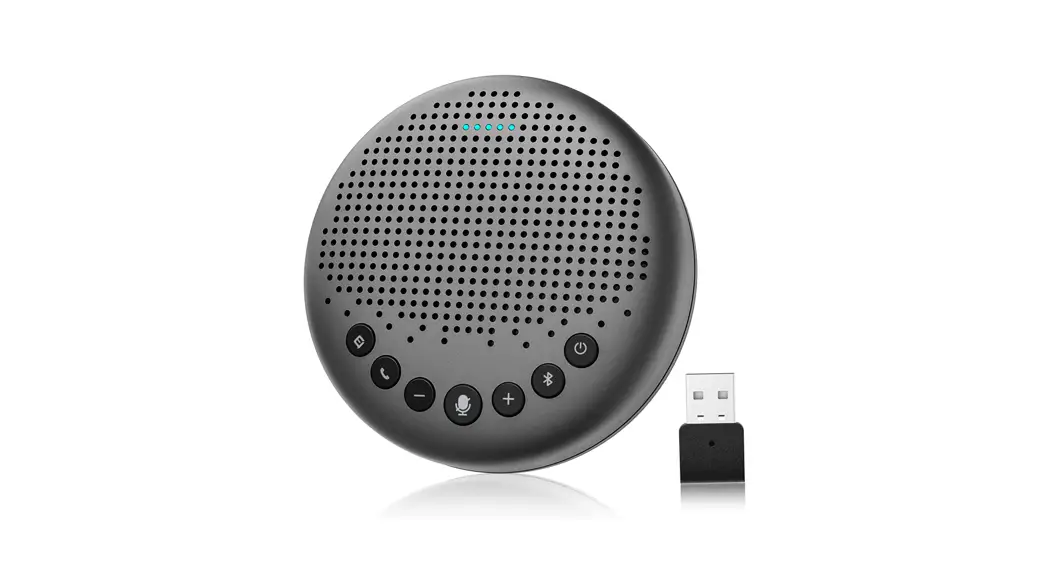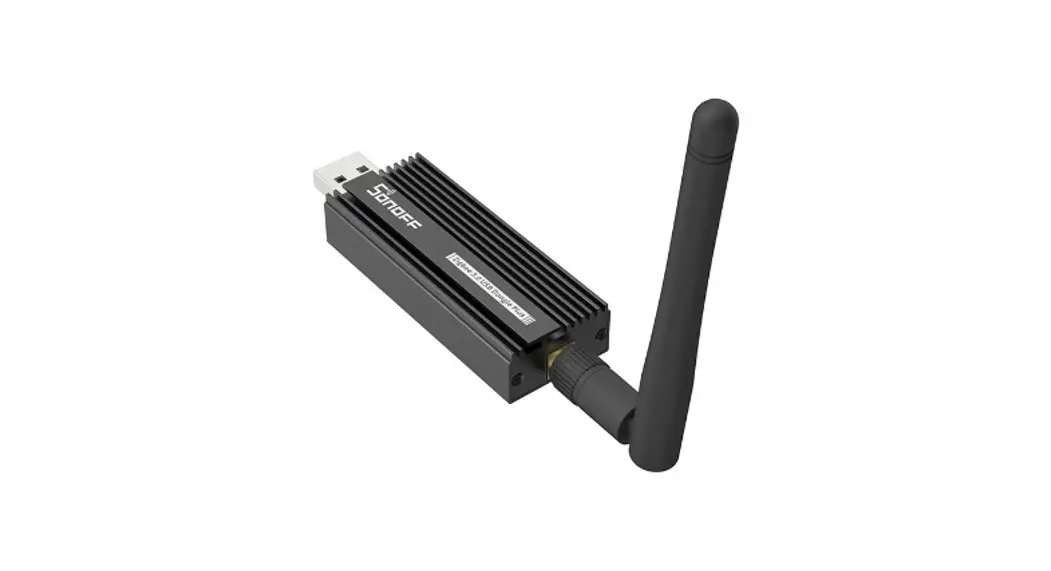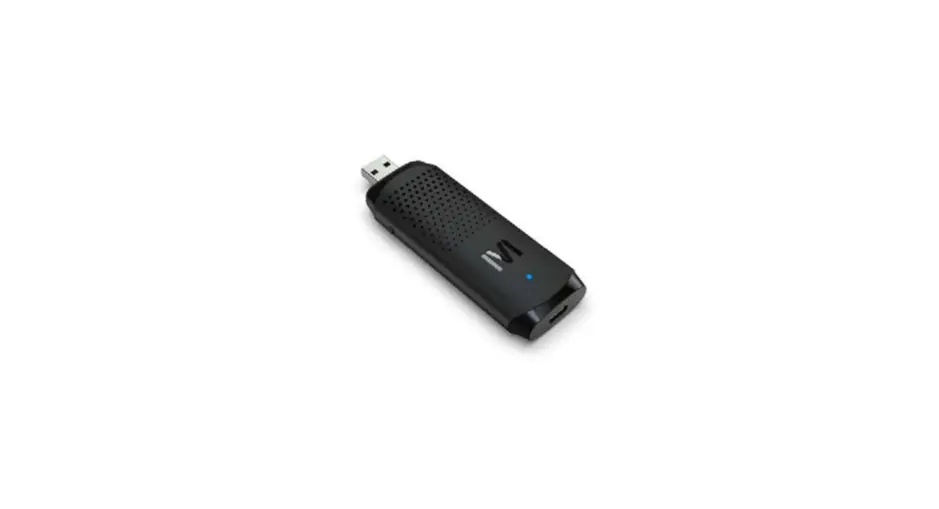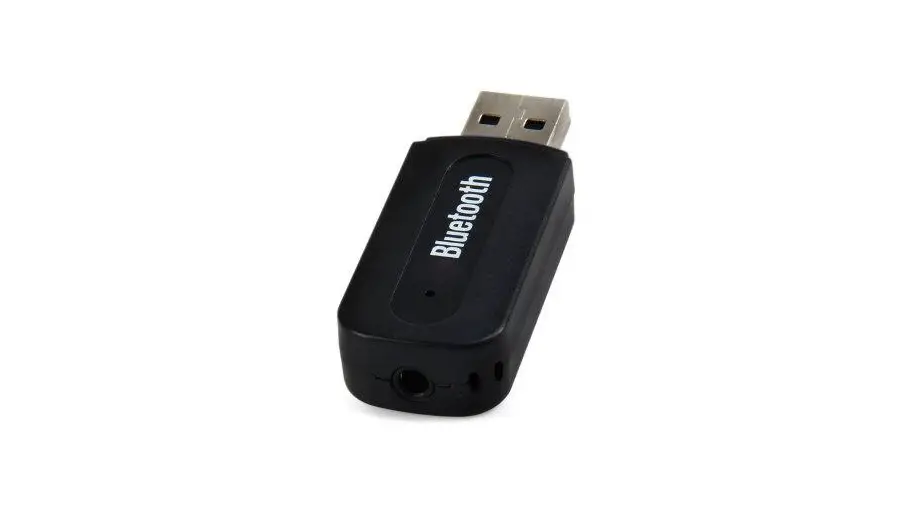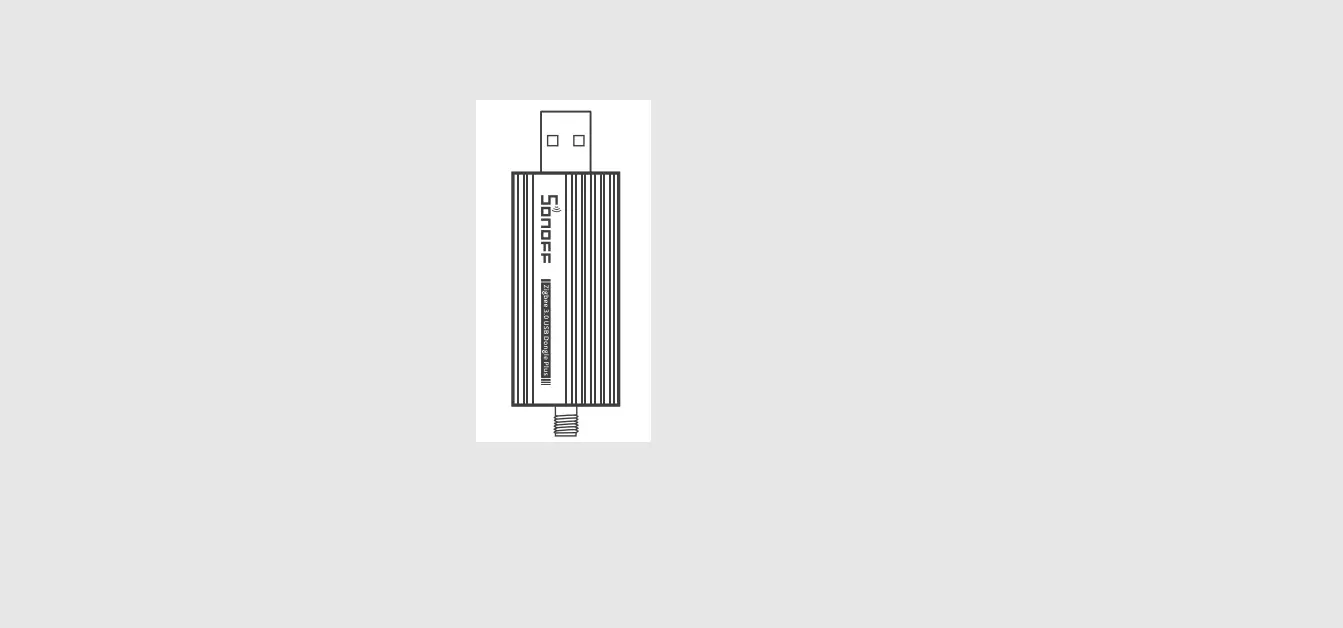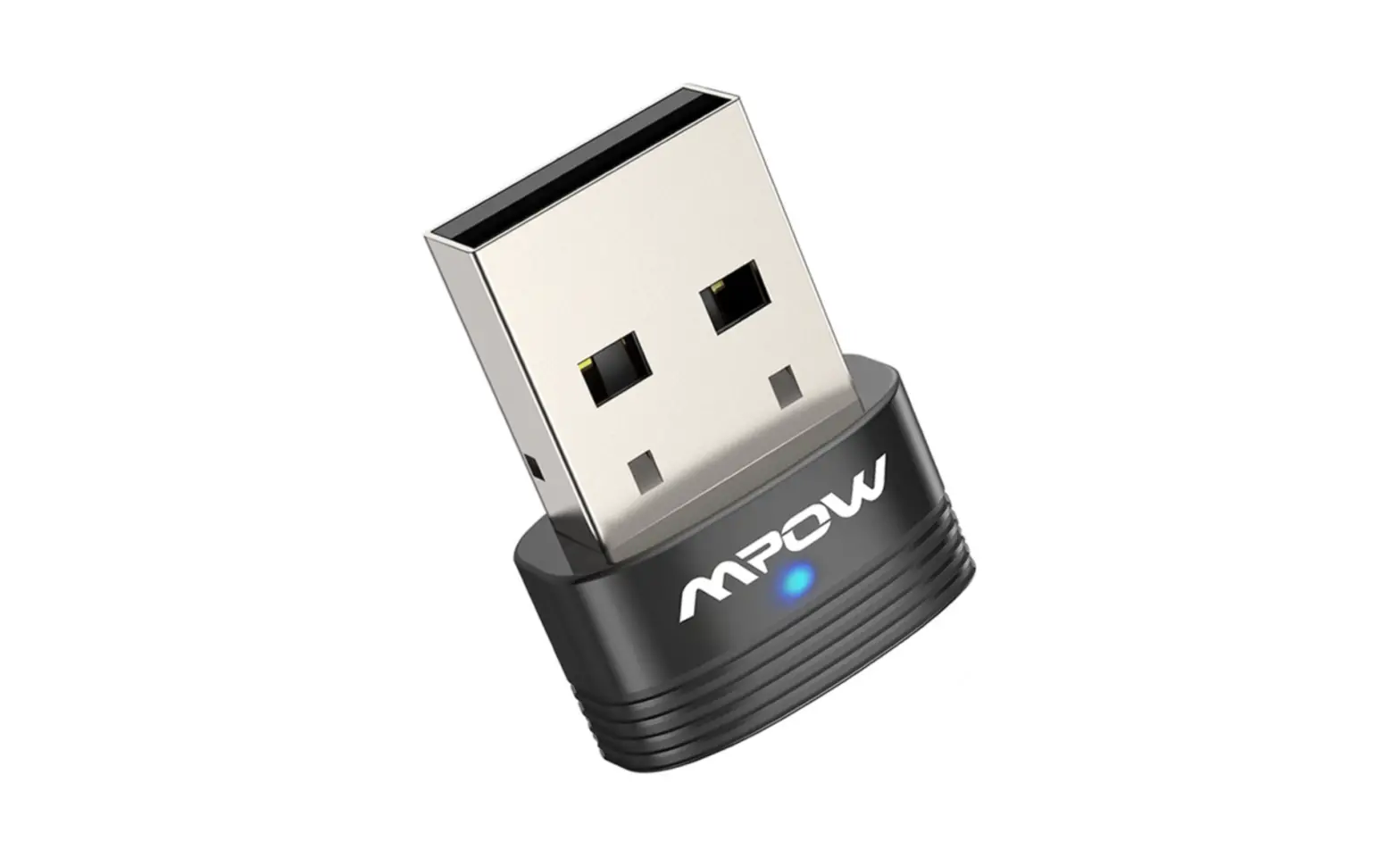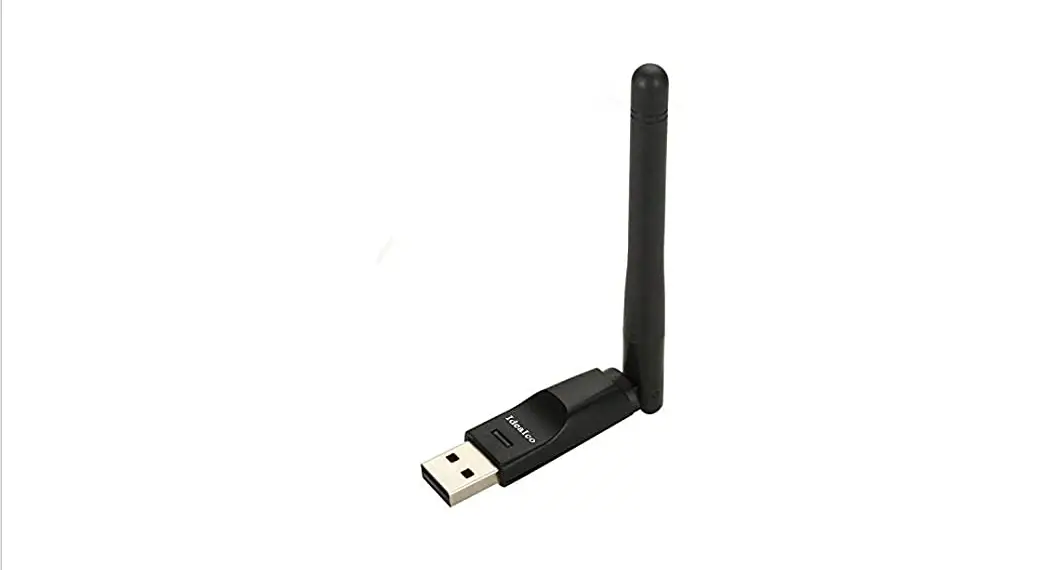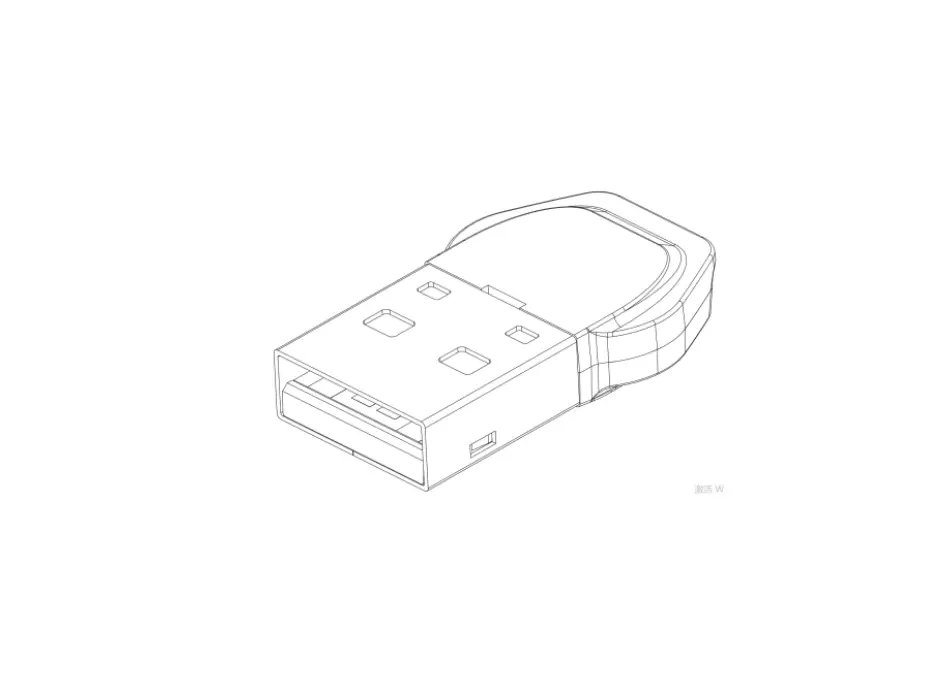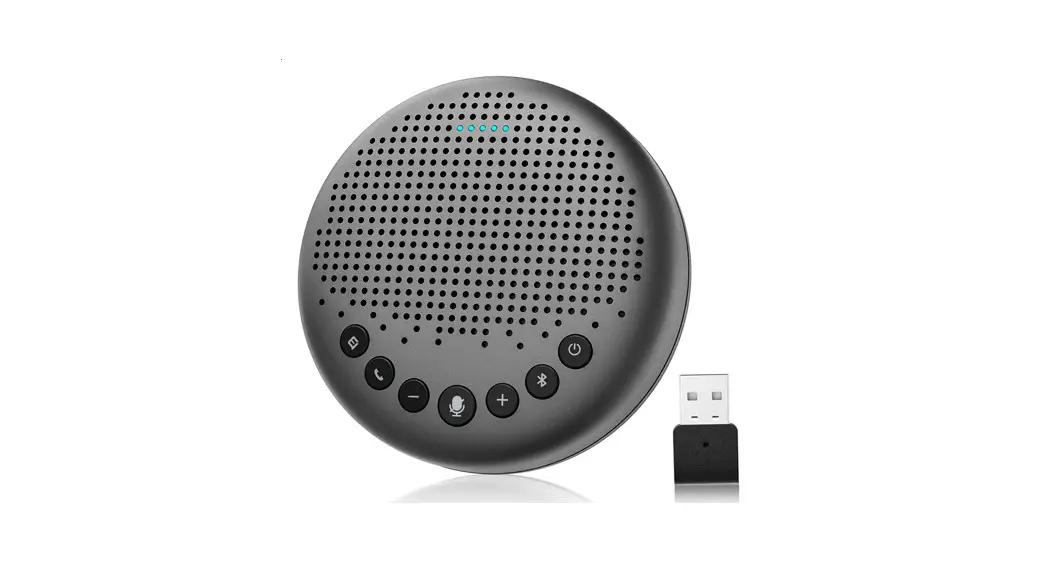

USB Dongle
QUICK START GUIDE
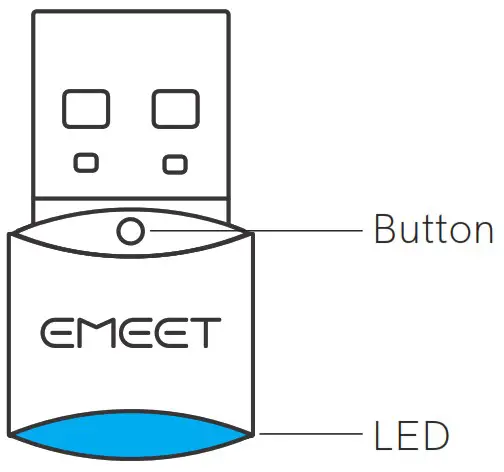
eMeet Adapter A300
SHENZHEN EMEET TECHNOLOGY CO.,LTD.
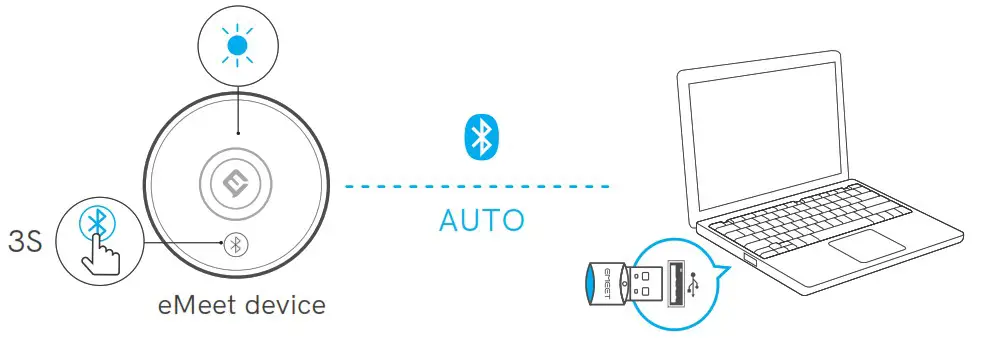
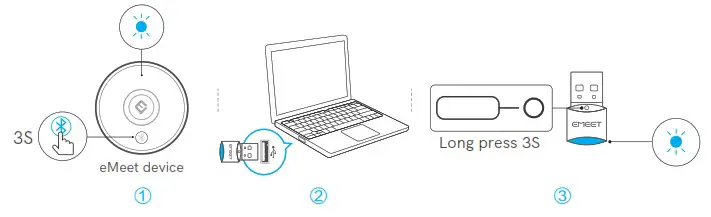
Pairing
- Auto Pairing

- Manual Pairing

- LED behaviour-USB Dongle
Pairing 
Blinking blue LED Connected 
Solid blue LED


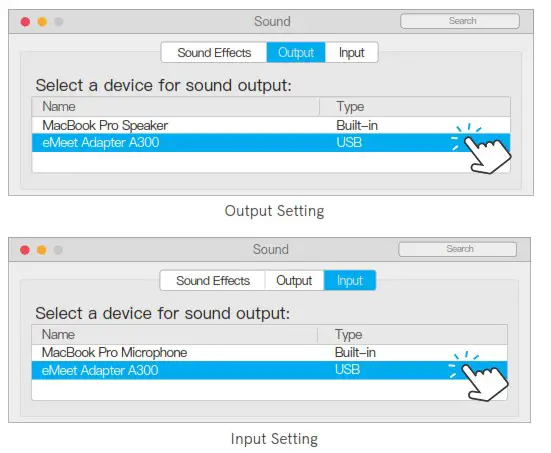
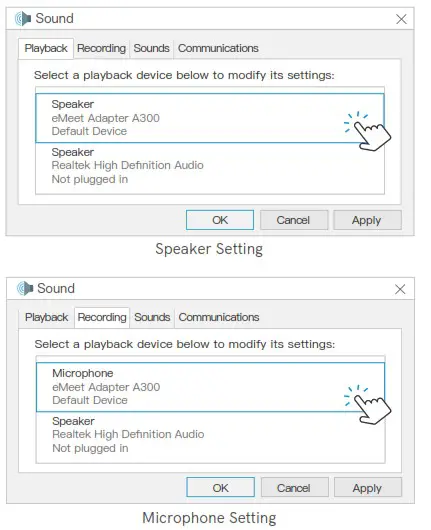
PC Setting
- Mac OS Setting

- Windows Setting

The device has been evaluated to meet general RF exposure requirements, The device can be used in portable exposure condition without restriction.
This device complies with part 15 of the FCC rules. Operation is subject to the following two conditions:
- this device may not cause harmful interference, and
- this device must accept any interference received, including interference that may cause undesired operation.
NOTE: The manufacturer is not responsible for any radio or TV interference caused by unauthorized modifications or changes to this equipment. Such modifications or changes could void the user’s authority to operate the equipment.
NOTE: This equipment has been tested and found to comply with the limits for a Class B digital device, pursuant to part 15 of the FCC Rules. These limits are designed to provide reasonable protection against harmful interference in a residential installation. This equipment generates uses and can radiate radio frequency energy and, if not installed and used in accordance with the instructions, may cause harmful interference to radio communications. However, there is no guarantee that interference will not occur in a particular installation. If this equipment does cause harmful interference to radio or television reception, which can be determined by turning the equipment off and on, the user is encouraged to try to correct the interference by one or more of the following measures:
- Reorient or relocate the receiving antenna.
- Increase the separation between the equipment and receiver.
- Connect the equipment into an outlet on a circuit different from that to which the receiver is connected.
- Consult the dealer or an experienced radio/TV technician for help.
FCC ID:2ALCN-A300
IC:23496-EMTA300
Model No:eMeet Adapter A300
PMN:A300
Contact US
 www.emeet.ai www.emeet.aiUS: + 1 8889595320  JP: + 81 8008051955 JP: + 81 8008051955CN: + 400 8338 051 |  [email protected] [email protected](EST 9:00am-5:00pm) (JST 10:00am-6:00pm) (BJT 9:00am-5:30pm) |
 QSG Download
www.emeet.ai/support
 eMeet|壹秘科技-AI让会议更智能