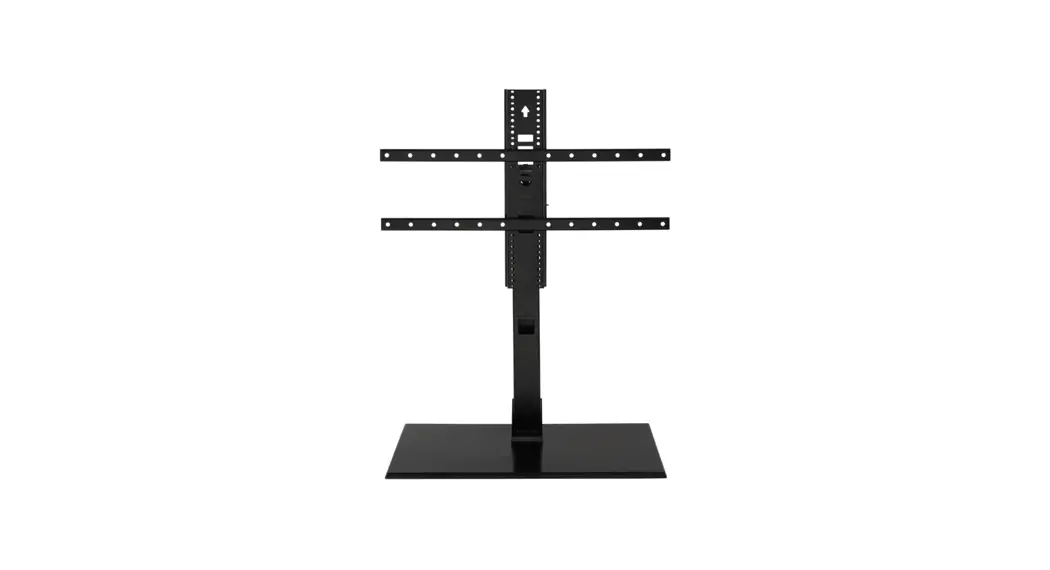
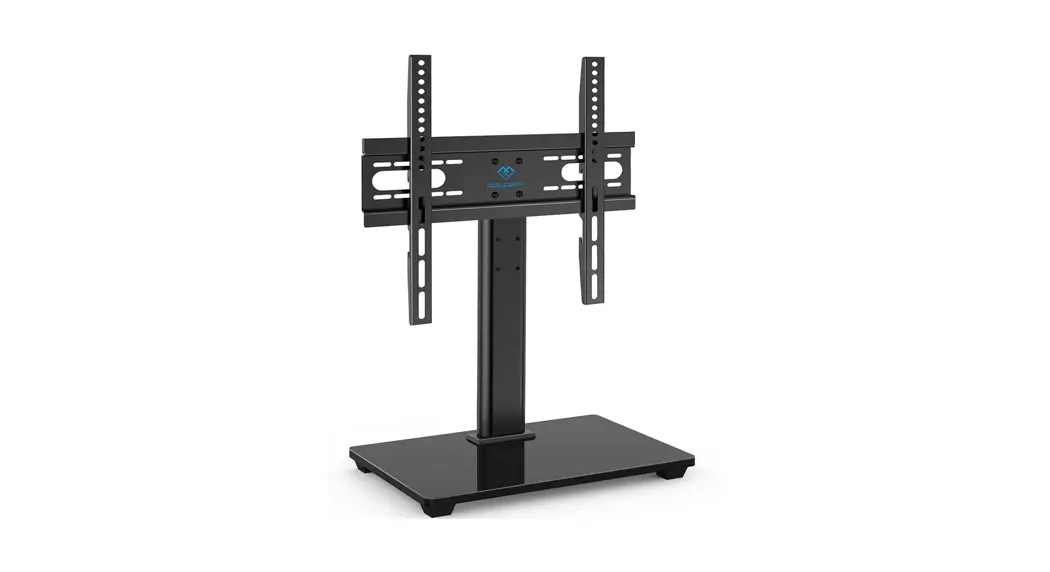
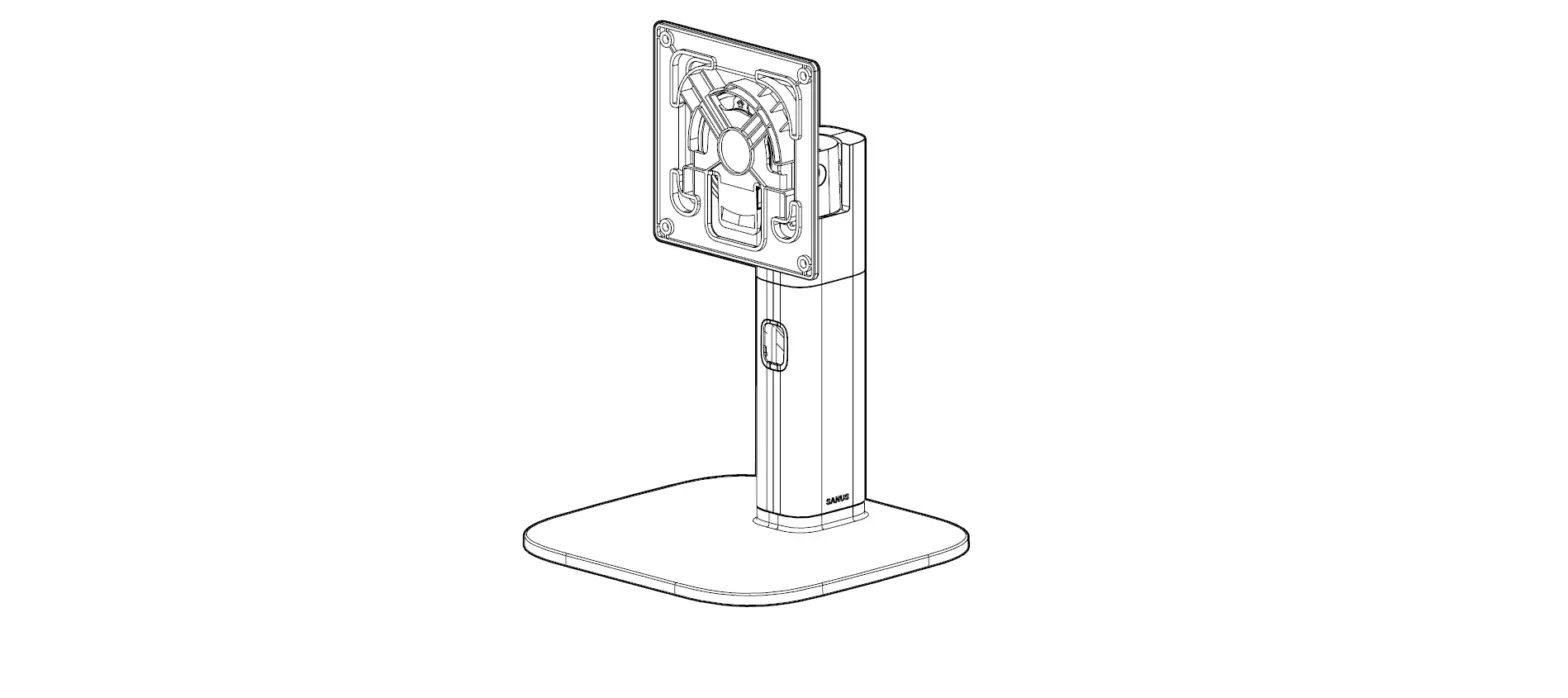
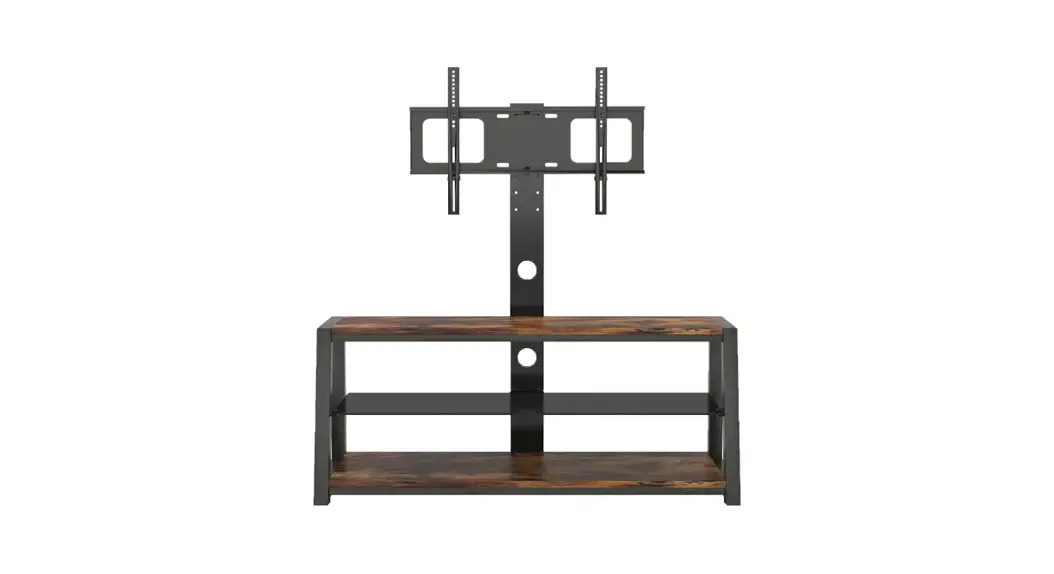
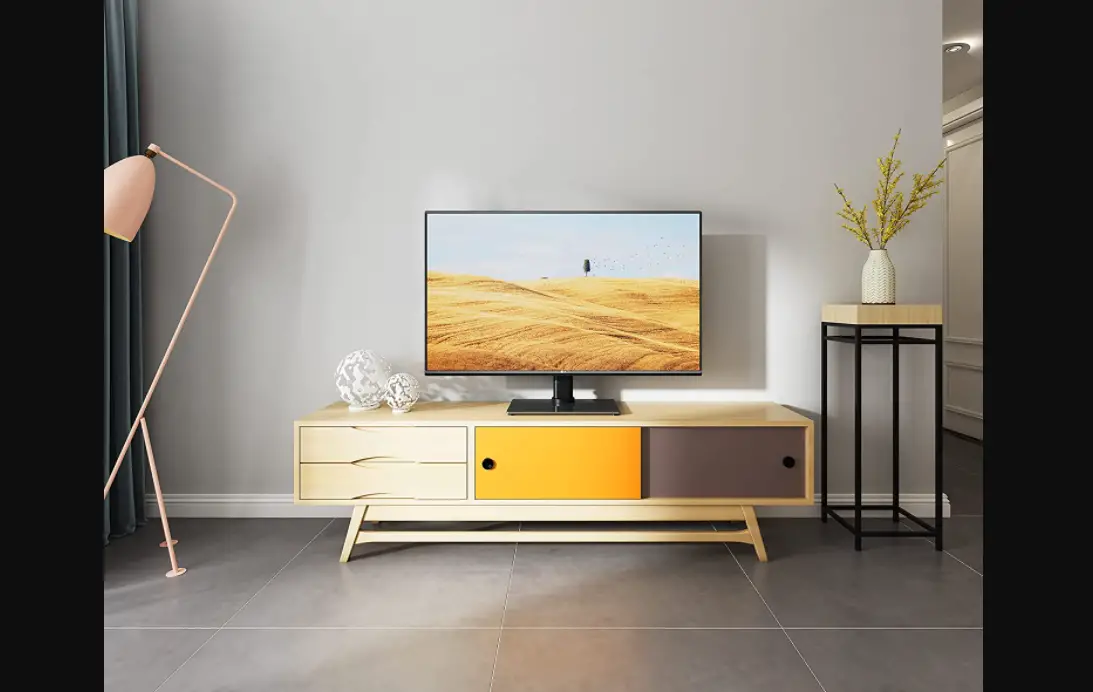
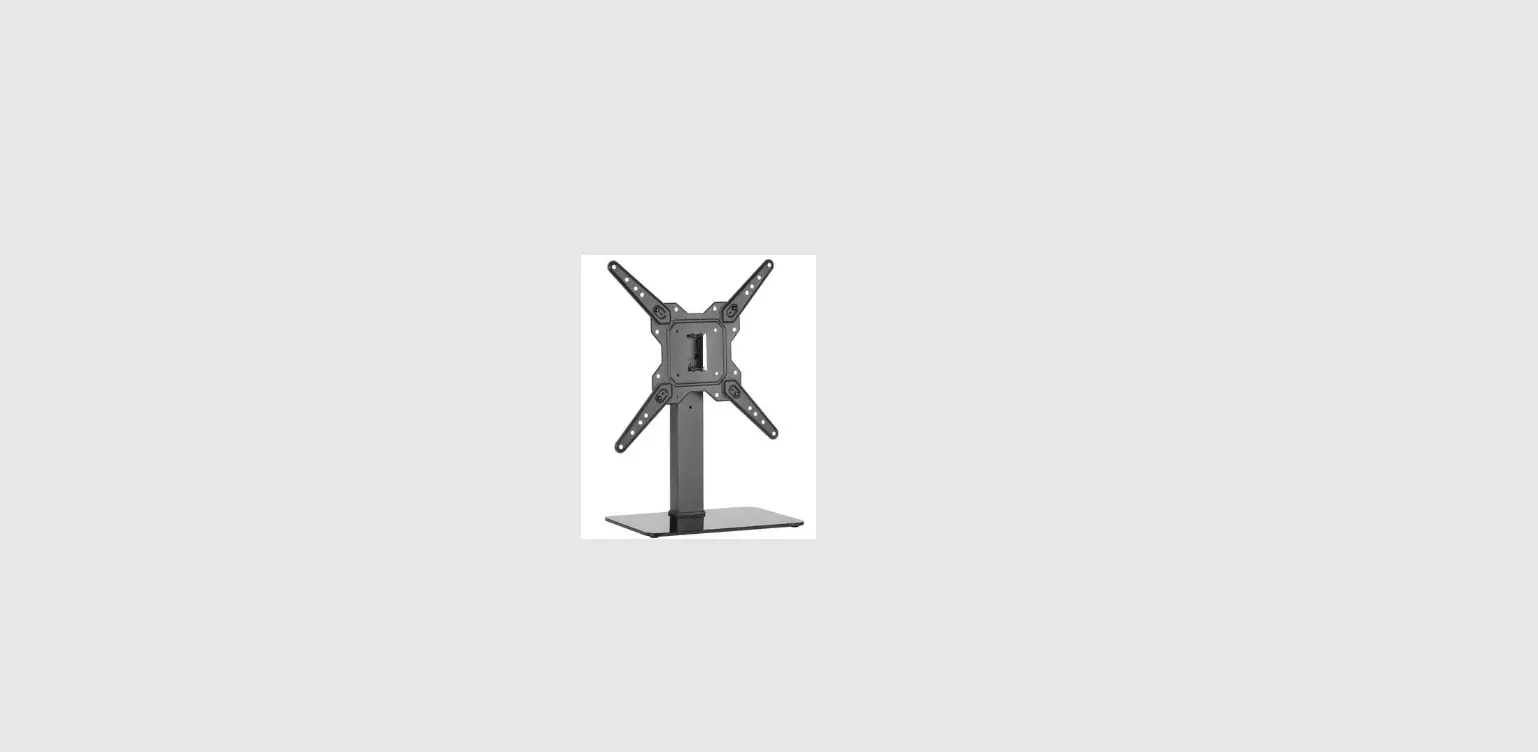
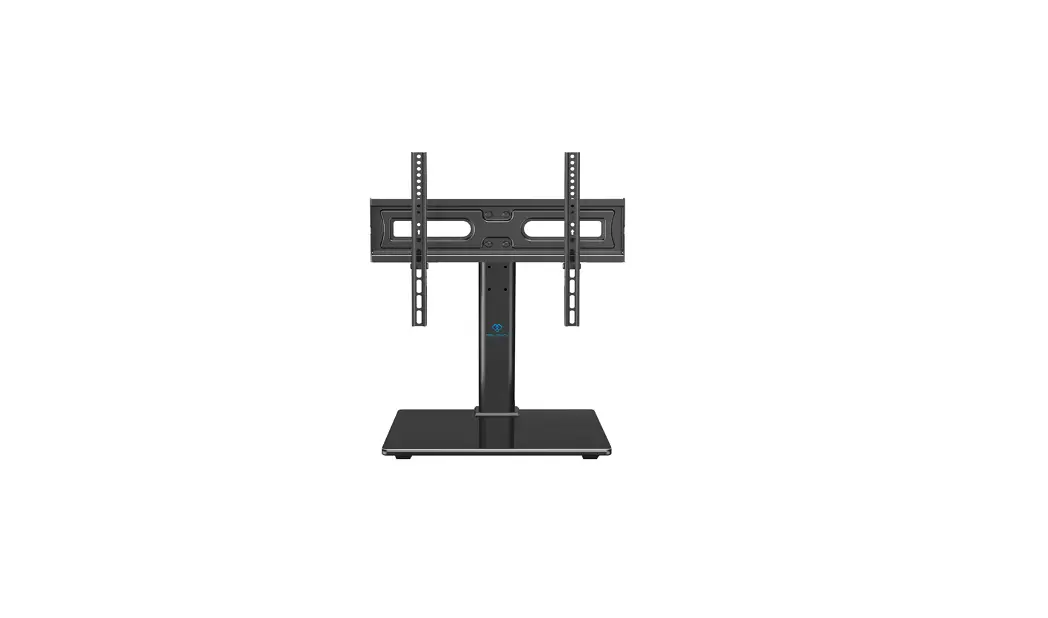
BSTV2 Swivel TV Base
Instruction Manual
The BSTV2 Swivel TV Base is designed to support TVs from 40 in.
to 86 in. (diagonal) with a maximum weight capacity of 125 lbs
(56.6 kg), including accessories. This product is intended for use
as described in these instructions only.
Important Safety Instructions
Please read and follow these important safety instructions to
avoid potential personal injuries and property damage:
- Manufacturer is not responsible for damage or injury caused by
incorrect assembly or use. - Exceeding the weight capacity can result in serious personal
injury or damage to equipment. - Use with heavier televisions may result in instability causing
tip over resulting in death or serious injury. - Use this mounting system only for its intended use as described
in these instructions. - Do not use attachments not recommended by the
manufacturer. - Death or serious injury may occur when children climb on audio
and/or video equipment furniture. - Relocating audio and/or video equipment to furniture not
specifically designed to support audio and/or video equipment may
result in death or serious injury due to the furnishing collapsing
or overturning onto a child.
TV Weight Limit
If your TV (plus accessories) weighs more than 125 lbs. (56.6
kg), this mount is not compatible. Visit SANUS.com or call customer
service to find a compatible mount.
Tools Needed
- Level
- Screwdriver
Dimensions
The dimensions of the BSTV2 Swivel TV Base are:
- Max VESA: 23.62in (600mm)
- Min VESA: 3.94in (100mm)
- Total Height Adjustment: 7.87in (200mm)
- Fully Assembled Mount: 24.80in (630mm)
- Roll: 5deg
- Top View – Swivel: 22.28in (566mm)
- Side View – Tilt: 4deg Up Tilt
- Side View – Extended: 35.57in (903.5mm)
- Side View – Retracted: 27.70in (703.5mm)
Supplied Parts and Hardware
The following parts and hardware are included:
- TV Bracket x2
- TV Screws (qty. 4 each) M6 x4, M8 x4
- Spacers (x4 each) M6 x12mm
Before starting assembly, verify all parts are included and
undamaged. If any parts are missing or damaged, do not return the
damaged item to your dealer; contact Customer Service. Never use
damaged parts!
Usage Instructions
To use the BSTV2 Swivel TV Base, follow these instructions:
- Verify that your TV (plus accessories) weighs no more than 125
lbs. (56.6 kg). - Place the swivel base on a flat, stable surface.
- Attach the TV bracket to the back of your TV using the provided
screws and spacers. - Hang the TV bracket onto the swivel base and adjust the height
and tilt as desired. - Secure the TV bracket to the swivel base using the provided
screws.
If you have any questions or concerns about the installation or
use of this product, contact Customer Service for assistance.
BSTV2 Swivel TV Base
INSTRUCTION MANUAL
Texto en español, página 16
WE’RE HERE TO HELP
Want to watch a video that shows how easy this DIY project will be?
Watch it now at: SANUS.com/3088
Our install experts are standing by to help.
Call us at: US: +1 (800) 359-5520
Chat at: SANUS.com/chatSP
IMPORTANT SAFETY INSTRUCTIONS
PLEASE READ MANUAL PRIOR TO USE SAVE THESE INSTRUCTIONS
CAUTION: Avoid potential personal injuries and property damage!
CAUTION: Manufacturer is not responsible for damage or injury caused by incorrect assembly or use. WARNING: Exceeding the weight capacity can result in serious personal injury or damage to equipment! It is the installer’s responsibility to make sure the weight of the
display (including accessories) does not exceed 125 lbs (56.6 kg). Use with heavier televisions may result in instability causing tip over resulting in death or serious injury!
WARNING: Use this mounting system only for its intended use as described in these instructions. Do not use attachments not recommended by the manufacturer. WARNING: Death or serious injury may occur when children climb on audio and/or video equipment furniture. A remote control or toys placed on the furnishing may
encourage a child to climb on the furnishing and as a result the furnishing may tip over onto the child.
WARNING: Relocating audio and/or video equipment to furniture not specifically designed to support audio and/or video equipment may result in death or serious injury due
to the furnishing collapsing or overturning onto a child.
NOTE: This product supports TVs from 40 in. to 86 in. (diagonal).
NOTE: This product has no user serviceable parts.
Please read through these instructions completely to be sure you’re comfortable with this easy install process. Also check your TV owner’s manual to see if there are any special requirements for mounting your TV.
If you do not understand these instructions or have doubts about the safety of the installation, assembly or use of this product, contact Customer Service.
TV Weight Limit
If your TV (plus accessories)
Tools
(including accessories)
weighs MORE, this mount is
Needed
DO NOT EXCEED
125 lbs. (56.6 kg)
NOT compatible.
Visit SANUS.com or call customer service to find a compatible mount.
Level
2
Screwdriver
Dimensions
TV INTERFACE
MAX VESA 23.62in 600mm
MIN VESA 3.94in 100mm
MIN VESA 3.94in 100mm
15.75in 400mm MAX VESA
HEIGHT ADJUSTMENT
7.87in 200mm TOTAL HEIGHT ADJUSTMENT
8X 0.98in 25mm HEIGHT ADJUST
FULLY ASSEMBLED MOUNT
24.80in 630mm
5deg ROLL
35.57in 903.5mm
TOP VIEW – SWIVEL
22.28in 566mm
5.37in 136.5mm 11.40in 35deg 289.5mm
16.77in 426mm 35deg
SIDE VIEW – TILT
4deg UP TILT
25.00in 635.1mm
3-D
SIDE VIEW – EXTENDED
35.57in 903.5mm
18.44in 468.5mm
SIDE VIEW – RETRACTED
27.70in 703.5mm
10.57in 268.5mm
3
Supplied Parts and Hardware
WARNING: This product contains small items that could be a choking hazard if swallowed.
Before starting assembly, verify all parts are included and undamaged. If any parts are missing or damaged, do not return the damaged item to your dealer; contact Customer Service. Never use damaged parts!
NOTE: Not all hardware included will be used.
STEP 1
TV Bracket
01 x2
TV Screws (qty. 4 each)
04
M6
Spacers
(x4 each)
02
M6 x 12mm M8
M6 x 25mm
2.5 mm
5.0 mm
M8x30 mm
Washer
01 x4
4
M6/M8
M8 x 16mm M8 x 20mm
M8 x 40mm M8 x 50mm
STEP 1
STEP 2
Vertical Height Adjustment Bracket
05 x1
10-32 x 1/2 in.
Bracket Screw
06 x4
Post
08 x1
1/4-20 x 3/8 in.
Base Screw
07 x3
Base
09 x1
STEPS 2 and 3
M5 x 6mm
Lock Screw
10 x2
Hex Key
11 x1
5/32 in. 5
STEP 1 Attach TV Brackets to TV
1.1 Select TV Screw Diameter
Test the three TV screw diameters (M6, or M8) in the threaded inserts on the back of your TV to determine which screw diameter fits your TV.
M6
M8
1.2 Select TV Screw Length
a: For flat-back TVs,
no spacers 02
required.
b: Spacers 02 supplied for:
Round (irregular) back TVs Extra space needed (for cables or
inset mounting holes)
a
b
02
NOTE: If your TV included inset spacers or adapters, use them UNDER the mount hardware.
CAUTION:
Verify adequate thread engagement with your screw/washer/spacer combination AND TV bracket. – Too short will not hold the TV. – Too long will damage the TV.
FLAT BACK
ROUND BACK CABLES INSET HOLES
Too Short
Correct Too Long
6
1.3 Attach Horizontal Brackets
Position your TV brackets 01 over your TV hole pattern – making sure the brackets are centered. Secure TV brackets 01 using your selection for screw/washer (a: Flat Back) or screw/washer/spacer (b: Round Back / Extra Space).
CAUTION: Avoid potential personal injuries and property damage! DO NOT use power tools for this step. Tighten the screws only enough to secure the TV bracket to
the TV. DO NOT overtighten the screws. IMPORTANT: Ensure TV brackets are securely fastened before moving on to the next step.
a: Flat Back
03
04
01
b: Round Back / Extra Space
02
04
03
7
1.4 Attach Vertical Bracket
Make sure the vertical height adjustment bracket 05 is CENTERED on the TV and secure using interface screws 06 . IMPORTANT: Ensure all brackets are securely fastened before moving on to the next step.
UP
06 01
05
8
STEP 2 Attach Post to Base
1
08
2
08 09
07 11 07
9
STEP 3 Attach TV to Post
Determine the height from the base 08 that you would like your TV to hang.
1
Lowest TV Position
Highest TV Position
08 05
10
Examples
Highest Position Lowest Position
05 08
09
05 08
09
Hang the TV/bracket assembly (at your desired height) onto the post 08 . NOTE: Leave enough space under your TV, for any accessories that you may want to place on the shelf.
2
08 05
11
Secure the TV/bracket assembly to post 08 with two lock screws 10 . IMPORTANT: Keep the base clear while installing TV. IMPORTANT: Ensure TV/bracket assembly is securely fastened to post 08 before moving on to the next step.
3
10 10
2X
12
10 08
Cable Management
08 08
13
Adjustments
LEVEL
TILT 05
08
2X
05
1
2
10
IMPORTANT: DO NOT force the screw beyond its limit.
14
3
10
SWIVEL
To Remove Your TV
1
2
10
2X
05 08
15
ESPAÑOL
INSTRUCCIONES DE SEGURIDAD IMPORTANTES:
LEA TODO ESTE MANUAL ANTES DE UTILIZAR ESTE PRODUCTO GUARDE ESTAS INSTRUCCIONES
PRECAUCIÓN: Evite posibles lesiones personales y daños materiales.
PRECAUCIÓN: El fabricante no se responsabiliza por ningún daño o lesión resultante del montaje incorrecto o del uso indebido. ADVERTENCIA: Si se supera el peso máximo admitido, el usuario podría sufrir lesiones o podría dañarse el equipo. Es responsabilidad del instalador asegurarse de que
el peso de la pantalla más cualquier accesorio no supere los 56,6 kg (125 lbs). Si lo utiliza con televisores que sobrepasen este peso, la inestabilidad podría hacer que el televisor vuelque y cause una lesión grave o incluso la muerte.
ADVERTENCIA: Utilice el soporte únicamente para el fin diseñado y de acuerdo con estas instrucciones. No utilice conexiones que no estén recomendadas por el fabricante. ADVERTENCIA: Que los niños trepen por el mobiliario de audio y/o video podría provocar lesiones graves o incluso la muerte. Situar el control remoto o juguetes sobre el
mobiliario puede incitar a los niños a trepar por el mobiliario, lo que puede provocar caídas del mismo.
ADVERTENCIA: Trasladar equipos de audio y/o video a mobiliario que no está específicamente diseñado para soportarlos puede provocar que la estructura vuelque o se
caiga y causar lesiones severas o incluso la muerte.
NOTA: Se adapta a televisores de 40″ a 86″.
NOTA: Este producto no contiene piezas que el usuario pueda reparar.
Lea estas instrucciones en su totalidad para sentirse seguro y cómodo con este fácil proceso de instalación. Consulte igualmente el manual del usuario de su televisor para saber si existe algún requisito especial para instalar su televisor en la pared. Si no entiende las instrucciones o si tiene dudas acerca de la seguridad de la instalación, del ensamblaje o del uso del producto, póngase en contacto con el Servicio de atención al cliente.
16
Peso Máximo
(incluidos los accesorios)
NO EXCEDAS
56,6 kg (125 lbs.)
Herramientas Necesarias
Nivel
Si su TV (incluidos los accesorios) pesa MÁS, esta montura NO es compatible. Visite SANUS.com o póngase en contacto con el Servicio de Atención al Cliente para encontrar una montura compatible.
Destornillador
Dimensiones
página 3
Piezas y elementos de sujeción suministrados
página 4
ADVERTENCIA: Este producto contiene piezas pequeñas que, en caso de ser tragadas, podrían causar asfixia. Antes de comenzar a montar la unidad, verifique que dispone de todas las piezas y que se encuentran en buen estado. Si no dispone de todas las piezas o alguna está dañada, no devuelva el elemento defectuoso al distribuidor. Póngase en contacto con el Servicio de Atención al Cliente. Nunca utilice piezas en mal estado.
NOTA: no se utilizarán todos los elementos de sujeción incluidos.
17
PASO 1 Colocar la placa de sujeción en el televisor
página 6
1,1 Seleccione el diámetro de los tornillos para el televisor
Enrosque manualmente los tornillos en los encastres roscados del dorso del televisor a fin de determinar qué diámetro de tornillos (M6 o M8) utilizar.
1,2 Seleccione la longitud de los tornillos del televisor
a: Si su televisor tiene la parte trasera plana Y desea que esté más cerca de la cabeza giratoria del soporte, utilice los tornillos más cortos. b: Se suministran espaciadores y tornillos más largos para los casos siguientes:
Televisores con parte trasera redonda/irregular Televisores con orificios de montaje empotrados Necesidad de más espacio para cables
NOTA: Si su televisor incluye espaciadores empotrados o adaptadores para soportes de pared, úselos BAJO el hardware de montaje.
PRECAUCIÓN: Verifique que el tornillo o la combinación de tornillo, arandelas, espaciador y placas de sujeción del televisor enrosquen
correctamente. Si el tornillo es demasiado corto no sostendrá el televisor. Si es demasiado largo dañará el televisor.
1,3 Fije los soportes para televisor
IMPORTANTE: Retire cualquier soporte de televisor antes de comenzar.
Posicione los soportes 01 sobre el patrón de orificios del televisor y verifique que estén centrados sobre el patrón de orificios y nivelados. Fije los soportes 01 usando su conjunto de tornillo/arandela (dorso plano) o una selección de espaciador/tornillo/arandela (dorso redondeado/espacio extra).
IMPORTANTE: Asegúrese de que los soportes del televisor estén asegurados antes de continuar con el próximo paso.
1,4 Fijar el soporte vertical
Asegúrese de que el soporte vertical de ajuste de altura 05 esté centrado en el televisor. Fije el soporte vertical de ajuste de altura 05 con los tornillos del soporte 06 .
IMPORTANTE: Asegúrese de que todos los soportes estén asegurados antes de continuar con el próximo paso.
18
PASO 2 Fijar el poste a la base
página 9
PASO 3 Fijar el poste al televisor
página 10
1. Determine la posición del soporte vertical de ajuste de altura 2. Determine a qué altura de la base desea colgar su televisor.
NOTA: deje espacio suficiente para los accesorios que posiblemente desee colocar en el estante.
3. Fije el conjunto del soporte/televisor a la cabeza giratoria 08 on los dos tornillos de bloqueo 10 .
IMPORTANTE: Mantenga la base despejada mientras instala el televisor.
IMPORTANTE: Asegúrese de que el conjunto del soporte/televisor esté fijado de forma segura a la cabeza giratoria 08 antes de continuar con
el próximo paso.
Organización de cables
Ajustes
IMPORTANTE: NO fuerce el tornillo más allá de su límite.
Para retirar su televisor
página 13 página 14
página 15
19
Thank you for choosing Sanus Elite! Please take a moment to let us know how we did:
Legrand AV Inc. 6436 City West Parkway Eden Prairie, MN 55344 USA
+1 (800) 359-5520 SANUS.com/chatSP SANUS.com
Legrand AV Inc. and its affiliated corporations and subsidiaries (collectively, “Legrand”), intend to make this manual accurate and complete. However, Legrand makes no claim that the information contained herein covers all details, conditions, or variations. Nor does it provide for every possible contingency in connection with the installation or use of this product. The information contained in this document is subject to change without notice or obligation of any kind. Legrand makes no representation of warranty, expressed or implied, regarding the information contained herein. Legrand assumes no responsibility for accuracy, completeness or sufficiency of the information contained in this document.
©2022 Legrand AV Inc. All rights reserved. Sanus is a brand of Legrand. SANUS and the SANUS logo are registered trademarks of Legrand.
Legrand AV Inc. 6436 City West Parkway Eden Prairie, MN 55344 USA
6901-603079 00
 SANUS | #1 Brand of TV Wall Mounts in the U.S.