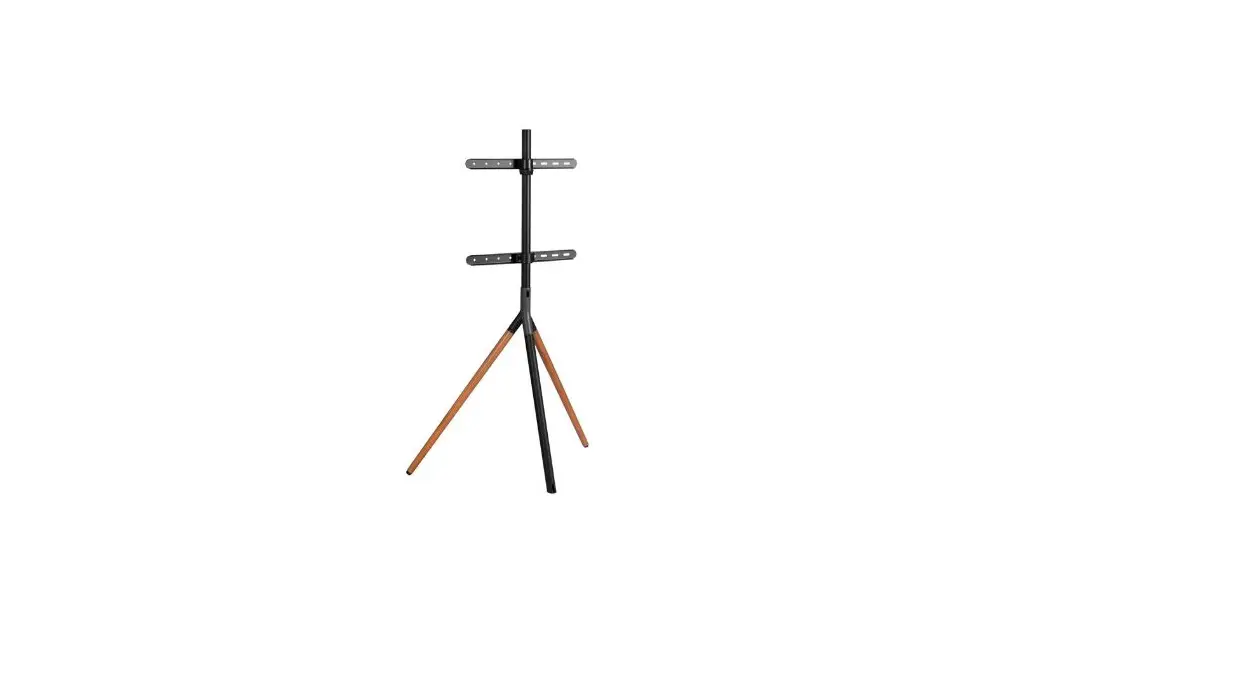
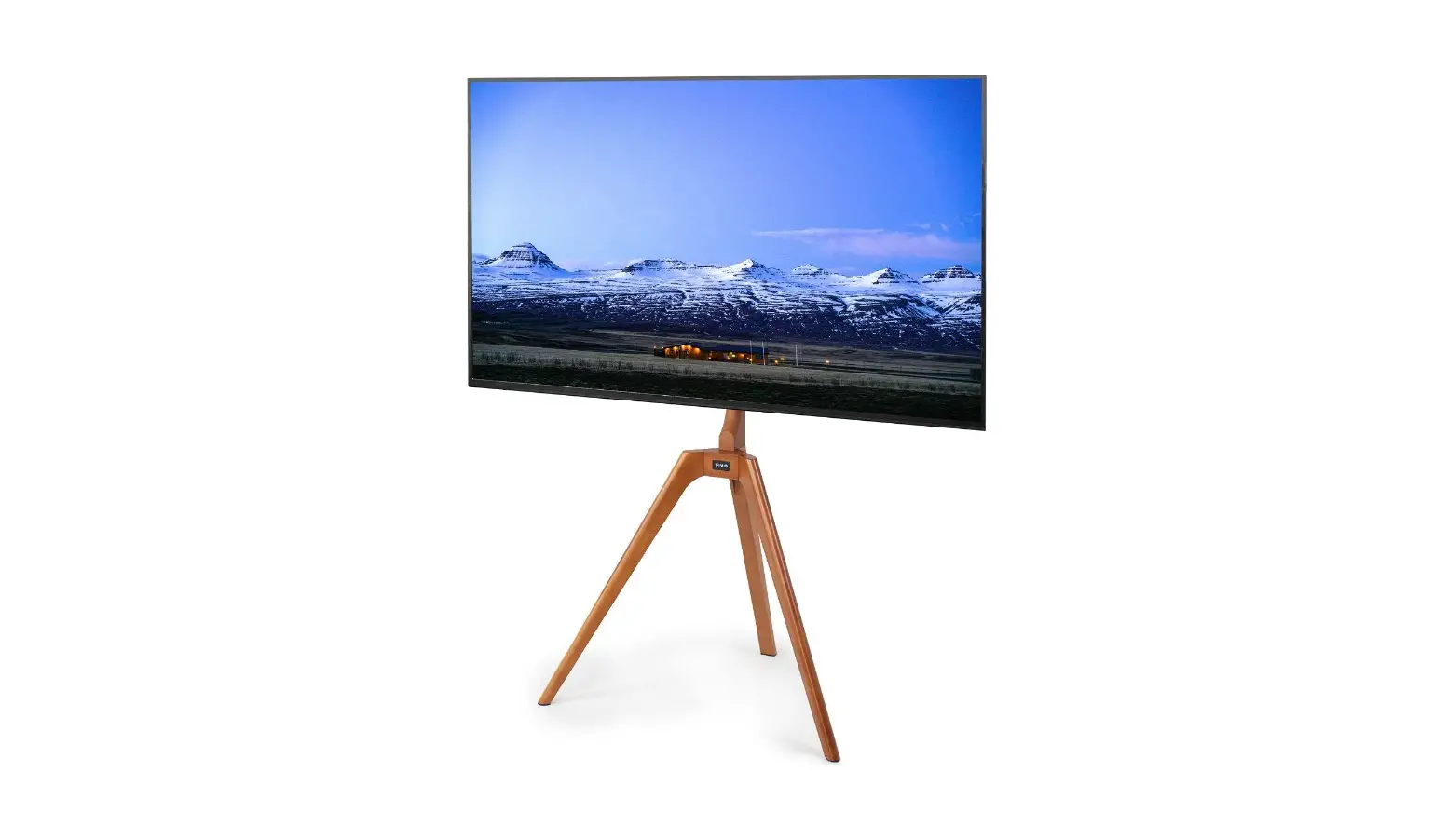
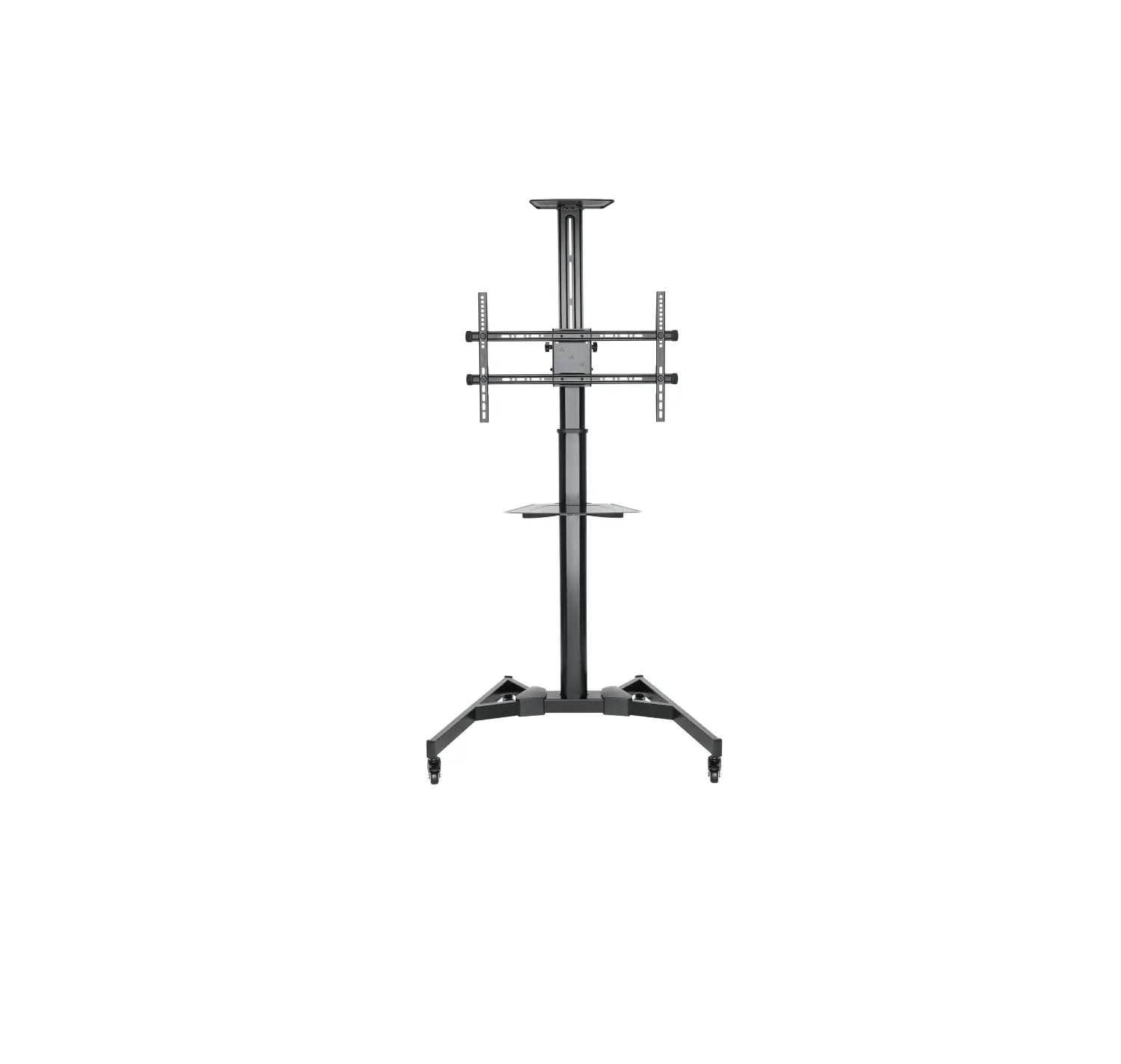
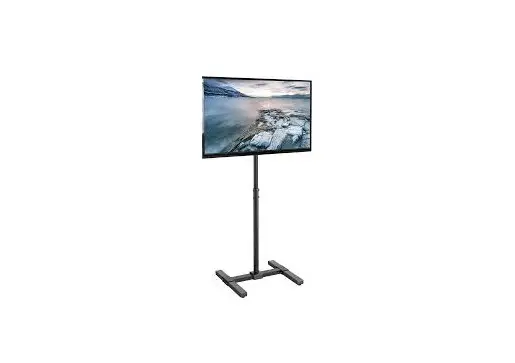
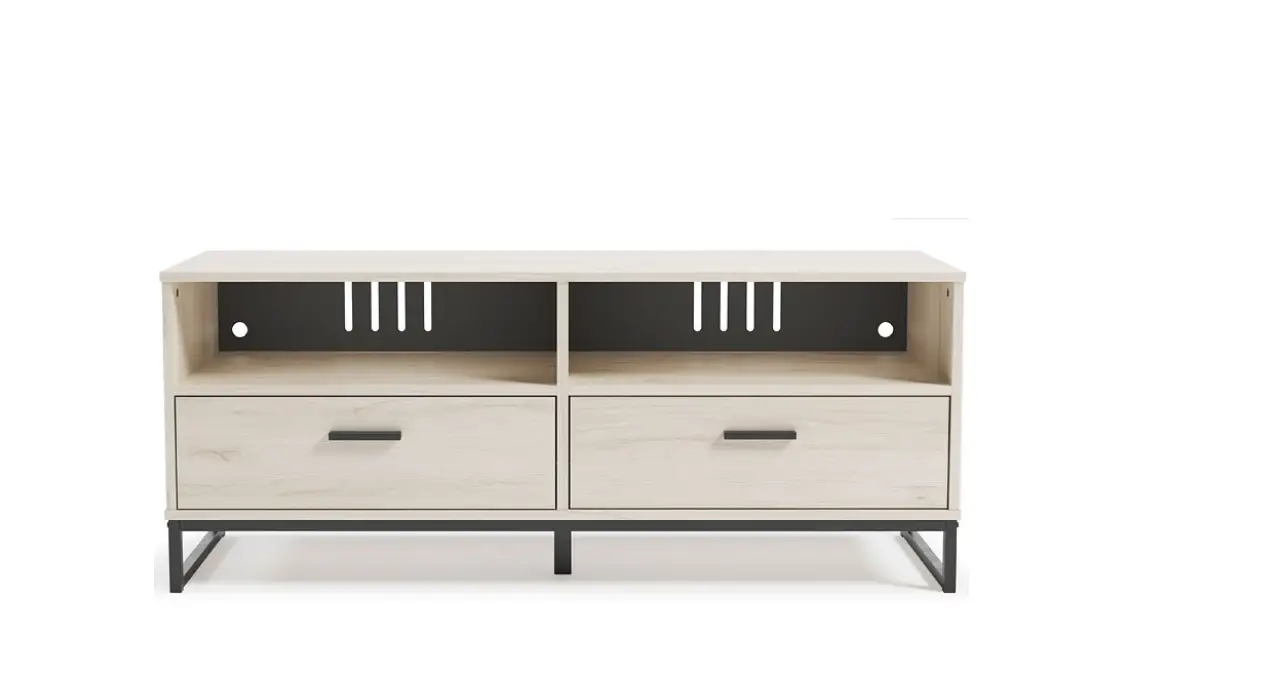
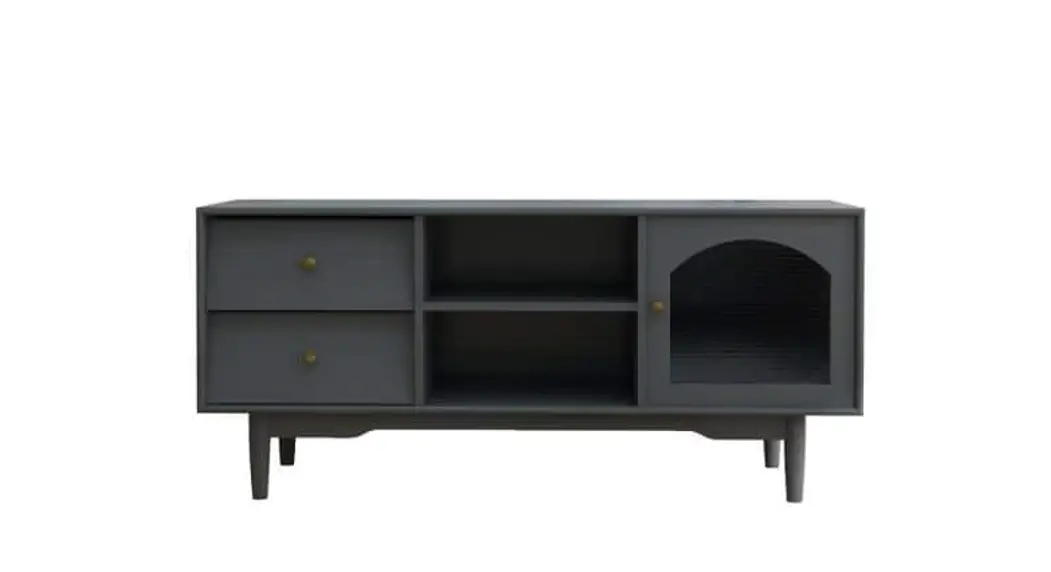
SWB7170 Sinox Stand view TV Floor Stand
SWB7170 Installation Instructions
The SWB7170 installation kit includes the following:
- (A-1) M6x18 socket set screw (2)
- (A-2) M6x12 socket set screw (1)
- (B) M5x14 screws (4)
- (C) M6x14 screws (4)
- (D) M6x30 screws (4)
- (E) M8x20 screws (4)
- (F) M8x45 screws (4)
- (G) 5/6/8 screws (4/4/4)
- (H-1) 8x5mm plastic sleeve (8)
- (H-2) 8x15mm plastic sleeve (4)
- (I) 3/4/5/6mm Allen key (1 each)
- (J) M6x10 screws (2)
- (M-1) Knob (4)
- (M-2) M8x15 screws (4)
- (M-3) M6x8 screws (4)
- (P-a) x1
- (P-b) x1
- (P-c) x2
- (P-d) x2
- (P-e) x1
- (P-f) x1
- (P-g) x1
- (P-h) x2
Product Usage Instructions
- Identify the cable management hole and center line on the TV
set. - Take out screw (T).
- Attach the plastic sleeves (H-1 and H-2) to the M6x14 screws
(C). - Attach the M6x14 screws (C) to the TV set using the Allen key
(I). - Attach the M6x30 screws (D) and M8x20 screws (E) to the bracket
using the Allen key (I). - Attach the bracket to the TV set using the M6x14 screws (C) and
M8x20 screws (E). - Attach the M8x45 screws (F) to the bracket using the Allen key
(I). - Attach the knob (M-1) to the M8x15 screws (M-2).
- Attach the M8x15 screws (M-2) to the bracket using the Allen
key (I). - Attach the M6x8 screws (M-3) to the bracket using the Allen key
(I). - Attach the bracket to the wall using the 5/6/8 screws (G).
- Attach the cable management cover using screws (P-a), (P-b),
(P-c), (P-d), (P-e), and (P-f).
SWB7170 INSTALLATION INSTRUCTION
(A-1 ) M6x18 SCOKET SET SCREW (2) (A-2 ) M6x12 SCOKET SET SCREW (1) (B)M5x14 screws (4) (C)M6x14 screws (4) (D)M6x30 screws (4) (E)M8x20 screws (4) (F)M8x45 screws (4) (G)5/6/8 screws (4/4/4) (H-1)8x5mm Plastic Sleeve (8)
(H-1)8x15mm Plastic Sleeve (4)
(I)3/4/5/6mm Allen Key (1/1/1/1)
(J)M6x10 screws (2)
(M-1) Knob (4)
(M-2)M8x15 screws (4)
(M-3)M6x8 screws (4)
(P-a)x1
(P-b)x1
(P-c)x2
(P-d)x2
STEP2
Cable management hole
Center line
(P-e)x1
(P-f)x1
STEP1
P-f
(P-g)x1 (P-h)x2
A
P-e
Take out the screw(T)
I T
STEP3
STEP4
P-c
M-3
B
P-d
D/E/F G B/C/E G C H
Top of TV set
M-2
P-a
Top of TV set
M-1
D
Top of TV set
P-b
Top of TV set
I
E J
I
P-g
A-2
P-f
A-1
P-e
I
±45º
±10°
I